

Chapter Eight: The Secret Room
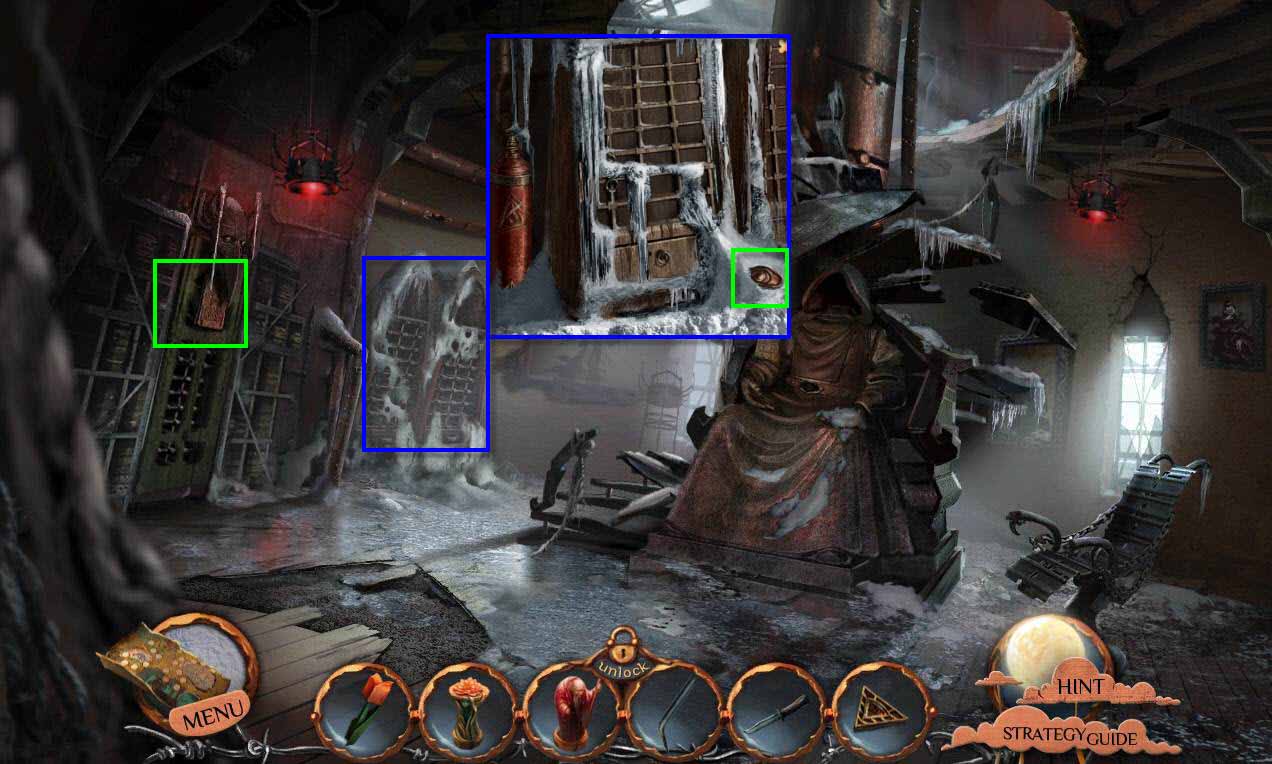
- Click to zoom in to the cupboard.
- Take the STONE BUCKLE.
- Click to zoom in on the door.
- Take the TABLET WITH SYMBOLS.
- Click on the bird and it will tell you that you need a KLAATU spell to pass.
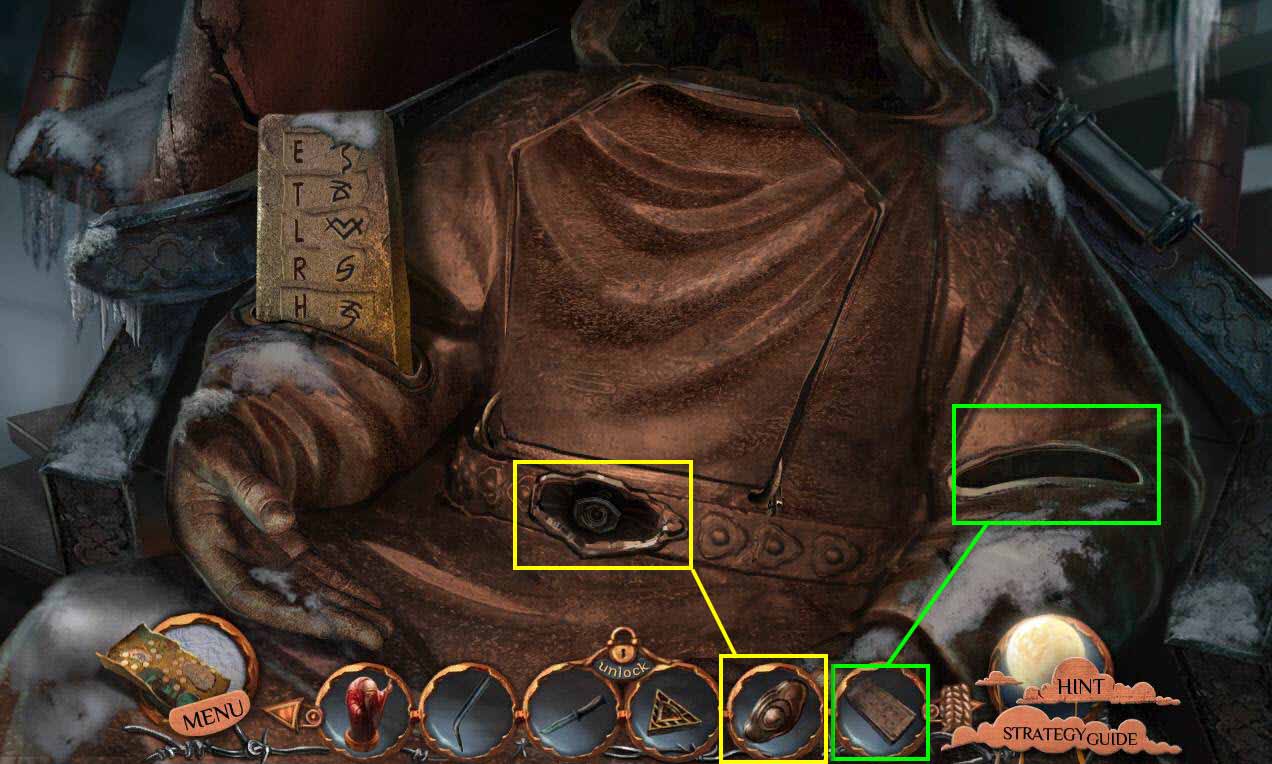
- Click to zoom in on the statue.
- Use the TABLET WITH SYMBOLS on the slot on the right.
- Use the STONE BUCKLE in the center slot.
- Zoom out.
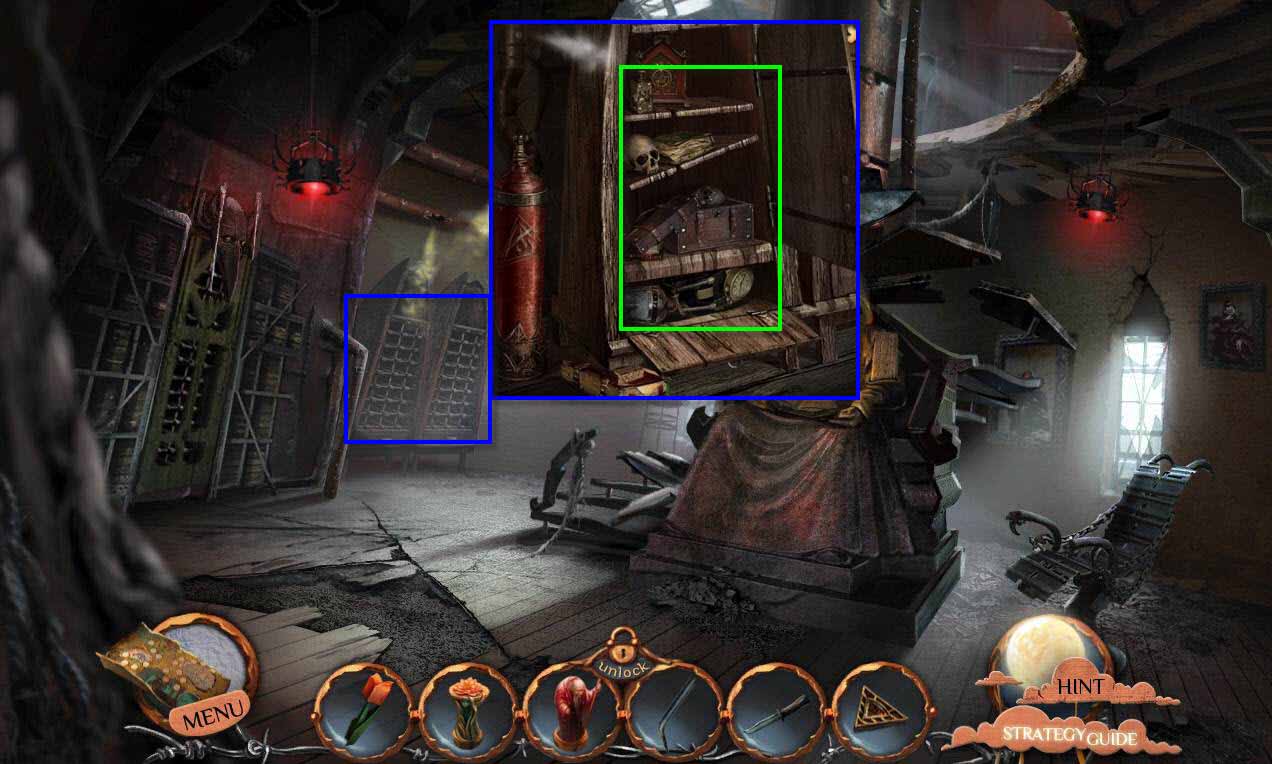
- Click to zoom in on the cupboard.
- Click to open the door and the drawer.
- You need to click on everything to remove it from the cupboard.
- Then click on the cupboard to tilt it to the right.
- Take the EXTRACTOR'S BOOK under the cupboard.
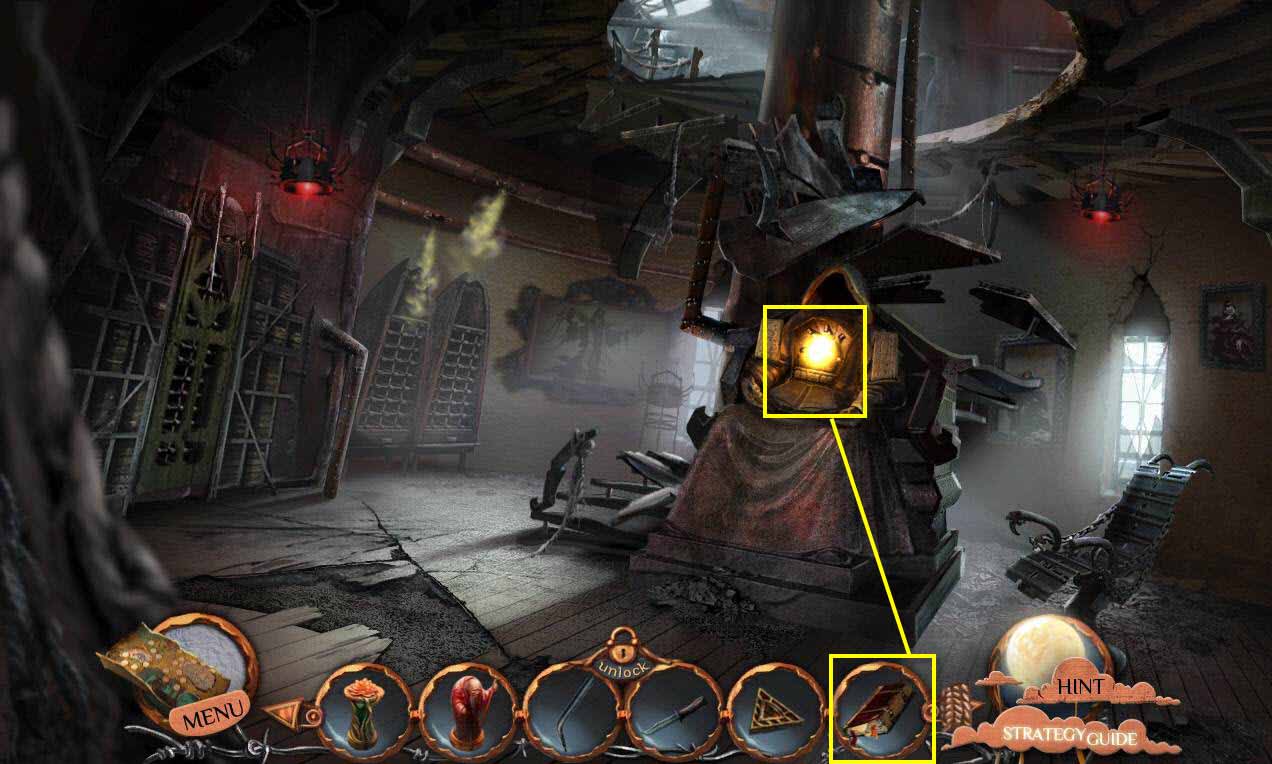
- Click to zoom into the statue.
- Use the EXTRACTOR'S BOOK on the statue.
- This will start a mini-game.
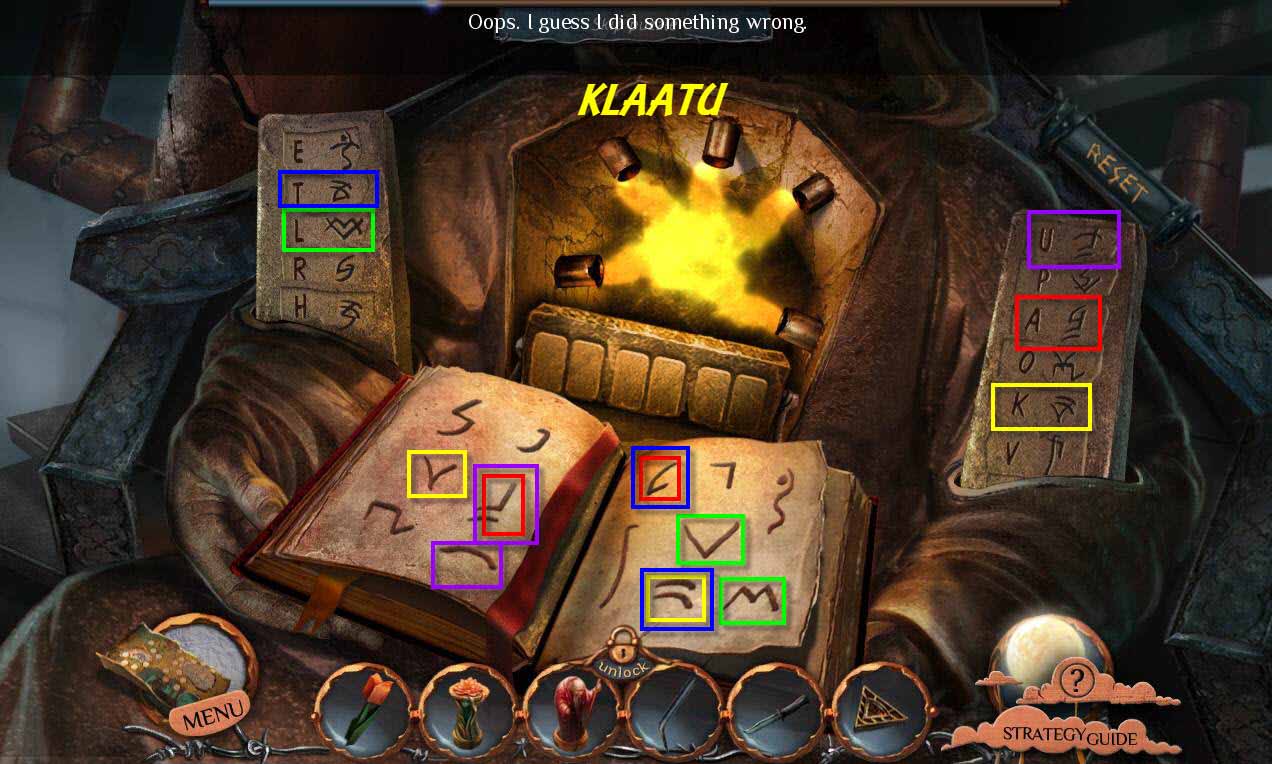
- The goal of the game is to place two symbols from the book in the fire.
- You need to spell out the word KLAATU.
- Some symbols you'll use more than once, such as when you have to spell A twice.
- Go through the left door.
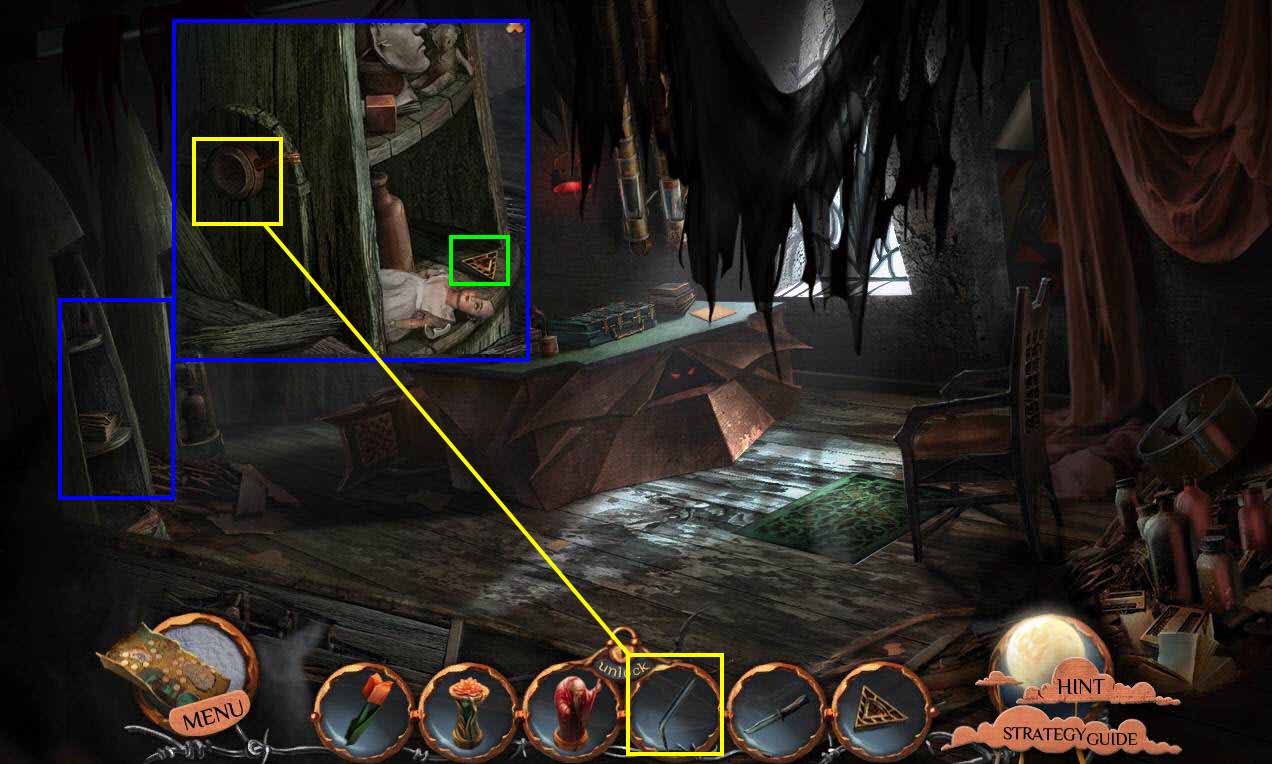
- Click on the bookcase to zoom in.
- Click on the lever.
- Take the TRIANGLE KEY.
- Use the CROWBAR on the area where the lever was.
- Click on the crowbar to turn it.
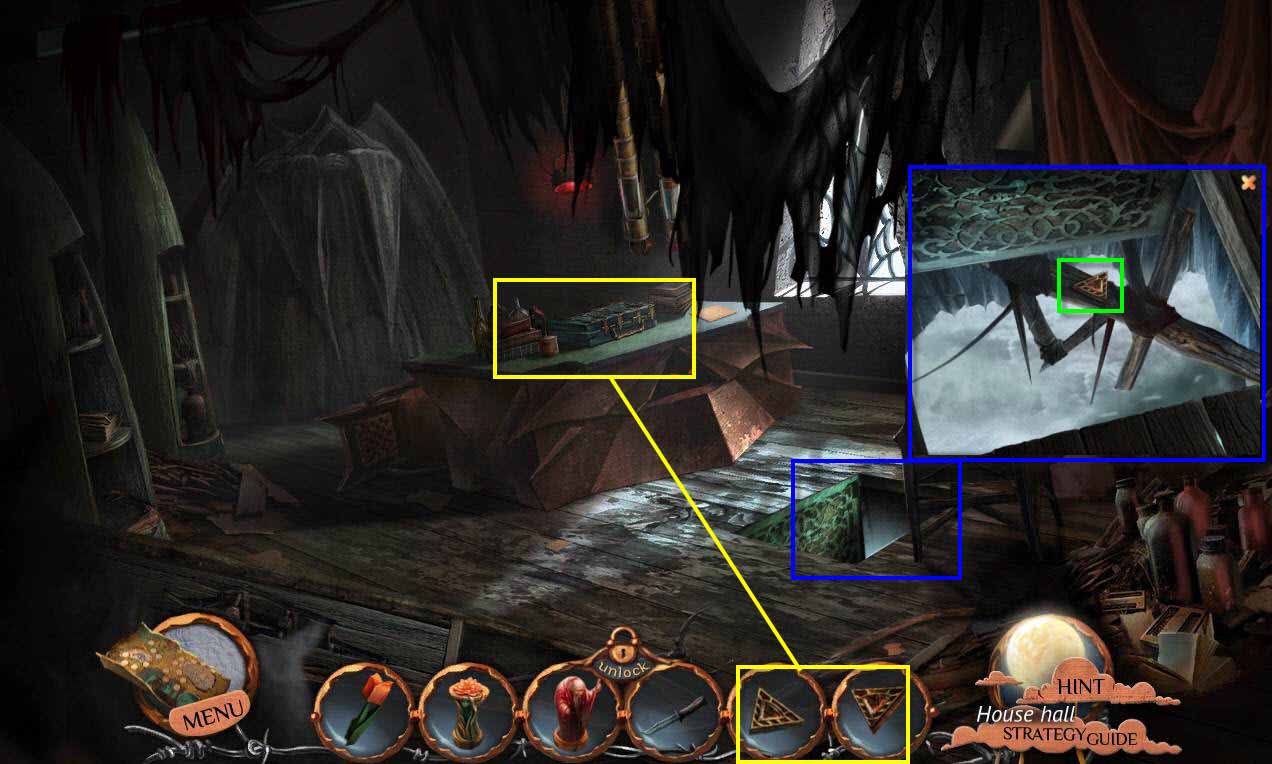
- Click to zoom into the hatch.
- Take the TRIANGLE KEY.
- Click to zoom into the table.
- Use the TRIANGLE KEYS on the lid.
- Click to open.
- Take the FILES.
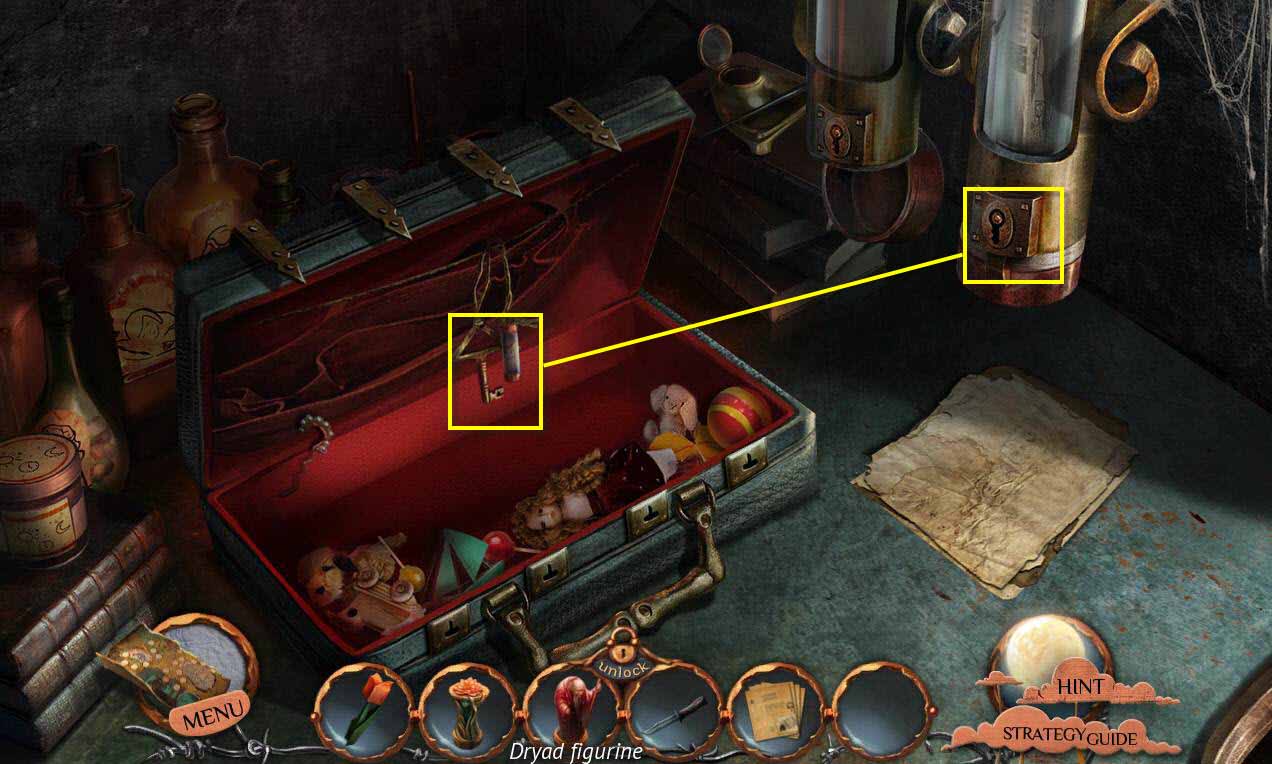
- Take the KEY.
- Use the KEY on the tube on the right.
- Read the paper in the tube to learn about VERATO.
- Zoom out.
- Go back one screen.
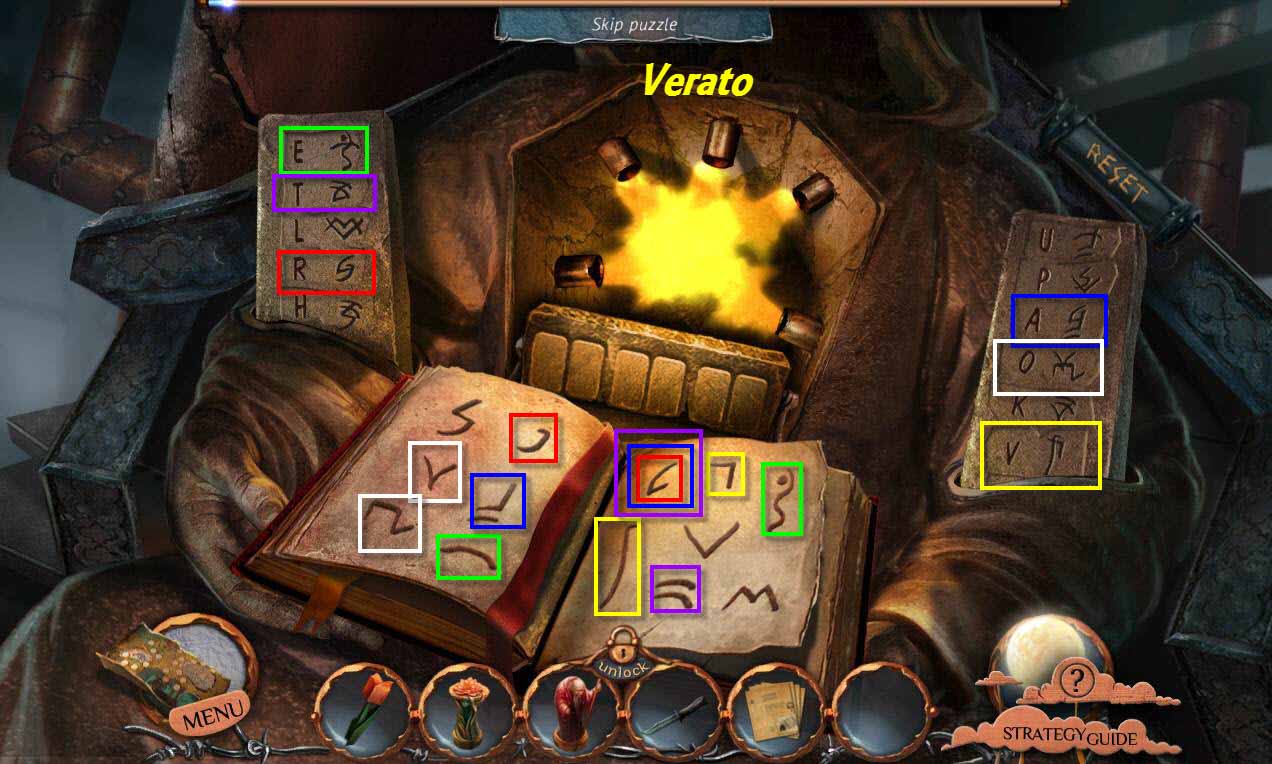
- Click to zoom in on the statue.
- This will start a mini-game again.
- This time, you need to spell out the word VERATO.
- Go up the stairs.
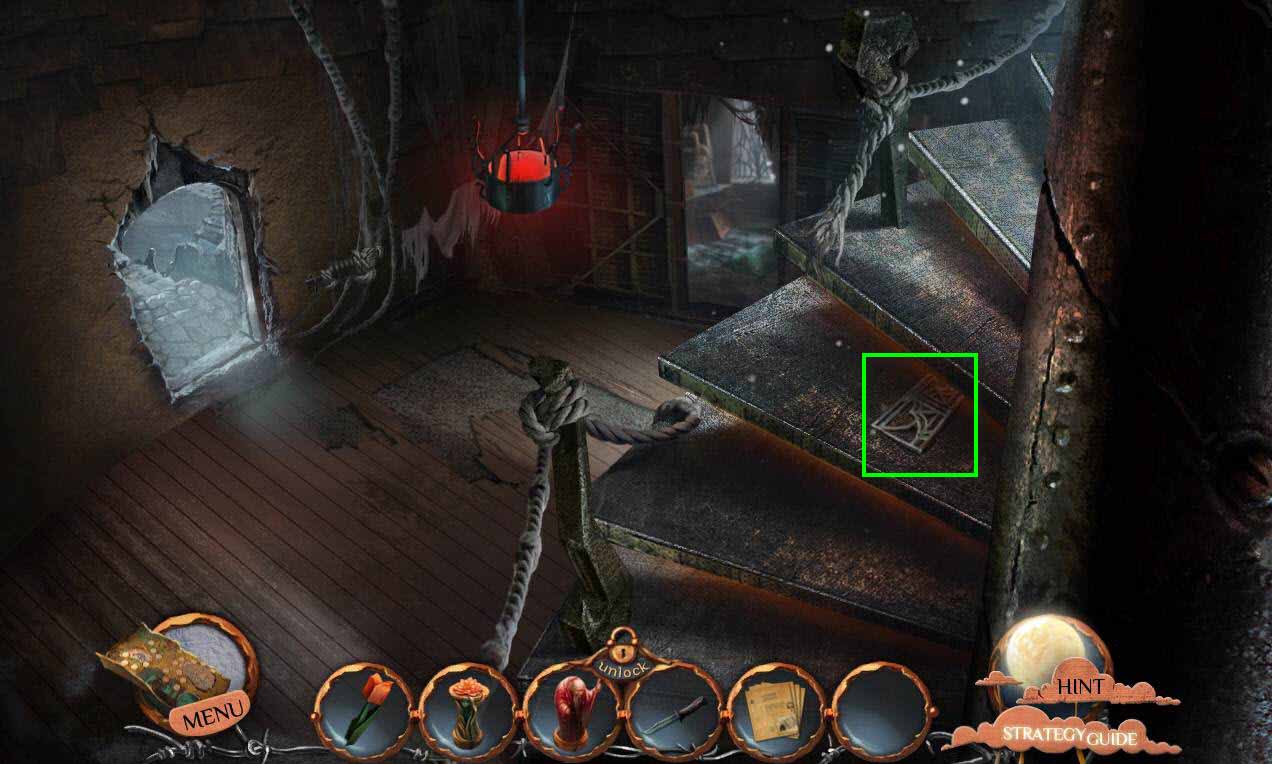
- Take the DOOR SILHOUETTE.
- Go up the stairs.
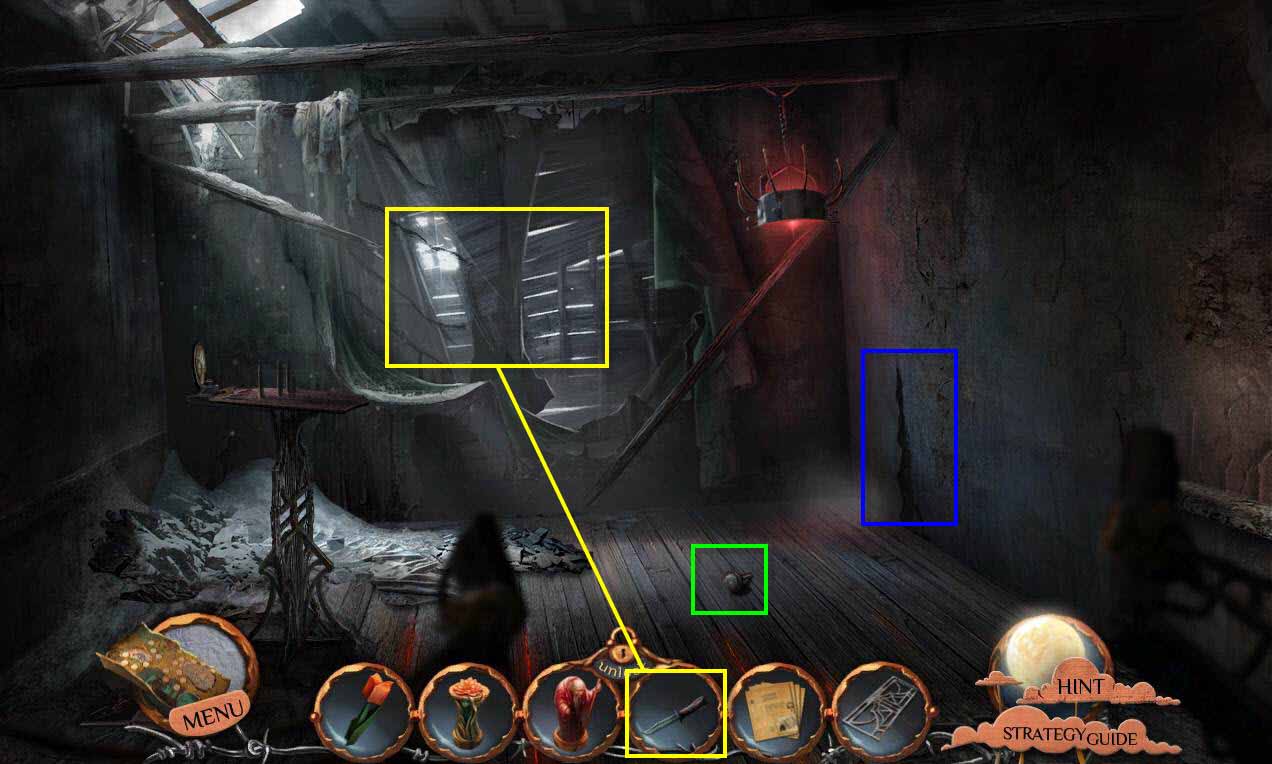
- Take the DOOR KNOB.
- Click to zoom in on the wallpaper.
- Use the DAGGER on the paper.
- Take the HOODED-FIGURE SILHOUETTE.
- Click to zoom in on the hole.
- Take the CANDLE.
- Go back one screen.
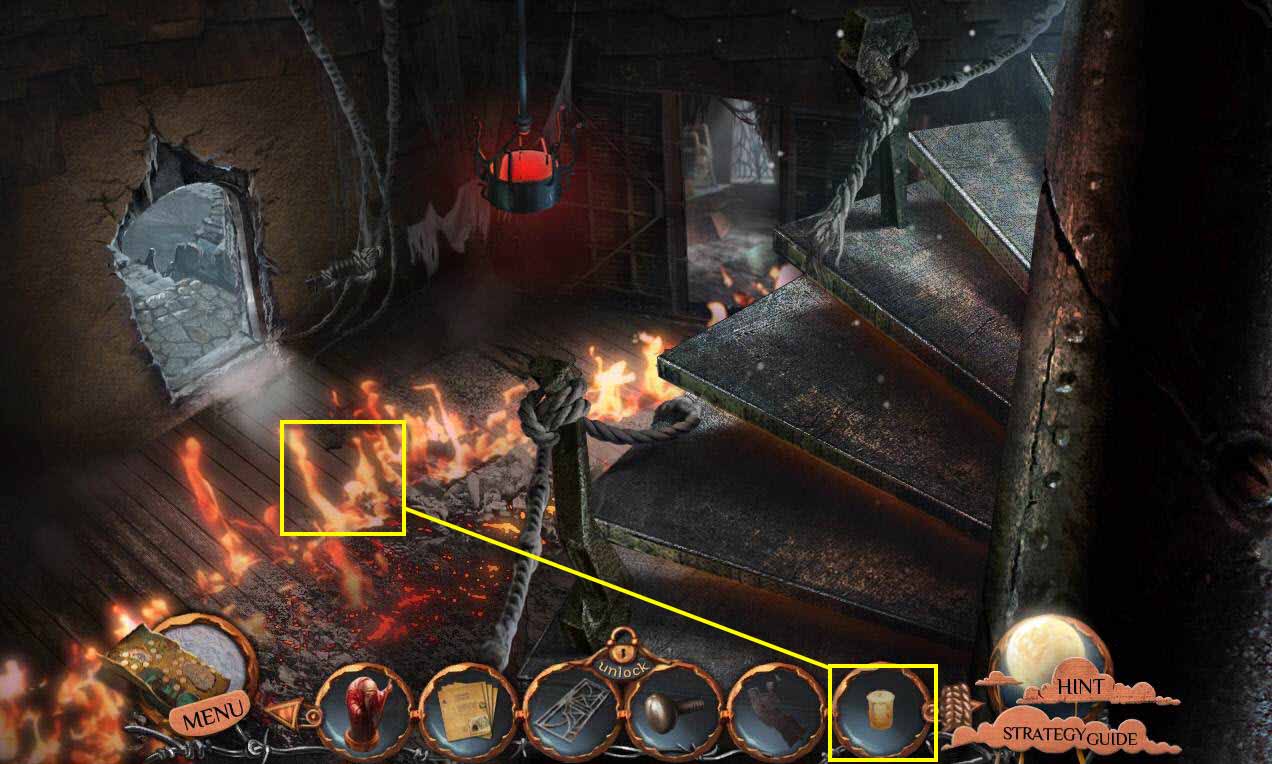
- Use the CANDLE on the flames.
- You will receive the BURNING CANDLE.
- Go back up the stairs.
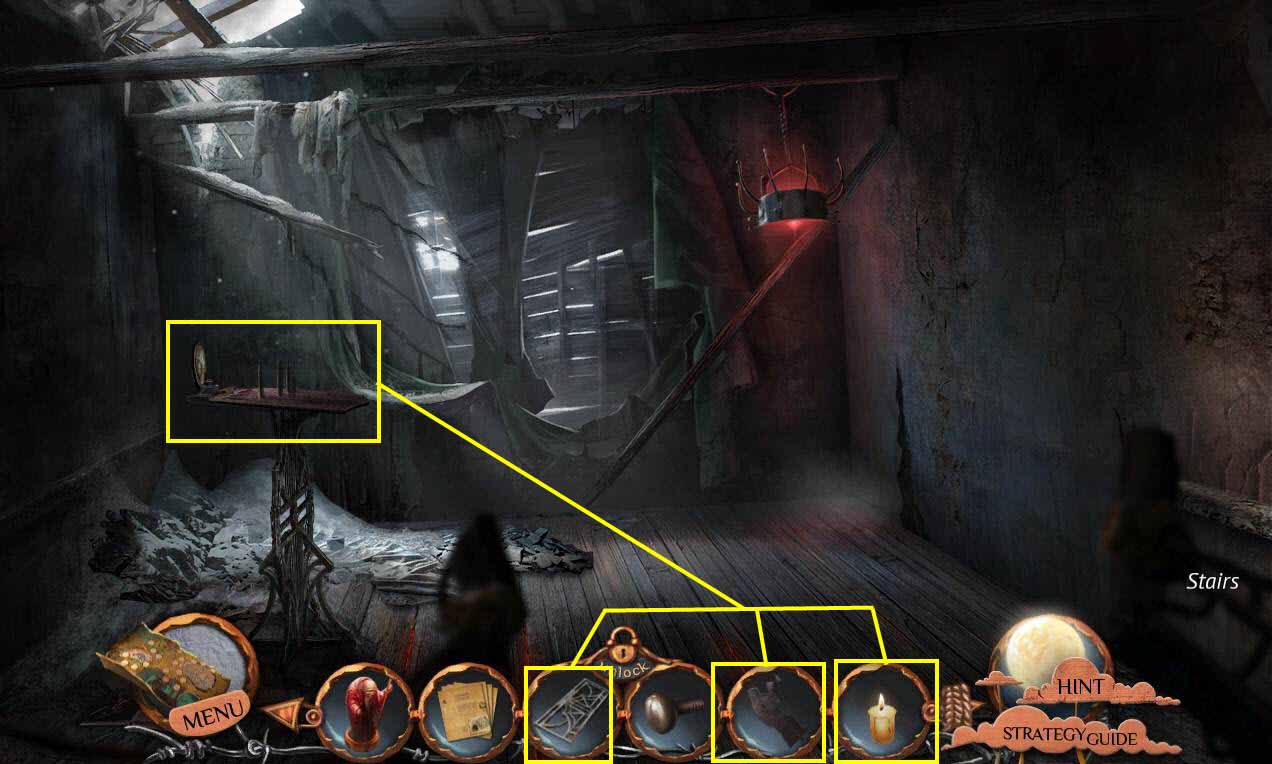
- Click to zoom in on the lantern mechanism.
- Use the HOODED-FIGURE SILHOUETTE and the DOOR SILHOUETTE on the mechanism.
- Use the BURNING CANDLE on the lantern.
- This will start a mini-game
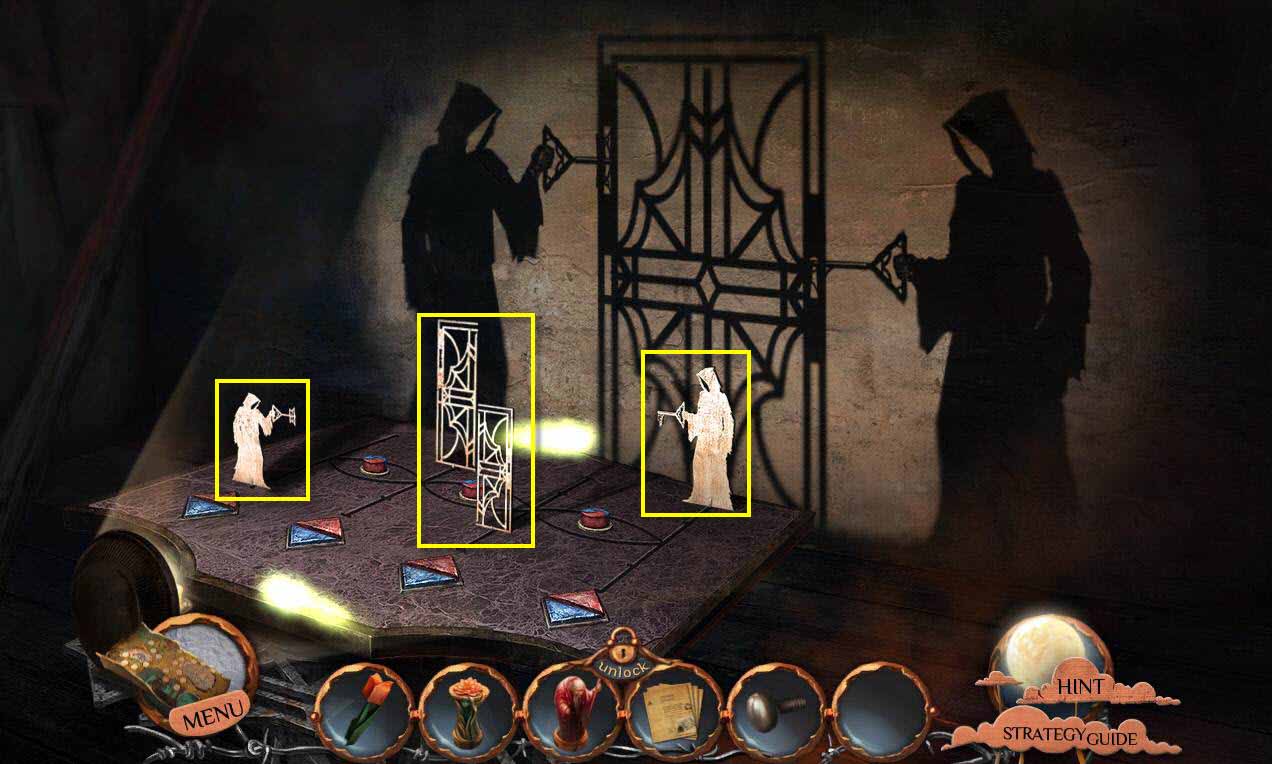
- Now, you must move the figures in order to form the shadow on the wall.
- Click on the triangle buttons in order to move the figures closer or farther away.
- Click on the circle buttons to swap positions.
- The figures need to be from left to right: small hooded figure, large door, small door, large hooded figure.
- Click on a figure to change the direction it faces.
- See the screenshot for the solution. Make sure your silhouettes are facing the correct direction.
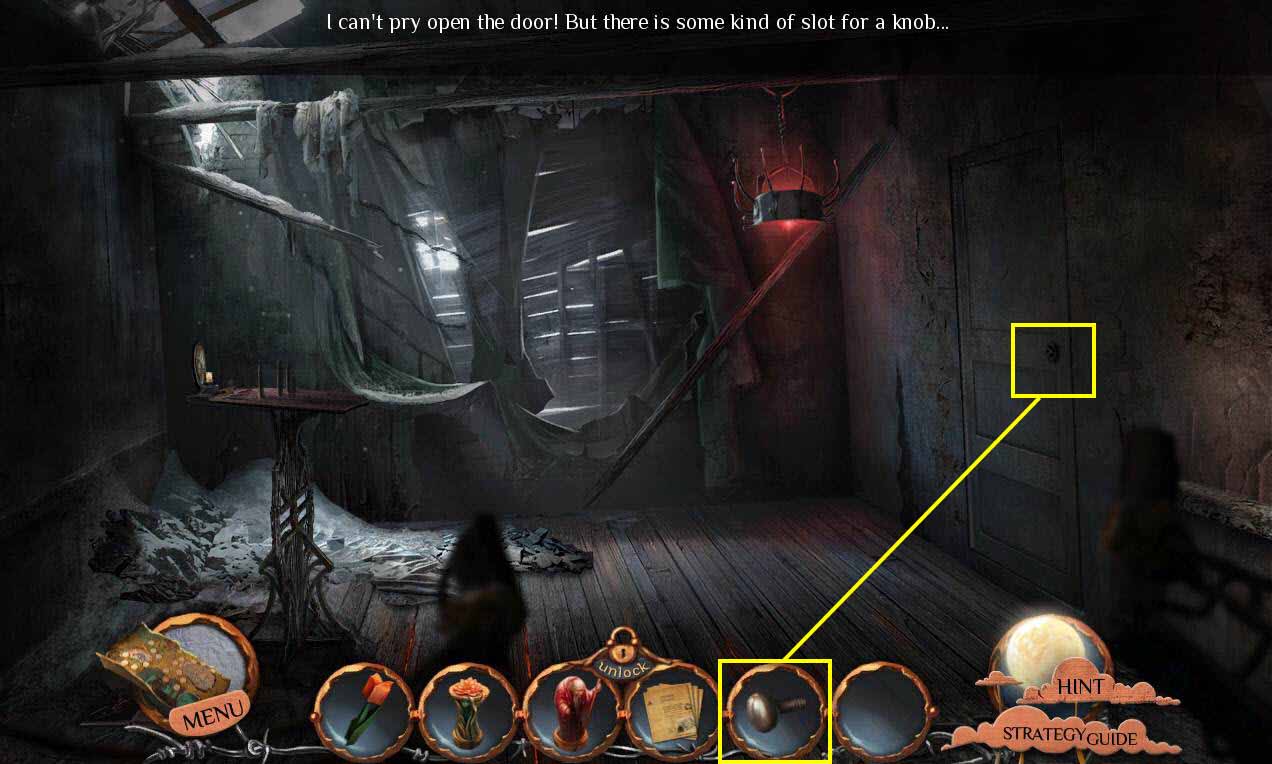
- Use the DOOR KNOB on the door.
- Click on the door to open it.
- Go through the door and into the secret room.
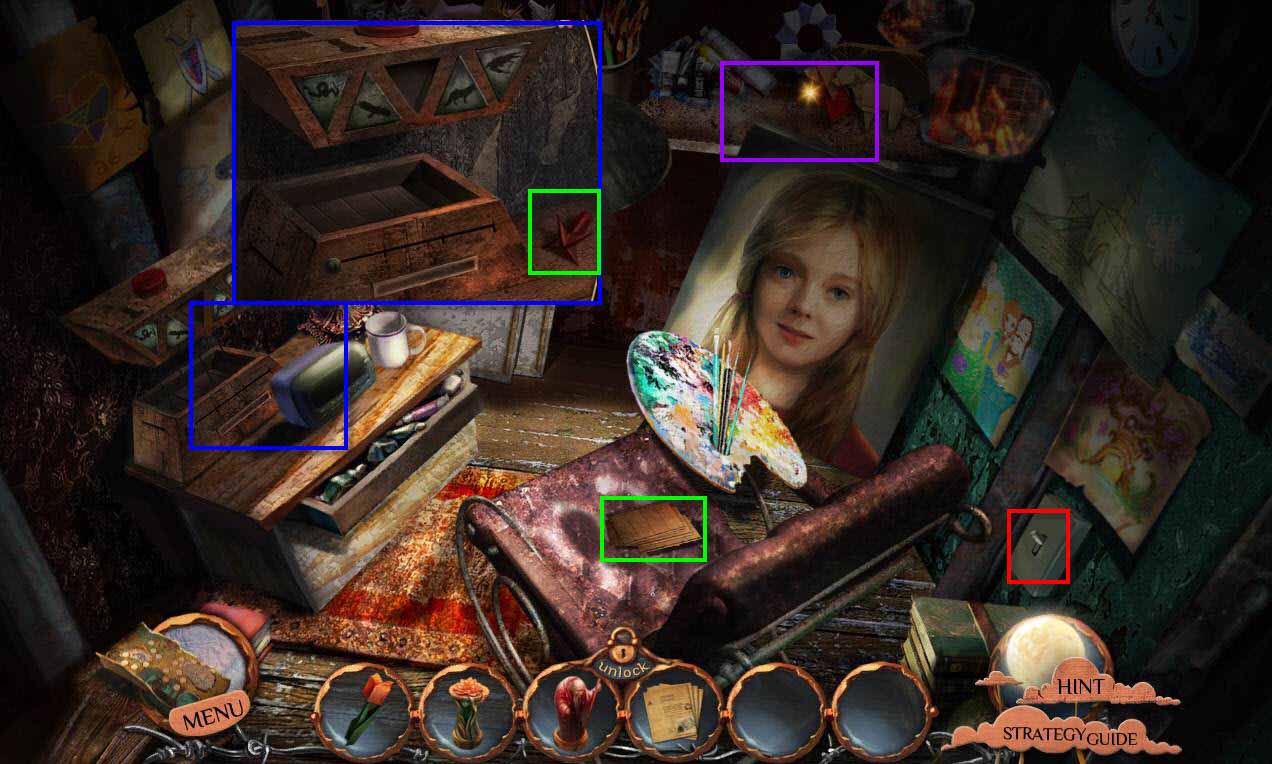
- Click to turn on the light switch.
- Click to move the palette.
- Take the BLANK CARDS.
- Click to zoom in on the punch card machine.
- Take the STRANGE KEY.
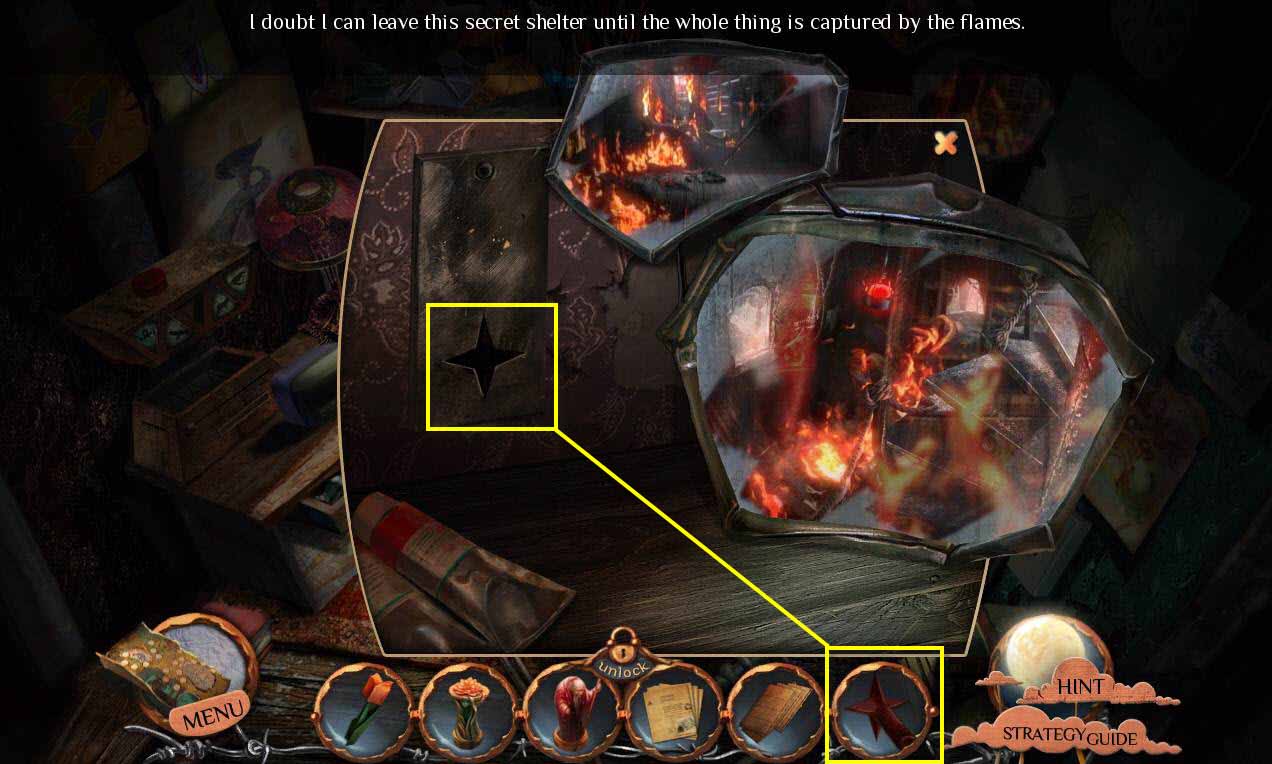
- Click to zoom in on the shelf.
- Click to move the 4 origami.
- Use the STRANGE KEY on the panel.
- Take the BUTTON.
- Click to read the note.
- Zoom out.
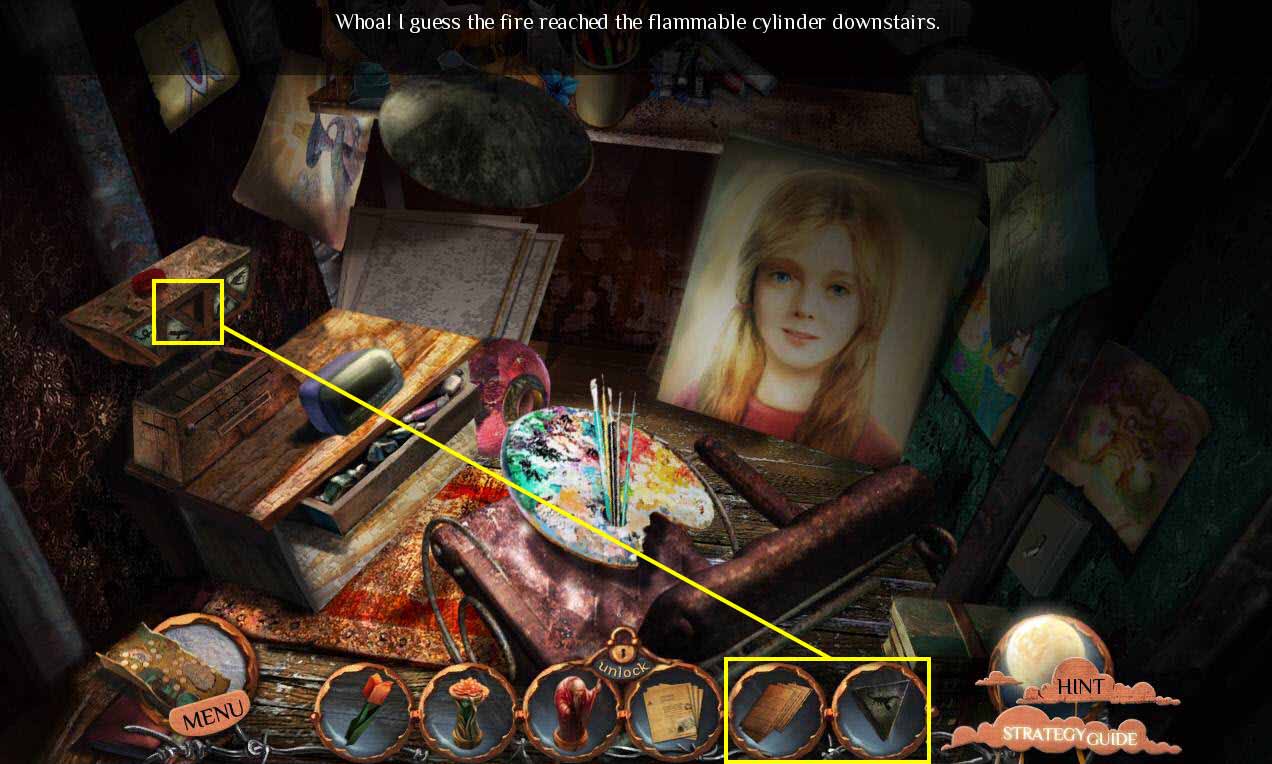
- Click to zoom in on the punch card machine.
- Use the BUTTON on the empty slot.
- Use the BLANK CARDS on the machine.
- Click on a blank card and place it in the machine.
- Click on the wolf icon. Then hit the red button.
- Click on the snake icon. Hit the red button.
- Click on the eagle icon. Hit the red button.
- Click on the scorpion. Hit the red button.
- Take the PUNCHCARD.
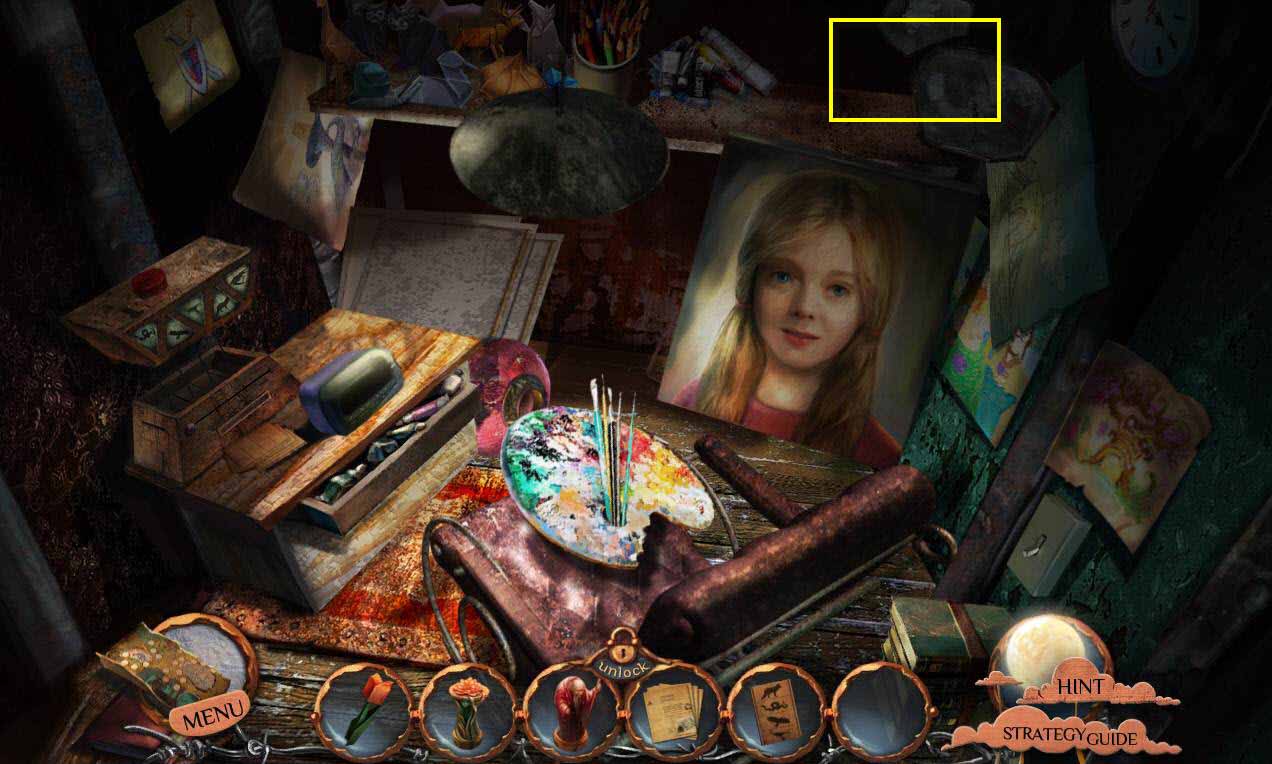
- Click to zoom in on the shelf.
- Click on the magic mirrors.
- Go back 5 screens.
- Then go right to the city square.
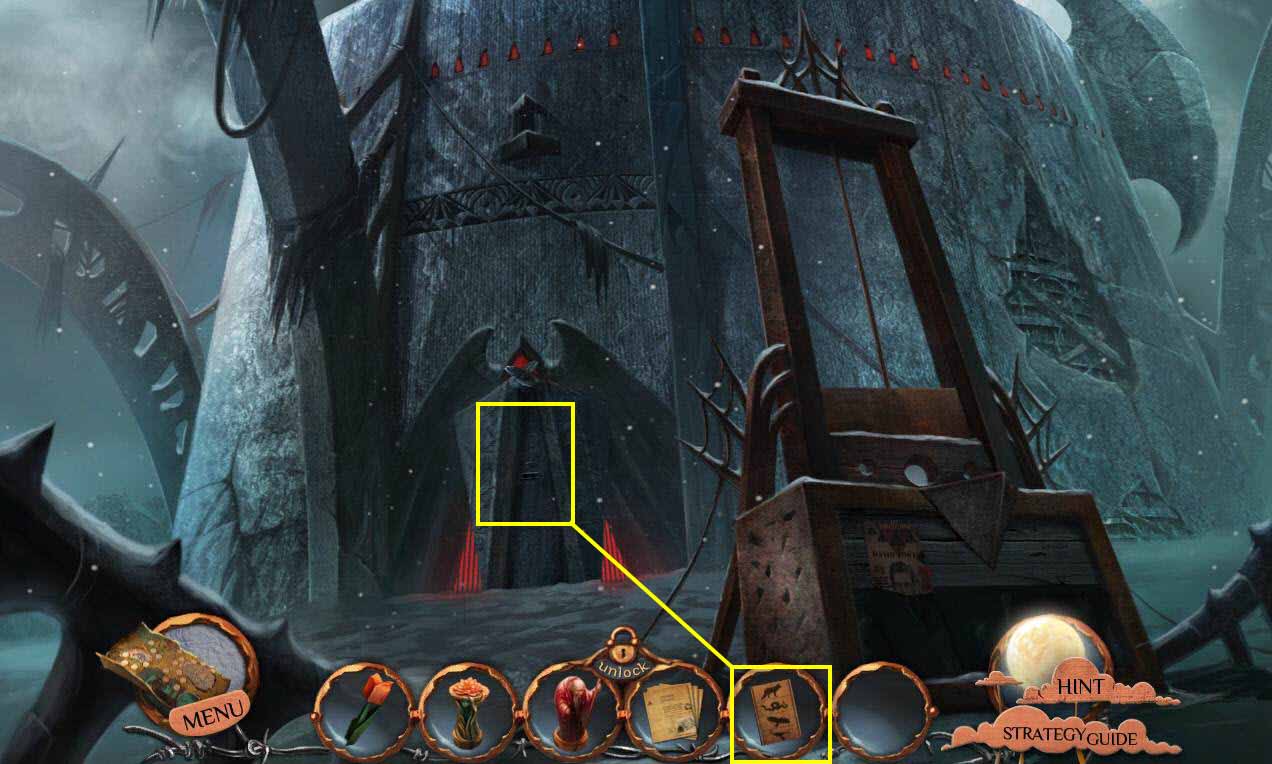
- Click on the gate to zoom in.
- Use the PUNCHCARD on the slot.
- Enter the tower.
Comments will load when you reach this part of the walkthrough.