

Chapter Two: The Nightmare Realm
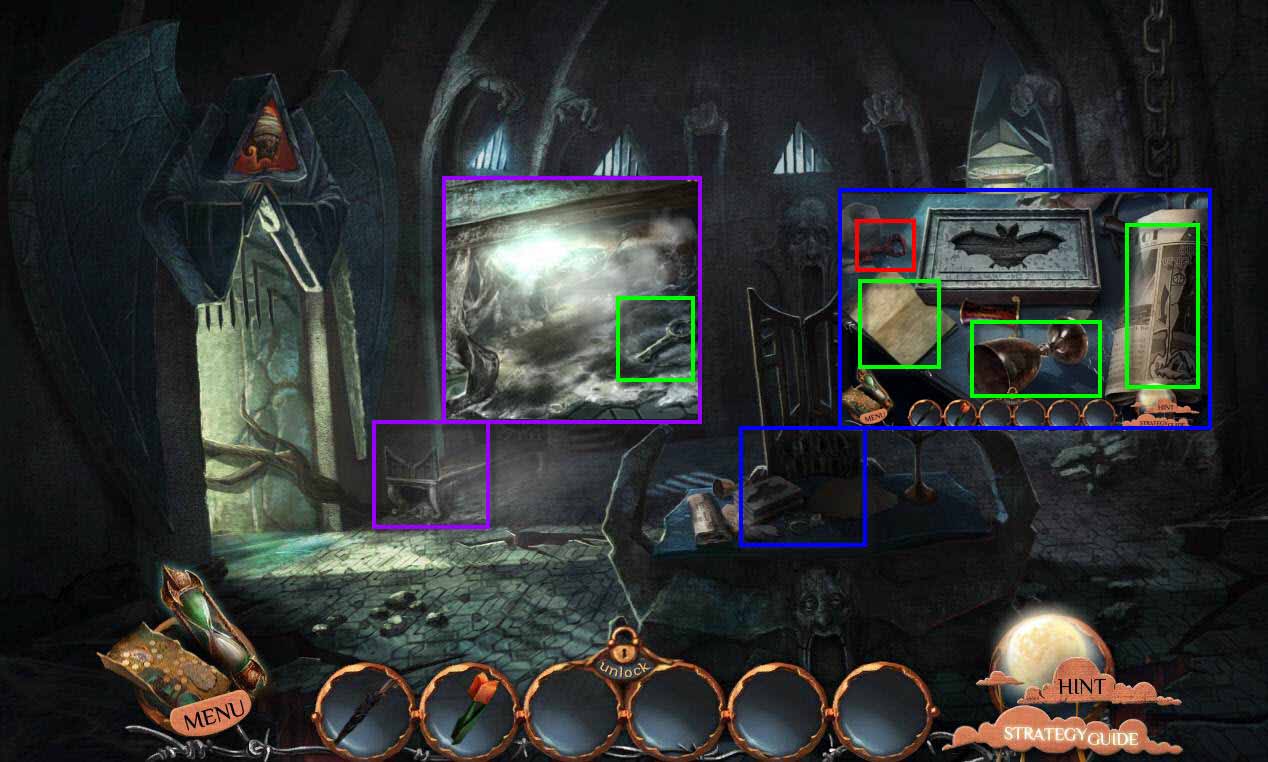
- Click anywhere on the screen and the creature will flee.
- Click on the table to zoom in.
- Take the GOBLET.
- Look at the note and the newspaper.
- Take the origami; zoom out.
- Click on the bench to zoom in.
- Take the KEY.
-
Go to the left.
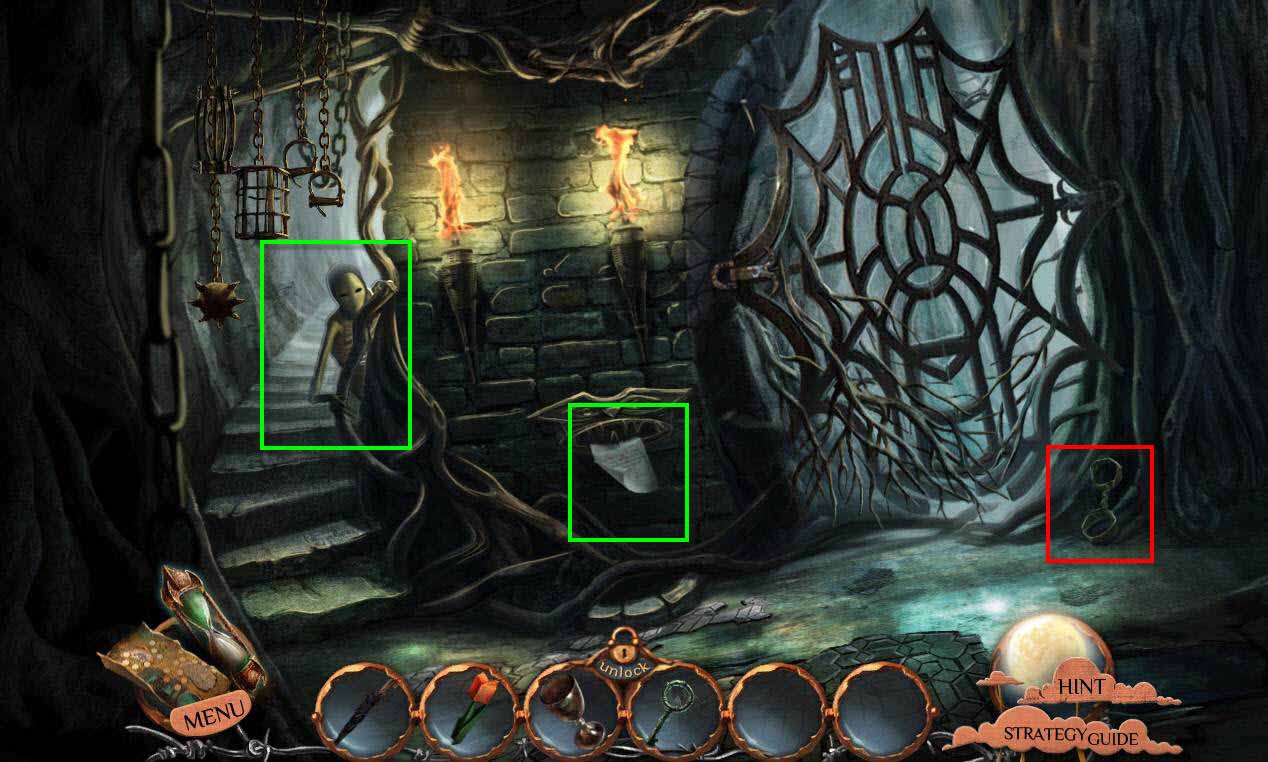
- Click on the creature and he will flee again.
- Click on the note by the fountain to zoom in.
- Read the note.
- Take the origami.
-
Go up the stairs.
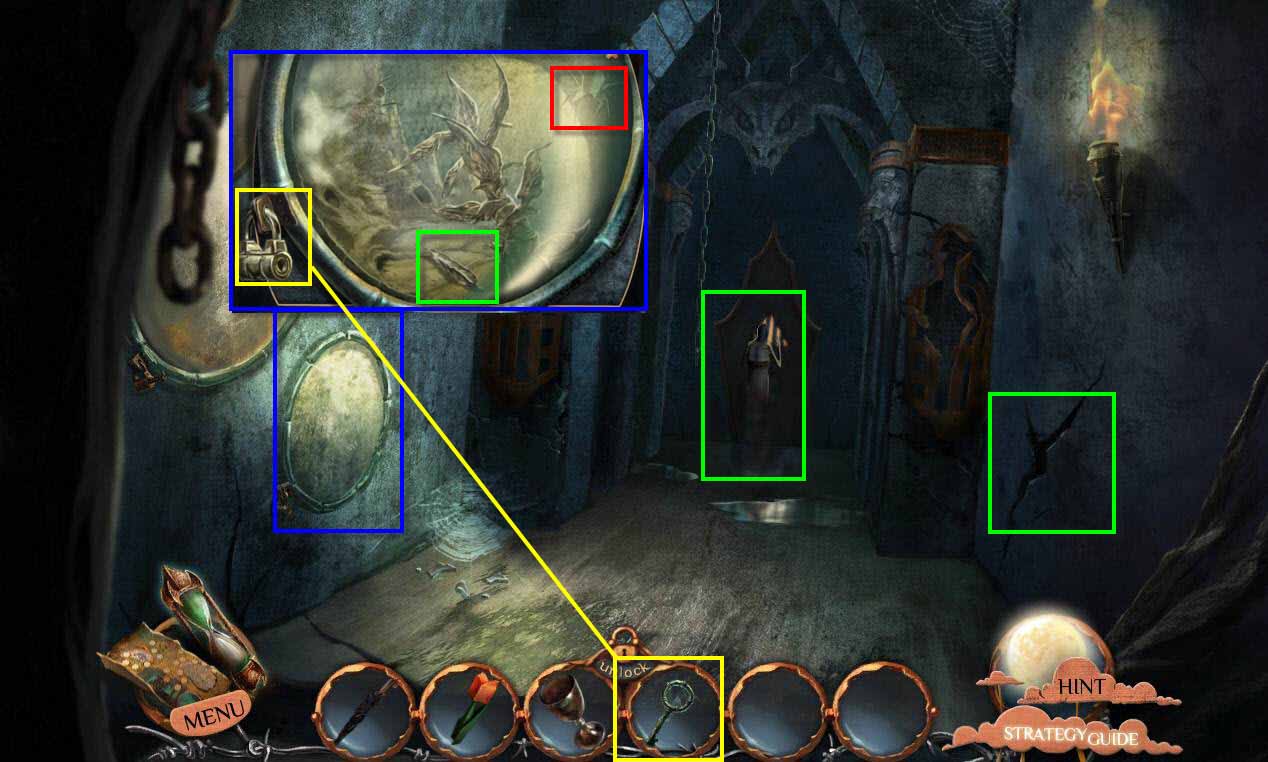
- Click on the creature.
- Click on the crack he slipped through to zoom in.
- After the scene, zoom out.
- Click on the termitarium to zoom in.
- Use the KEY on the glass.
- Take the BLADE and the bug origami.
-
Go forward toward the cell.
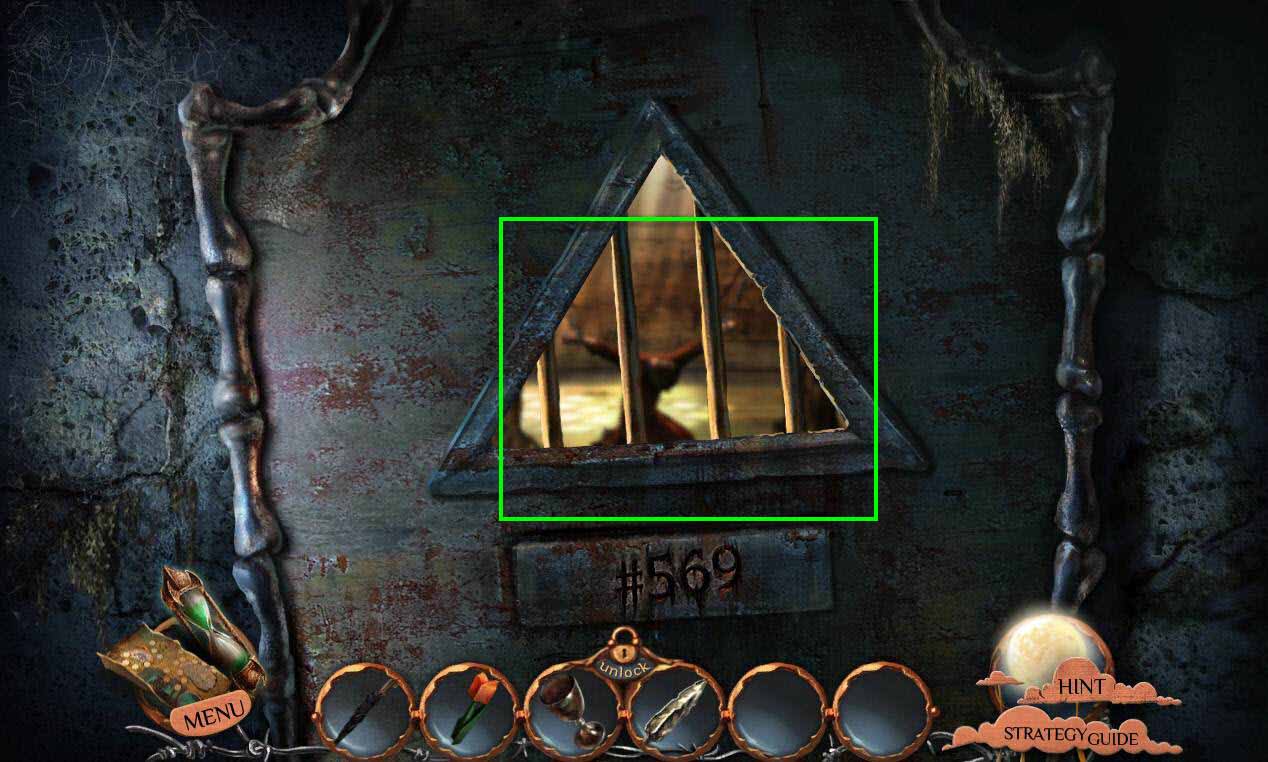
- Click on the cell window.
- Watch the scene.
-
Go back three screens to the first area with the table.
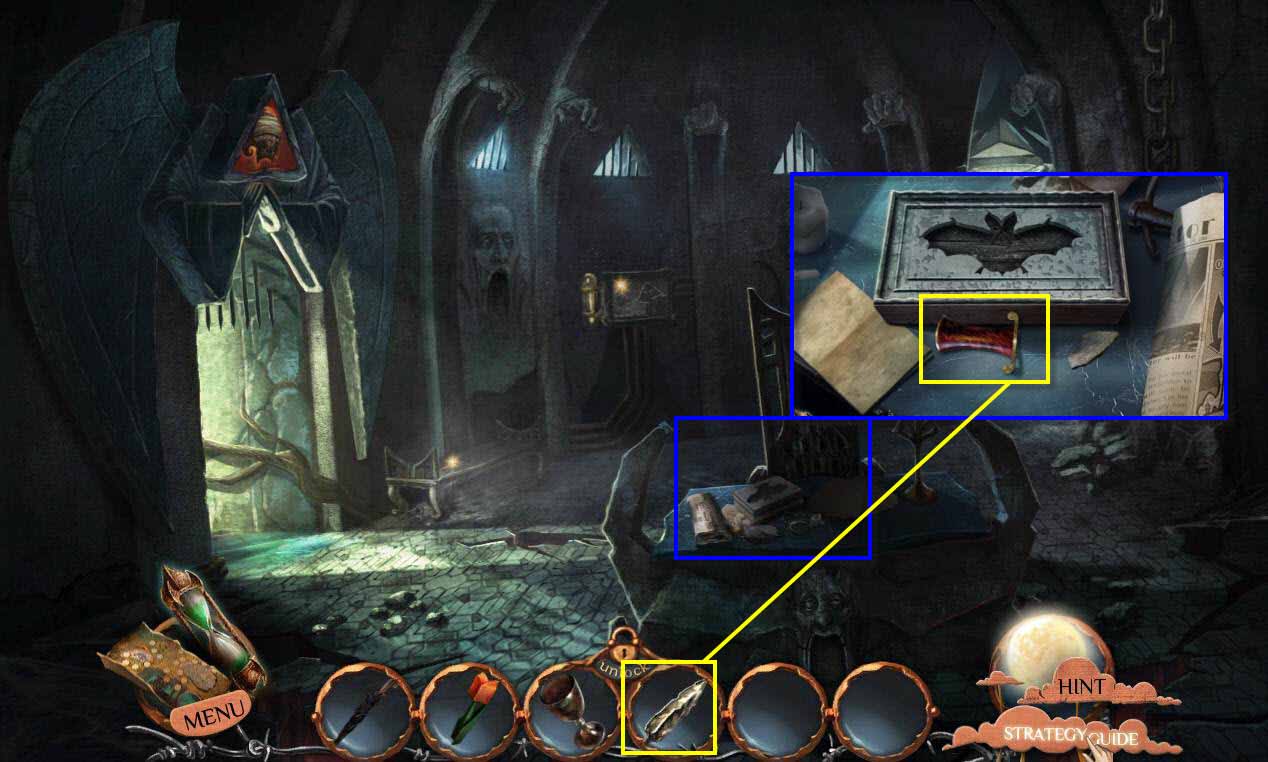
- Click on the table to zoom in.
- Use the BLADE on the hilt.
- Take the DAGGER.
-
Go left to the prison entrance.
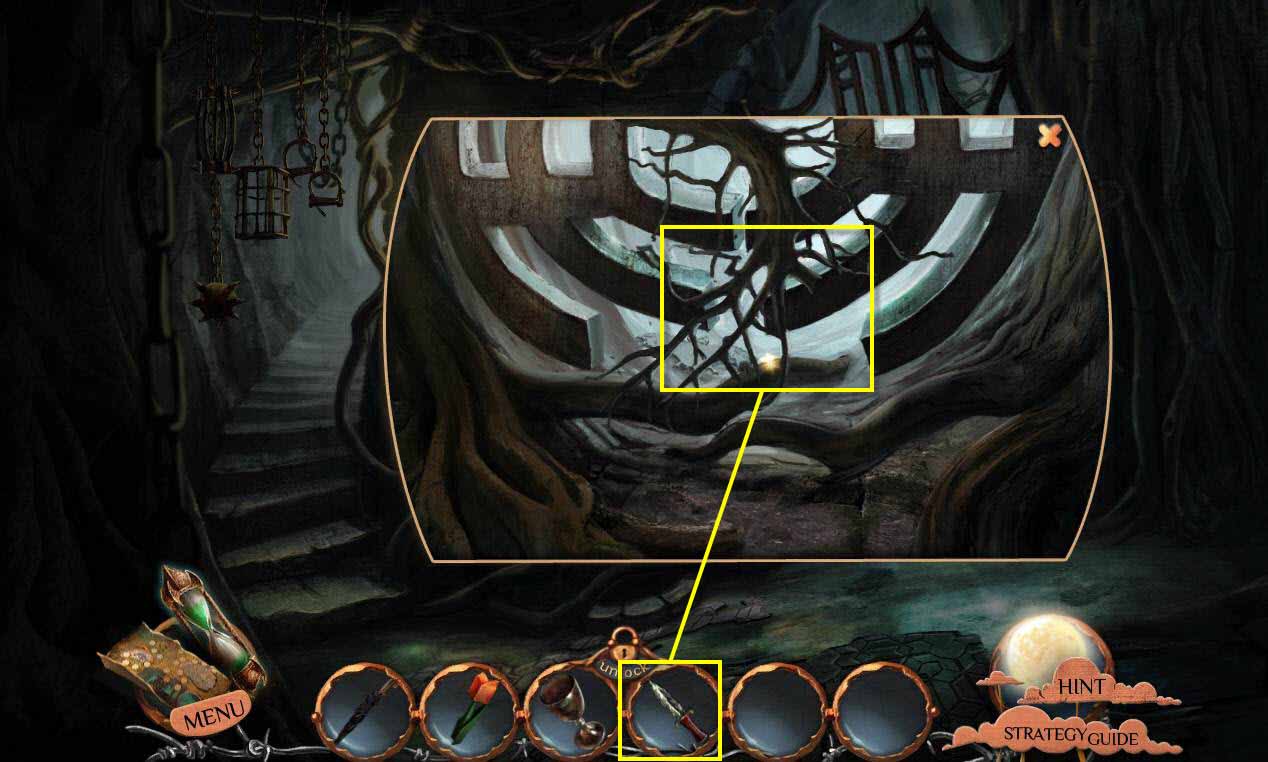
- Click on the gate to zoom in.
- Use the DAGGER on the roots three times to remove them.
-
Click on the top root to get rid of it.
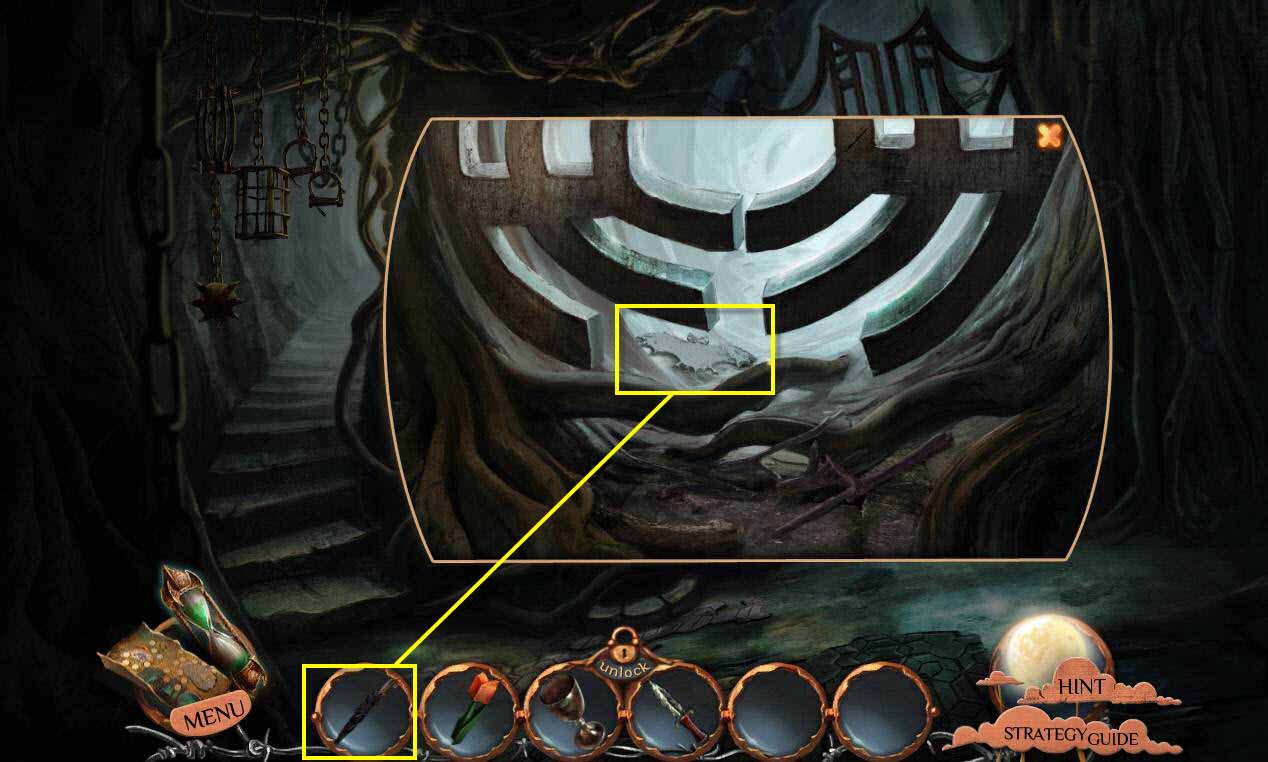
- Use the UMBRELLA on the ornament.
- Take the BAT ORNAMENT.
- Go back one screen.
-
Click on the table.
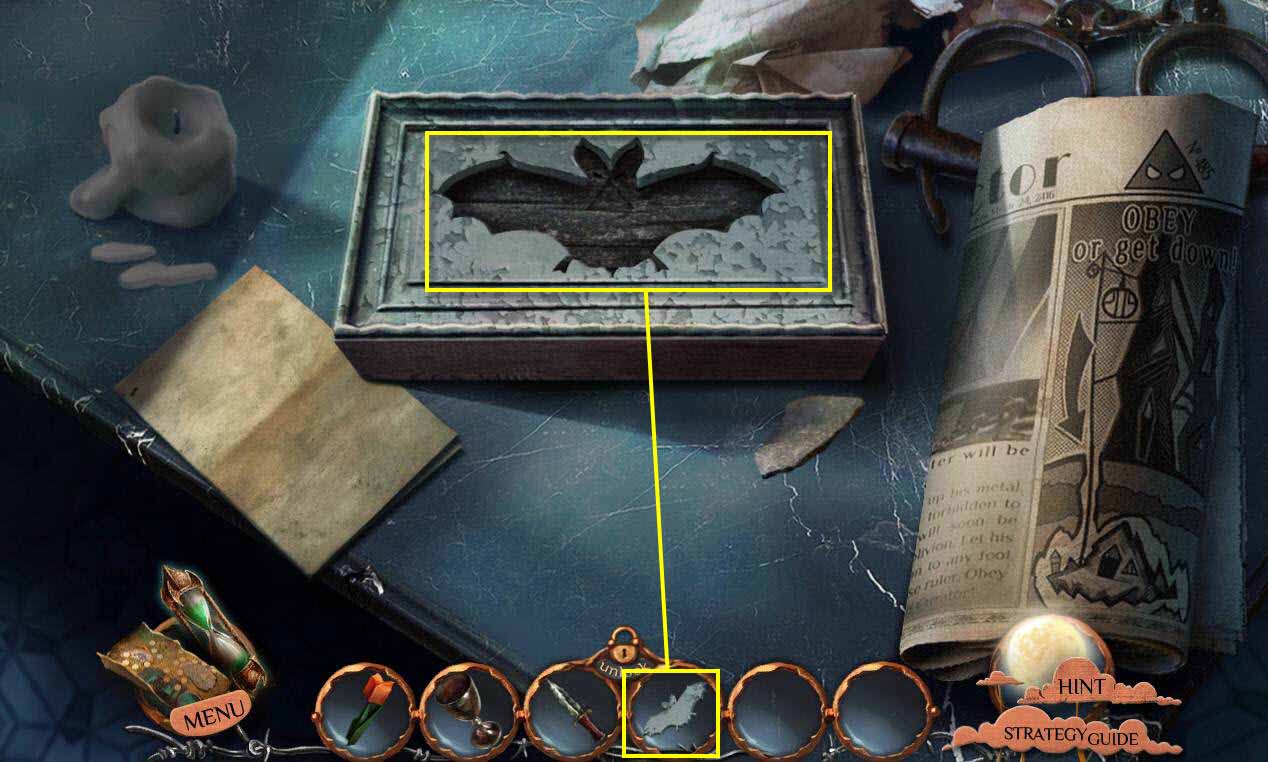
- Use the BAT ORNAMENT on the box.
- Take the SLIDE and the PUZZLE PIECE.
-
Zoom out of the table.
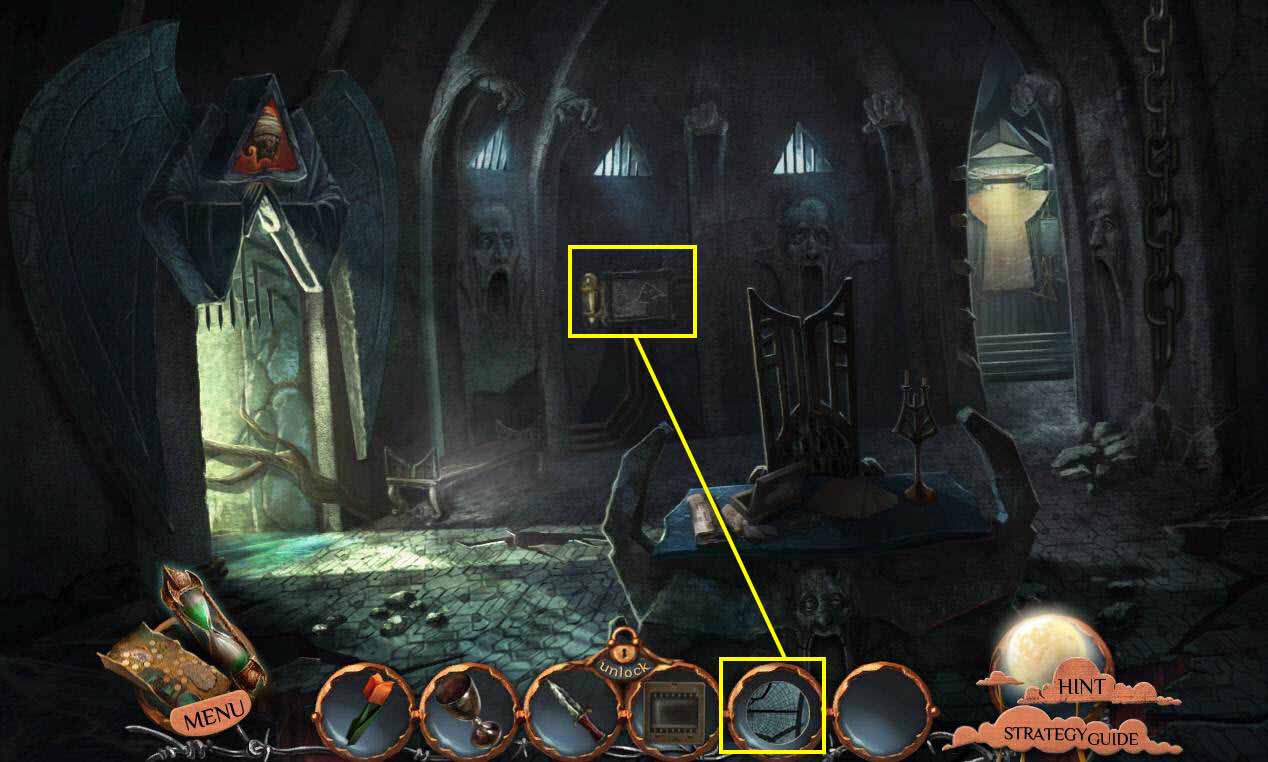
- Click on the painting on the wall to zoom in.
- Use the PUZZLE PIECE on the empty slot.
-
This will start a mini-game.
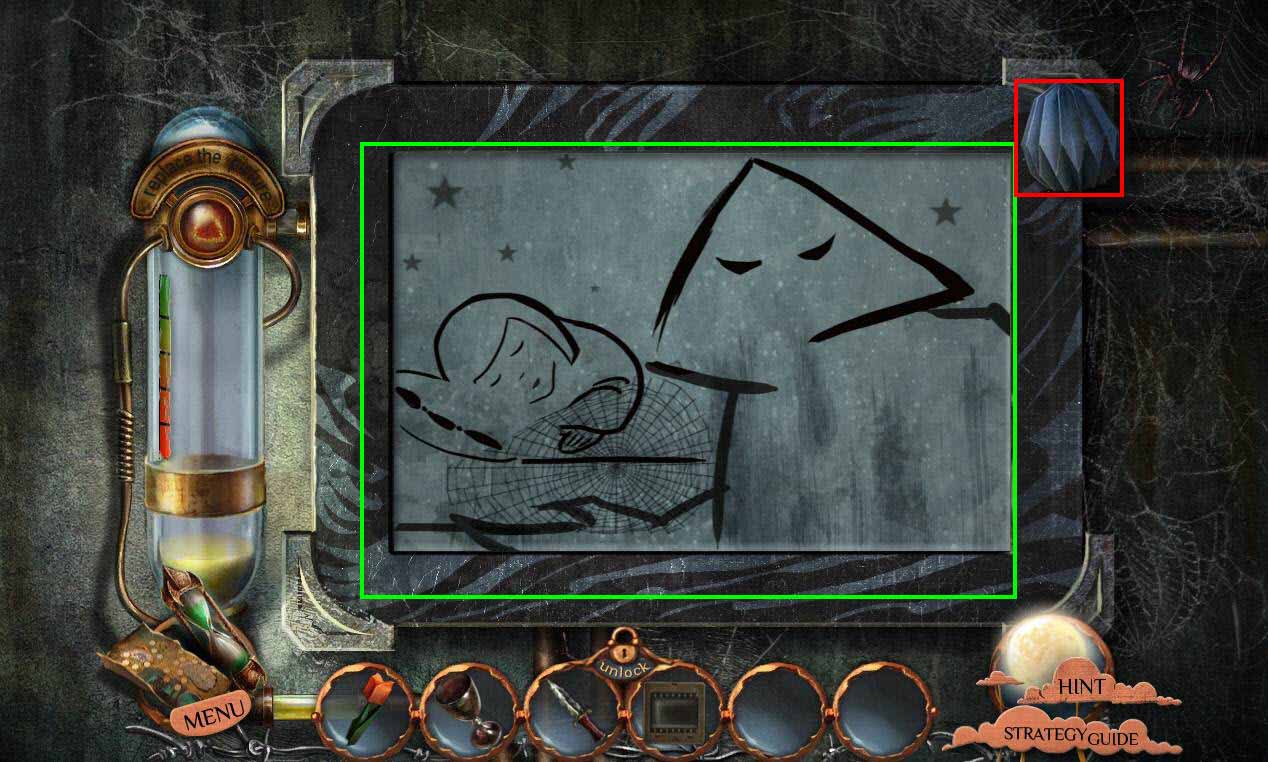
- The goal of the game is to put the image back together.
- Click and drag the pieces to swap them.
- Click on the arrows on each piece to rotate them.
- See the screenshot above for the solution.
- Take the origami hanging on the side.
- Enter the painting.
Comments will load when you reach this part of the walkthrough.