
Chapter One: Emily
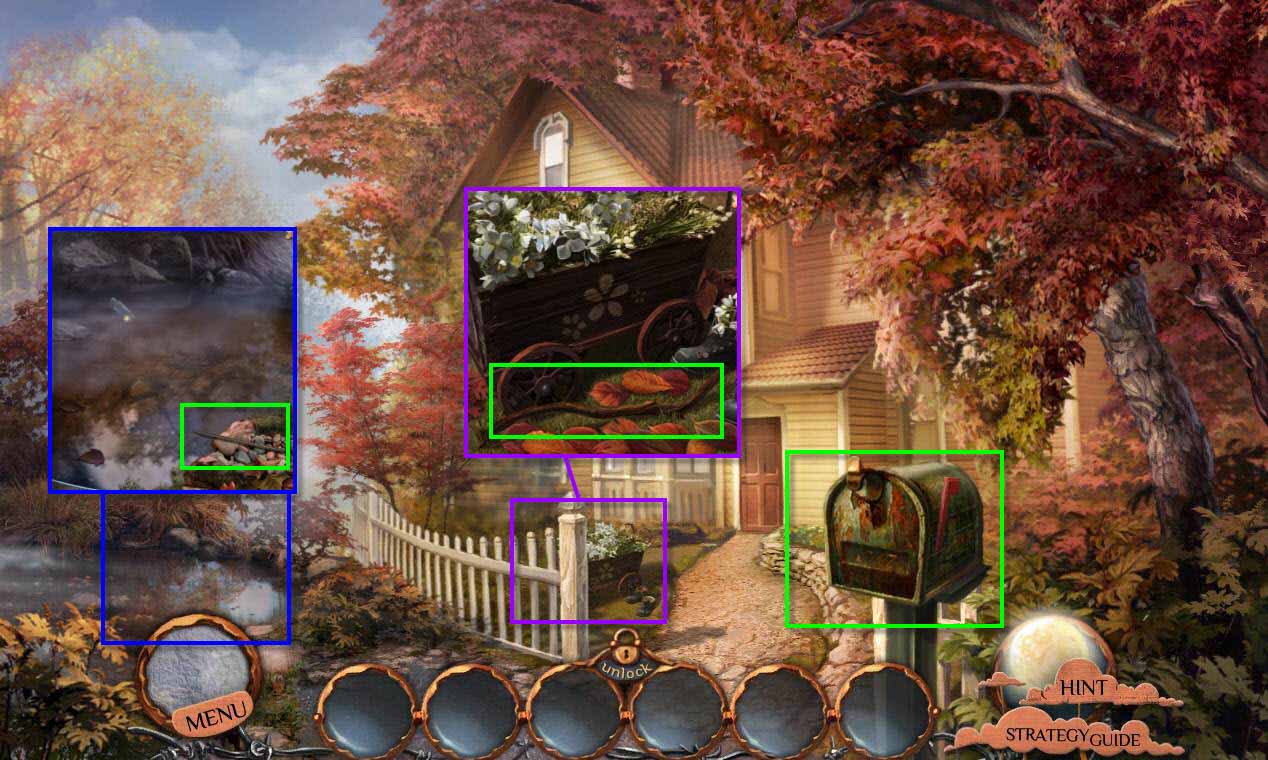
- Click on the pond on the left to zoom in.
- Take the METAL ROD.
- Click on the flower cart to zoom in.
- Take the STICK.
-
Click on the mailbox to trigger the bird.
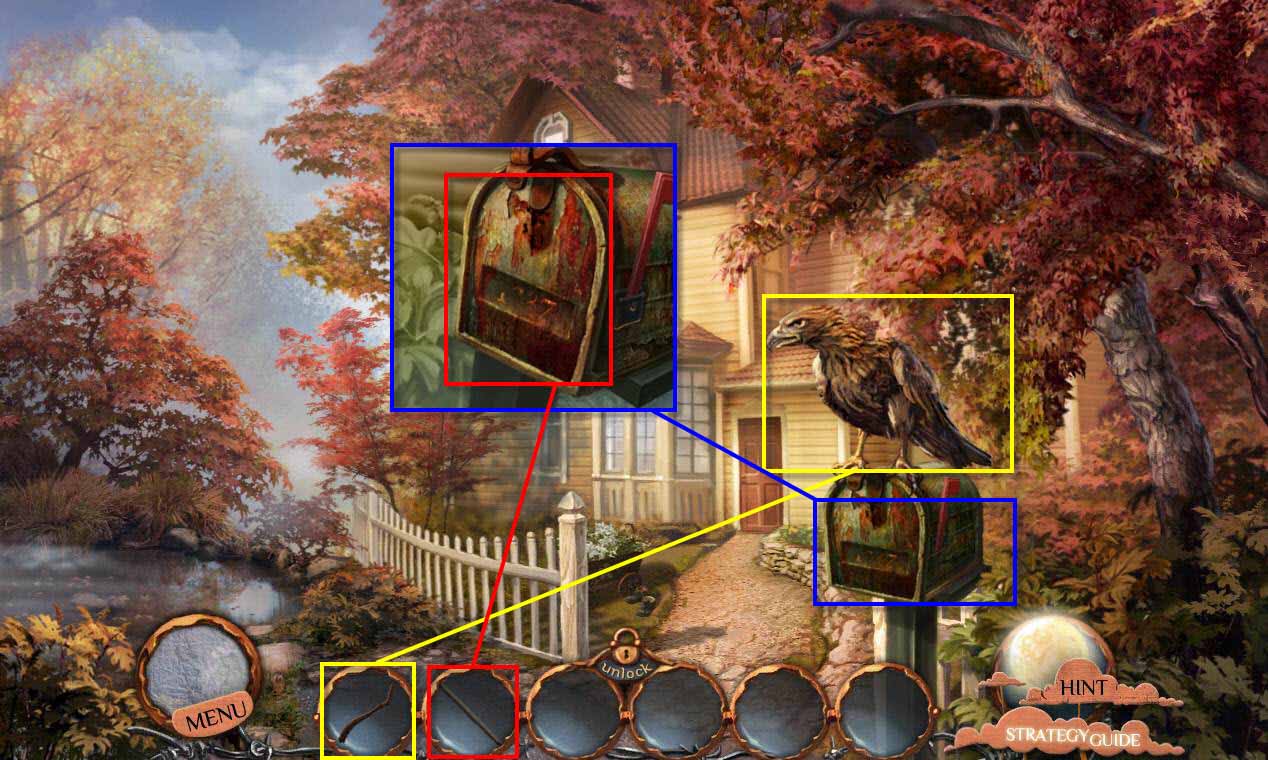
- Use the STICK on the bird to get rid of it.
- Click on the mailbox to zoom in.
- Use the METAL ROD on the mailbox to open it.
- Take the LETTER FOR EMILY.
-
Go forward to the hall.
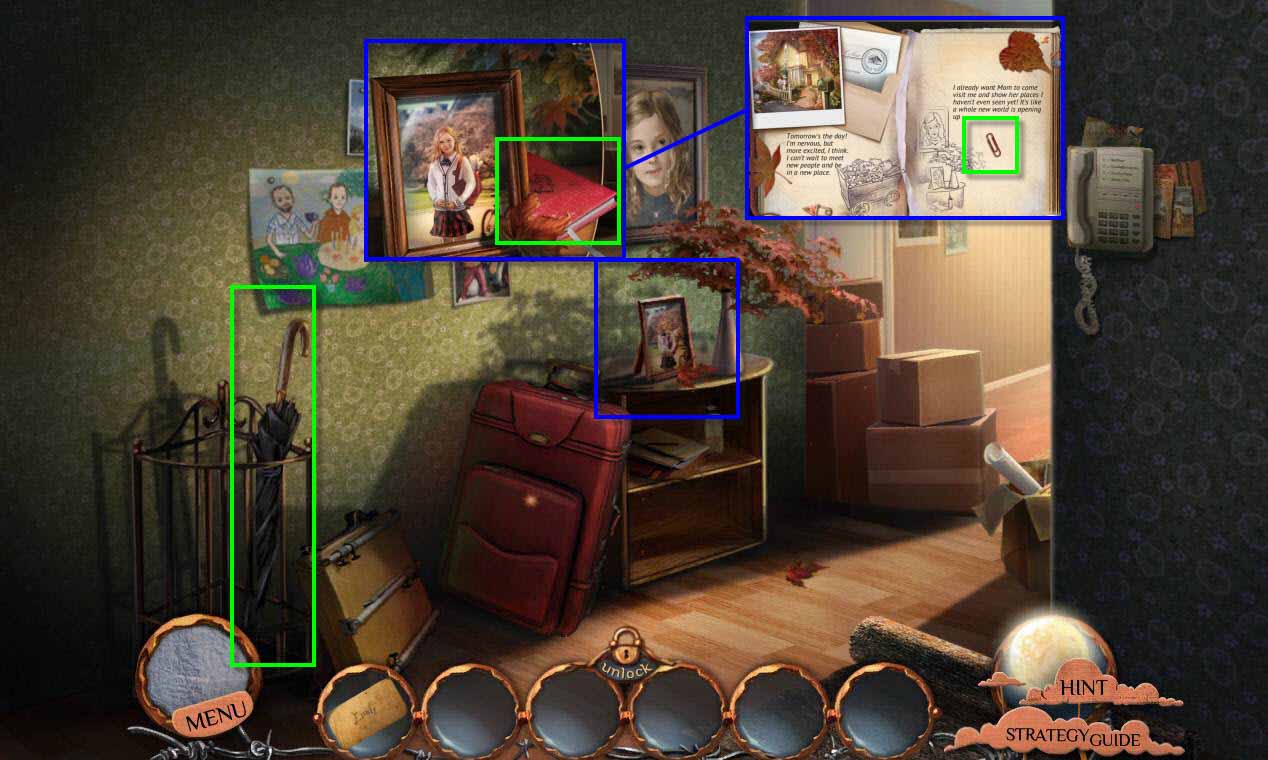
- Take the UMBRELLA.
- Click on the table with the photo to zoom in.
- Click on the red journal to read it.
- Flip through the pages until you see the paper clip.
-
Take the CLIP.
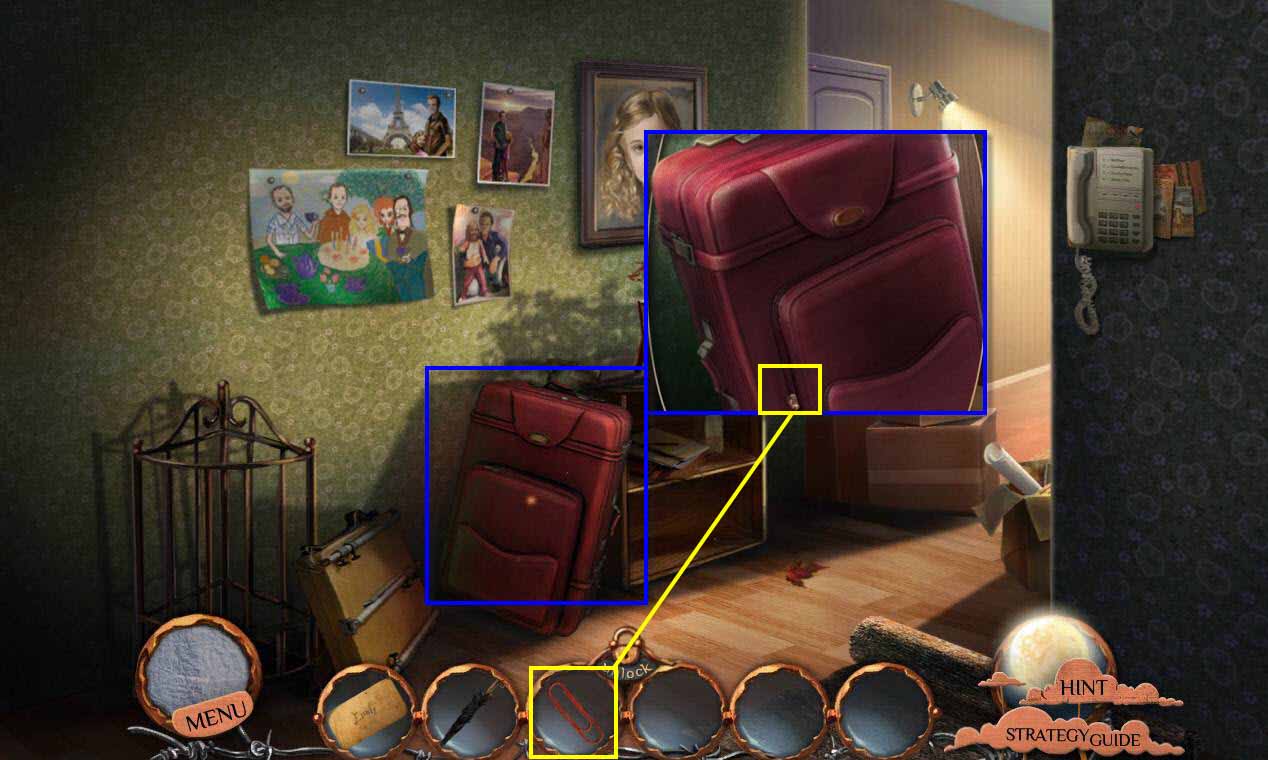
- Click on the suitcase to zoom in
- Use the CLIP on the zipper to open it.
- Take the PICTURE OF A CITY.
-
Go forward to the living room.
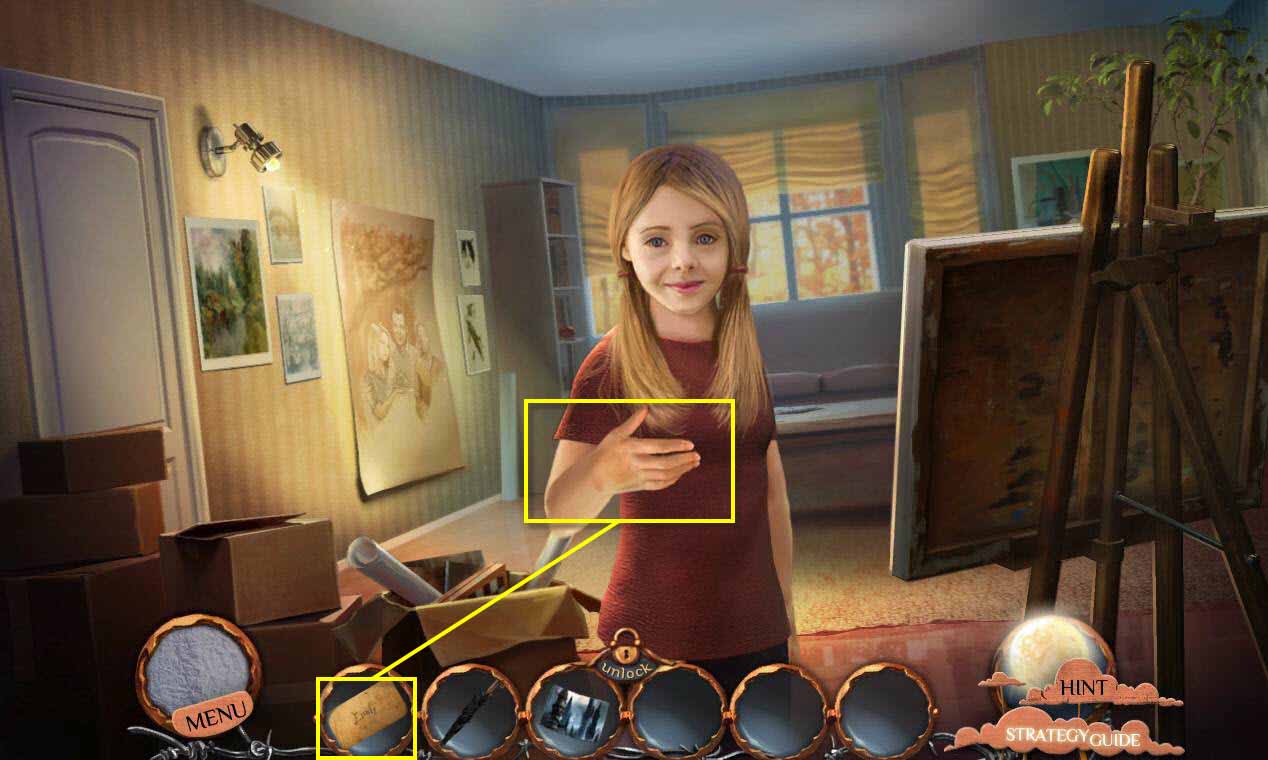
- Click on Emily to talk to her.
- Give her the LETTER FOR EMILY.
-
This will start a mini-game.
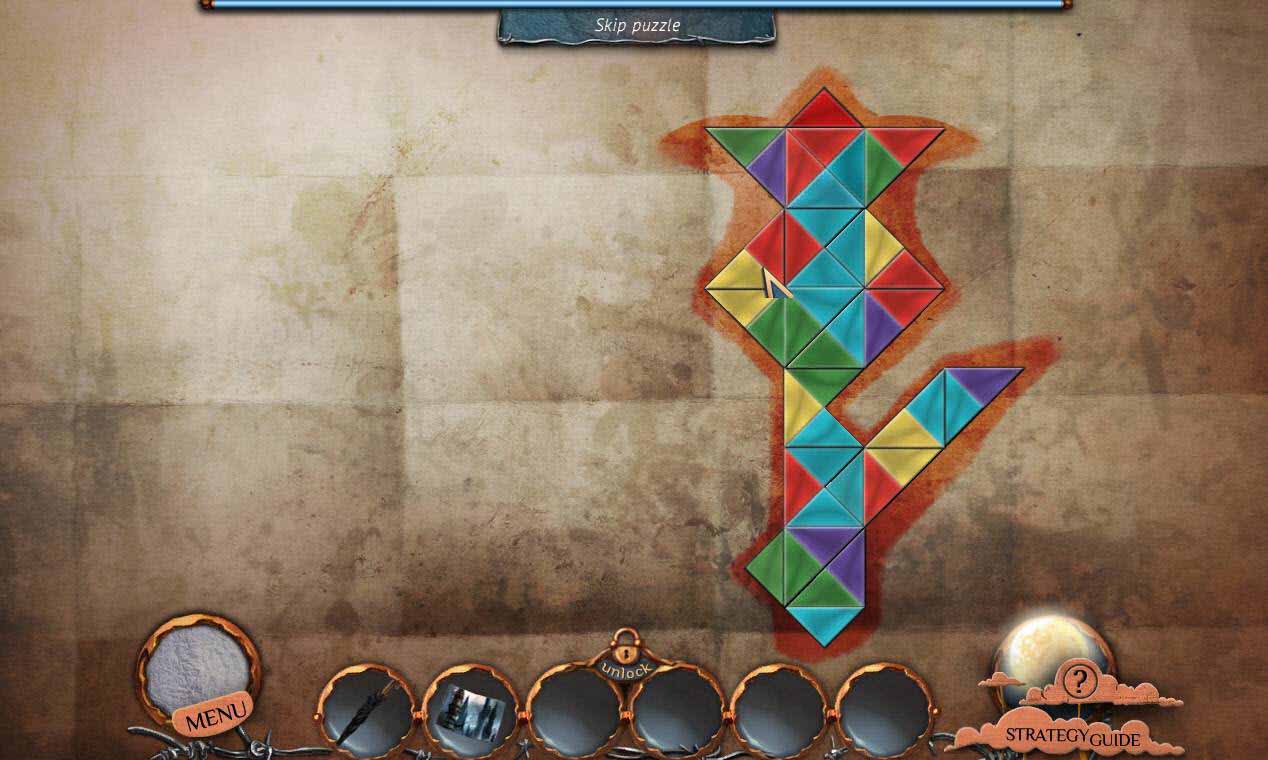
- The goal of the mini-game is to put the pieces in the shape of a tulip.
- Any colors touching must match.
- See the screenshot for the solution.
-
Take the ORIGAMI TULIP.
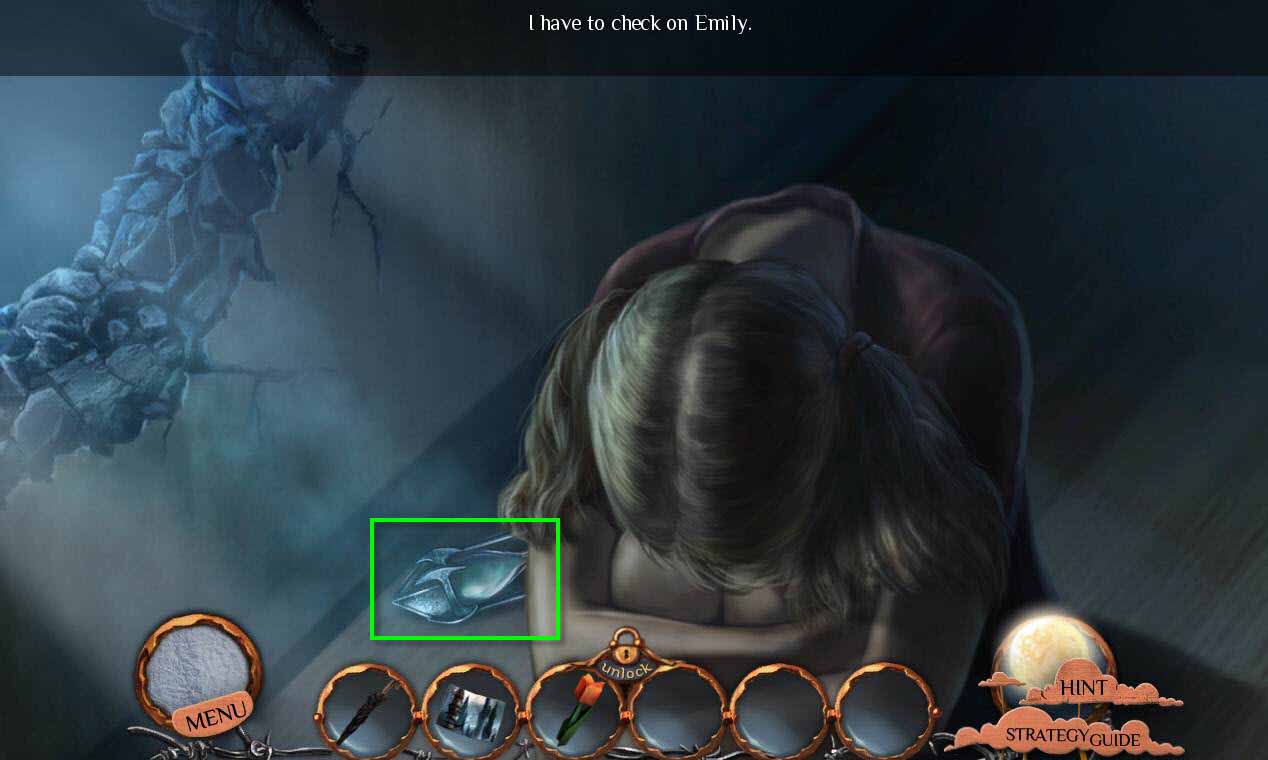
- Click on Emily to check on her.
- Take the HOUR GLASS next to her.
-
Zoom out.
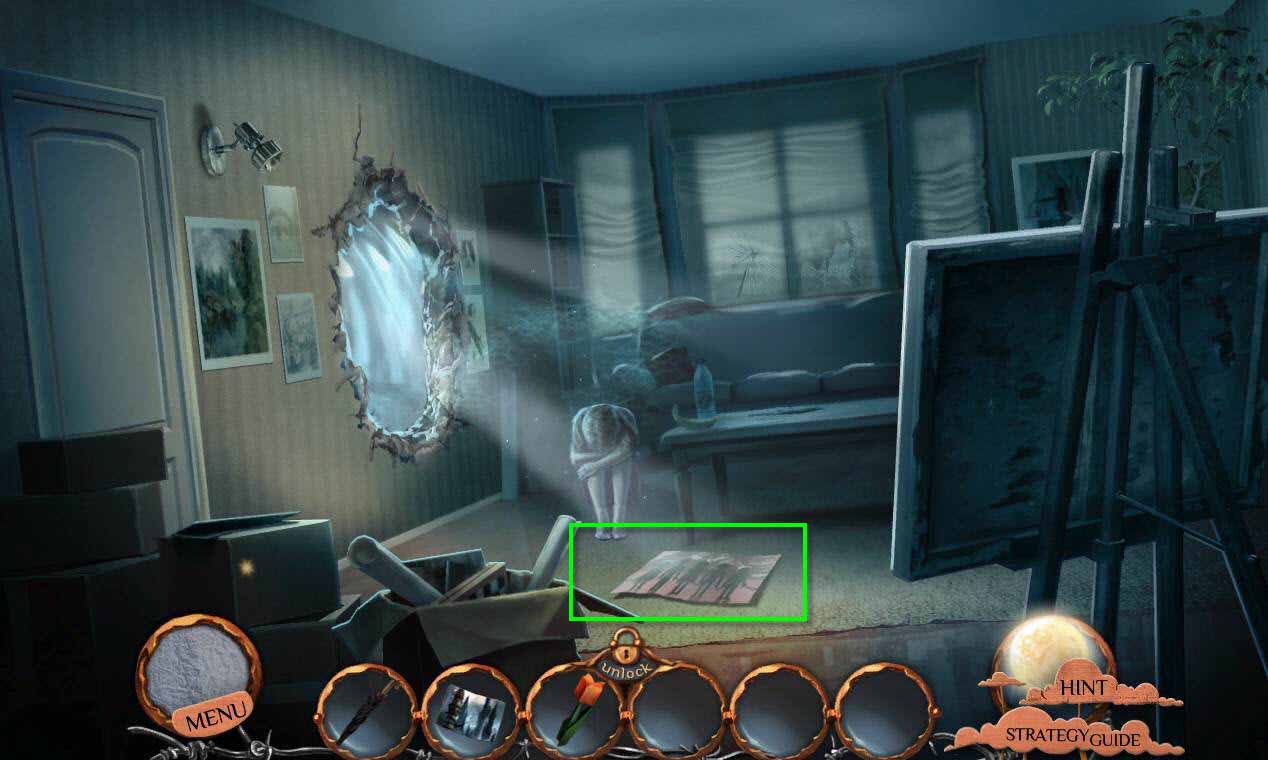
- Take the PICTURE OF SHACKLED CHILDREN on the floor.
- Click on the portal to zoom in.
-
Try to go through the portal.
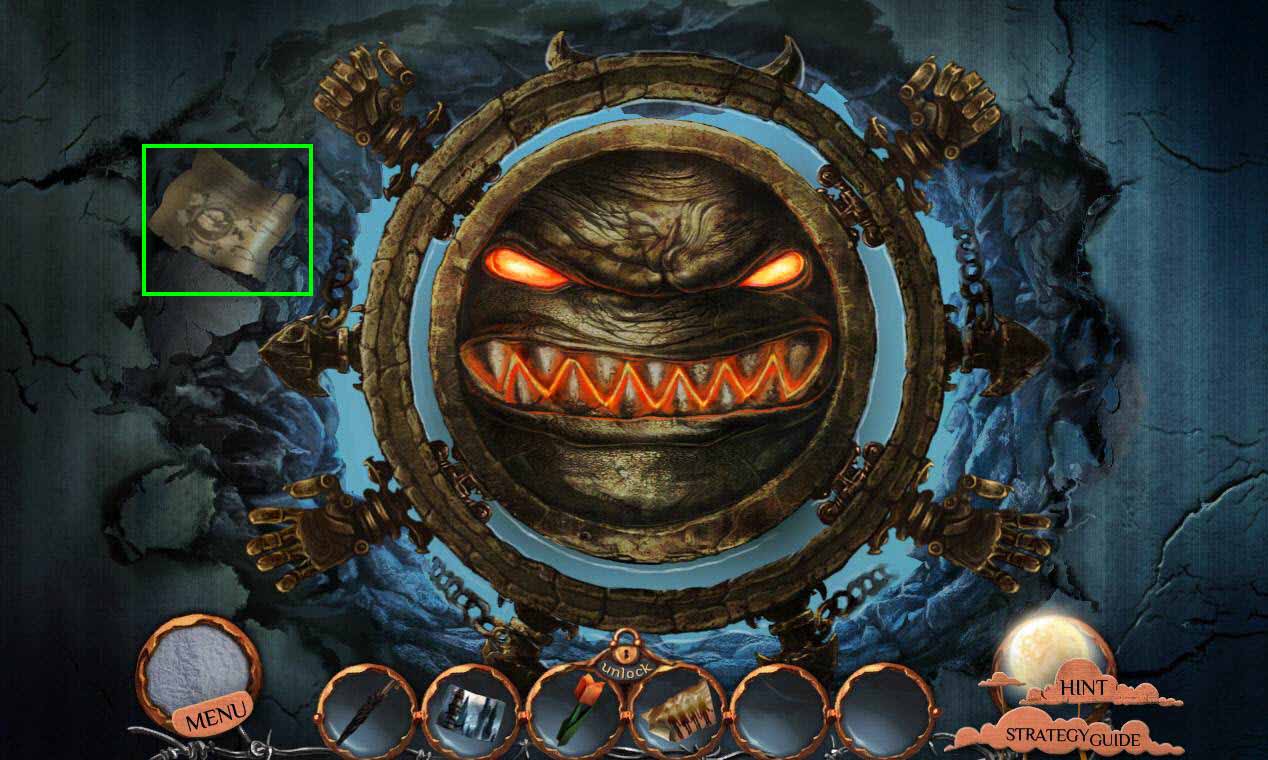
- Click on the note on the left to read it.
-
Zoom out.
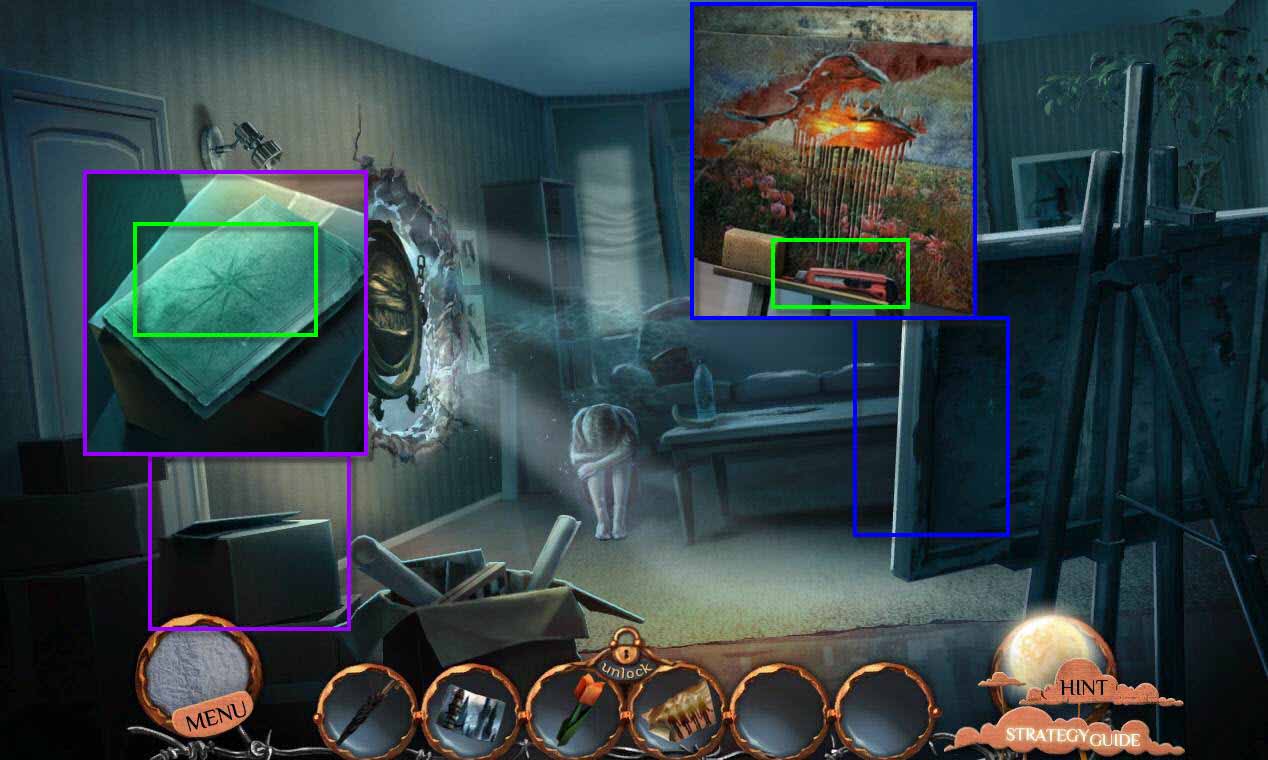
- Click on the Easel to zoom in.
- Take the CUTTING KNIFE.
- Click to zoom in on the box on the left.
-
Take the game on top.
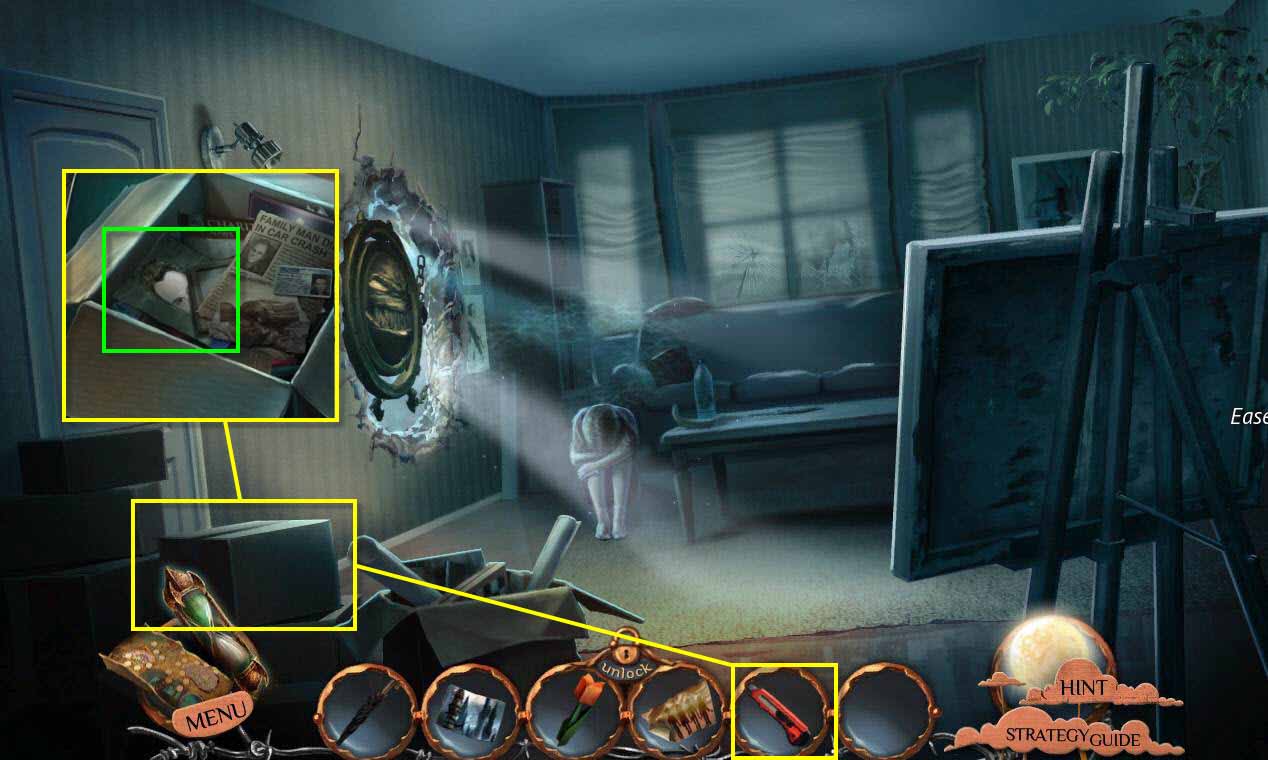
- Use the CUTTING KNIFE to open the box.
- Take the PICTURE OF DAVID.
-
Go back two screens to the front of the house.
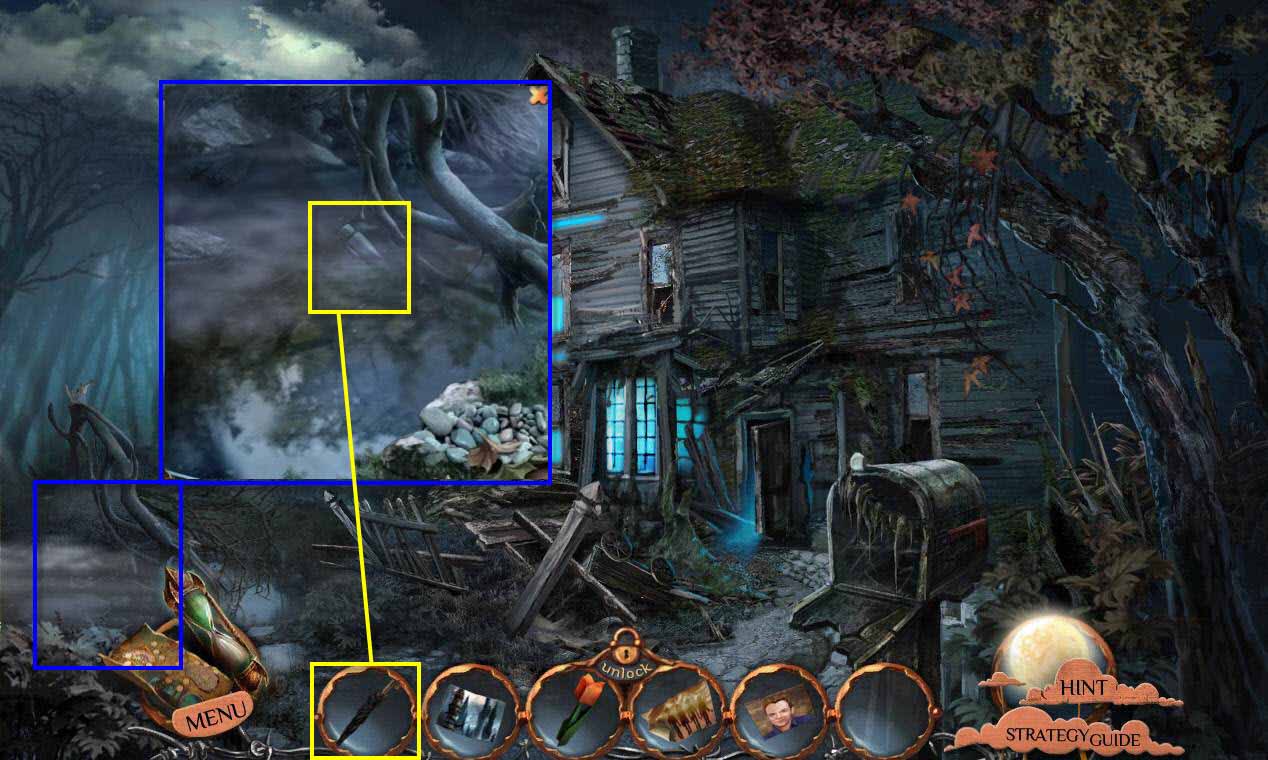
- Click on the pond to zoom in.
- Use the UMBRELLA on the bottle to pull it to you.
- Take the SOLVENT.
-
Go forward two screens to the living room again.
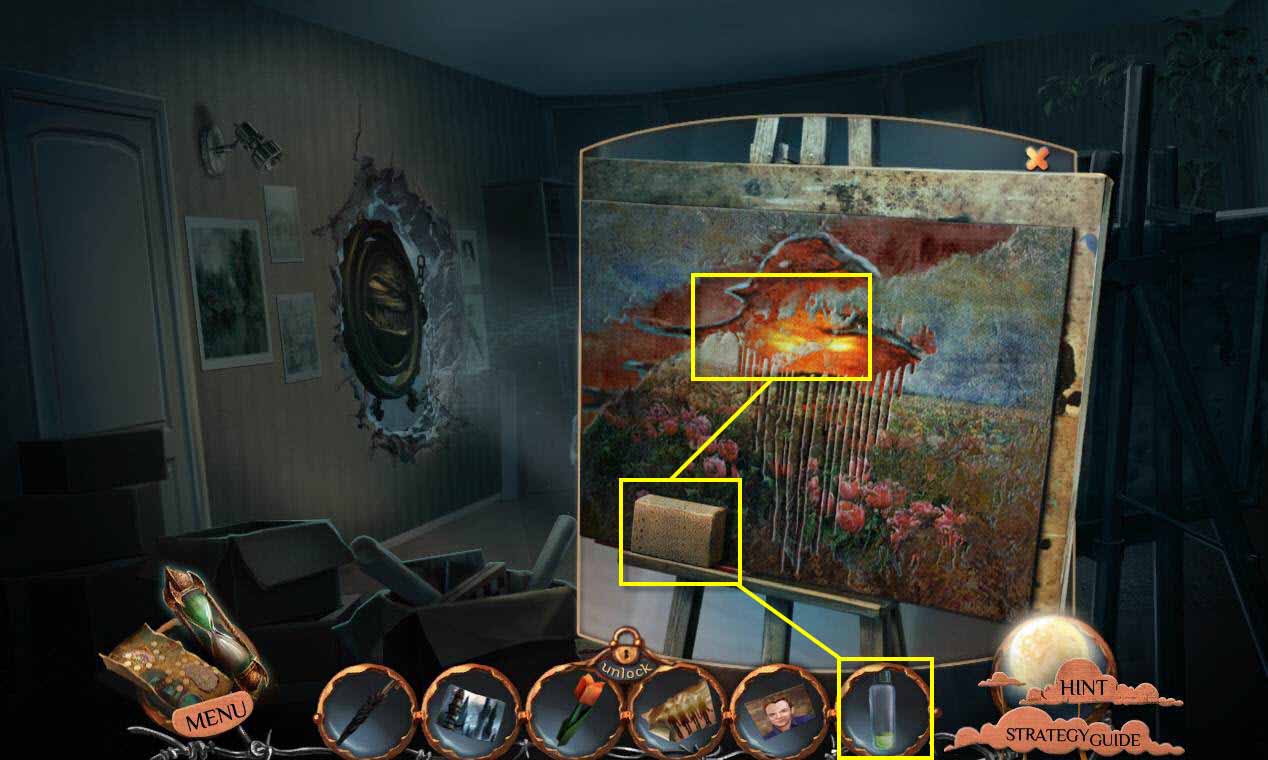
- Click on the easel to zoom in.
- Use the SOLVENT on the sponge.
- Use the sponge on the painting 3 times.
- Take the PICTURE OF A SHADOW PERSON.
-
Click on the portal guard to zoom in.
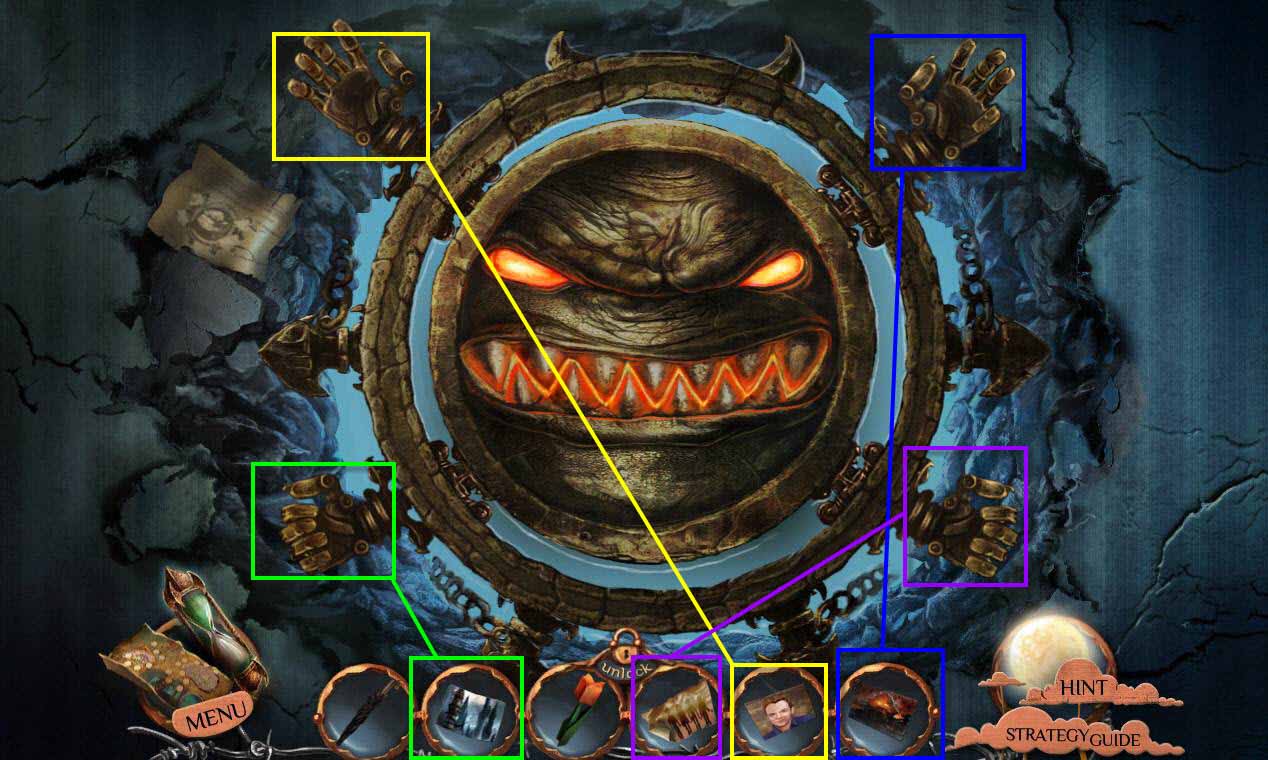
- Use the PICTURE OF A SHADOW PERSON in the top right hand.
- Use the PICTURE OF SHACKLED CHILDREN in the bottom right.
- Use the PICTURE OF DAVID in the top left.
- And use the PICTURE OF A CITY in the bottom left.
- Go through the portal.
Comments will load when you reach this part of the walkthrough.