

Chapter Four: David's Tears
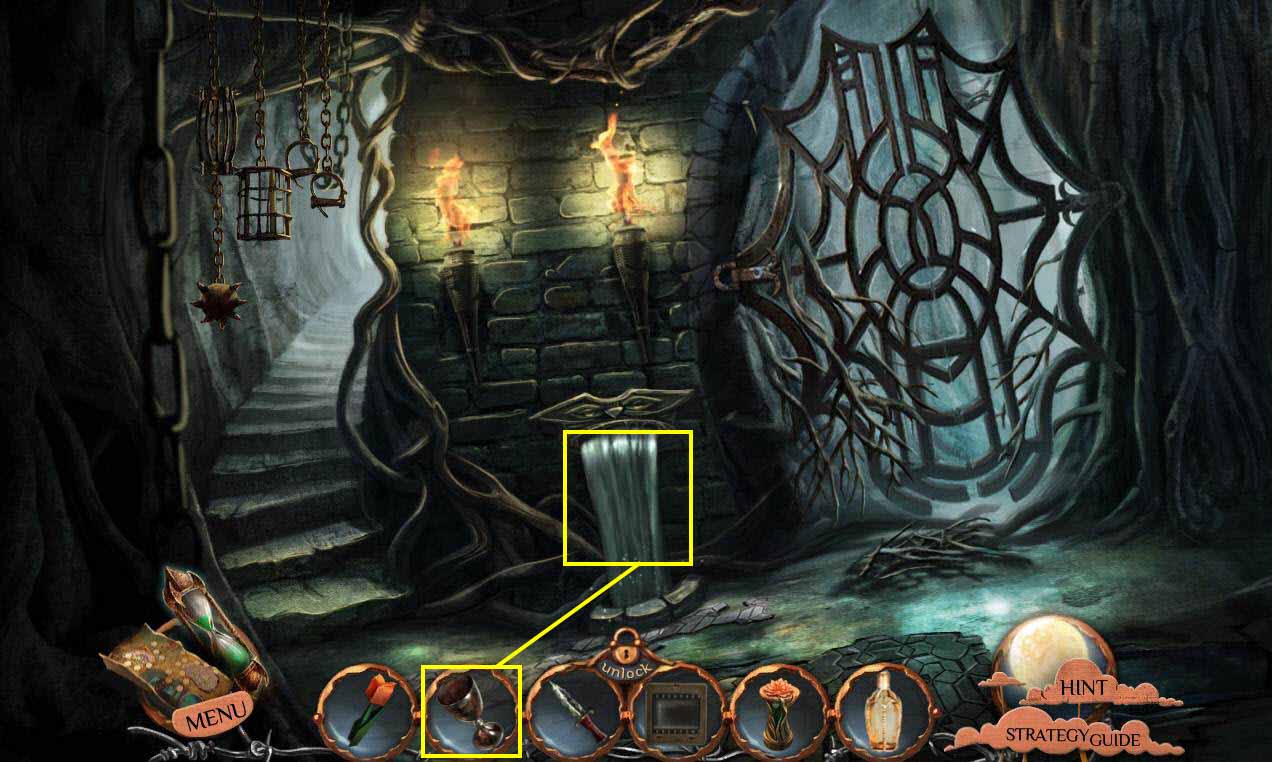
- Go back to the room with the fountain.
- Click on the fountain to zoom in.
- Use the GOBLET on the water.
- You will receive the GOBLET WITH WATER.
- Go back one screen.
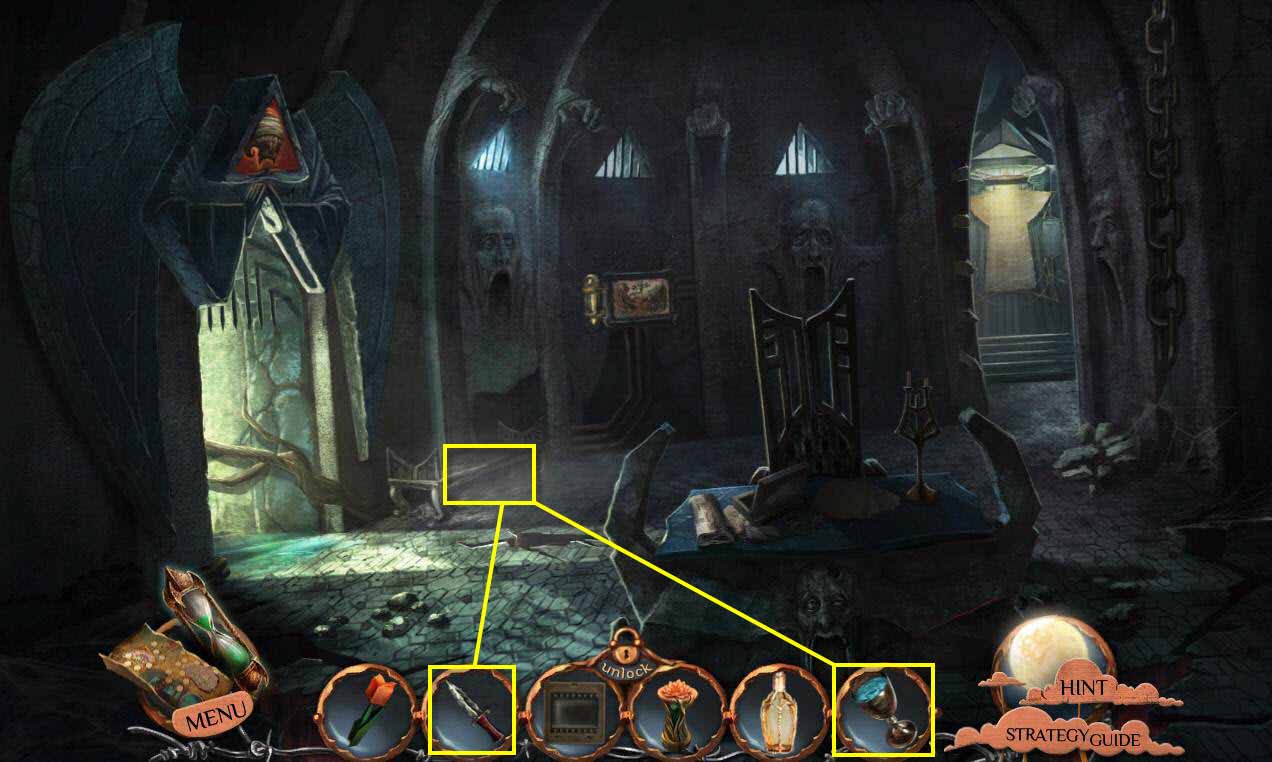
- Click under the bench to zoom in.
- Use the GOBLET WITH WATER near the pipe.
- Use the DAGGER on the goblet.
- You will receive the ICE.
- Go to the left, then go forward two screens.
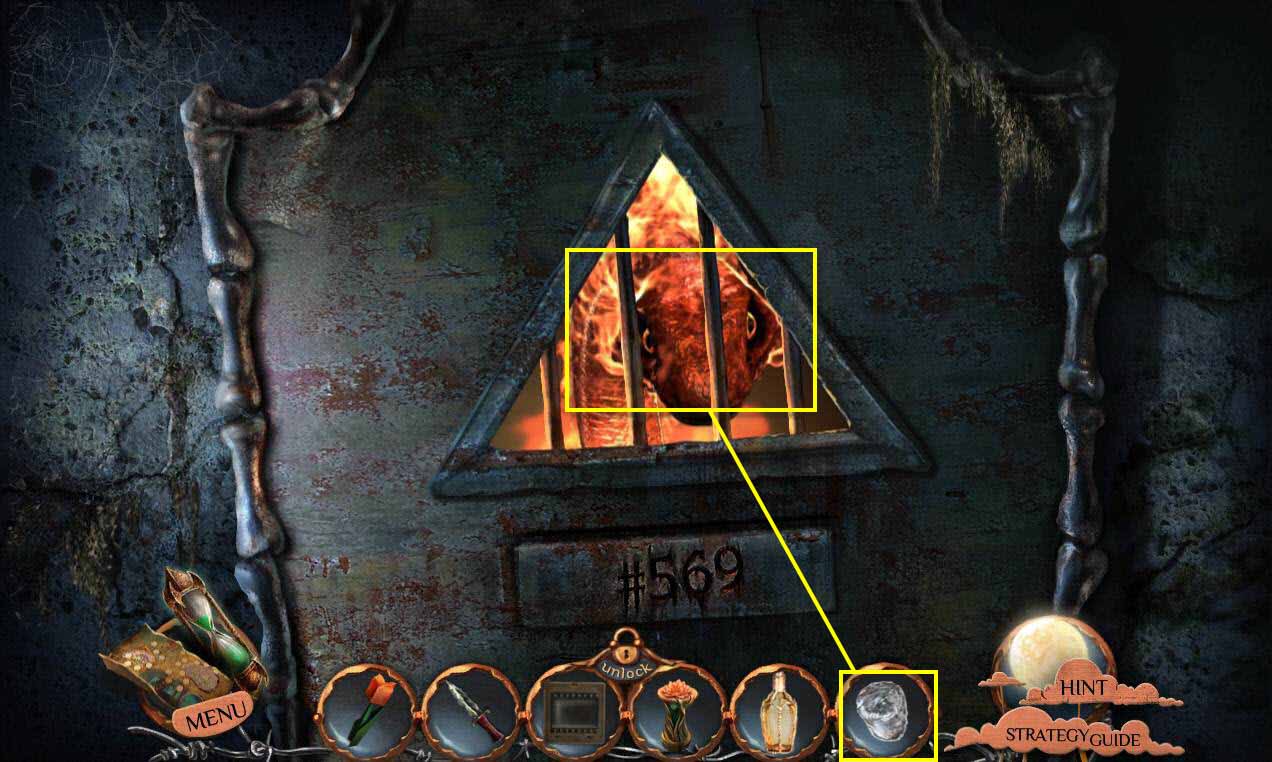
- Use the ICE on the serpent.
- Go forward.
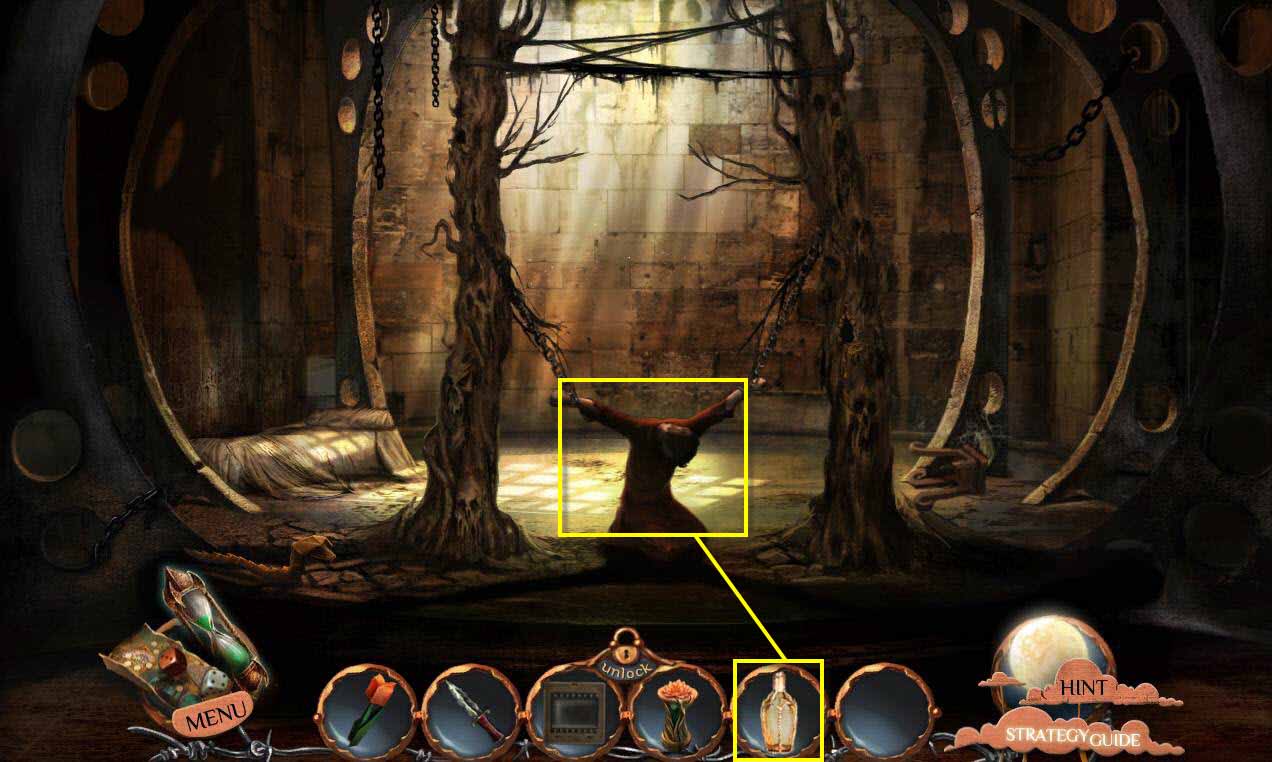
- Click on David to talk to him.
- Use the EMPTY VIAL on his tears.
- You will receive the VIAL OF TEARS.
- Go back four screens.
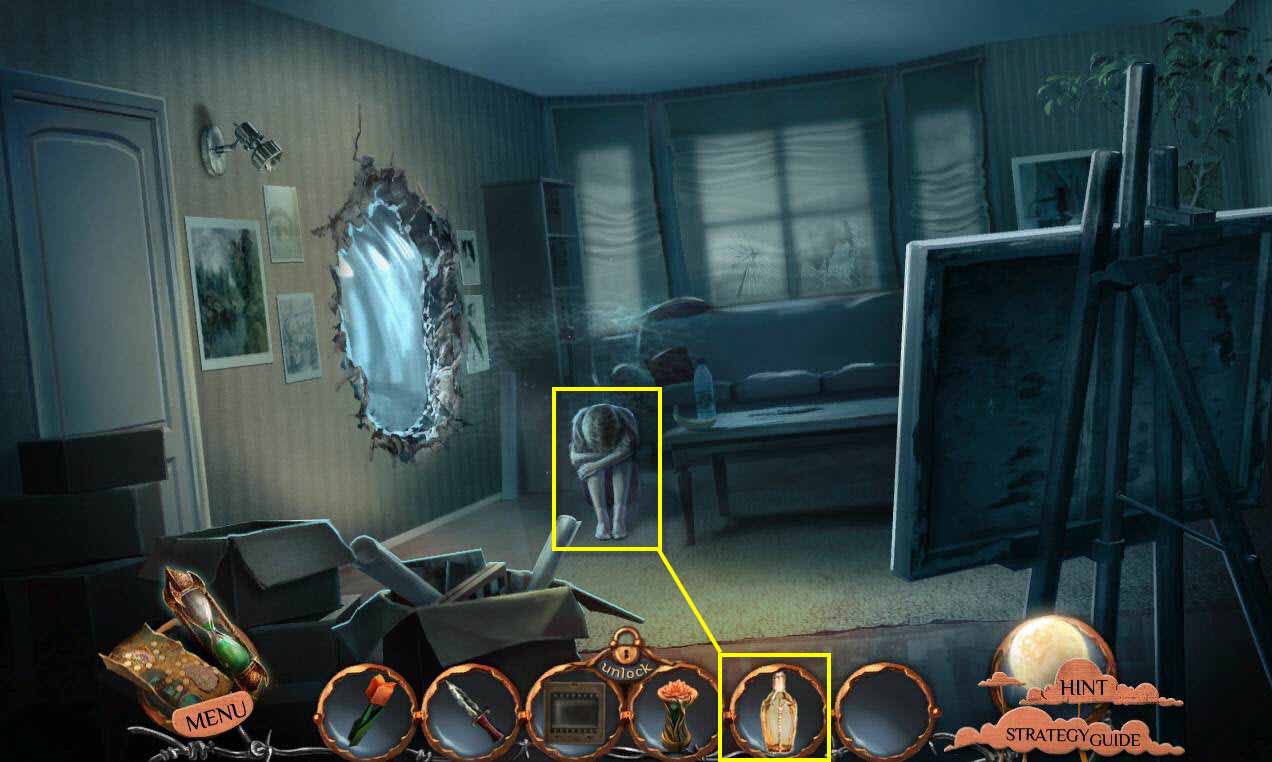
- Click on Emily to zoom in.
- Click on her head.
- Use the VIAL OF TEARS on her eyes.
- Go to the left and watch the cut scene.
- Go to the left again.
- Then forward two screens, back to David's cell.
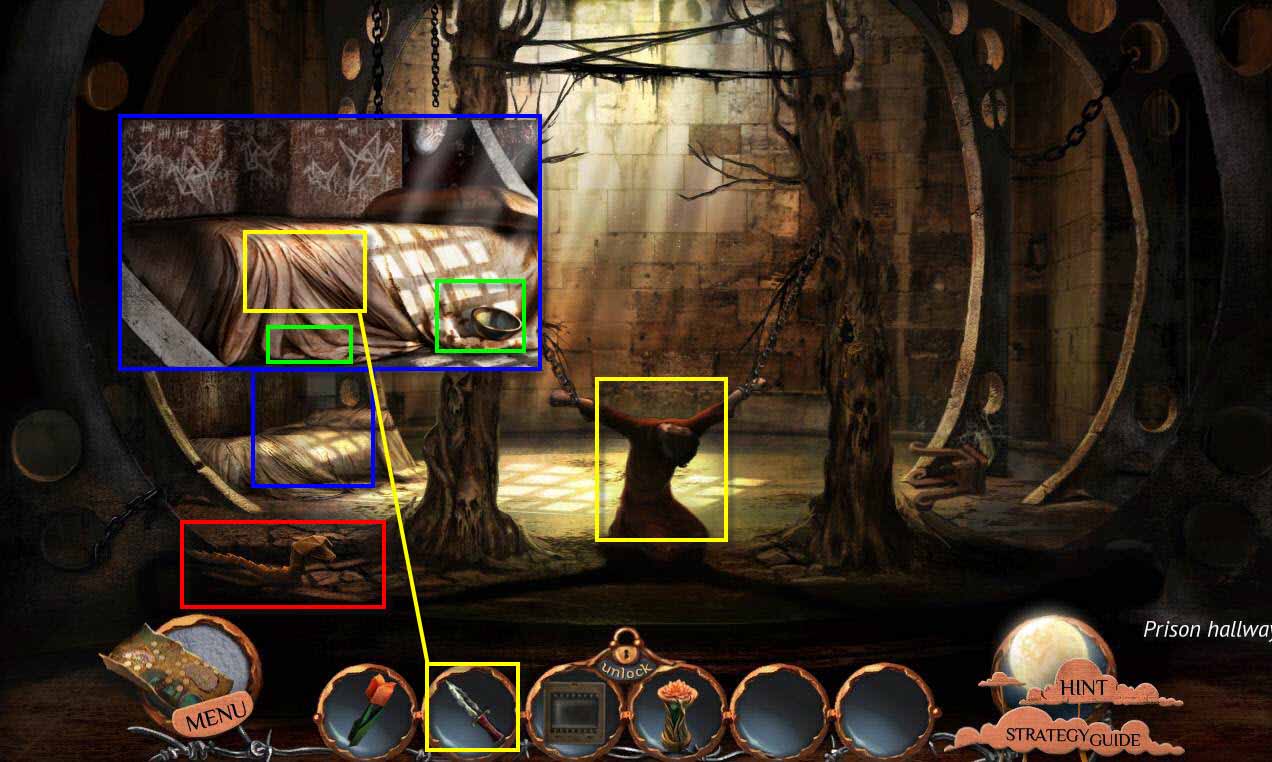
- Click on David to talk to him.
- Click on the bed to zoom in.
- Take the BOWL.
- Take the CLOTH.
- Use the DAGGER on the seam.
- Take the 1/9 PARTS OF DARK ROBE.
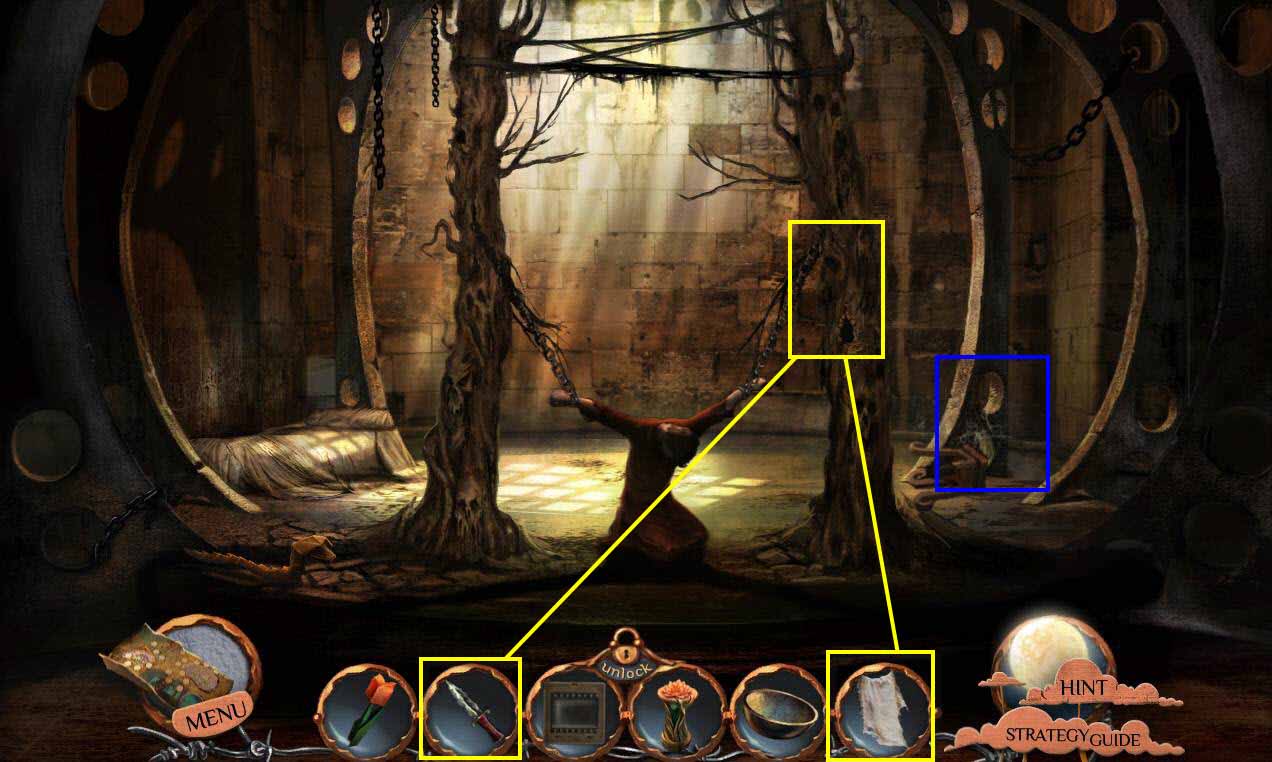
- Click on the hole in the tree to zoom in.
- Use the DAGGER to get rid of the bark.
- Use the CLOTH on the pitch.
- You will receive the CLOTH WITH STICKY PITCH.
- Click in the corner on the right to zoom in.
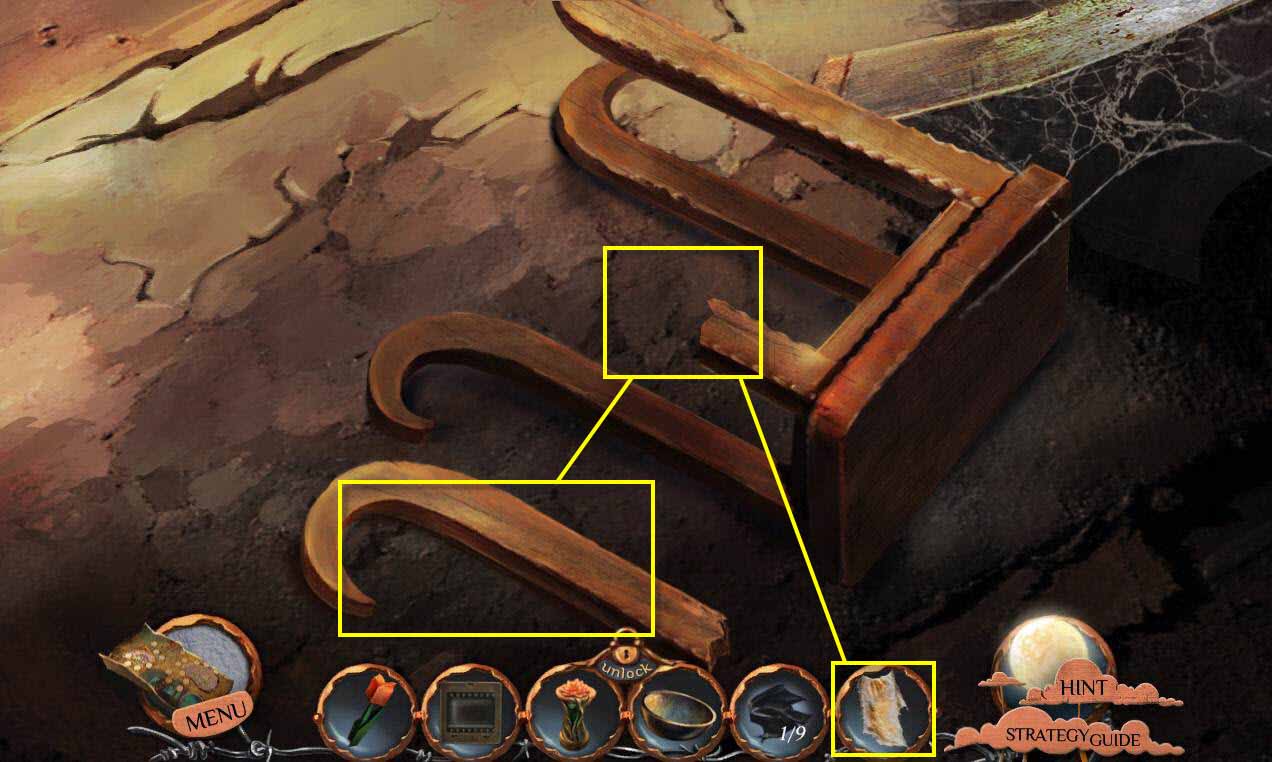
- Put the leg on the stool.
- Use the CLOTH WITH STICKY PITCH on the leg.
- Take the STOOL.
- Go back twice.
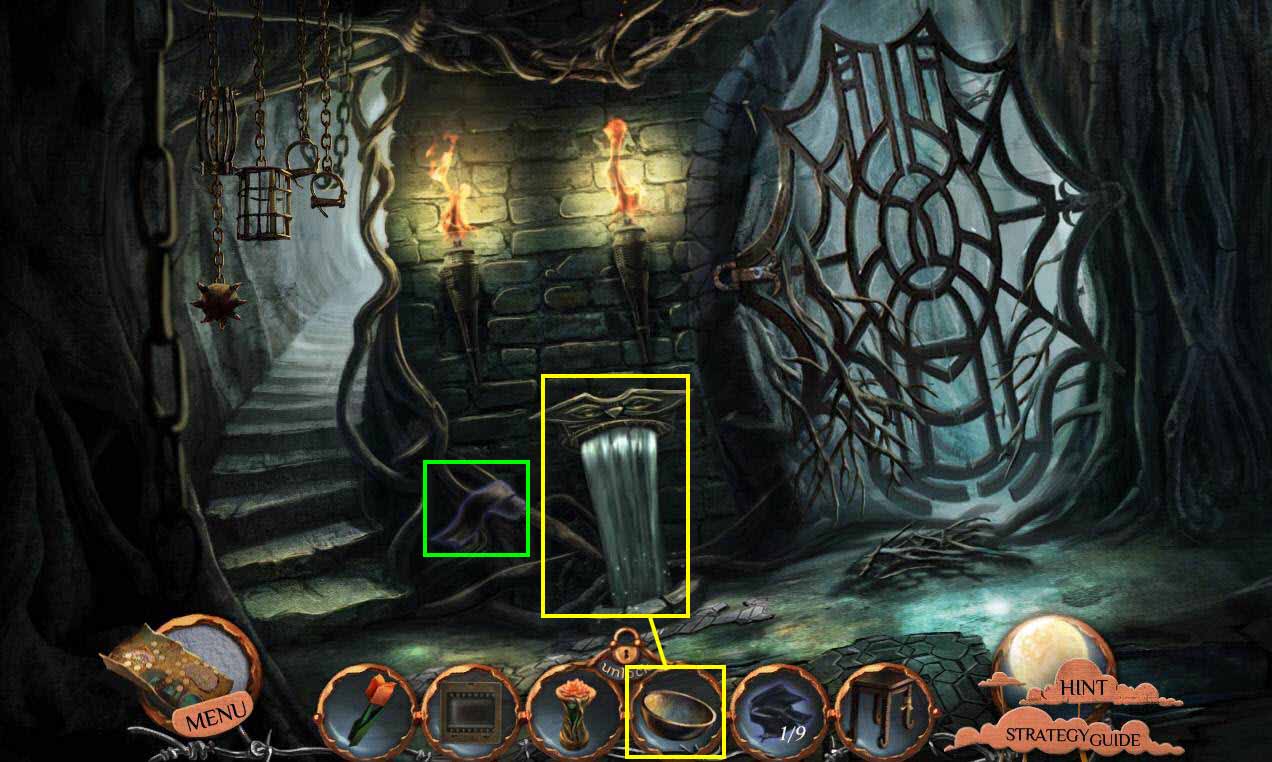
- Click on the fountain to zoom in.
- Use the BOWL on the fountain.
- You will receive the BOWL WITH WATER.
- Take the 2/9 PARTS OF DARK ROBE.
- Go forward one screen.
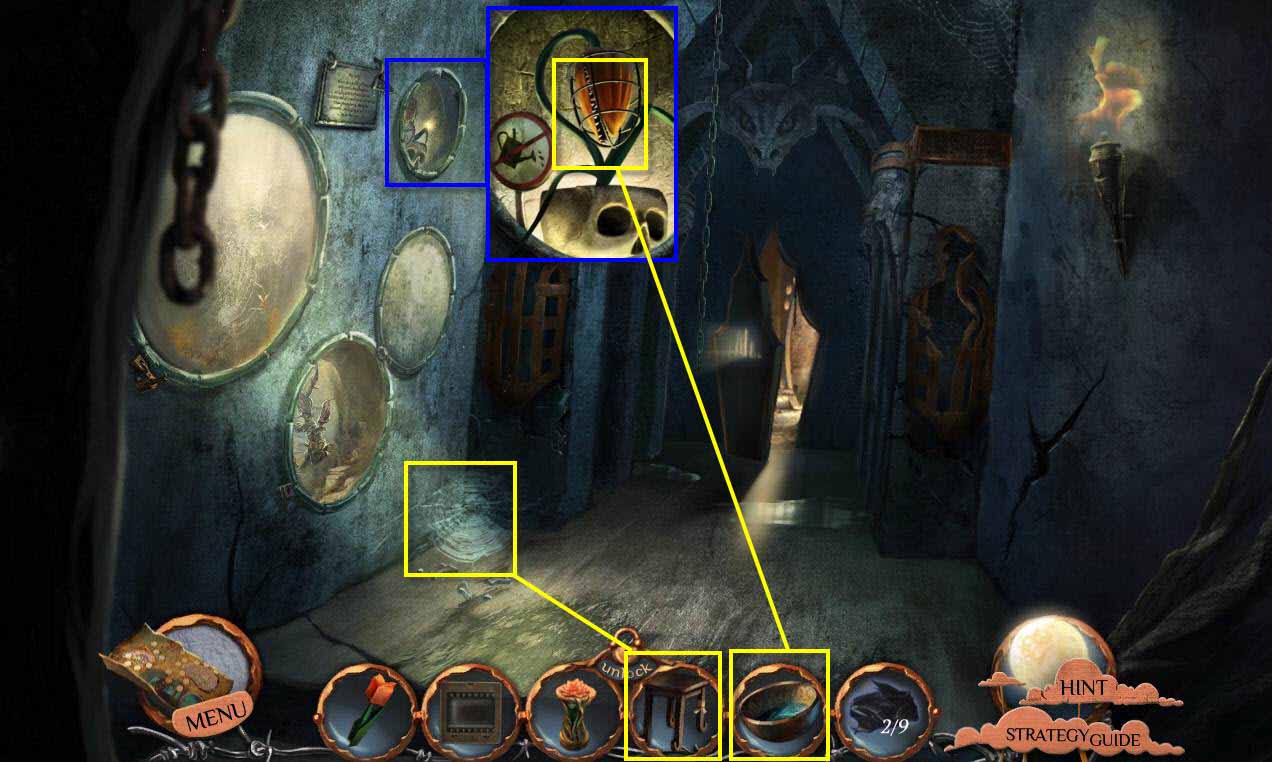
- Use the STOOL on the floor.
- Click on the aquarium to zoom in.
- Use the BOWL WITH WATER on the plant.
- Go back two screens.
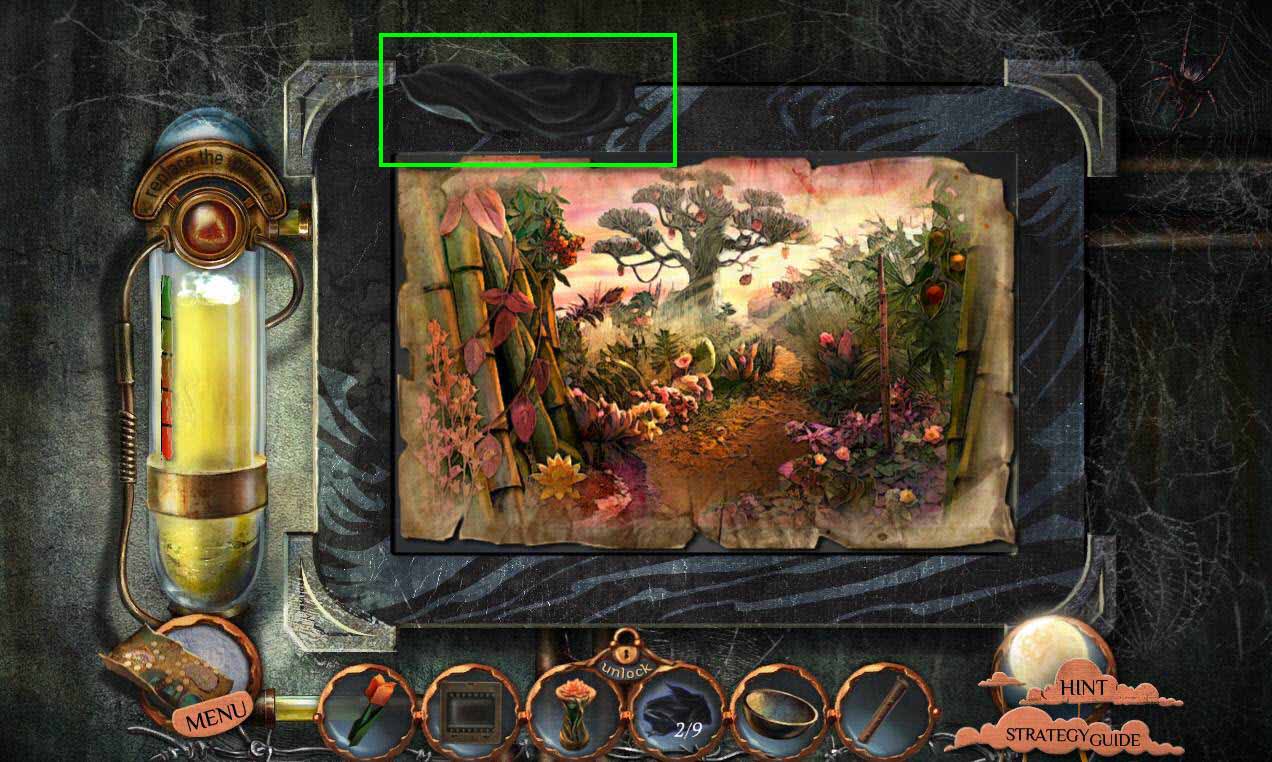
- Click on the painting to zoom in.
- Take the 3/9 PARTS OF DARK ROBE.
- Go into the Dryad's World.
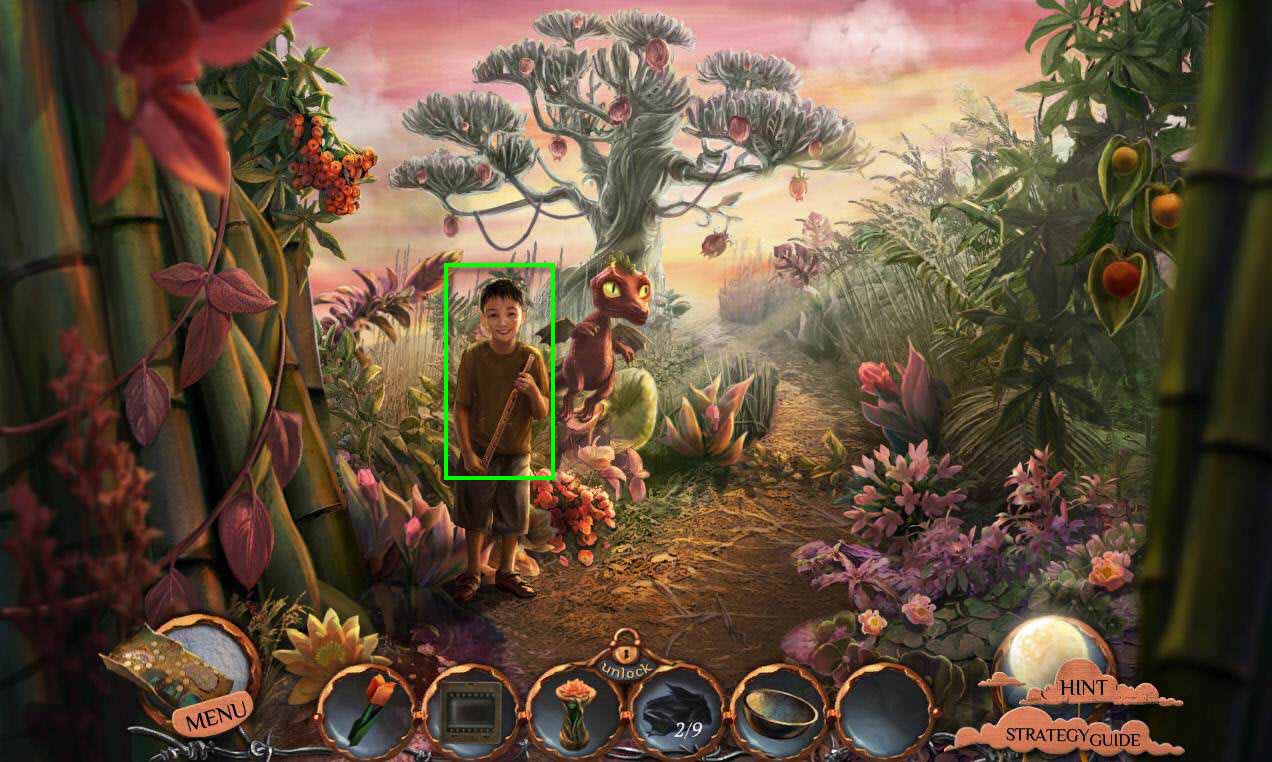
- Click on the boy to talk to him.
- You will receive the FLUTE.
- Go back two screens, then left, forward, then right to the screen with the plants.
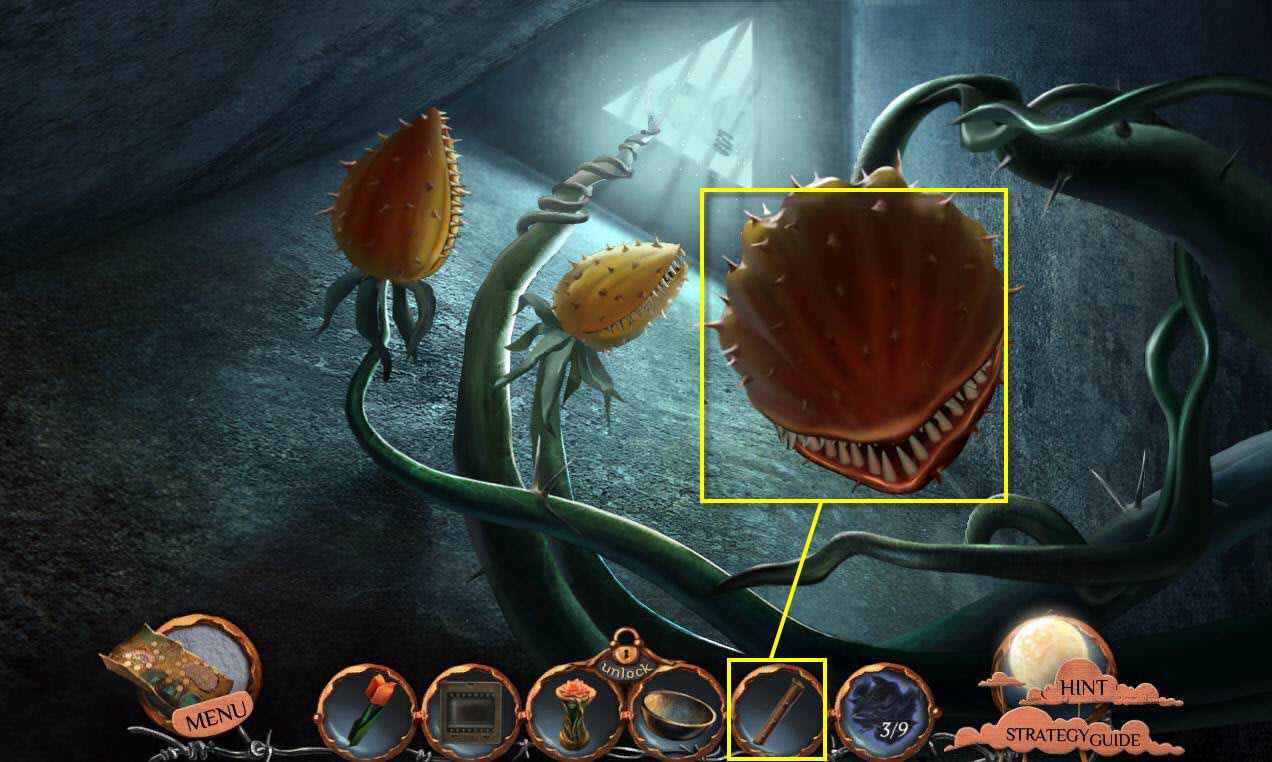
- Use the FLUTE on the plants.
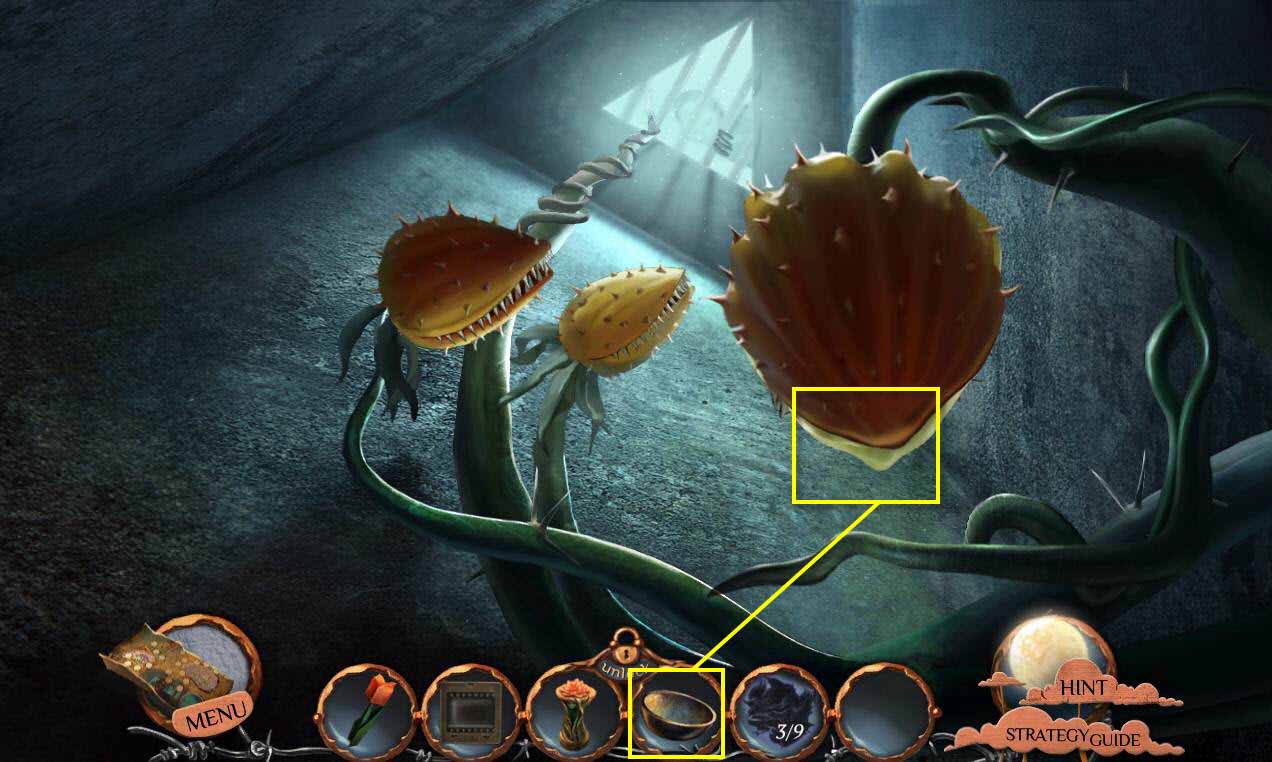
- Use the BOWL on the acid that's dripping.
- You will receive the BOWL WITH ACID.
- Go back one screen.
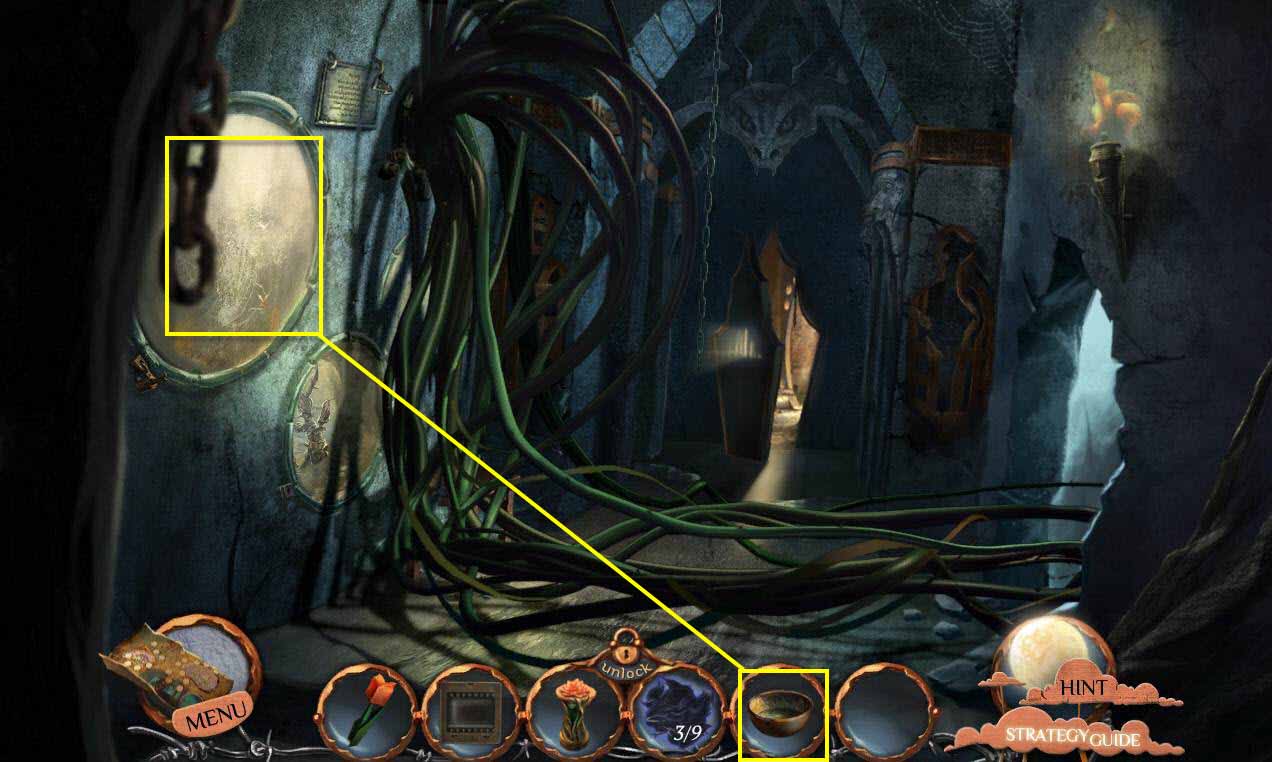
- Click on the aquarium to zoom in.
- Use the BOWL OF ACID on the lock to dissolve it.
- Click to open the cover.
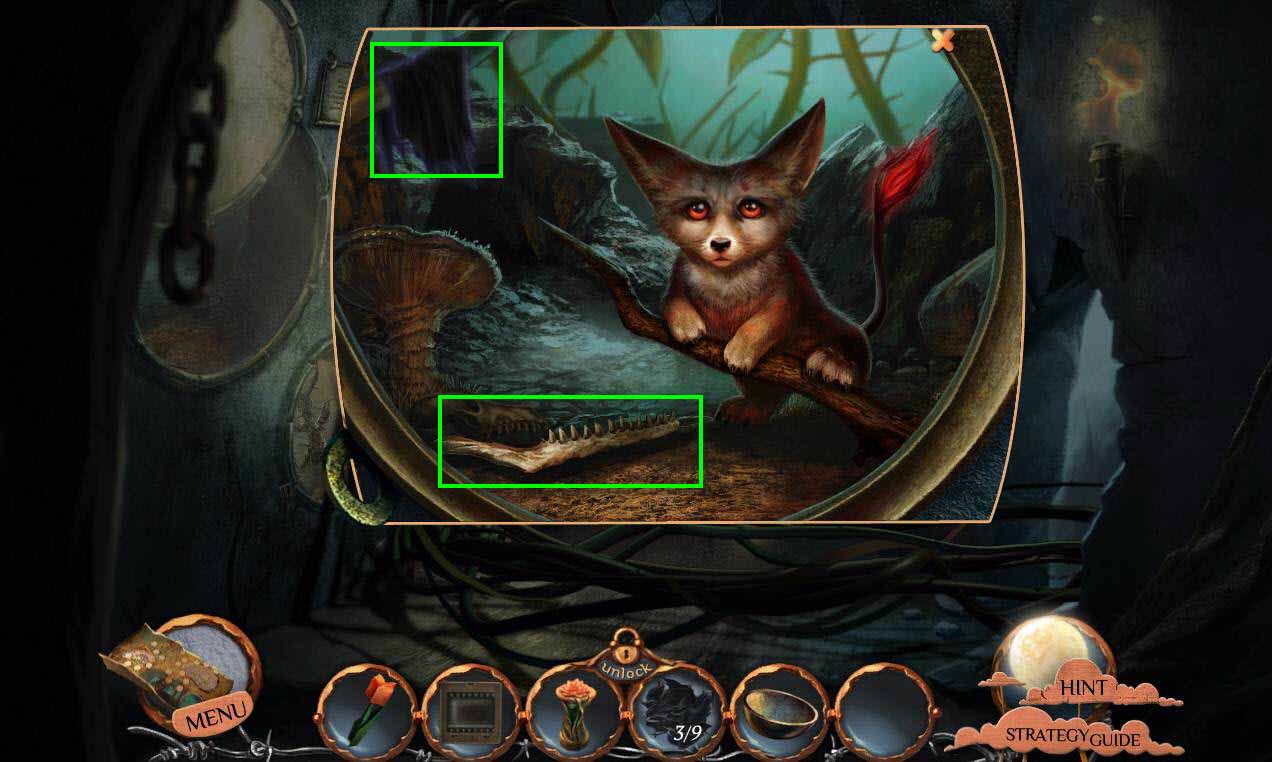
- Take the 4/9 PARTS OF DARK ROBE.
- Take the SHARP JAWBONE.
- Go back and then enter the shaft.
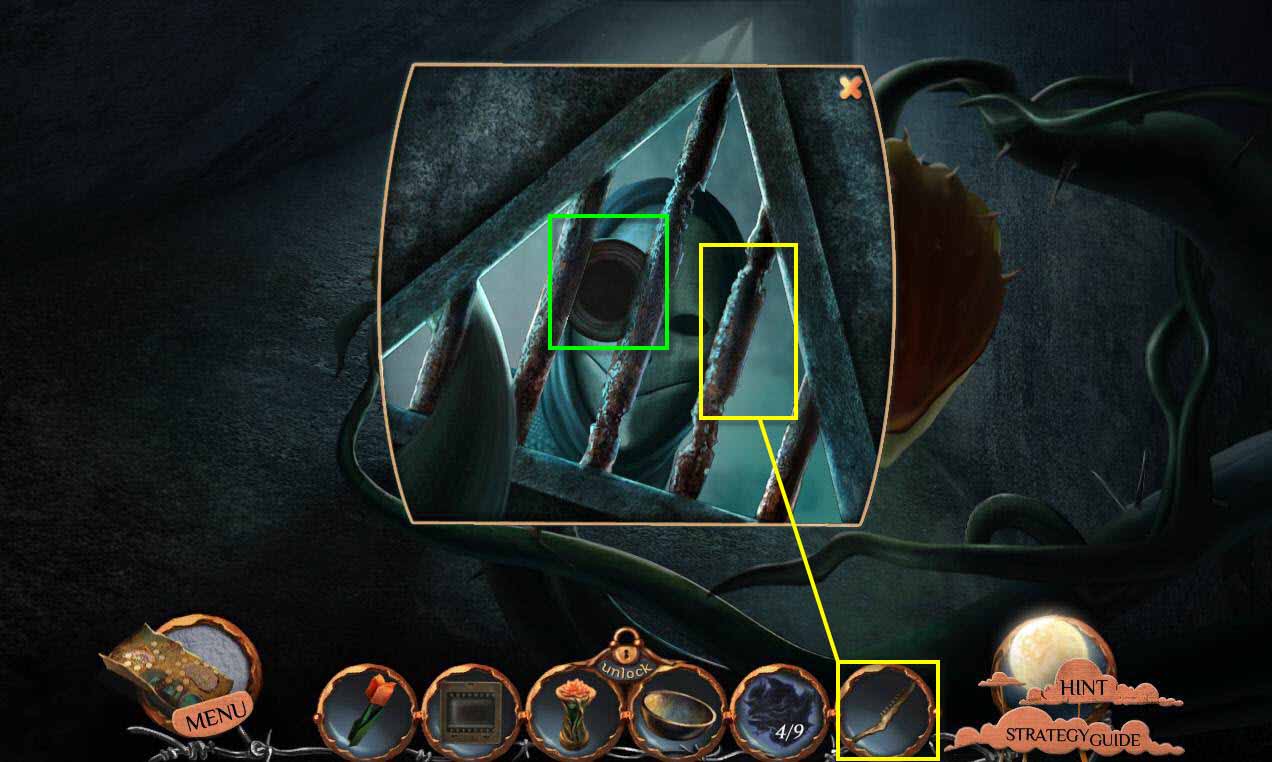
- Click to zoom in on the grate.
- Click to talk to the creature.
- Click on the TIN BOAT a few times to get it.
- Use the SHARP JAWBONE on the bars four times.
- Go forward one screen.
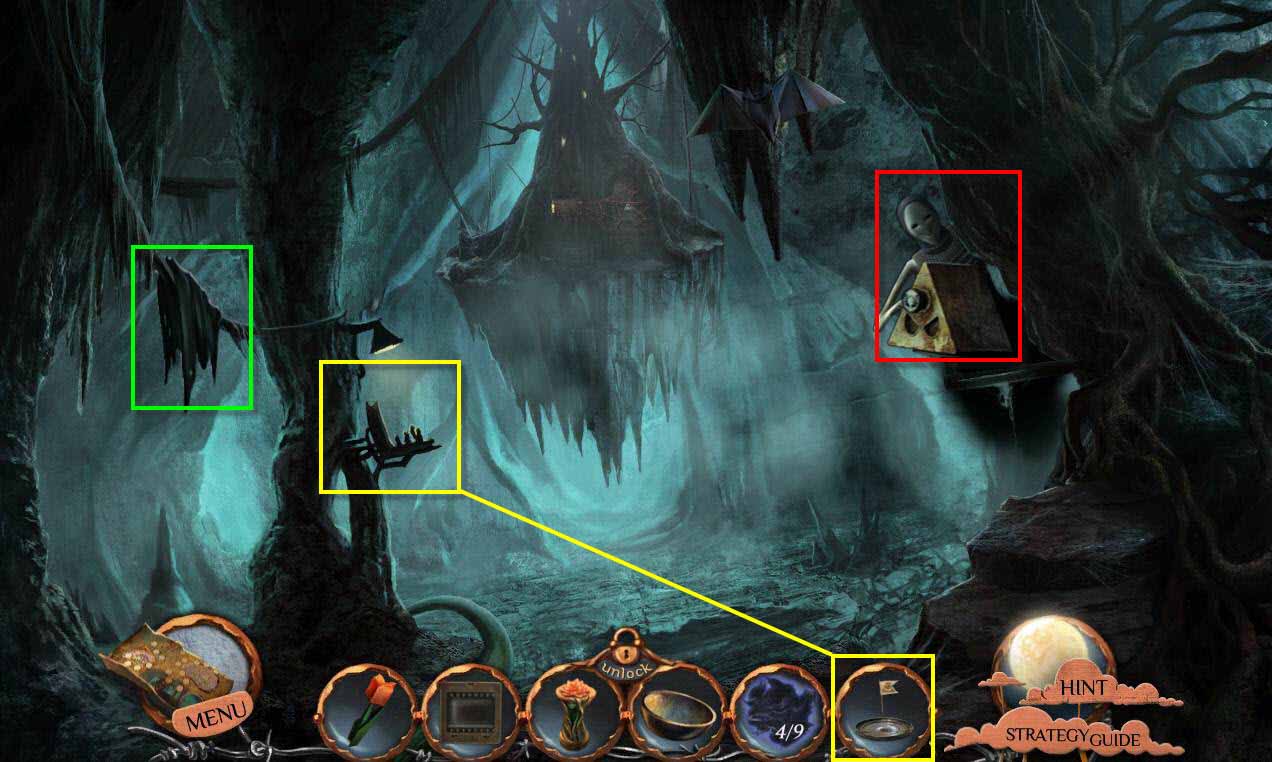
- Click to scare the creature away.
- Take the 5/9 PARTS OF DARK ROBE.
- Click on the doll stand to zoom in.
- Use the TIN BOAT on the water.
- This will start a mini-game.
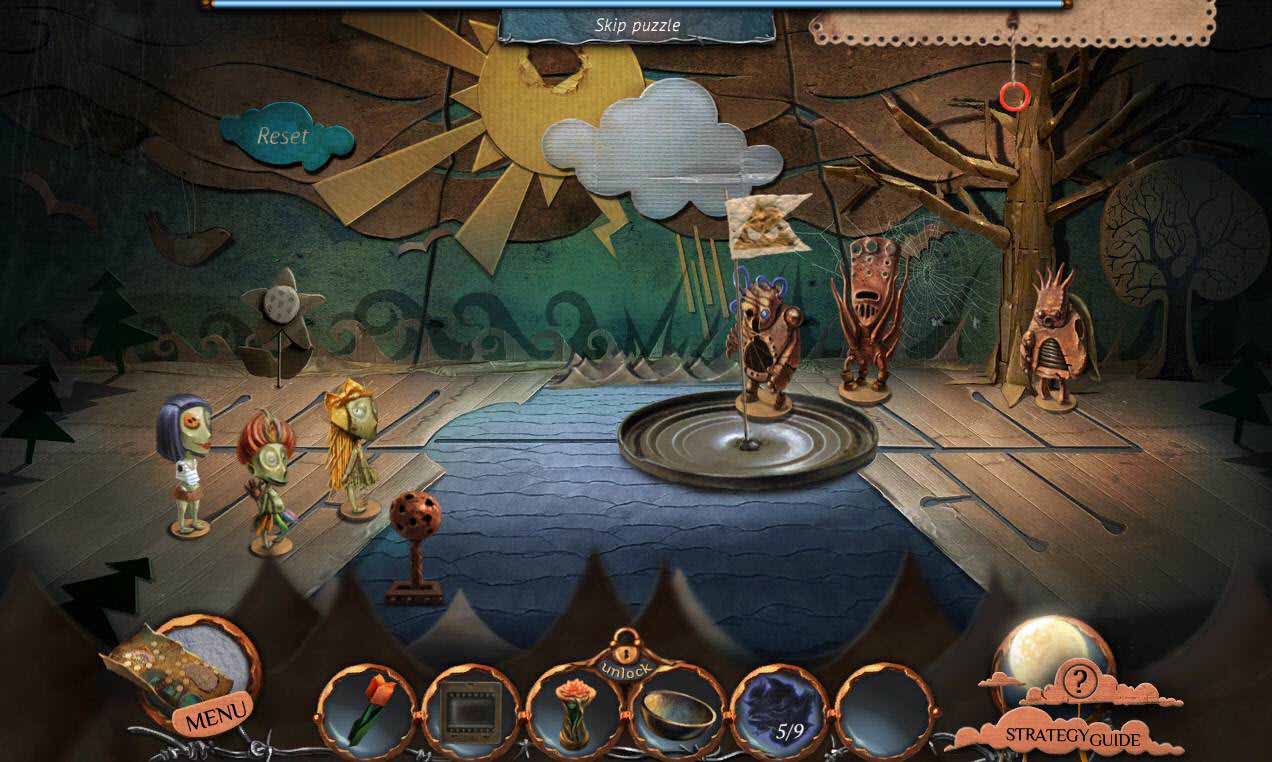
- The goal of the game is to move the children and the monsters over the water.
- Click on the cord on the right to see the rules.
- This is your classic puzzle game where you have to move the children across the water without the monsters eating them.
- Kids can't cross with monsters and there can't be more monsters than kids on any shore.
- Put 2 monsters on to the boat, click the lever to move the boat to the other shore.
- Move 1 monster from the boat to the right shore; click the lever to move the boat back to the left shore.
- Move 1 monster from the left to the boat; click the lever.
- Move 1 monster to the right shore; click the lever.
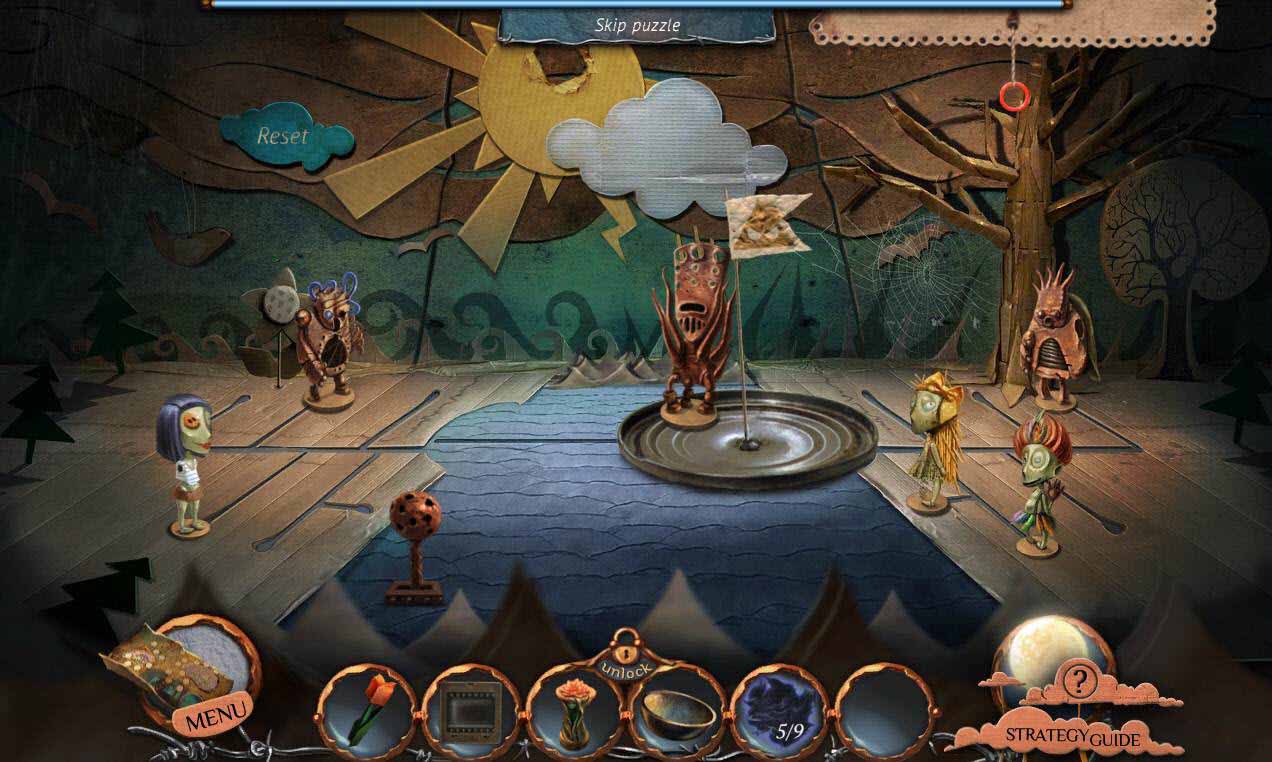
- Move 1 monster from the boat to the left shore.
- Move 2 children to the boat; click on the lever.
- Move 2 children to the right shore, move a monster to the boat; click the lever.
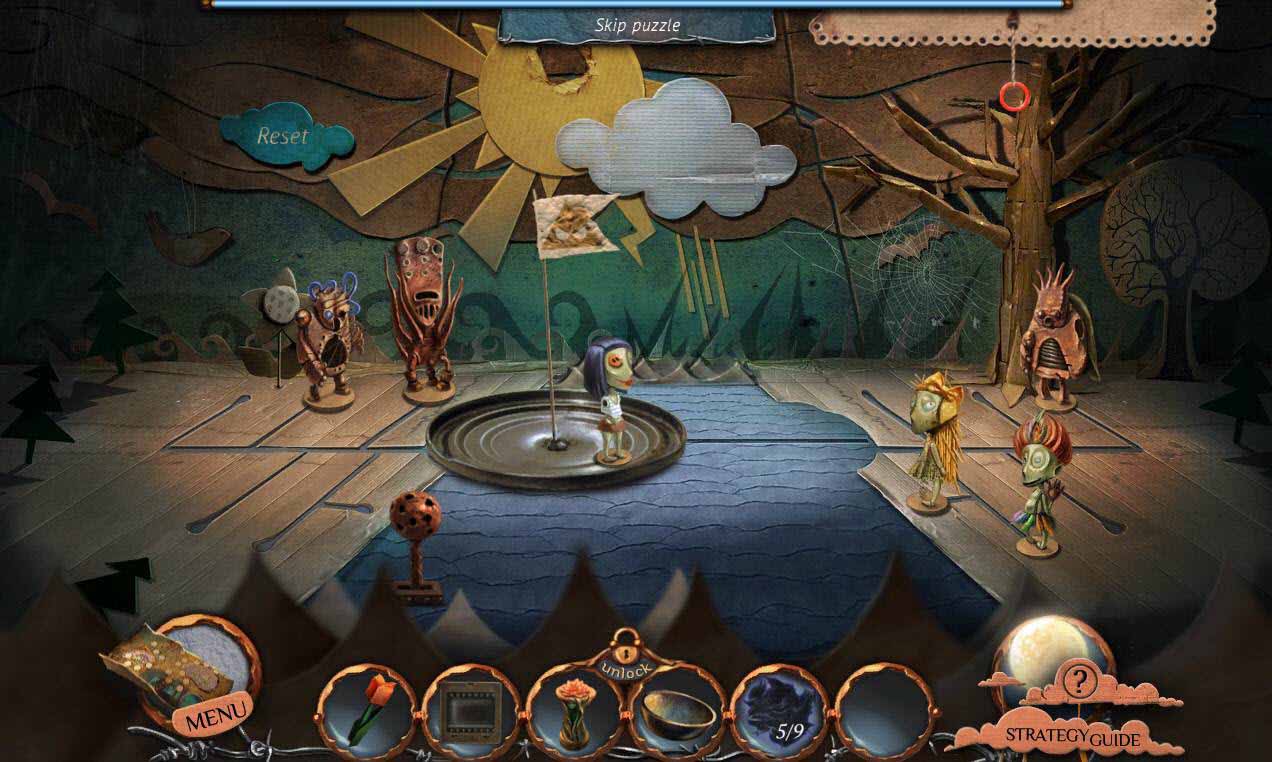
- Move 1 monster to the left shore; move a child to the boat, click the lever.
- Move the child to the right shore, move the monster to the boat, click the lever.
- Move 1 monster to the boat; click the lever.
- Move 1 monster from the left to the boat; click the lever.
- Move the two monsters from the boat to the right.
- Go forward one screen.
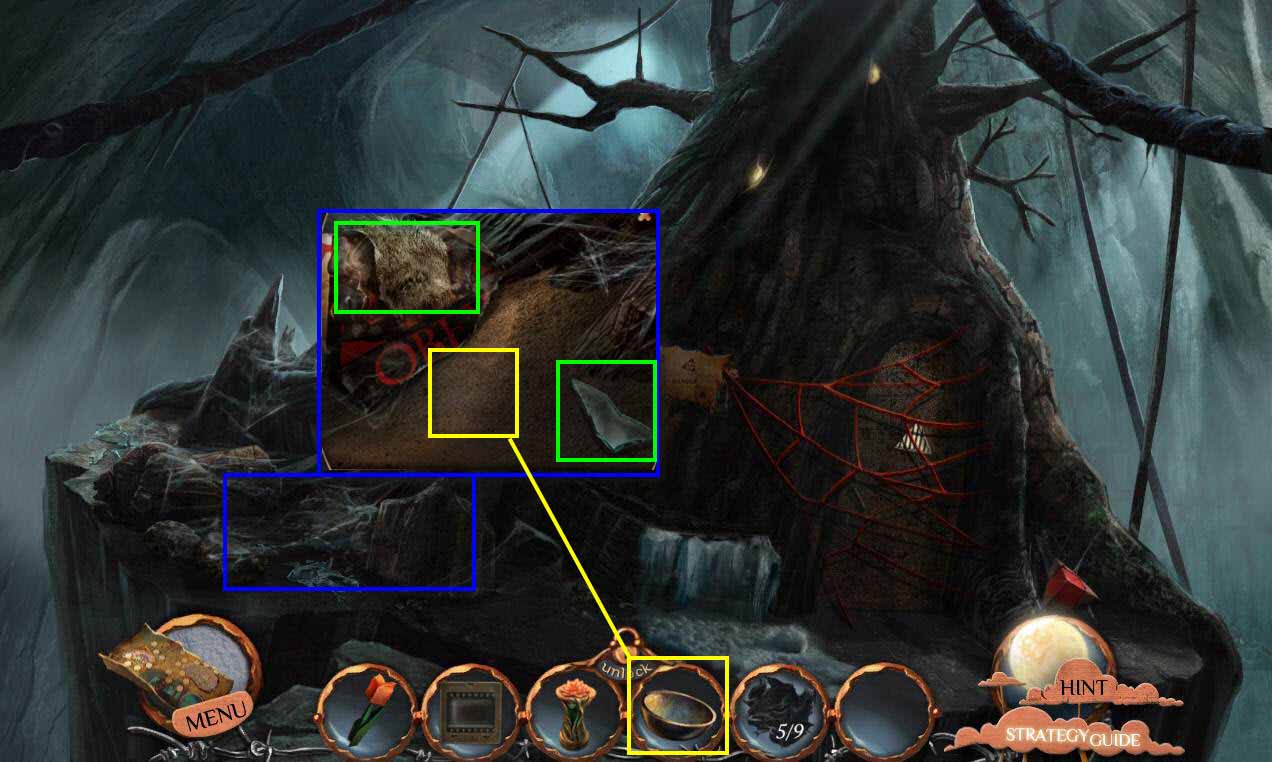
- Click to zoom in on the sand.
- Take the GLASS SHARD.
- Take the FUR PIECE.
- Use the BOWL on the sand.
- You will receive the BOWL WITH SAND.
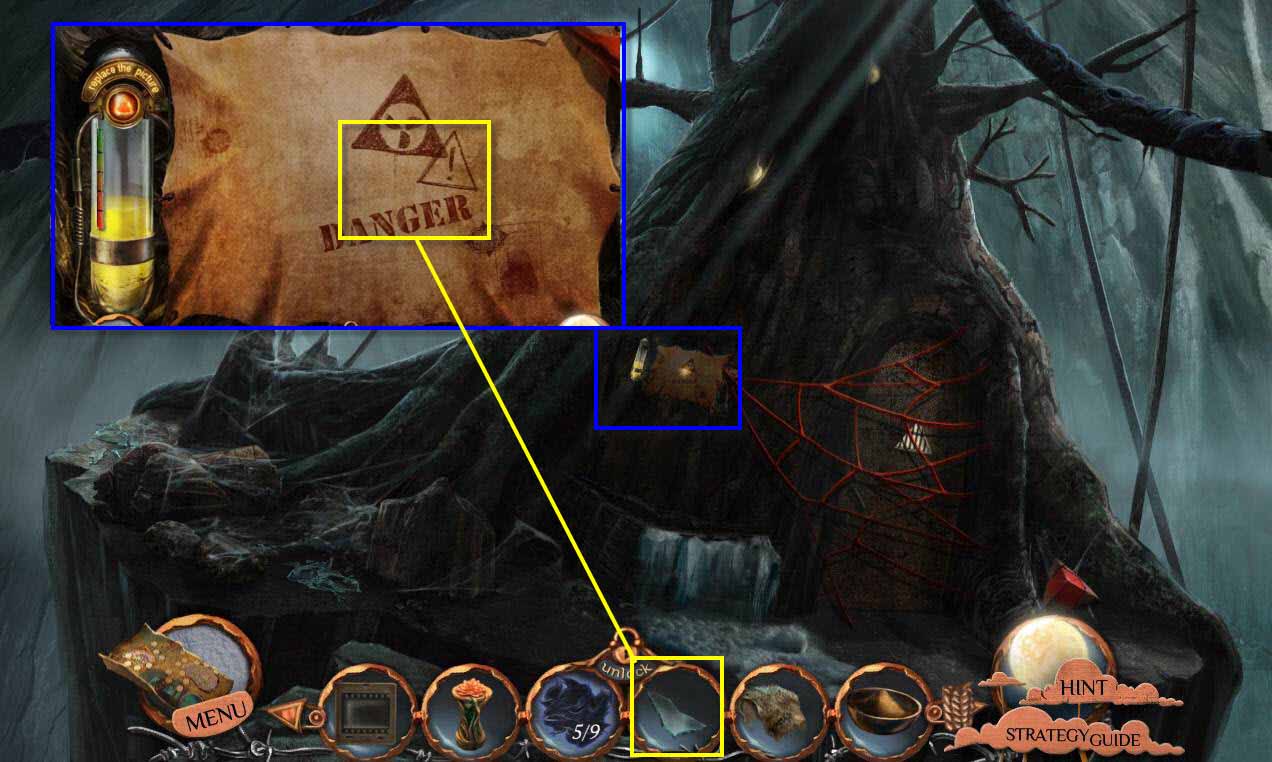
- Click on the painting to zoom in.
- Use the GLASS SHARD on the cover.
- Exit the painting view and click to zoom in on the basin.
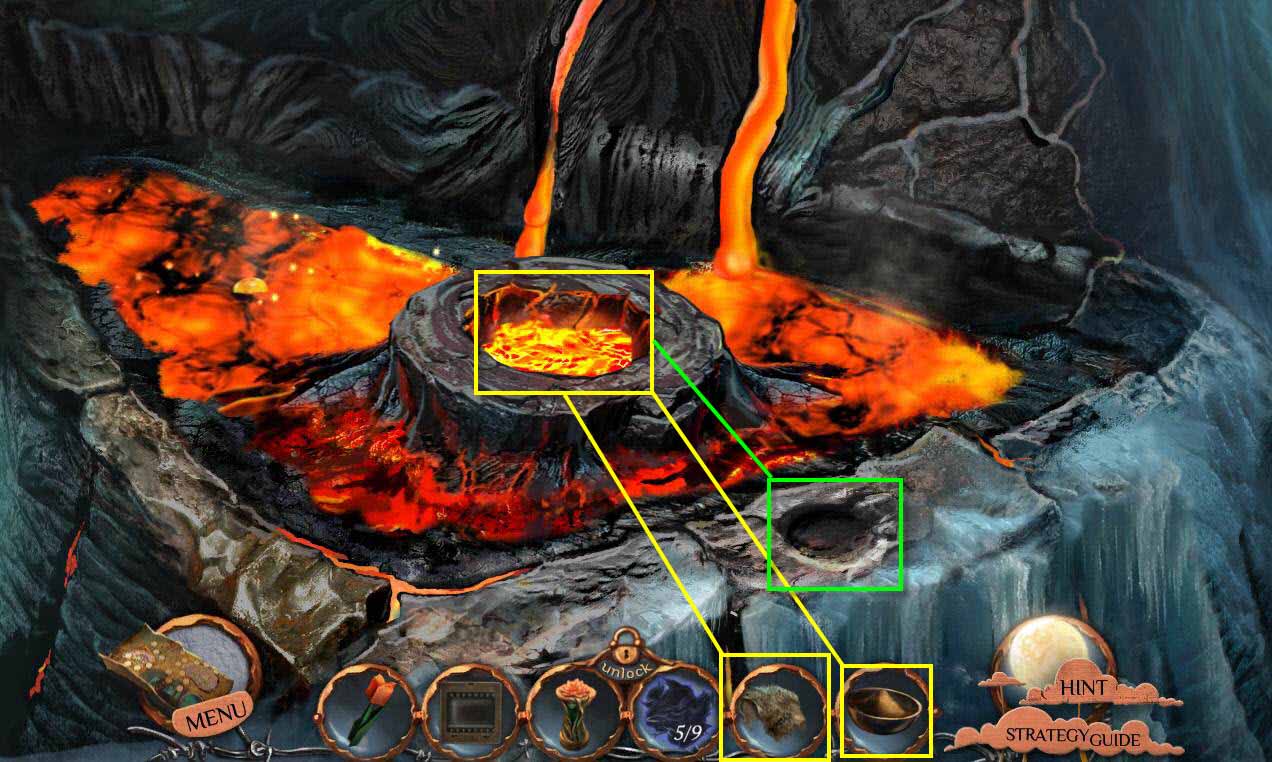
- Use the BOWL WITH SAND on the basin center.
- Use the FUR PIECE to pick up the bowl and pour the sand in the circle.
- Use the FUR PIECE on the lens circle.
- Take the LENS.
- Go back one screen.
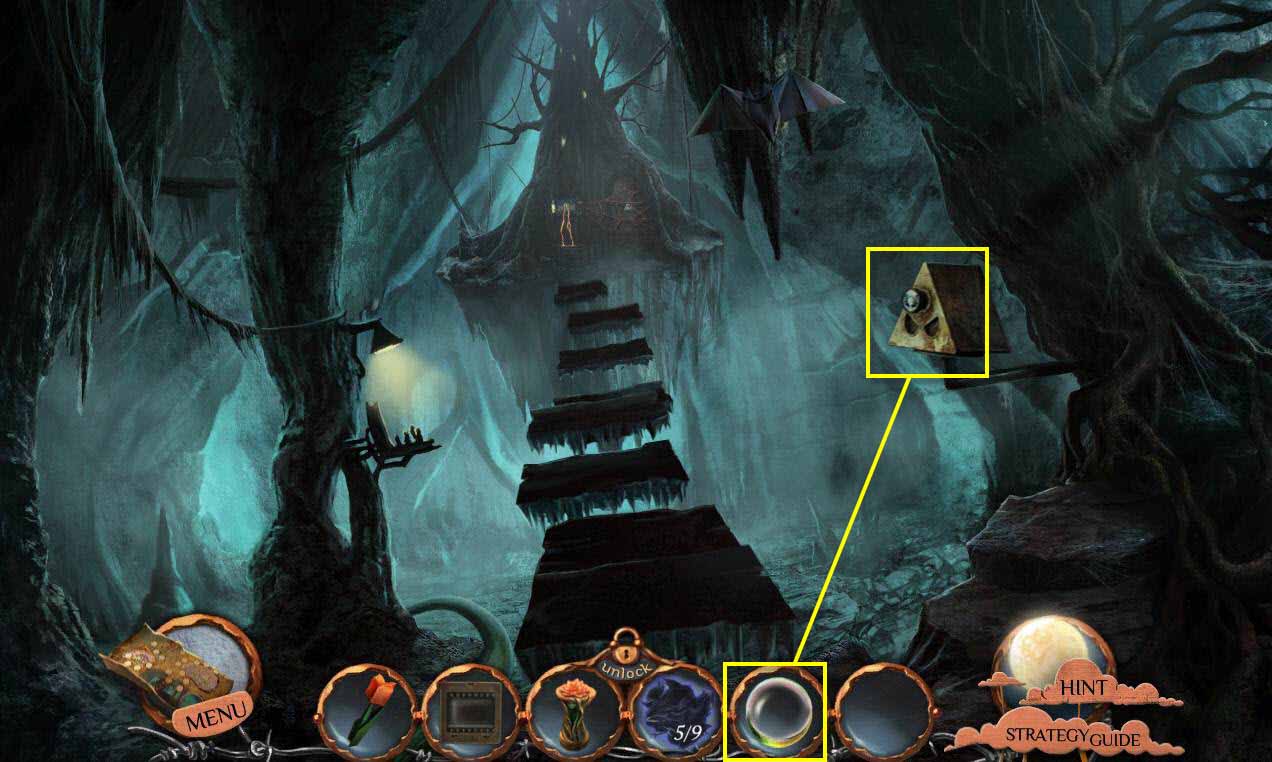
- Click on the projector to zoom in.
- Use the SLIDE on the side.
- Use the LENS on the projector.
- Go forward one screen.
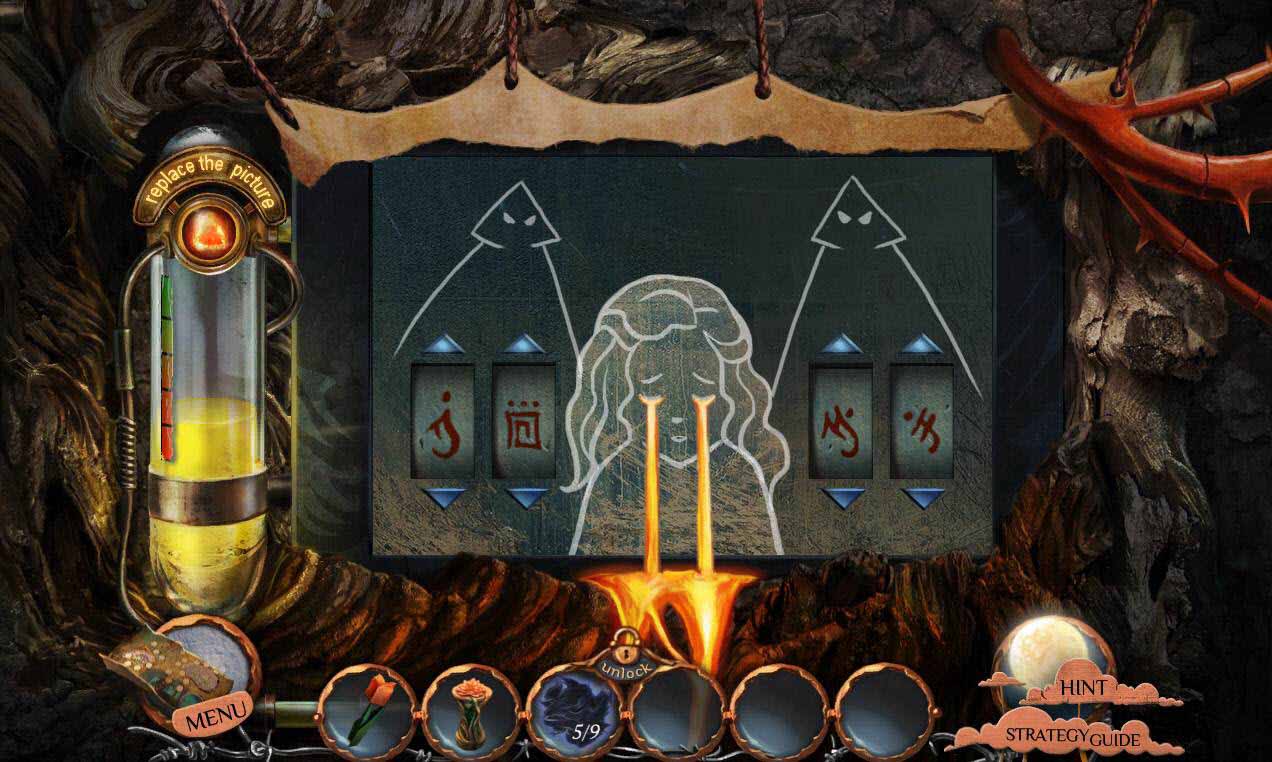
- Take note of the code.
- Click on the painting to zoom in.
- Enter the code using the buttons.
- Enter the painting.
Comments will load when you reach this part of the walkthrough.