
Chapter Ten: Philip
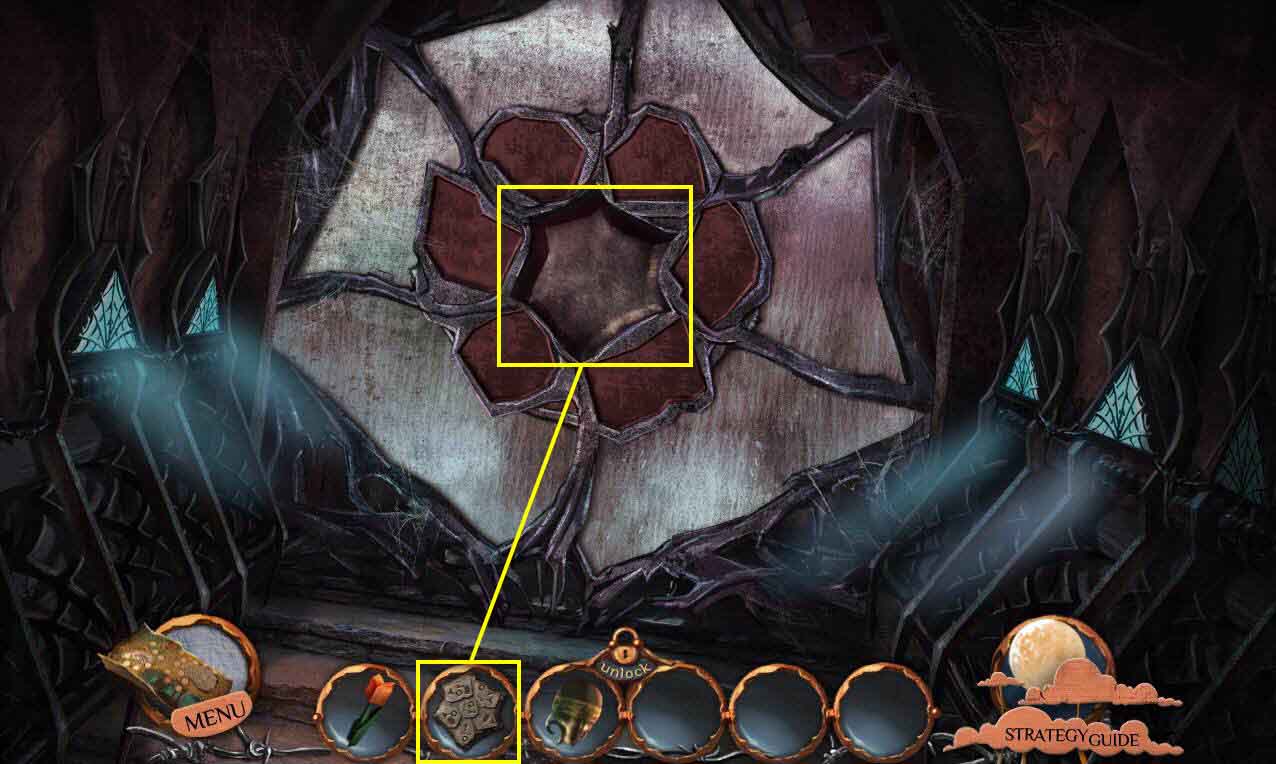
- Use the ANCIENT TABLET on the slot.
- This will start a mini-game.
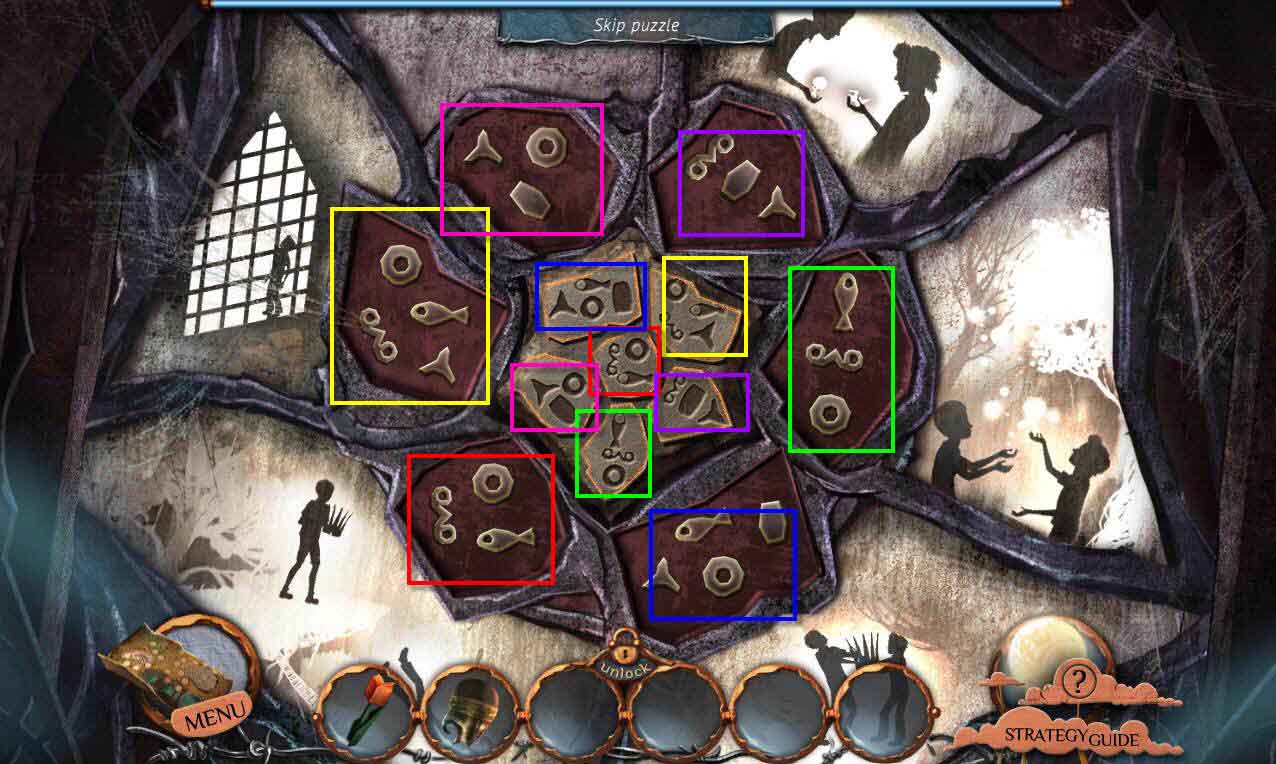
- The goal of the game is to move the symbols on the outside so that they match the sections on the inside.
- See the screenshot for the solution.
- Go forward.
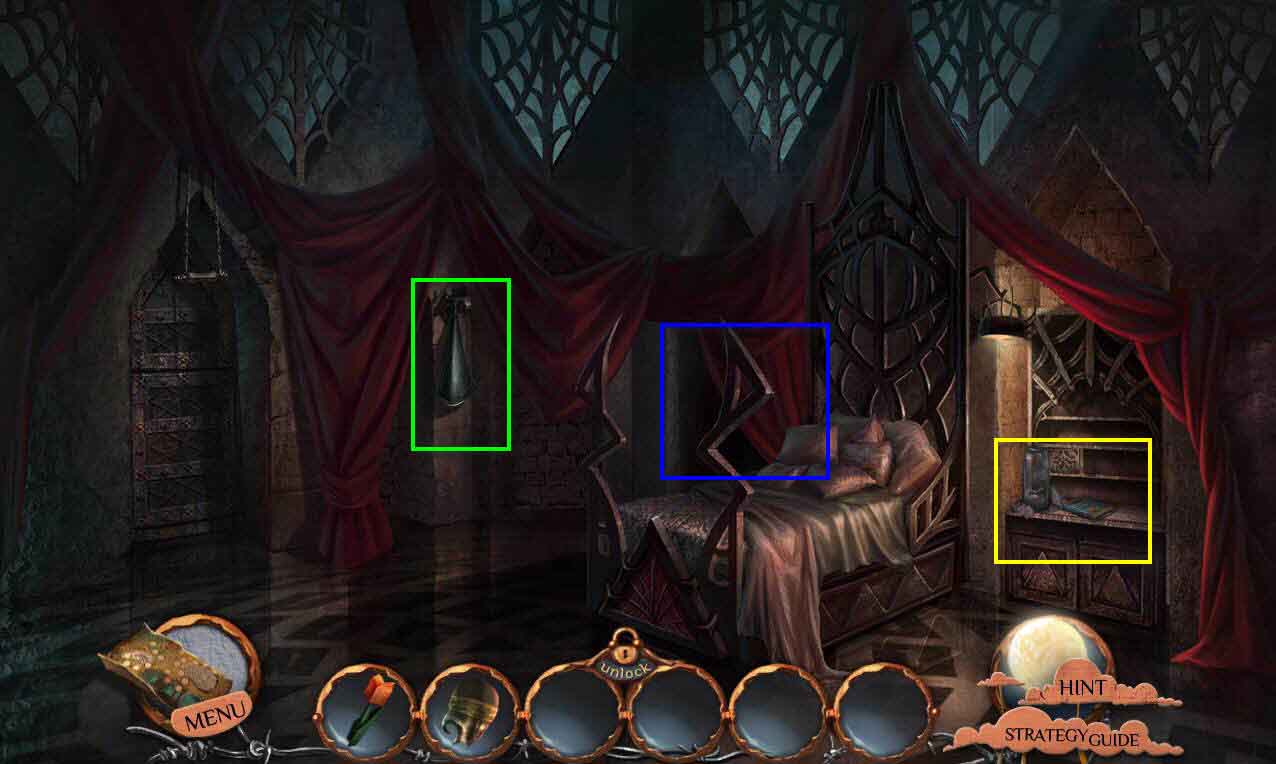
- Take the PHONOGRAPH HORN.
- Click to zoom in on the bureau.
- Click to open the book.
- Take the ARROW KEY.
- Click on the drawer to open it.
- Take the INHALER.
- Zoom out.
- Click on the bed to zoom in.
- Click on the curtain to move it.
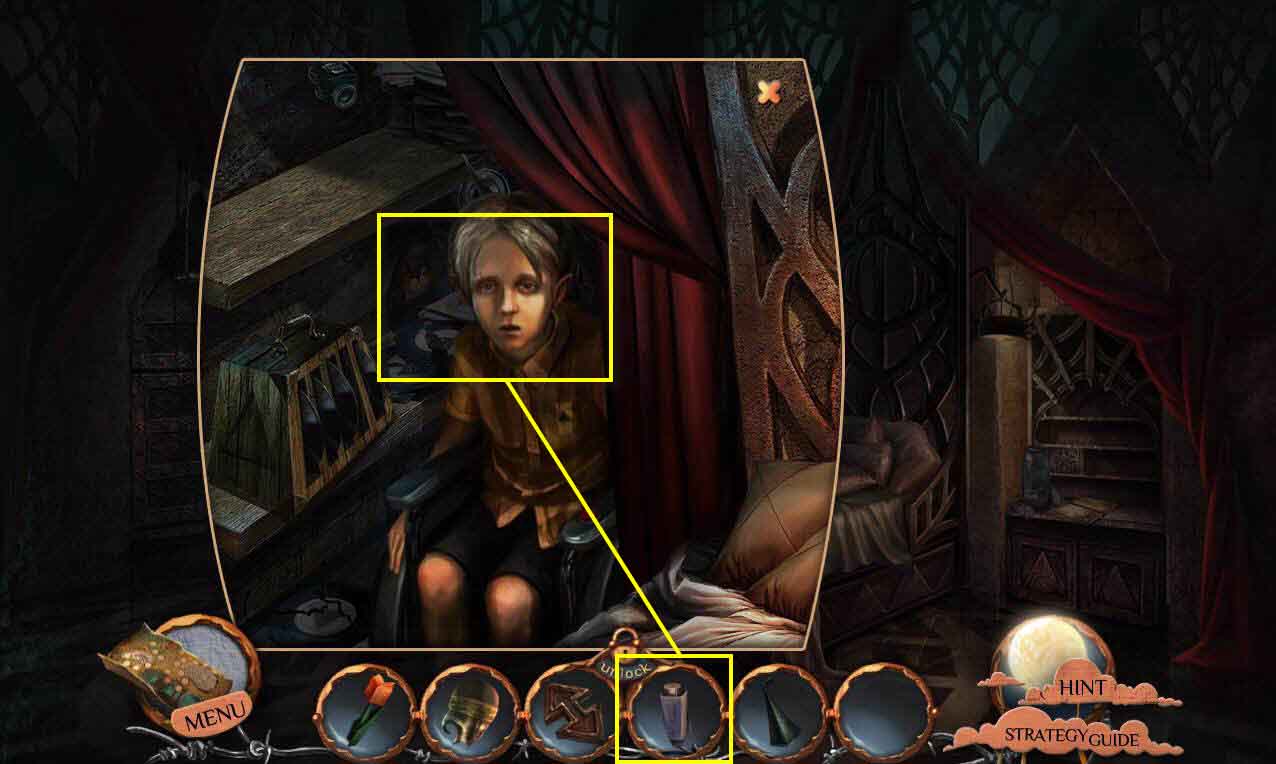
- Click on Philip to talk to him.
- Use the INHALER on Philip.
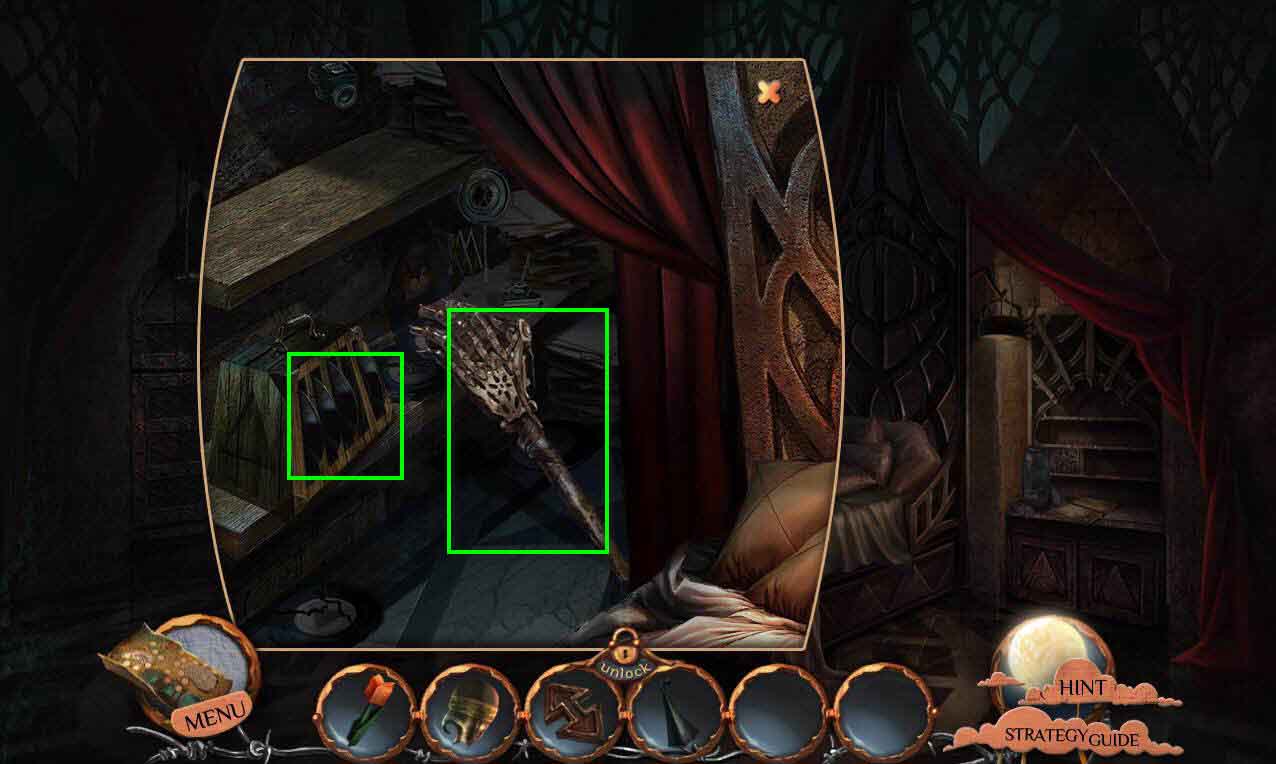
- Click on the bed again to zoom in.
- Take the MECHANICAL ARM.
- Take the VINYL-RECORD CASE.
- Talk to Philip again.
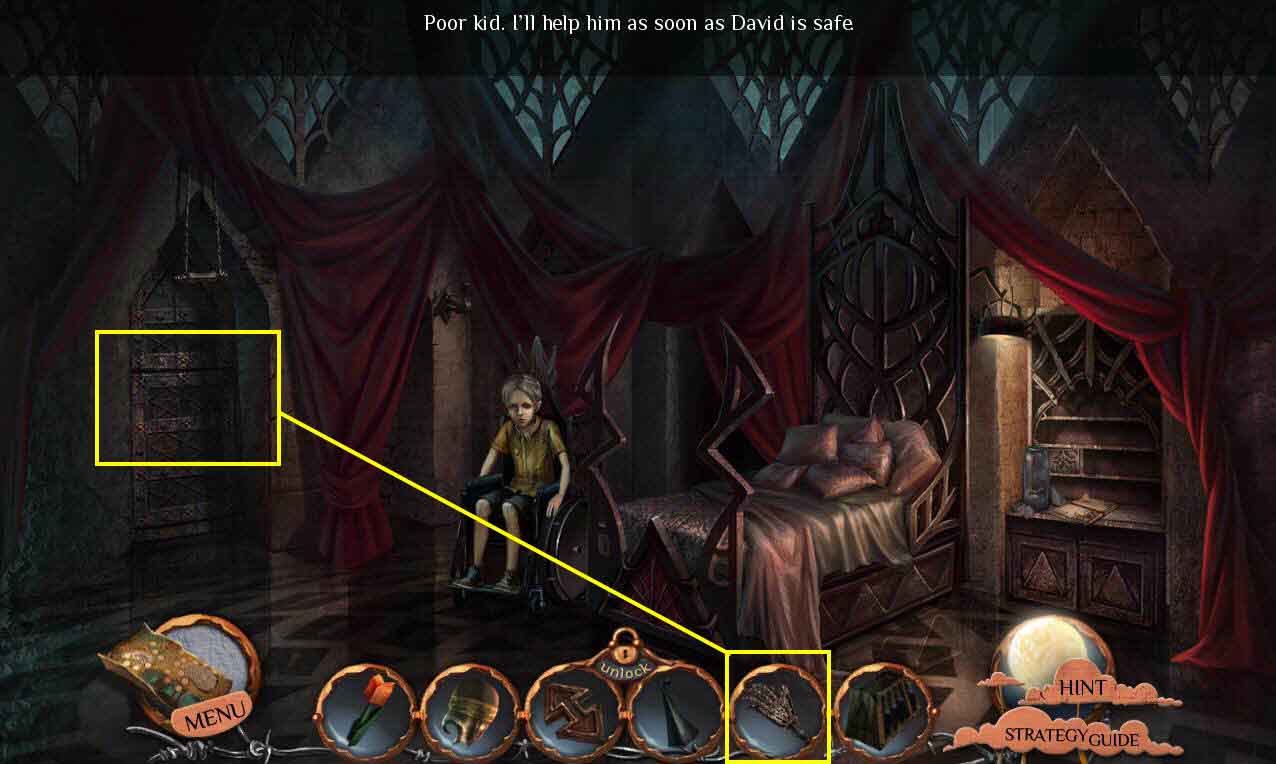
- Click on the door to zoom in.
- Use the MECHANICAL ARM on the handle.
- Go through the door.
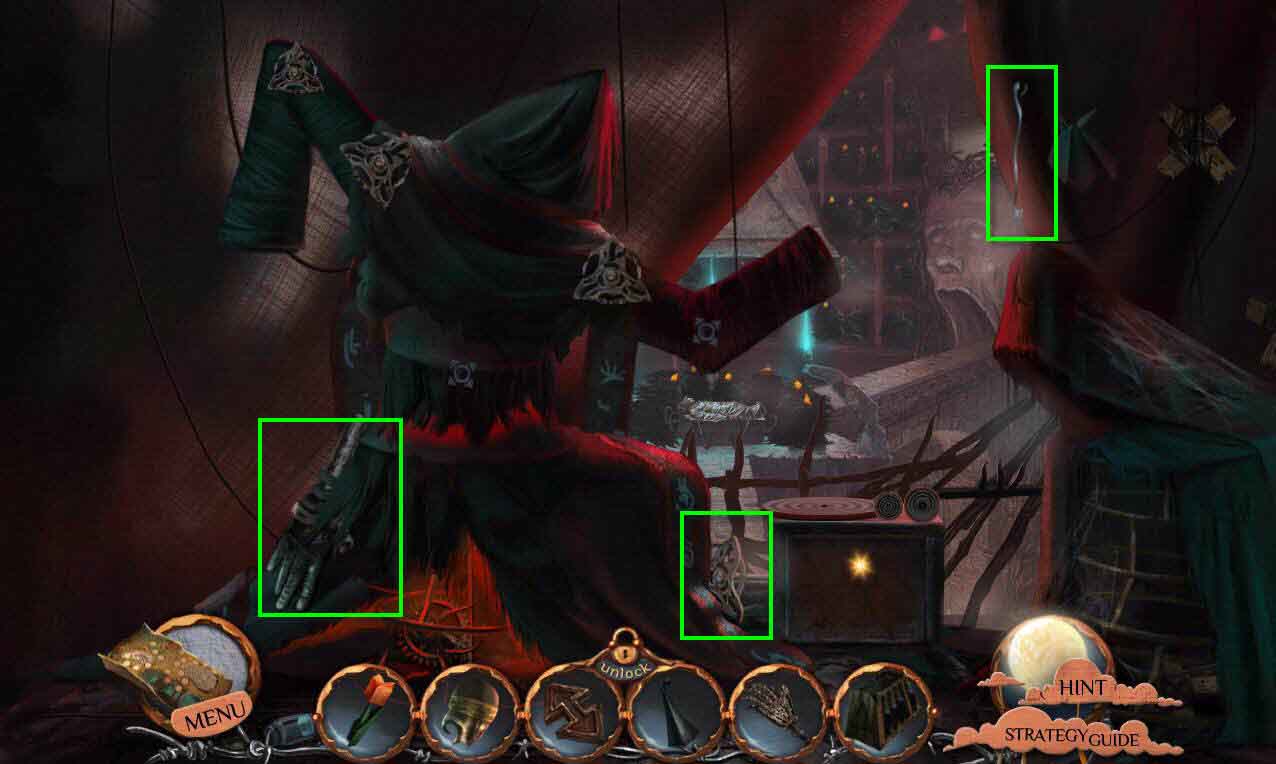
- Take the MECHANICAL ARM.
- Take the PUPPET CONTROLLER.
- Take the HOOKED WIRE.
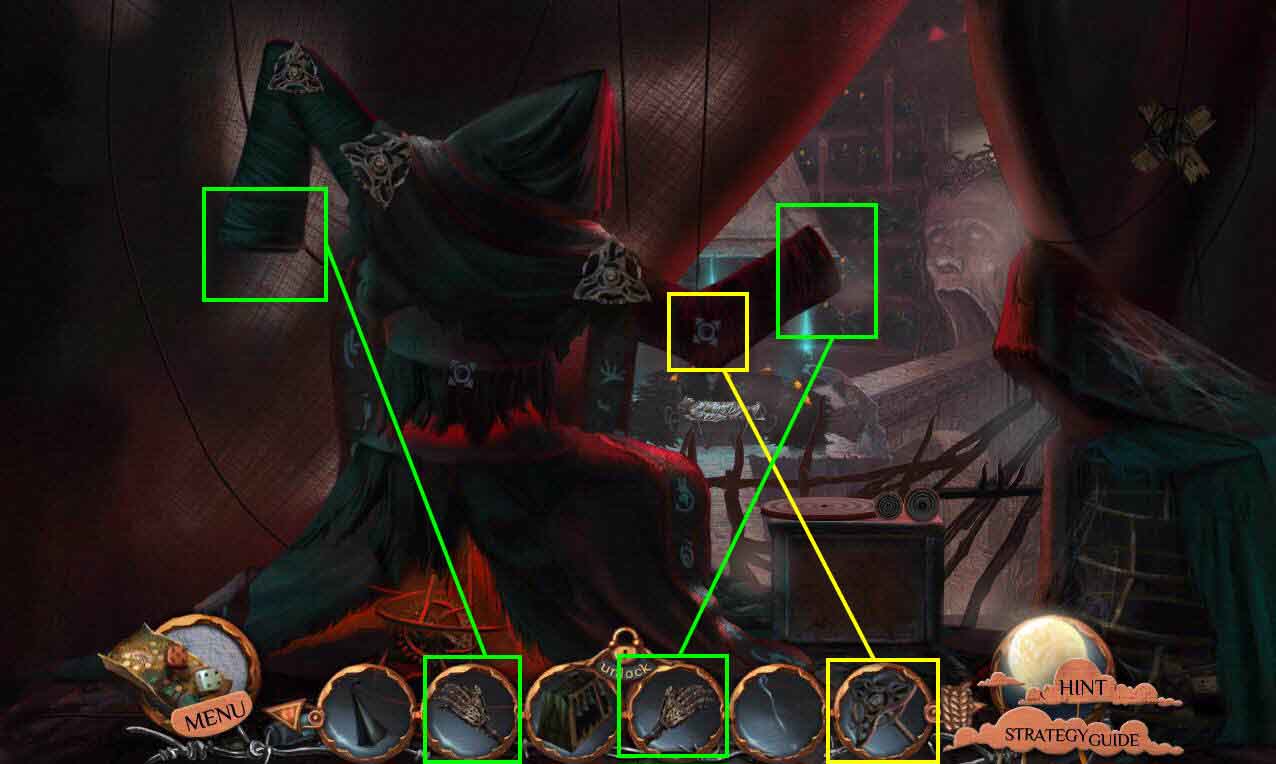
- Use the PUPPET CONTROLLER on the puppet.
- Use the MECHANICAL ARMS on the puppet.
- Go back three screens.
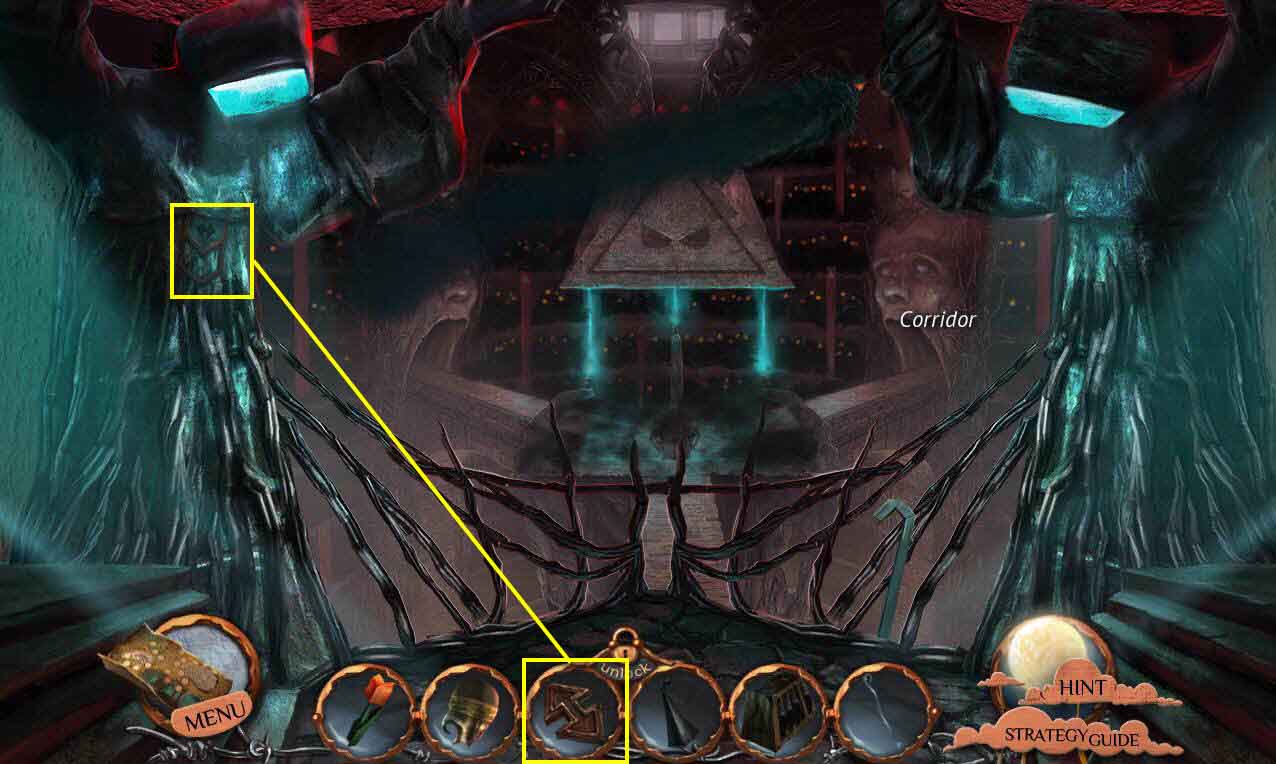
- Click to zoom in on the indentation on the left.
- Use the ARROW KEY on the empty slot.
- Take the LIGHT BULB.
- Go back to the right and then forward again.
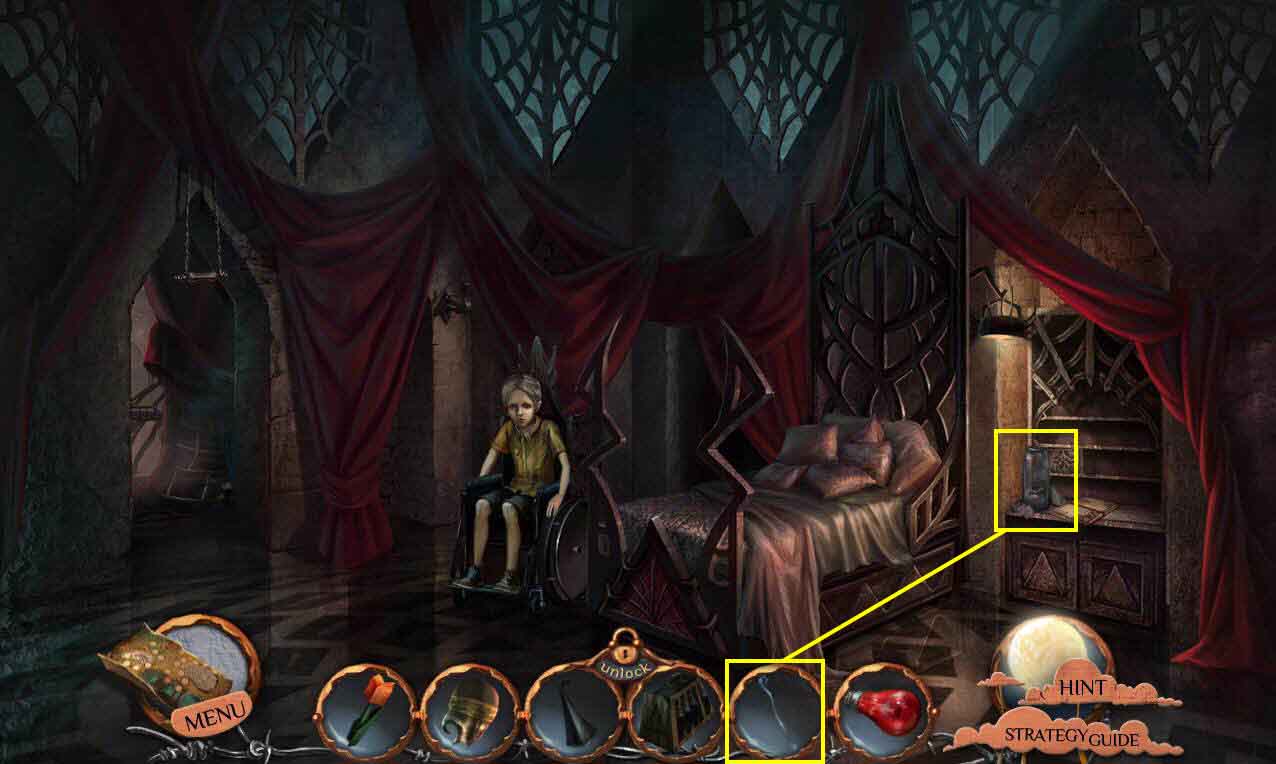
- Click on the bureau again to zoom in.
- Use the HOOKED WIRE on the scorpion jar.
- You will receive the PUPPET CONTROLLER.
- Go back out on the balcony.
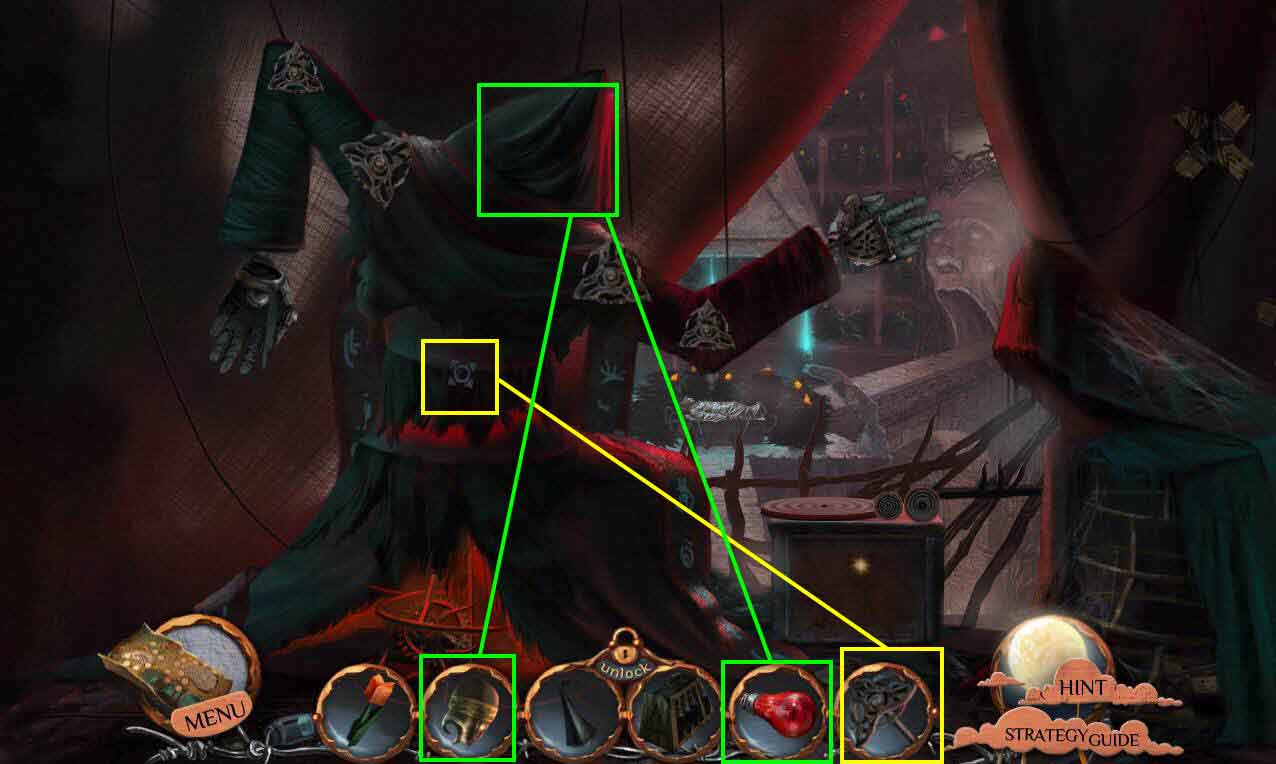
- Use the PUPPET CONTROLLER on the puppet.
- Click on the hood to zoom in.
- Remove the broken mask.
- Use the LIGHTBULB and the CURATORS MASK on the puppet.
- Take the STARTING HANDLE that drops.
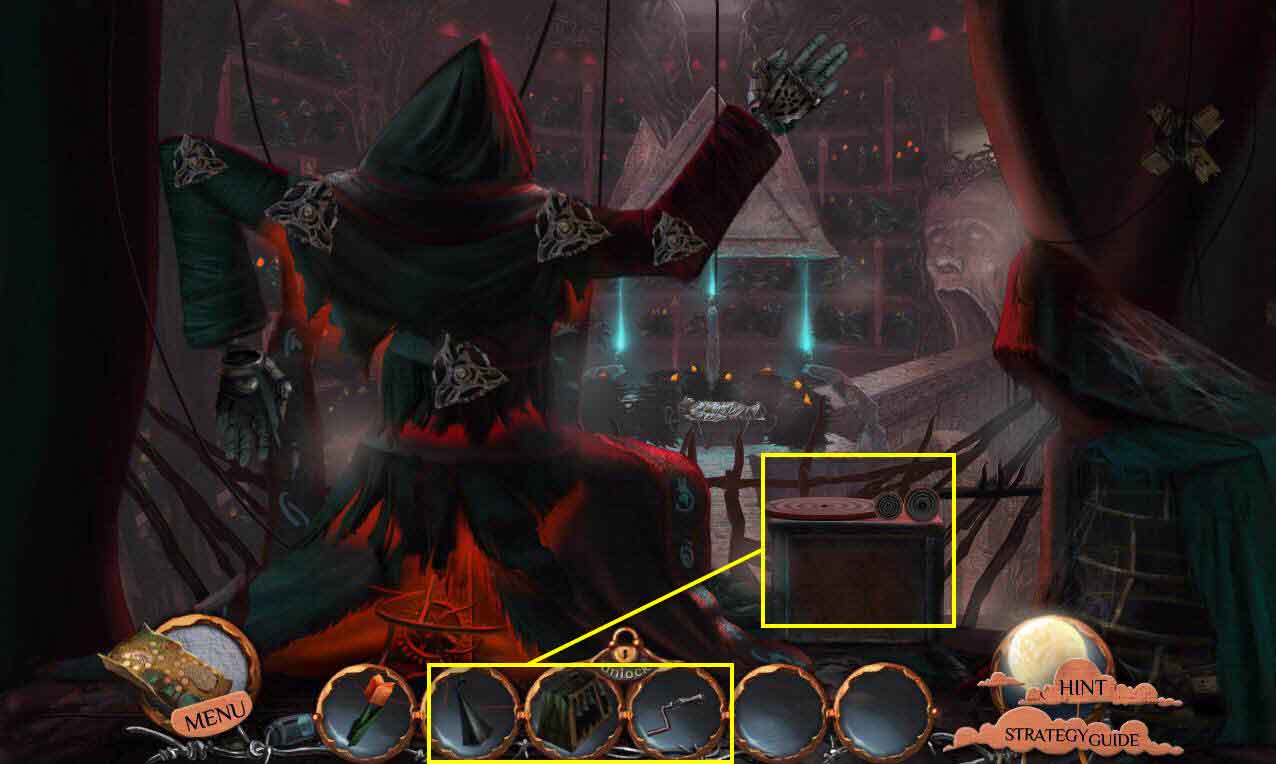
- Click to zoom in on the phonograph.
- Use the PHONOGRAPH HORN on the phonograph.
- Use the STARTING HANDLE on the phonograph.
- Use the VINYL-RECORD CASE on the stand next to the phonograph.
- Click on the records and place them on the phonograph until you find the one that says "Begone."
- Click on the needle to move it.
- Click on the starting handle.
- This will start a mini-game.
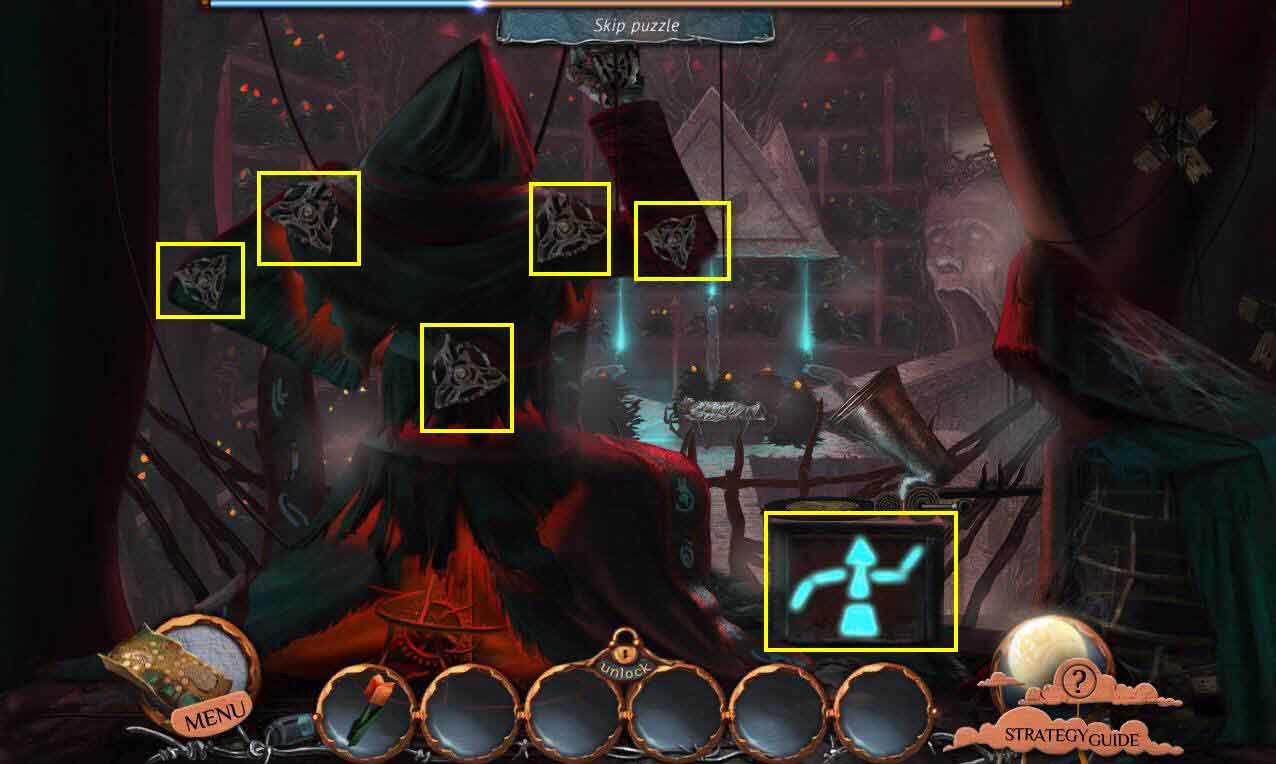
- The goal of the game is to reposition the puppet to match the picture shown on the phonograph.
- Click on the puppet controls to move the arms and body.
- When you are done take the CROWN and the GATE KEY.
- Go back one screen.
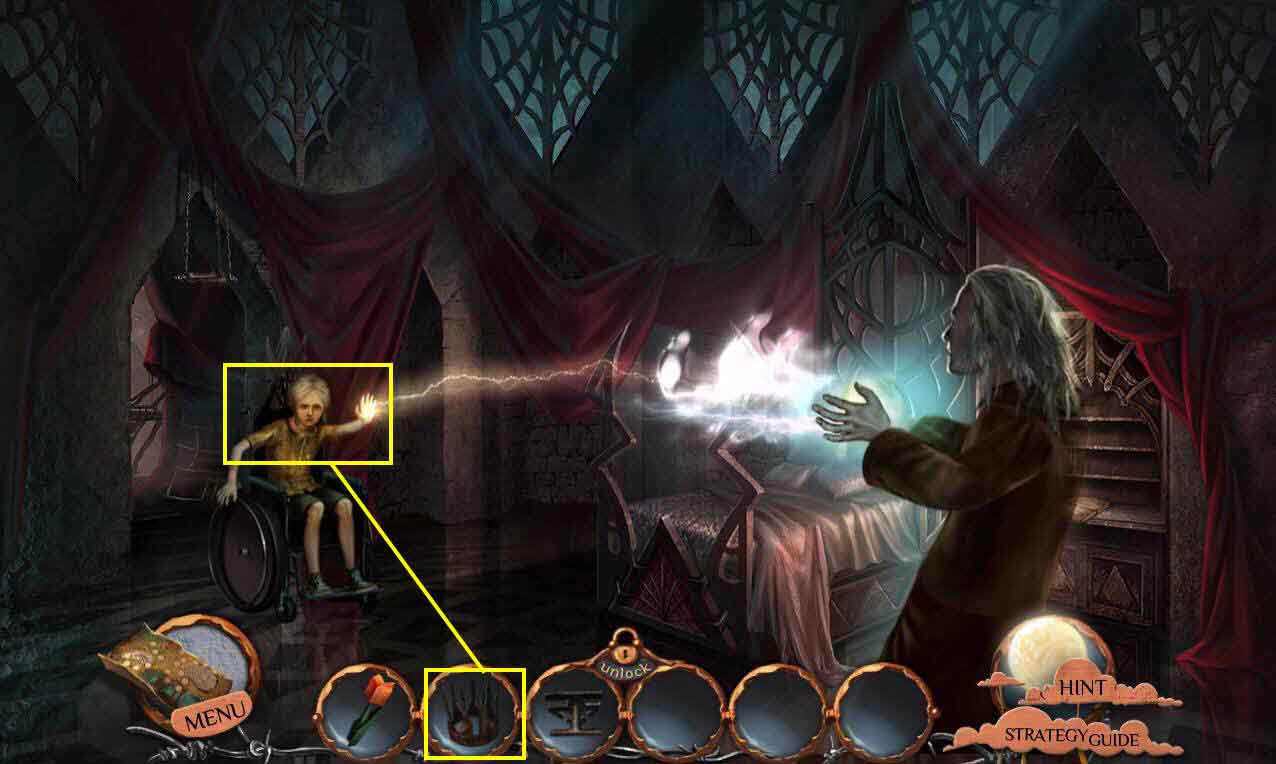
- Use the CROWN on Philip.
- Click on Philip to talk to him.
- Go back twice and then go to the left.
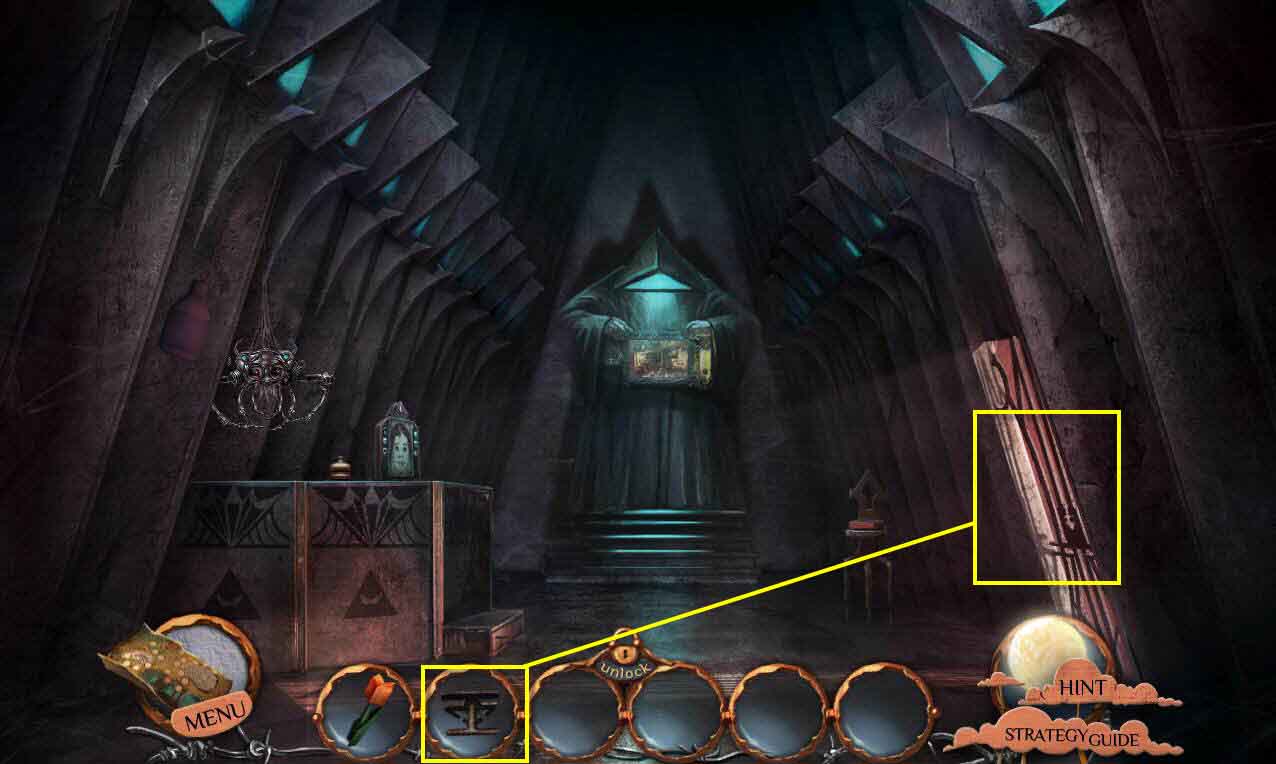
- Click on the gate to zoom in.
- Use the GATE KEY on the door to open in.
- Go through the gate.
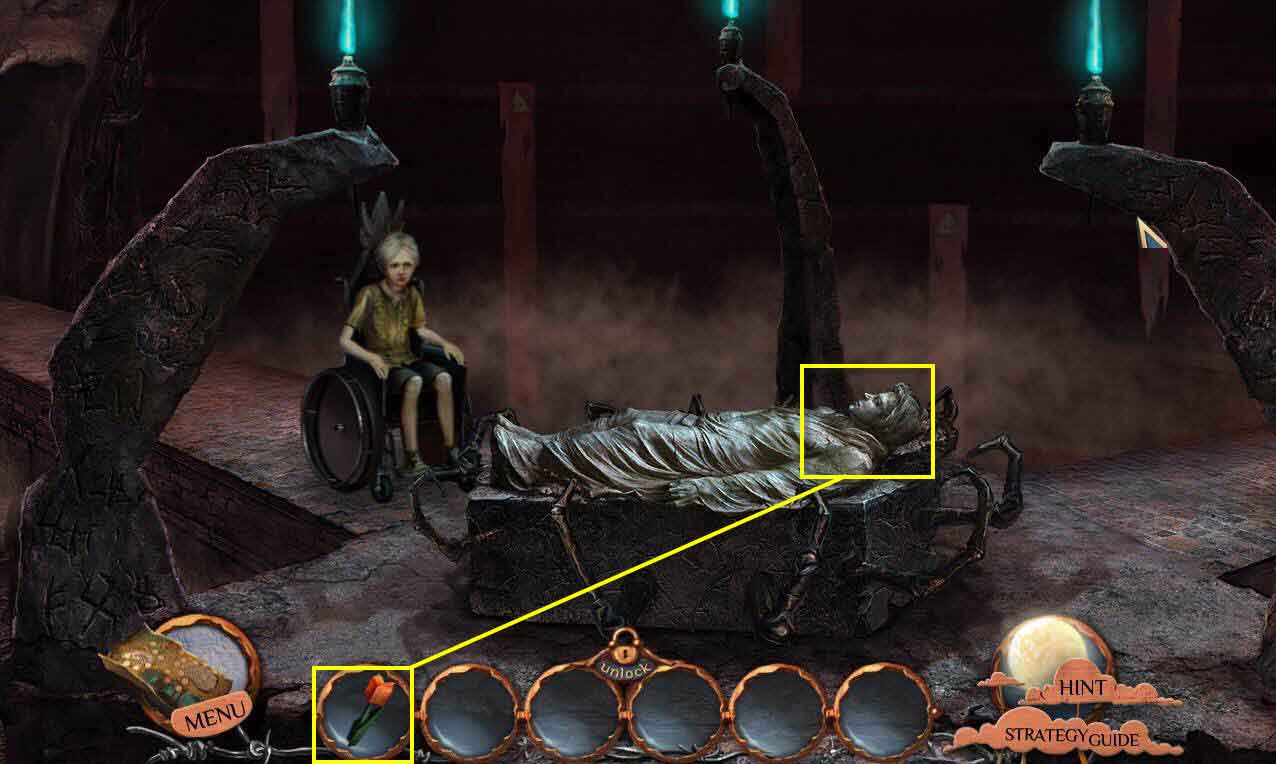
- Use the ORIGAMI TULIP on David.
- Watch the cut scene.
- Congratulations! You've completed Nightmare Realm... In the End.
Comments will load when you reach this part of the walkthrough.