

Chapter Two: Inside Buildson’s Office
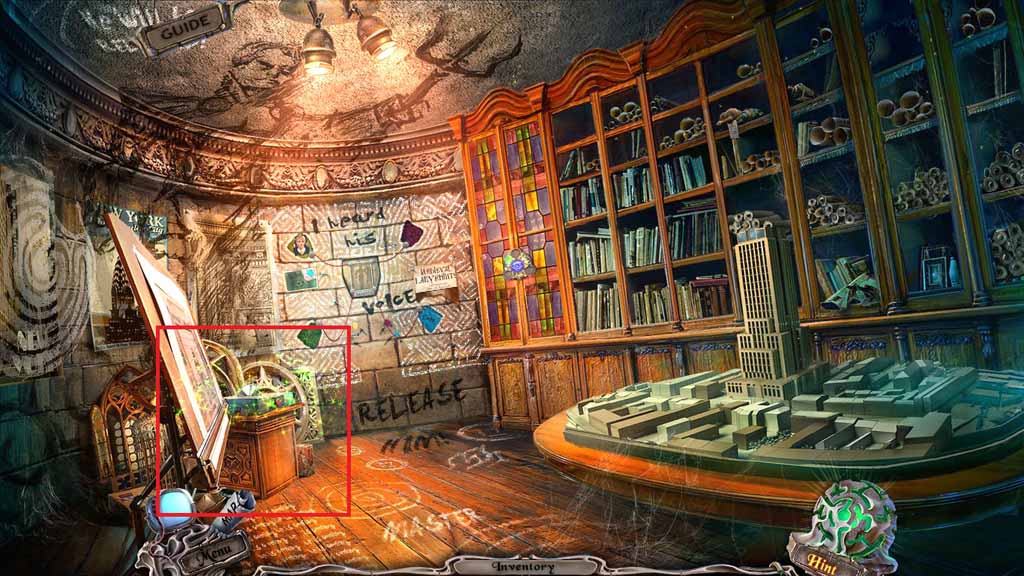
- Zoom into the window frame to trigger a hidden objects area.
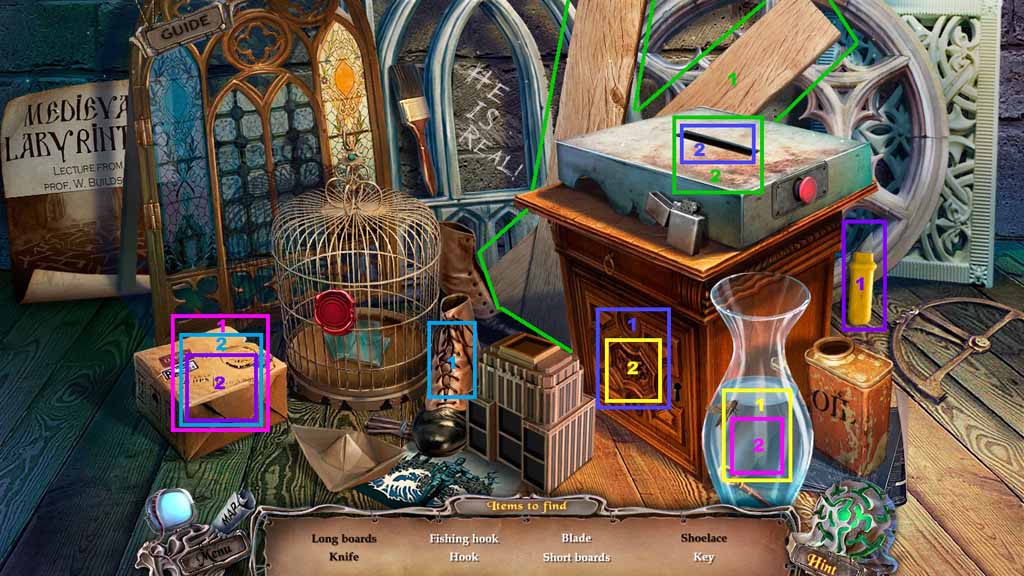
- Find the listed items.
- Select the knife and use it to slice the box open and reveal the hook.
- Select the shoelace and attach it to the hook.
- Select the hook and use it to retrieve the key from the vase.
- Insert the key into the cabinet and reveal the saw blade.
- Select the blade and place it onto the saw; click the power button.
- Select the boards and place them onto the saw to create the short boards.
- Collect the boards.
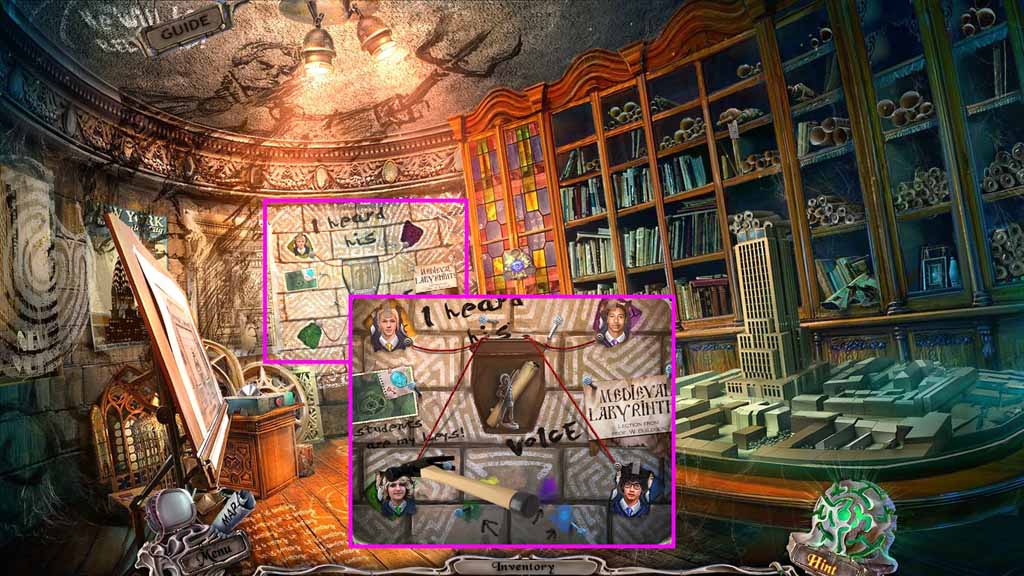
- Zoom into the photo wall.
- Insert the photo into the master recess.
- Insert the 2 student photos onto the sides and collect the statuette.
- Select the hammer to retrieve the nails.
- Zoom into the scroll.
- Move to Hudson Hall.
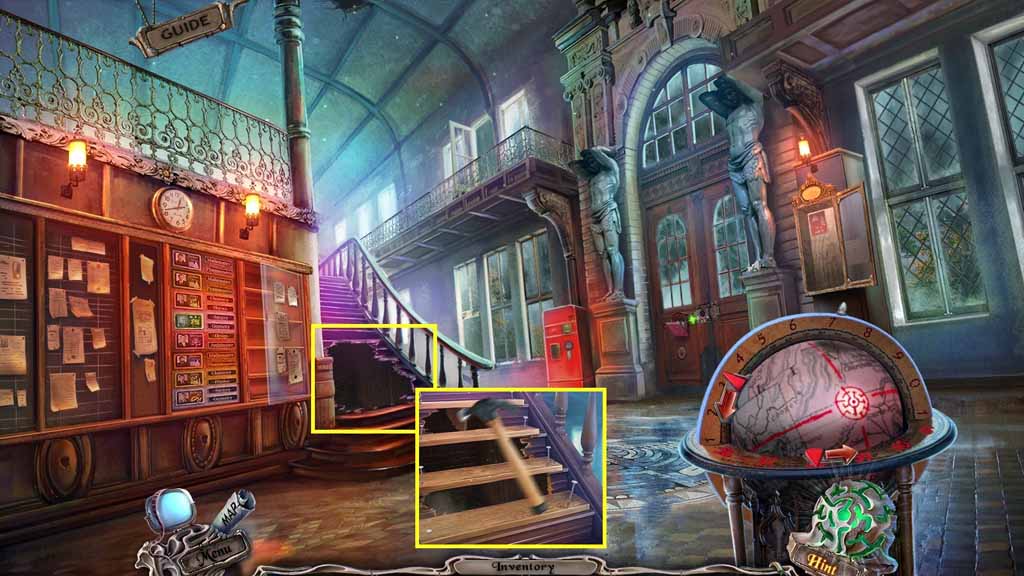
- Examine the stairs.
- Select the boards, the nails and the hammer to fix the stairs.
- Move upstairs.
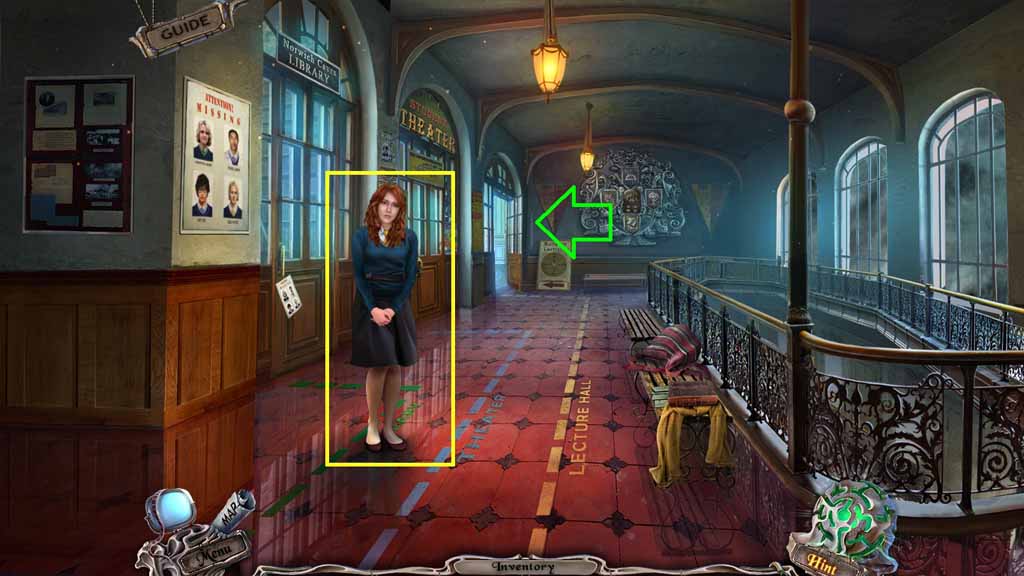
- Speak to Diana.
- Move into the Doorway.
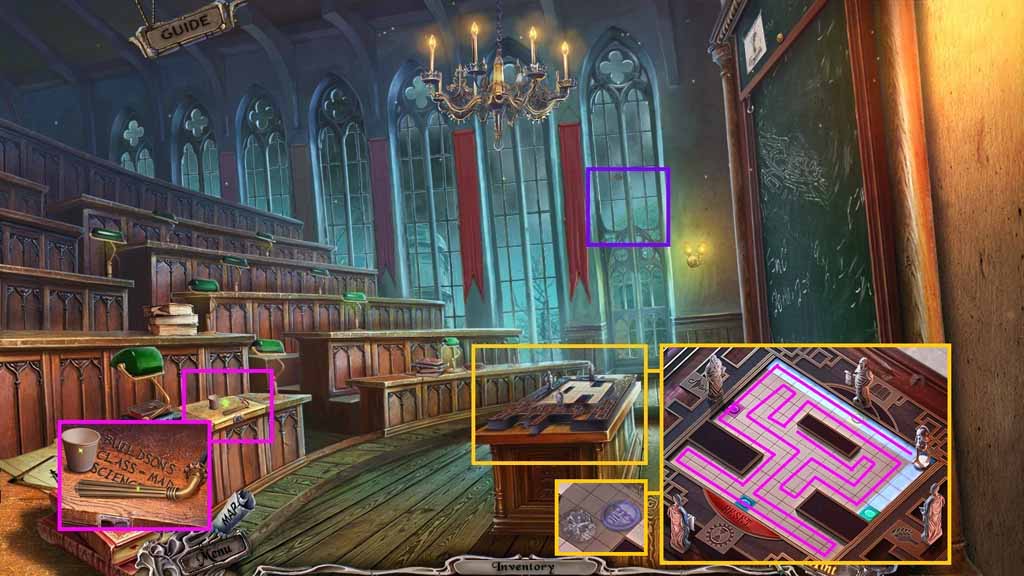
- Click the window.
- Zoom into the desk; collect the bolt handle and the cup.
- Place the statuette onto the table to trigger a puzzle.
- Solve the puzzle by touching each square only once and gliding the statue along every square.
- Collect the 2/ 3 face tokens and the diamond.
- Move to Hudson Hall.
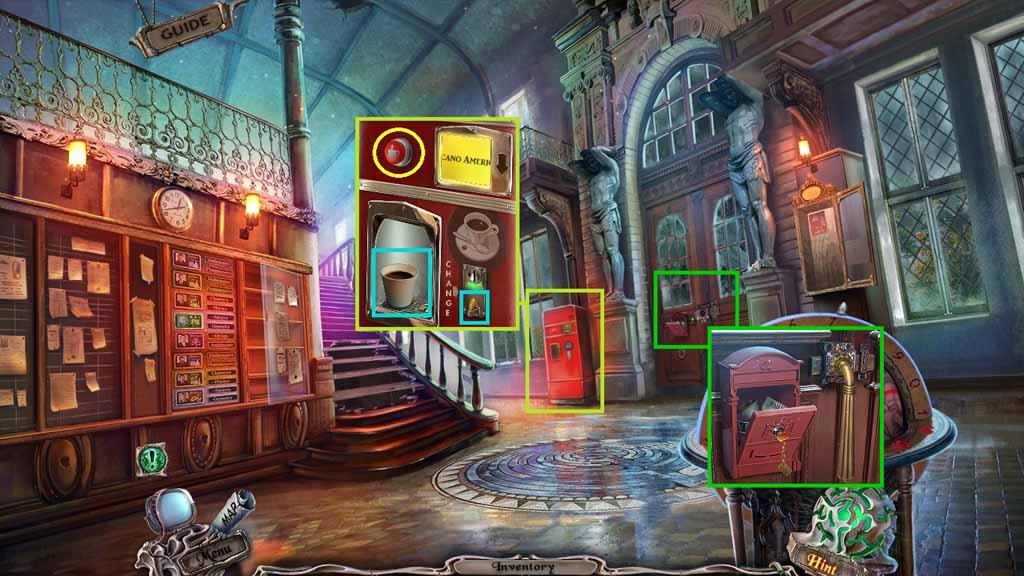
- Zoom into the coffee machine.
- Insert the cup into the holder and click the red button.
- Collect the cup of coffee and the 1 / 2 quarters.
- Zoom into the door and attach the bolt handle.
- Click it once.
- Move into the doorway.
- Move ahead and toward the path on the right.
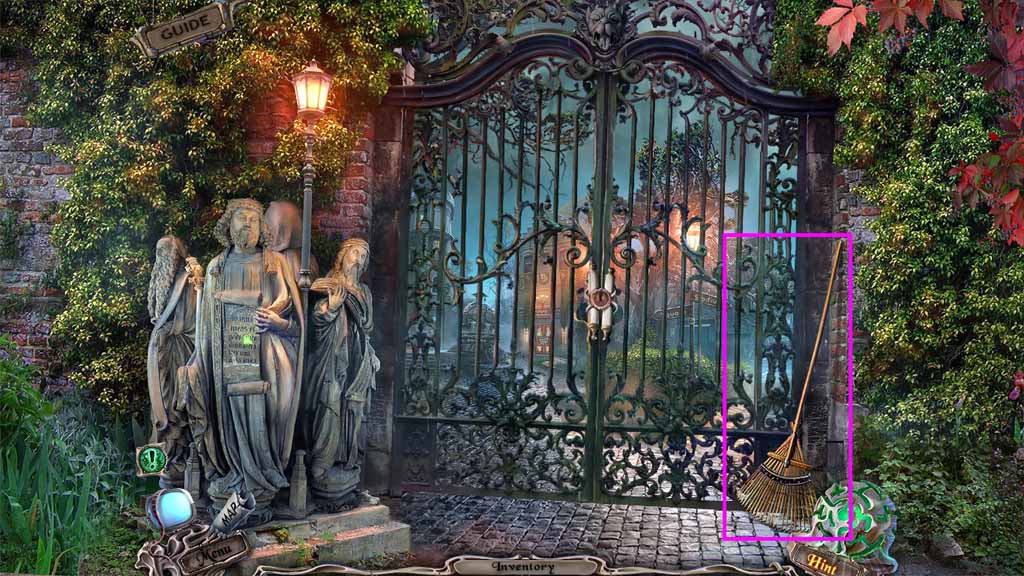
- Collect the rake.
- Move back once.
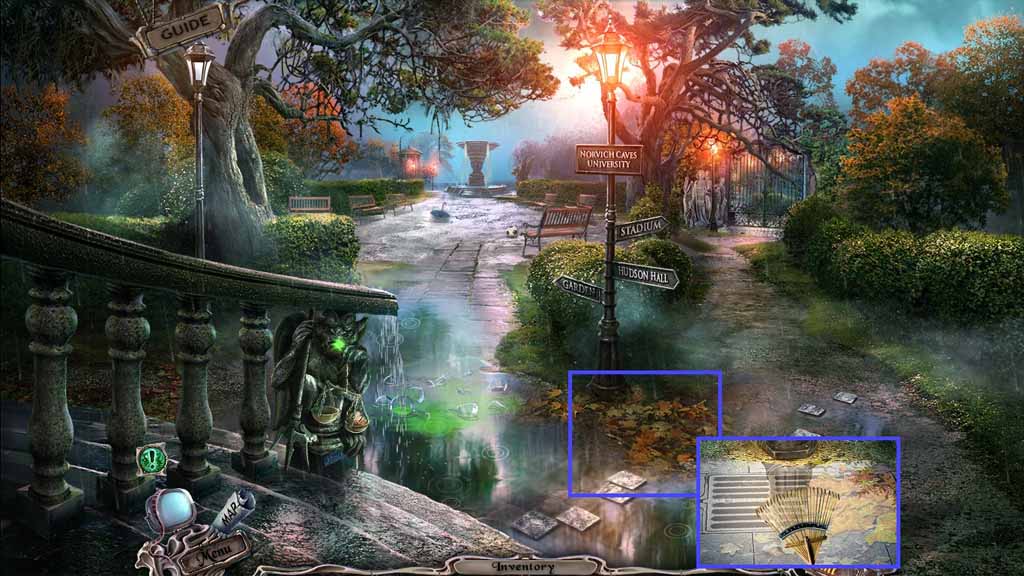
- Zoom into the leaves and use the rake to clear the path.
- Move toward the left path.
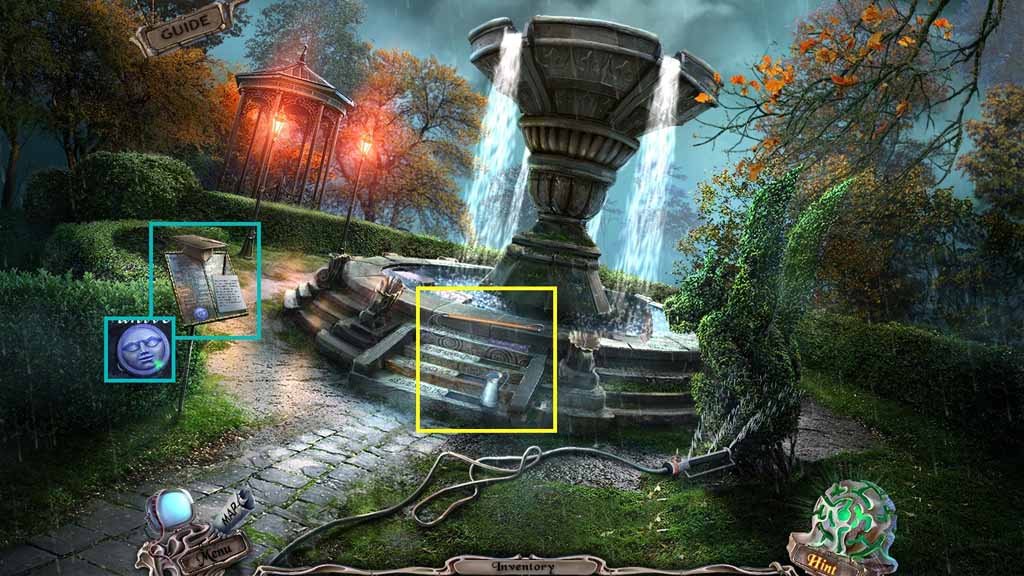
- Zoom into the stand; collect the 3 / 3 face tokens.
- Zoom into the stairs and collect the loop grabber and the pitcher of water.
- Move back once.
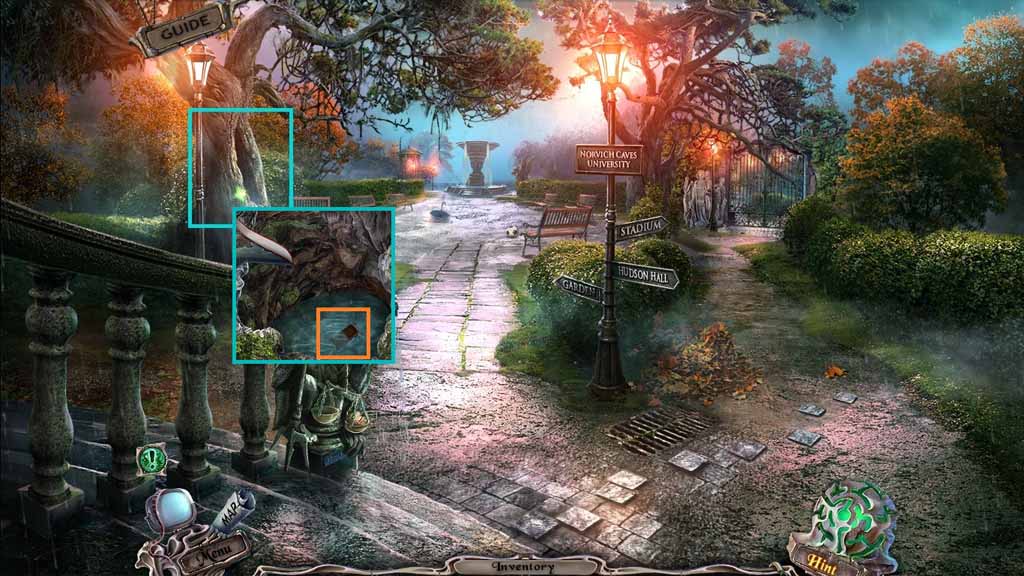
- Zoom into the tree hollow; pour in the pitcher of water.
- Collect the lock part.
- Move to the Lecture Hall.
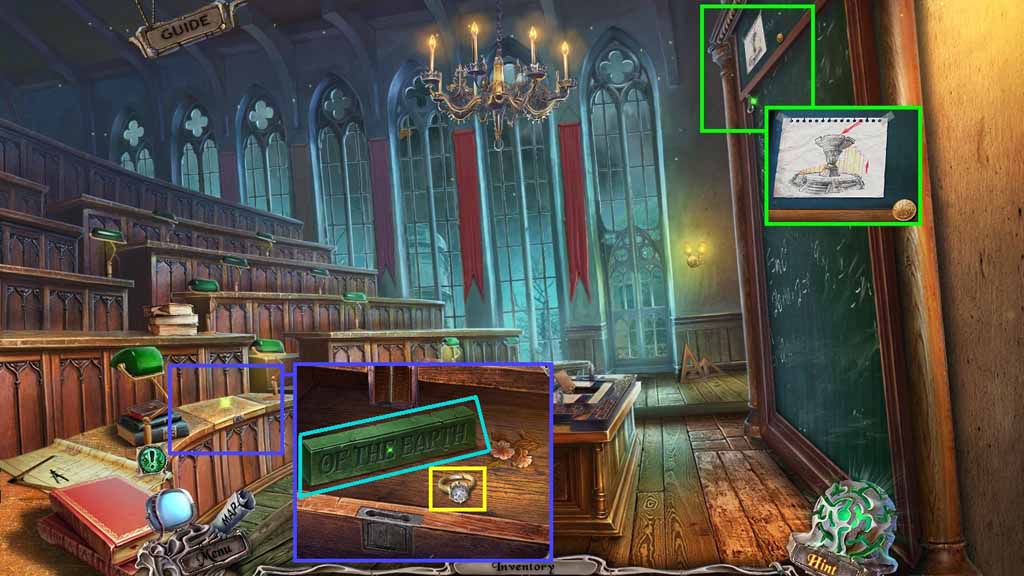
- Zoom into the top of the chalkboard.
- Select the loop grabber to use on the hook and bring the chalk board down.
- Collect the 2/ 2 quarters and zoom into the diagram.
- Zoom into the desk and insert the lock part.
- Insert the diamond into the ring and collect the earth tile and diamond ring.
- Move back one time.
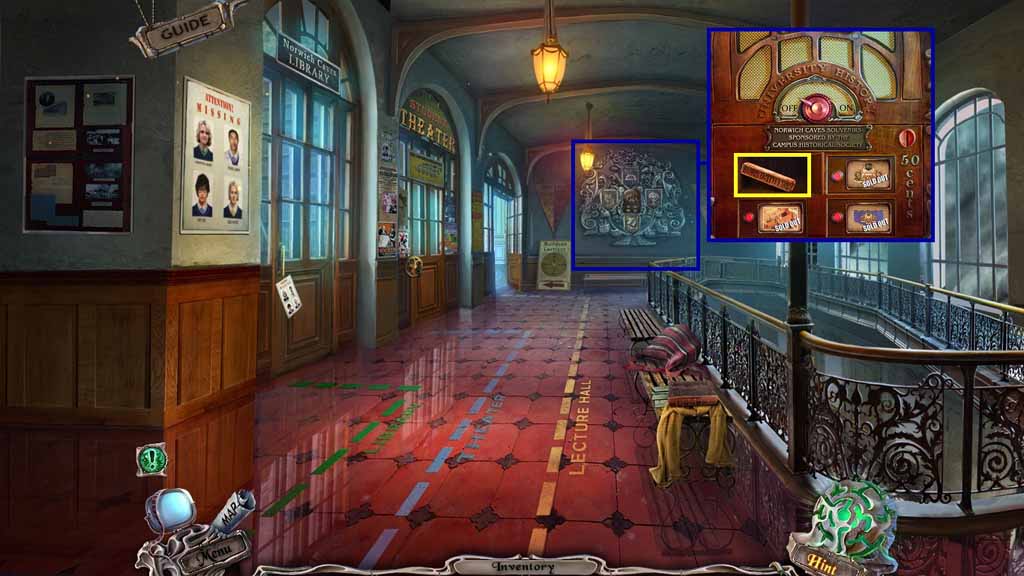
- Zoom into the back wall.
- Insert the 2 quarters.
- Click the compartment on the upper left; collect the fire tile.
- Move into Buildson’s Office.
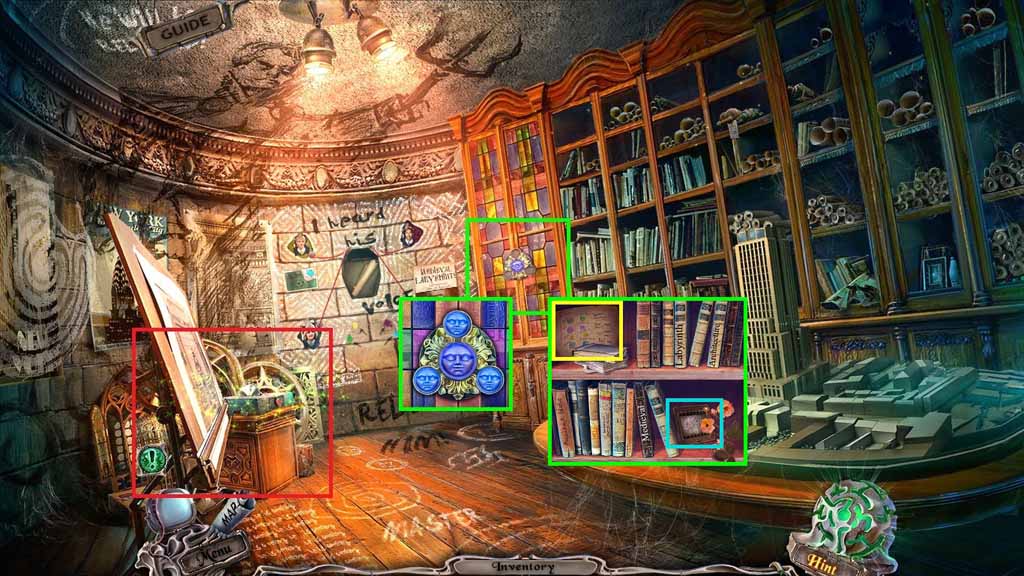
- Zoom into the cabinet.
- Insert the 3 face tokens into the cabinet lock.
- Collect the 1 / 5 slides and read the diagram.
- Click the window frames to trigger a hidden objects area.
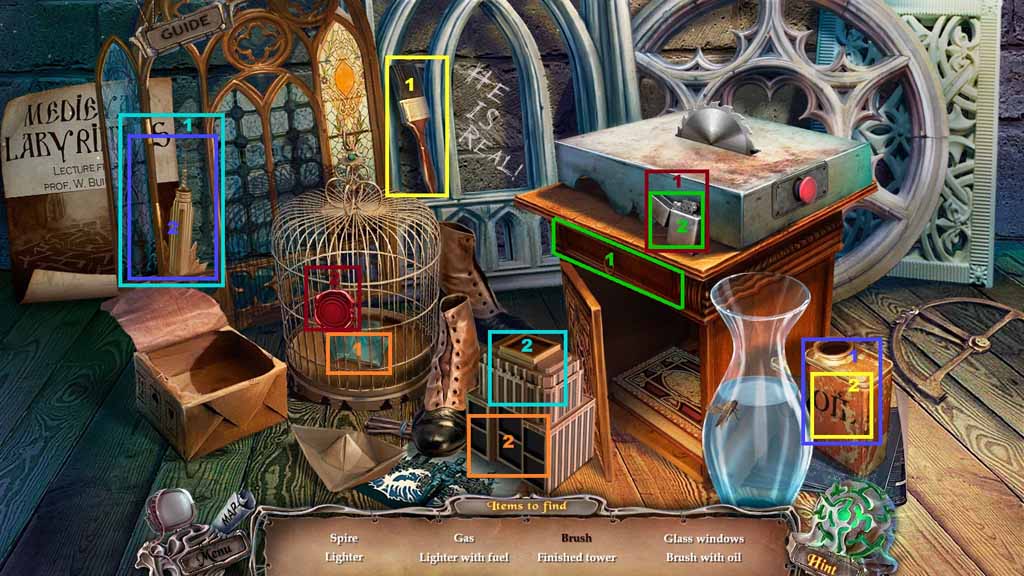
- Find the listed items.
- Select the brush and dip it into the oil.
- Use the oiled brush on the window frame to reveal the tower top.
- Select the tower top and place it onto the building to create the spire.
- Click the drawer to collect the gas and pour it into the lighter to create the lighter with fuel.
- Select the lighter to remove the seal and reveal the glass windows.
- Select the glass windows and place them into the tower to create the finished tower.
- Collect the tower top.
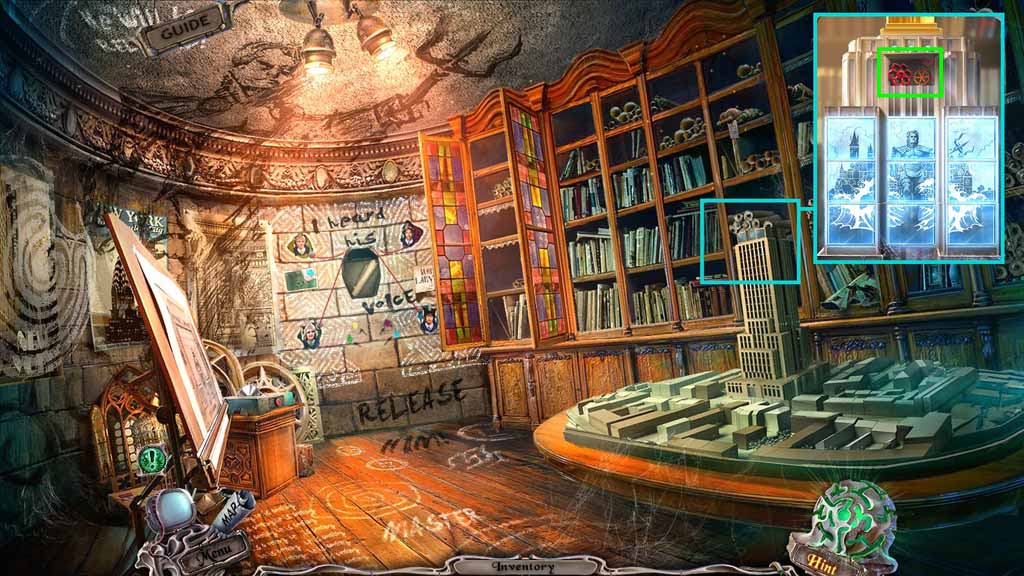
- Zoom into the building.
- Attach the tower top onto the building to trigger a puzzle.
- Solve the puzzle by switching the tiles and creating the image shown.
- Collect the valve.
- Move to the Fountain.
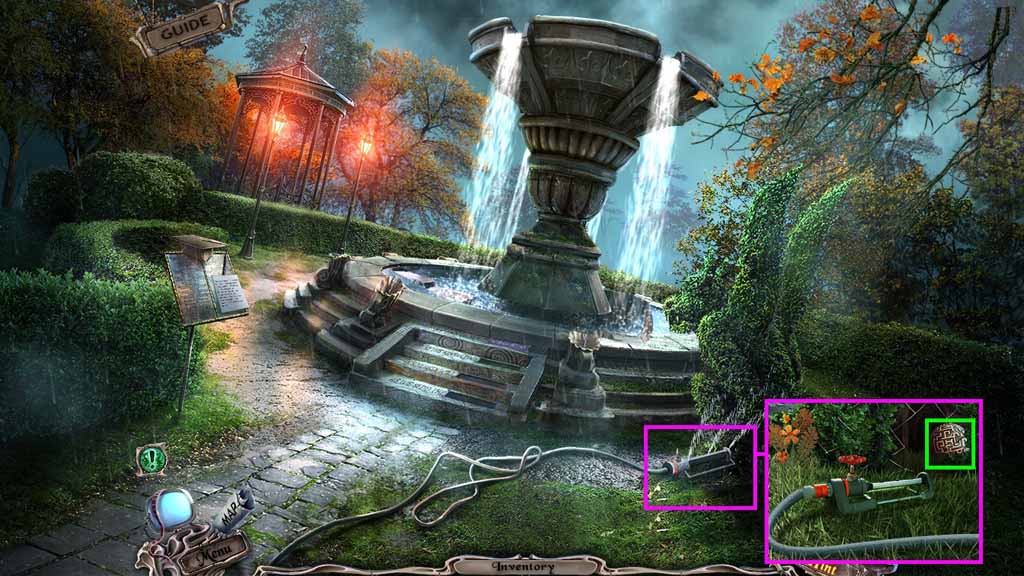
- Zoom into the sprinkler.
- Attach the valve onto the sprinkler stem and click it once.
- Collect the stone labyrinth.
- Move back once.
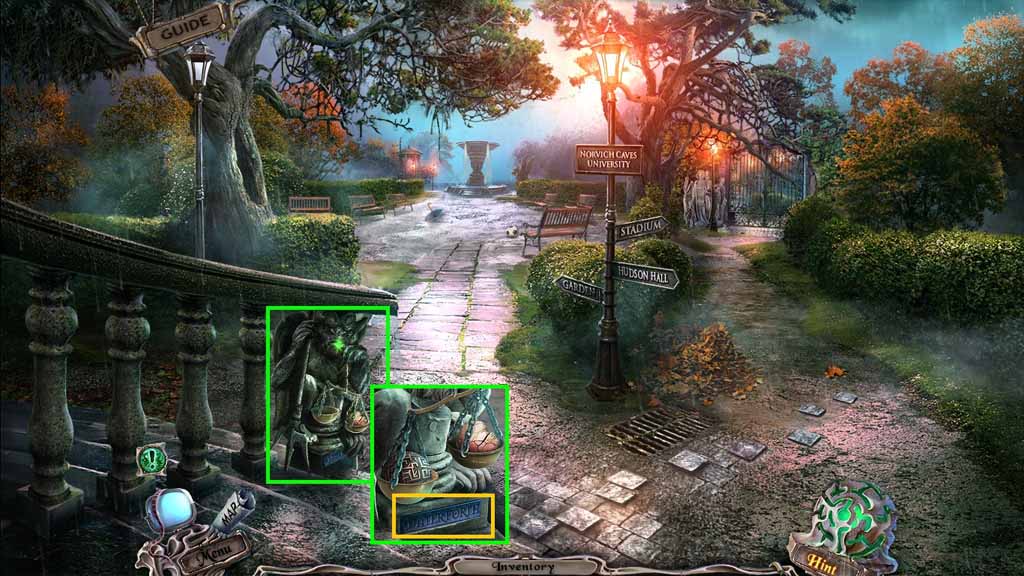
- Zoom into the scale.
- Put the stone labyrinth onto the scale; collect the water tile.
- Move to the Fountain.
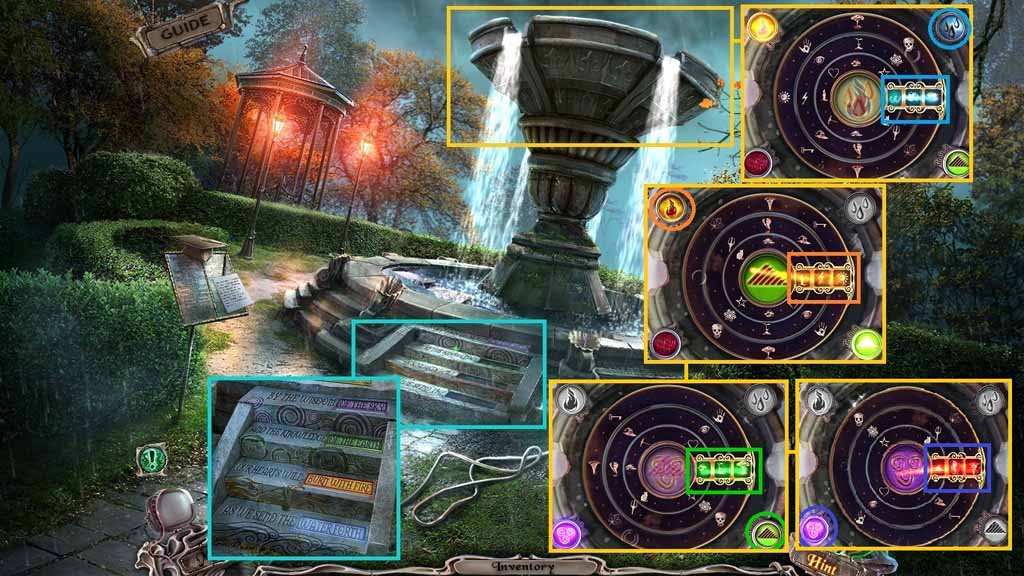
- Zoom into the steps.
- Insert the fire, earth and water tiles into the steps.
- Zoom into the fountain to trigger a puzzle.
- Solve the puzzle by aligning the symbols to match the elements.
- Collect the ornate tile.
- Move to the Labyrinth.
Comments will load when you reach this part of the walkthrough.