
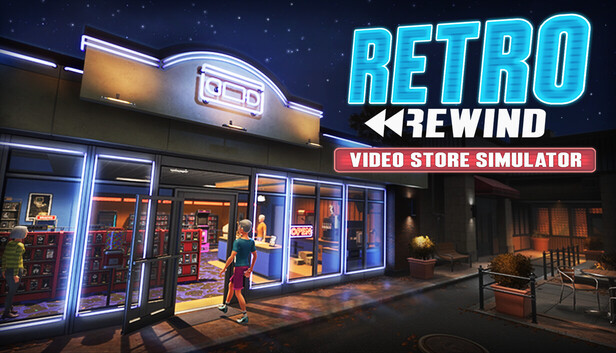
Best Early Store Setup in Retro Rewind
Early on in Retro Rewind - Video Store Simulator, the fastest way to fall behind is to build a store that looks charming but runs like a scavenger hunt. The first few shifts are not really about owning the biggest catalog. They are about keeping your floor readable while you handle returns, rewinding, checkout, reservations, and restocking by yourself.
The useful part is that the early game quietly tells you what matters. The packaged tutorial text confirms that the calendar updates every morning with new releases, special events, weather, and task rewards, and that phone calls can create same-day reservation work. So the best early setup is not just a shelf layout. It is a workflow that keeps those systems from crashing into each other.
Best early setup order
- Keep checkout on a clean front path. Give yourself a direct route from door to shelves to register. If you have to weave around props in the opening week, the layout is already too busy.
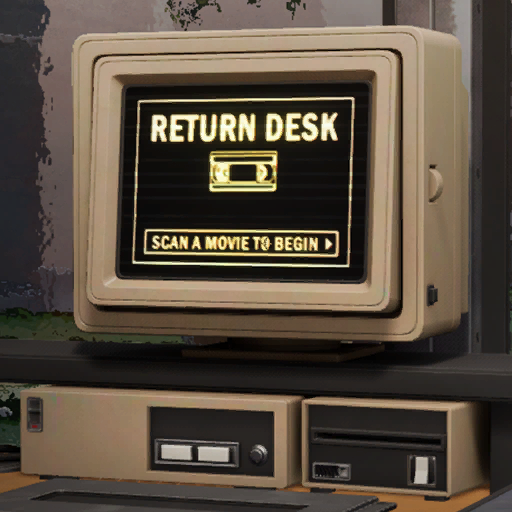
- Treat returns like their own zone. The tutorial confirms returns pile up overnight, some tapes need rewinding, and broken returns must be trashed. Keep the return station, rewinder logic, and your mental ?to restock? area in one short loop.
- Start with broad shelf zones, not collector-level sorting. A few easy-to-read sections beat a perfect system you cannot maintain while the line is moving.
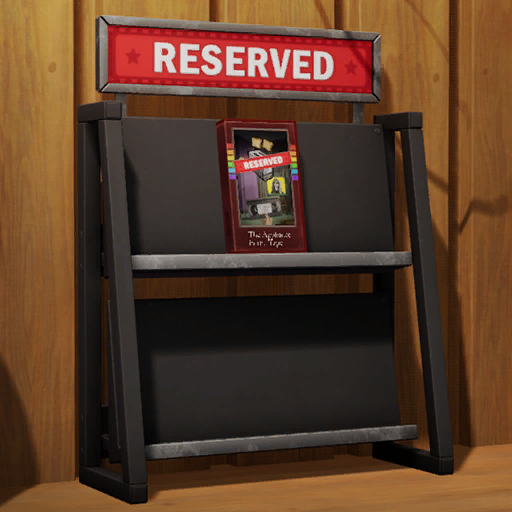
- Keep a dedicated reserved workflow. Reservation calls are a real system. When a customer reserves a movie, pull it from the normal shelf and use the reserved shelf instead of trusting yourself to remember it later.
- Leave shelf breathing room. Empty space is useful if it lets you scan, sort, and refile tapes faster.
- Decorate edges first. Walls, corners, and calm zones are where personality belongs in the opening game. Your main loop should stay open.
What is confirmed and worth planning around
- The return station can hold only so much chaos. The tutorial text says you can process and hold up to 10 movies at a time there, which is one more reason not to let returns snowball.
- Broken and late returns become fee problems later. The game automatically attaches those fees to the customer?s membership, and the checkout computer flags them on the next visit.
- Reservations are same-day work. The tutorial text explicitly says reserved movies should be placed on the reserved shelf and that the customer will come by later that day.
- Featured shelving is part of progression. The packaged interface text confirms dedicated new-release shelves, a movie display, a Staff Picks Shelf, and a later Clearance Bin. That means your early layout should leave room to grow into featured-display space instead of cramming every wall immediately.
Early setup mistakes that cost more than they look
- Over-ordering before your system exists. More stock is not better if you cannot place it fast.
- Mixing reserved tapes back into normal stock. That turns one phone call into a shelf hunt during a rush.
- Using the center of the store as a decoration dump. Cozy does not help if it ruins your route.
- Building too far outward too early. A larger loop with weak organization is slower than a smaller shop that you can read instantly.
Transparent take: what I would trust in the opening week
Trust completely: checkout path, return flow, rewinding, reserved-shelf handling, and calendar checks all matter immediately.
Use with confidence: broad shelf zones and open center paths are better than pretty clutter in the early game, even if the game does not expose a formal pathing score.
Plan for later: dedicated featured spaces for new releases, Staff Picks, displays, and the Clearance Bin. The files clearly show those systems exist, so do not trap yourself in a layout that leaves them nowhere useful to go.
The best early setup in Retro Rewind - Video Store Simulator looks modest, but it runs clean. If you can clear returns, find a requested tape fast, move a reservation to the right place, and get back to checkout without thinking, your opening store is doing its job. Build the bones first. The dream store comes together much faster once the first version already works.
Comments will load when you reach this part of the walkthrough.