
Chapter Two: Enter the Library
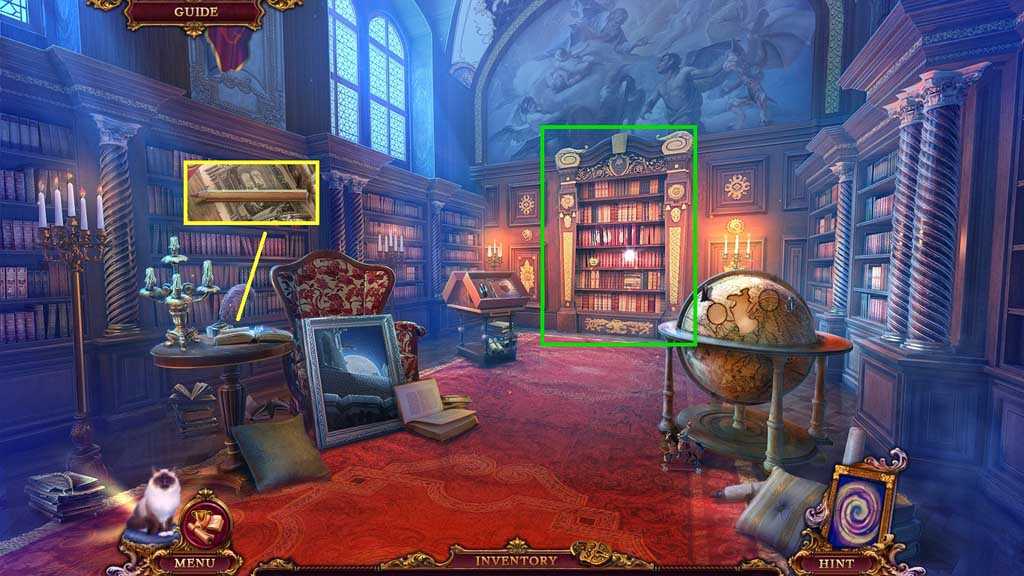
- Zoom into the bookshelf.
- Collect the pencil.
- Move to the Playroom.
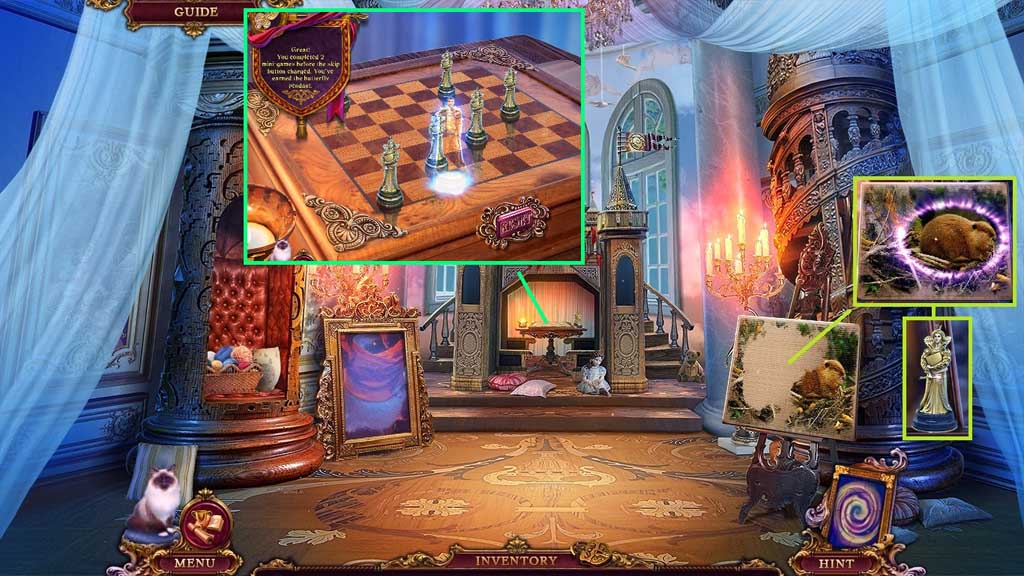
- Use the pencil to complete the painting; collect the beaver and 2 /2 queens.
- Place the 2 queens onto the board to trigger a mini game.
- Solve the game by placing the queens correctly.
- Collect the mysterious doll.
- Move to Leia’s Room.
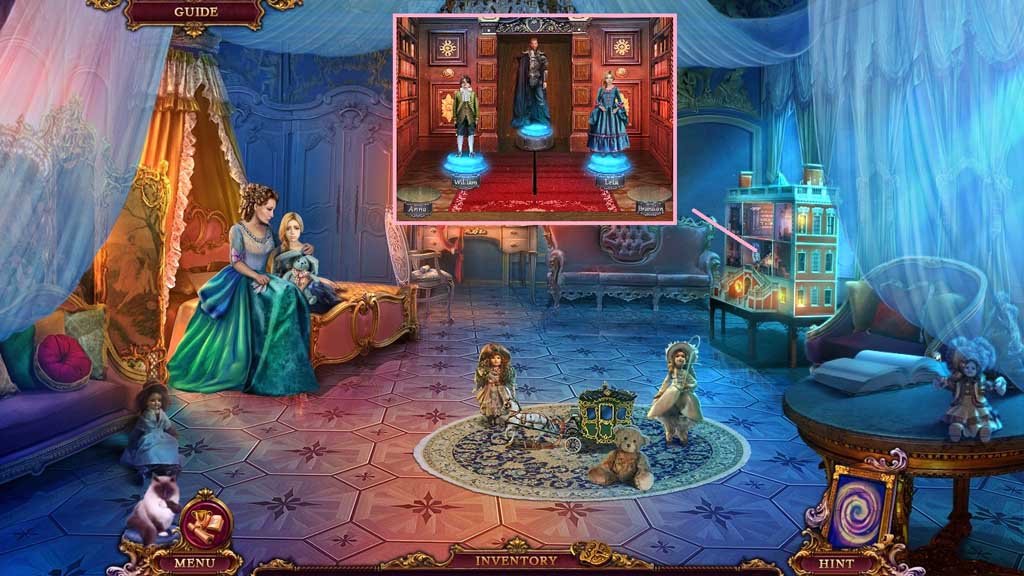
- Place down the mysterious doll and the William doll.
- Move to the Library.
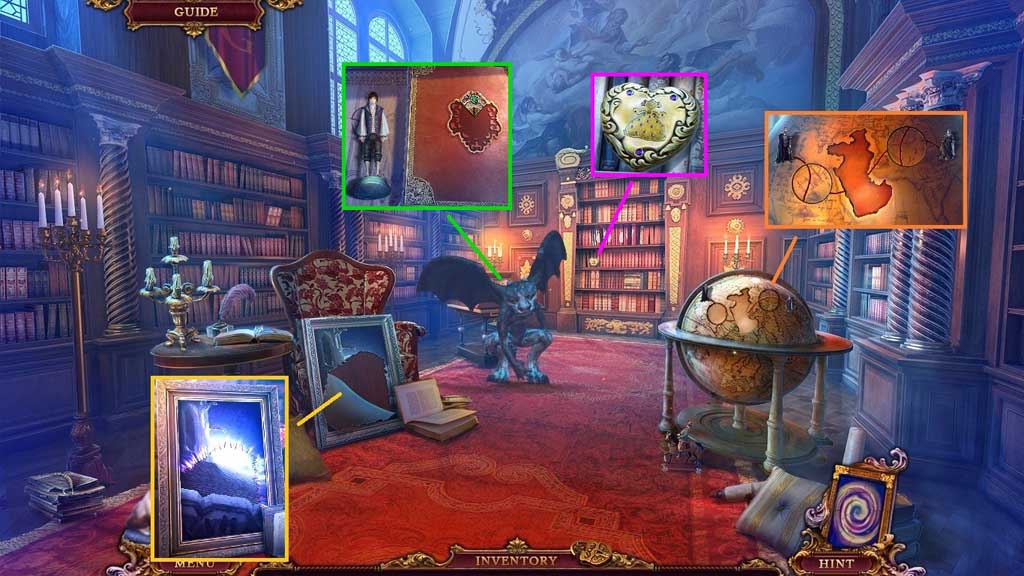
- Insert the map tile into the globe.
- Select the thread to mend the canvas.
- Collect the golden heart and the Brandon doll.
- Move to Leia’s Room.
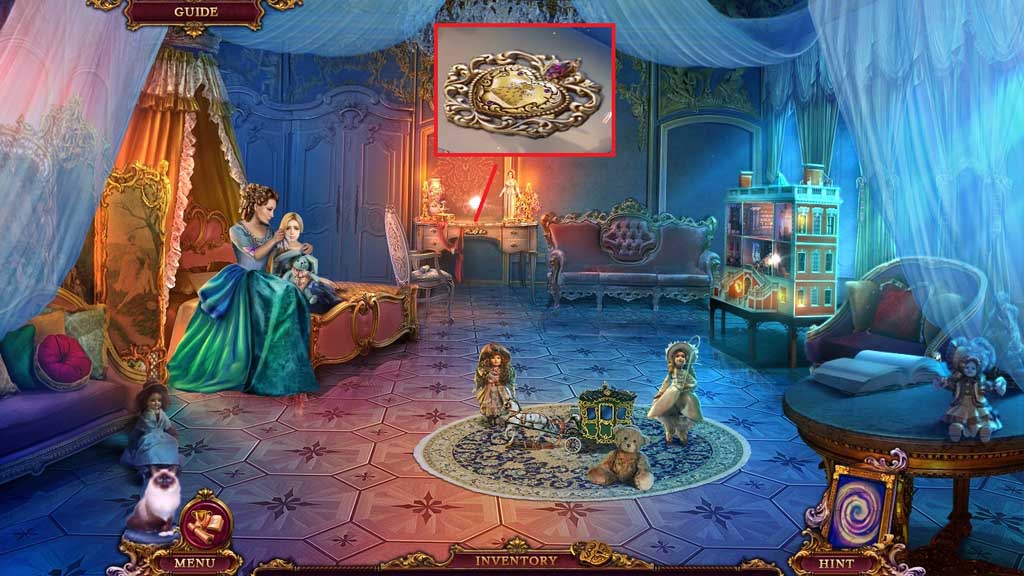
- Insert the golden heart to trigger a hidden objects area.
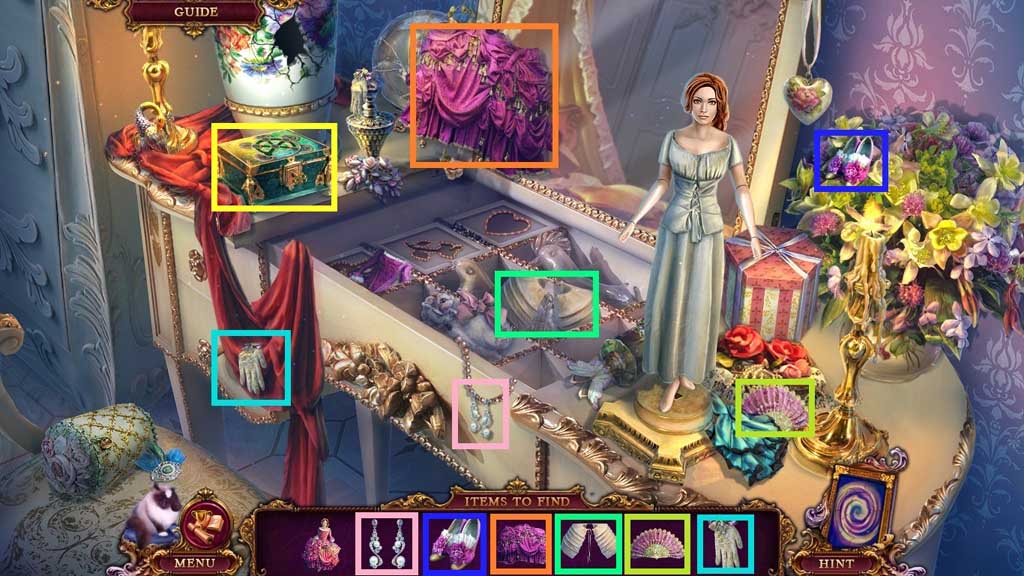
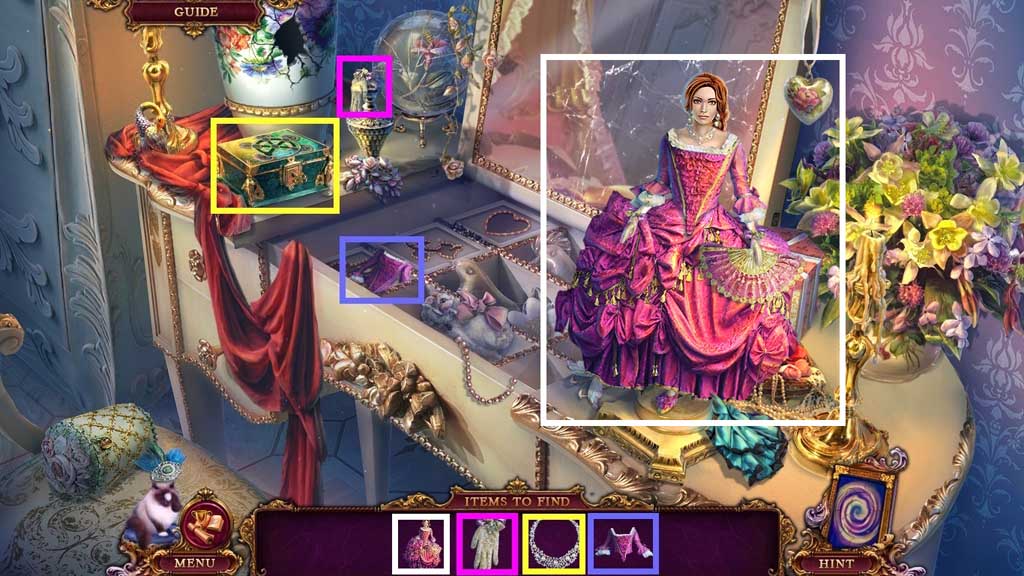
- Find the items and place them onto the doll.
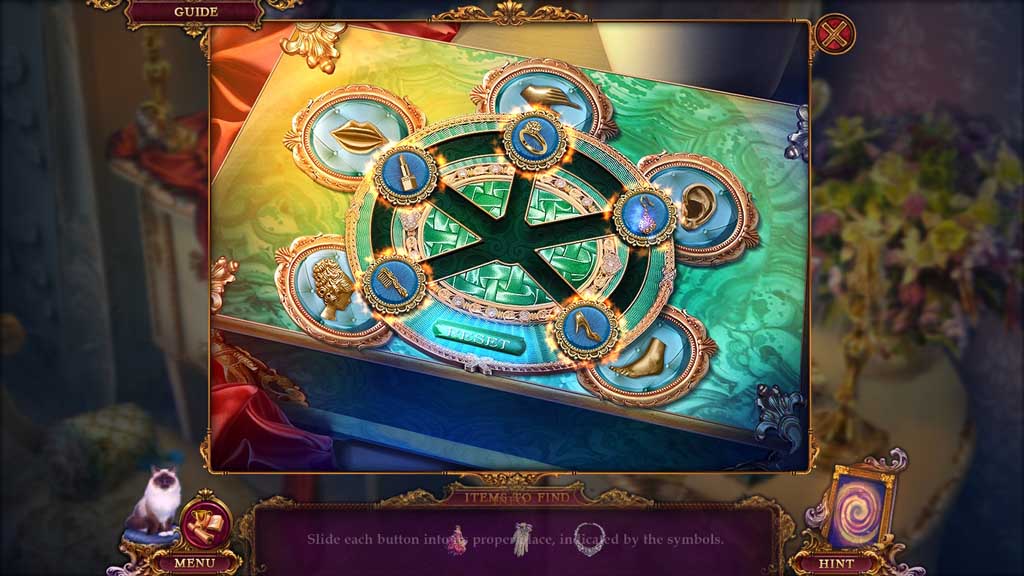
- Click the box to trigger a mini game.
- Solve the game by arranging the buttons correctly and uncover the necklace.
- Collect the Anna doll.
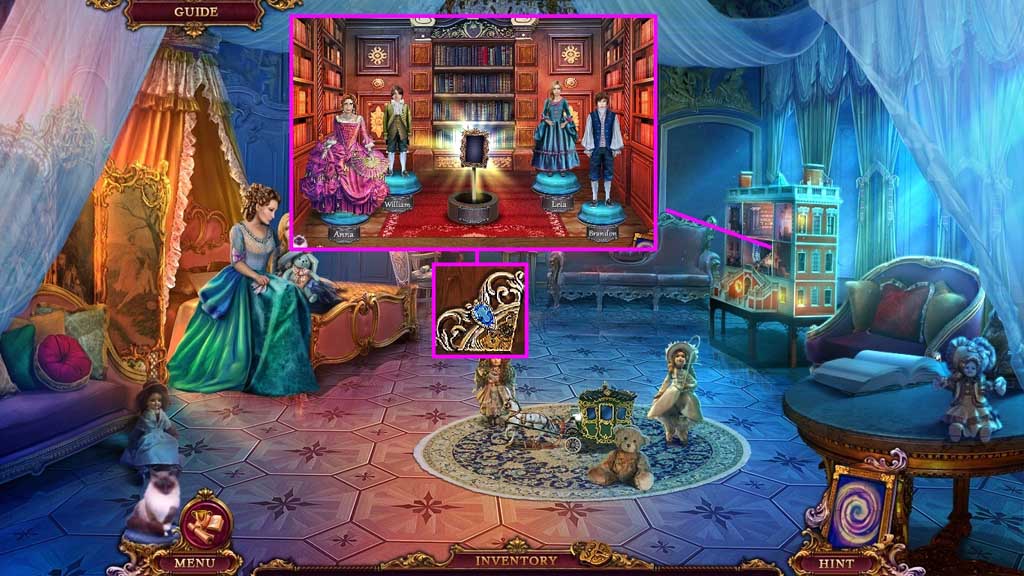
- Place down the Anna and Brandon dolls.
- A mini game will trigger.
- Solve the game by selecting the correct items for the shelves.
- Collect 3 /3 medallion parts.
- Move to the Library.
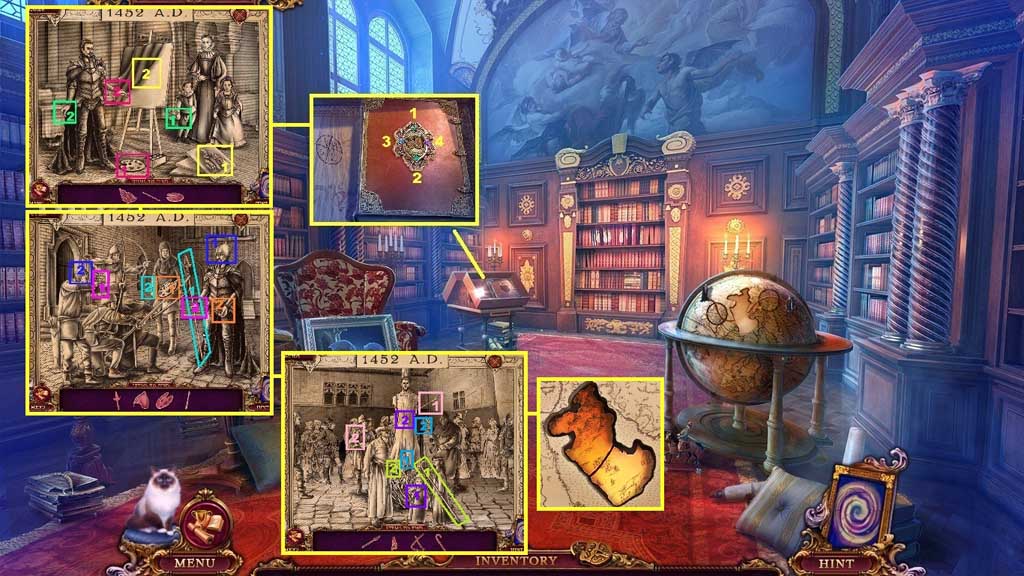
- Insert the 3 medallion parts.
- Click the parts in the correct sequence.
- A mini game will trigger.
- Solve the game by finding and placing the items correctly.
- Collect the continent.
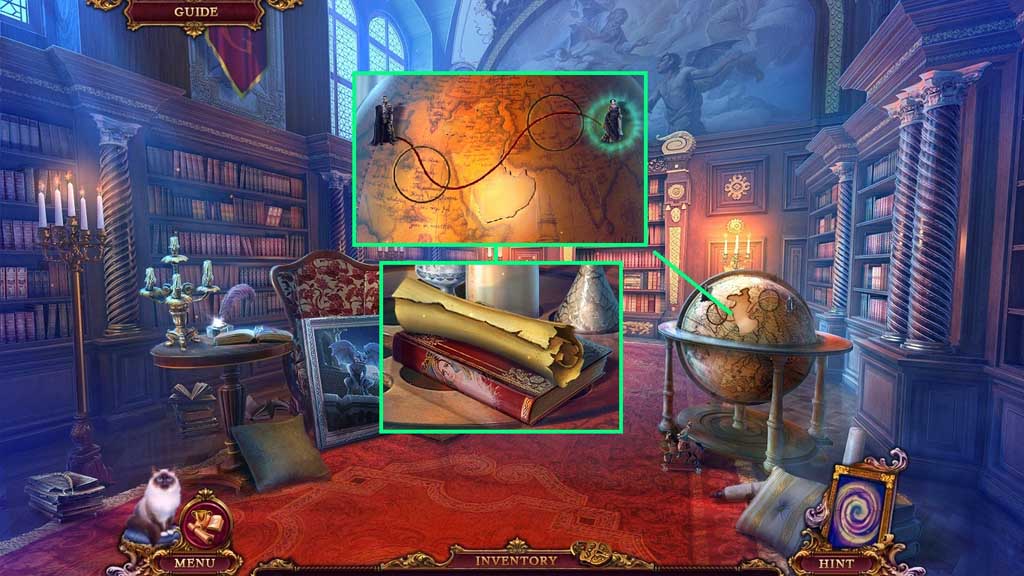
- Insert the continent into the globe to trigger a mini game.
- Solve the game by arranging the tiles correctly.
- Click the figurine.
- Collect 2 /3 pages and volume 2.
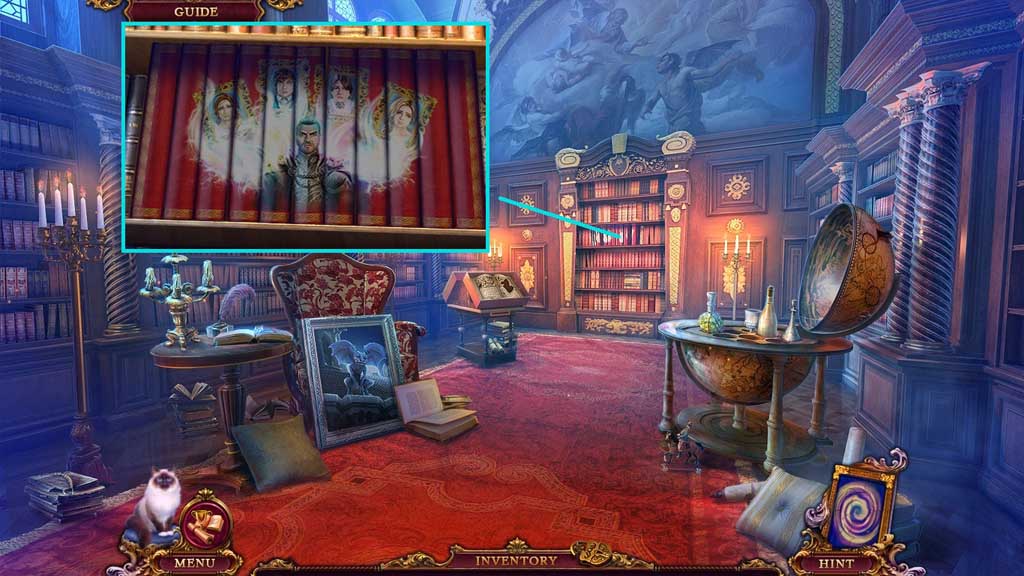
- Insert volumes 1 & 2 to trigger a mini game.
- Solve the game by aligning the books to complete the image.
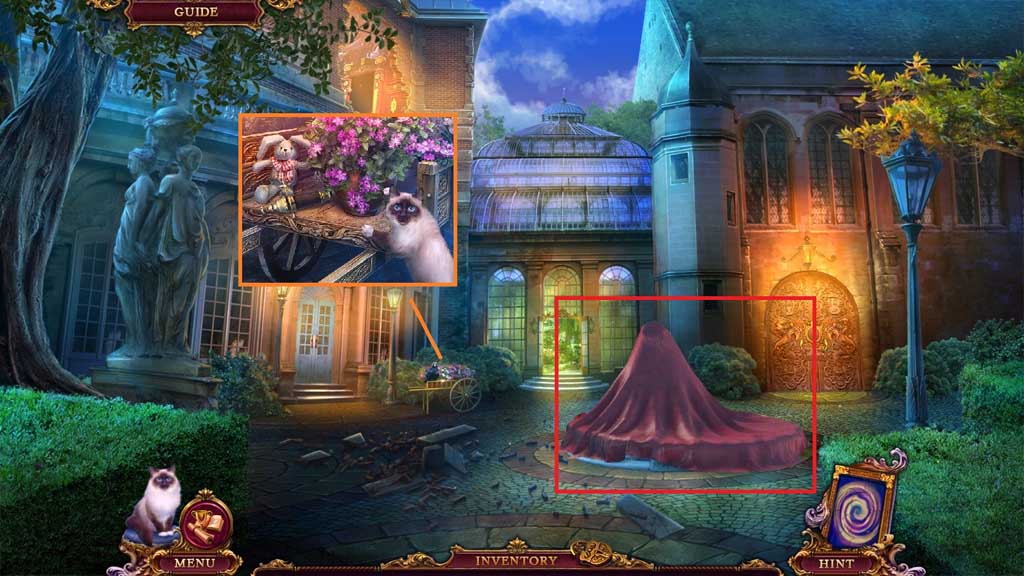
- Select Mr. Jenkins to collect Leia’s bunny and the eyepiece.
- Click the tarp to trigger a hidden objects area.
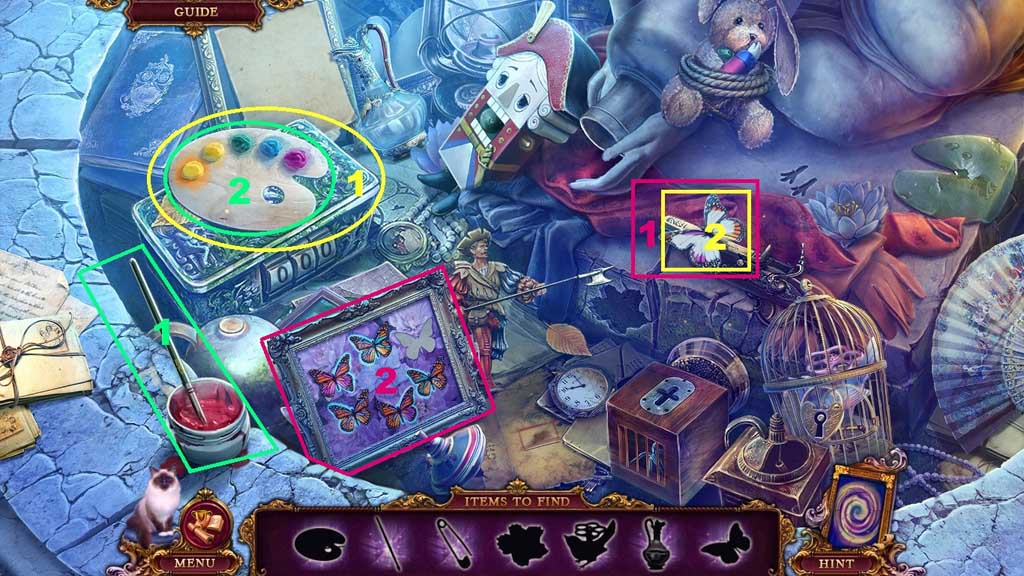
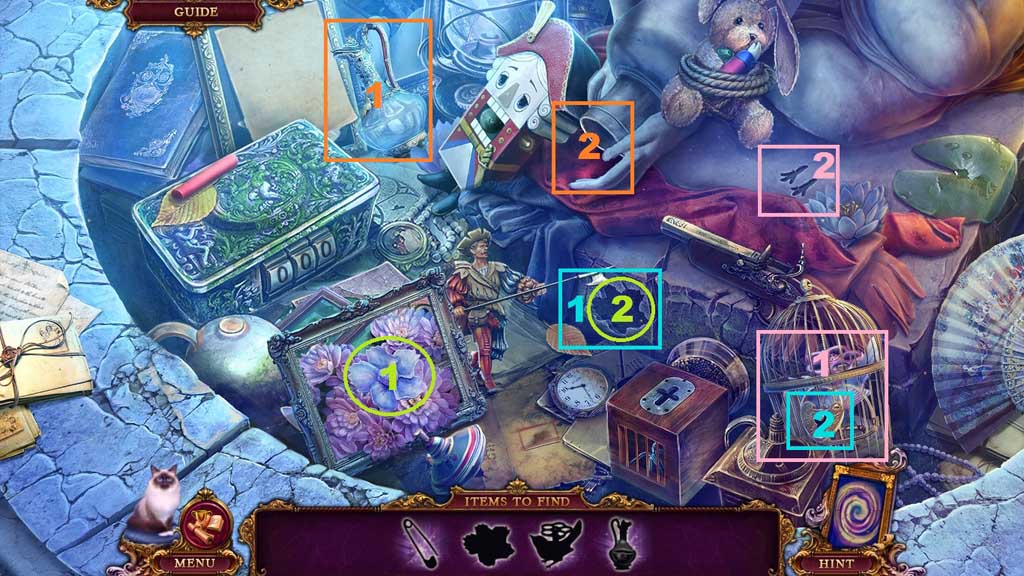
- Find the items.
- Select the red paint brush and place it into the yellow paint on the palette; collect the paintbrush.
- Select the paint palette and use it to complete and collect the butterfly; place the butterfly into the frame.
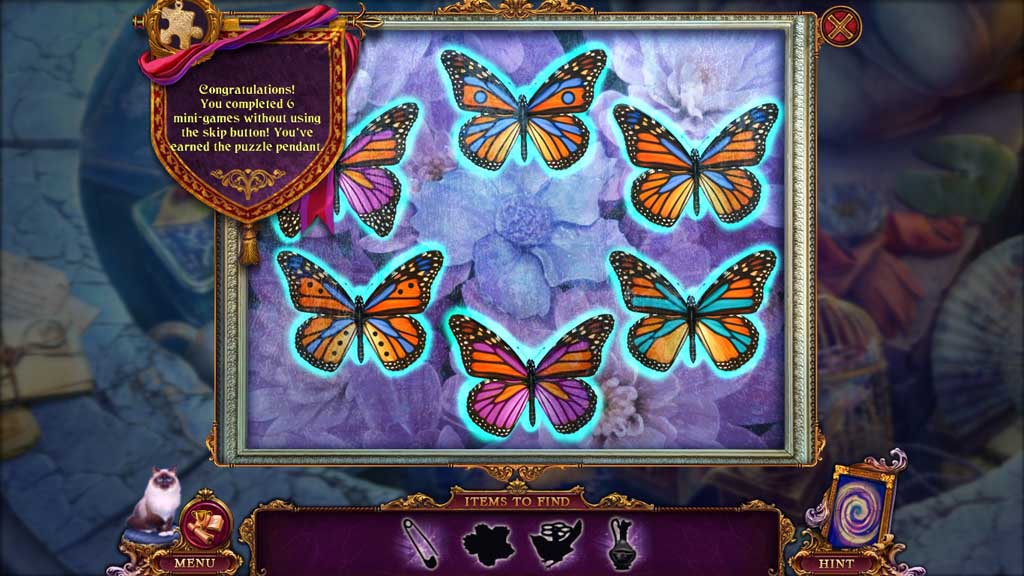
- Click the frame to trigger a mini game.
- Solve the game by arranging the wings so that both sides match on all the butterflies; collect the flower.
- Insert the flower into the groove; collect the pin.
- Use the pin to pick the lock; collect the bird.
- Place the bird into the bird print; click the tap.
- Select the pitcher and place it beneath the water flow.
- Collect the filled pitcher.
- Move ahead to the Greenhouse.
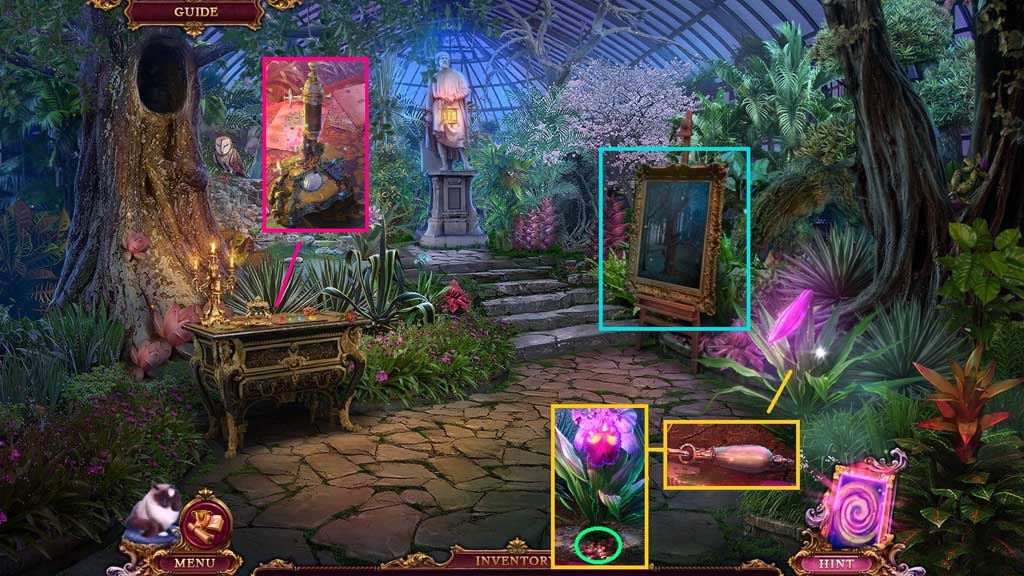
- Collect 1 /2 door handles.
- Select the filled pitcher to water the parched soil.
- Collect the seeds.
- Zoom into the portrait.
- Select the beaver to remove the log.
- Place the eyepiece and the seeds onto the microscope.
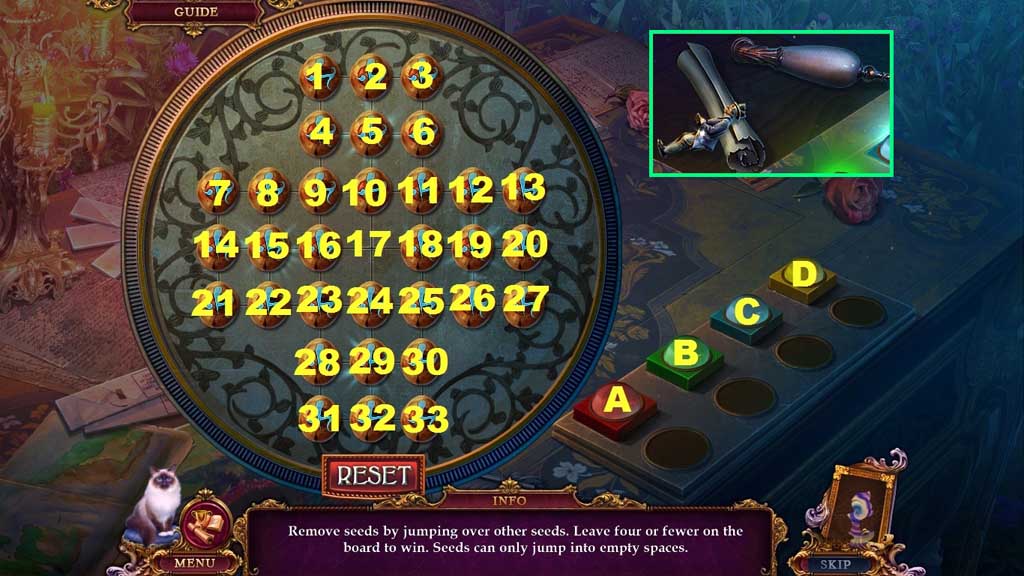
- Zoom into the microscope to trigger a mini game.
- Solve the game by removing the seeds and leaving 4 or less on the board.
- Use the following sequence to solve: 5 – 1 7 – 12 – 10 – 3 – 11 – 10 – 12 – 1 6 – 18 – 4 – 16 – 23 – 9 – 25 – 11 – 31 – 23 – 33 – 25 – 1 4 – 16 – 20 – 18 – 29 – 17 – 16 – 28 – 18 – 30 – 21 – 23 – 27 – 25 – 28 – 16 – 30 – 18 – 16 – 4 – 18 – 6 – 7 – 9 – 13 – 11 – 4 – 16 – 6 - 18
- Click the buttons in the following order C – A – D - B
- Collect the coachman, 3 /3 pages and 2 /2 door handles.
- Move down once.
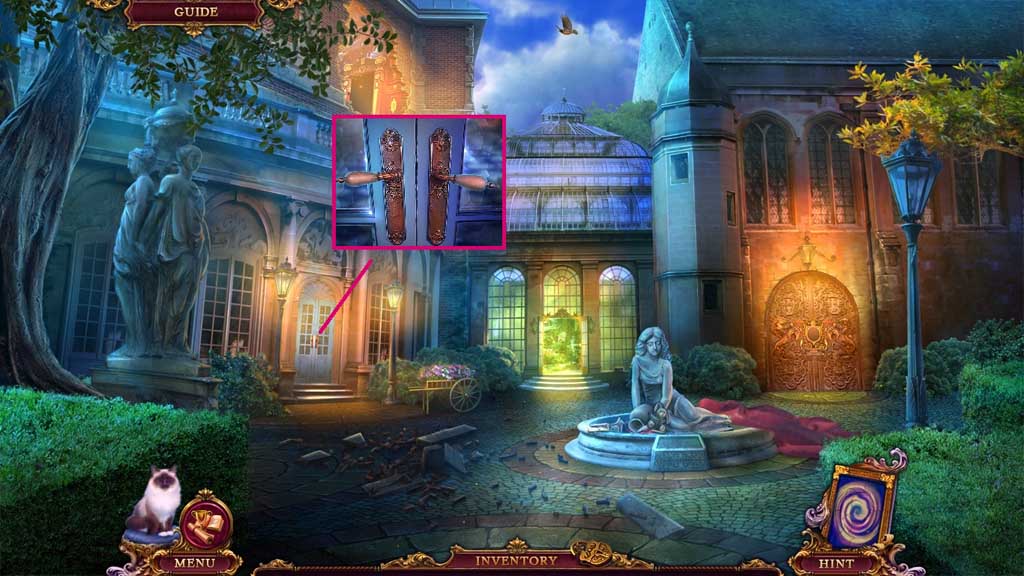
- Attach the 2 door handles.
- Move into the Kitchen.
Comments will load when you reach this part of the walkthrough.