

Chapter One: Of Dragons and Elves
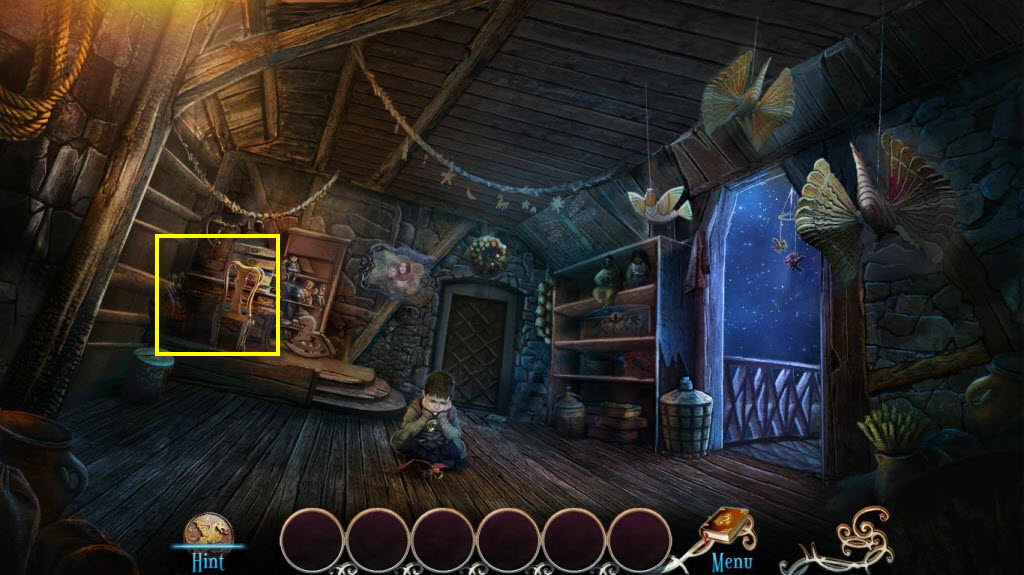
- Click on the area on the left to play the HOG.
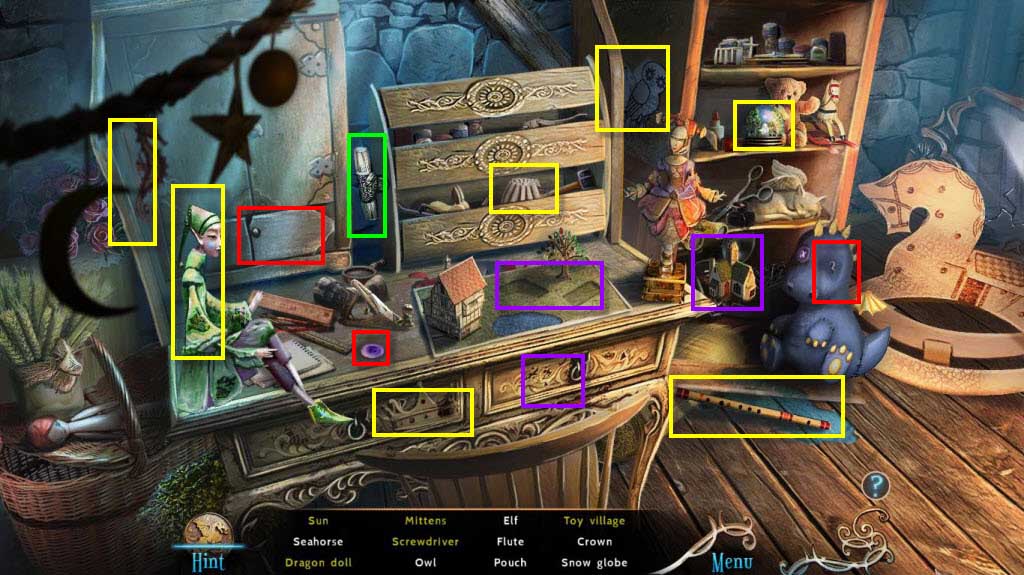
- Find all the items on the list.
- You will receive the Screwdriver.
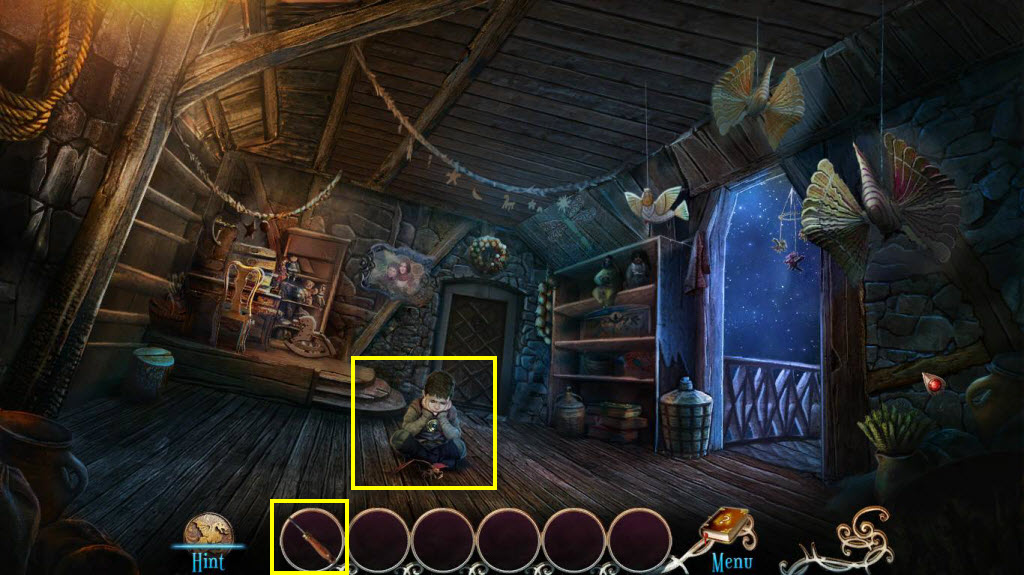
- Click to zoom in on the boy.
- Use the Screwdriver on the toy dragon.
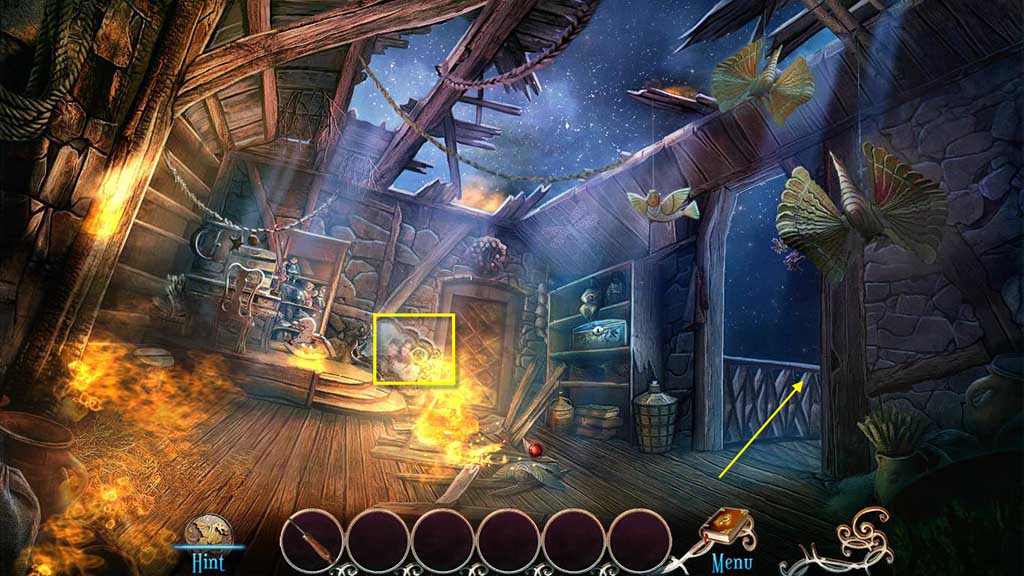
- Click to zoom in on the photo.
- Take the Sketch.
- Go to the right.
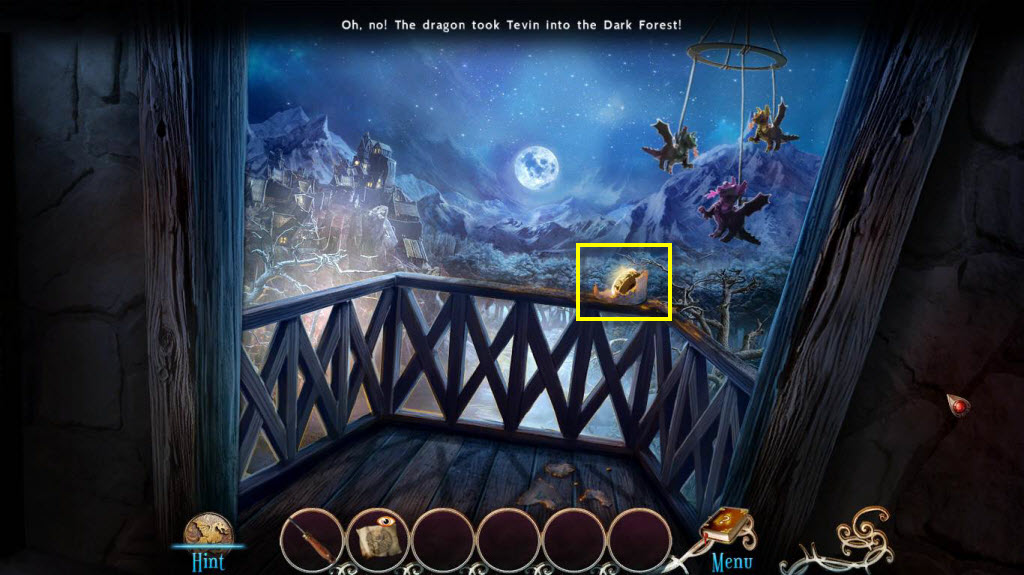
- Take the Dial.
- Go back one screen.
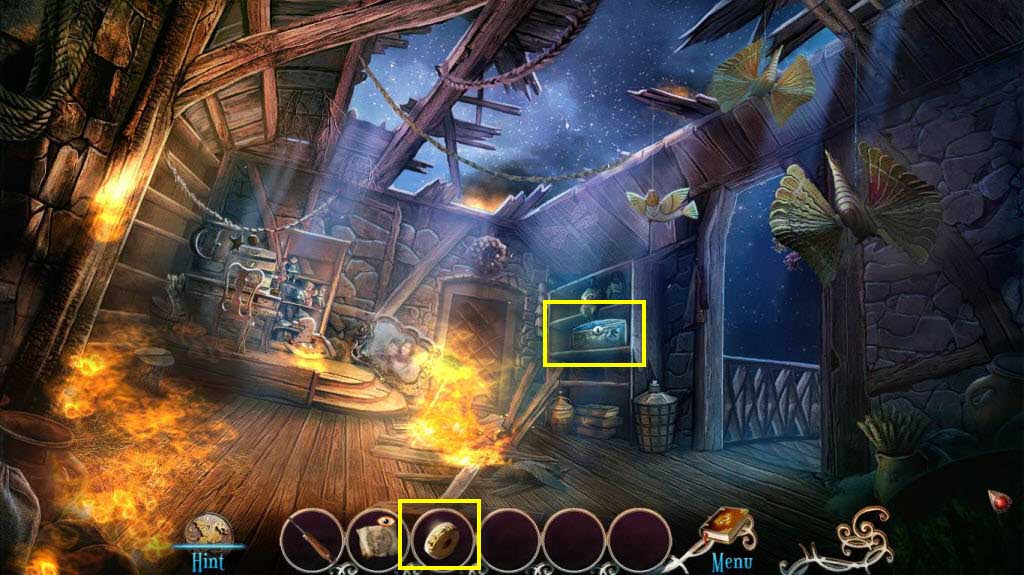
- Click to zoom in on the shelf on the right.
- Use the Dial on the box.
- Play the mini-game.
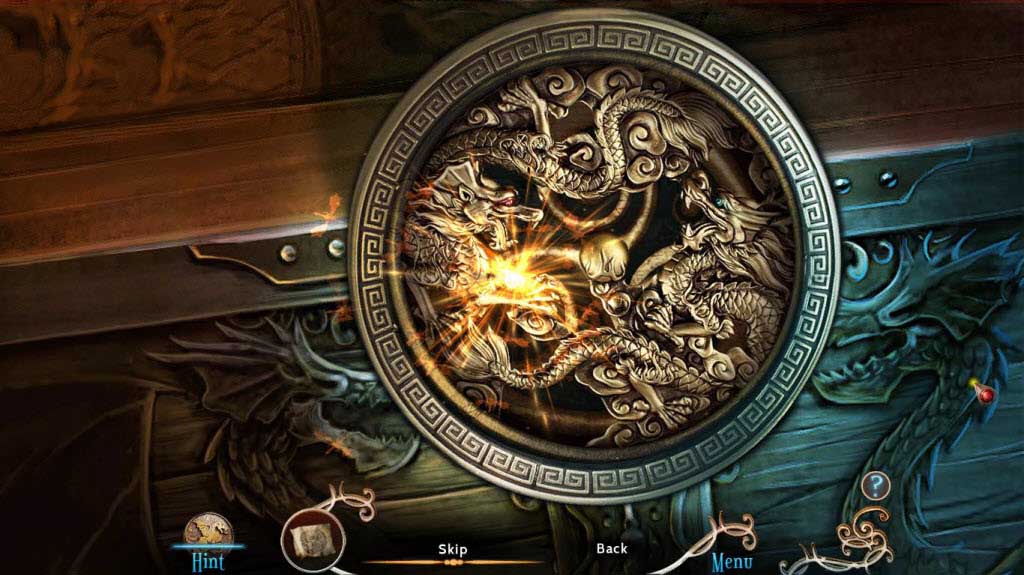
- Look at the Sketch in your inventory to see what the image should look like.
- Click on the 3 rings to rotate them until they form the picture.
- See the screenshot above for the solution.
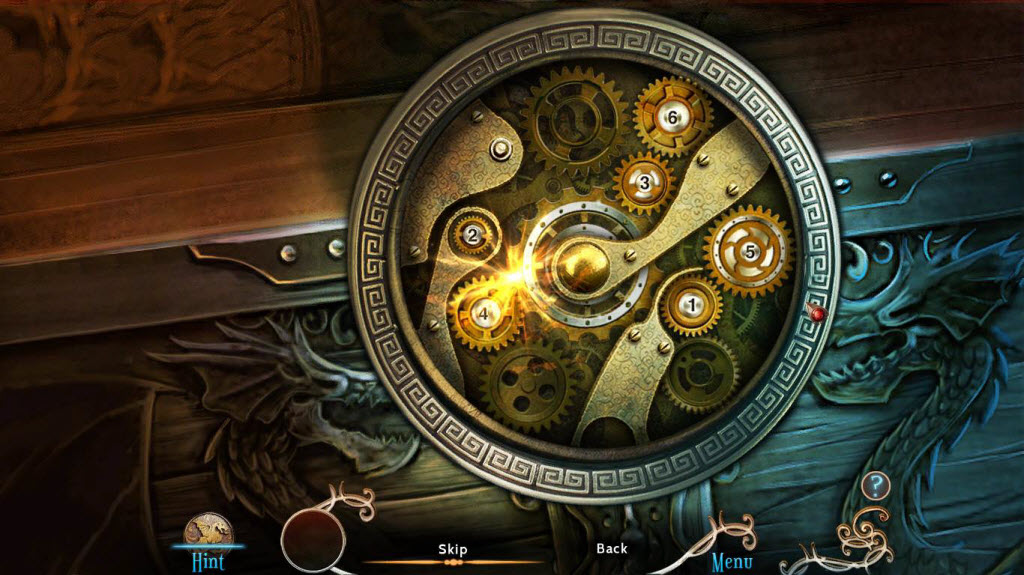
- The next mini-game, you need to swap the gears so that they are in the correct place.
- See the screenshot for the solution.
- When you are done, take the Feather 1/3 and the Rope.
- Go to the right.
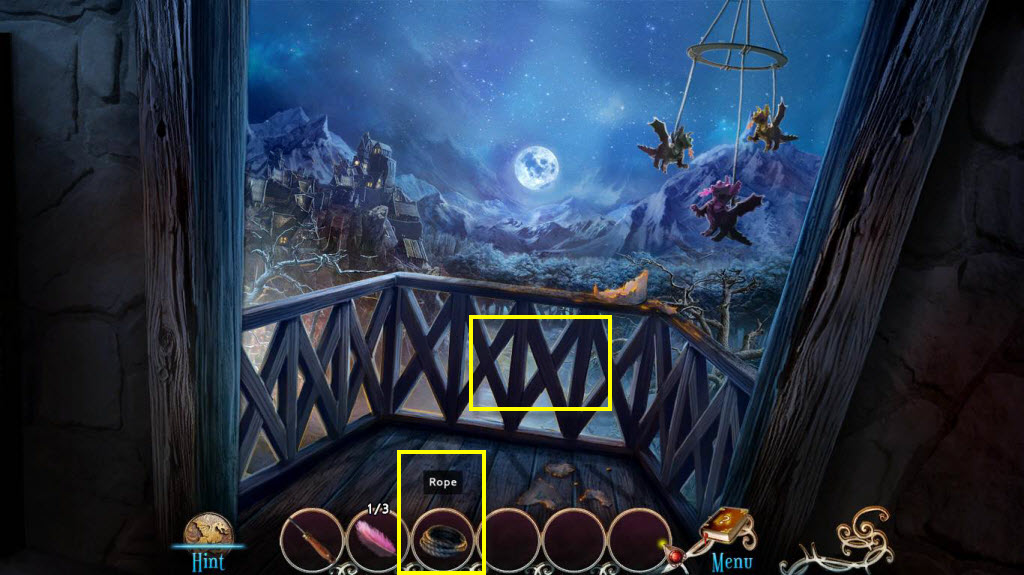
- Use the rope on the railings.
- Go down.
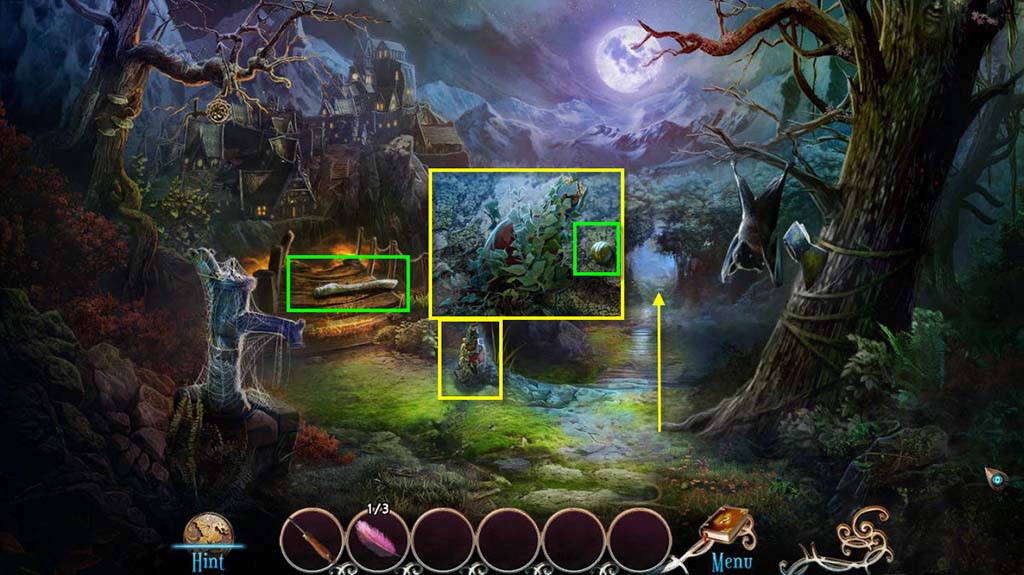
- Click to zoom in on the ground.
- Take the Bead 1/5.
- Take the Wooden Stick.
- Go forward one screen.
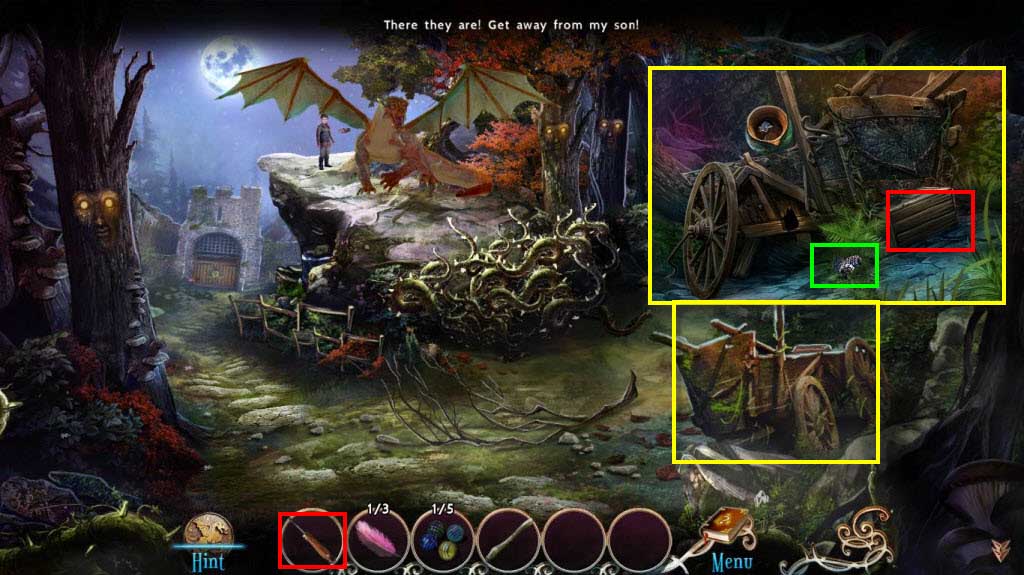
- Click to zoom in on the cart on the right.
- Take the Berries.
- Use the Screwdriver on the crate.
- Take the Crystal.
- Go back one screen.
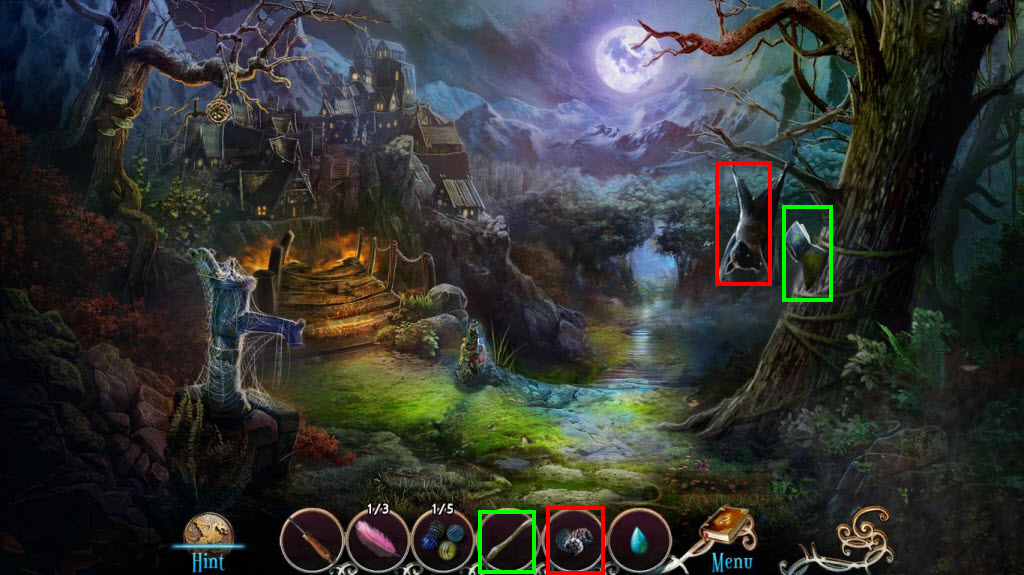
- Use the Berries on the bat.
- Use the Wooden Stick on the Axe head.
- You will receive the Axe.
- Go forward one screen.
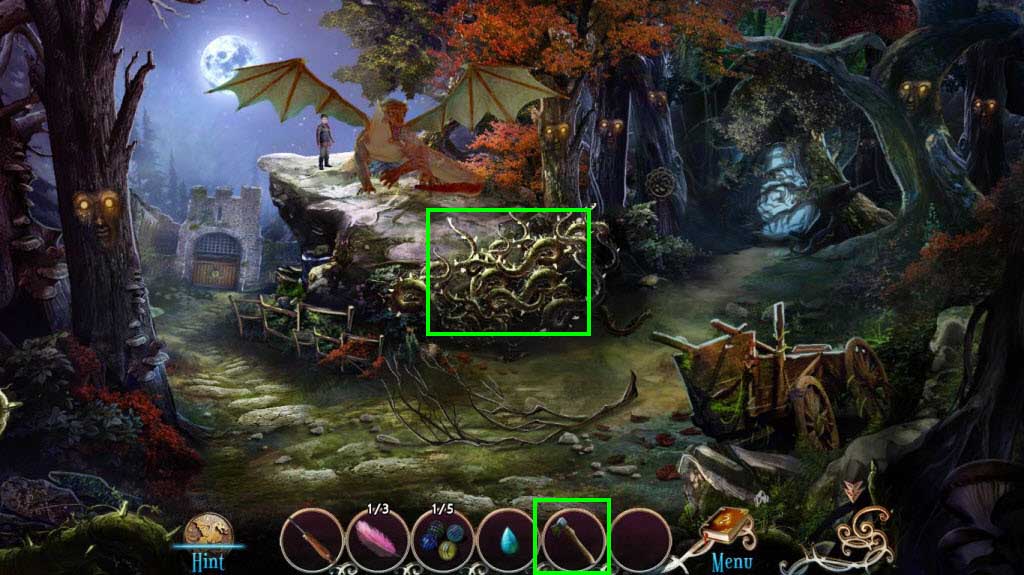
- Use the Axe on the thorns four times.
- Click on the dragon.
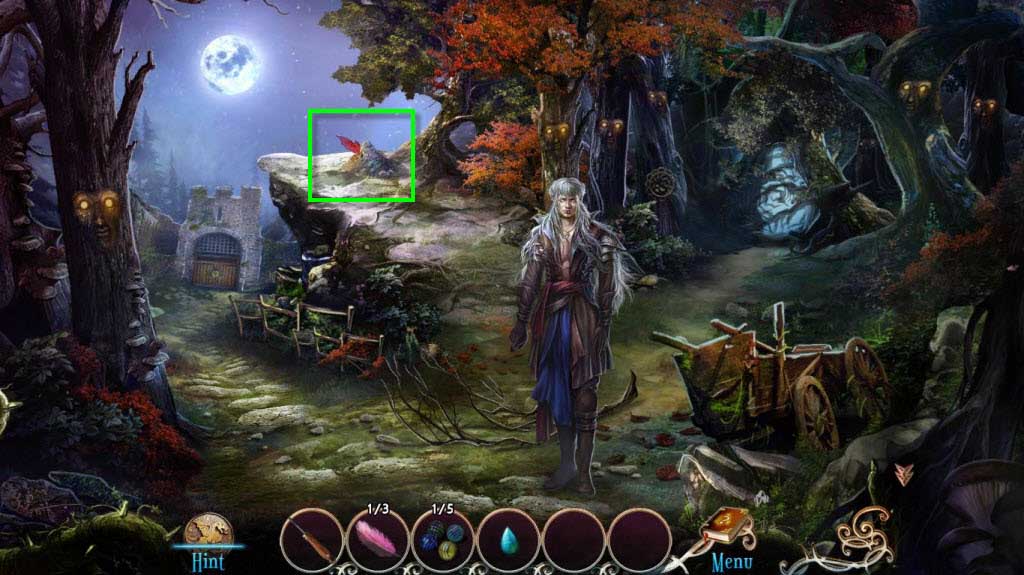
- Click to zoom in on the ground.
- Take the Clockwork Dragon.
- Go forward.
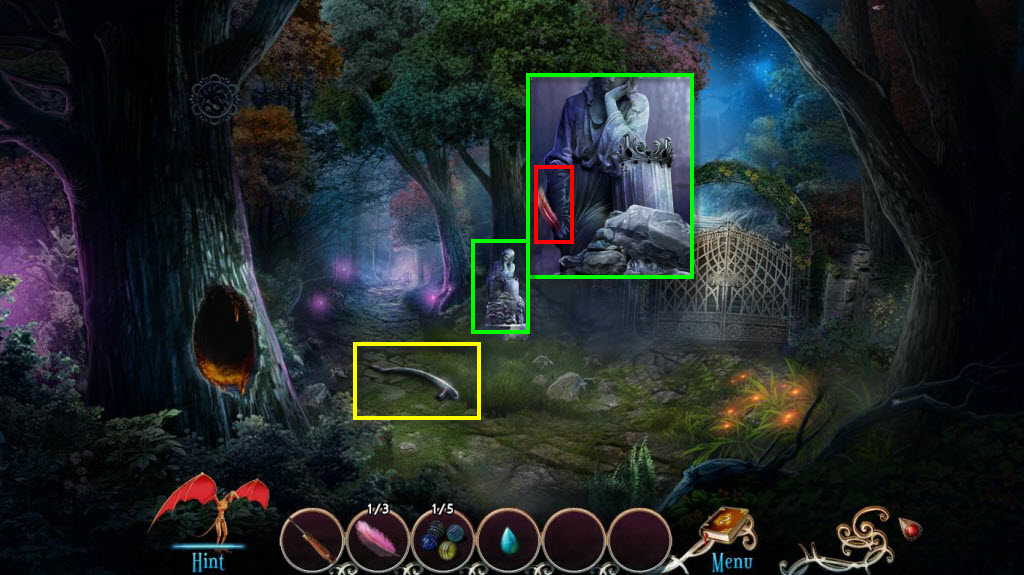
- Take the Pump Handle.
- Click to zoom in on the statue.
- Take the Feather 2/3.
- Go to the left.
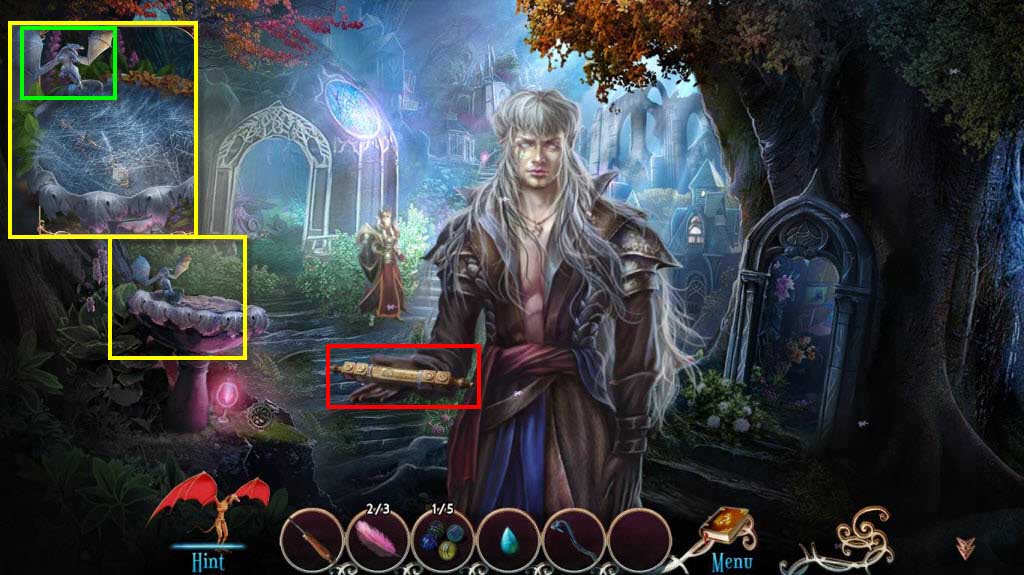
- Click to zoom in on the left.
- Take the Dragon Figurine.
- Click on the map to play the mini-game.
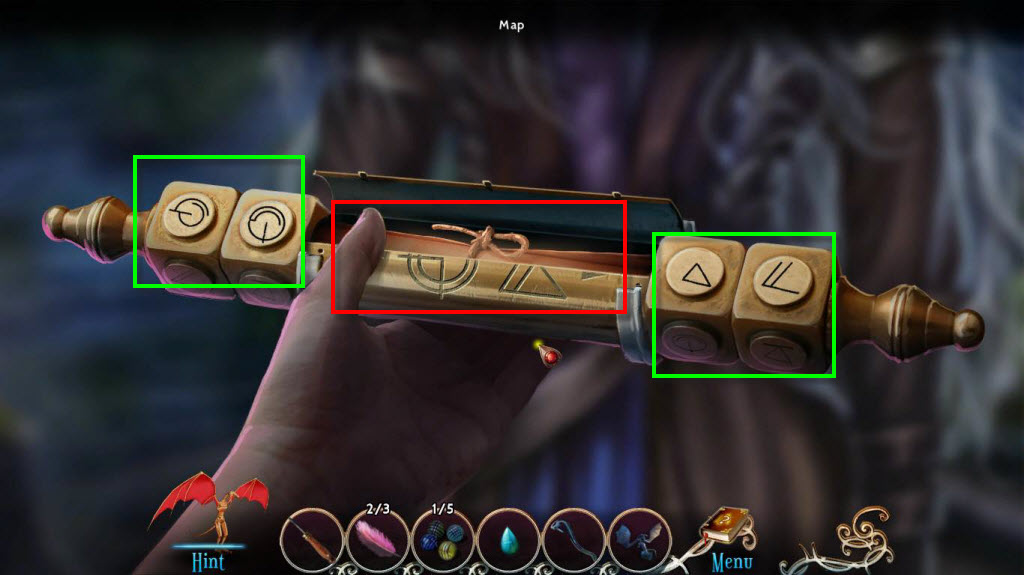
- You need to rotate the symbols so that they form the correct symbol between the two of them.
- See the screenshot for the solution.
- Take the Map.
- Go to the left.
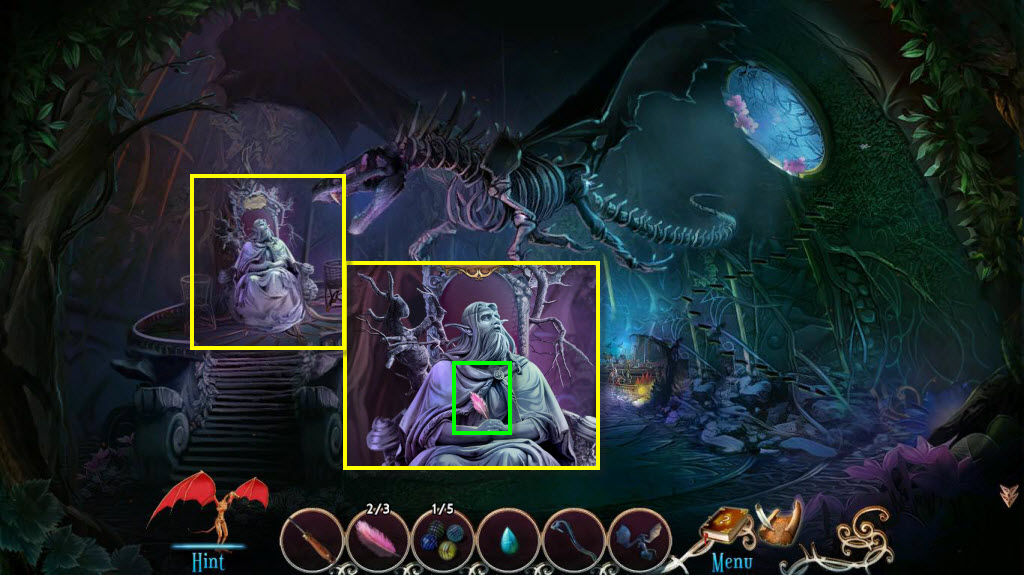
- Click to zoom in on the statue.
- Take the Feather.
- Go back one screen and then zoom in on the tree on the right.
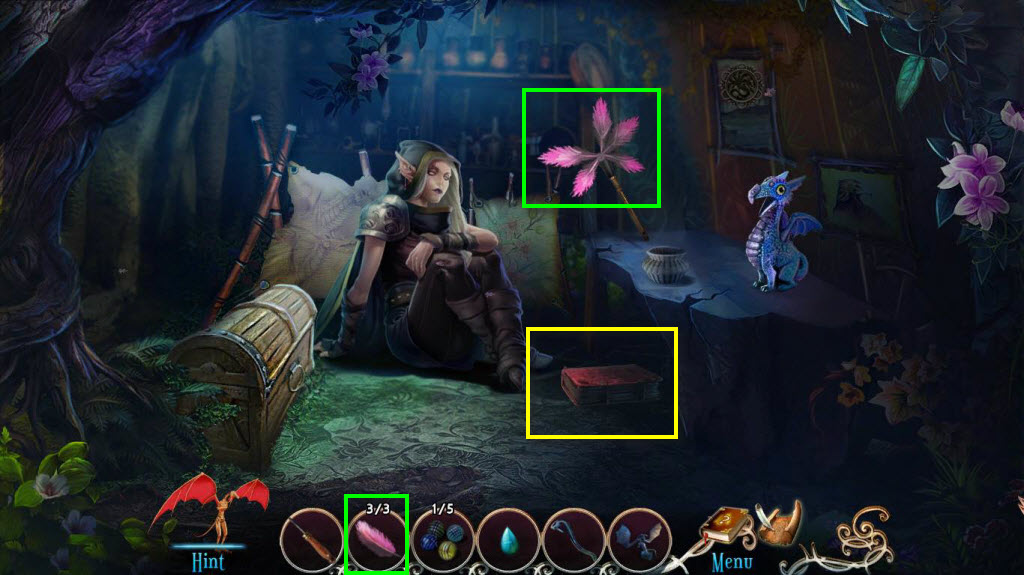
- Use the Feathers on the feather duster.
- Take the Feather Duster.
- Take the book Vol 3 The Golden Age of the Elves.
- Zoom out.
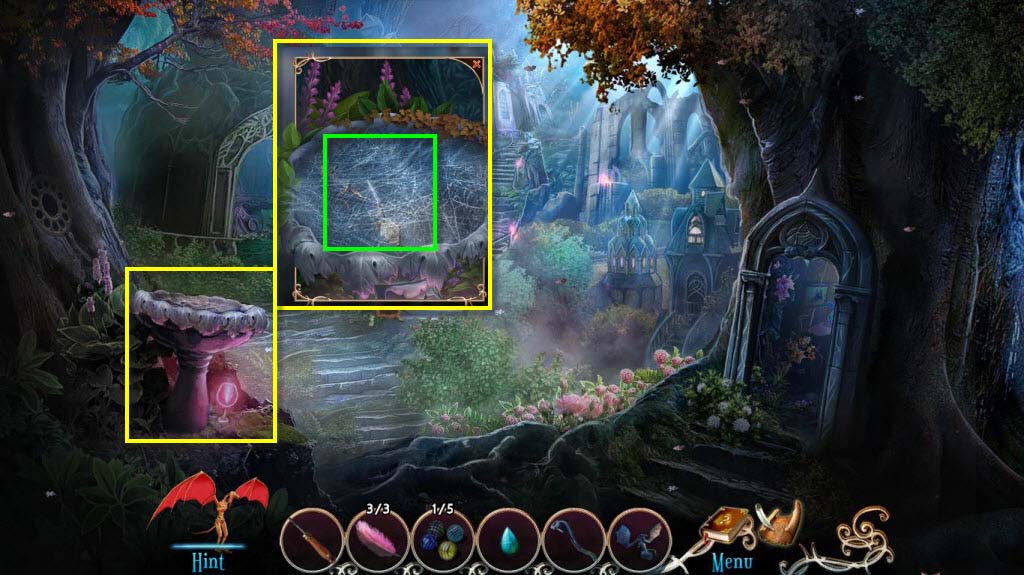
- Click to zoom in on the fountain on the left.
- Use the Feather Duster on the cobwebs in the fountain.
- Take the Soldier Figurine.
- Go forward.
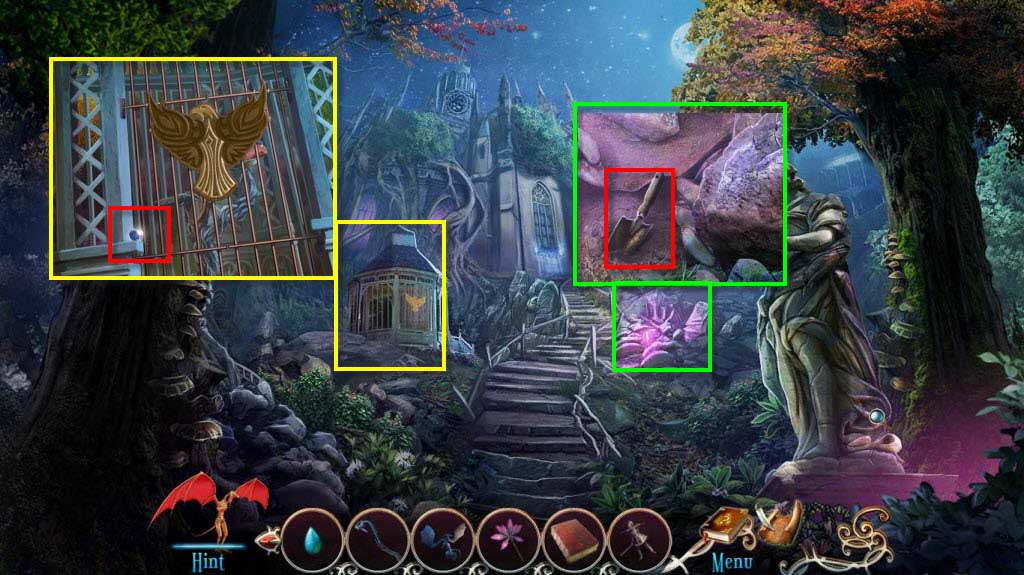
- Click to zoom in on the area with the pink light.
- Take the Trowel.
- Click to zoom in on the cage.
- Take the Bead 3/5.
- Go back three screens.
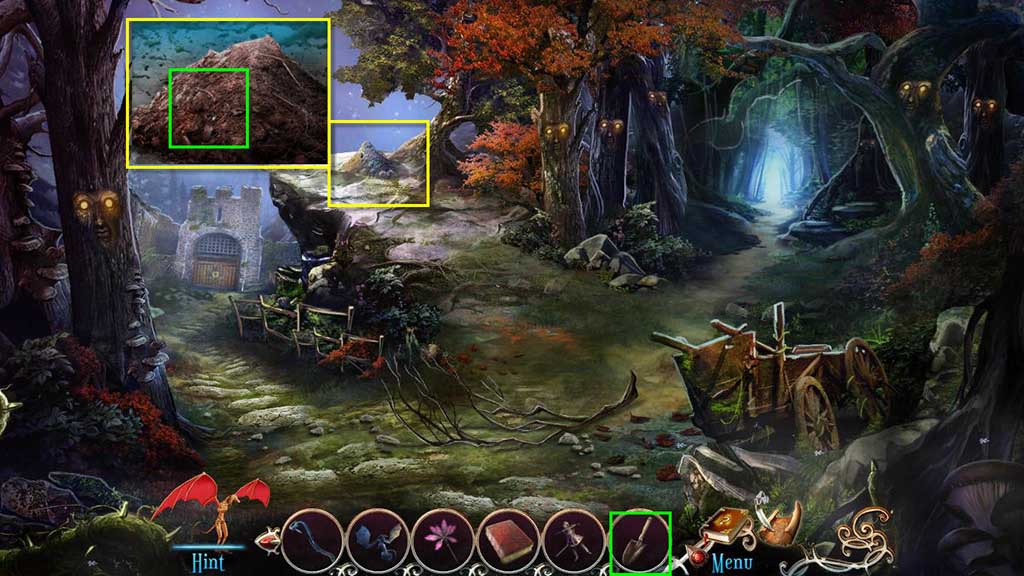
- Click to zoom in on the ground.
- Use the Trowel on the dirt.
- Take the Garden Shears.
- Go back one screen.
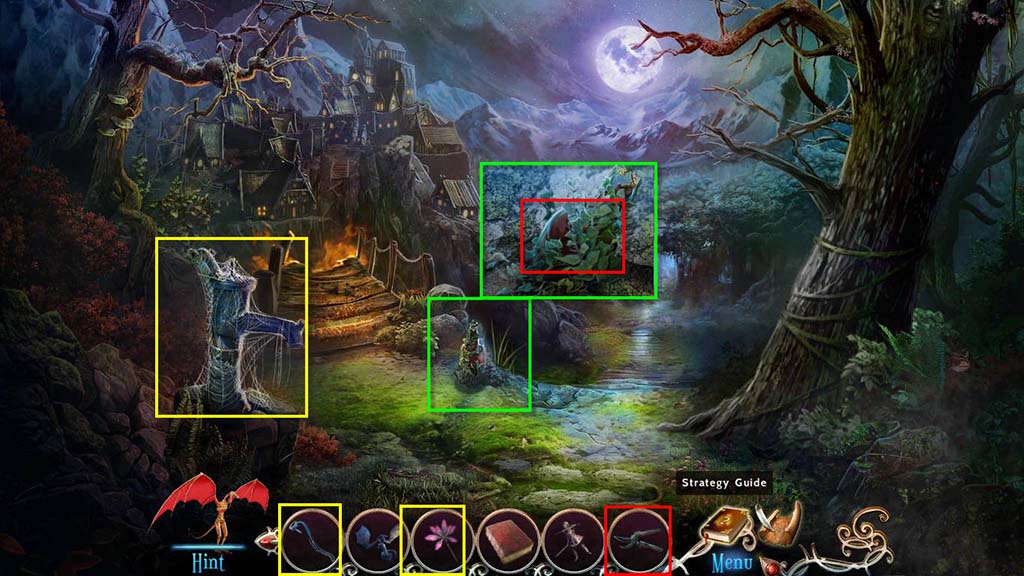
- Click to zoom in on the bottle.
- Use the Garden Shears on the bottle.
- Take the Cork.
- Use the Feather Duster on the pump.
- Use the Pump Handle on the pump.
- Go forward one screen.
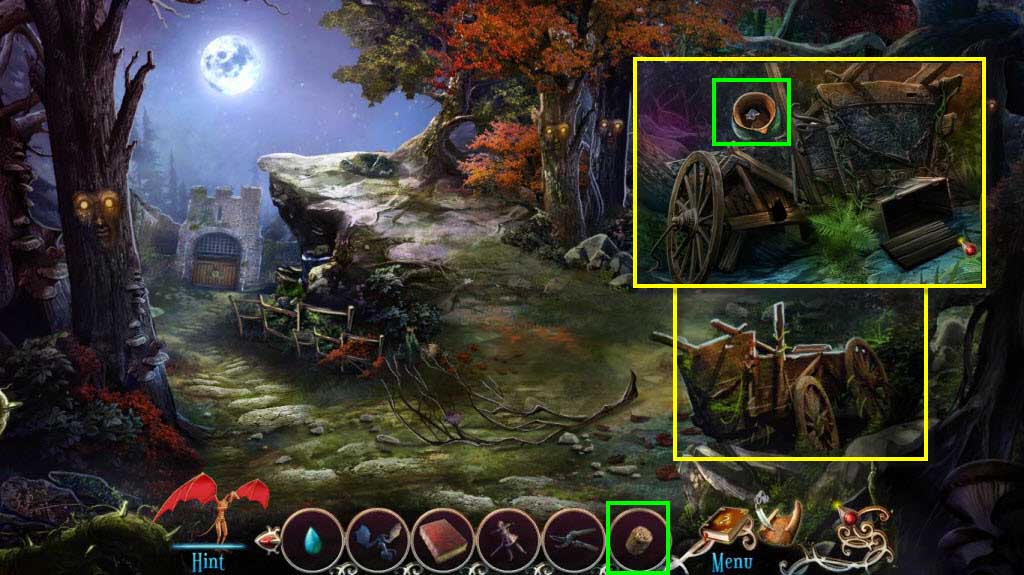
- Click to zoom in on the wagon.
- Use the Cork on the jar.
- Take the Empty Jar.
- Go back one screen.
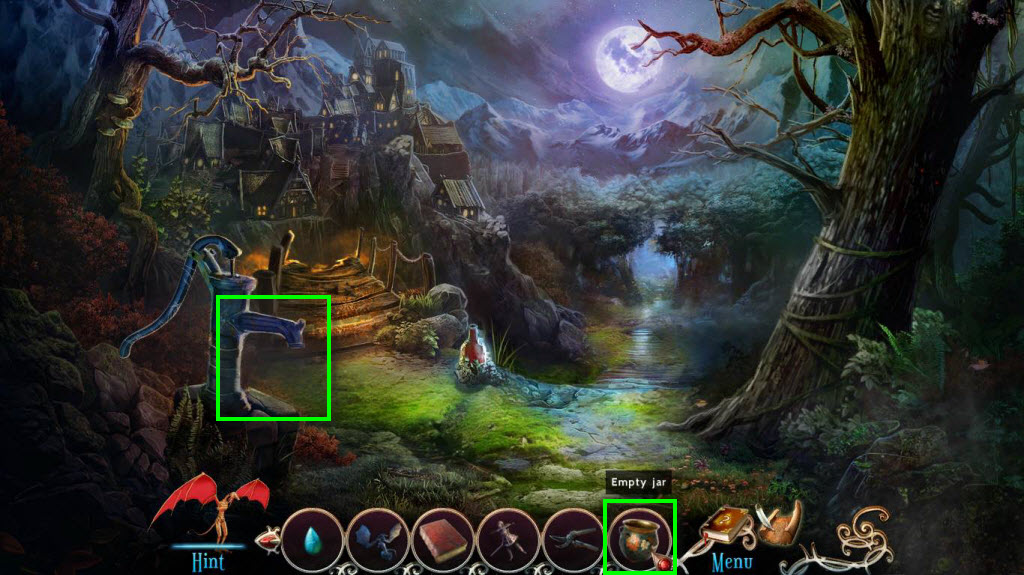
- Use the Empty Jar on the water pump.
- Take the Jar of Water.
- Go to the Village entrance.
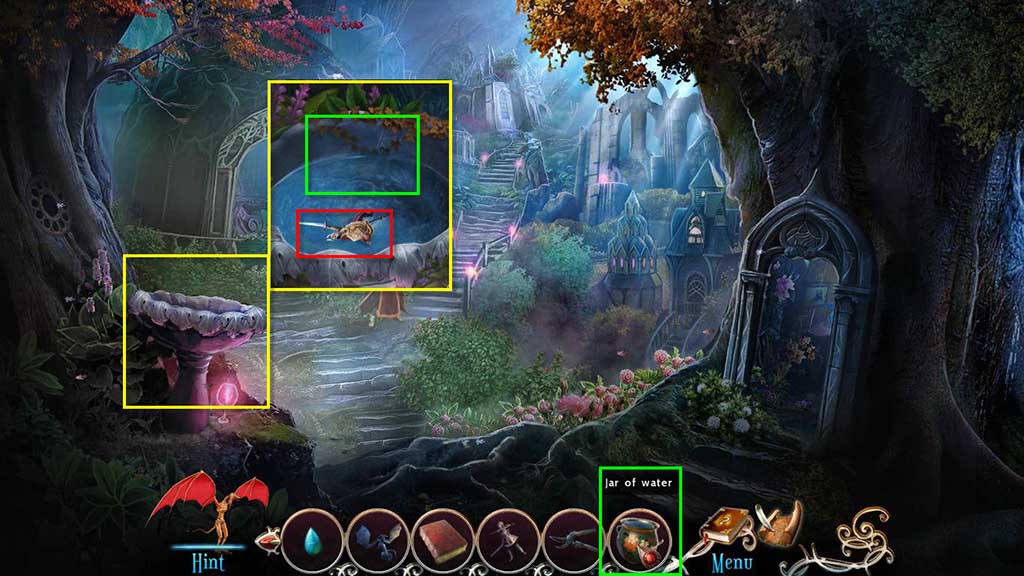
- Click to zoom in on the fountain.
- Use the Jar of Water on the fountain.
- Take the King Figurine.
- Go to the left.
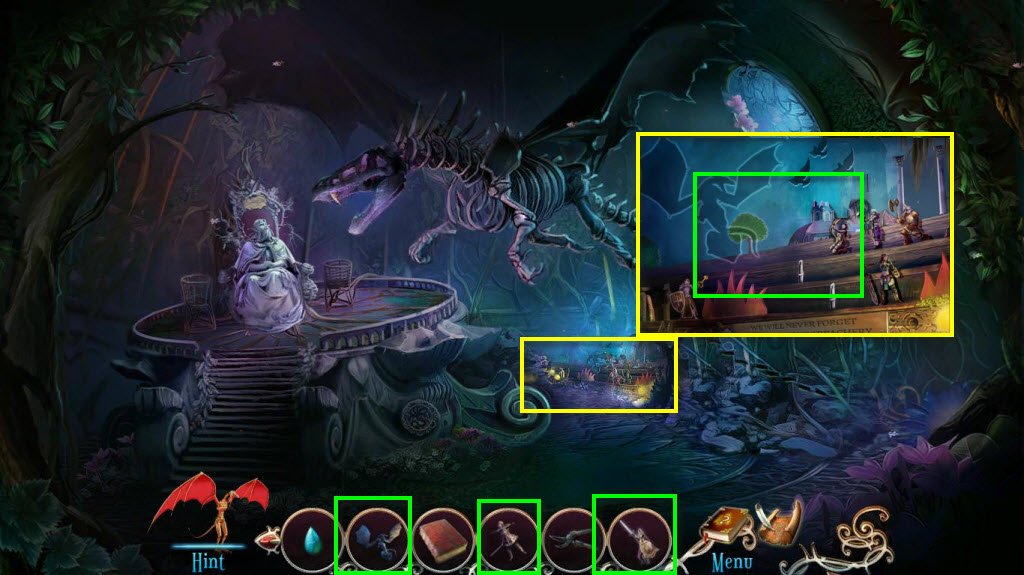
- Click to zoom in on the figurines.
- Use the Dragon Figurine, the Soldier Figurine, and the King Figurine.
- This will start a mini-game where you will have to find the 8 gems.
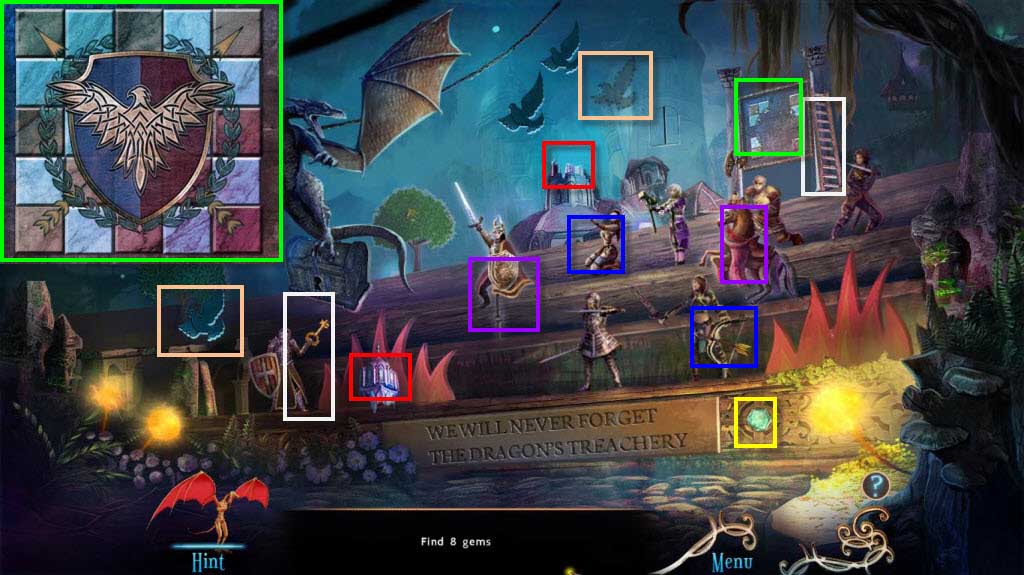
- You will need to interact with the figurines in order to find all the gems.
- You will need to put the puzzle together to get the last gem.
- When you are done, you will receive the Gems.
- Go back two screens.
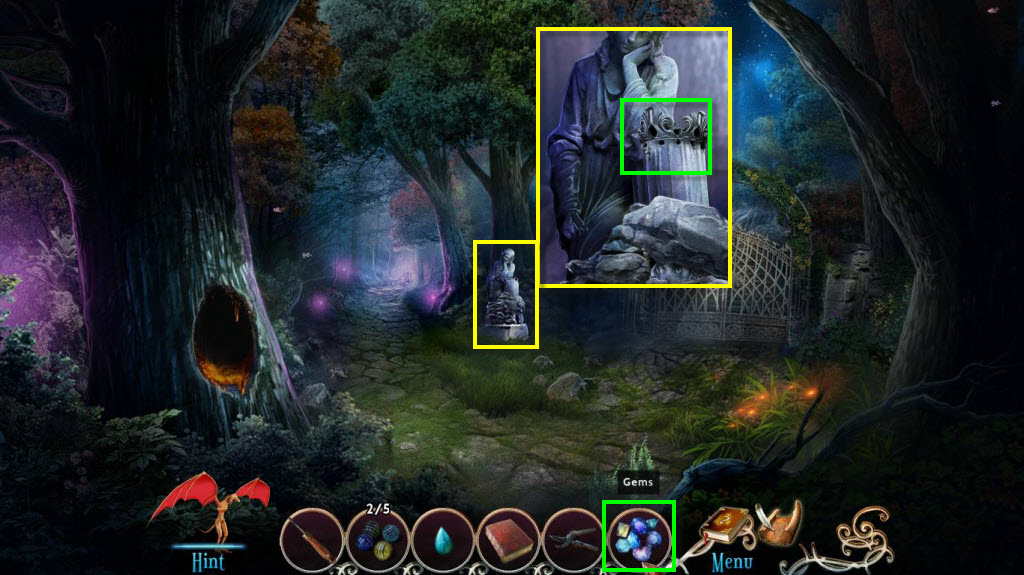
- Click to zoom in on the statue.
- Use the Gems on the crown.
- Take the Crown.
- Go forward two screens and zoom in on the king's statue.
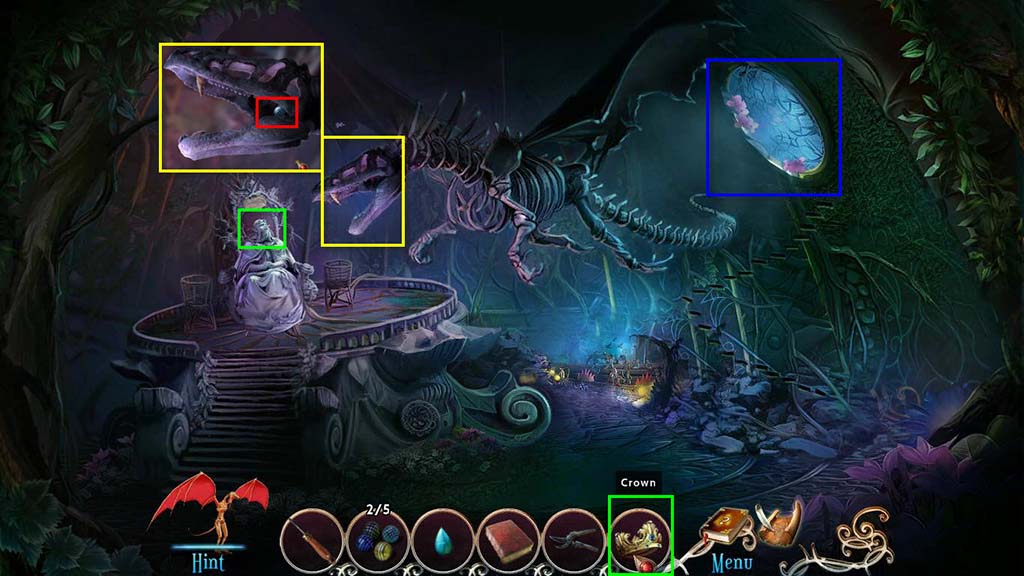
- Use the Crown on the king's statue.
- Click to zoom in on the dragon's mouth.
- Take the Bead 4/5.
- Click on the window.
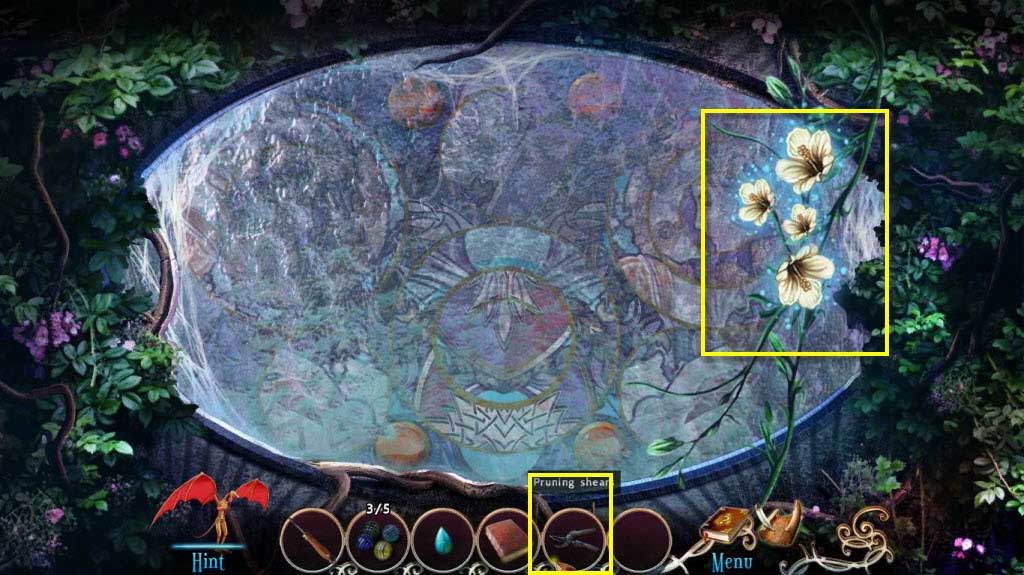
- Use the Garden Shears on the moonbells.
- Go back one screen and click to zoom in on the tree.
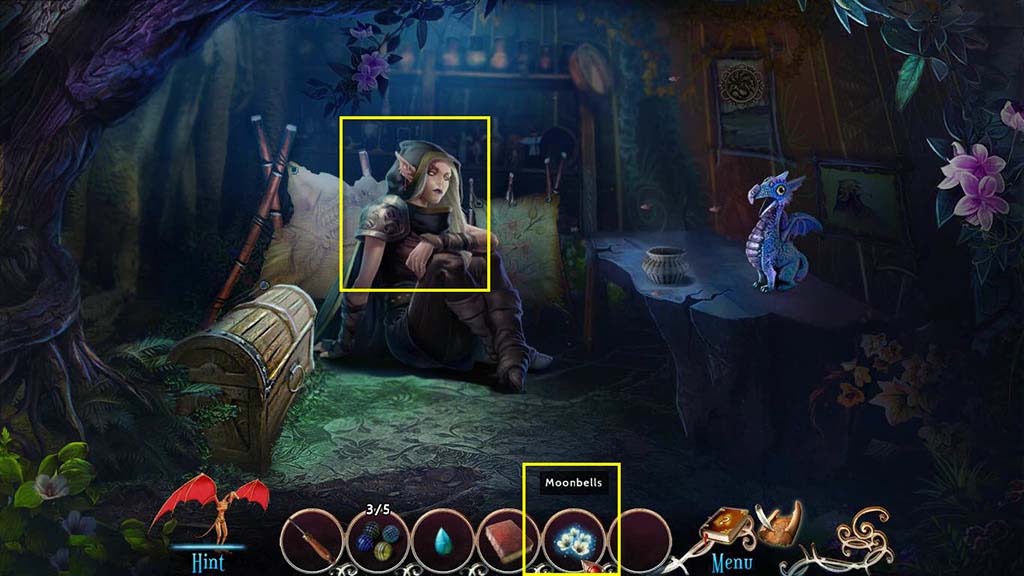
- Use the Moonbells on the elf.
- Take the Brush.
- Go to the left and click to zoom in on the window.
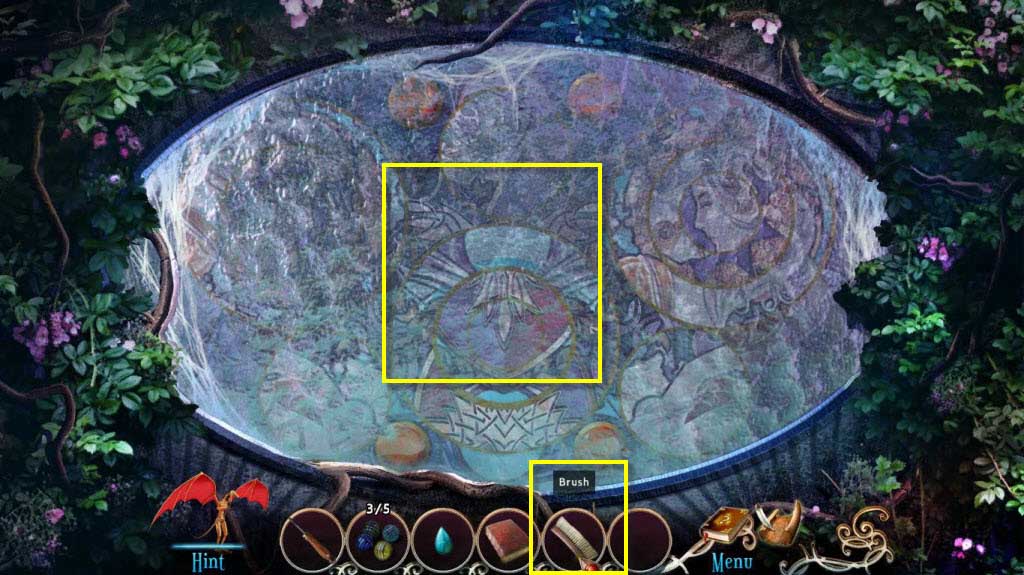
- Use the Brush on the window three times to clean it.
- This will start a mini-game.
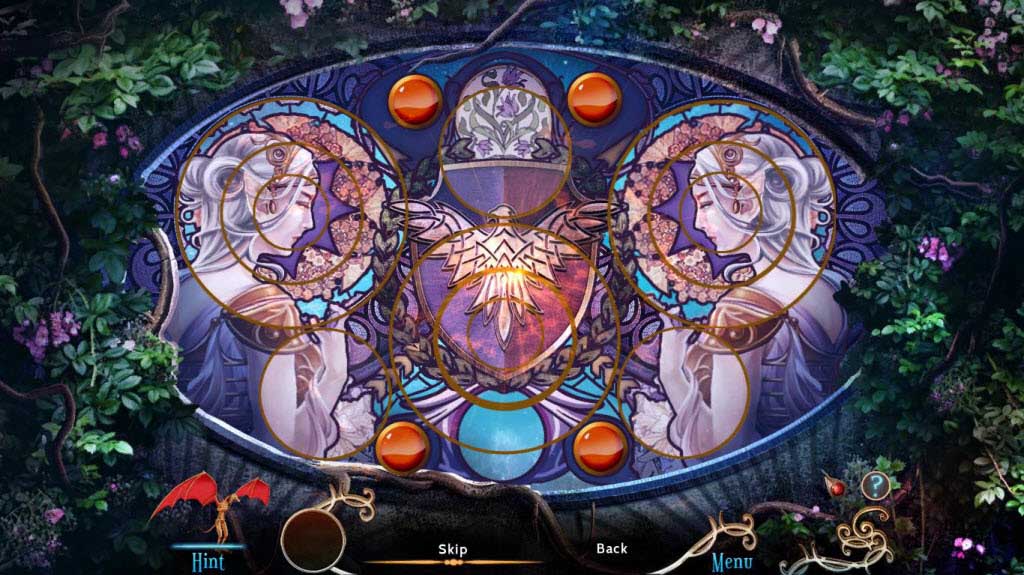
- Click on the buttons to form the image.
- See the screenshot for the solution.
- Take the Lens when the king is done speaking.
- Go back one screen and then forward.
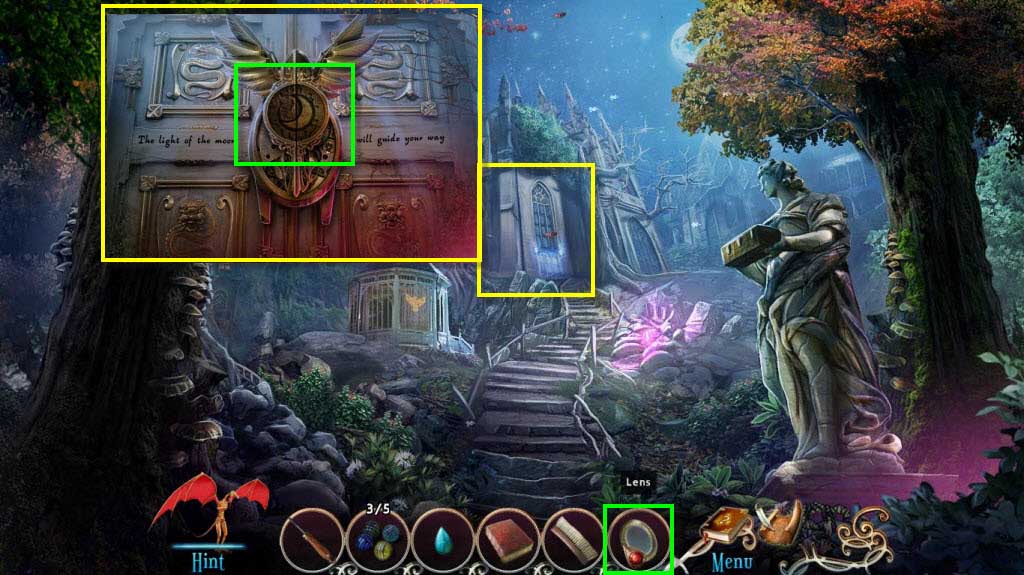
- Click to zoom in on the library door.
- Use the Lens on the door.
- Enter the Library.
Comments will load when you reach this part of the walkthrough.