

Chapter Two: Enter the Museum
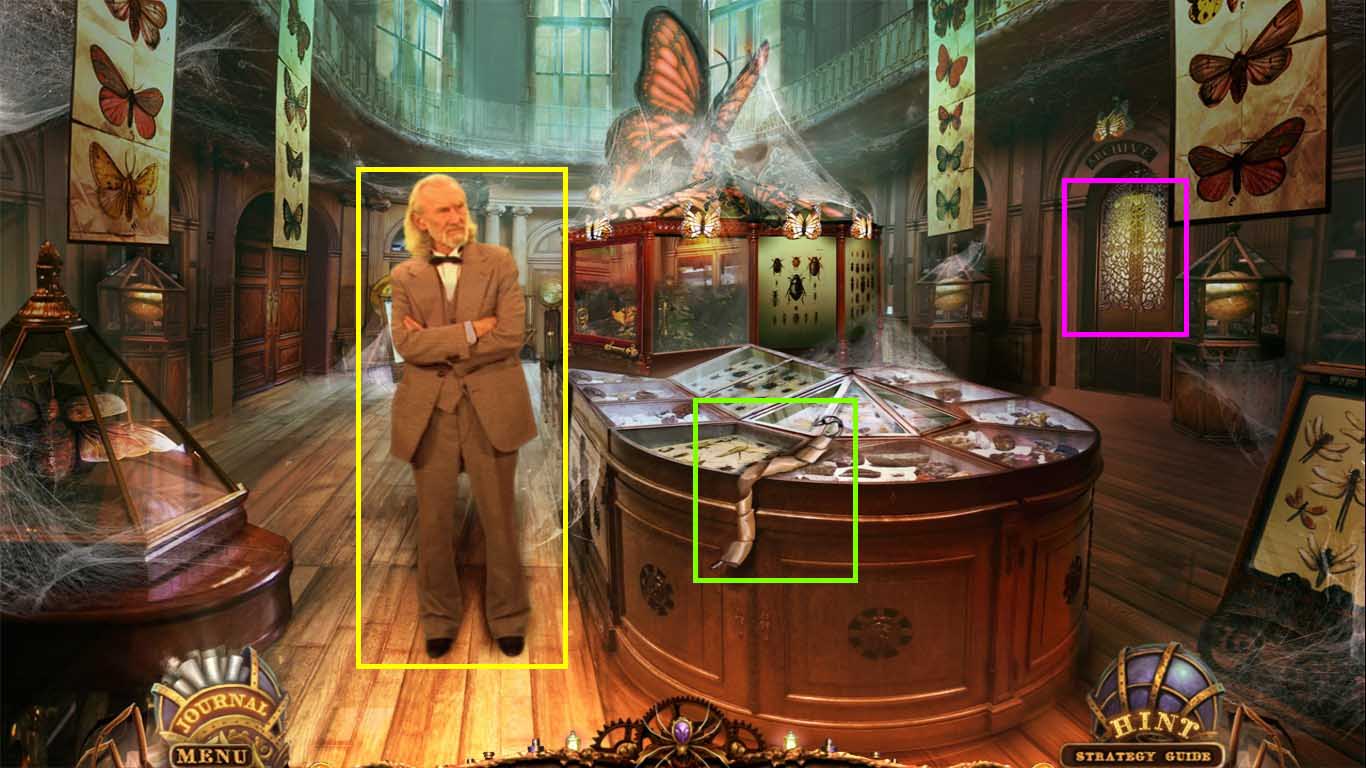
- Click Jacob.
- Collect the flypaper.
- Notice the mini-game on the door.
- Walk down once.
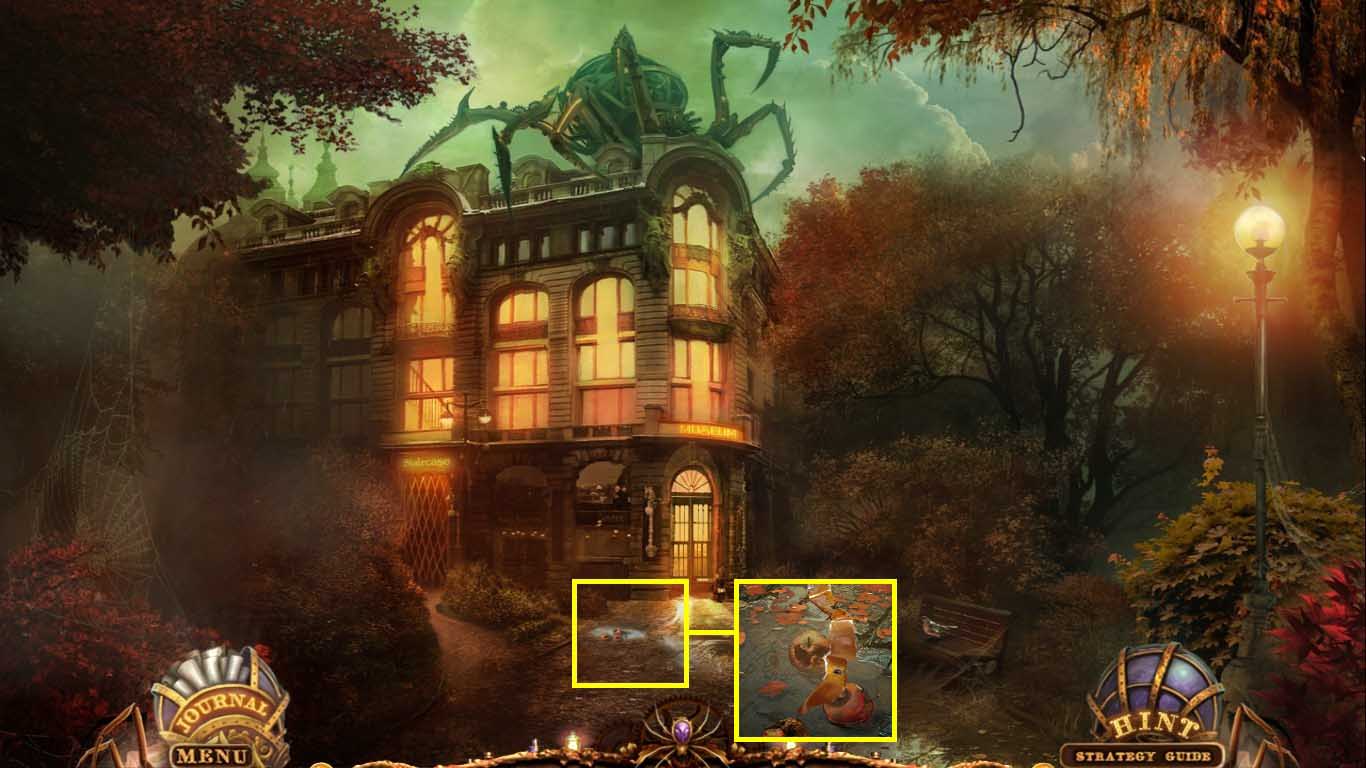
- Click the puddles.
- Use the flypaper on the flies.
- Collect the fly covered flypaper.
- Walk down once and go to the right.
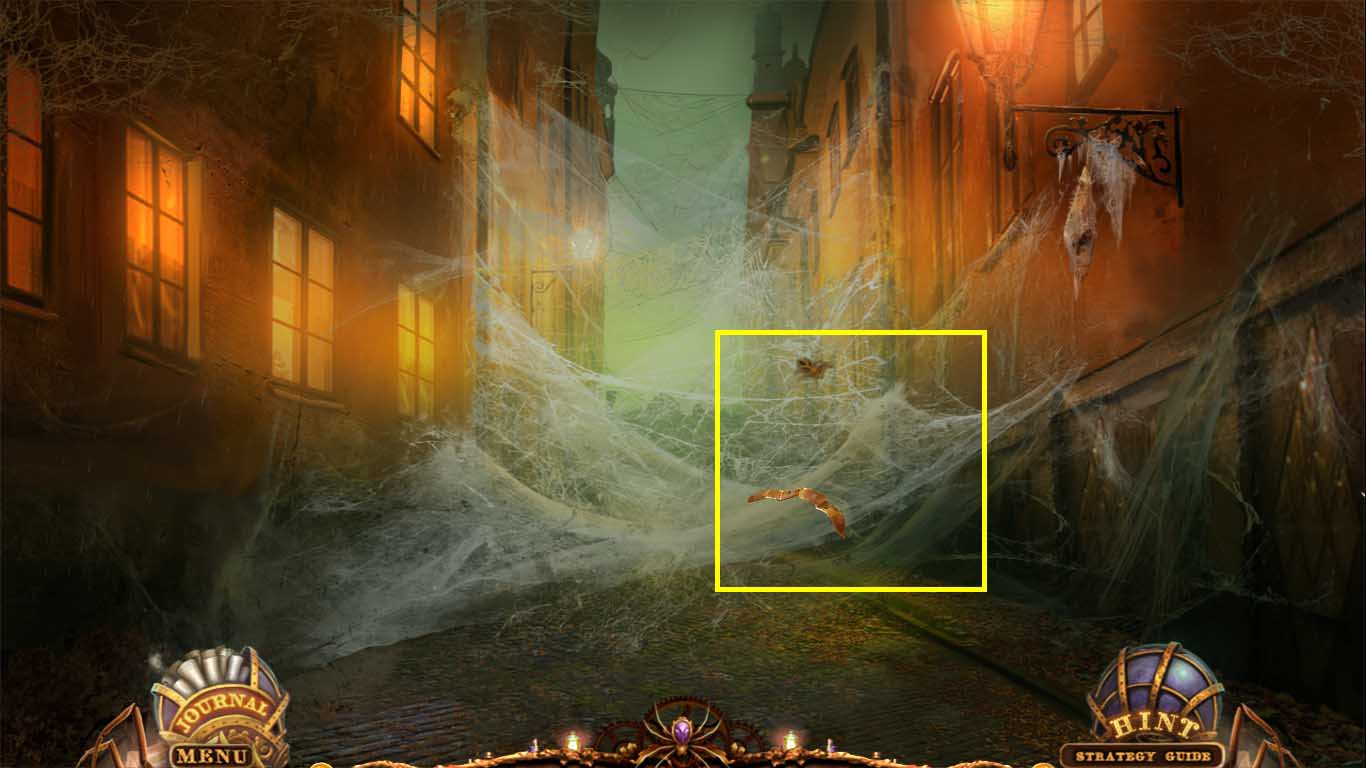
- Place the flypaper with flies onto the web.
- Collect the mechanical spider.
- Go to the museum.
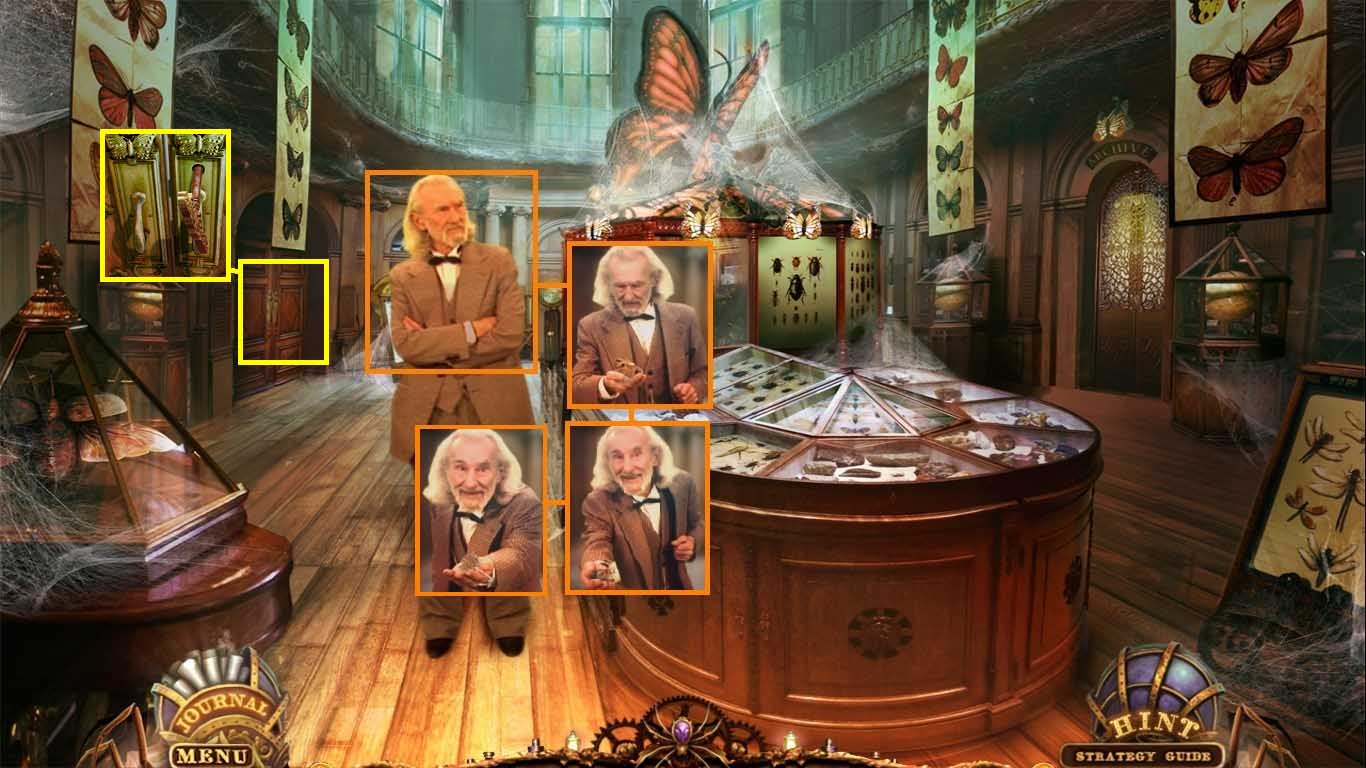
- Zoom into Jacob.
- Give the spider web to him.
- Give him the mechanical spider.
- Collect the acid recipe.
- Collect the laboratory key from Jacob.
- Click the doors on the left.
- Use the laboratory key to unlock the lock.
- Walk into the laboratory.
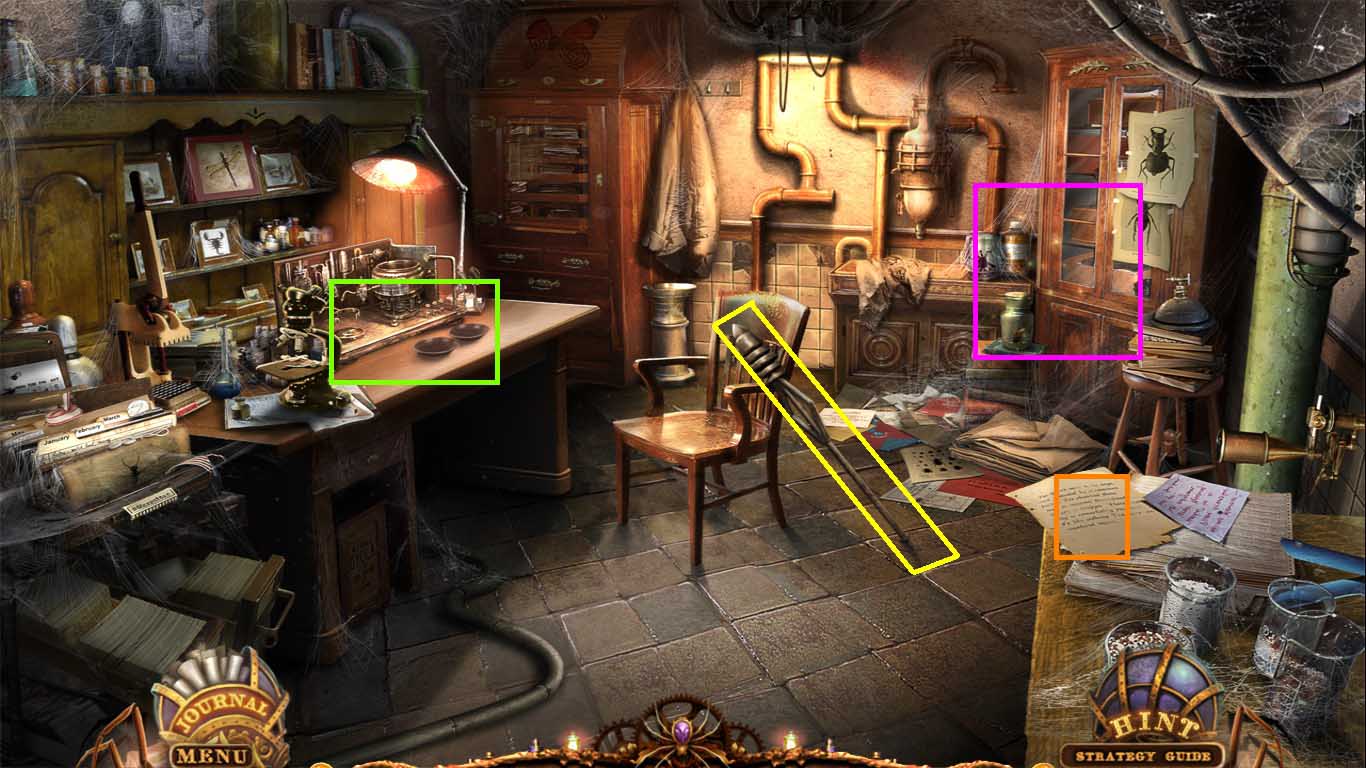
- Notice the work table.
- Collect the lightning rod.
- Read the note.
- Click the area with the jars to access the hidden objects area.
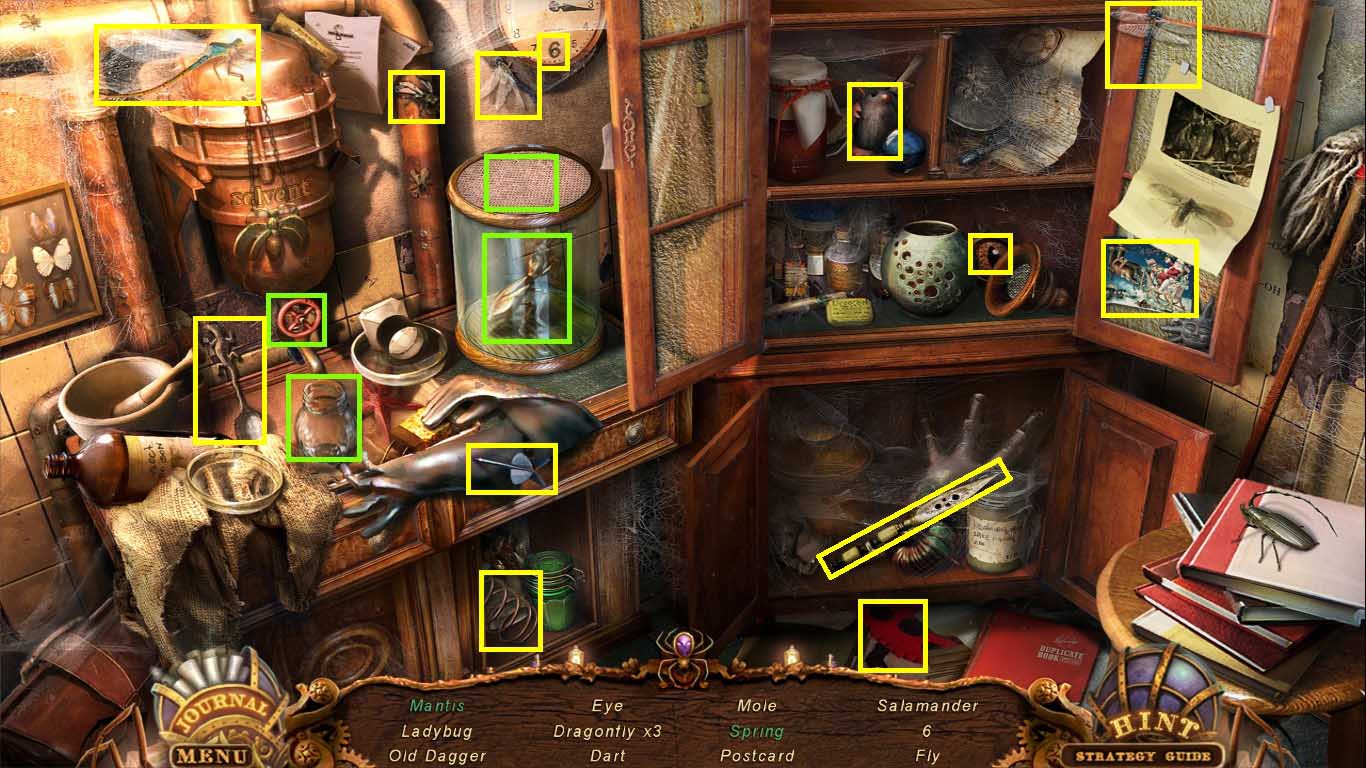
- Find the listed items.
- Click the cabinet on the left; click the spring.
- Click the lower right cabinet; click the dagger.
- Click the upper right cabinet; click the dragonfly, the eye, the mole and the postcard.
- Click the valve; use the jar contents on the mesh lid; click the mantis.
- Collect the toy mantis.
- Walk down; zoom into the doors on the right to trigger a mini-game.
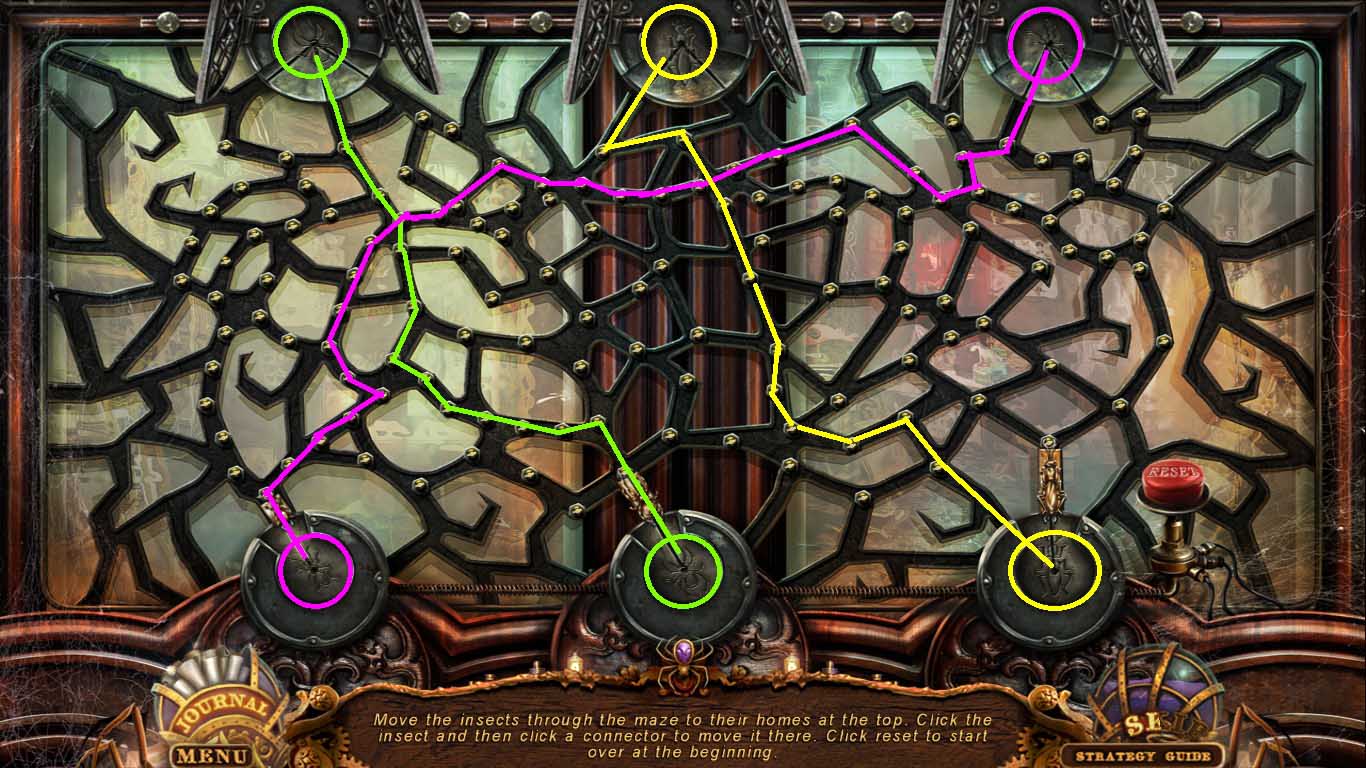
- Insert the toy mantis, the toy spider, and the toy ant into the device.
- Click one of the insects.
- Move all the insects from the bottom to their correct places on the top.
- Walk right to go into the archives.
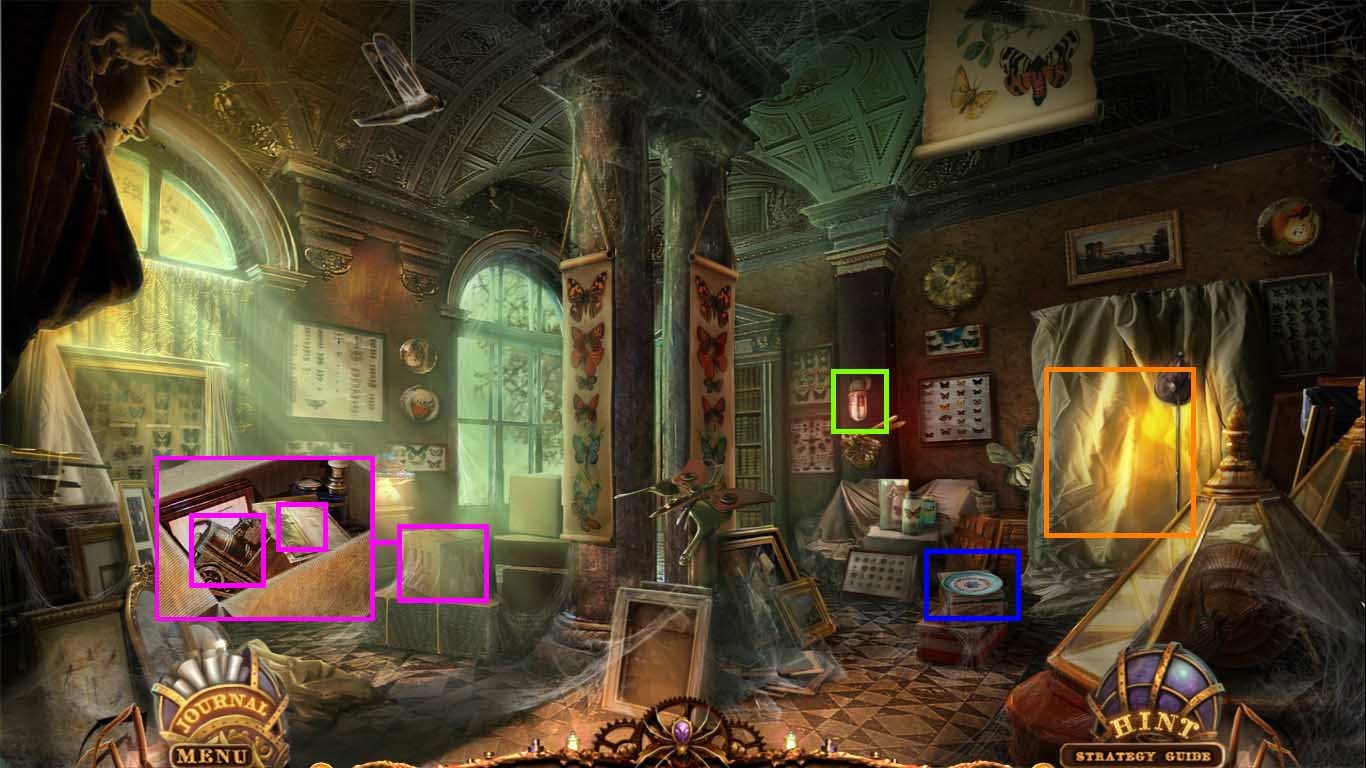
- Click the box to open it.
- Collect the blank ticket and the train part.
- Collect the plate.
- Click the lantern; take the red bulb using the rubber glove.
- Click the drapes to access the hidden objects area.
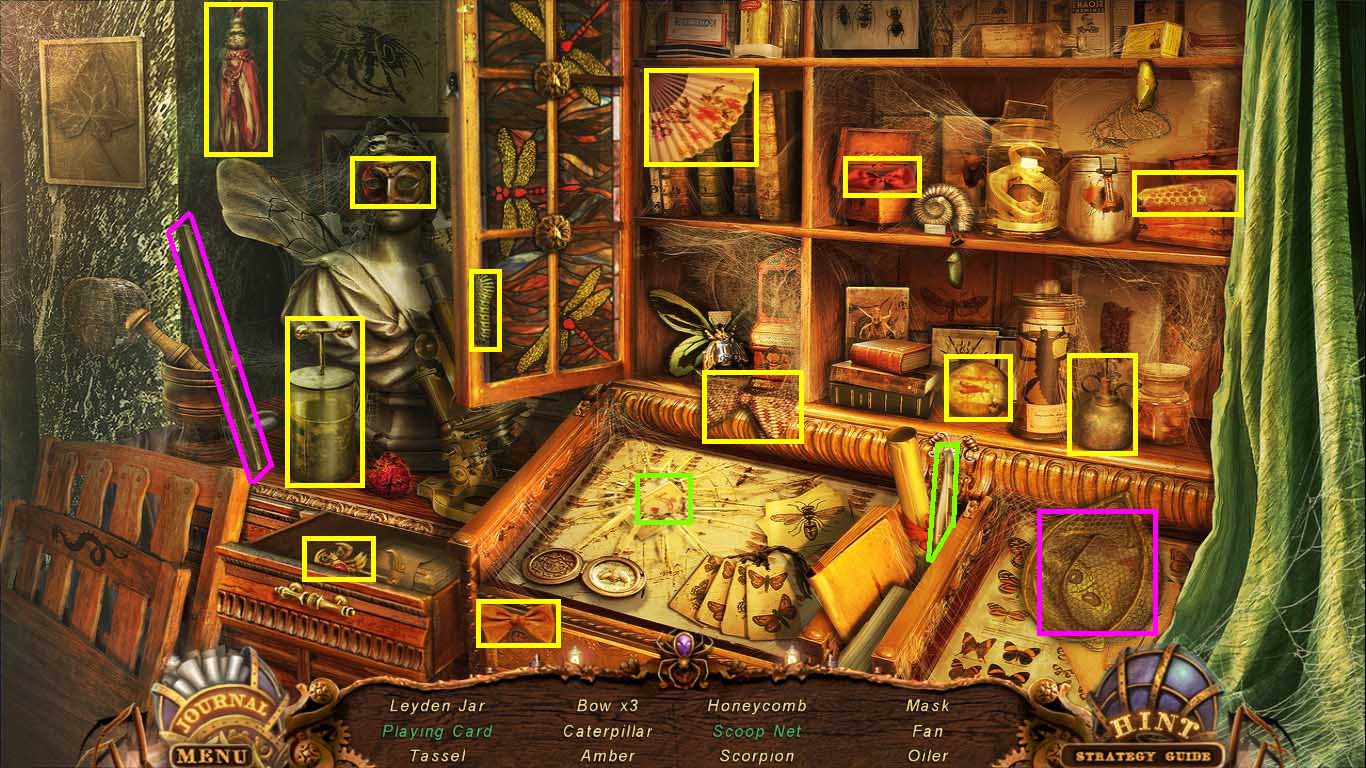
- Find the listed items.
- Click the drapes.
- Put the pole onto the net; click the scoop net.
- Click the drawer; click the scorpion.
- Get the playing cards by using the tweezers.
- Collect the empty Leyden jar.
- Walk down.
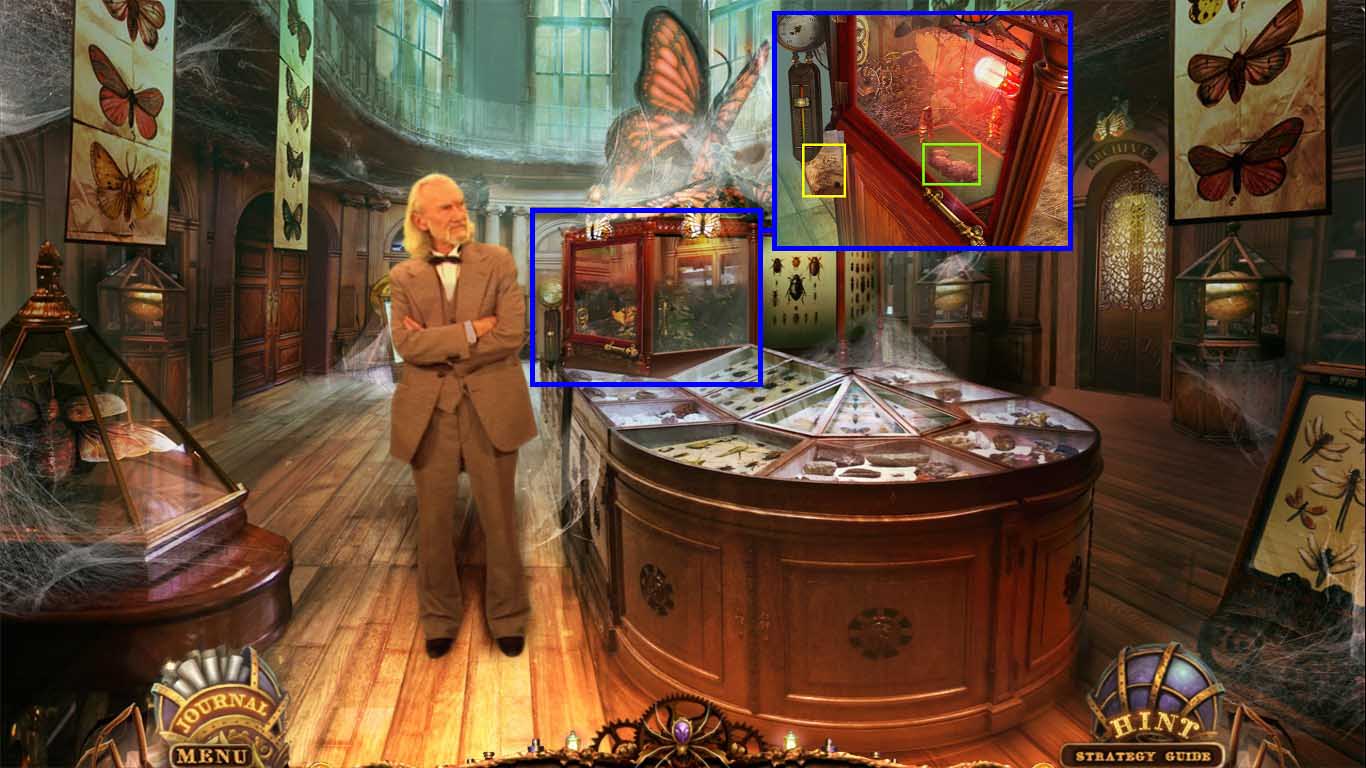
- Zoom into the case.
- Click the handle to open the door.
- Insert the red bulb into the socket.
- Click the door to close it.
- Read the instructions.
- Click the button on the thermometer; moving it to read 70°.
- View the cut scene.
- Click the door; collect the butterfly dust.
- Go to the street next to the train.
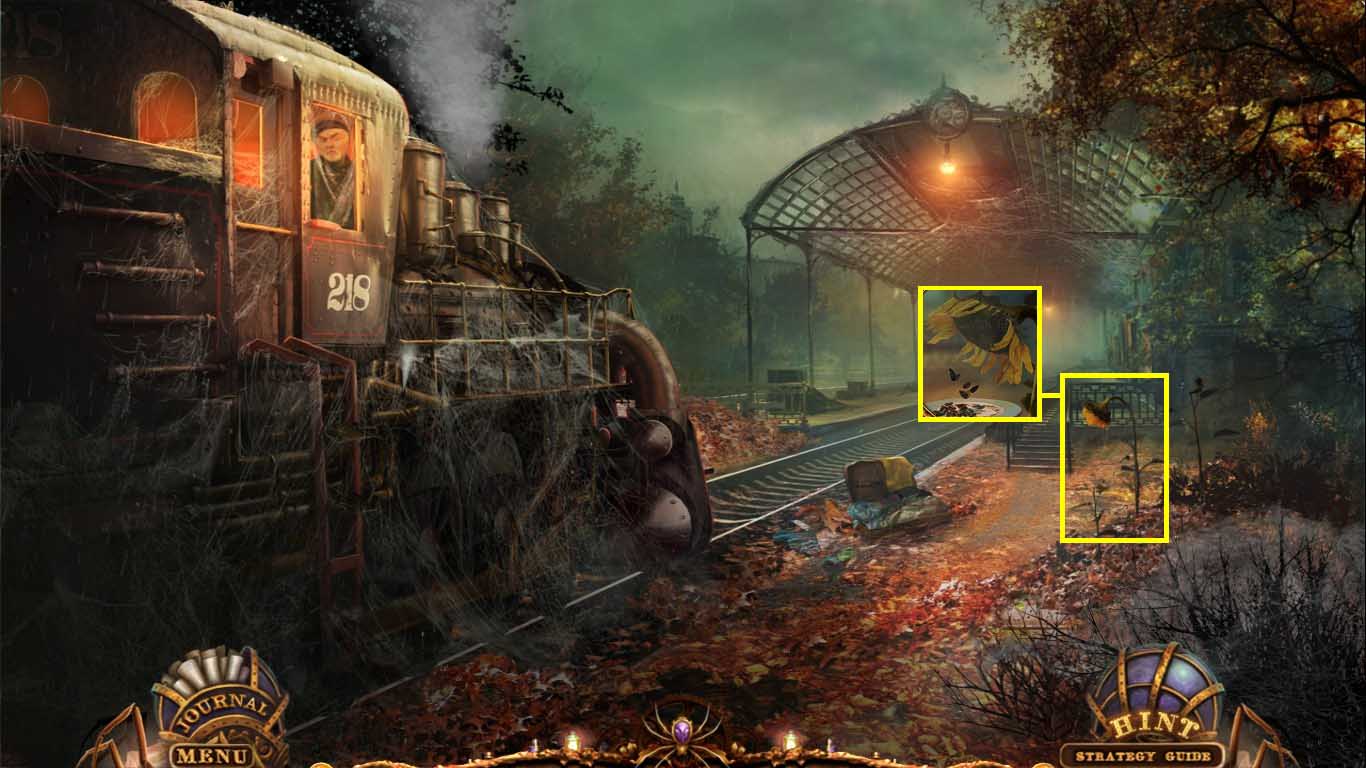
- Zoom into the sunflower.
- Use the plate on the sunflower.
- Collect the plate with seeds.
- Go to the square.
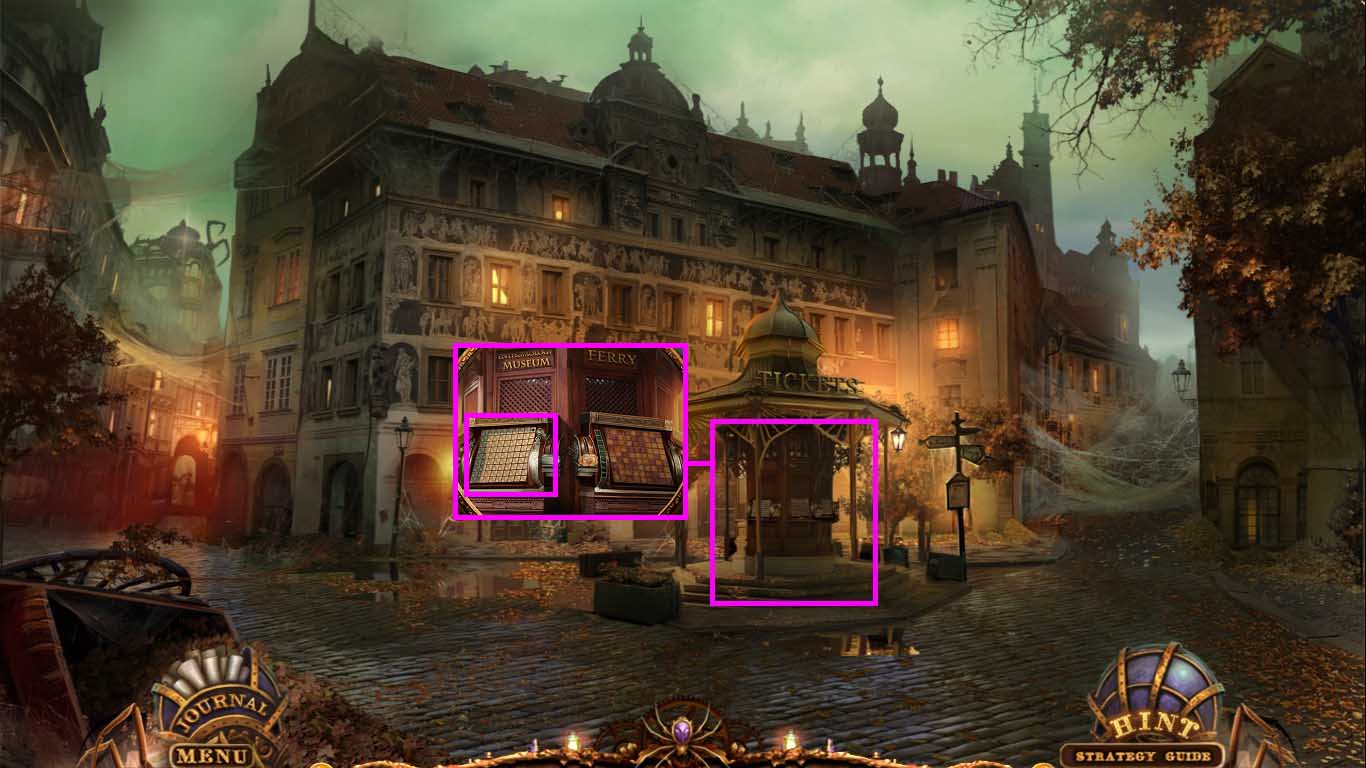
- Zoom into the kiosk.
- Click the left machine for a mini-game to trigger.
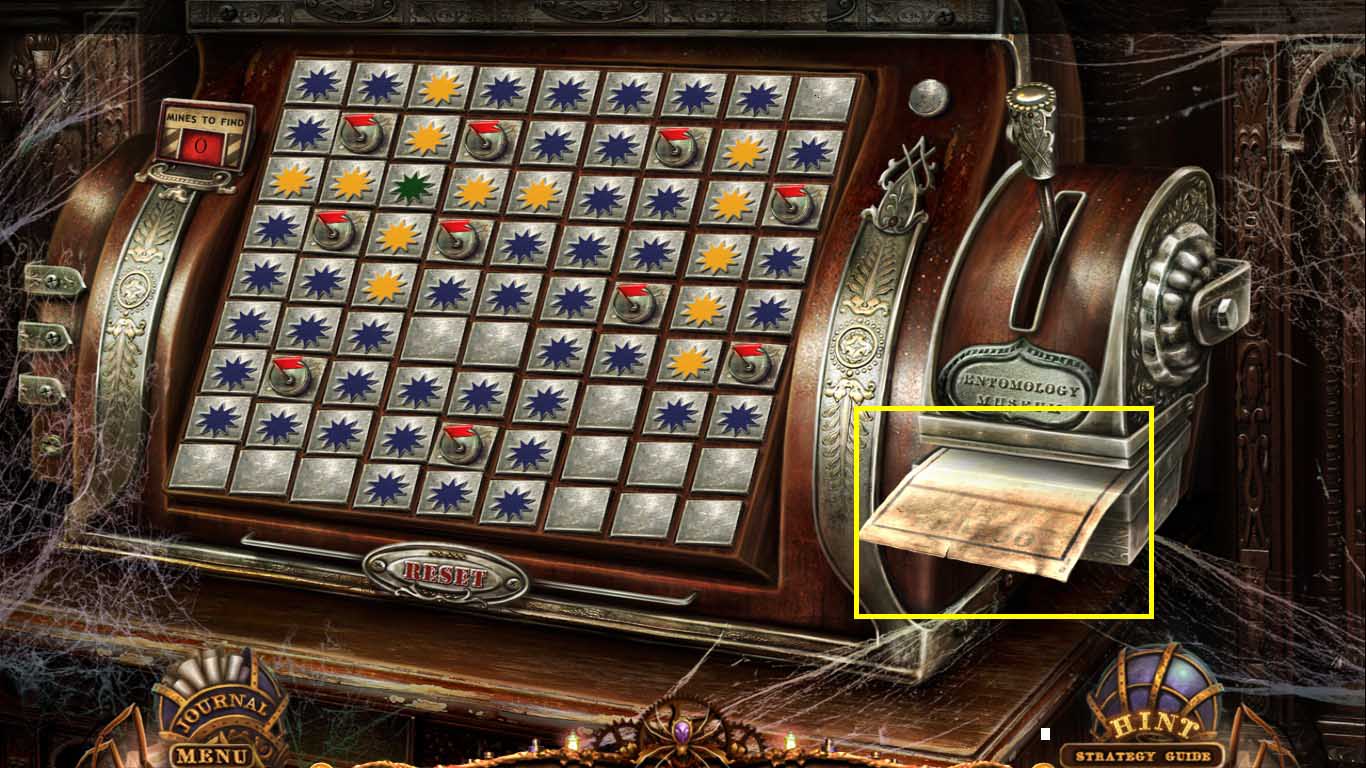
- Insert the blank ticket into the slot.
- Find 10 mines on the grid.
- Click anywhere to start.
- Hitting a mine will cause the game to reset.
- Left click on mine free areas.
- Right click on squares containing mines to insert a flag.
- The color on the uncovered square indicates the number of bombs in the surrounding area.
- Blue: there is 1 bomb in the 8 squares surrounding the blue mark.
- Yellow: there are 2 mines.
- Green: there are 3 mines in the 8 squares around the yellow mark.
- Mark the whole board until all the “x” squares are gone.
- Collect the punched ticket.
- Walk left.
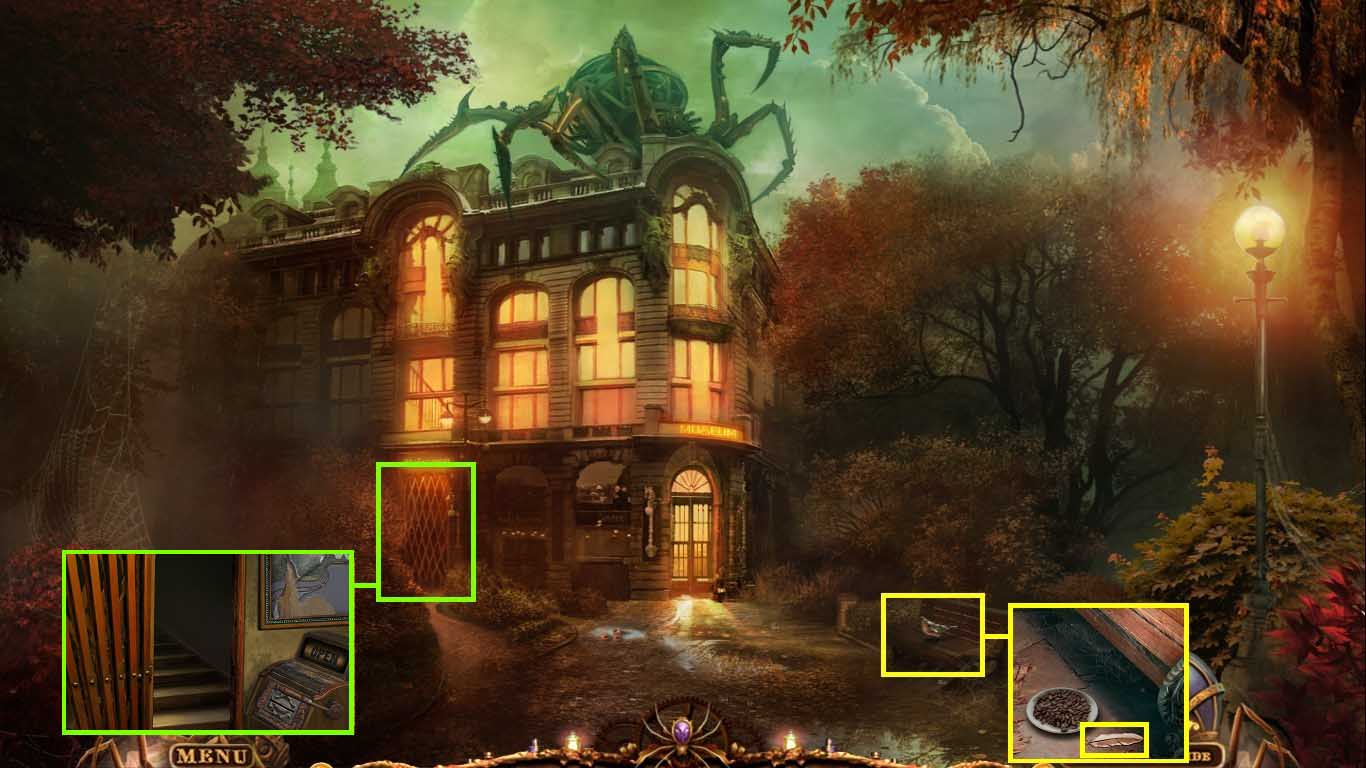
- Click the bench.
- Put the plate with seeds onto the ground.
- Collect the feather.
- Zoom into the gate.
- Insert the punched ticket into the slot.
- Click the lever.
- Go into the gate to the roof.
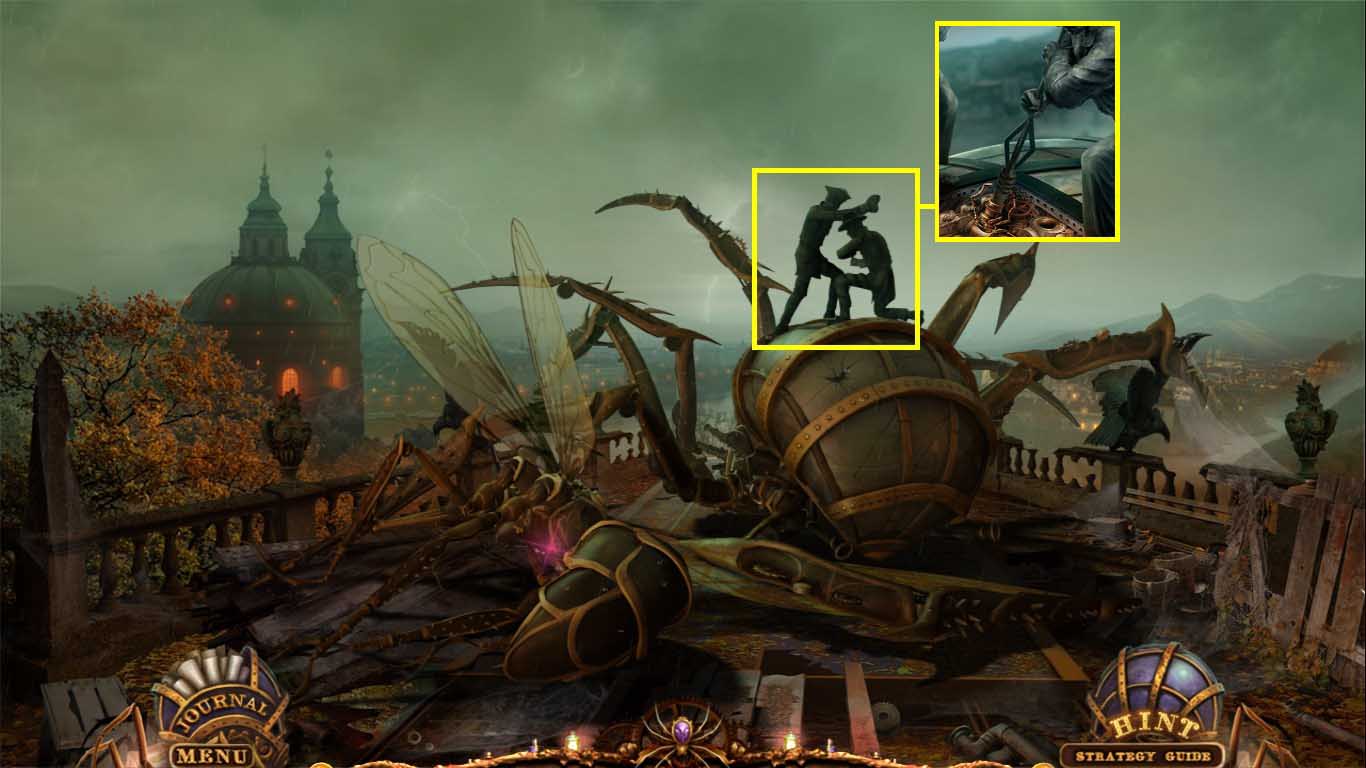
- Click the statue.
- Insert the lightning rod into his hand.
- Insert the empty Leyden jar into the machine.
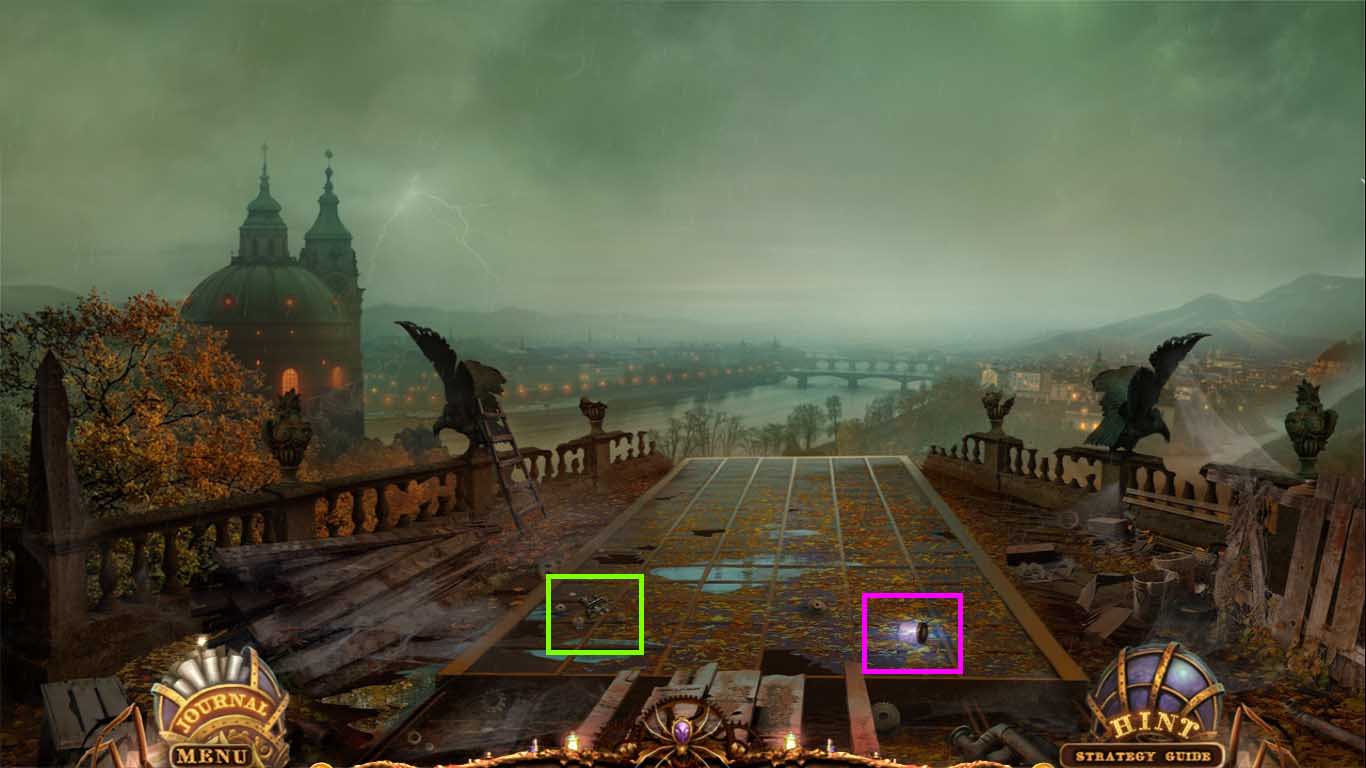
- Collect the train part and the charged Leyden jar.
- Go to the train compartment.
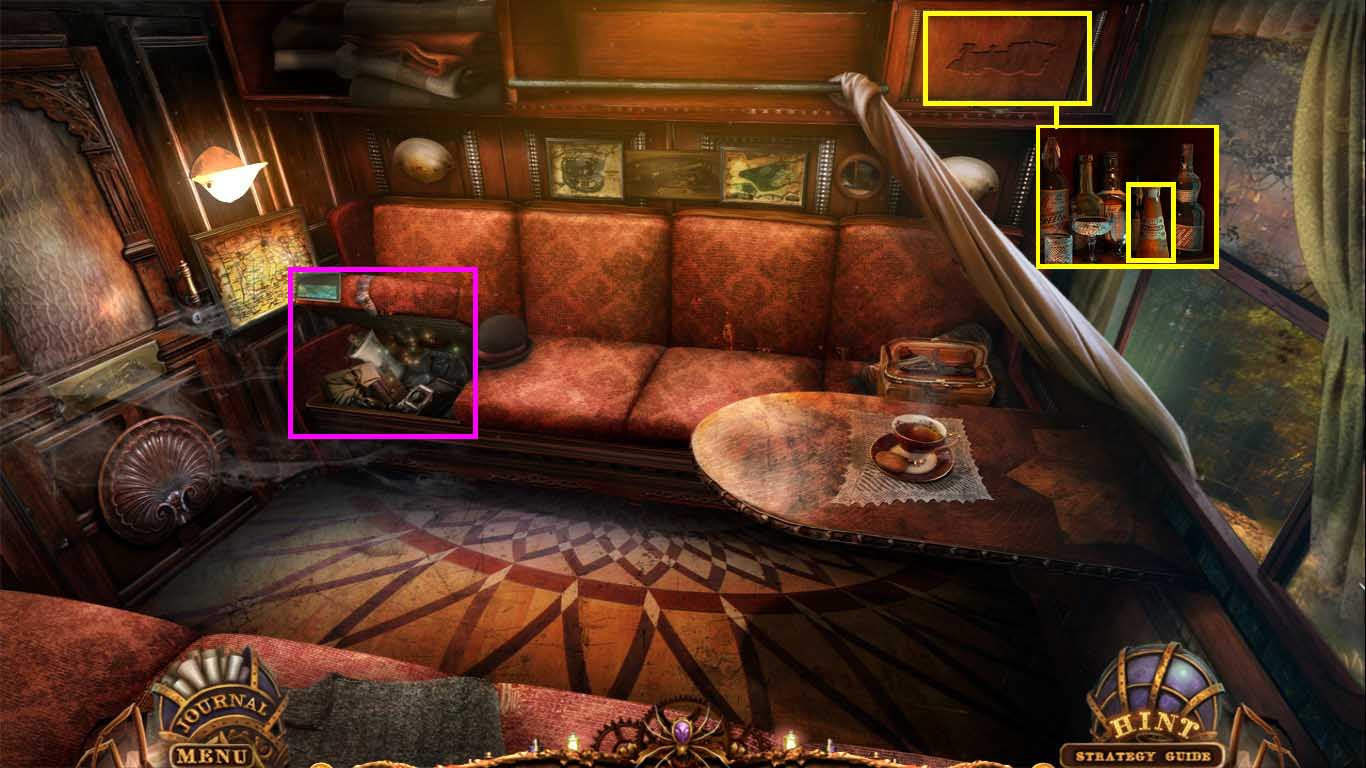
- Zoom into the overhead compartment.
- Insert the 2 train parts into the outline.
- Collect the orange juice.
- Click the open seat to access the hidden object area.
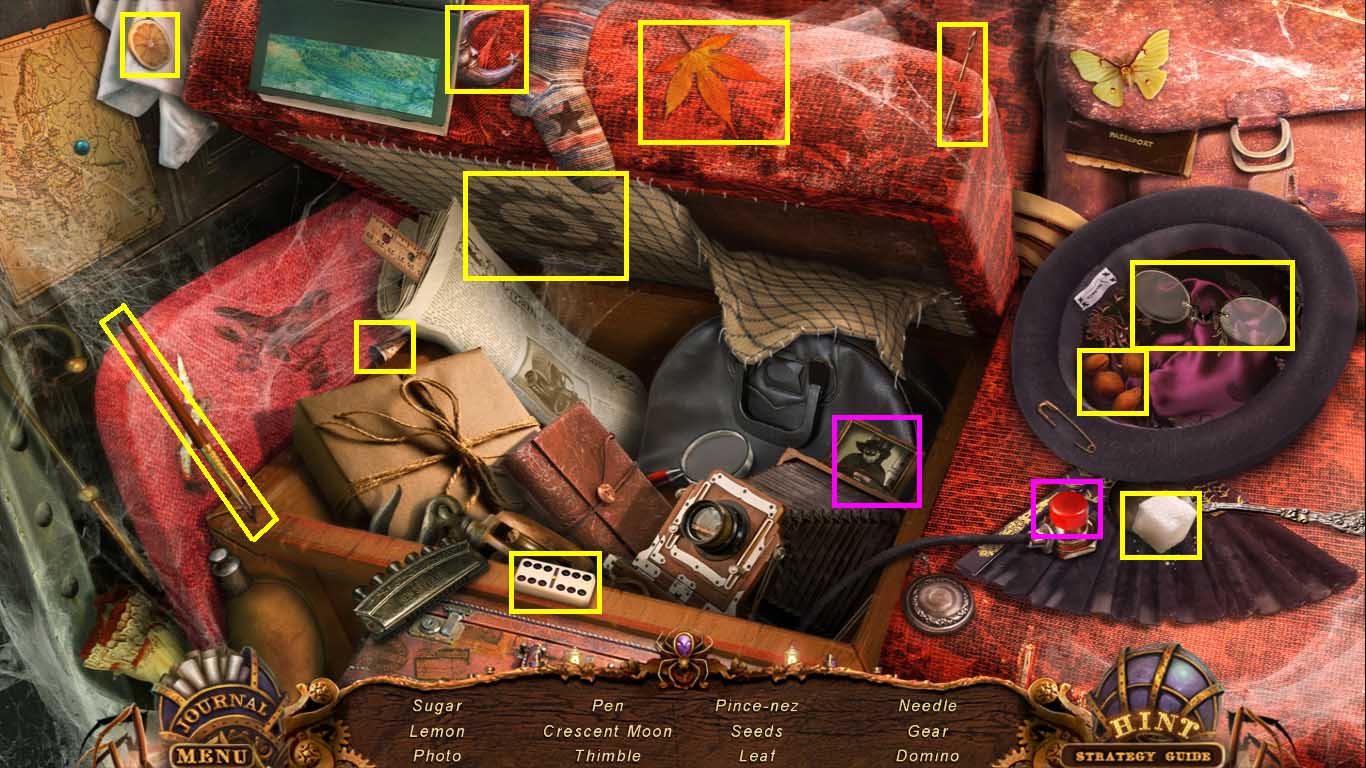
- Find all the listed items.
- Click the hat to uncover the sugar, pince-nez and seeds.
- Click the red button to take the photo,
- Collect the sugar.
- Go to the square.
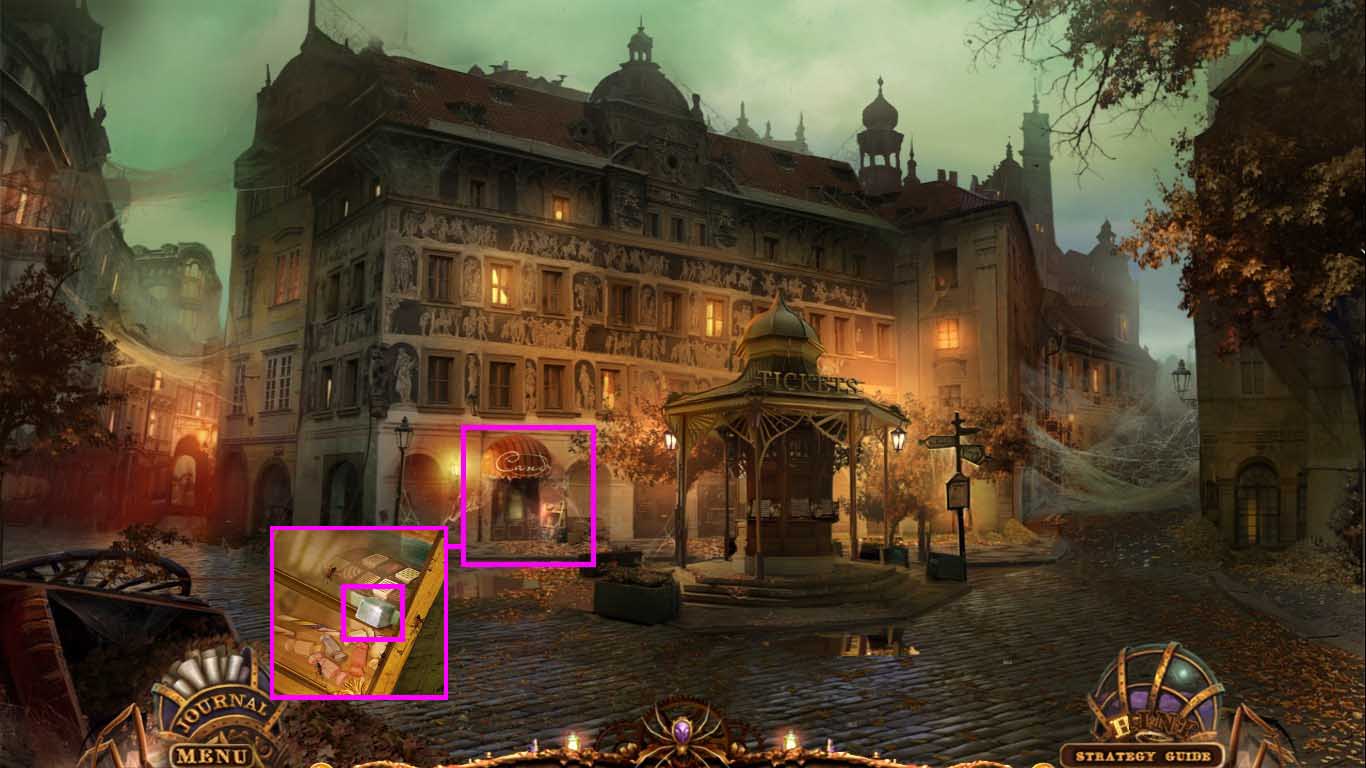
- Zoom into the candy store window.
- Place the sugar on the sill.
- Collect the formic acid.
- Go to the laboratory.
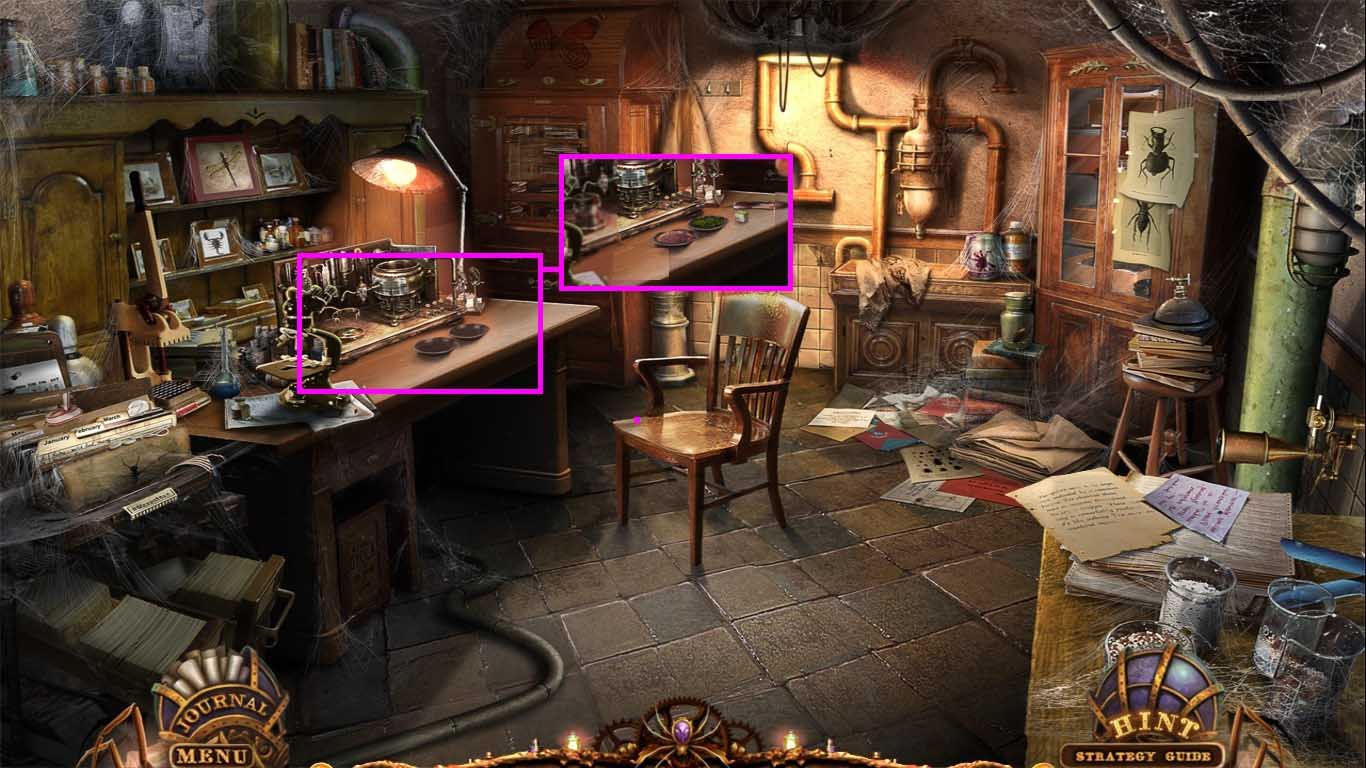
- Zoom into the table.
- Place the butterfly dust, green moss, feather, orange juice, formic acid and the charged Leyden jar onto it.
- Jacob will appear.
- He will collect the orange juice and leave behind instructions.
- Click the table once again.
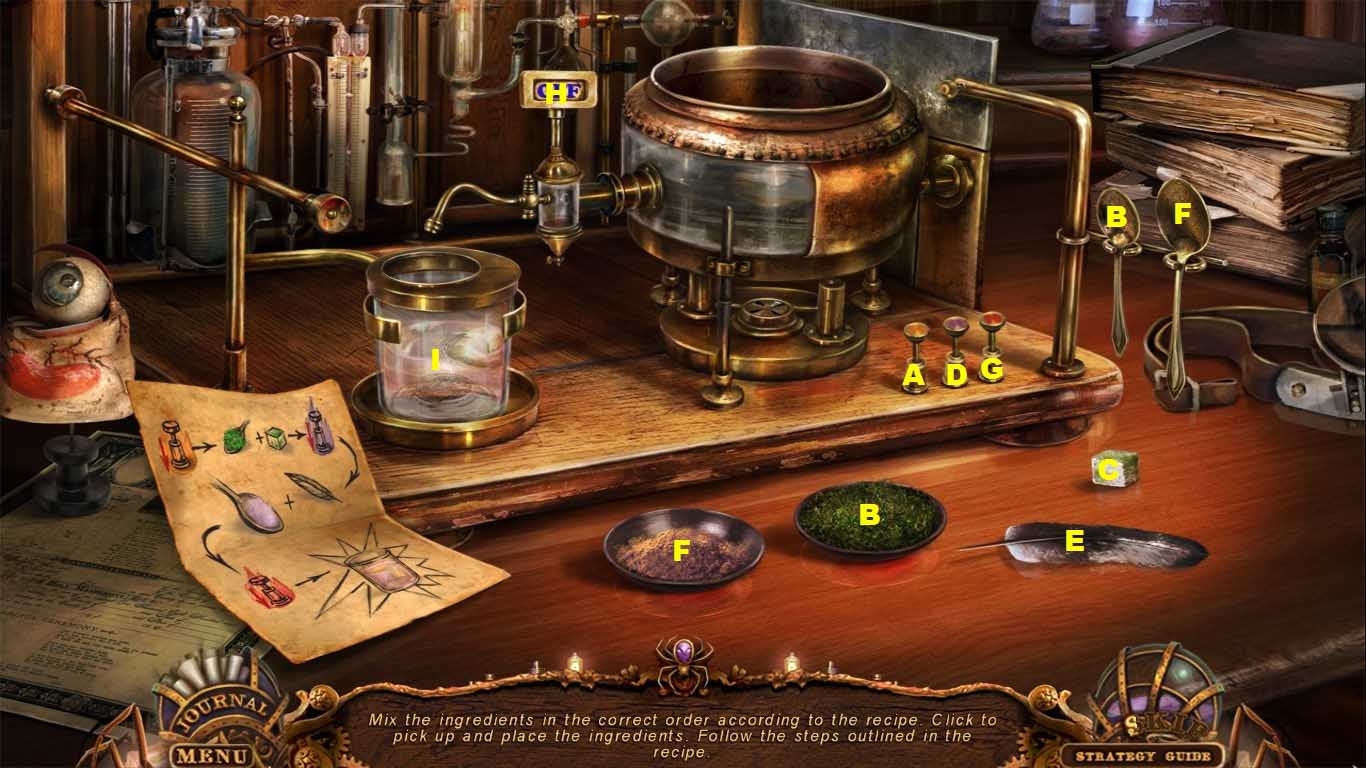
-
Insert the ingredients into the device as follows:
- A. Click the orange button.
- B. Use the teaspoon on the moss.
- C. Drop the formic acid into the vat.
- D. Click the purple button.
- E. Insert the feather into the vat.
- F. Use the tablespoon on the butterfly dust.
- G. Click the red button.
- H. Click the spigot.
- I. Collect the acid.
- Go to the square and walk right.
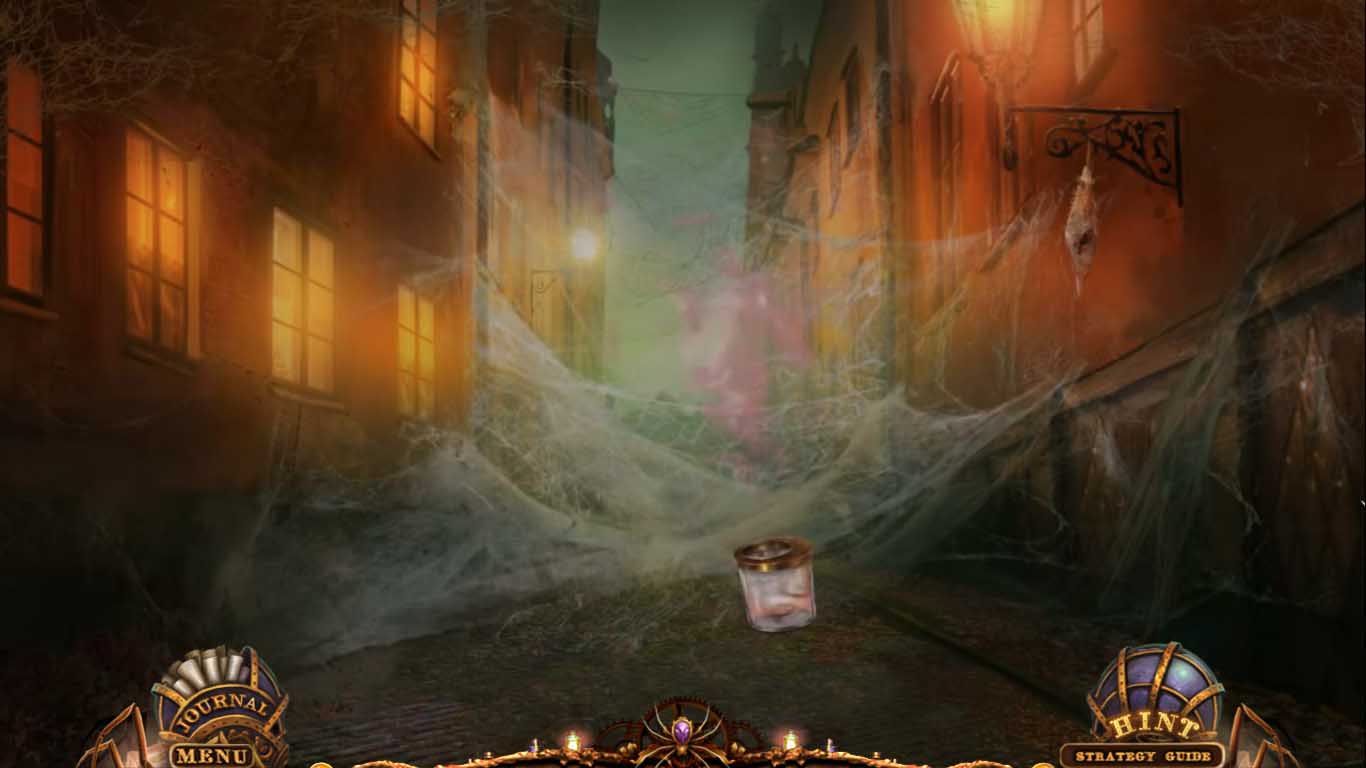
- Use the acid on the web.
- Go forward to the ferry.
Comments will load when you reach this part of the walkthrough.