
Best Camera and Control Settings
If your first few deaths in Super Meat Boy 3D felt like the floor slid sideways at the last second, welcome to the 3D tax. This game is built around a fixed camera, not a free one, so the smart move is to lean on the built-in readability tools instead of hunting for magic camera sliders.
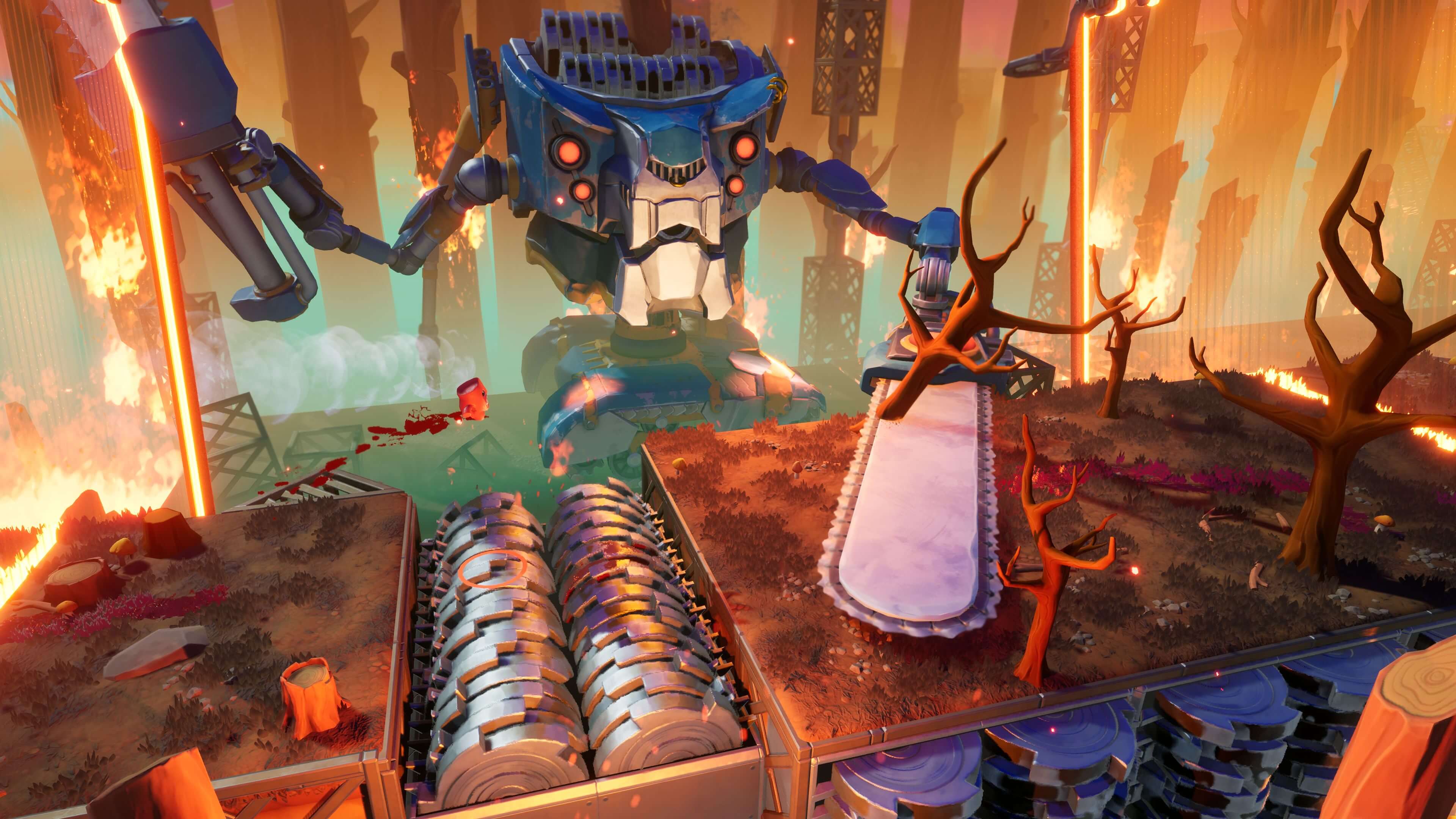
For early clears, start with eight-direction movement on. That setting snaps your stick input into eight directions so the path is easier to read in 3D. Use the ground circle and the line under Meat Boy as your depth cue too. That marker shows where Meat Boy is over the ground, which matters a lot when platforms overlap or a landing is partly hidden by the angle.
Safe Baseline for Early Clears
- Line Meat Boy up with the path before you jump. Mid-air panic fixes are how a clean run turns into salsa.
- Watch the ground circle on thin ledges or stacked platforms. Read the marker first and the character second.
- Take the middle of a platform on learning runs. Corner cuts can wait until the room stops feeling cursed.
- Run one short room five times with the same setup. Watch where the marker touches down relative to the front edge.
- If a room is built on angled lanes, let the snapped movement do the boring work for you until the route feels stable.
When you can clear a room on command, then test the non-snapped movement option on that same room and see if it actually helps. Change one thing, run the room a few more times, and keep the setting that gives you the most repeatable picture. In Super Meat Boy 3D, the best controls are the ones that make the same ugly jump look honest every try.
Comments will load when you reach this part of the walkthrough.