

Chapter 5: The School
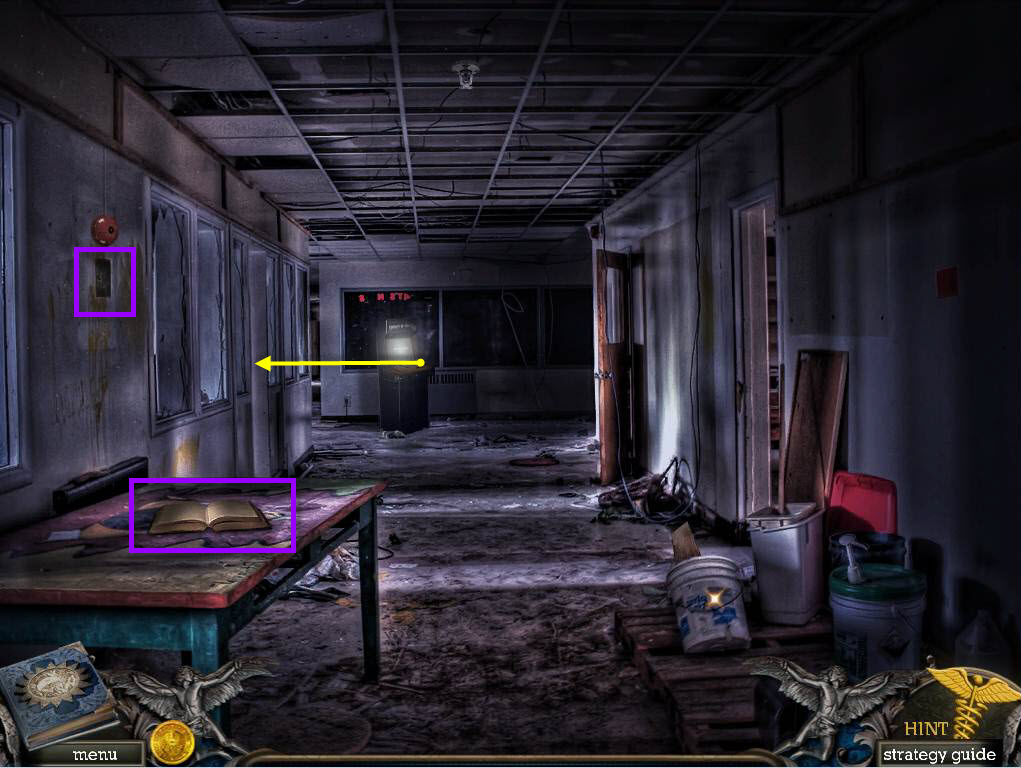
- Take the YEARBOOK on the left.
- Click on the fire alarm on the left wall.
- Take the HEAD DIAGRAM.
- Go through the door on the left to the music room.
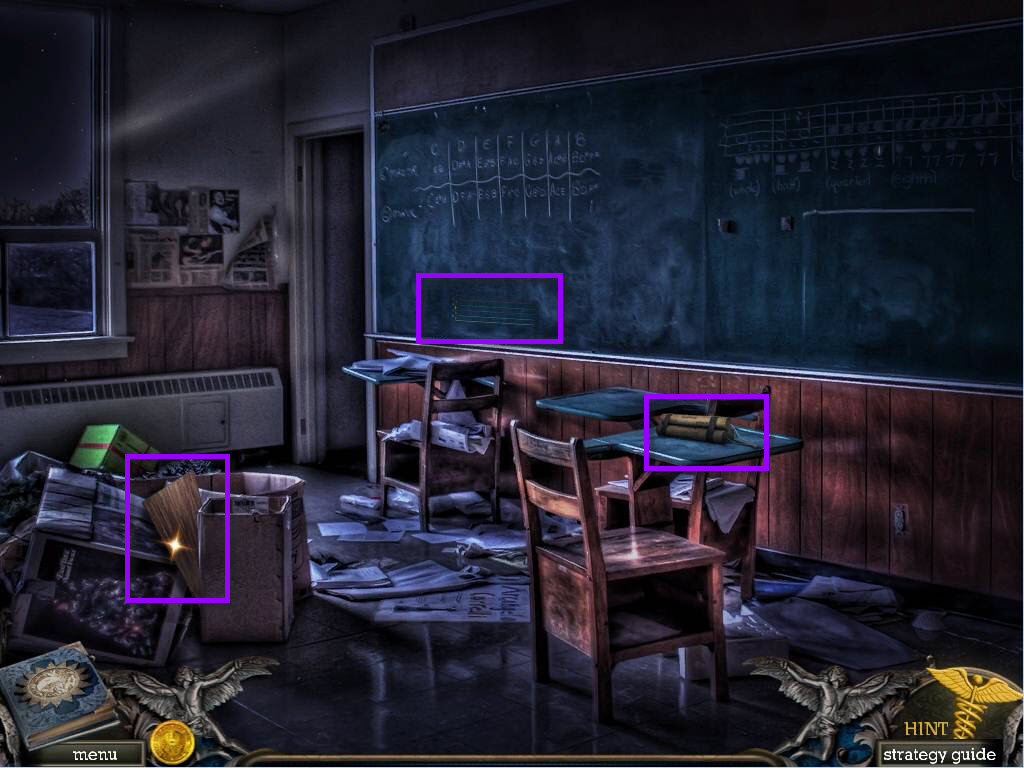
- Take the BOAT PIECE.
- Click on the desk to zoom in.
- Take the DYNAMITE.
- Click on the music lines to zoom in.
- Take the STOMACH DIAGRAM.
- Go back to the hallway and go into the room on the right, the science room.
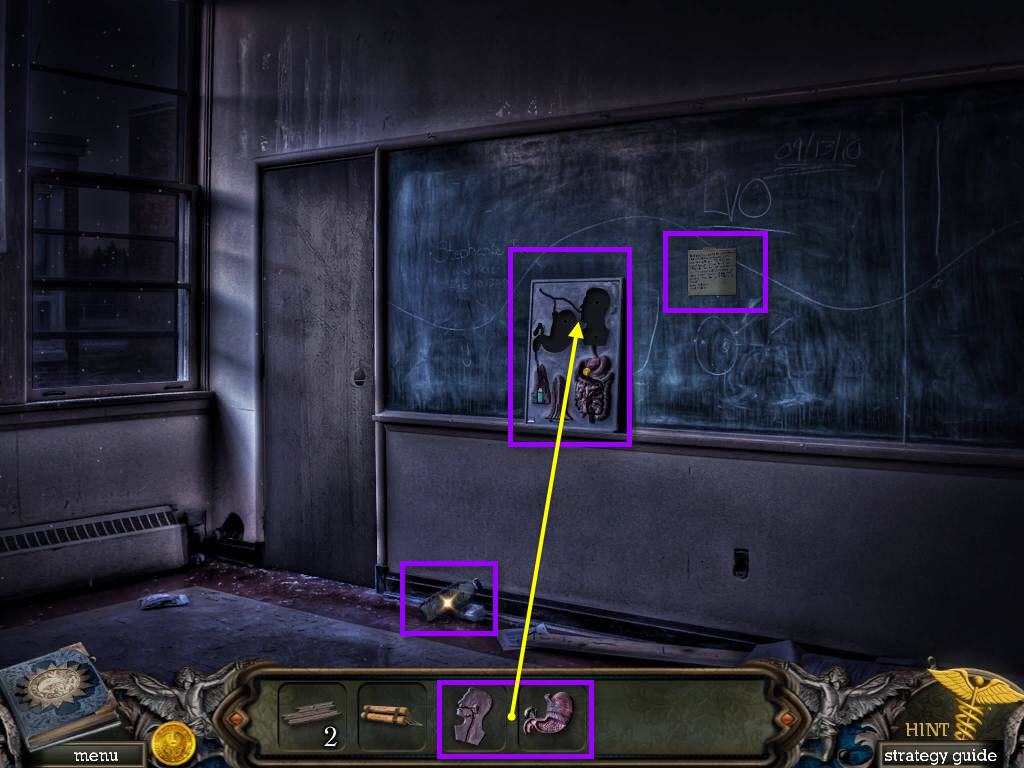
- Take the note that's on the board.
- Take the WATER BOTTLE.
- Click on the diagram on the board.
- Use the HEAD DIAGRAM and the STOMACH DIAGRAM.
- Take the LIGHTER and the COIN after the cut scene.
- Go back two screens to the hallway.
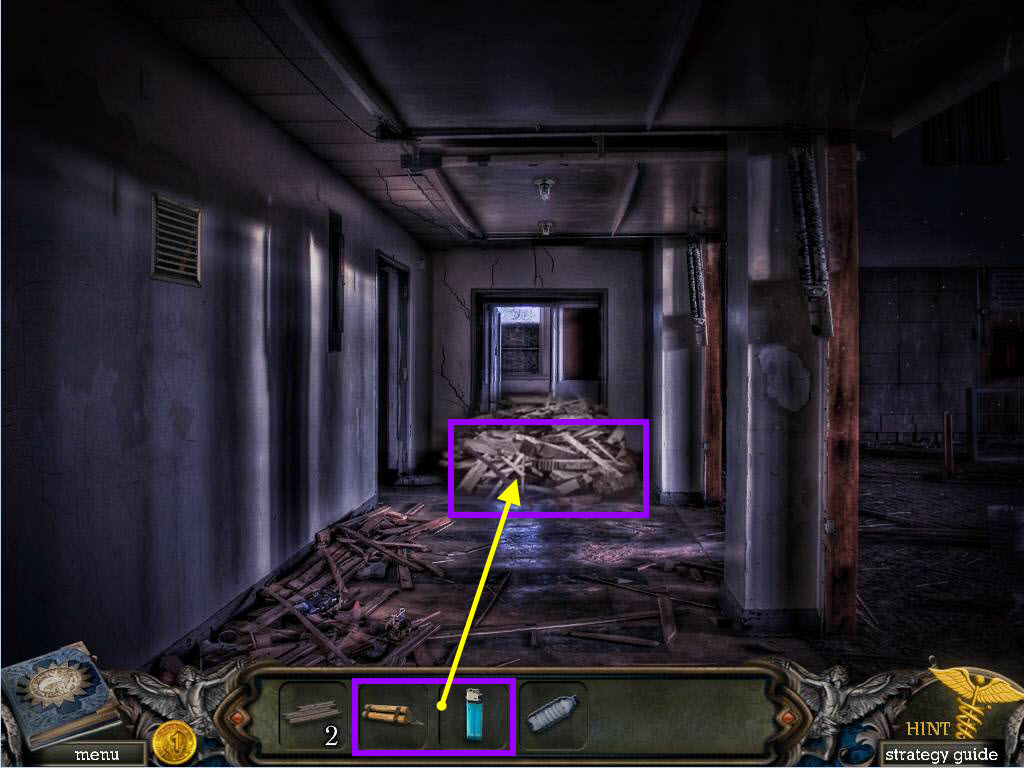
- Use the DYNAMITE on the pile blocking the door.
- Use the LIGHTER on the DYNAMITE to light it.
- Take the DOORKNOB that's on the floor.
- Go back to the science room.
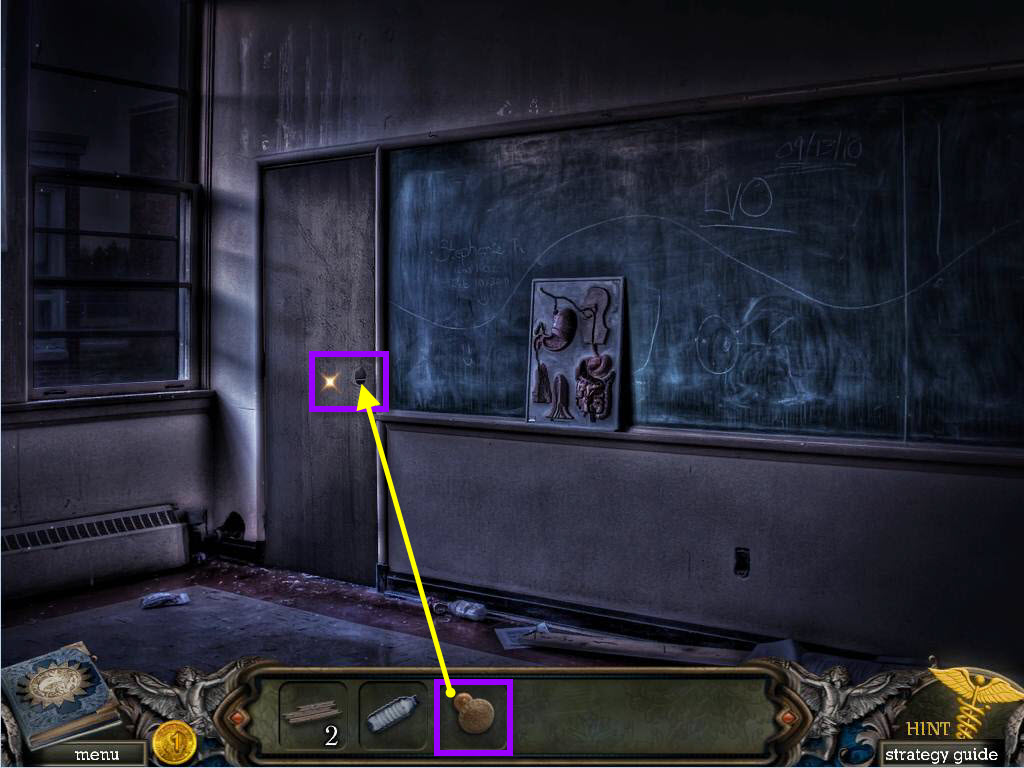
- Click on the DOOR.
- Use the DOORKNOB on the door.
- Now click on the door to start a hidden object scene.
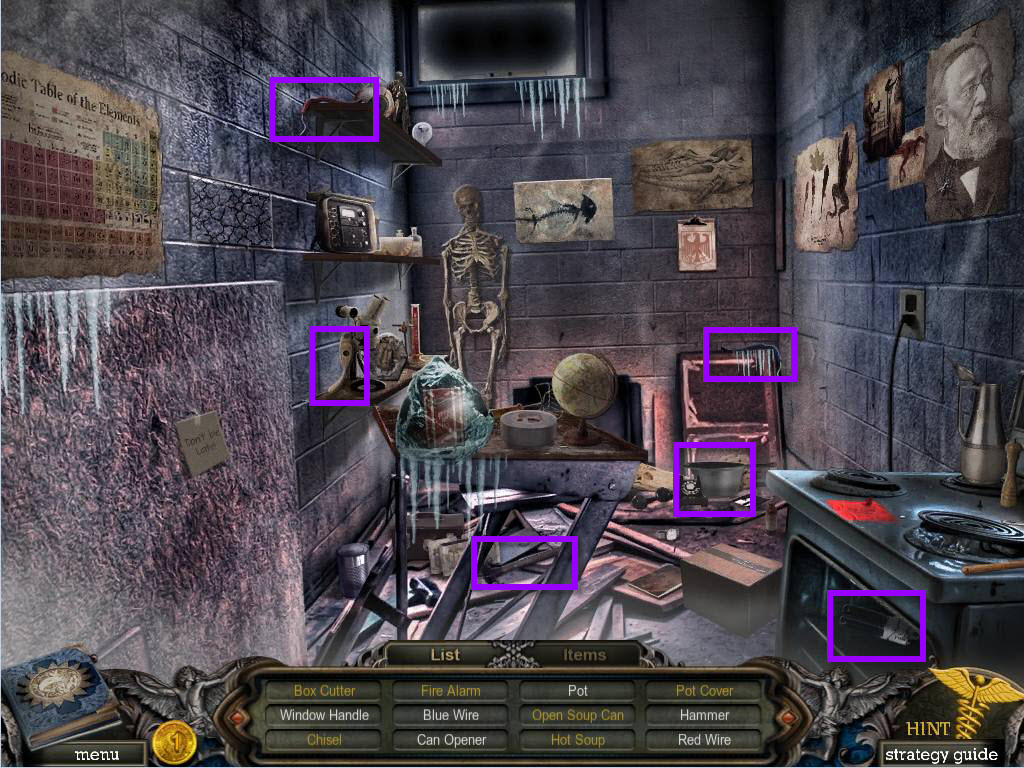
- First find all the items in the scene that are in white.
- Click on the items tab at the bottom to open it.
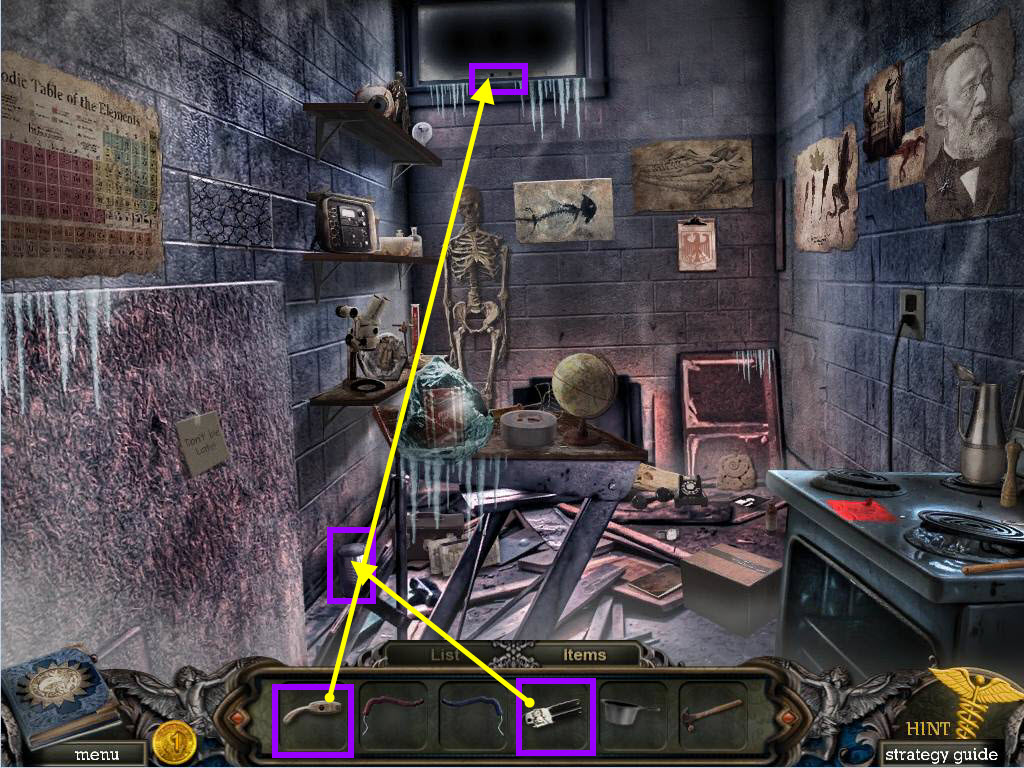
- Use the CAN OPENER on the can.
- Take the SOUP CAN.
- Use the WINDOW HANDLE on the window.
- Take the CHISEL.
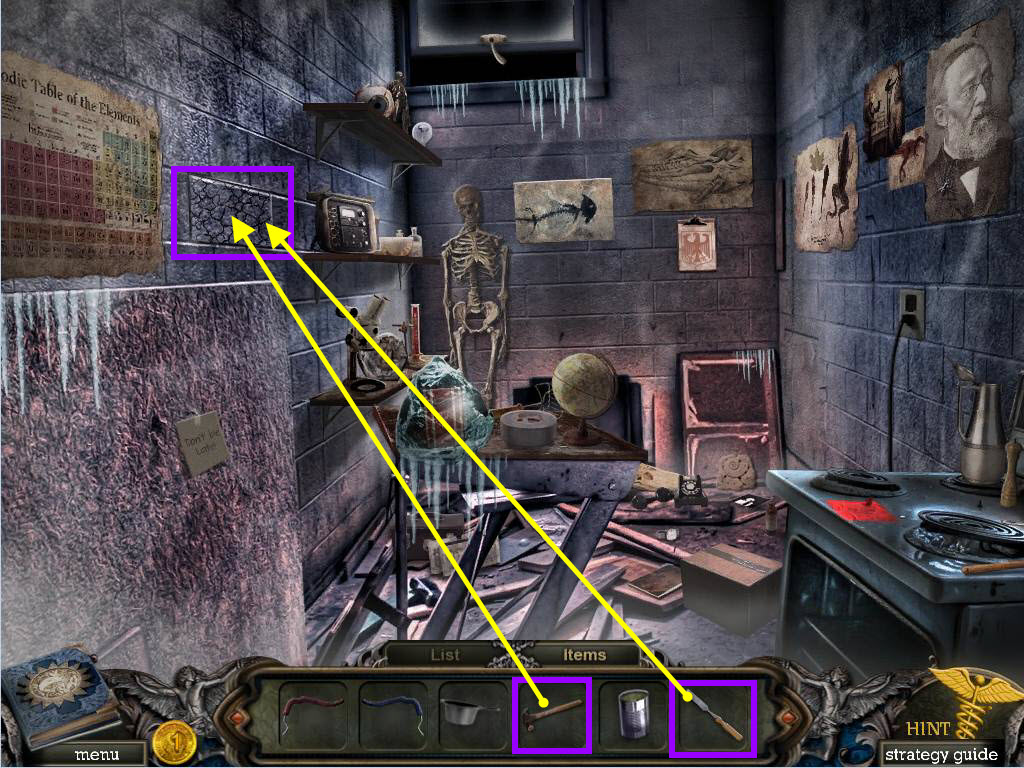
- Use the CHISEL on the broken brick.
- Use the HAMMER on the CHISEL.
- Take the BOX CUTTER.
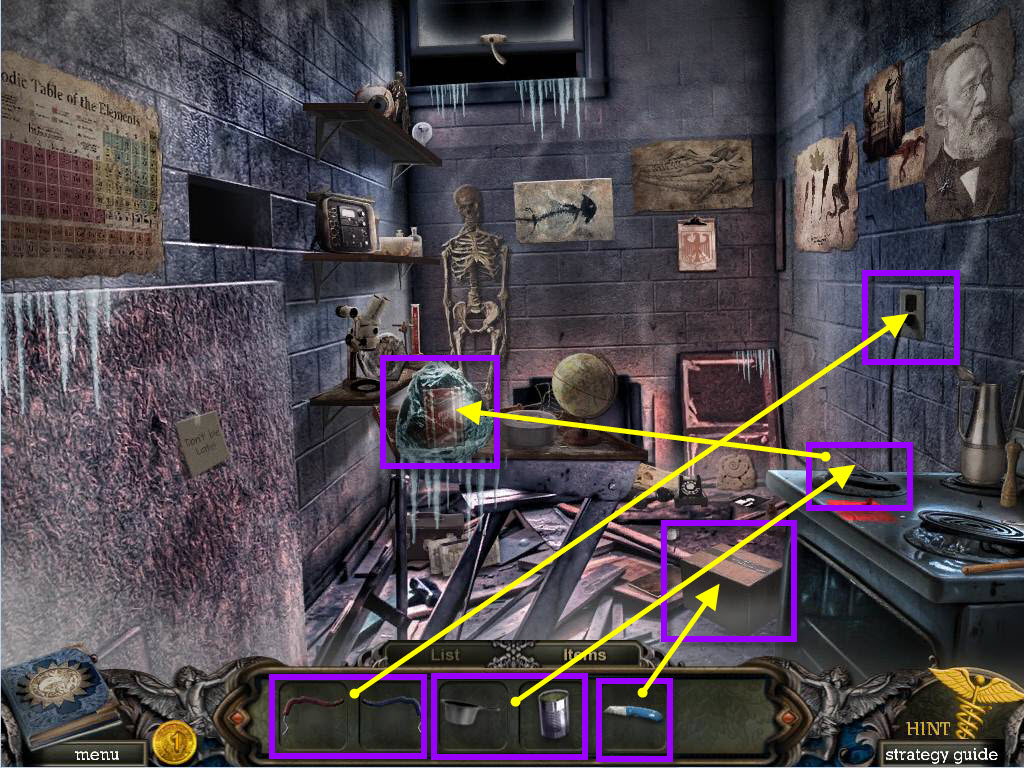
- Use the BOX CUTTER on the box.
- Take the POT COVER.
- Click on the outlet to zoom in.
- Use the RED and BLUE WIRES.
- Use the POT on the element.
- Use the OPEN SOUP CAN on the POT.
- Use the POT COVER on the POT.
- Take the HOT SOUP.
- Use the HOT SOUP on the ice.
- Take the FIRE ALARM.
- Go back down the hallway.
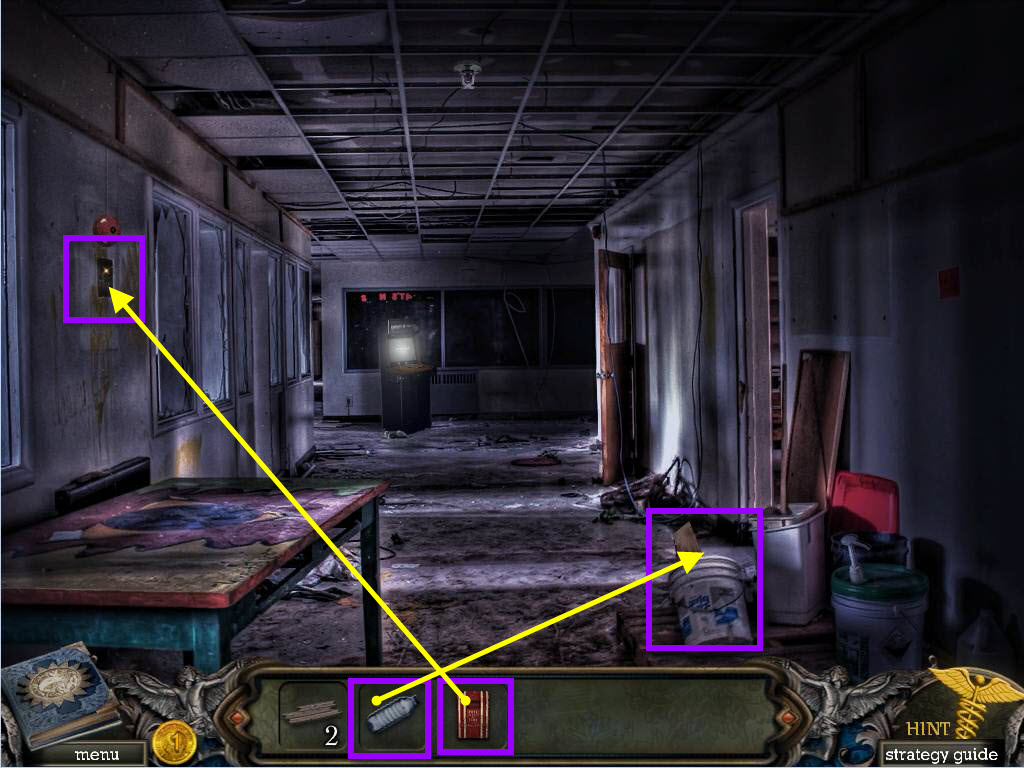
- Click on the bucket on the right to zoom in.
- Use the WATER BOTTLE on the bucket.
- Take the BOAT PIECE.
- Click on the fire alarm on the left.
- Use the FIRE ALARM on it and the click to pull it.
- Go back down one screen to watch the cut scene.
- Go forward.
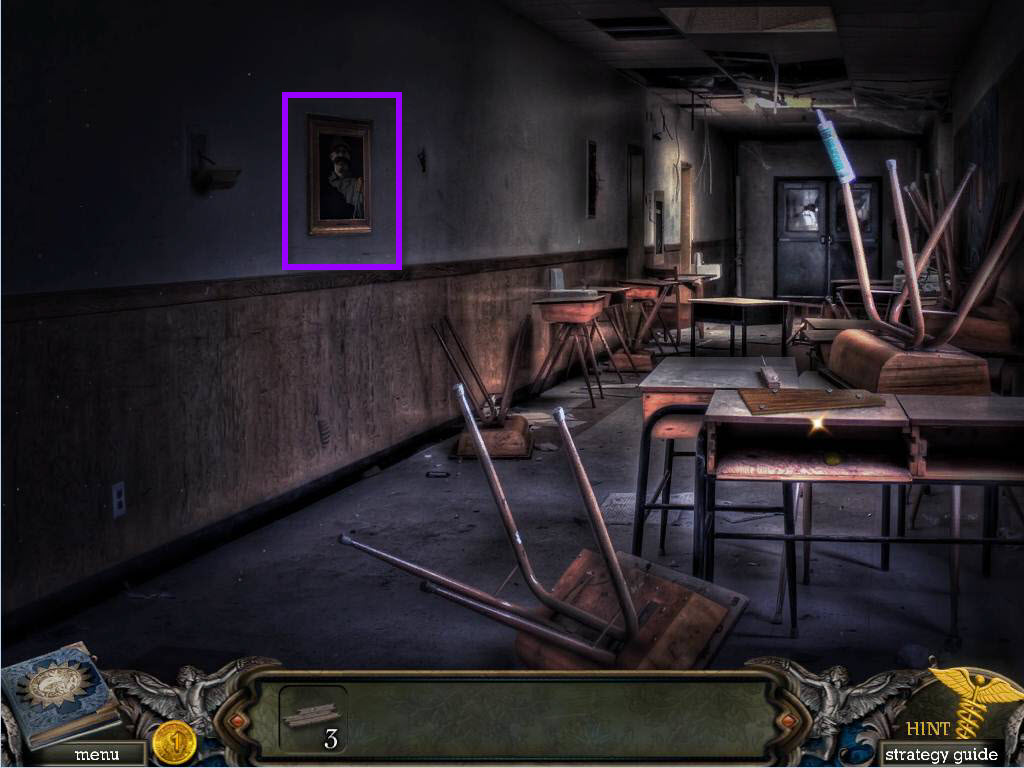
- Click on the photo on the wall.
- Take the SCREWDRIVER.
- Go back one screen.
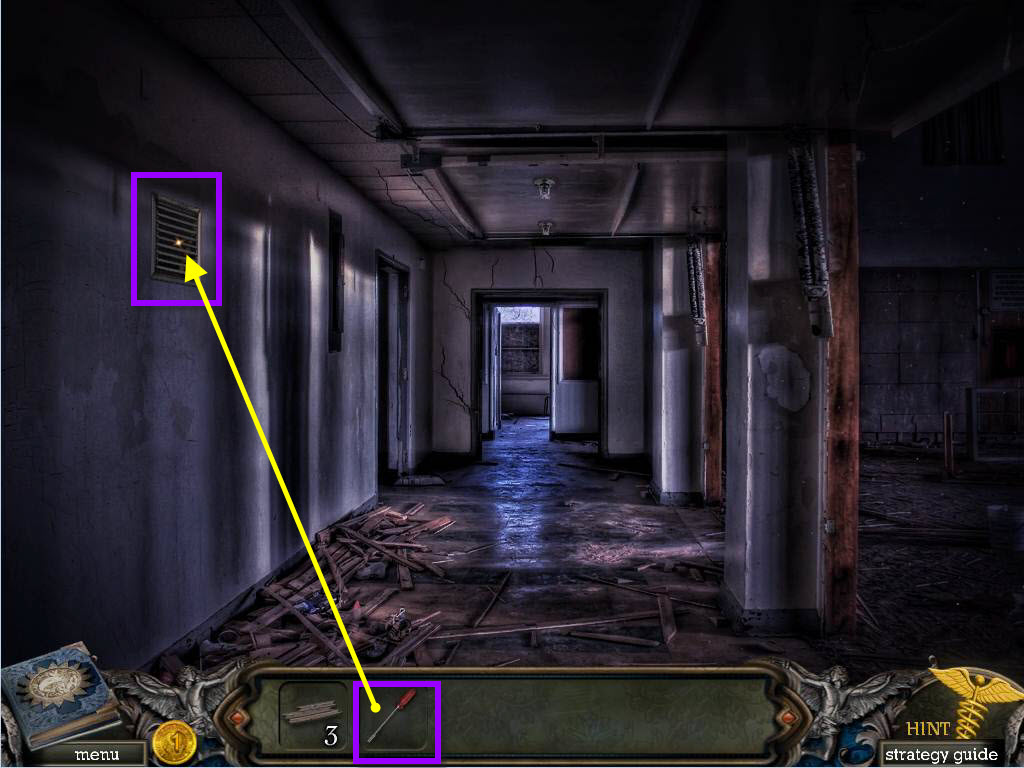
- Click on the grate on the left.
- Use the SCREWDRIER to remove the grate.
- Take the COIN and the HAMMER.
- Go forward again.
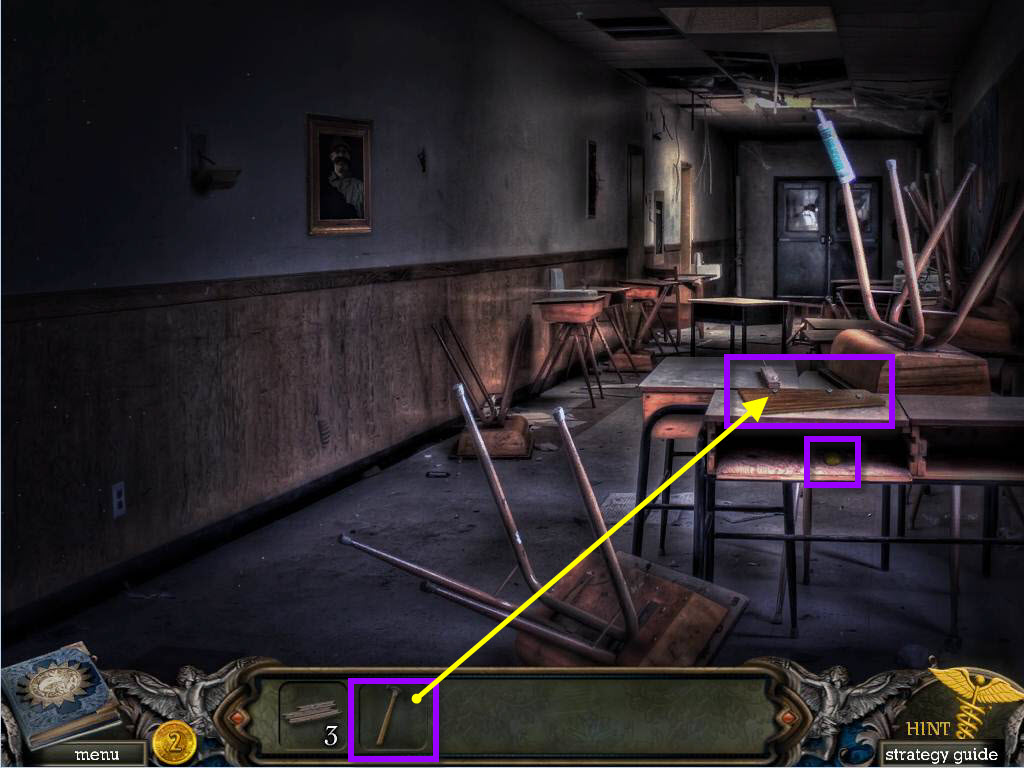
- Click on the desk to zoom in.
- Take the COIN.
- Use the HAMMER on the nails to remove them.
- Take the BOAT PIECE.
- Go forward one screen.
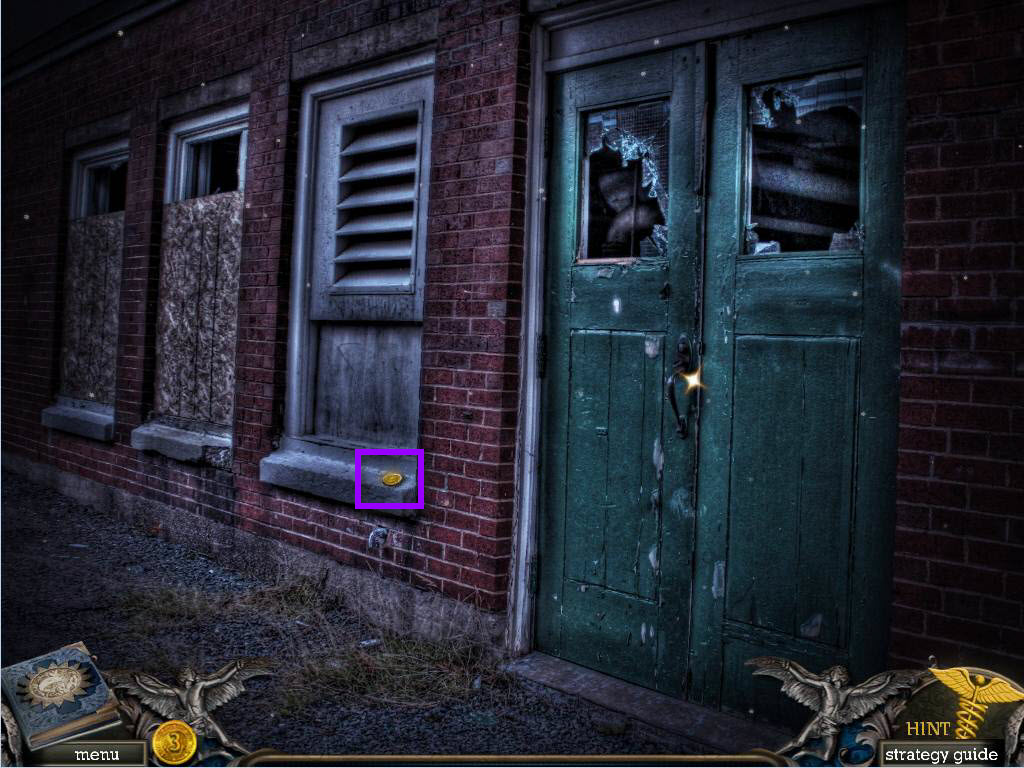
- Take the COIN.
- Go back two screens and then left into the hallway again.
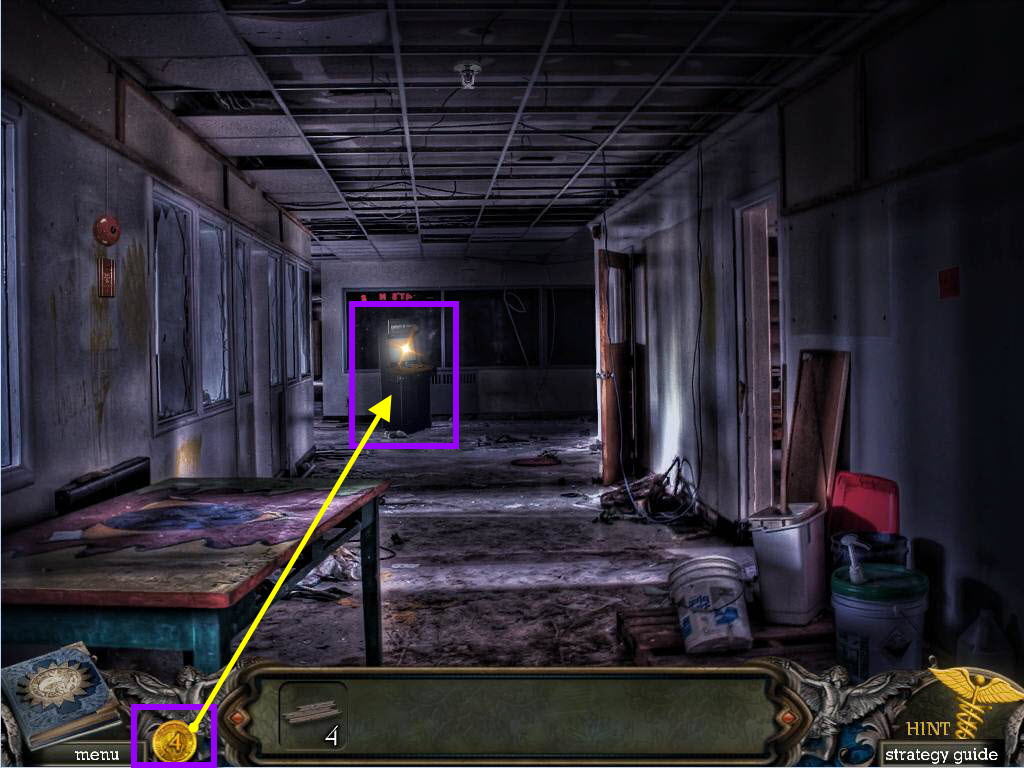
- Click on the arcade game at the end of the hall.
- Use the COINS.
- Take the POWER ROOM KEYS.
- Go to the power room door.
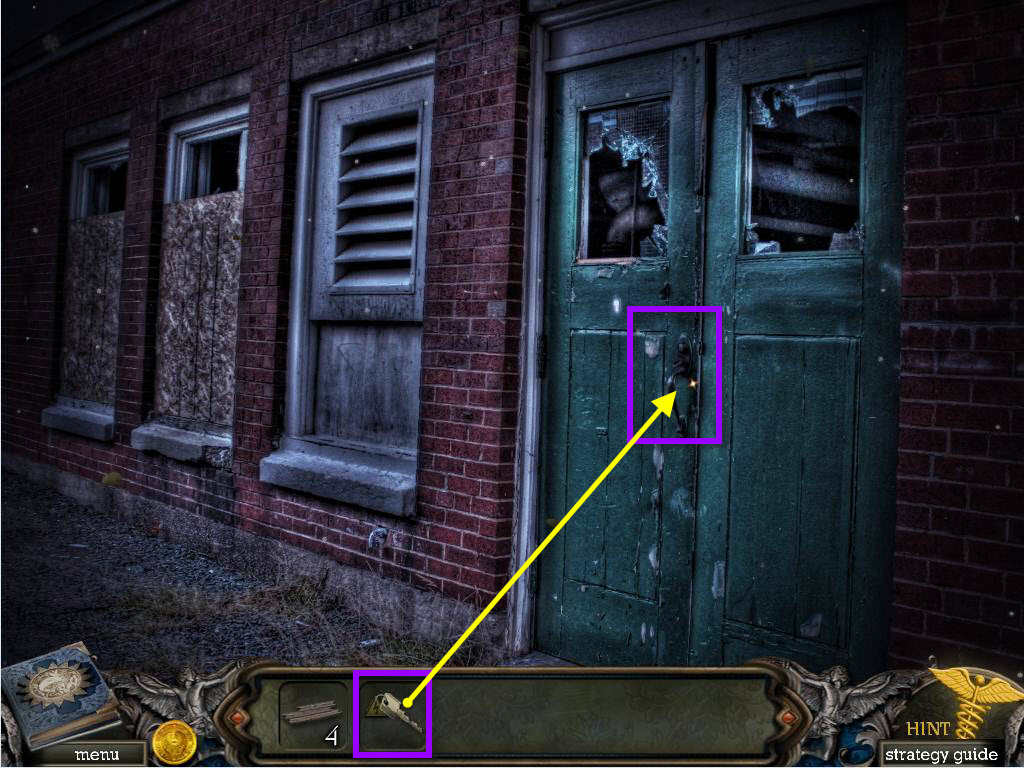
- Click on the door to zoom in.
- Use the POWER ROOM KEYS to unlock it.
- Go inside the power room.
- Take the PHOTO PIECE.
- Go back one screen.
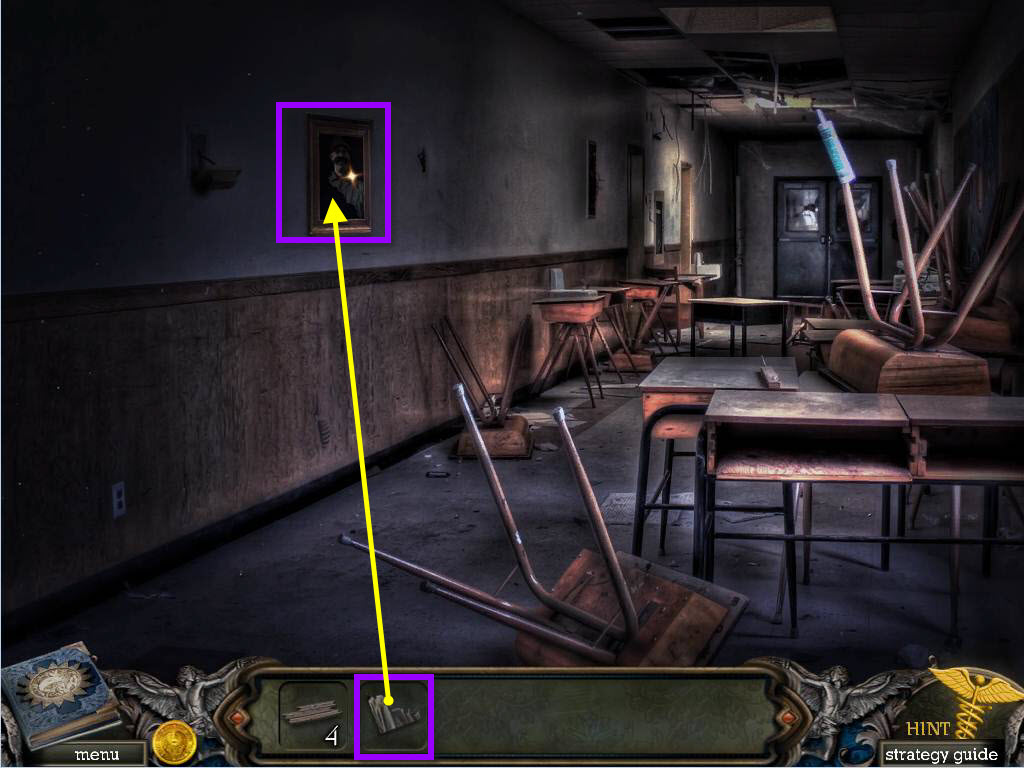
- Click on the wall photo to zoom in.
- Use the PHOTO PIECE.
- See the name Marty.
- Go forward one screen.
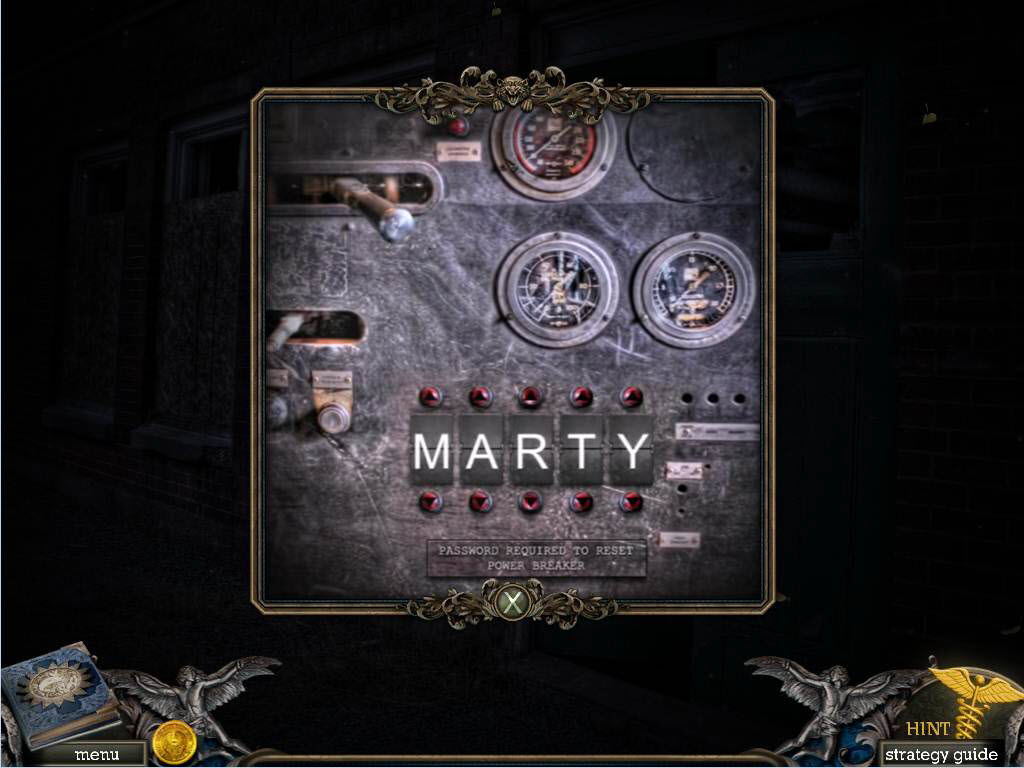
- Click on the door to zoom in.
- Adjust the letters so that they spell out the name Marty.
- Go back two screens and then head to the right into the theater.
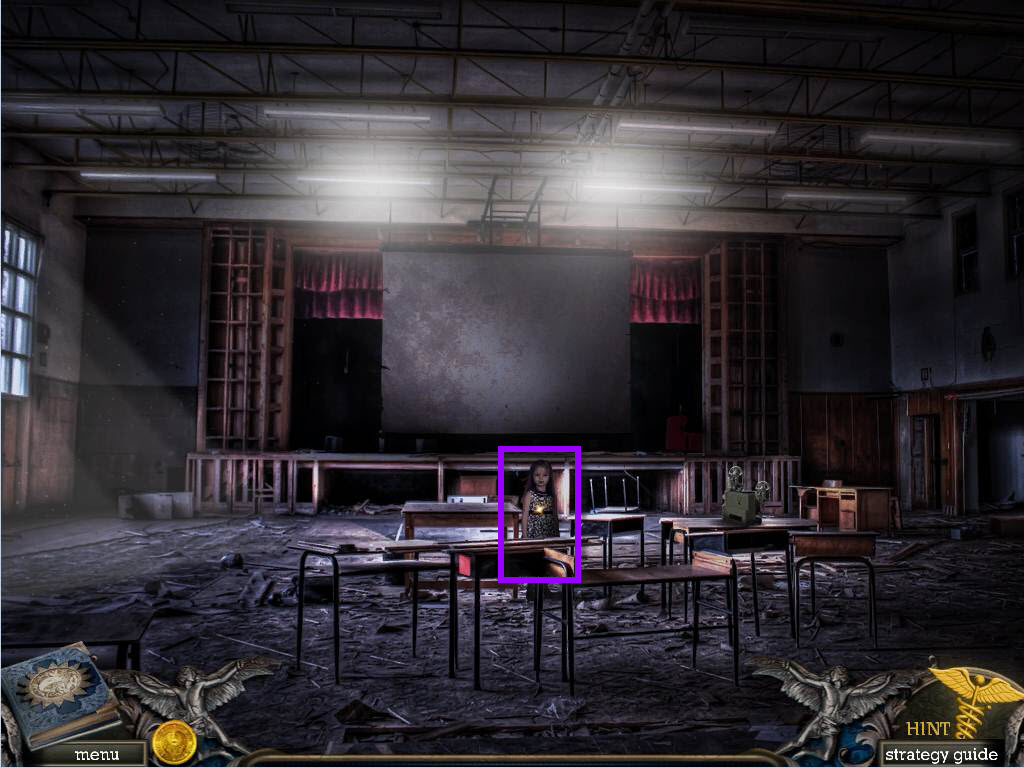
- Click on Theresa to talk to her.
- You will receive the FILM REEL.
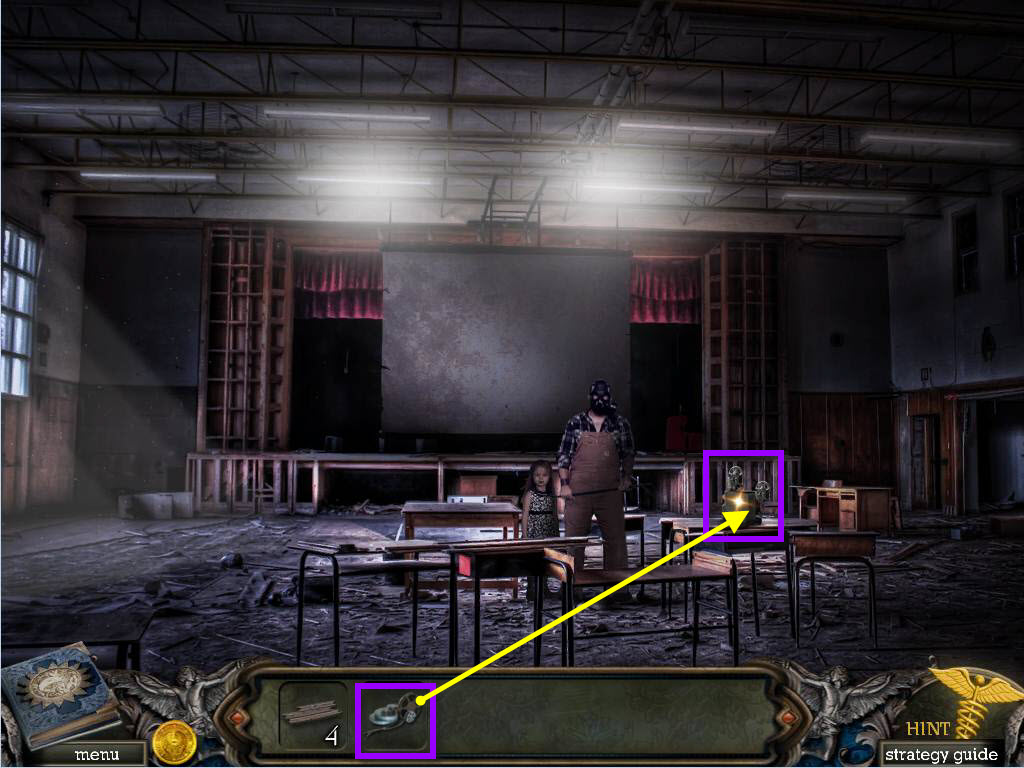
- Use the FILM REEL on the projector and Theresa's father will talk to you.
- You will receive the SCHOOL EMBLEM.
- Go back two screens and exit the school.
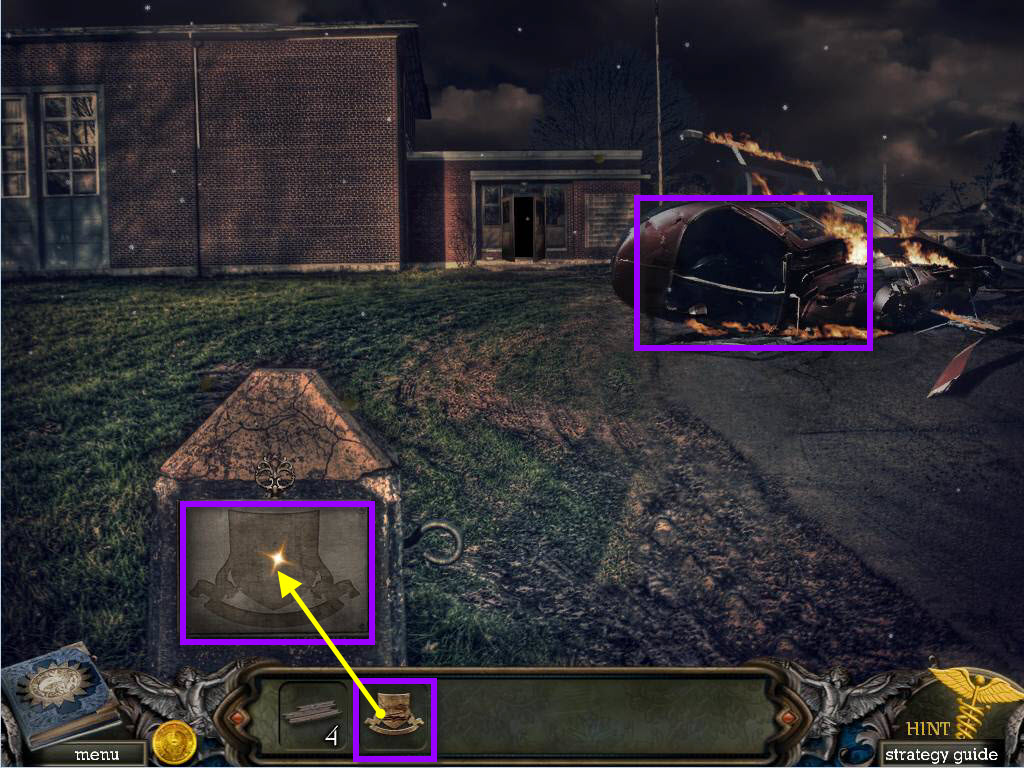
- Click on the helicopter and watch the cut scene.
- Click on the sign to zoom in.
- Use the SCHOOL EMBLEM on the sign.
- Take the BOAT PIECE.
- Go back down one screen and then to the left.
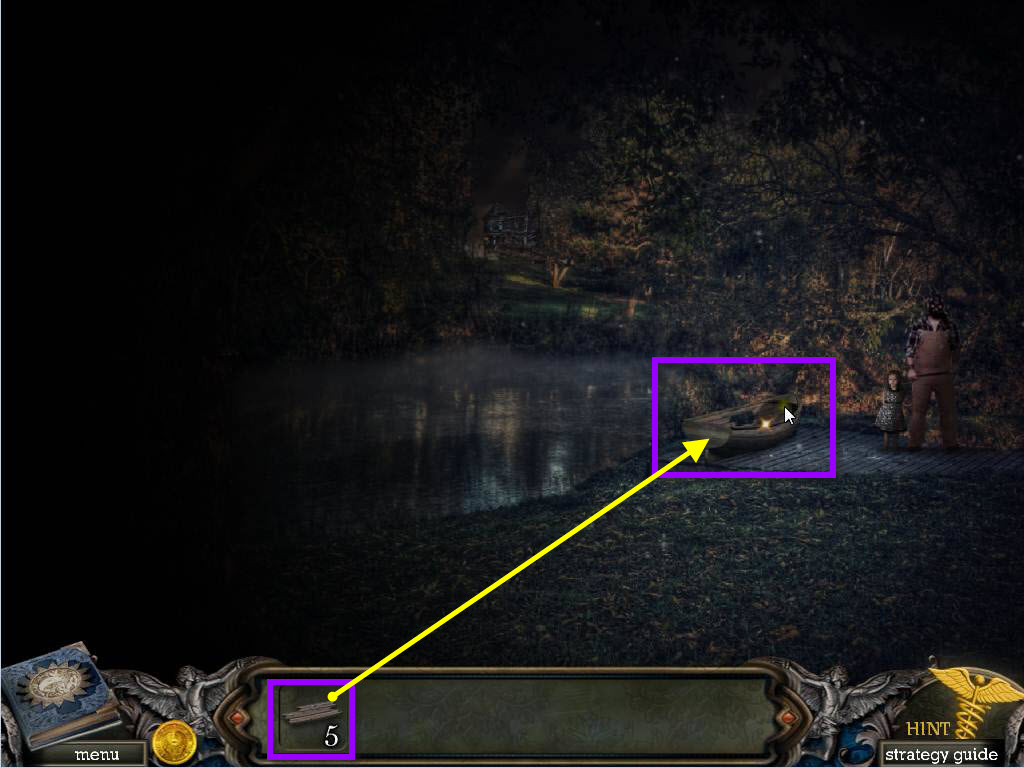
- Click on the boat to zoom in.
- Use the BOAT PIECES on the boat.
- Click on the boat and it will go in the water.
- Go to the house.
Comments will load when you reach this part of the walkthrough.