
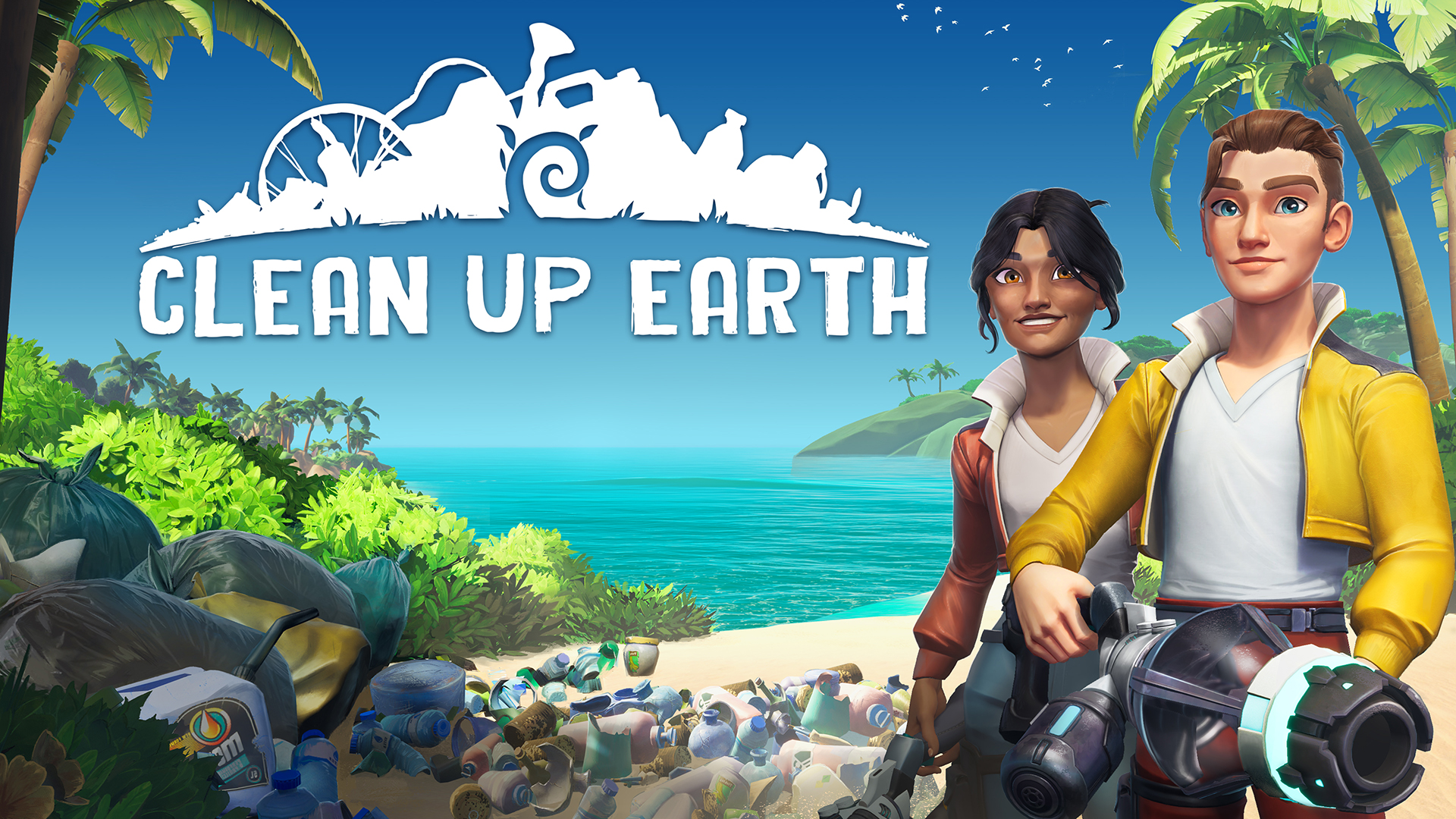
How the Donation System Works
You know the moment: you finish a long cleanup pass in Clean Up Earth, the shoreline finally stops looking like a tipped-over junk drawer, and then your brain goes, wait, was that just map progress, or did it count toward the real-world part too? The official Steam page confirms the game has a real-world impact system: you can select a partner organization in-game, and large online sessions can trigger real micro-donations, meaning small real-world donations, with no extra purchase required from you. So the safe read is simple: normal cleanup is your standard restoration loop, but donation progress only counts when the game or an official event post says it does.
That matters because not every bag of trash is universal proof of a donation trigger. In the official Nevada Desert demo challenge, Magic Pockets spelled it out: multiplayer trash raised a live donation counter for Wings of the Ocean, with a clear goal and time window. That is the pattern to watch for. If you do not see an explicit partner name, a live counter, or official event wording, read your run as solid in-game restoration first and donation progress second.
Check What Is Actually Active
- Check the latest official announcement before you start. If a donation event is live, Magic Pockets has shown it in plain words with a partner name, an event goal, and timing.
- In the session itself, separate normal zone progress from donation progress. Restoration meters and area thresholds are your usual cleanup loop. A donation event should call itself out with something extra, like partner text or a live counter.
- If you are in a big online cleanup, watch the HUD before you go digging through menus. The official demo event used a live counter in the top-right corner, which is much clearer than guessing from a map screen.
- If the wording still feels foggy, match what you see in-game against the current Steam store page or official news post. You want the same partner name and the same event framing, not just broad eco vibes.
If the Donation Part Still Feels Fuzzy
Use a recovery loop and keep the run moving. Pick one hotspot, clear it fully, and push that area to its next restoration step before you stop to investigate again. That gives you a clean before-and-after and stops system confusion from turning the whole map into soup. If the game is not showing a partner name, a live counter, or a current event notice, assume you are banking normal map progress and wait for clearer campaign language before you promise yourself more than that.
Tip: in co-op, let one player keep the cleanup route rolling while the other watches for event callouts between passes. That fits Clean Up Earth's calm, methodical rhythm. One player keeps the place healing. The other makes sure the donation side is actually active, instead of both of you getting lost in menu archaeology.
Comments will load when you reach this part of the walkthrough.