

Chapter Seven: Into the Sewer
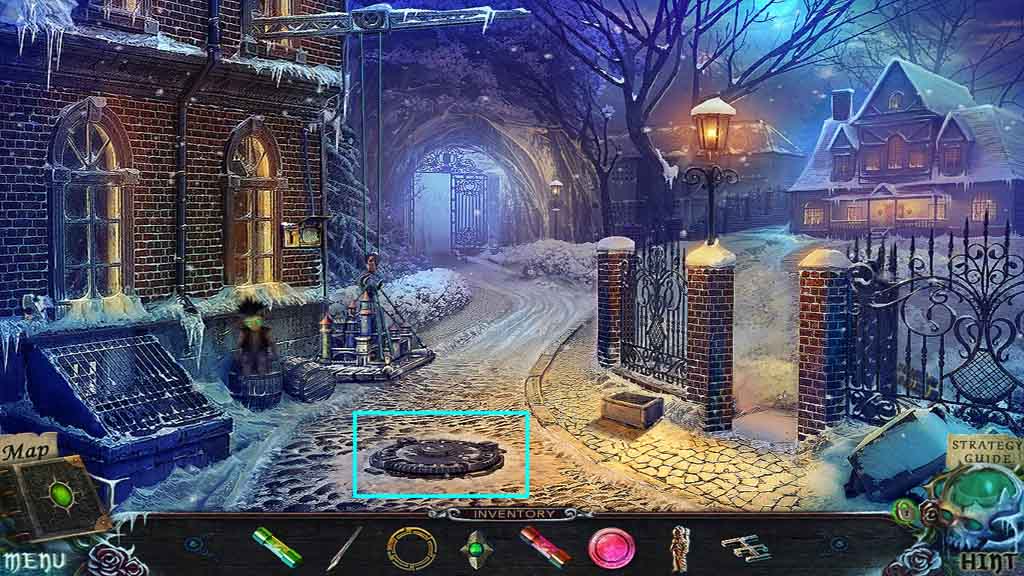
- Click the manhole cover and insert the sewer key.
- Move into the manhole.
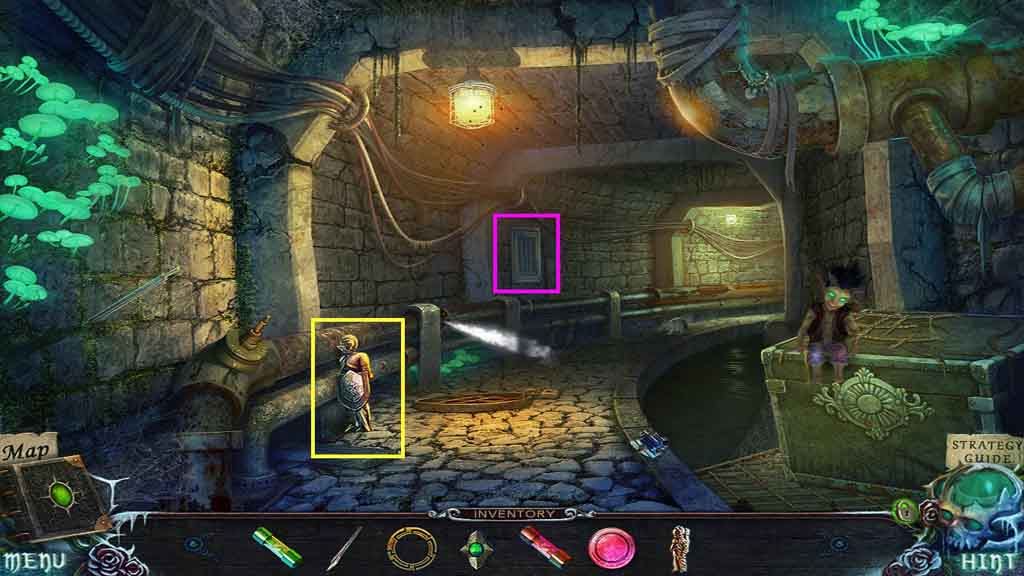
- Collect the knight.
- Notice the mini-game on the wall.
- Move ahead.
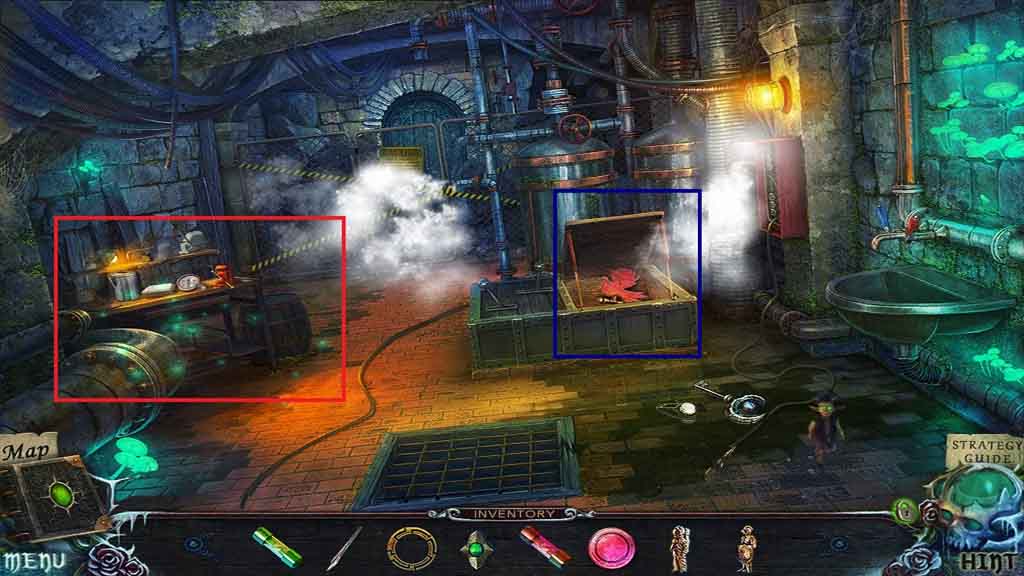
- Click the cover and collect the bird key.
- Click the work table to access a hidden objects area.
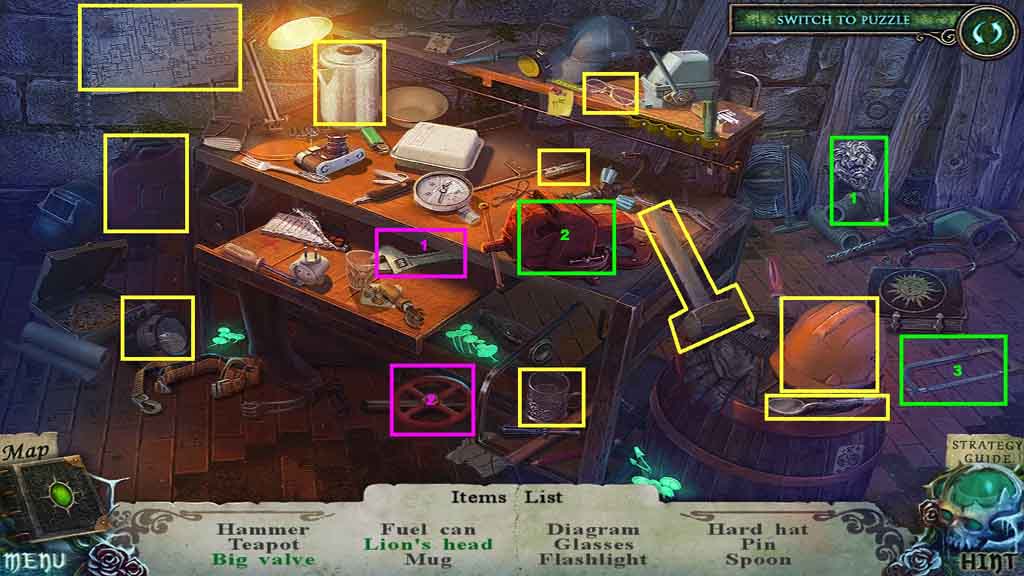
- Find the listed items.
- Elect the wrench and use it to remove and collect the valve.
- Click the lion staff and place it into the vice; select the saw and saw off and collect the lion’s head.
- Collect the big valve.
- Move down once.
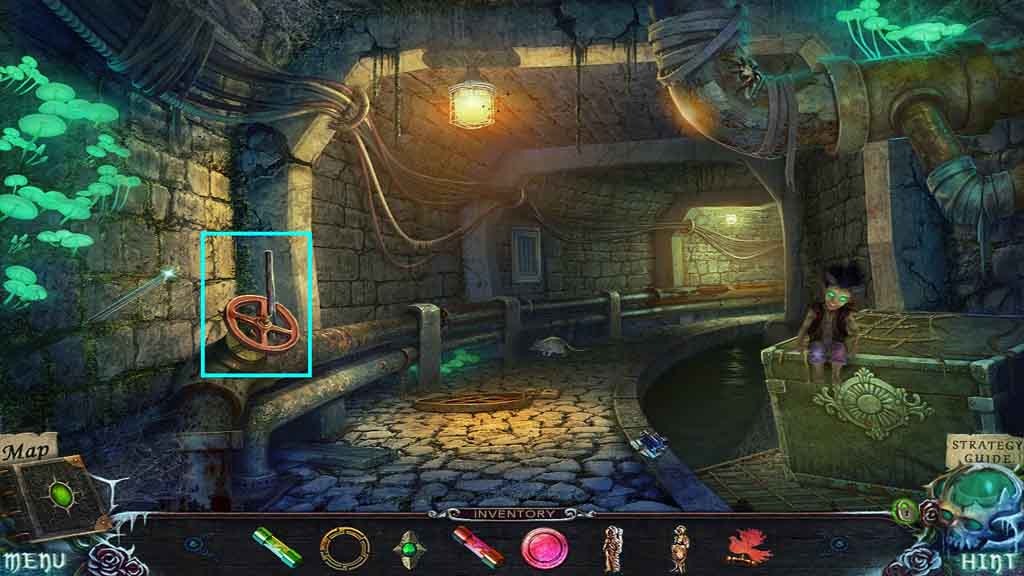
- Attach the big valve onto the stem.
- Use the lever on the valve.
- Move ahead.
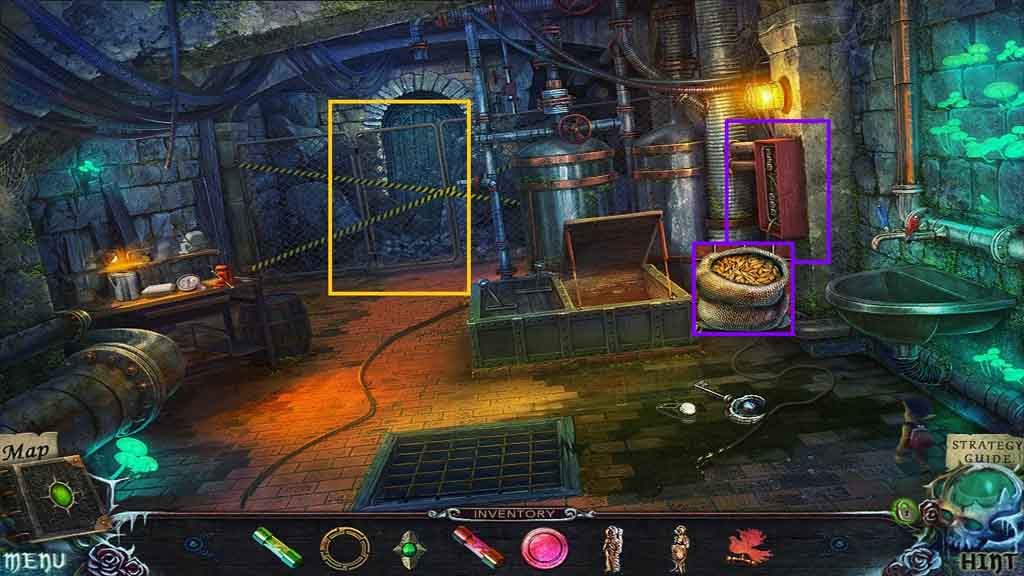
- Click the fence and notice the door.
- Click the panel and collect the seeds.
- Move down 3 times.
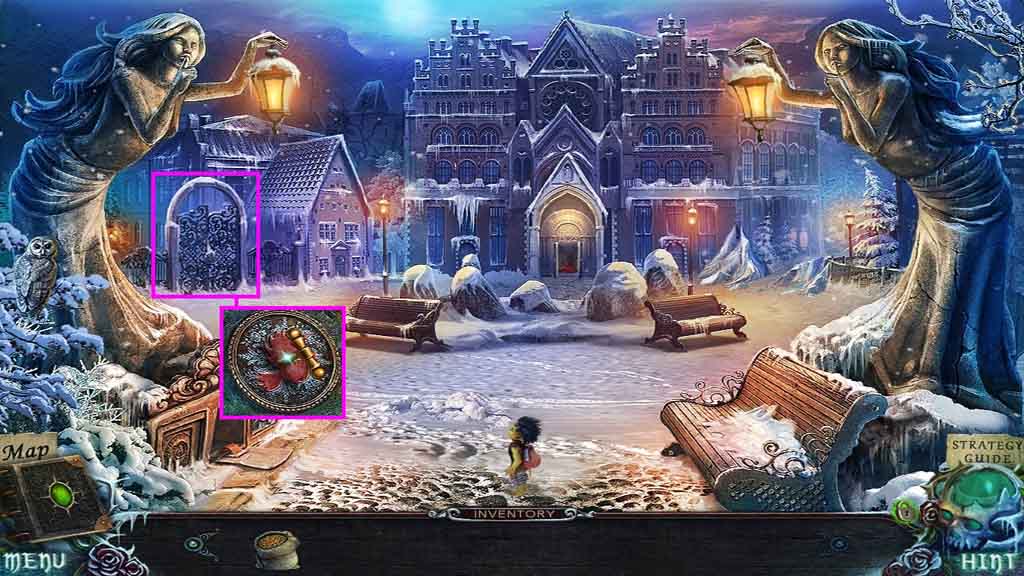
- Click the gate and insert the bird key.
- Click the lever.
- Move to the left.
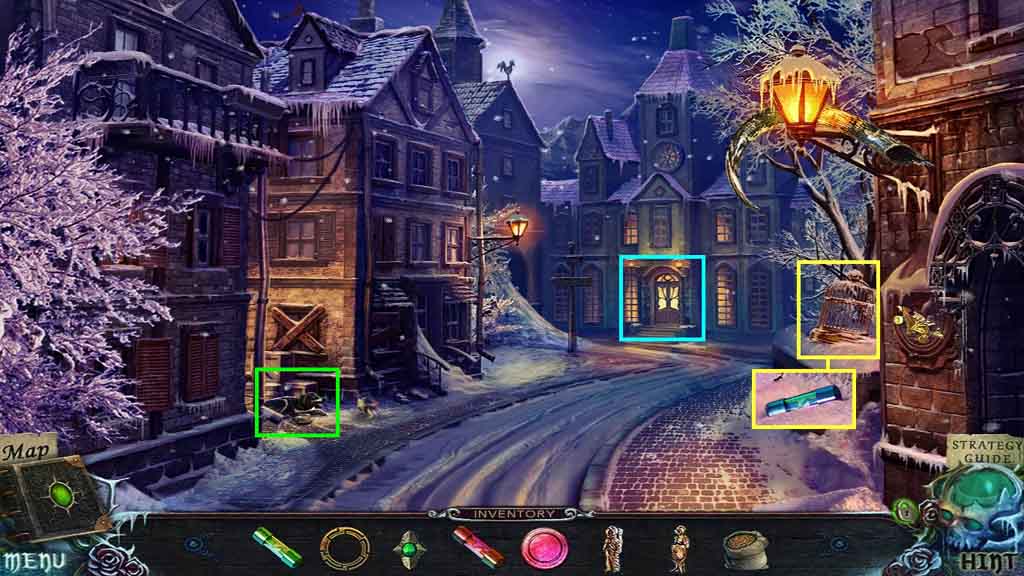
- Click the cage; collect the 3rd thermal fuse.
- Notice the dog and the mini-game on the door.
- Move down and go to the right, move into the manhole and walk forward.
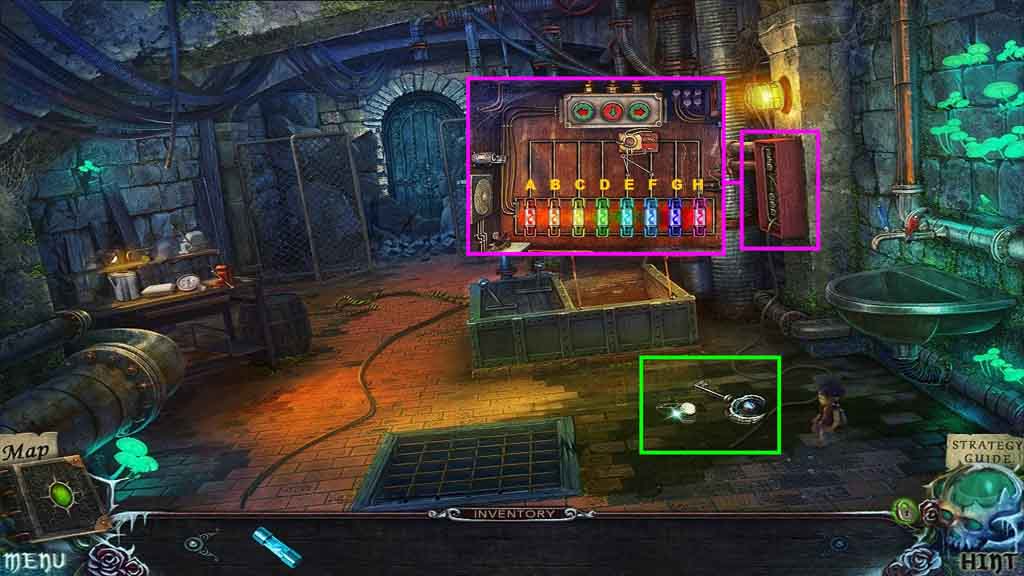
- Click the panel to access a mini-game.
- Insert the 3 thermal fuses.
- Solve the game by placing the fuses into the correct spaces.
- Use the following pattern to solve the game.
- Align the cartridge over F and G and click the down arrow.
- Align the cartridge over G and H and click the down arrow.
- Align the cartridge over A and B and click the down arrow.
- Align the cartridge over F and G and click the down arrow.
- Align the cartridge over B and C and click the down arrow.
- Align the cartridge over D and E and click the down arrow.
- Align the cartridge over C and D and click the down arrow.
- Align the cartridge over A and B and click the down arrow.
- Collect the lock part and the 1st dimensional key.
- Move down once.
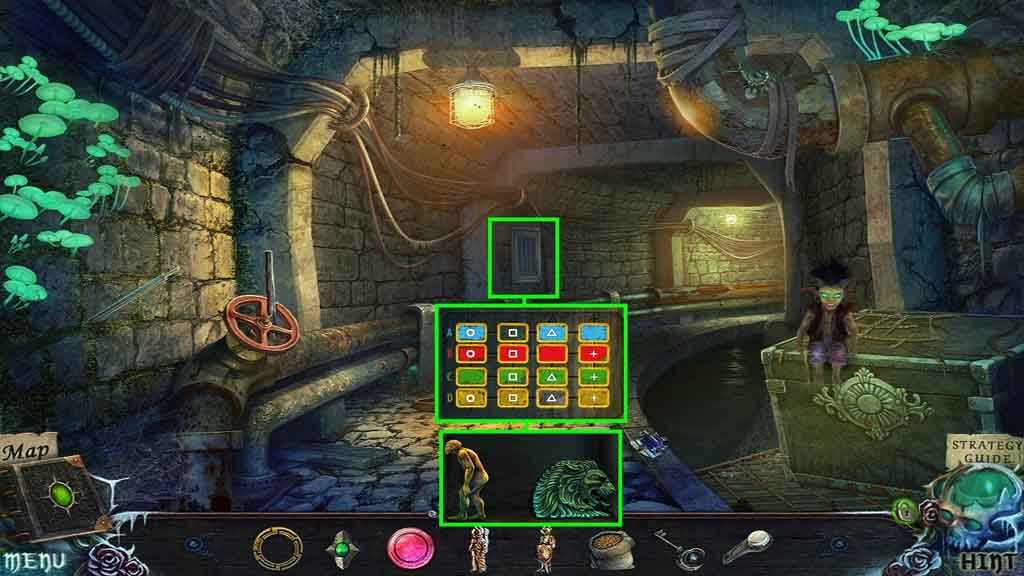
- Click the panel and insert the lock part to trigger a mini-game.
- Solve the game by arranging the tiles so that they have the color and / or symbol for the allotted position.
- Collect the Cro-Magnon and the 1st lion bas-relief.
- Move down 2 times, go to the left and notice the mini-game on the door.
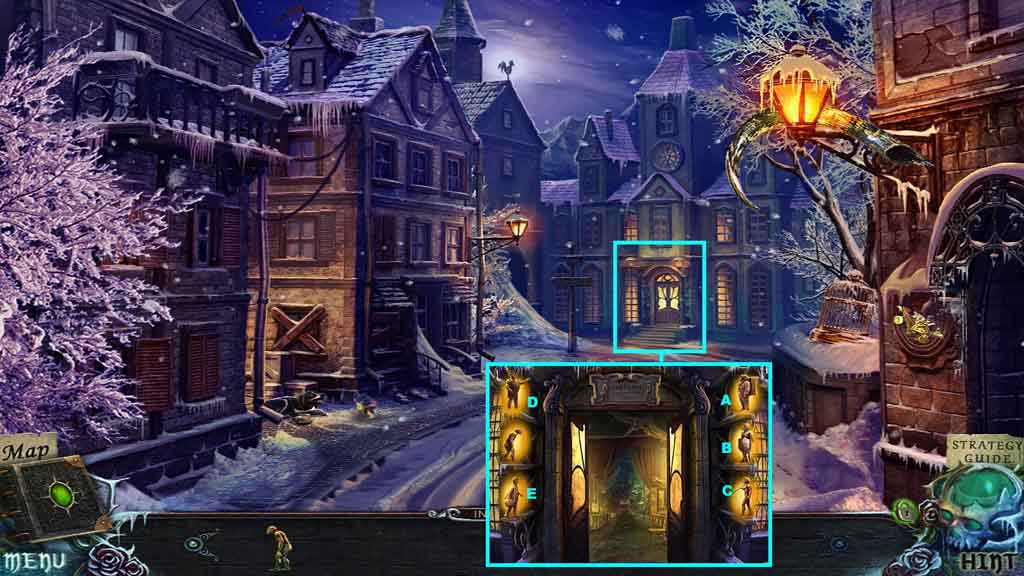
- Insert the Cro-Magnon, the knight and the astronaut into the shelves to trigger a mini-game.
- Click the figures to face inward.
- Click the figures in ABC order to solve the mini game.
- Move ahead.
Comments will load when you reach this part of the walkthrough.