

Chapter Six: Ruins
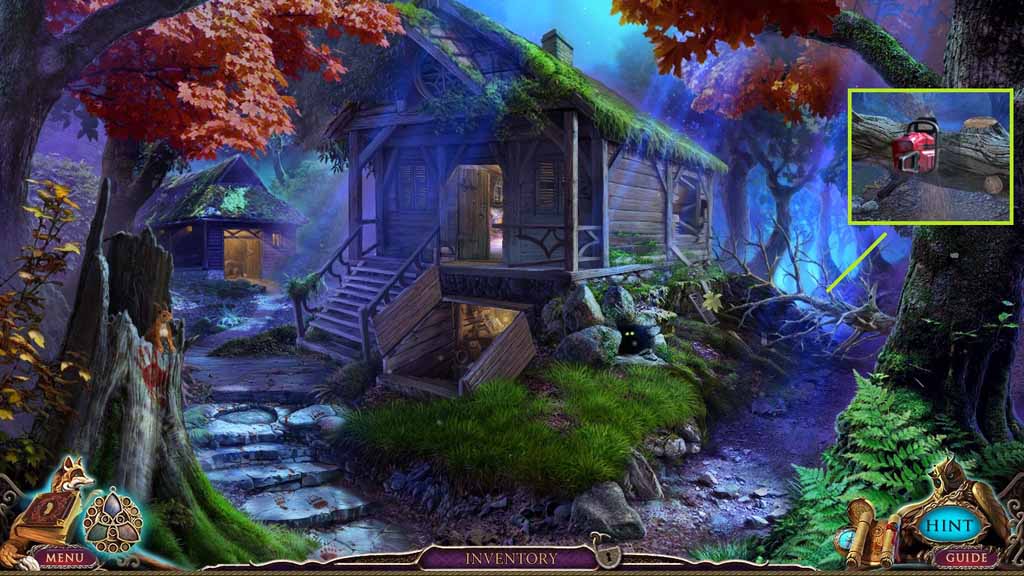
- Select the chainsaw to remove the tree trunk.
- Move to the right.
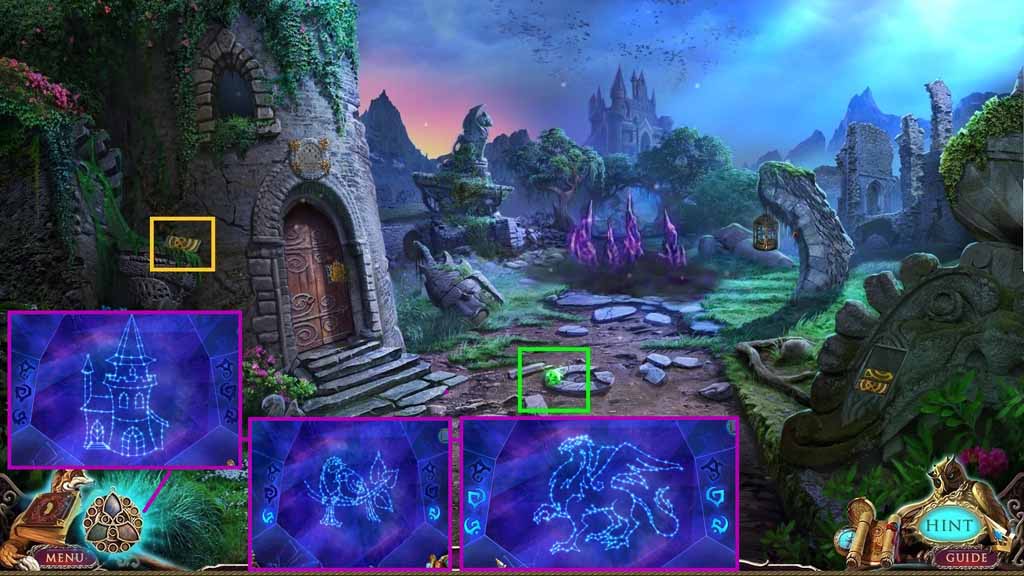
- Collect the stone tile.
- Collect the amulet piece.
- Click the amulet and then the blue gem to trigger a mini-game.
- Solve the game by moving the light to create images.
- Move down 3 times.
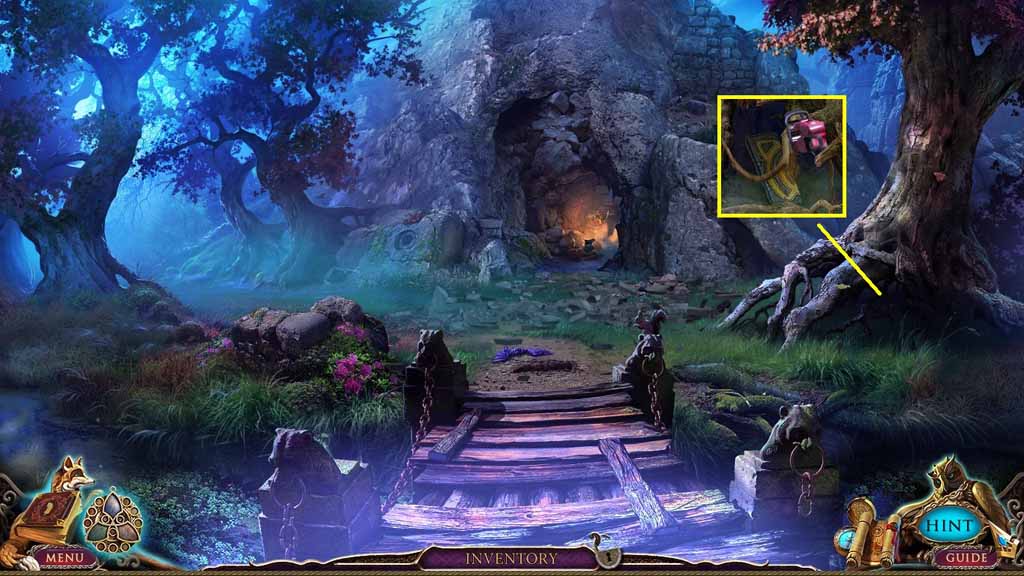
- Select the chainsaw to remove the roots.
- Collect the stone tile.
- Move ahead two times and turn right.
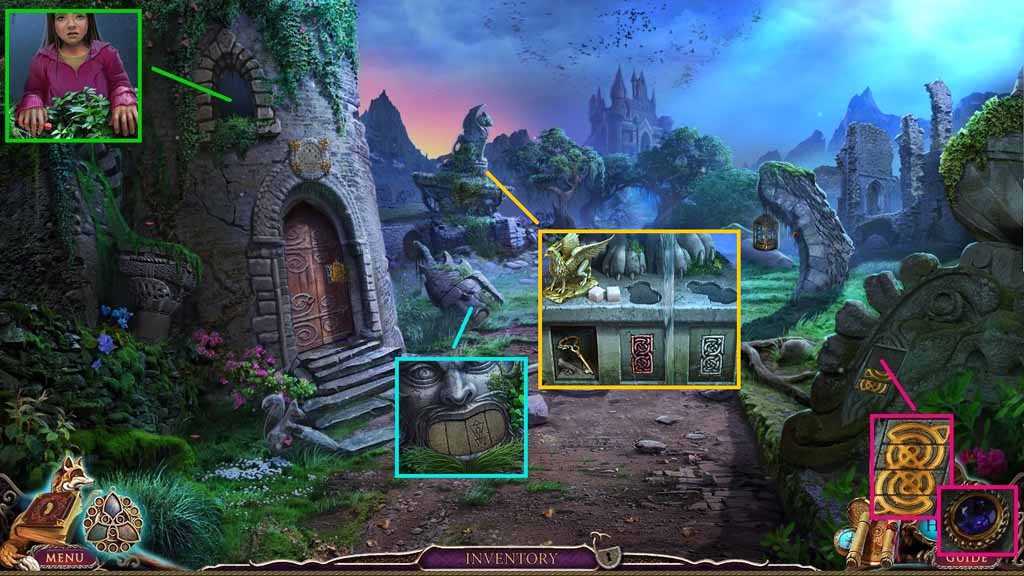
- Insert the two stone tiles into the grooves.
- Aligning the stone tiles correctly and collect the 1/3 round gems.
- Zoom into the window and collect the red chalk.
- Click the grass two times.
- Collect the sugar.
- Place down the golden griffin and collect the tower key.
- Move ahead.
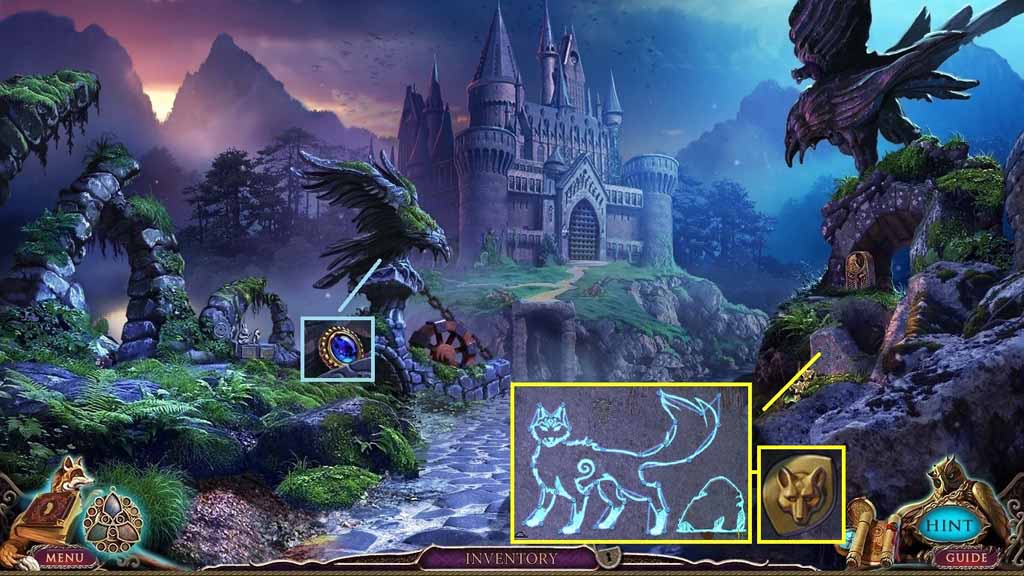
- Collect 2 / 3 round gems.
- Click the stone to trigger a mini-game.
- Solve the game by connecting the gems correctly.
- Collect the amulet piece.
- Move down 2 times.
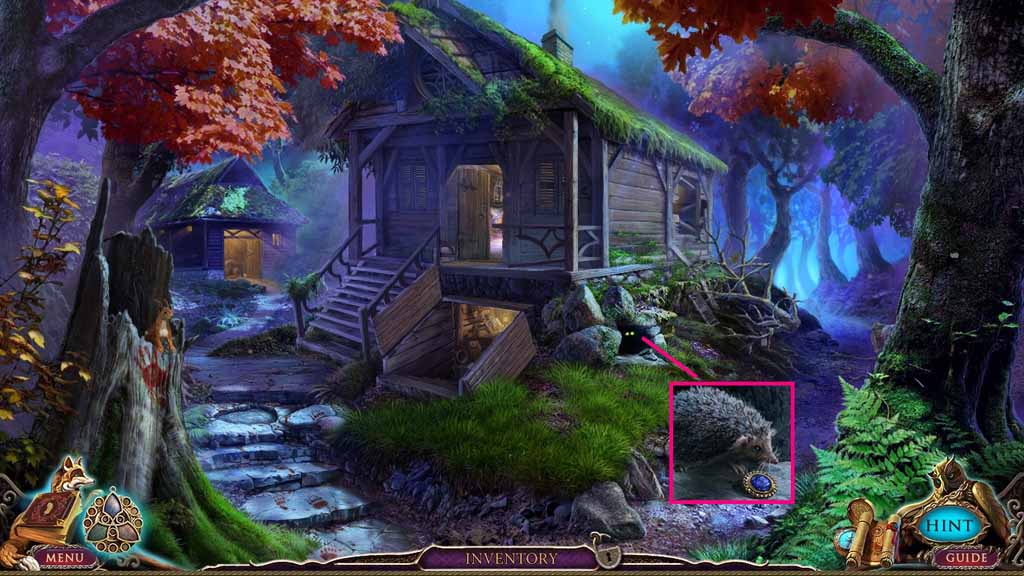
- Place the sugar down and collect the 3/3 round gems.
- Move to the right.
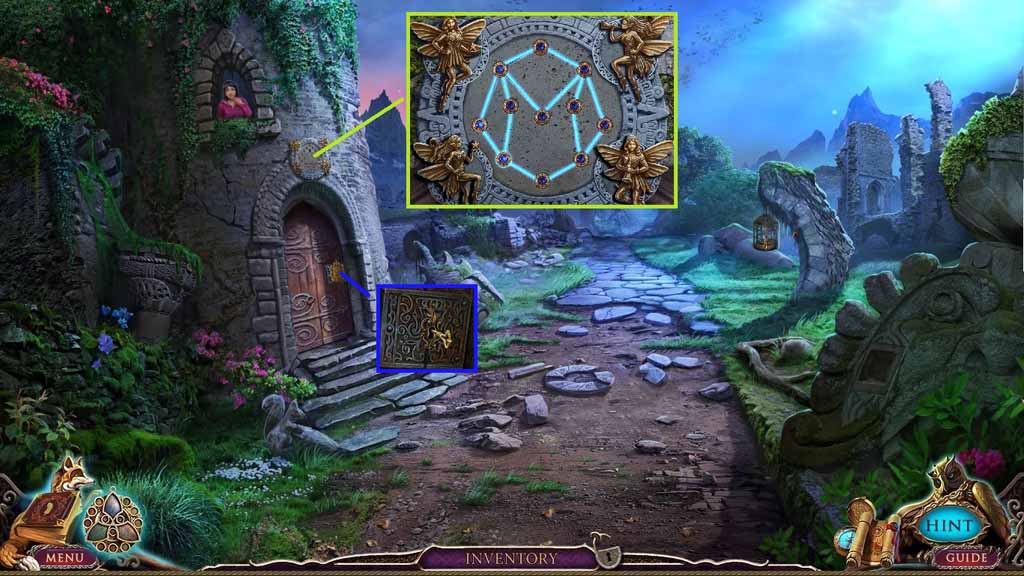
- Insert the 3 round gems.
- Click the stone to trigger a mini-game.
- Solve the game by making a connection through all of the gems without reusing any segments.
- Place the tower key into the lock.
- Move to the left.
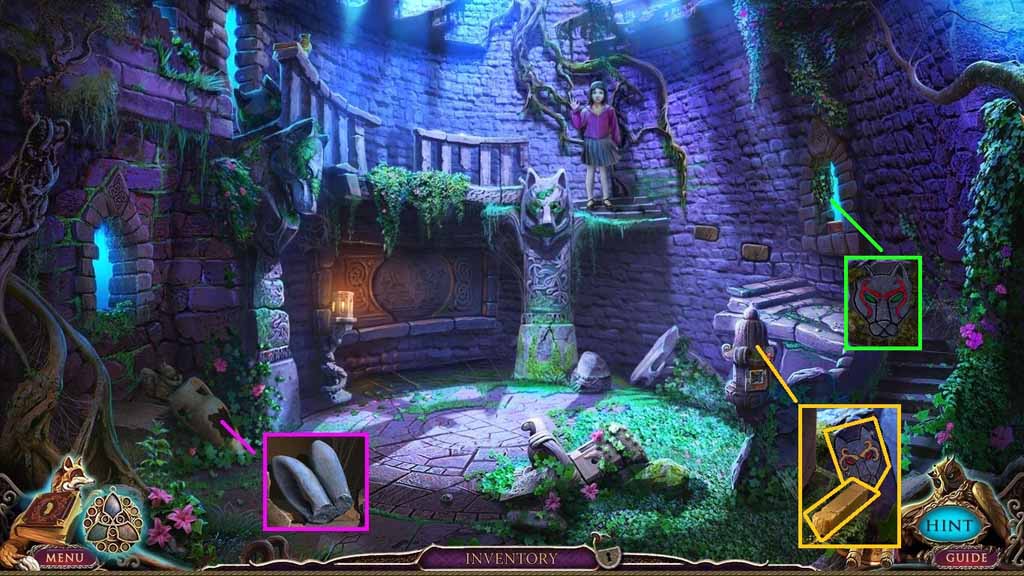
- Collect the rabbit ears.
- Collect the yellow chalk; examine the drawing.
- Zoom into the window; examine the drawing.
- Move down once and then move ahead.
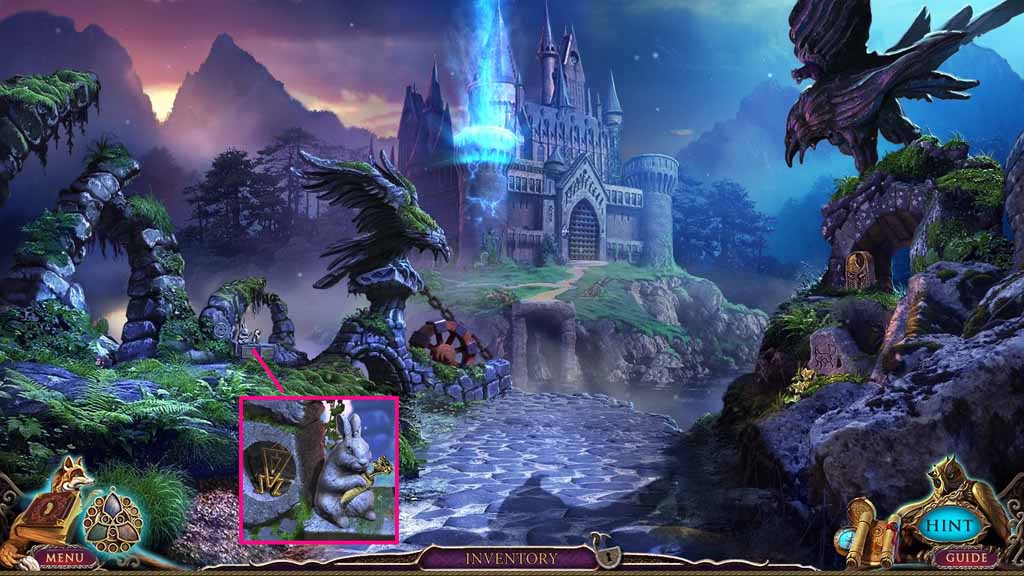
- Attach the rabbit ears onto the statue; collect the golden rune.
- Move down once.
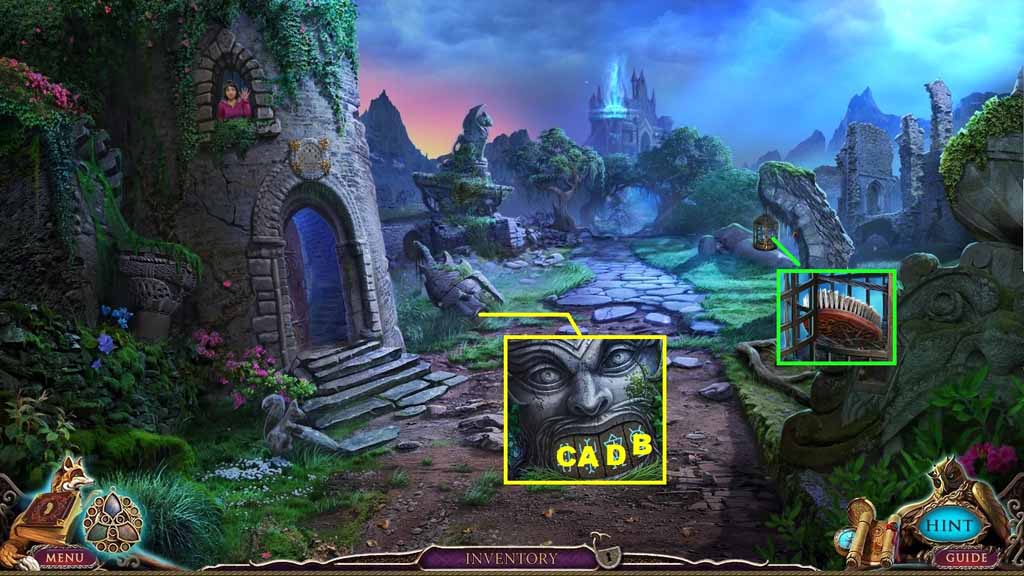
- Insert the golden rune into the groove.
- Click the runes in ABC order; collect the glass.
- Use the glass to cut the rope; collect the brush.
- Move to the left.
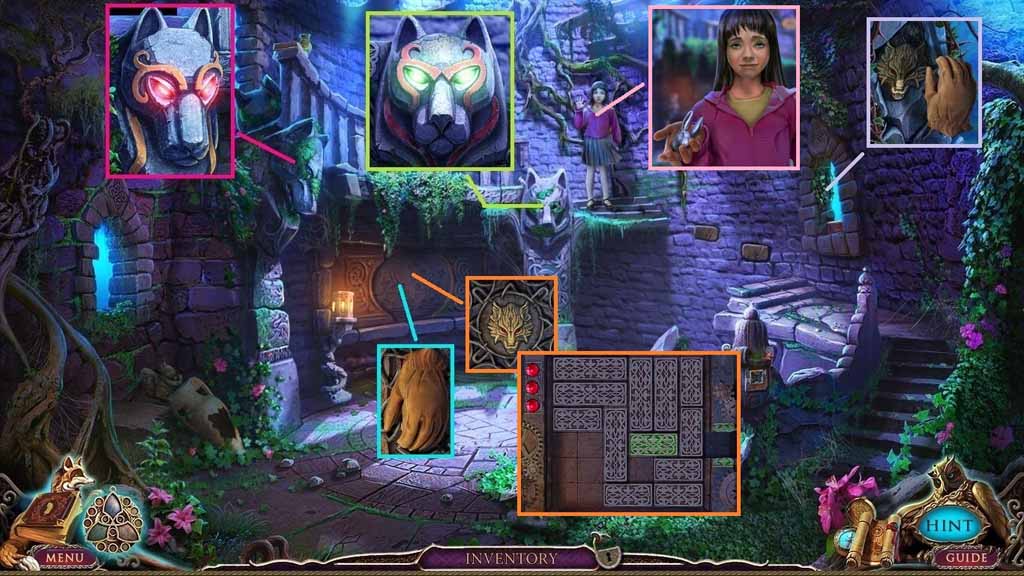
- Use the brush to clear the moss.
- Use the red chalk to color the wolf; click the correct eye color.
- Use the brush to clear the moss.
- Use the yellow chalk to color the wolf; click the correct eye color.
- Collect the glove.
- Use the glove to remove the branches; collect the wolf’s head and place it into the groove.
- A mini-game will trigger.
- Solve the game by moving the tiles to allow the green tile to slide out.
- Collect the rabbit head.
- Move down once and ahead once.
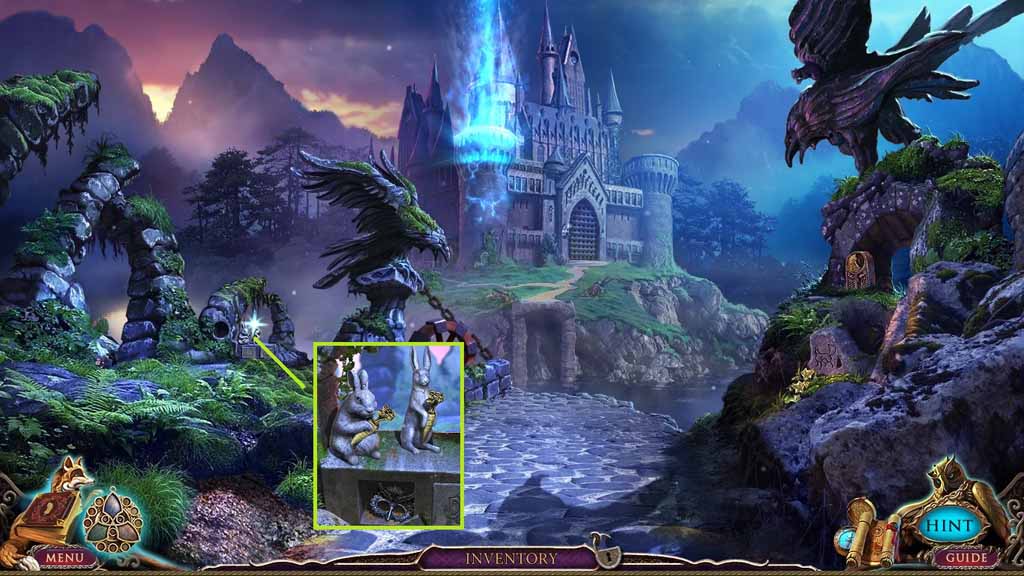
- Attach the rabbit head onto the statue.
- Collect the owl mask.
- Move down once and go left then click the hidden objects area.
- Find the pictured items.
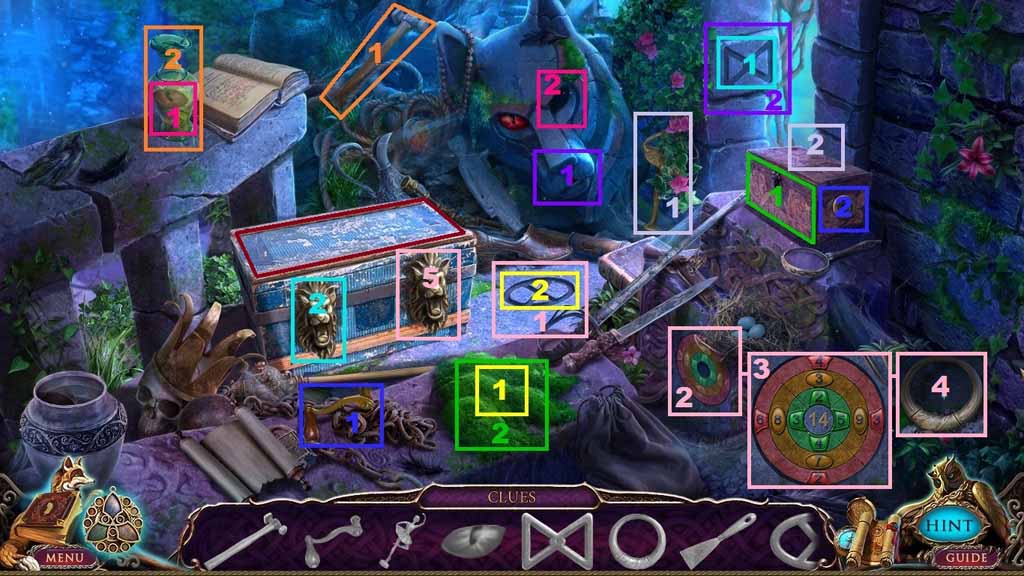
- Select the hammer and use it to smash the jug; collect the red eye.
- Place the red eye into the groove; collect the rune.
- Insert the rune into the niche; collect the left ring and place it onto the chest.
- Collect the handle and attach it onto the box.
- Collect the ballerina and place it onto the box; collect the scraper.
- Select the scraper to remove the moss; collect the rune.
- Place the rune into the groove; collect the numbered token.
- Insert the numbered token into the groove; a mini-game will trigger.
- Solve the mini-game by arranging the numbers in each of the colored circles until the sum in each segment equals 14.
- Collect the ring and place it onto the chest; collect the axe.
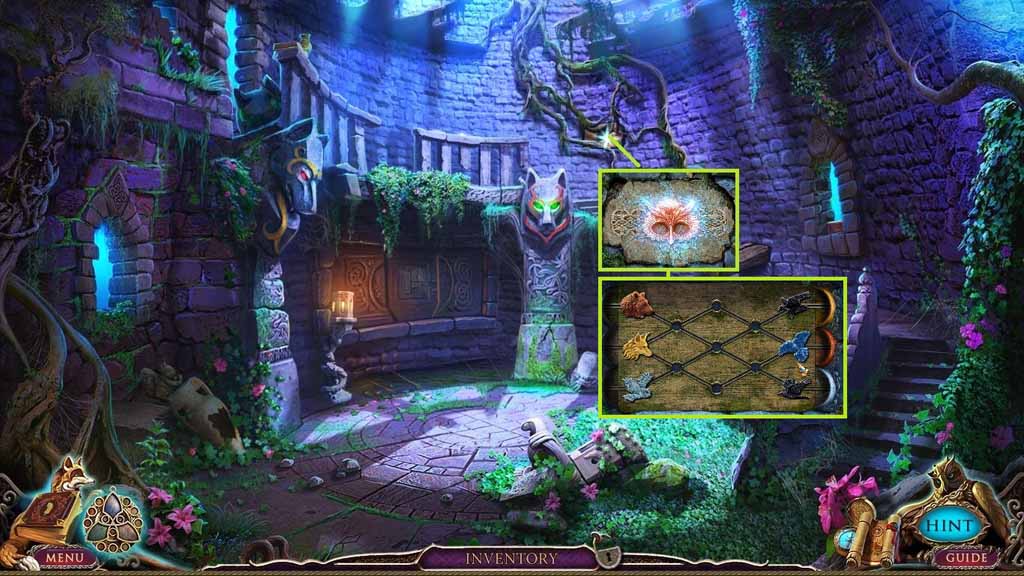
- Use the axe to remove the roots and insert the owl mask into the groove.
- A mini game will trigger.
- Solve the game by moving the birds to the left and the animals to the correct spaces on the right.
- Move downstairs.
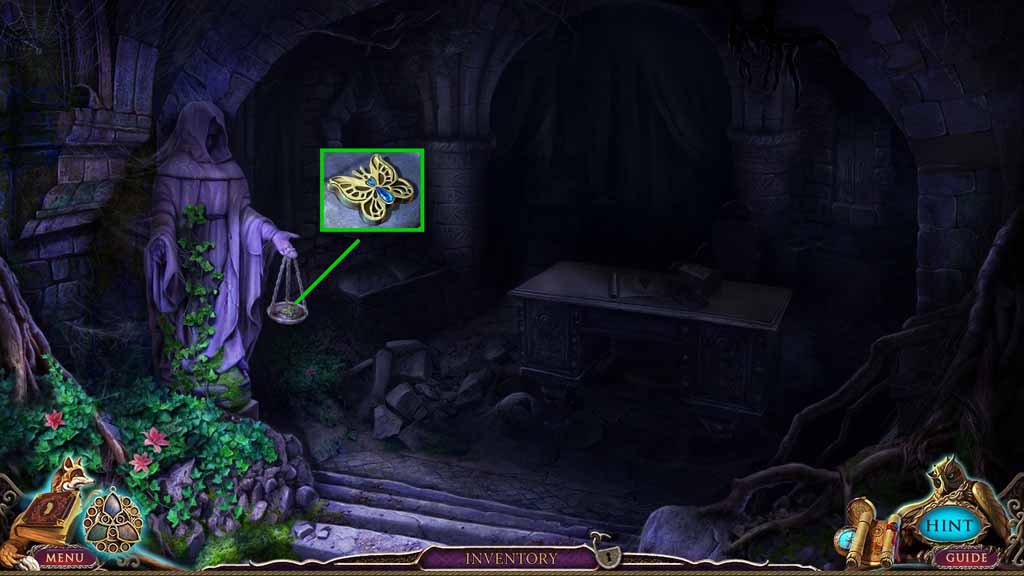
- Collect the butterfly.
- Move down once.
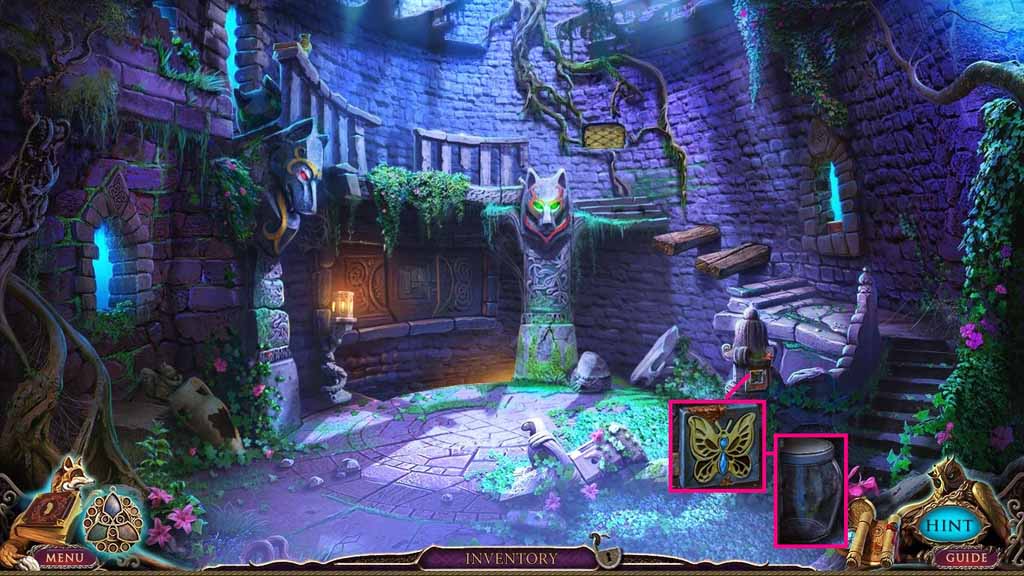
- Insert the butterfly into the groove and collect the empty jar.
- Move down three times.
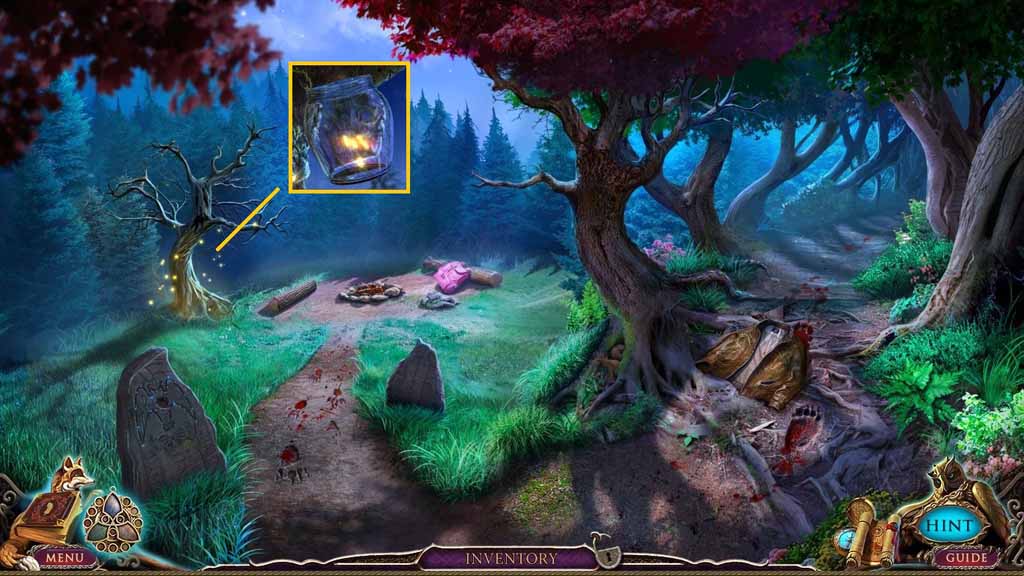
- Use the empty jar to collect the fireflies.
- Move to the Tower and go downstairs.
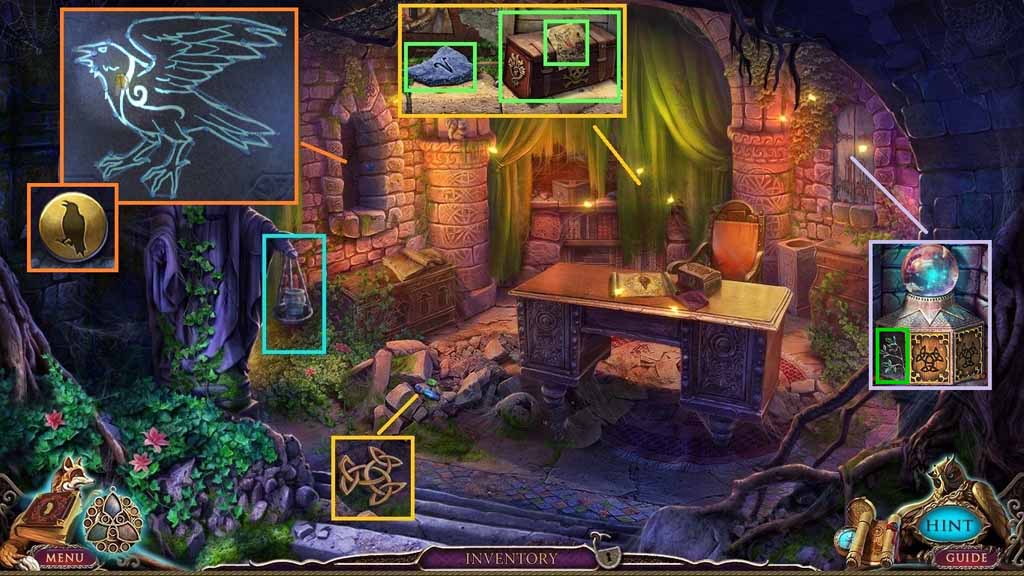
- Place the jar of fireflies onto the hand scale.
- Remove the 3 stones; collect the runic token.
- Click the curtain; collect 1 / 3 zodiac stones.
- Collect the note and the poison potion set.
- Click the cove to trigger a mini-game.
- Solve the game by connecting the gems correctly.
- Collect the amulet piece.
- Click the shutters and insert the runic token into the groove; collect the left tree half.
- Move down 2 times.
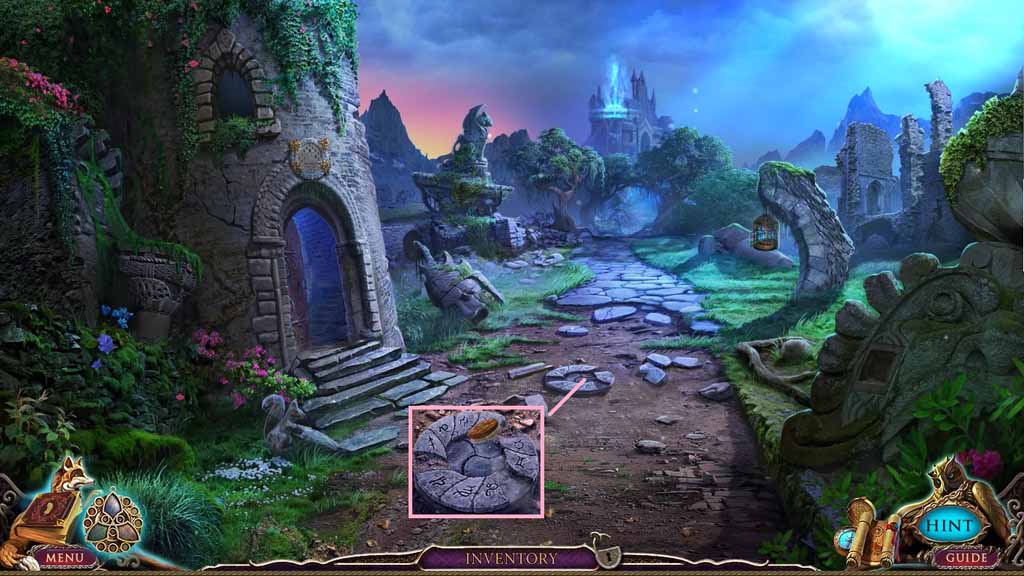
- Use the brush to clear the dirt.
- Move to the left.
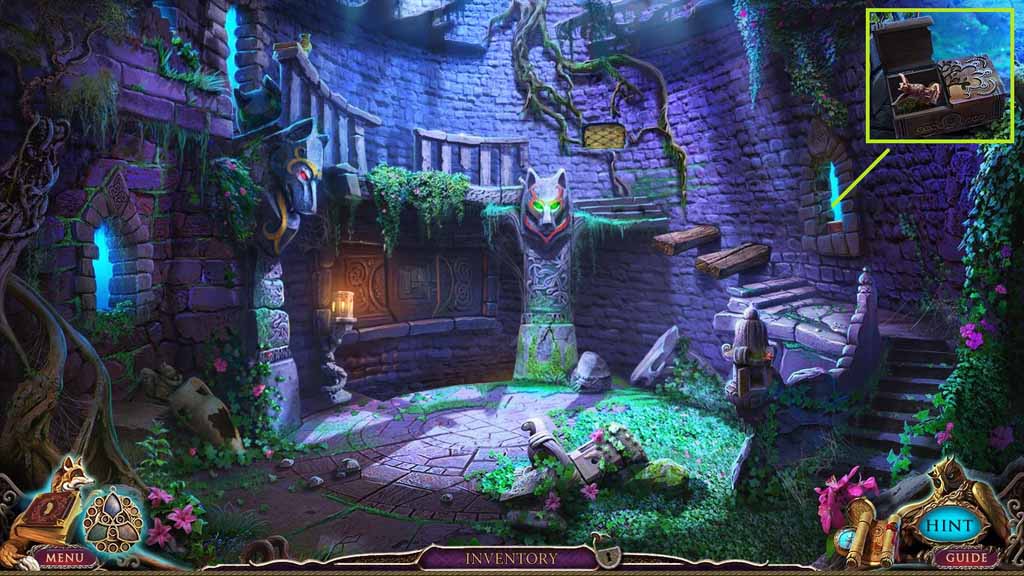
- Insert the left tree half into the box.
- Collect the bronze Griffin.
- Move down once.
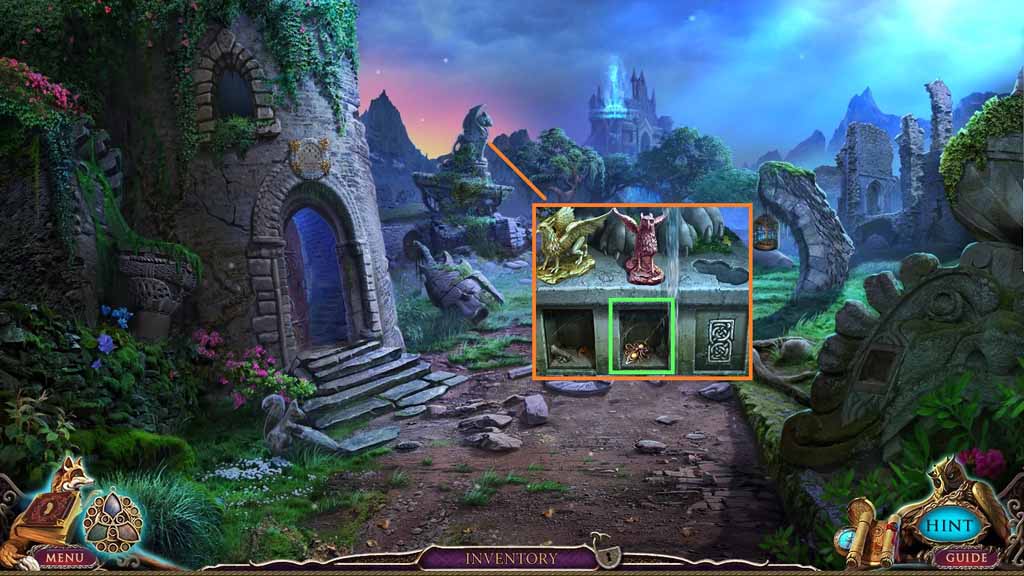
- Insert the bronze Griffin into the slot.
- Collect the ornate pin.
- Move to the left and go downstairs.
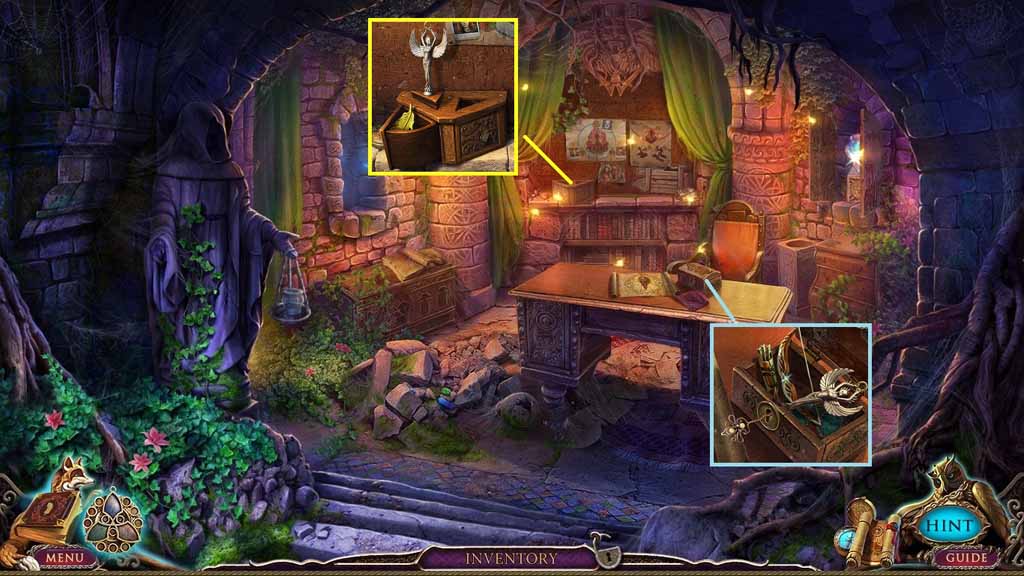
- Place the ornate pin into the lock and collect the winged statuette and the archers gear.
- Insert the winged statuette into the slot and collect the Golden feather.
- Move down two times.
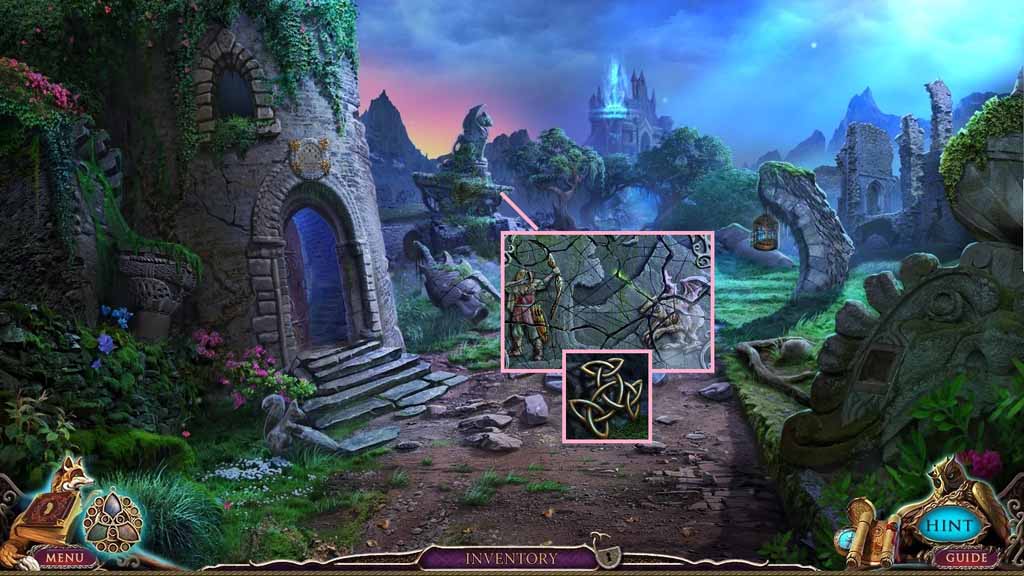
- Insert the archers gear into the mural.
- Collect the runic token.
- Move to the left and move downstairs.
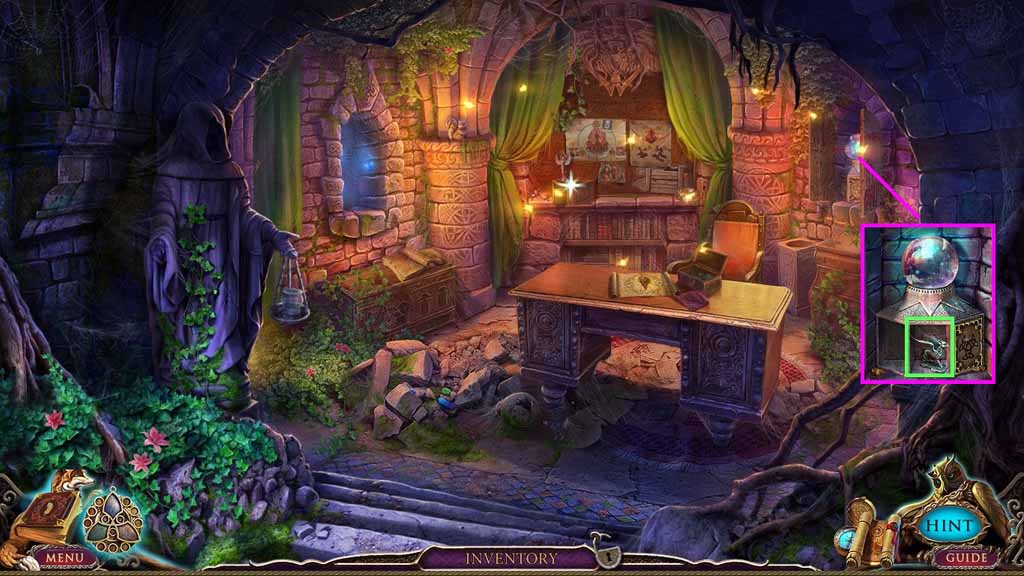
- Insert the runic token into the groove.
- Collect the silver Griffin.
- Move down two times.
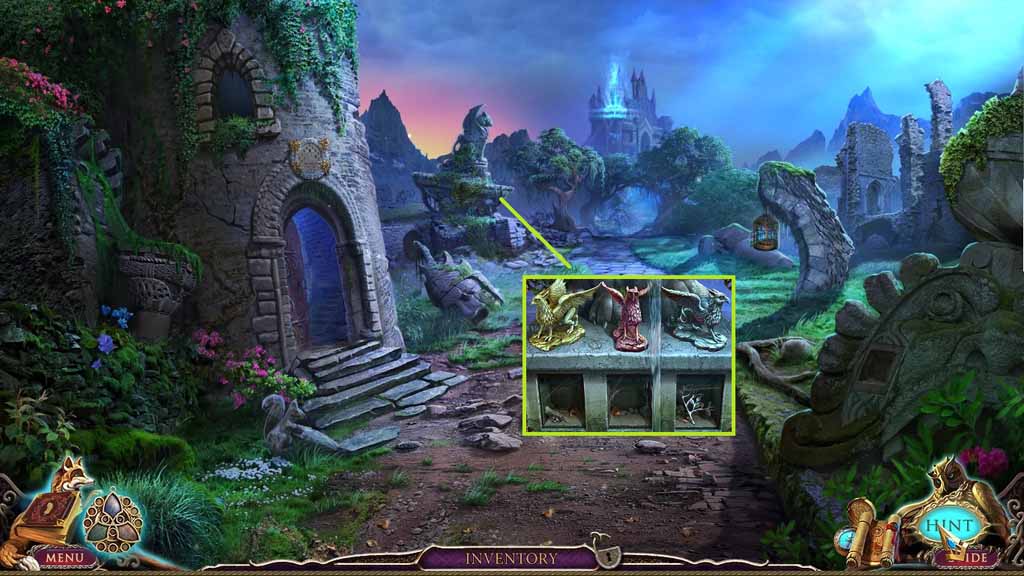
- Insert the silver Griffin into the slot.
- Collect the right tree half.
- Move to the left.
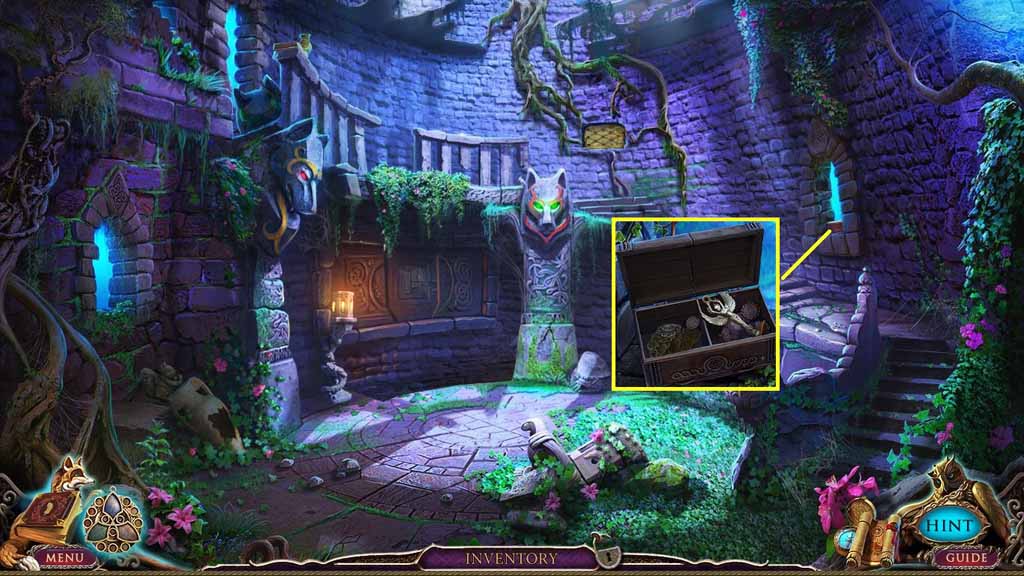
- Insert the right tree half into the box slot.
- Collect the wind statuette.
- Move downstairs.
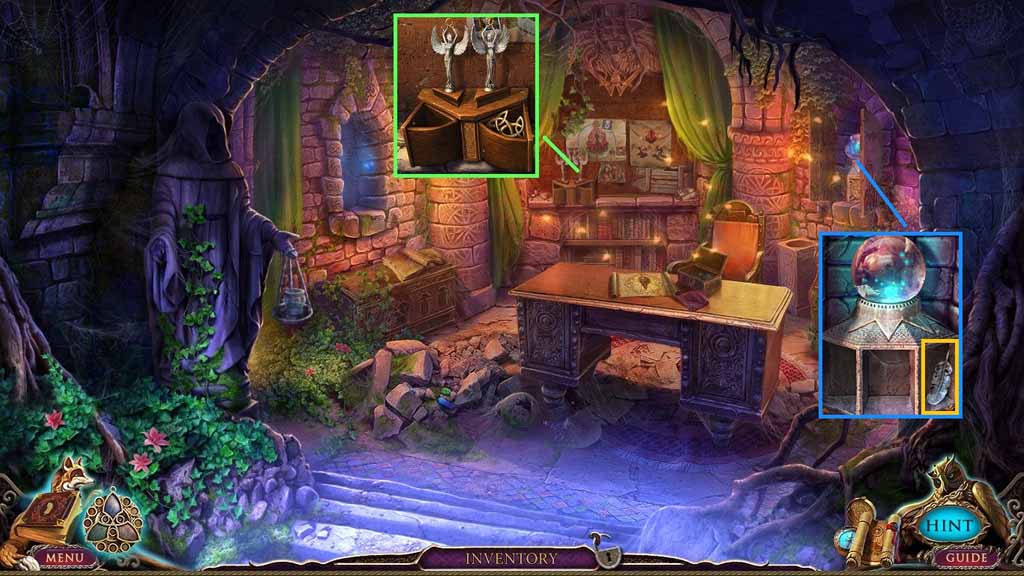
- Insert the wind statuette into the slot and collect the runic token.
- Insert the runic token into the groove and collect the silver feather.
- Move down two times and move forward once.
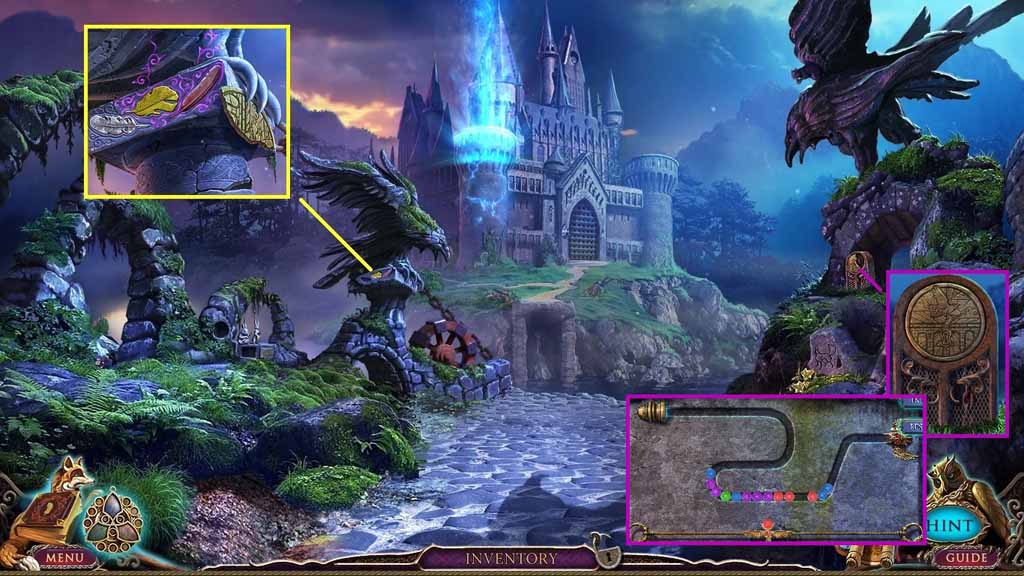
- Insert the silver, golden and bronze feathers to collect the stone disk fragment.
- Insert the stone disk fragment into the groove.
- A mini game will trigger.
- Solve the game by shooting the colored balls toward the matching colored balls until all the balls are removed.
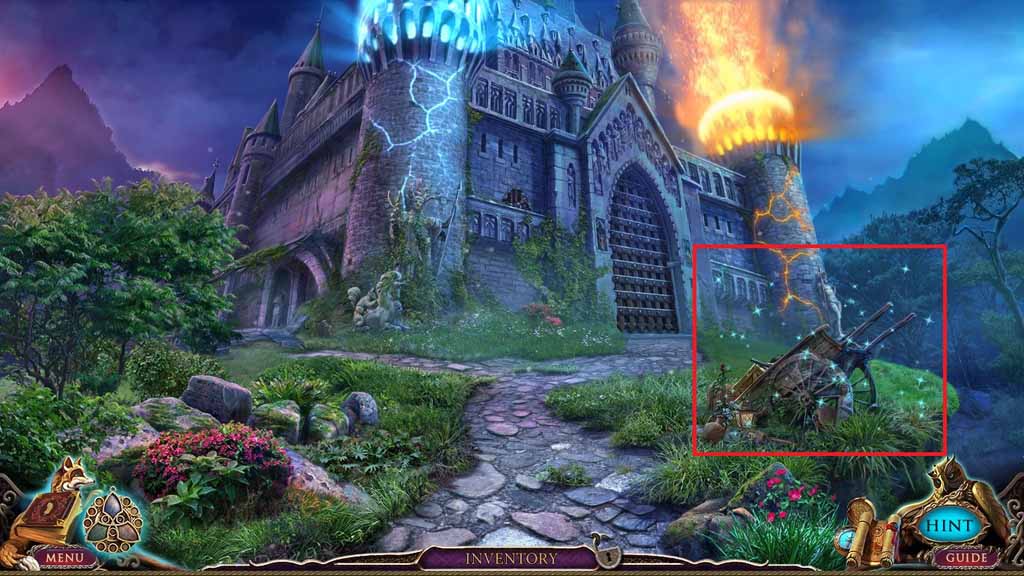
- Move ahead and click the hidden objects area.
Comments will load when you reach this part of the walkthrough.