

Chapter One: Into the Shadows
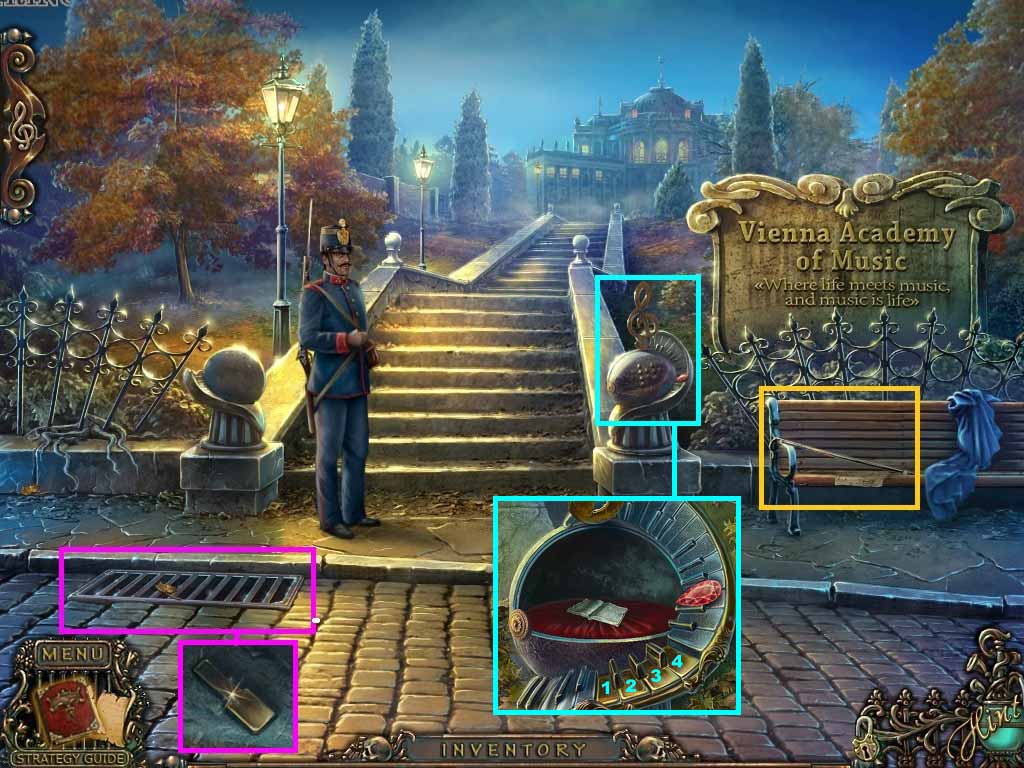
- Examine the bench.
- Collect the cane; zoom into the newspaper.
- Examine the grate.
- Use the cane to lift the grate and collect the piano key.
- Zoom into the railing and collect the ruby.
- Insert the key into the keyboard.
- Click the keys as follows: 4 – 2 – 3 – 1.
- Collect the book.
- Move up the stairs.
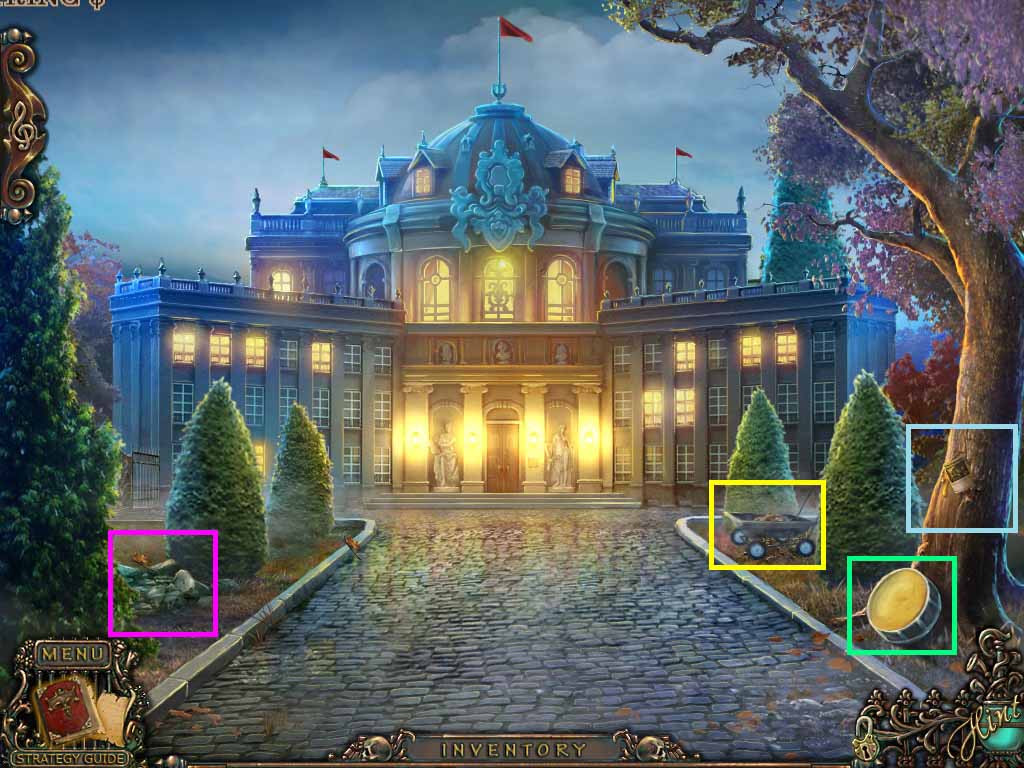
- Examine the tree.
- Collect the cat title and the note.
- Examine the stones.
- Move the stones and collect the mailbox flag.
- Click the cart and examine the ground.
- Collect the button.
- Move forward.
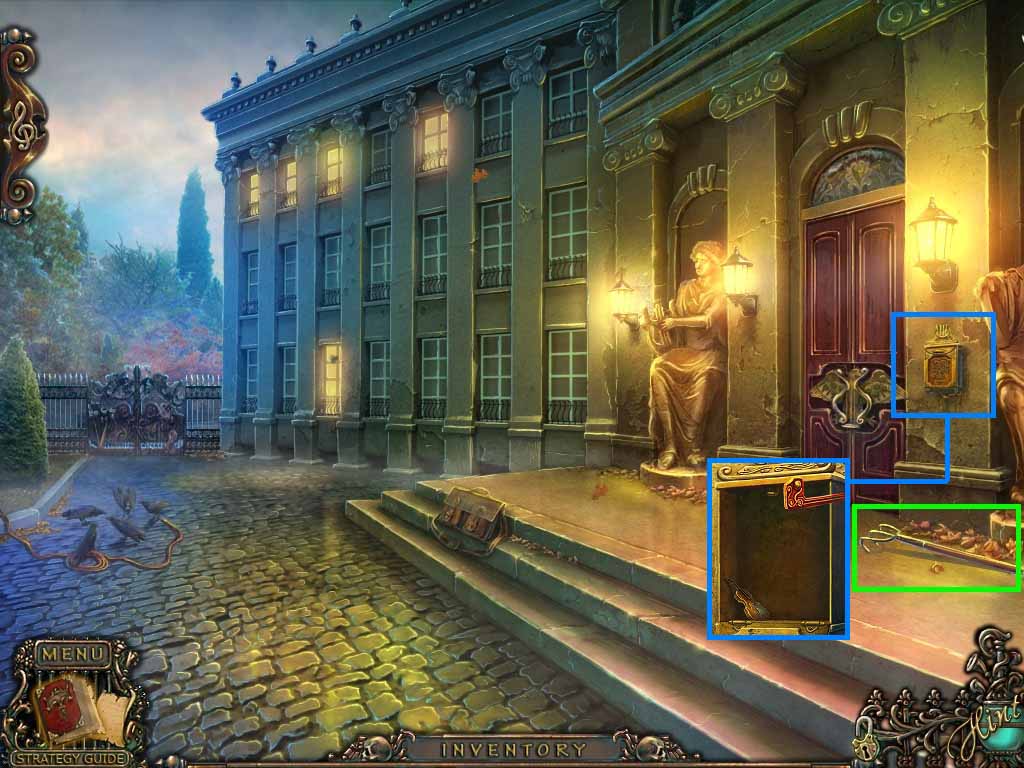
- Collect the hand rake.
- Examine the mailbox.
- Place the mailbox flag onto it and click it.
- Collect the violin curio.
- Move down once.
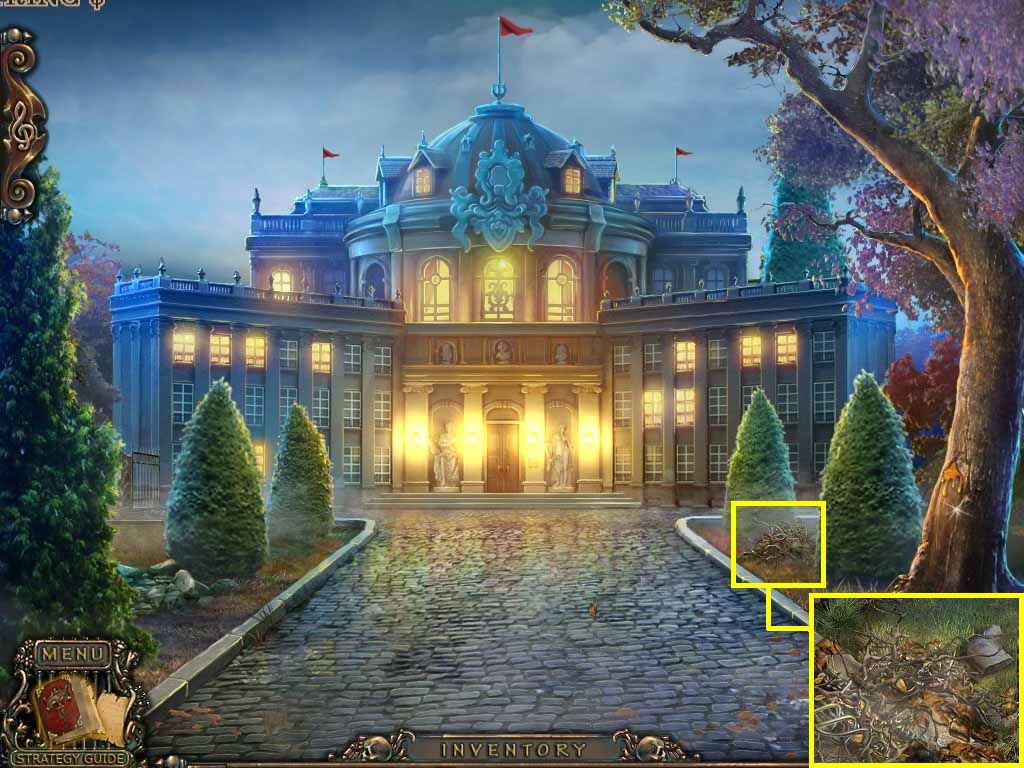
- Examine the leaves.
- Remove them using the hand rake; collect the stone elbow.
- Move forward.
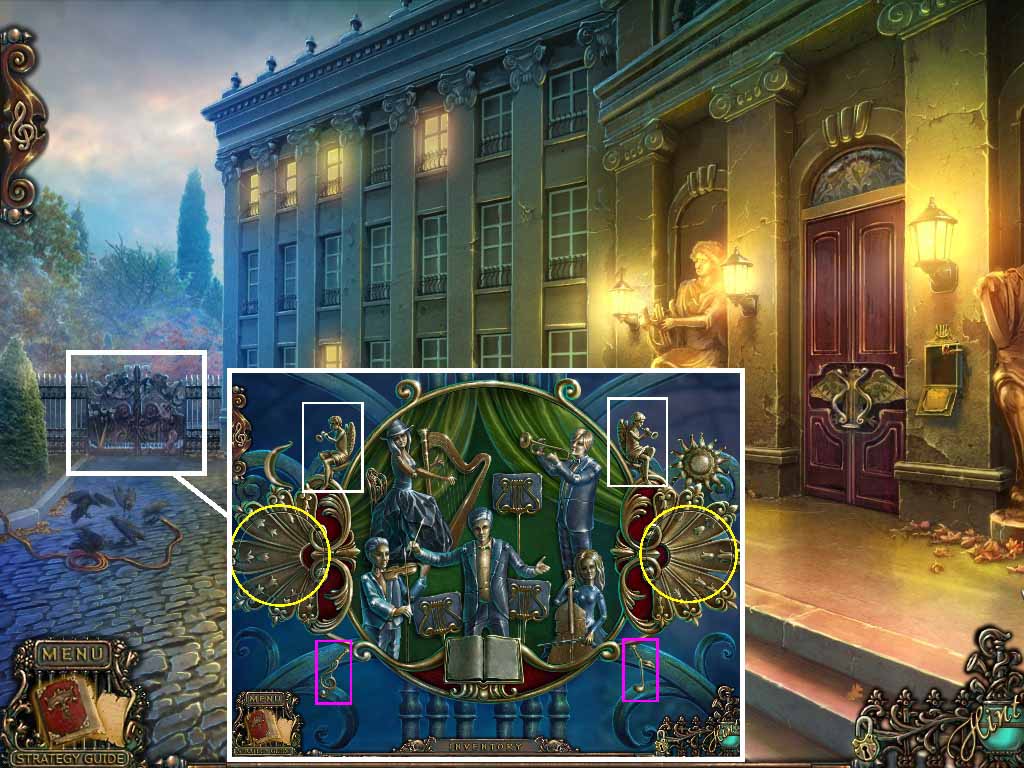
- Examine the gate.
- Insert the book onto the stand; a puzzle will trigger.
- Click the curtain and click the book page.
- Swirl the left rings into the correct place.
- Switch the pieces on the right side until the correct image is found.
- Click both the left and right rings.
- Click the 2 music notes.
- Click the 2 angels.
- Move through the gate; play the hidden objects puzzle.
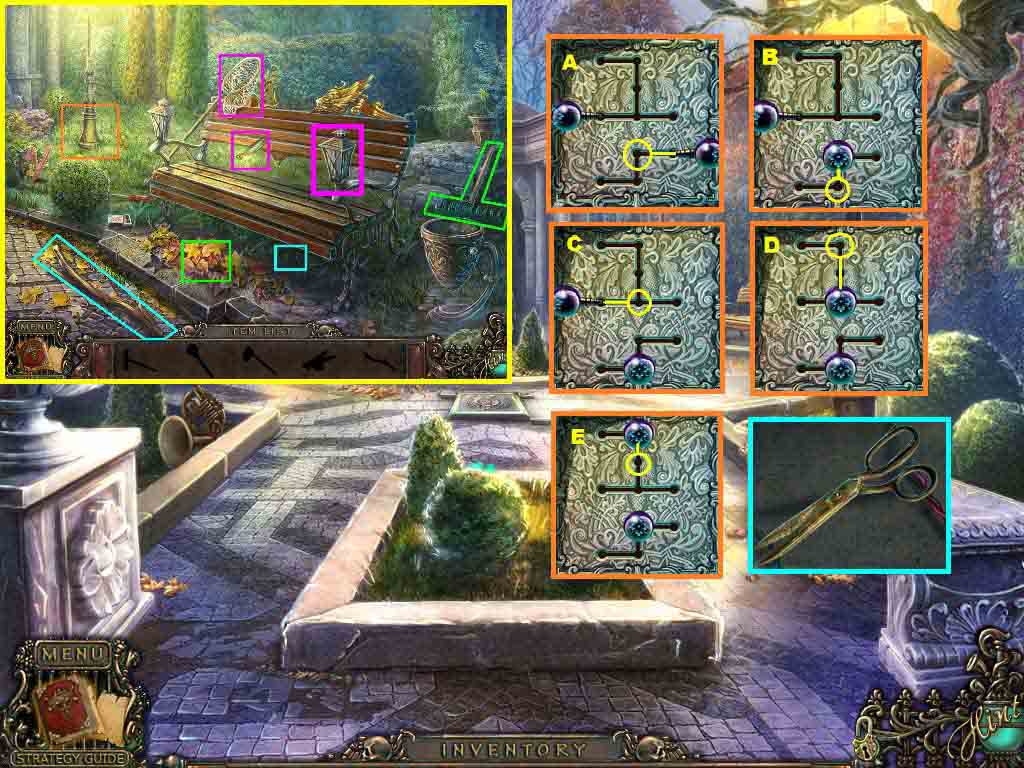
- Collect the butterfly net and use it to capture the firefly.
- Examine the lamp and insert the firefly.
- Collect the stick.
- Examine the area underneath the bench.
- Use the stick on the lever; collect the lever.
- Collect the rake and use it to rake the leaves.
- Collect the lever.
- Examine the post.
- Click the leaves and open the cover.
- Insert the 2 levers into the slots.
- Move the levers (A-E) and collect the scissors.
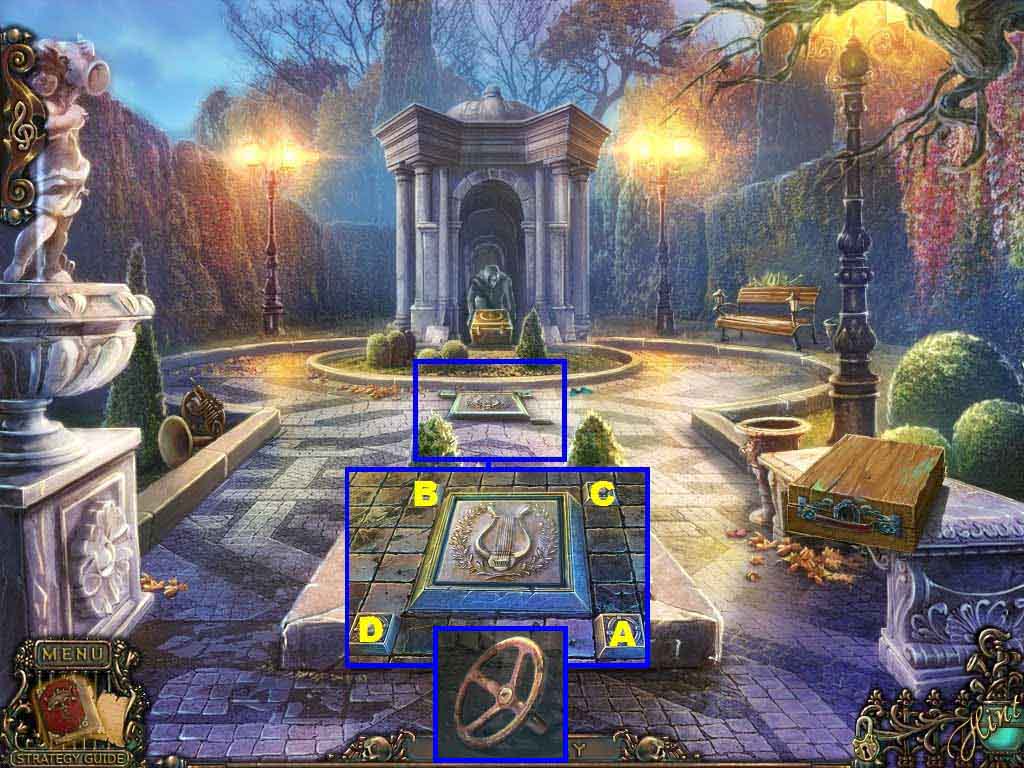
- Examine the ground.
- Insert the button into the slot to trigger a puzzle.
- Click the button as follows (A-D).
- Collect the valve.
- Move down one time.
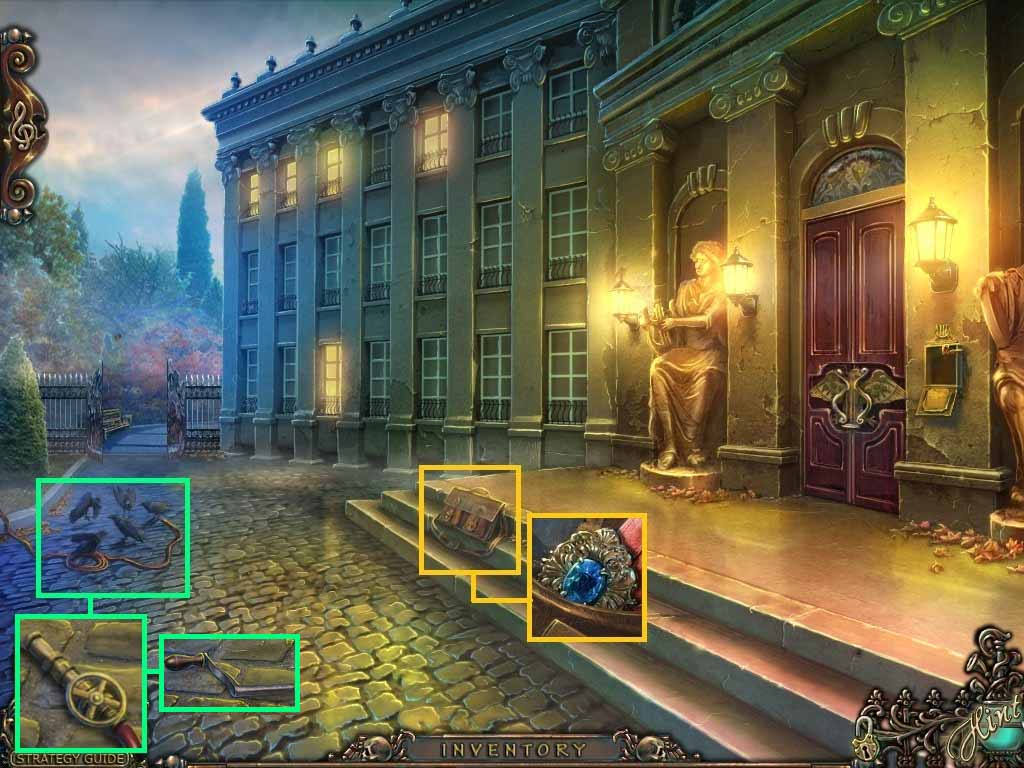
- Examine the satchel.
- Use the scissors to cut it open.
- Collect the brooch.
- Examine the crows.
- Put the valve onto the hose and collect the crank.
- Move through the gate.
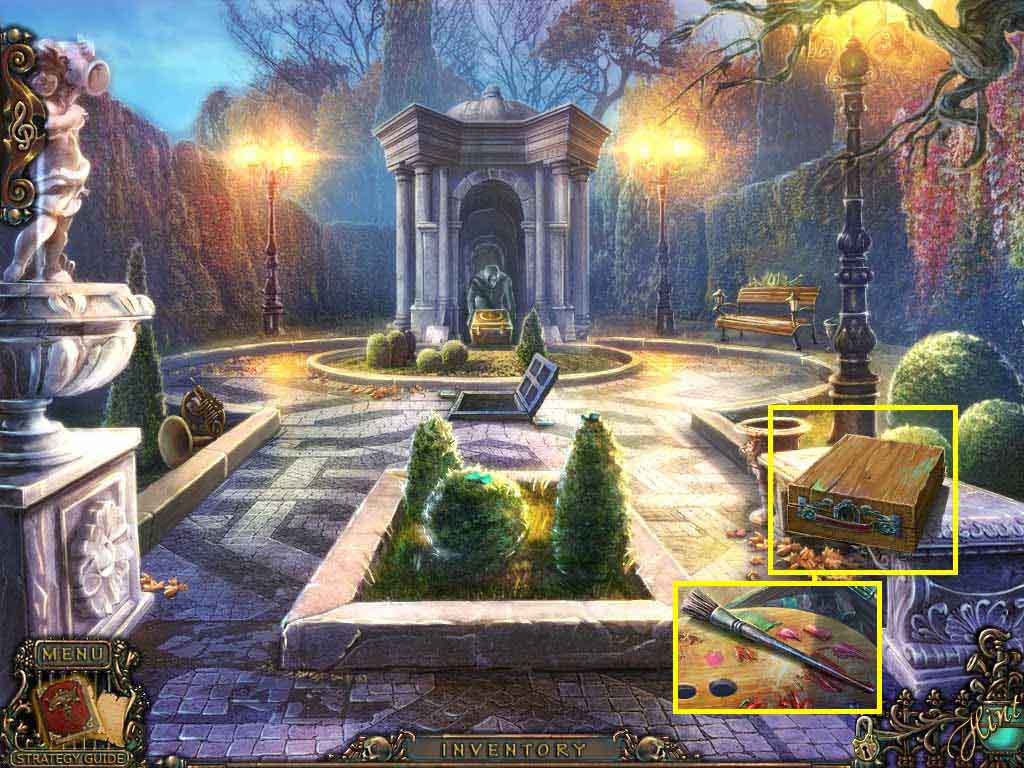
- Examine the case; insert the brooch.
- Collect the brush.
- Move down two times.
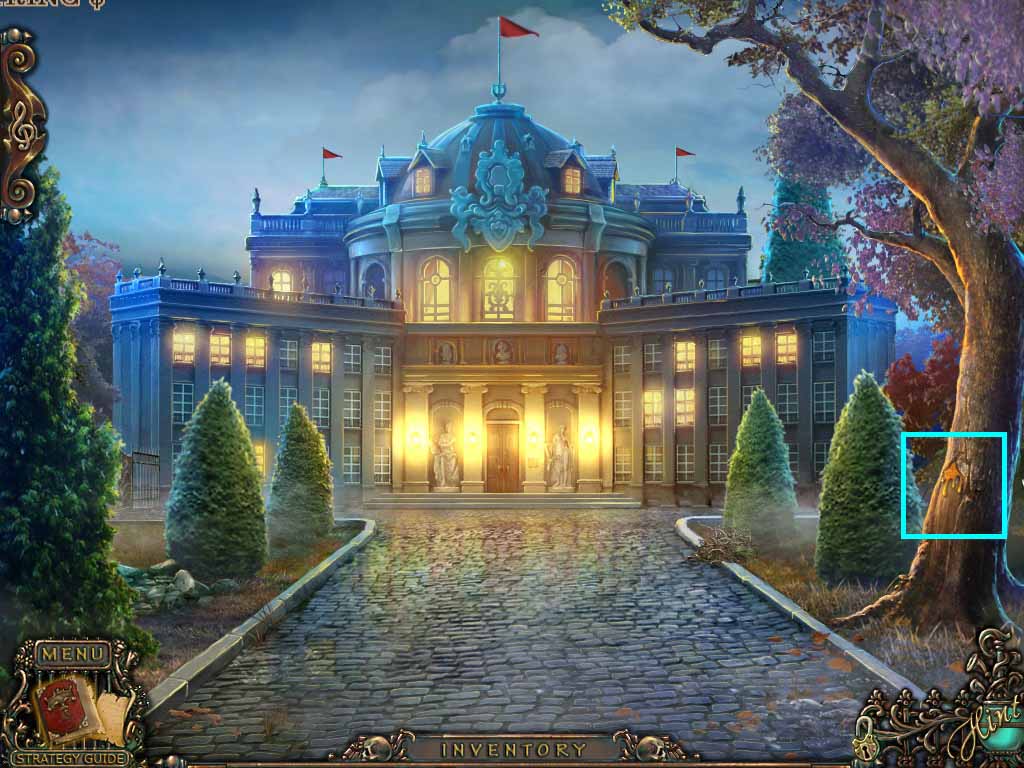
- Examine the tree.
- Use the brush on the resin.
- Collect the resin covered brush.
- Go to the plaza.
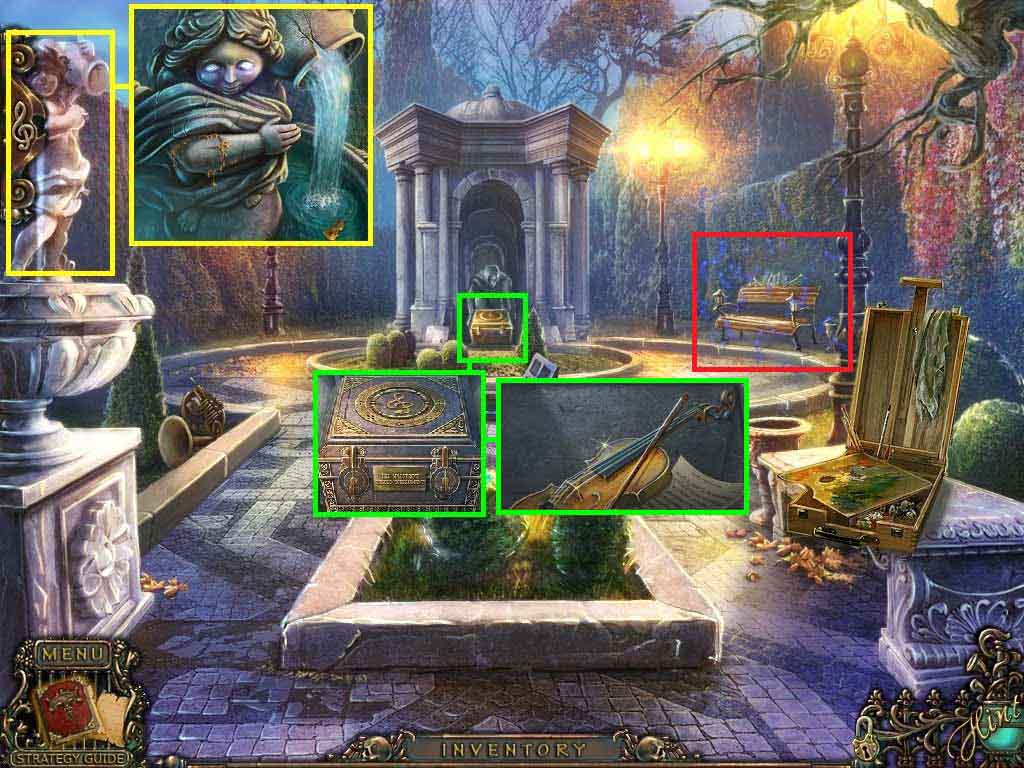
- Examine the statue.
- Place the stone elbow onto it.
- Use the resin covered brush on the elbow.
- Collect the violin curio.
- Examine the box and click the locks.
- Insert the 2 violin curios.
- Collect the violin and the chip underneath it.
- Play the hidden objects puzzles.
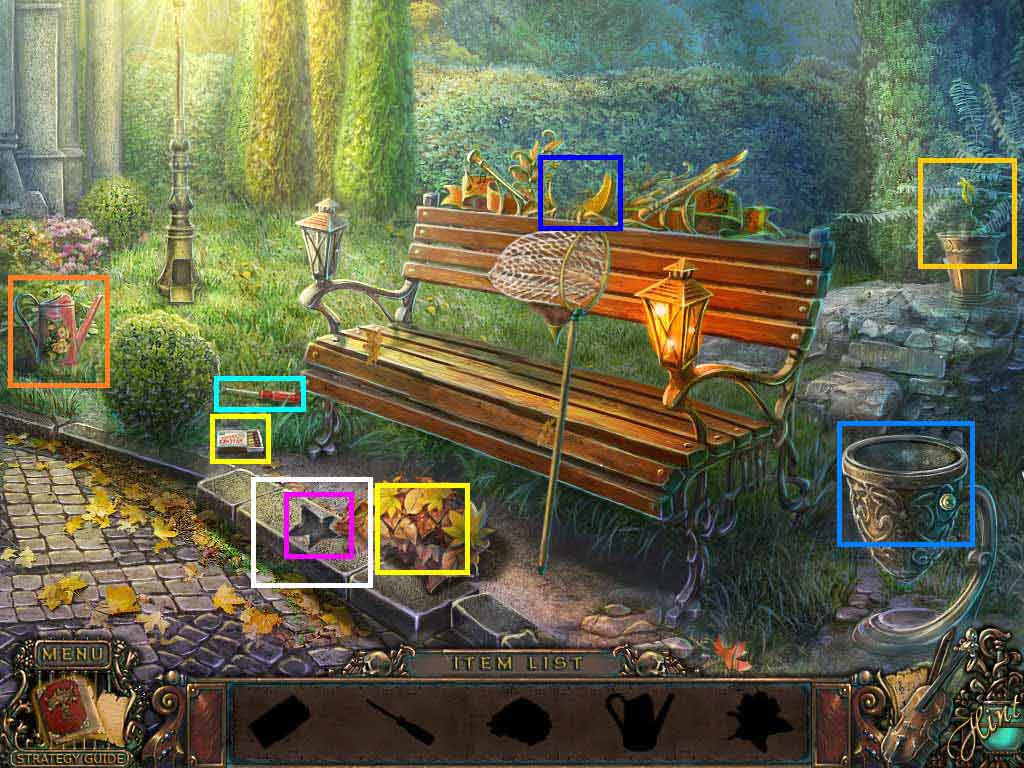
- Collect the matches, the screwdriver and the watering can.
- Use the screwdriver on the screw on the bucket.
- Examine the paper and click it.
- Use the matches to burn the leaves; collect the fertilizer.
- Place the fertilizer into the pot; pour the watering can over the fertilizer.
- Collect the flower.
- Insert the flower into the slot and collect the shield.
- Examine the top of the bench and insert the shield.
- Collect the flute part.
- Move down one time.
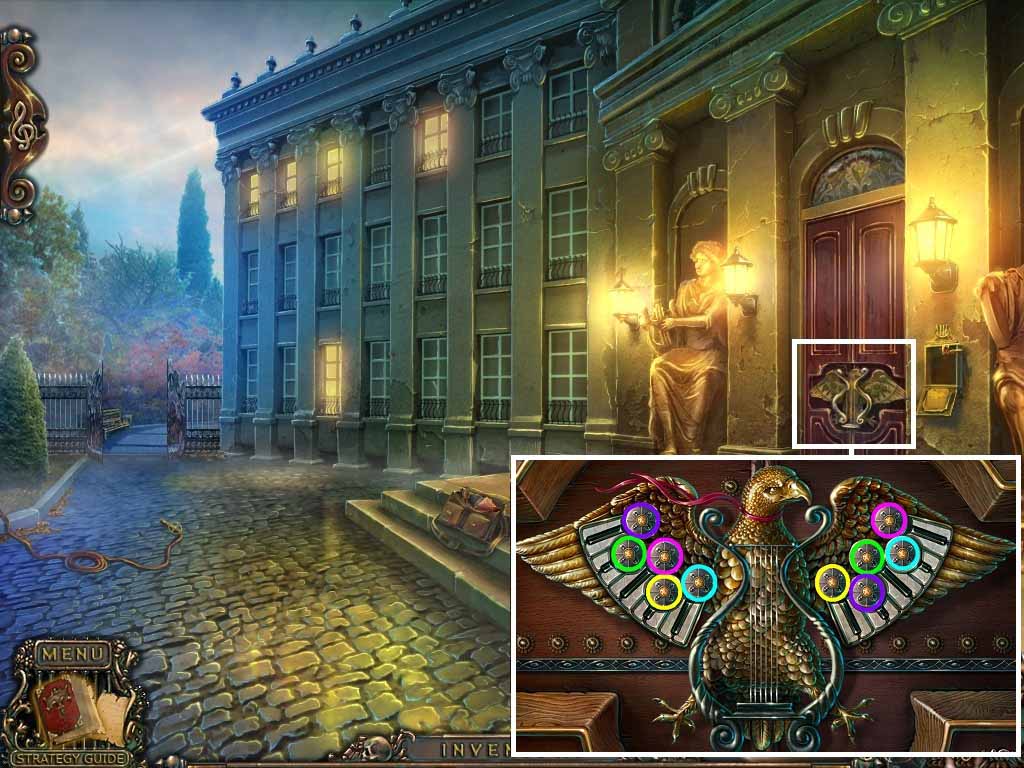
- Examine the door and insert the chip to trigger a puzzle.
- Match the coins.
- Go through the open door.
Comments will load when you reach this part of the walkthrough.