

Chapter Six: The Cell
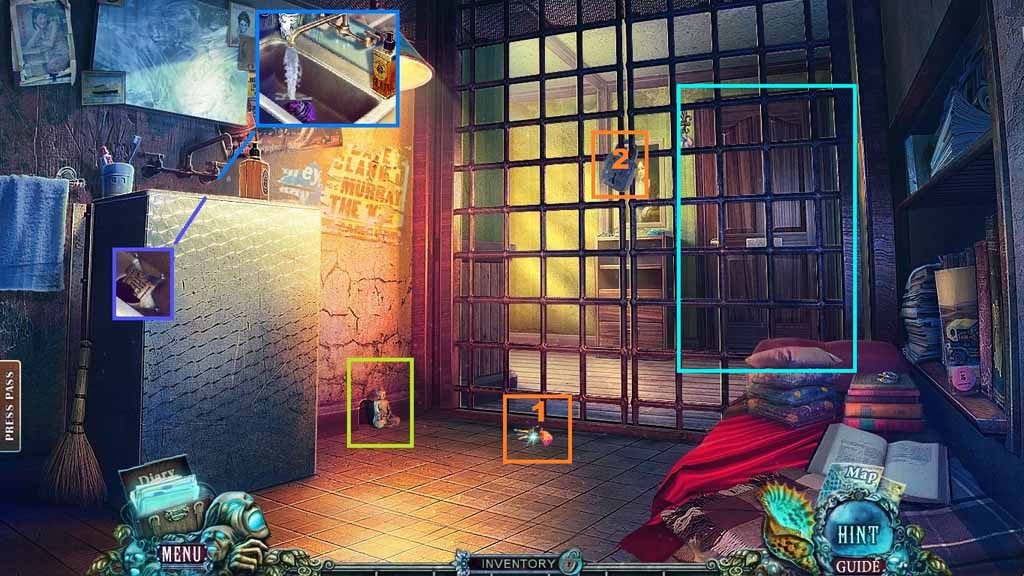
- Collect the sheriff badge and the Buddha.
- Select the scarf and place it into the sink; select the shell to use on the water.
- Collect the key and insert it into the lock.
- Click the door and move ahead.
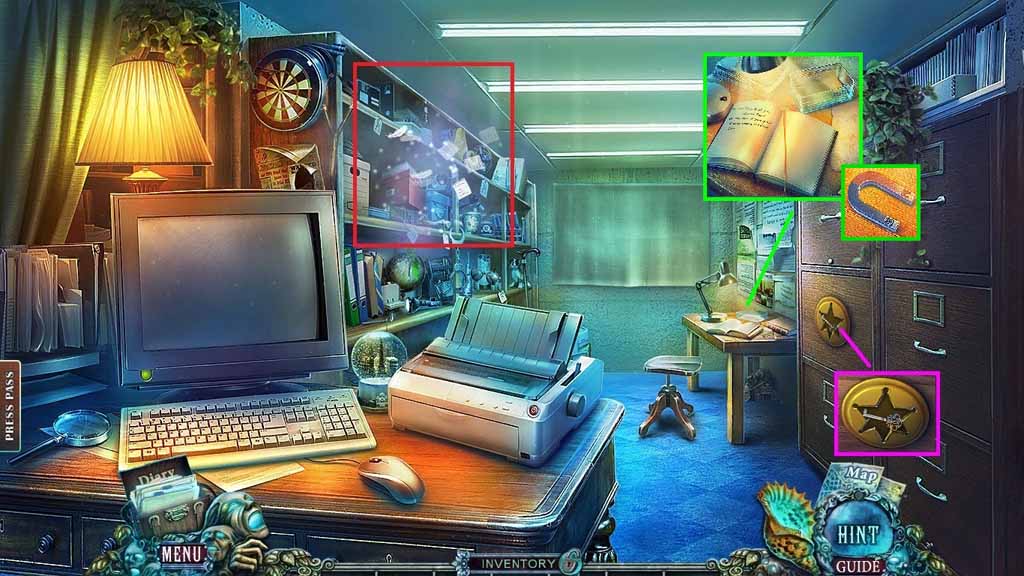
- Collect the key, the book, the sheet and the magnet.
- Click the hidden objects area.
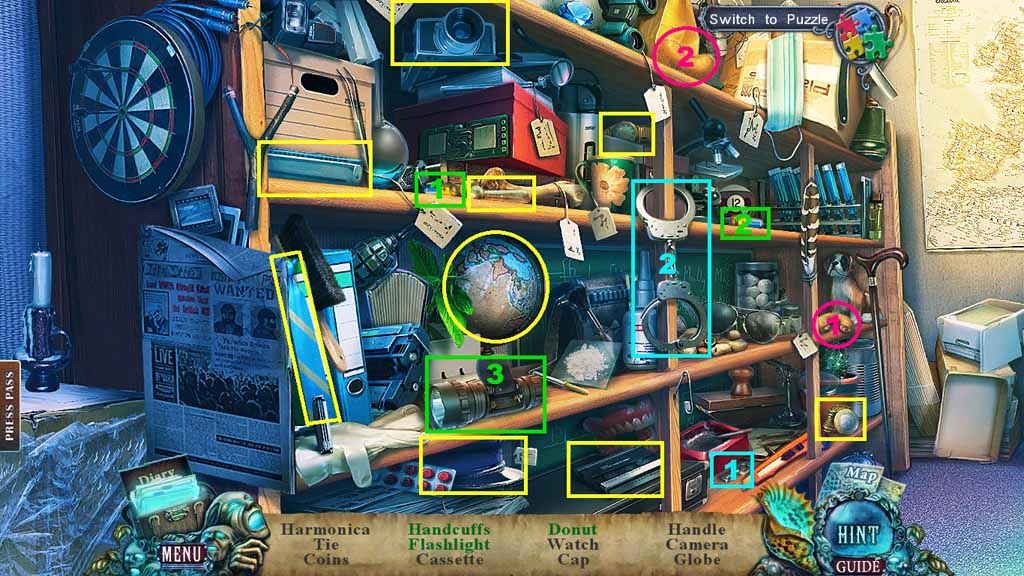
- Find the listed items.
- Select the key and insert it into the cuffs; collect the handcuffs.
- Select the batteries and insert them into the flashlight; collect the flashlight.
- Select the donut half and place it along with the other half; collect the donut.
- Collect the handle.
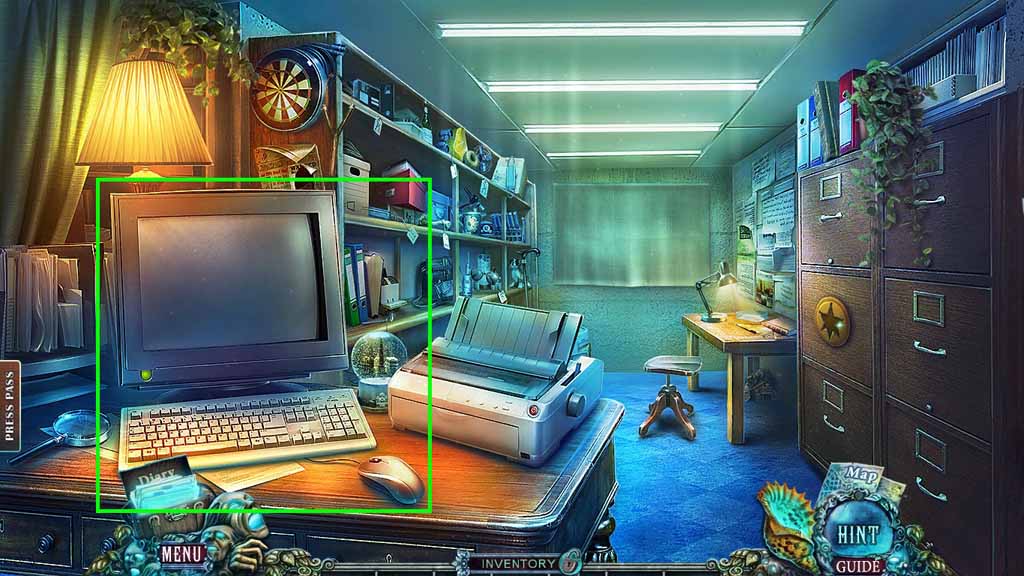
- Click the computer.
- Move down once.
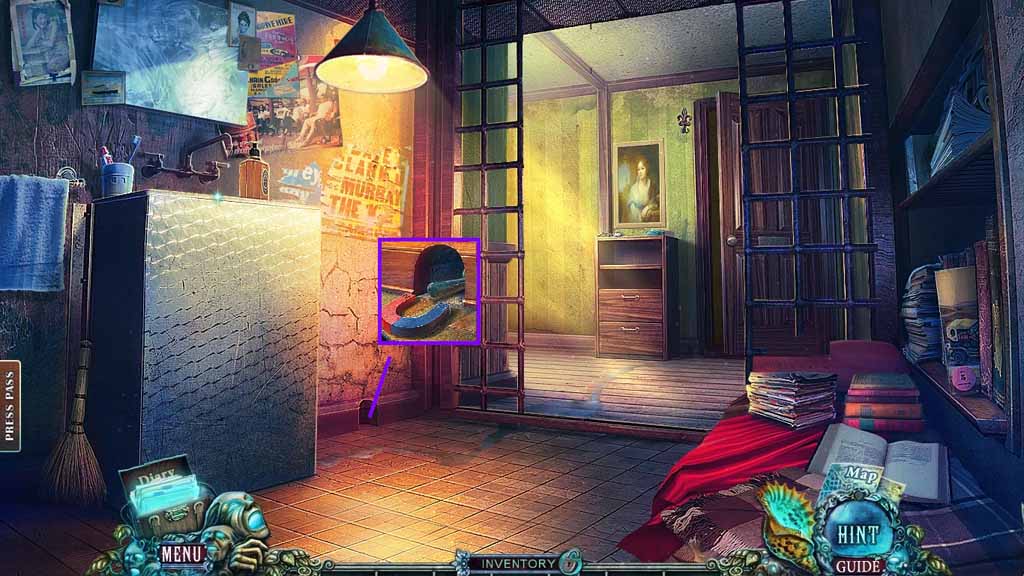
- Place the magnet near the hole.
- Collect the handle.
- Move to the left.
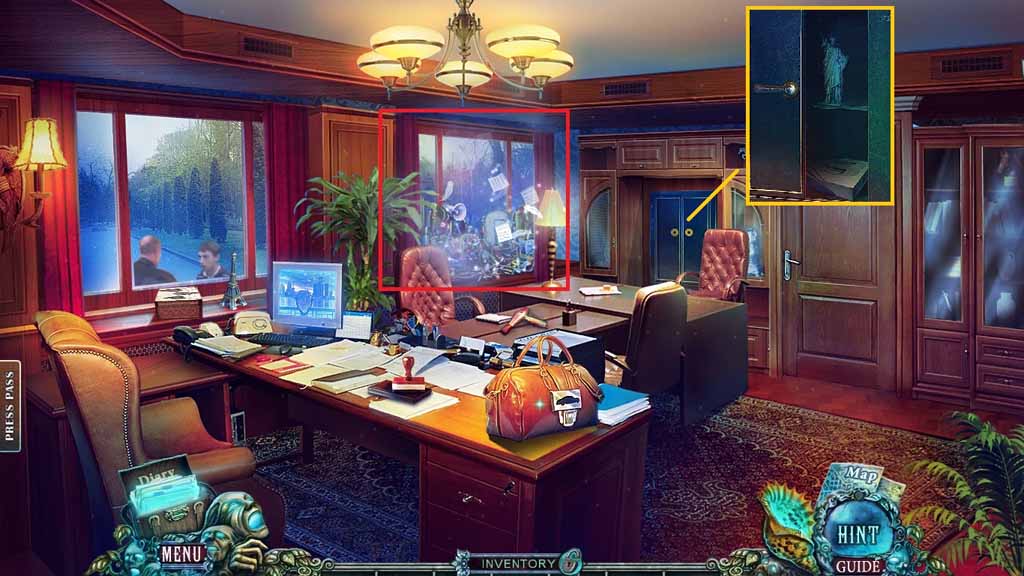
- Click the curtains.
- Attach the 2 handles and click the cabinet.
- Collect the Statue of Liberty and the printer paper.
- Click the hidden objects area.
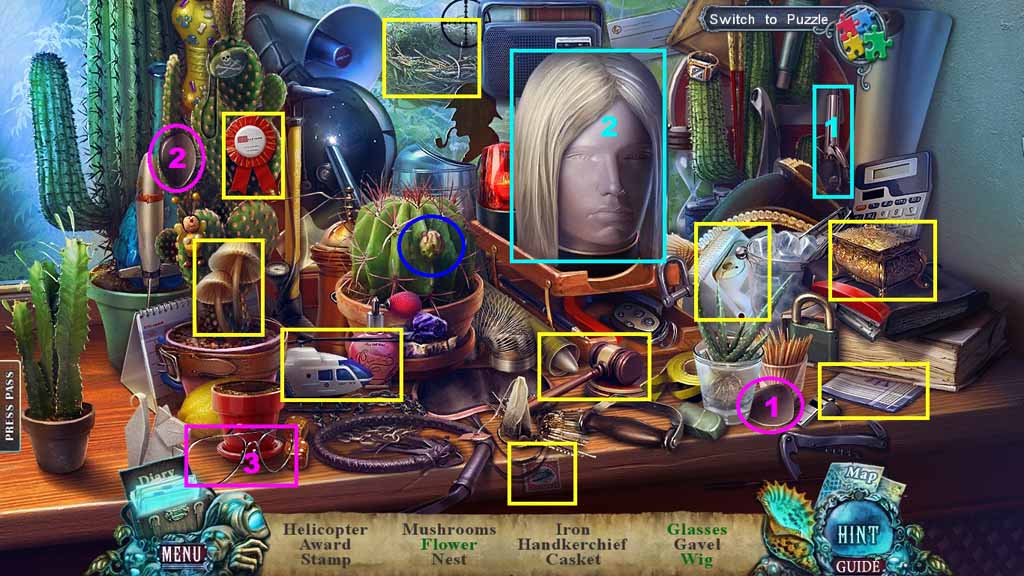
- Find the listed items.
- Click the cactus; collect the flower.
- Select the lenses and insert them into the frames; collect the glasses.
- Select the curling iron and use it on the wig; collect the wig.
- Collect the iron part.
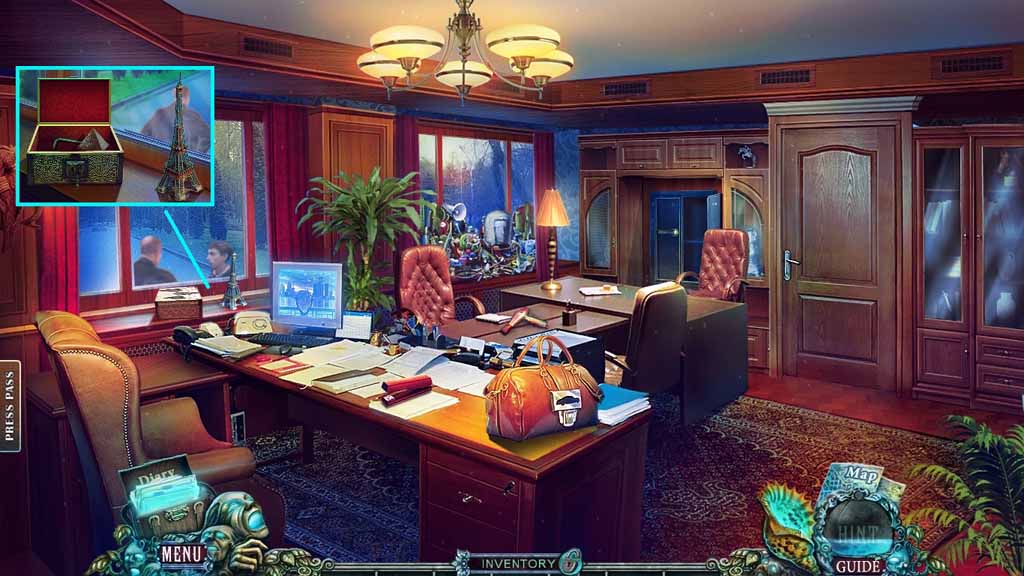
- Collect the Eiffel Tower.
- Insert the key into the lock; click it once.
- Collect the hex key and the pyramid.
- Move down once.
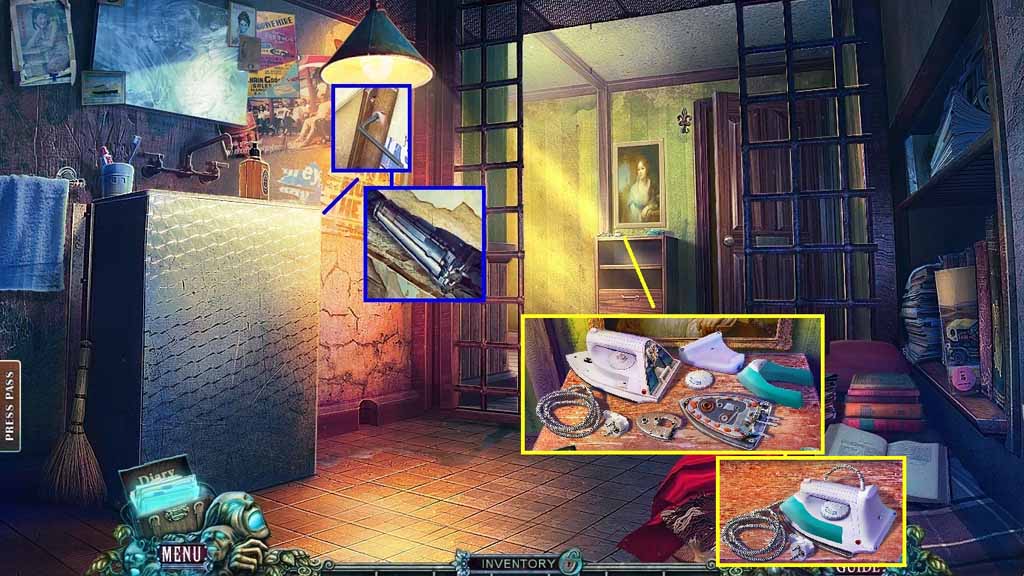
- Insert the hex key.
- Click the nail.
- Collect the printing cartridge.
- Place the iron part onto the dresser; a mini game will trigger.
- Solve the game by fixing the iron.
- Collect the iron.
- Move to the right and click the hidden objects area.
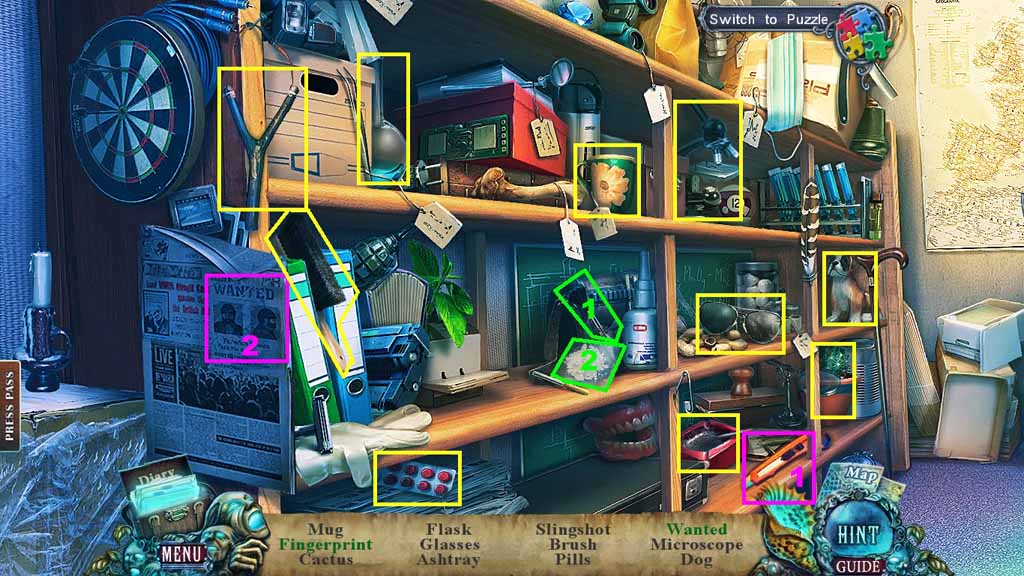
- Find the listed items.
- Select the brush and use it on the slide; collect the fingerprint.
- Select the razor and use it to cut and collect the wanted poster.
- Collect the box cutter.
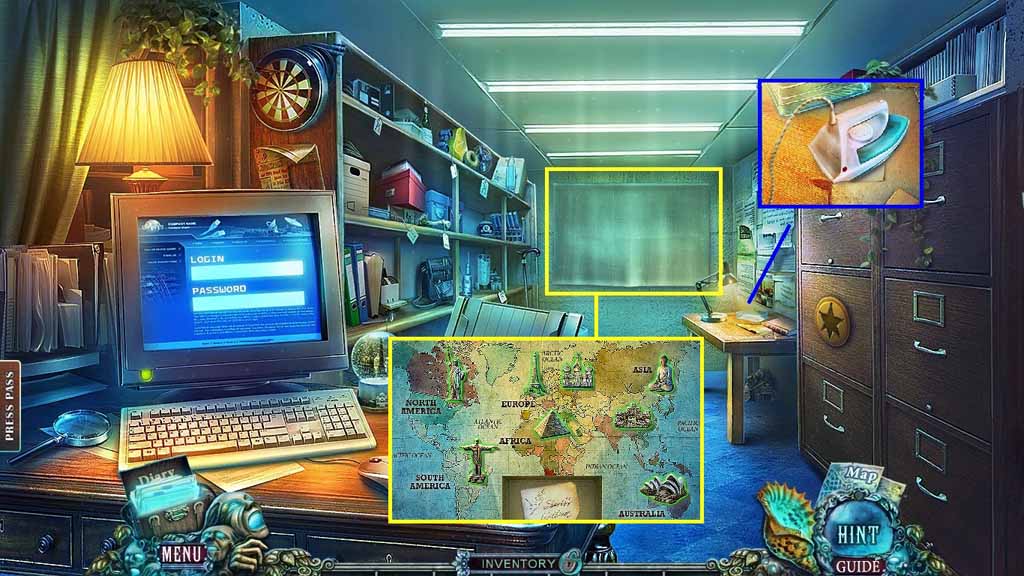
- Select the iron to smooth the sheet.
- Click the cover.
- Place the Buddha, the Statue of Liberty, the Eiffel Tower and the Pyramid onto the map to trigger a mini game.
- Solve the game by matching the countries and their landmarks.
- Collect the login.
- Move down once.
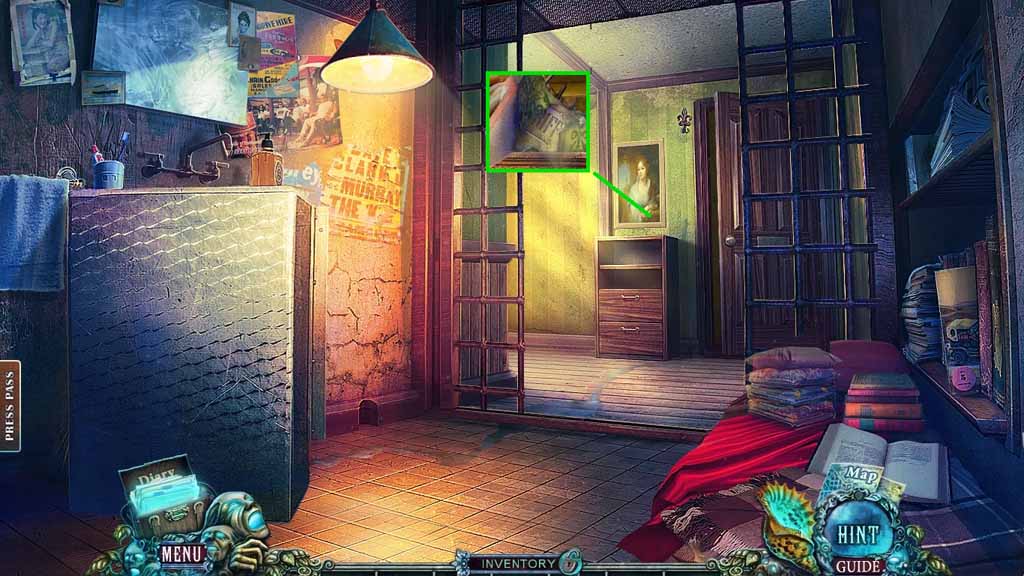
- Select the box cutter to slice the painting.
- Collect the sheriff badge.
- Move to the right.
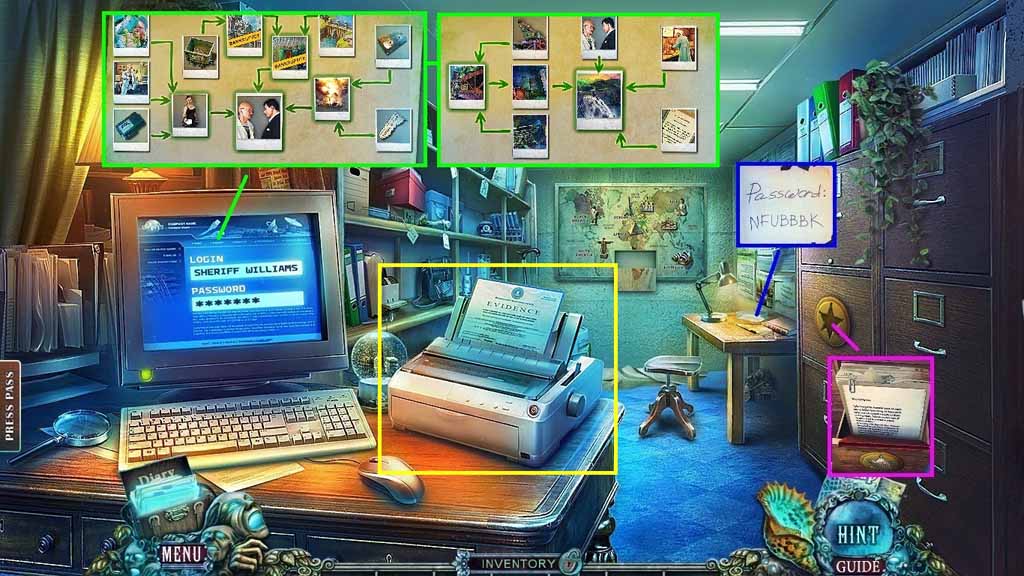
- Insert the 2 sheriff badges.
- Click the 2 folders.
- Collect the password piece.
- Place the password piece along with the other piece; collect the password.
- Enter the login and password into the computer to trigger a mini game.
- Solve the game by placing the photos into the correct order.
- Place the printing cartridge and paper into the printer.
- Collect the evidence.
- Move down once and go left.
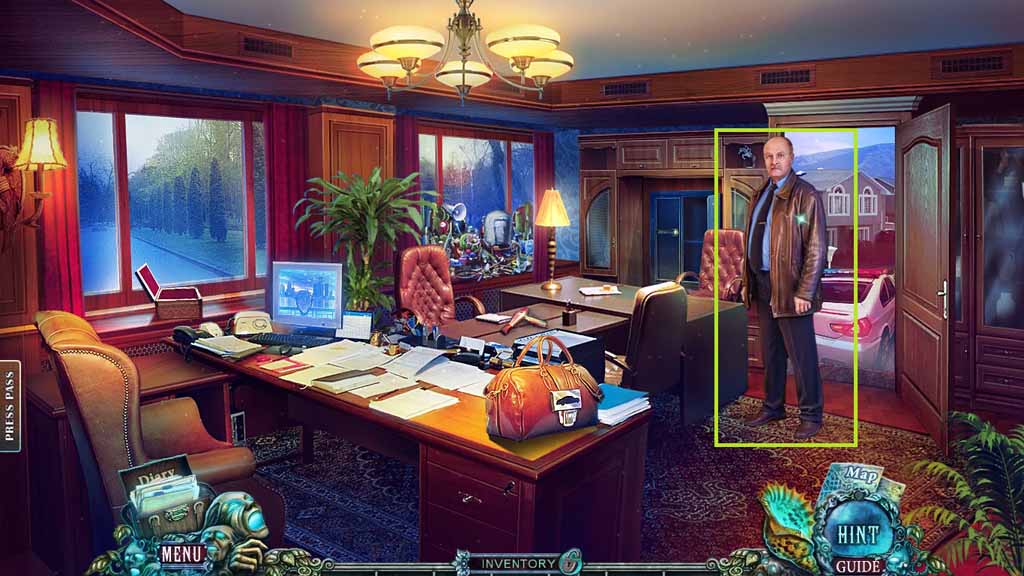
- Give the sheriff the evidence.
Comments will load when you reach this part of the walkthrough.