

Chapter Two: Into the Office
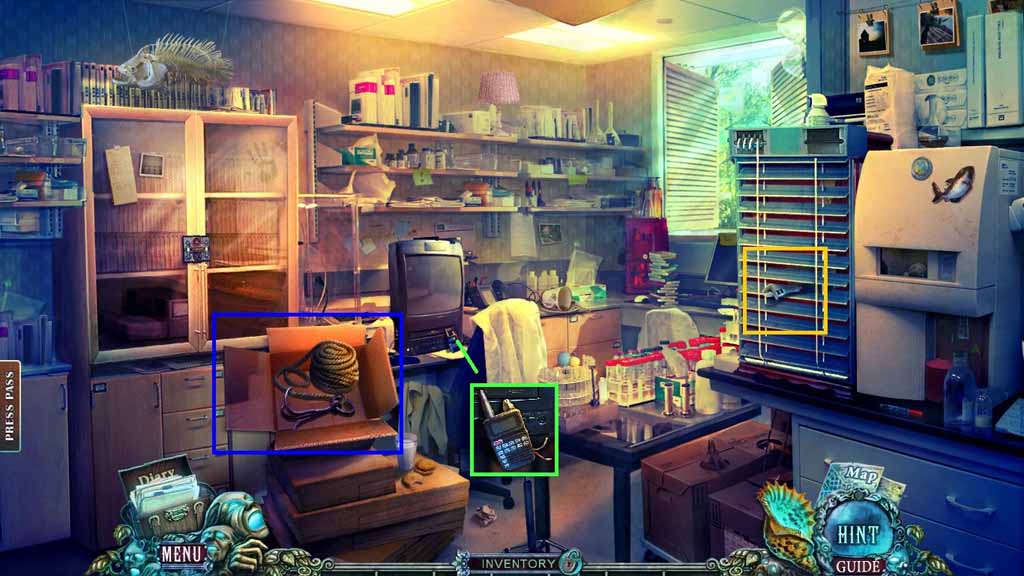
- Click the box; attach the rope to the hook.
- Collect the grappling hook.
- Collect the broken radio and the adjustable wrench.
- Move down once.
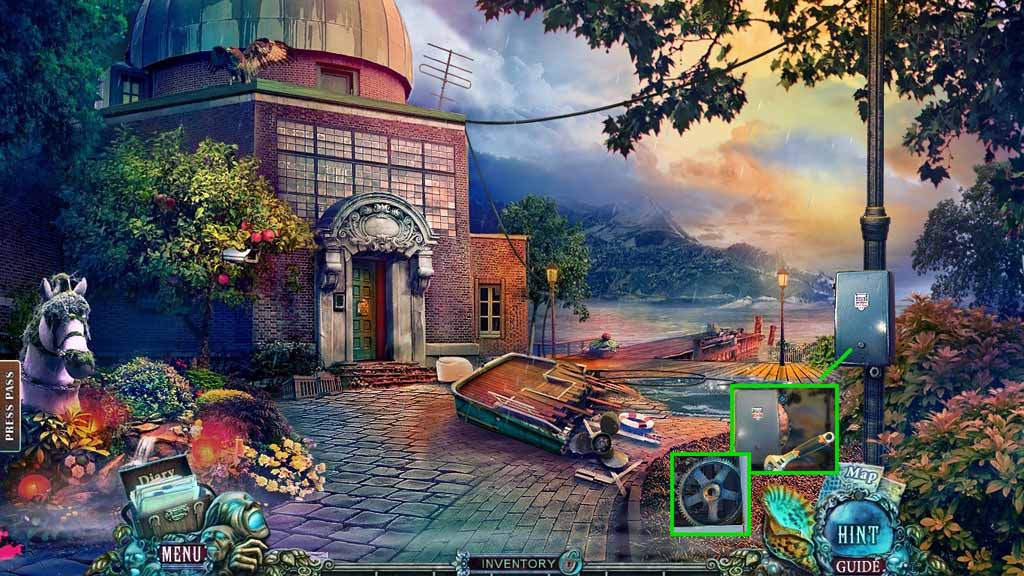
- Select the adjustable wrench to remove the bolt.
- Click the box open.
- Collect the gear.
- Move to the left.
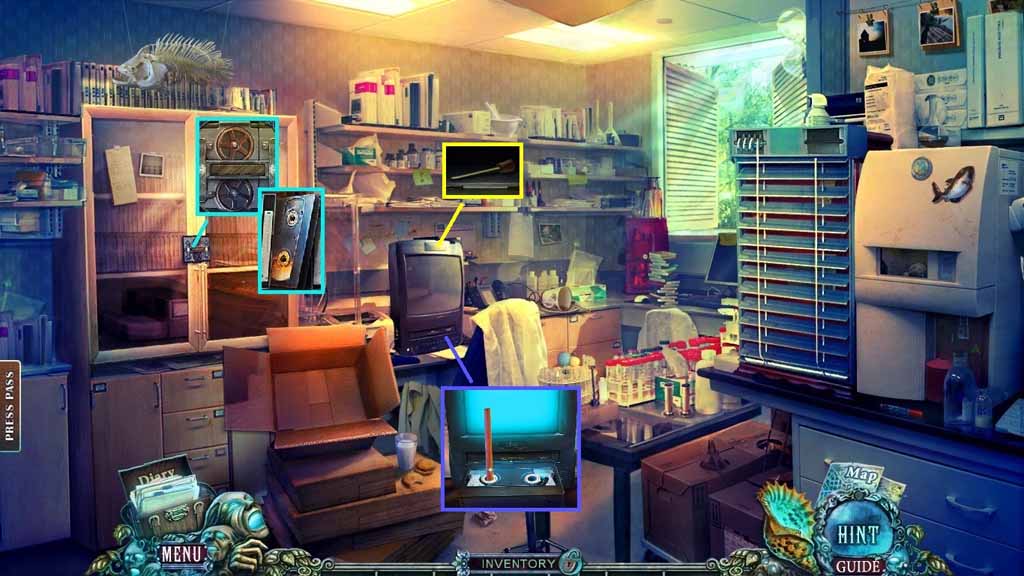
- Insert the gear into the cabinet lock; collect the video cassette.
- Insert the video cassette; select the pencil to rewind it.
- Click the video cassette.
- Collect the lever.
- Move down once.
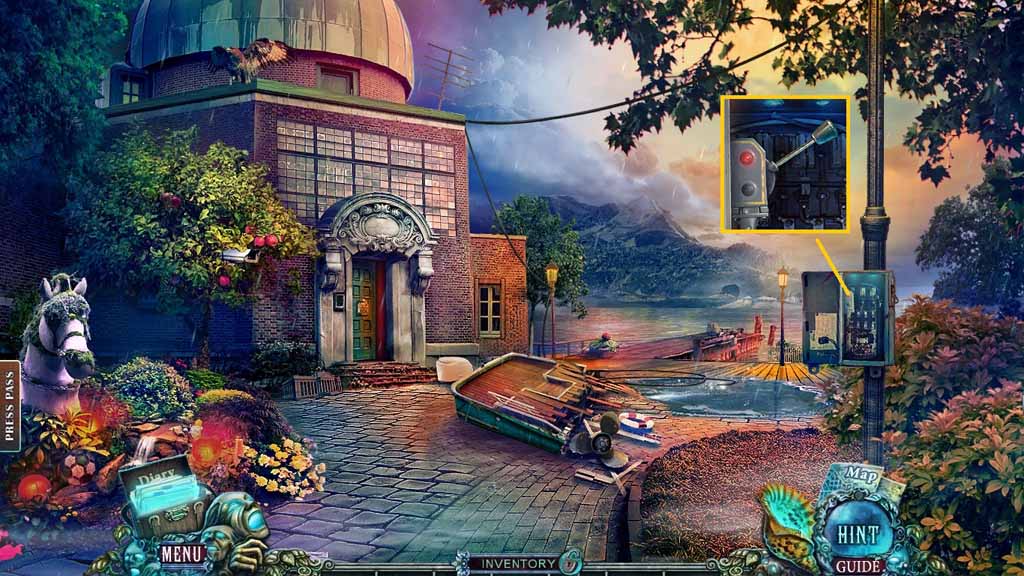
- Zoom into the box; insert the lever.
- Click it once.
- Move to the right.
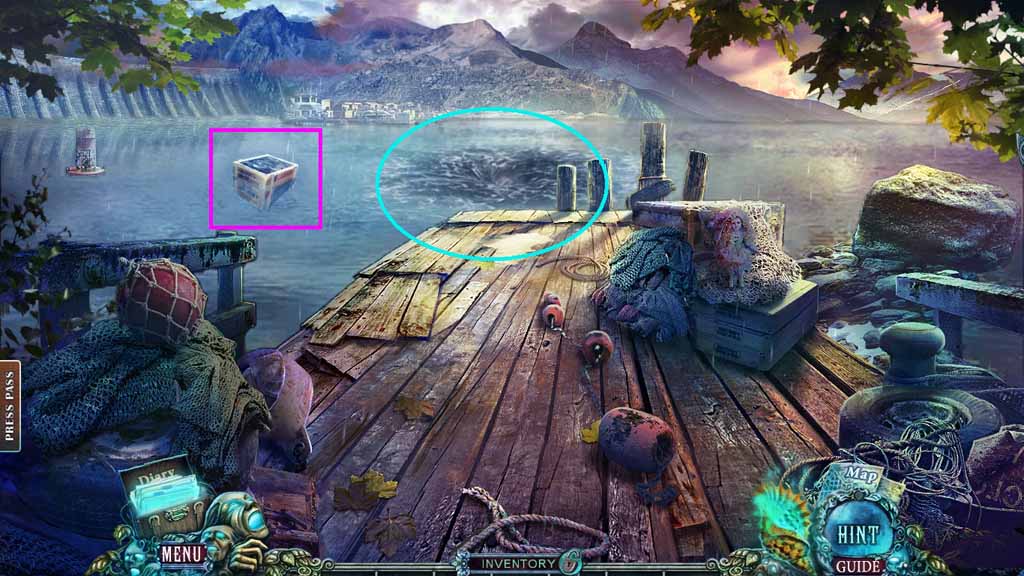
- Select the shell to use in the whirlpool.
- Select the grappling hook to pull the crate ashore.
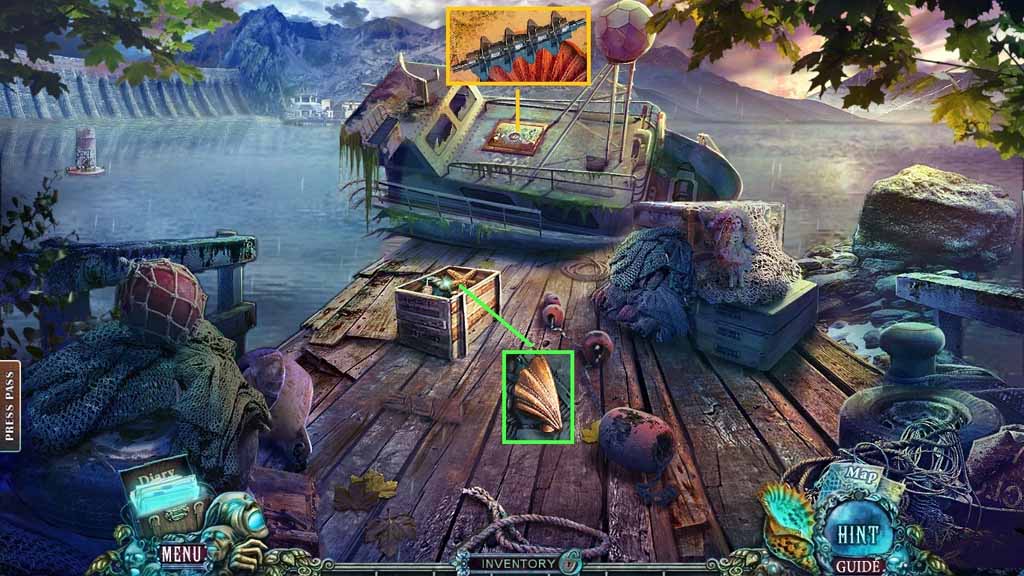
- Clear the debris from the crate; collect the shell fragment.
- Zoom into the ship; collect the mechanism.
- Move down once and go left.
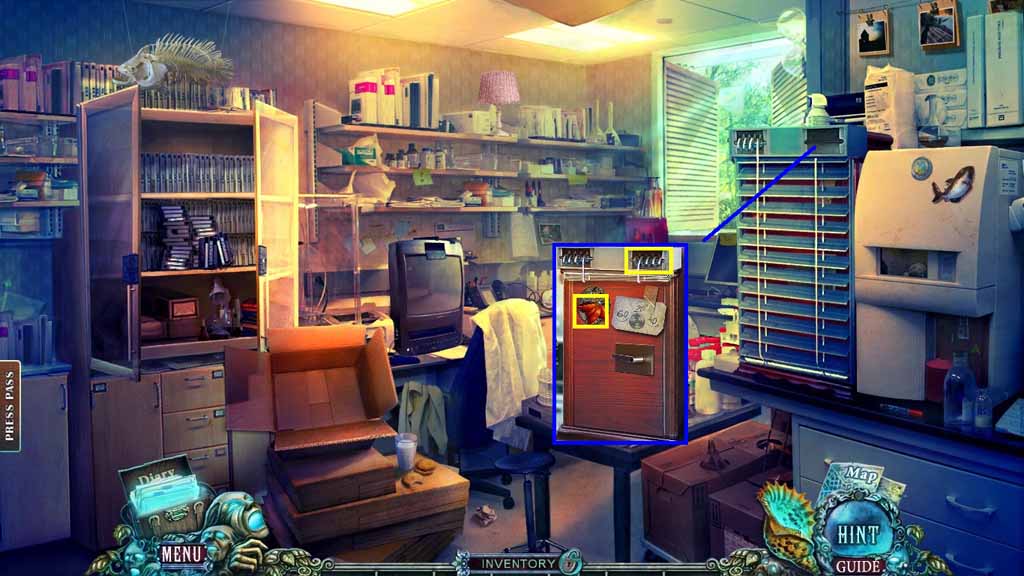
- Insert the mechanism into the slot.
- Place the code onto the safe.
- Collect the half of a bow.
- Move to the Bedroom.
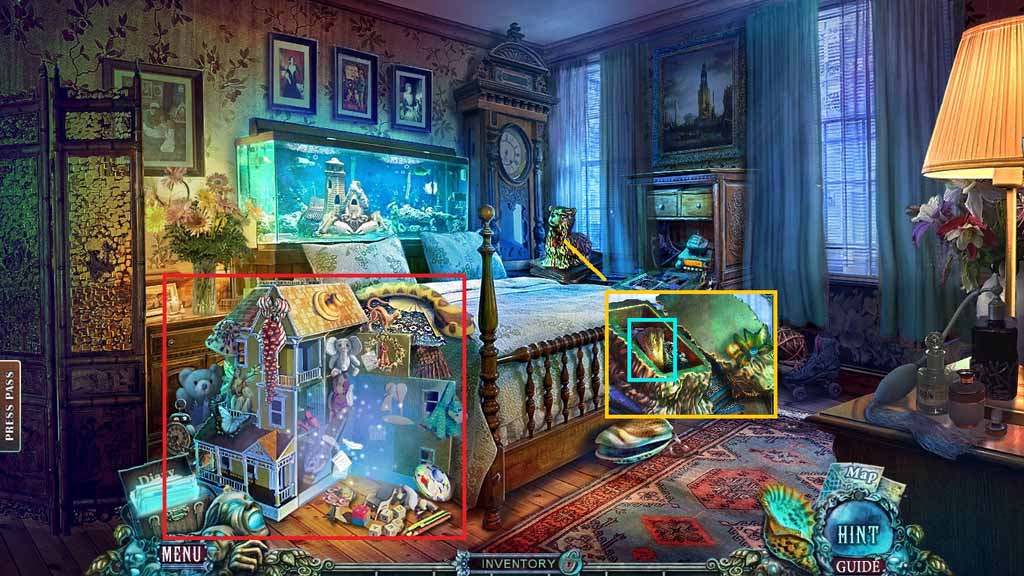
- Place the half of bow onto the dog.
- Collect the shell.
- Click the hidden objects area.
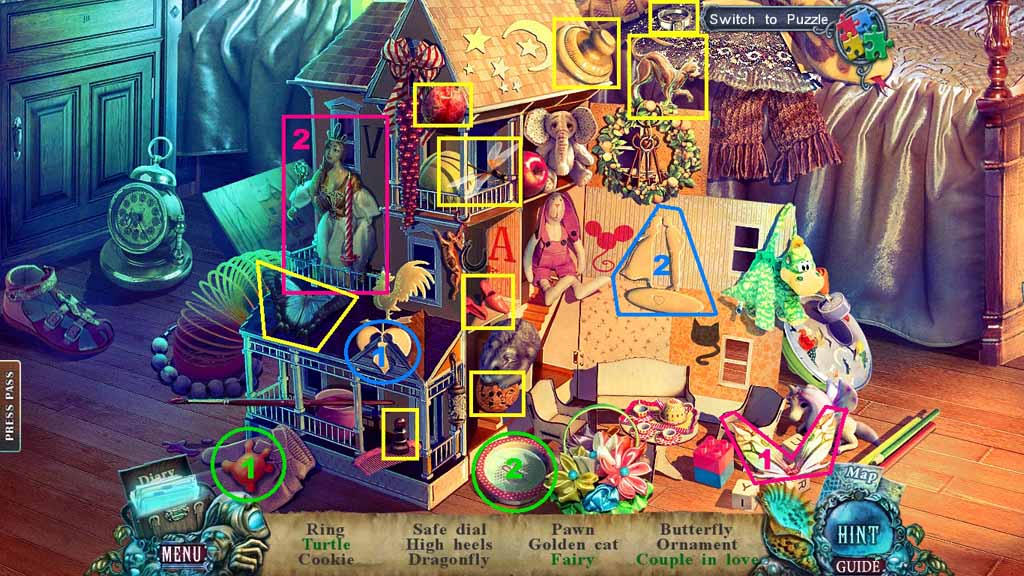
- Find the listed items.
- Select the shape and place it into the bowl; collect the turtle.
- Select the wings and place it onto the girl; collect the fairy.
- Select the silhouette and place it onto the couple; collect the couple in love.
- Collect the safe dial.
- Move to the Office.
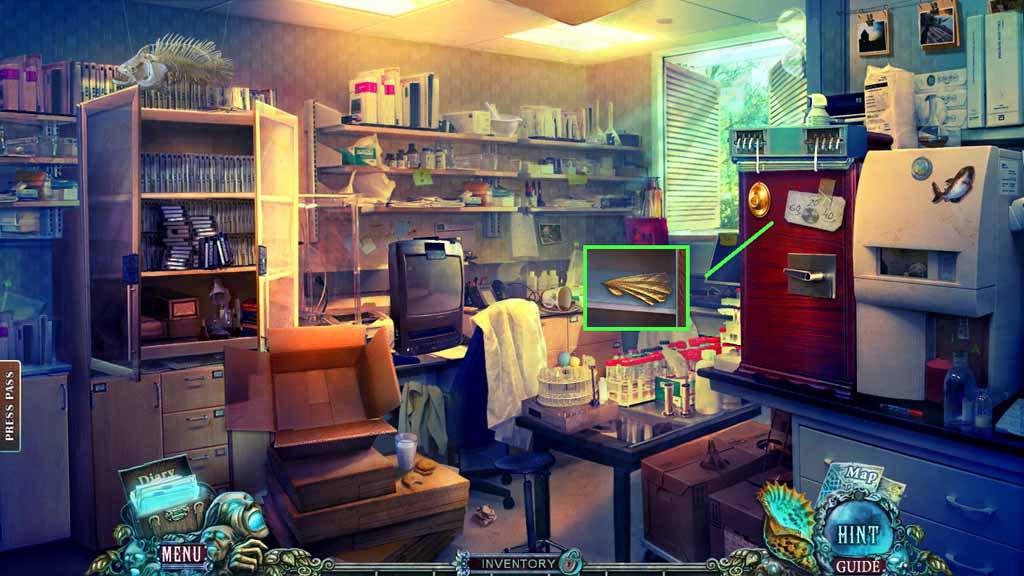
- Attach the safe dial and click it according to the code.
- Collect the shell fragment.
- Move down once and go to the right.
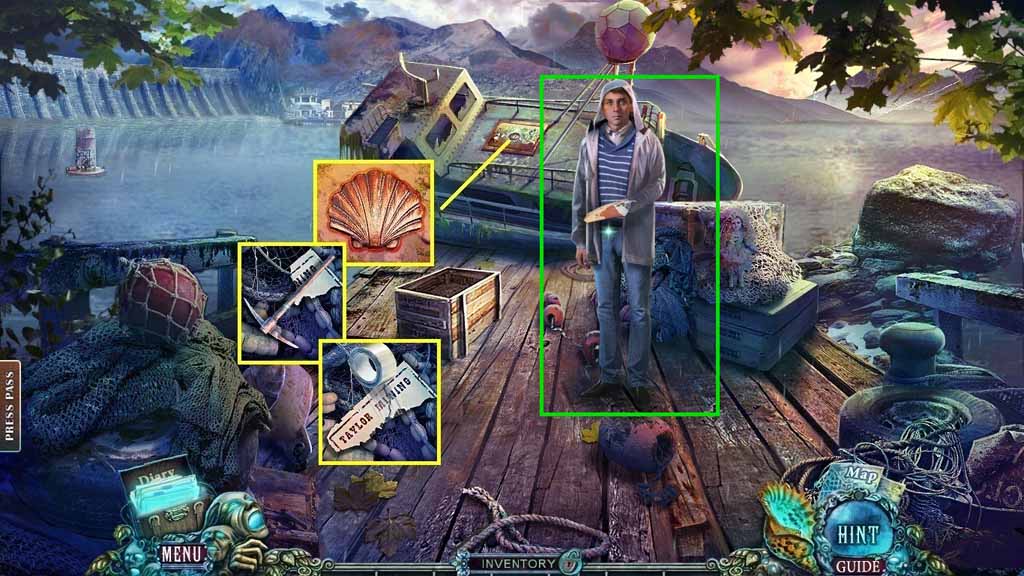
- Insert the 3 shell fragments; collect the pickaxe.
- Place down the torn label and the tape.
- Collect the torn label.
- Give the torn label to the man.
- Collect the directions.
- Move down 2 times.
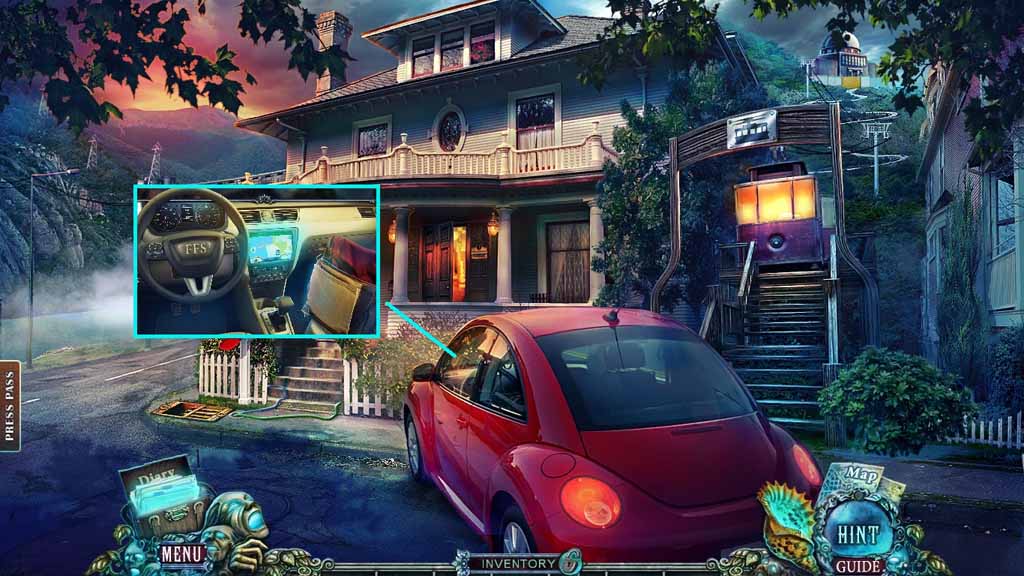
- Zoom into the car.
- Place the directions down; click the steering wheel.
- Move ahead.
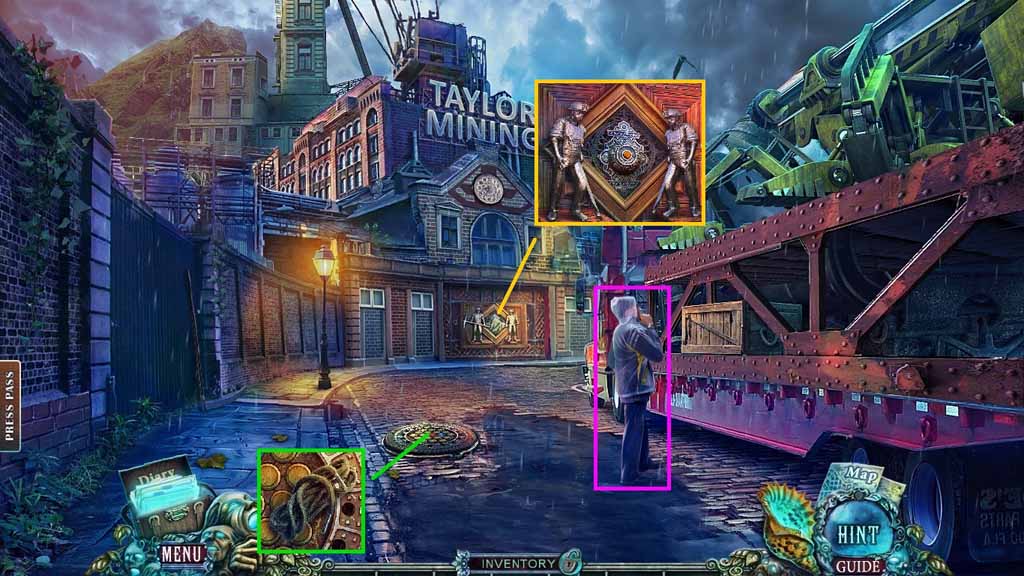
- Speak to the man.
- Collect the shoelace.
- Insert the pickaxe into the mural.
- Click the button.
- Move ahead.
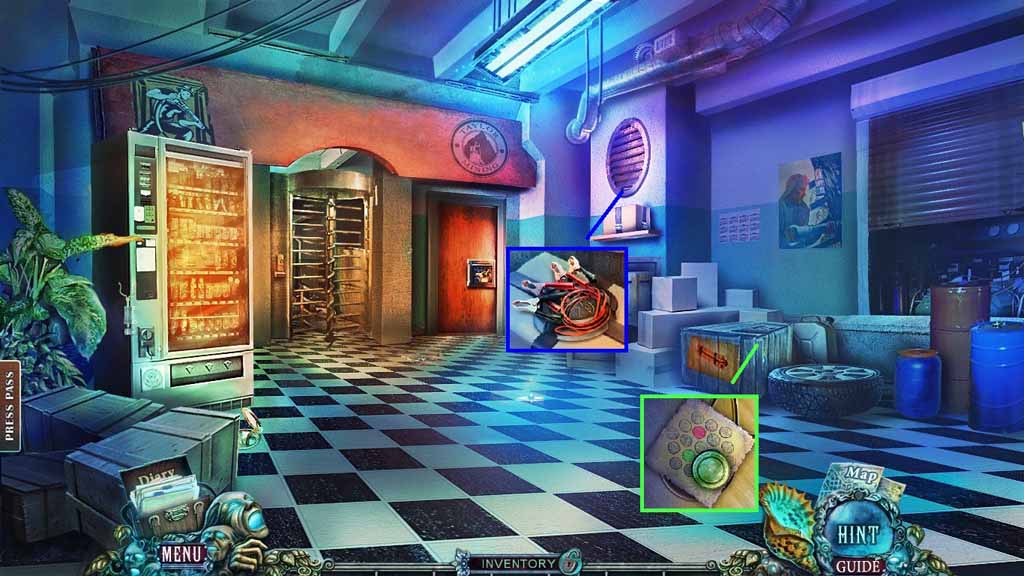
- Collect the jumper cables, the green button and the code.
- Move down once.
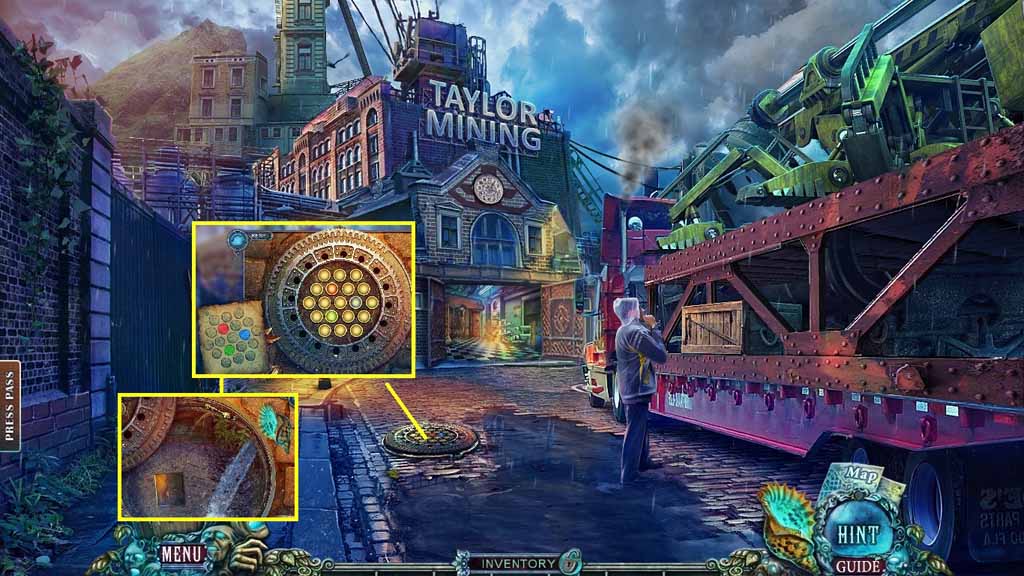
- Place the green button and the code onto the manhole to trigger a mini game.
- Solve the game by click the buttons to match the layout shown in the diagram.
- Select the shell to collect the image panel.
- Move ahead.
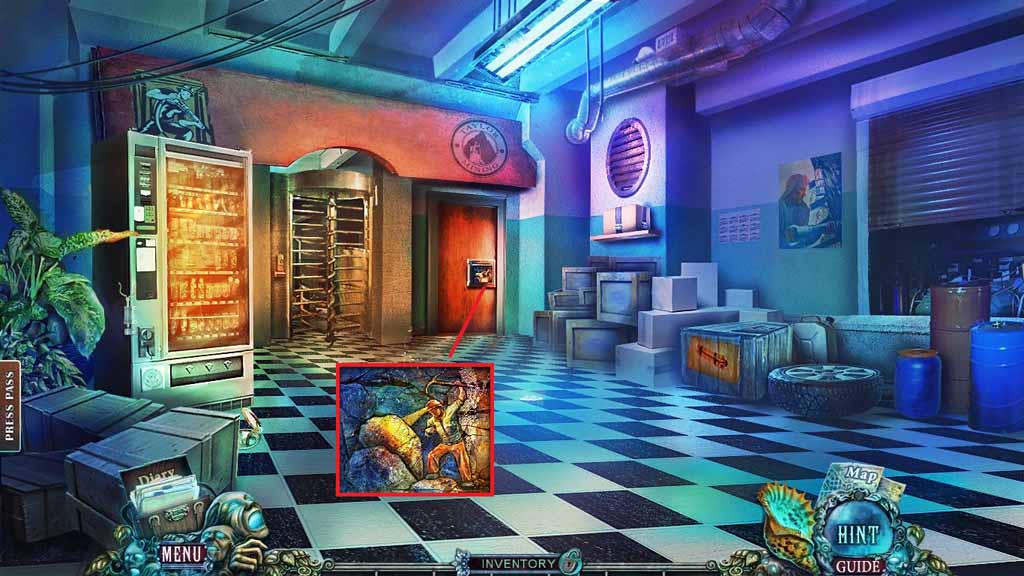
- Insert the image panel to trigger a mini game.
- Solve the game by arranging the panels to complete the image.
- Click the hidden objects area.
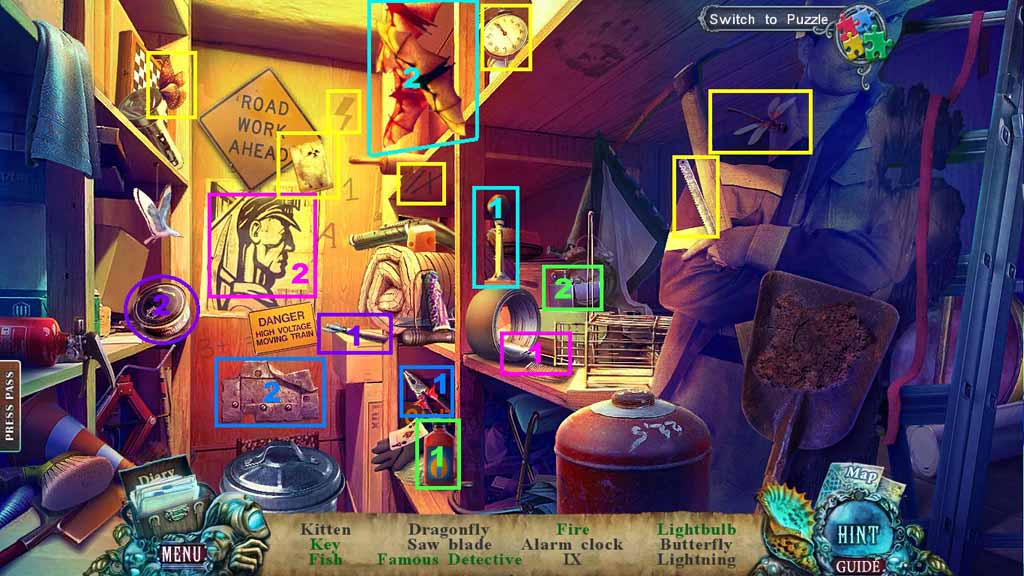
- Find the listed items.
- Select the pliers and use them to collect the key.
- Select the can opener to open the can; collect the fish.
- Select the marker and use it on the poster; collect the famous detective.
- Select the lighter fluid and pour it into the lighter; collect the fire.
- Select the horn to use on the bats; collect the light bulb.
- Collect the saw blade.
- Move down once.
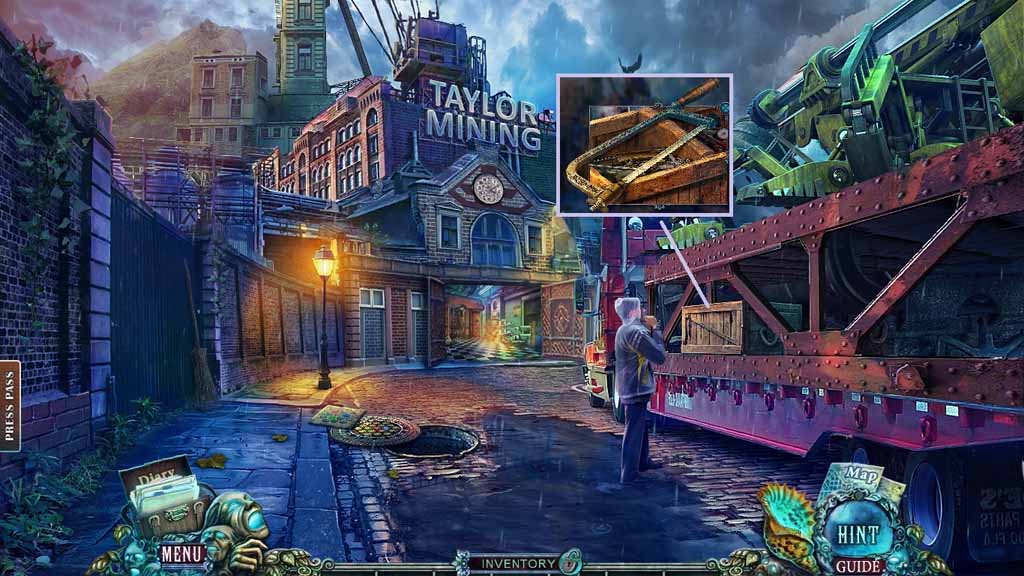
- Zoom into the crate.
- Insert the saw blade into the frame; collect the hacksaw.
- Move ahead.
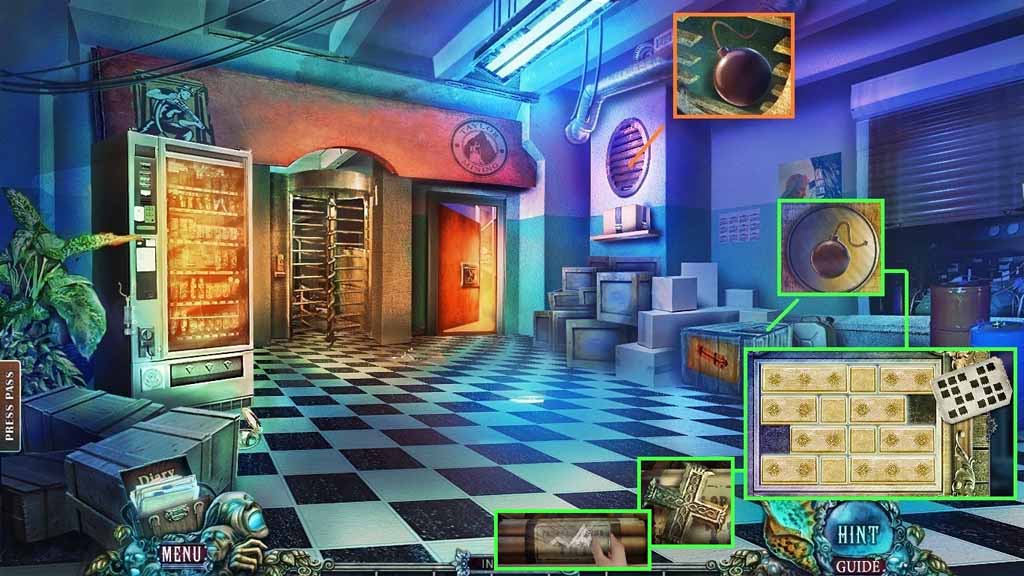
- Select the hacksaw to cut the vent.
- Collect the bomb emblem and place it into the crate to trigger a mini game.
- Solve the game by arranging the plates as shown on the diagram.
- Collect the cross emblem.
- Place the torn label onto the dynamite.
- Attempt to move down once.
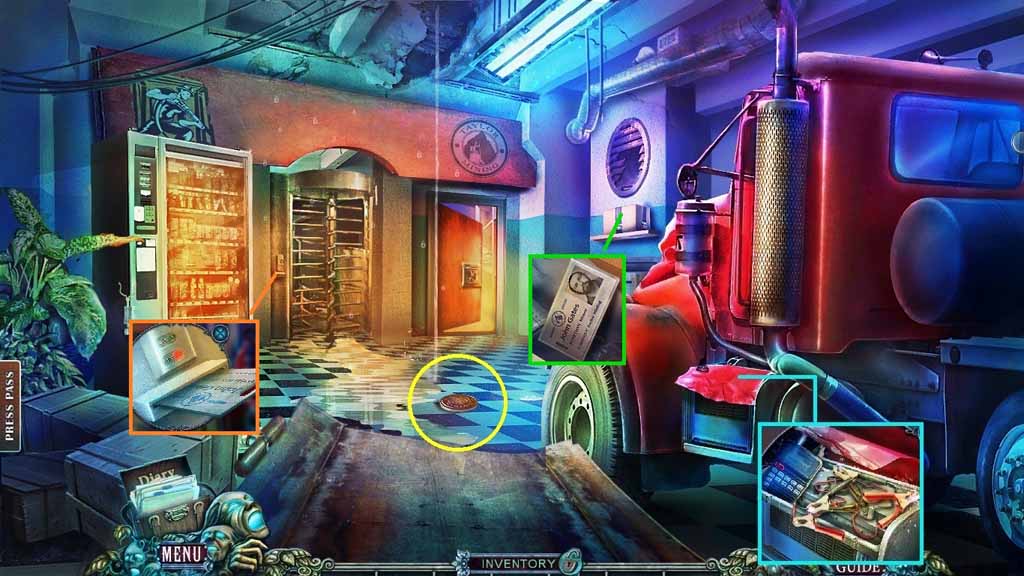
- Zoom into the truck and click the cover.
- Attach the broken radio and the jumper cables.
- Speak into the radio.
- Select the shell to use on the water and collect the emblem.
- Insert the emblem into the box; collect the access card.
- Swipe the access card.
- Move ahead.
Comments will load when you reach this part of the walkthrough.