

Chapter 2 Restaurant 2 Talon Lake
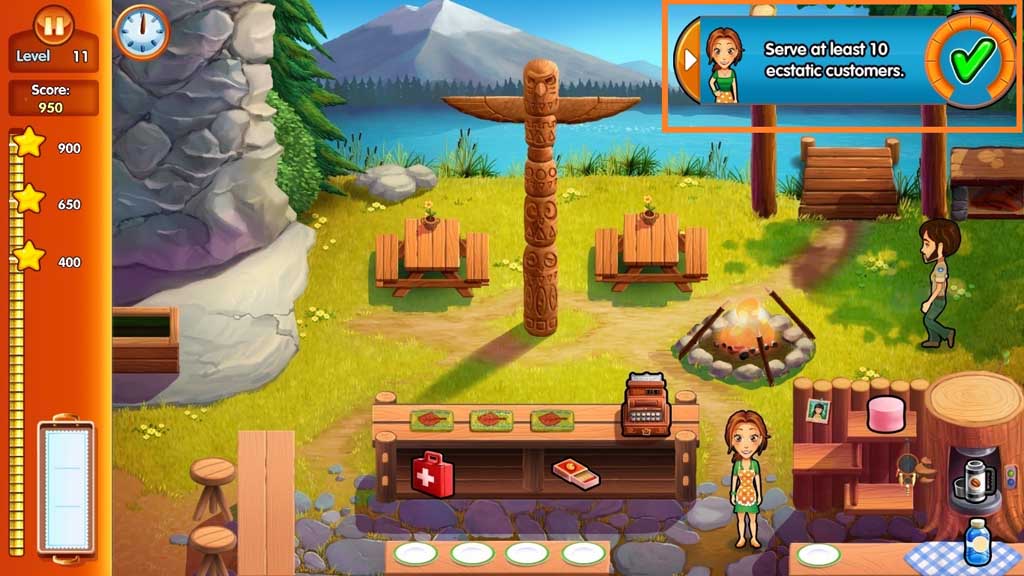
- Click the items in the service stations to create the orders that the customer’s request.
- Give the customer’s their orders by clicking on them.
- Click the register to accept payment.
- Clean up after the customers.
- Serve at least 10 ecstatic customers.
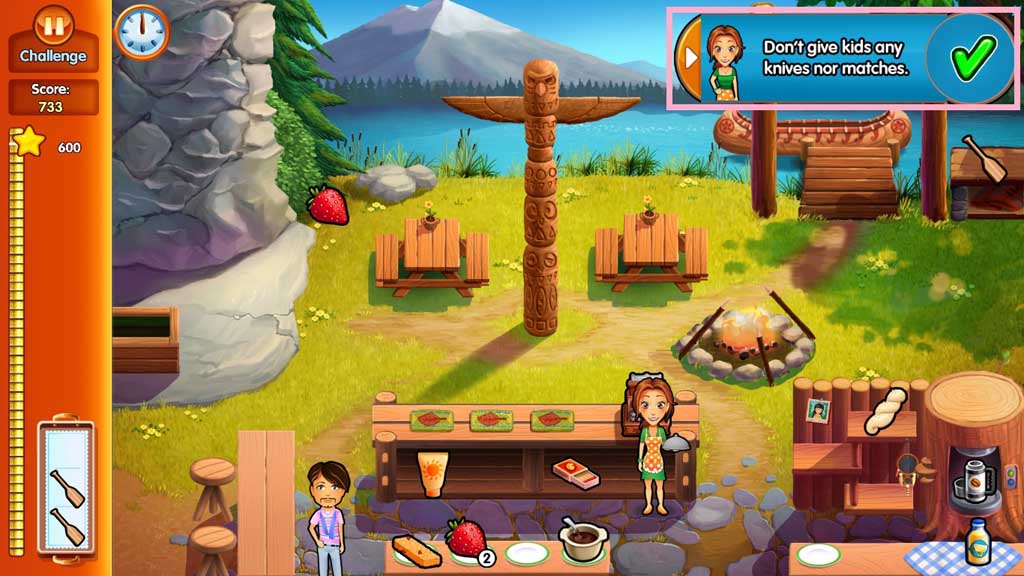
- Challenge mode.
- Do not give kids any knives or matches.
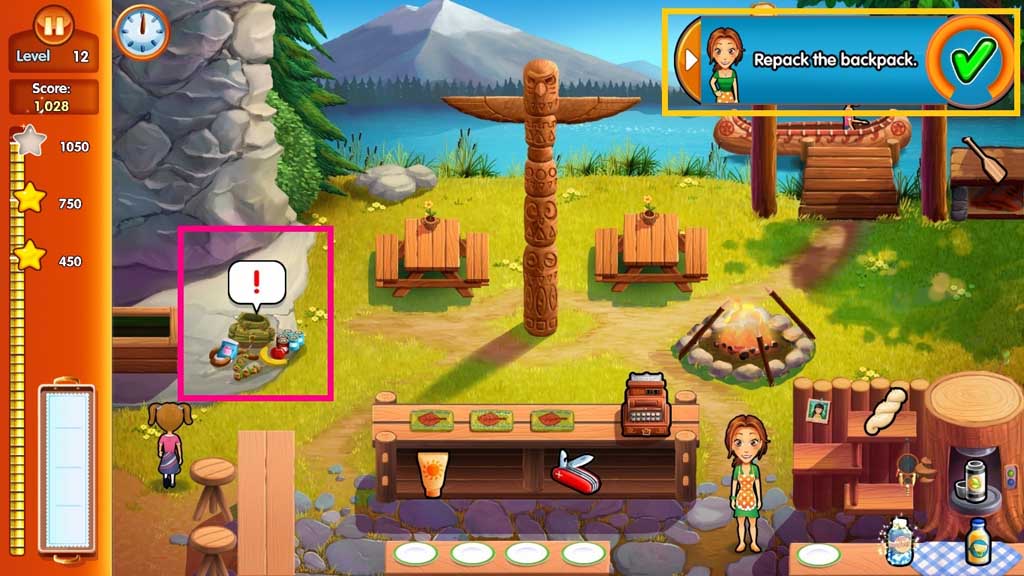
- Click the items in the service stations to create the orders that the customer’s request.
- Give the customer’s their orders by clicking on them.
- Click the register to accept payment.
- Clean up after the customers.
- Re-pack the backpack.
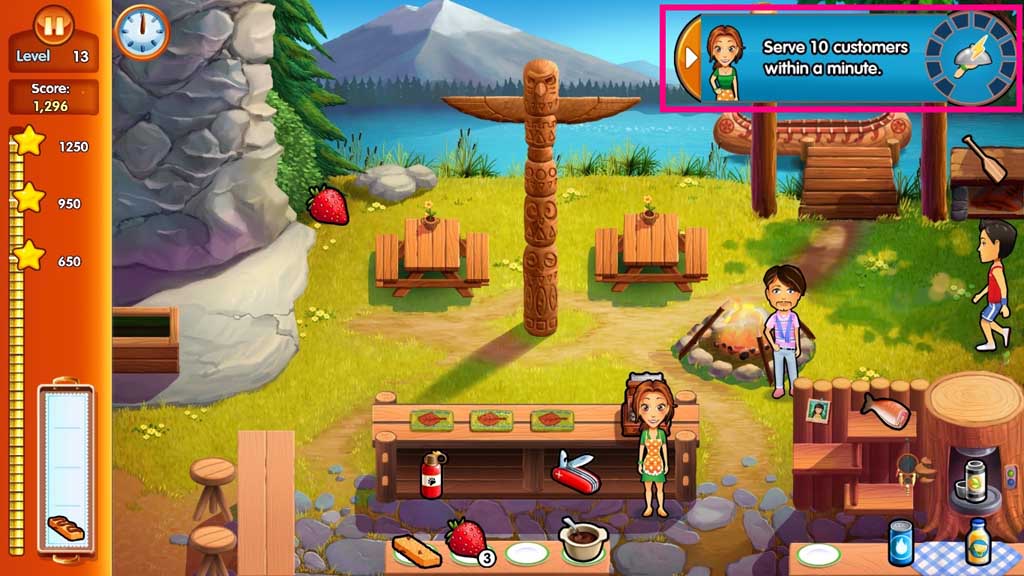
- Click the items in the service stations to create the orders that the customer’s request.
- Give the customer’s their orders by clicking on them.
- Click the register to accept payment.
- Clean up after the customers.
- Serve 10 customers in one minute.
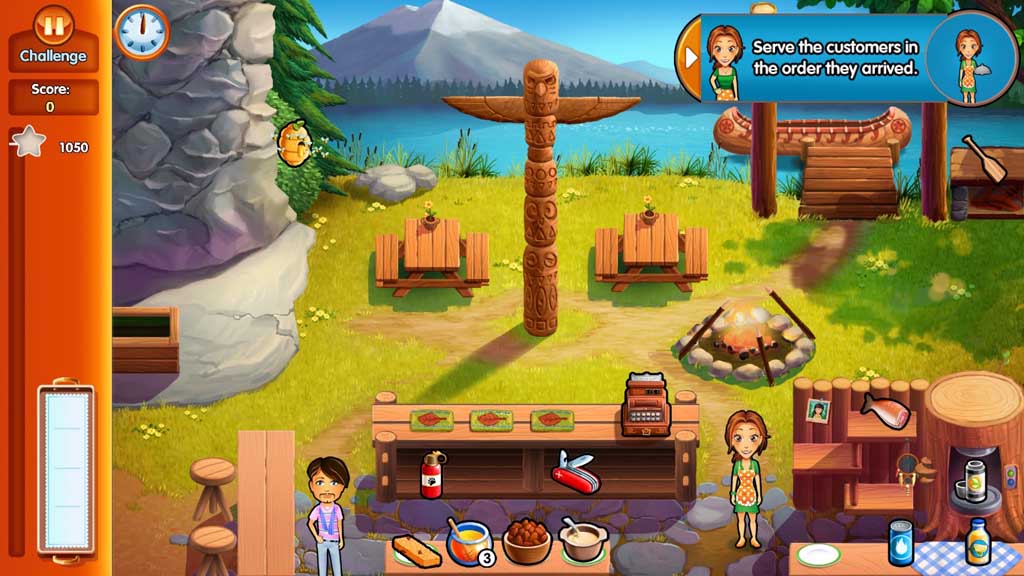
- Challenge mode.
- Serve the customers in the order they arrive.
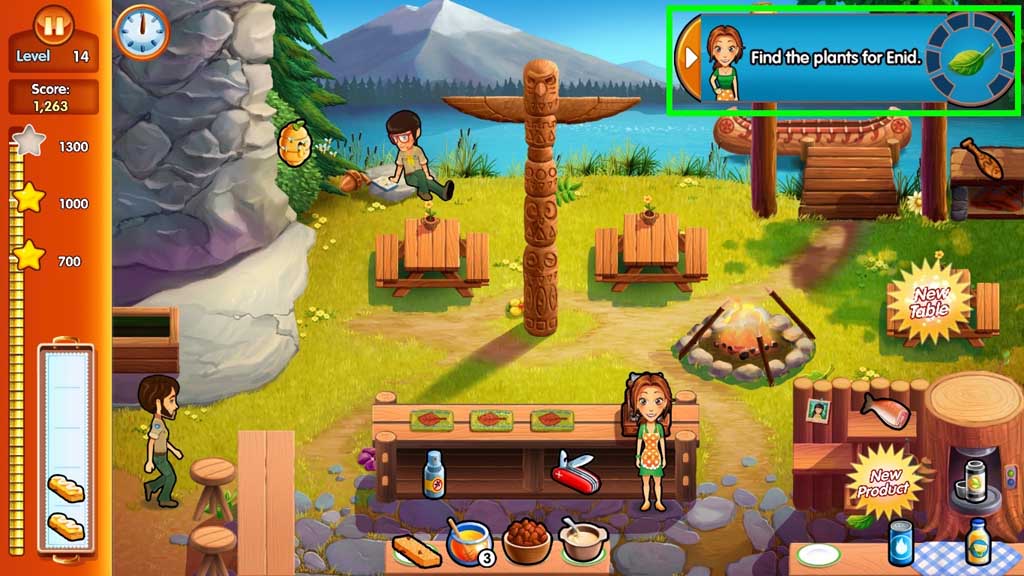
- Click the items in the service stations to create the orders that the customer’s request.
- Give the customer’s their orders by clicking on them.
- Click the register to accept payment.
- Clean up after the customers.
- Find plants for Enid.
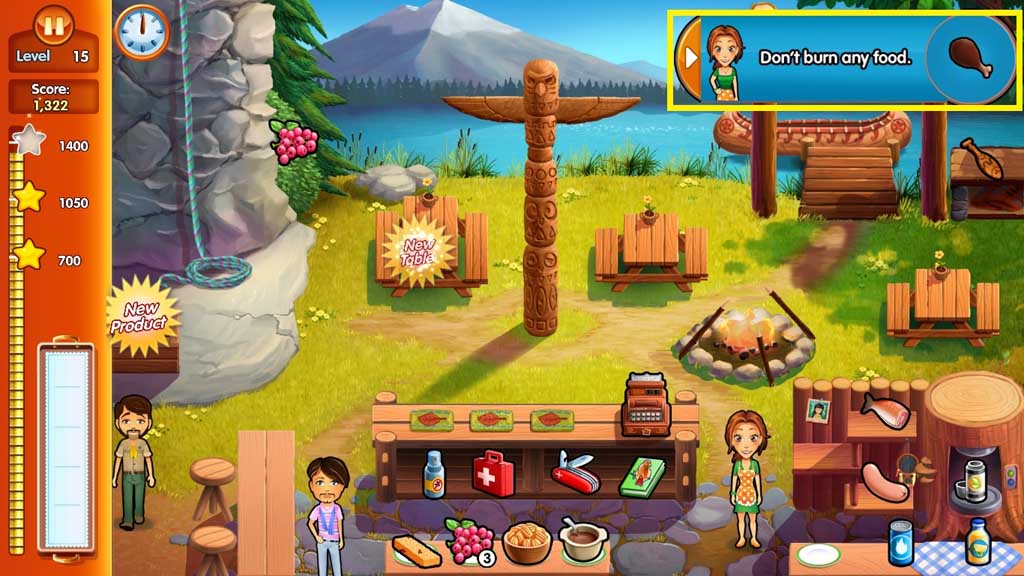
- Click the items in the service stations to create the orders that the customer’s request.
- Give the customer’s their orders by clicking on them.
- Click the register to accept payment.
- Clean up after the customers.
- Don’t burn any food.
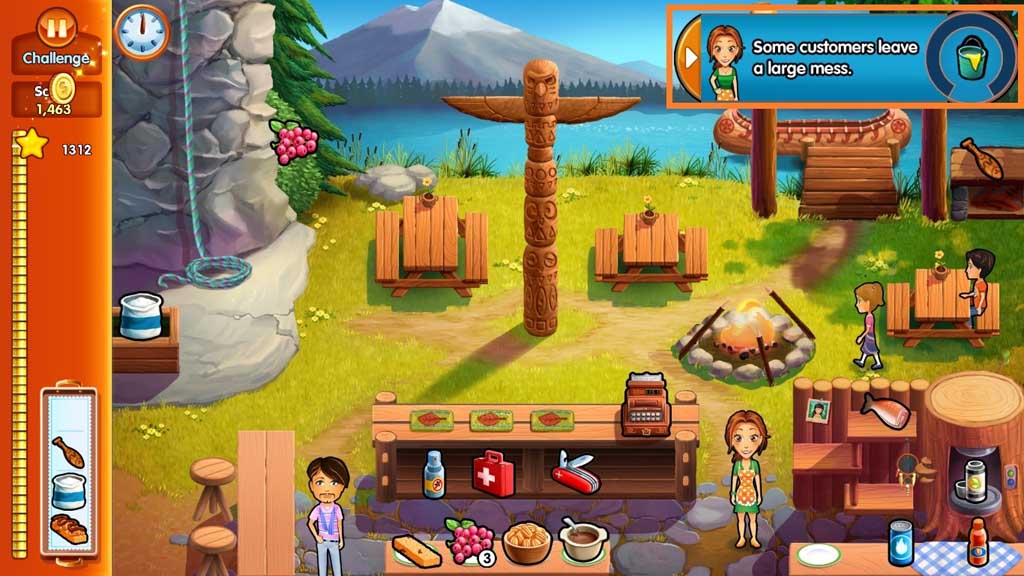
- Challenge mode.
- Clean up the large mess.
- Click the items in the service stations to create the orders that the customer’s request.
- Give the customer’s their orders by clicking on them.
- Click the register to accept payment.
- Clean up after the customers.
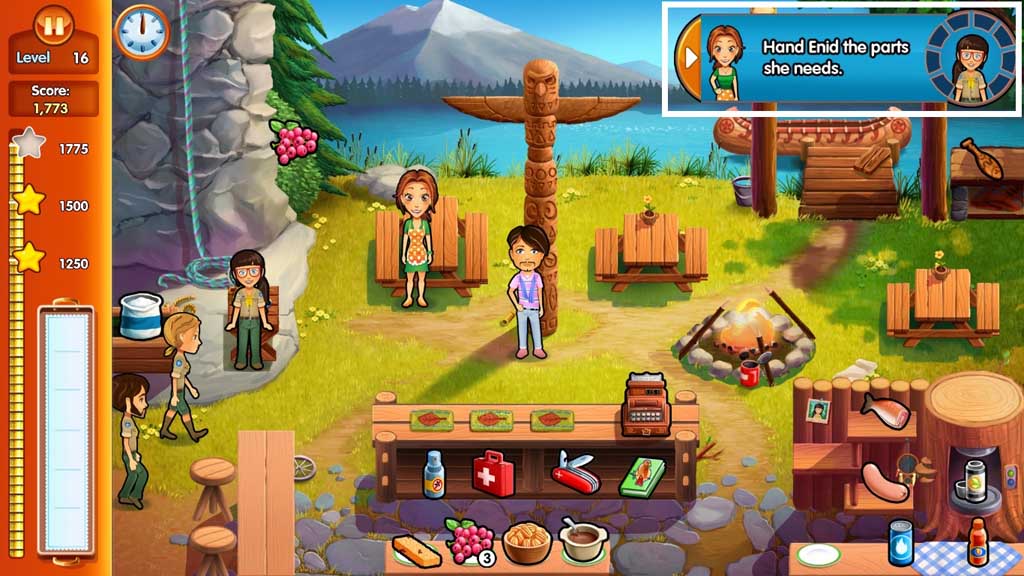
- Give Enid the model parts.
- Click the items in the service stations to create the orders that the customer’s request.
- Give the customer’s their orders by clicking on them.
- Click the register to accept payment.
- Clean up after the customers.
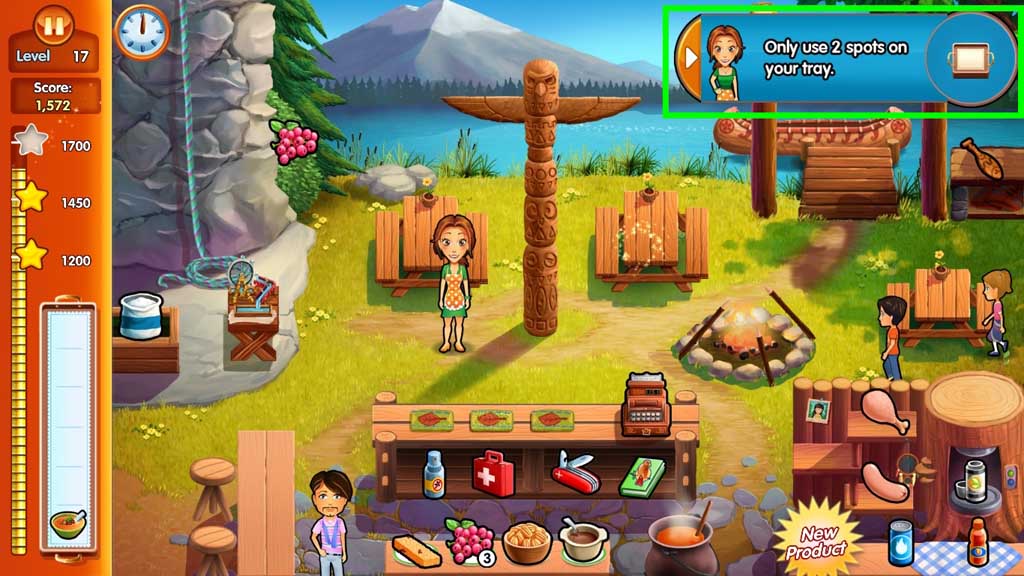
- Use only 2 spots on the tray.
- Challenge mode.
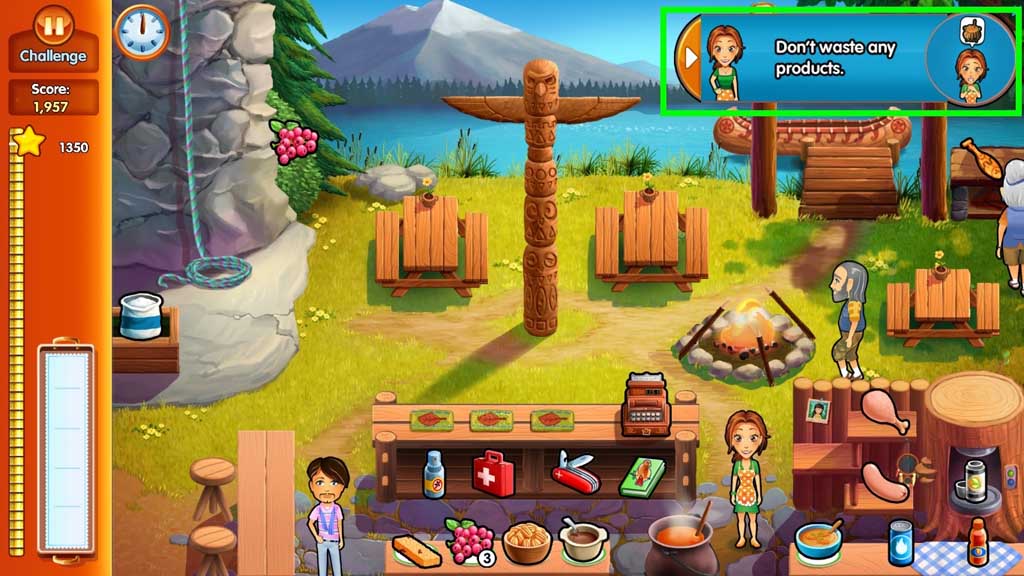
- Don’t waste any products.
- Click the items in the service stations to create the orders that the customer’s request.
- Give the customer’s their orders by clicking on them.
- Click the register to accept payment.
- Clean up after the customers.
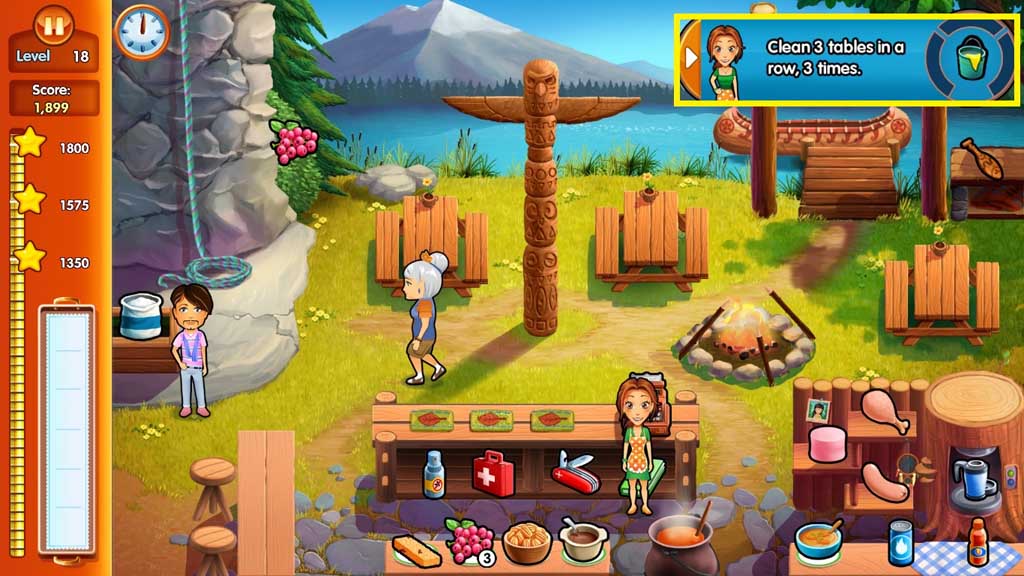
- Clean 3 tables in a row 3 times.
- Click the items in the service stations to create the orders that the customer’s request.
- Give the customer’s their orders by clicking on them.
- Click the register to accept payment.
- Clean up after the customers.
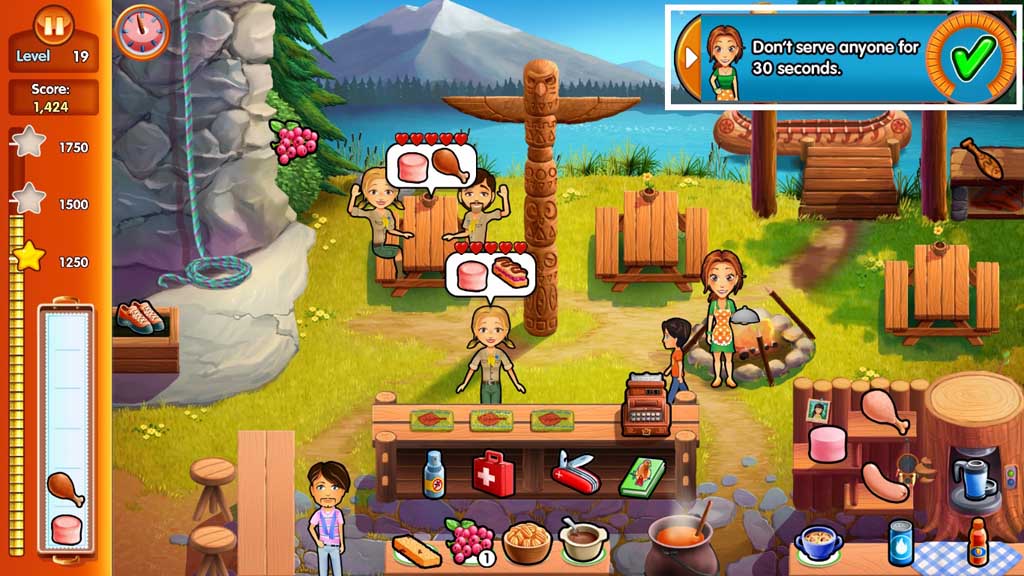
- Don’t serve anyone for 30 seconds.
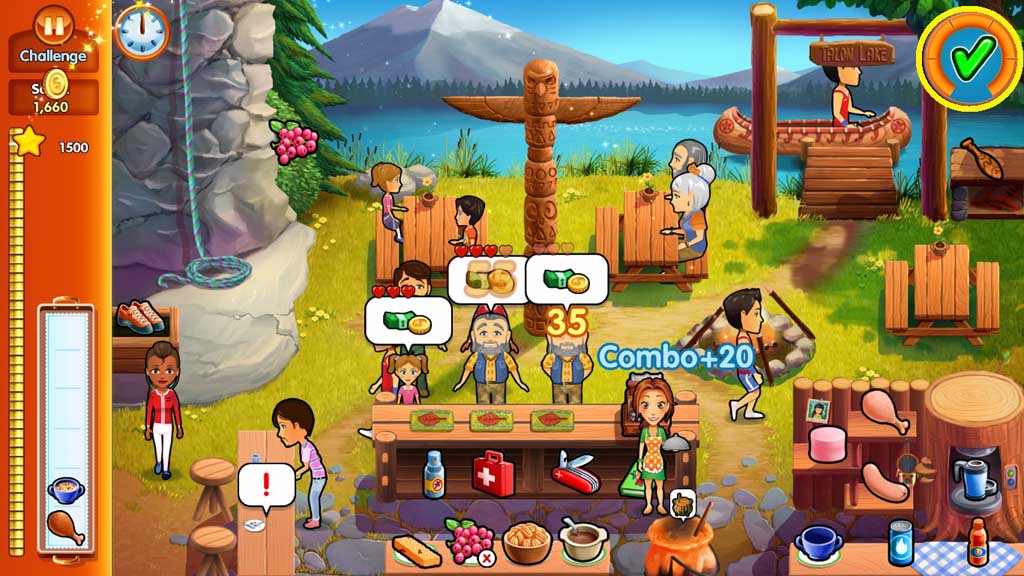
- Challenge mode.
- Take care of the customers as they arrive in waves.
- Click the items in the service stations to create the orders that the customer’s request.
- Give the customer’s their orders by clicking on them.
- Click the register to accept payment.
- Clean up after the customers.
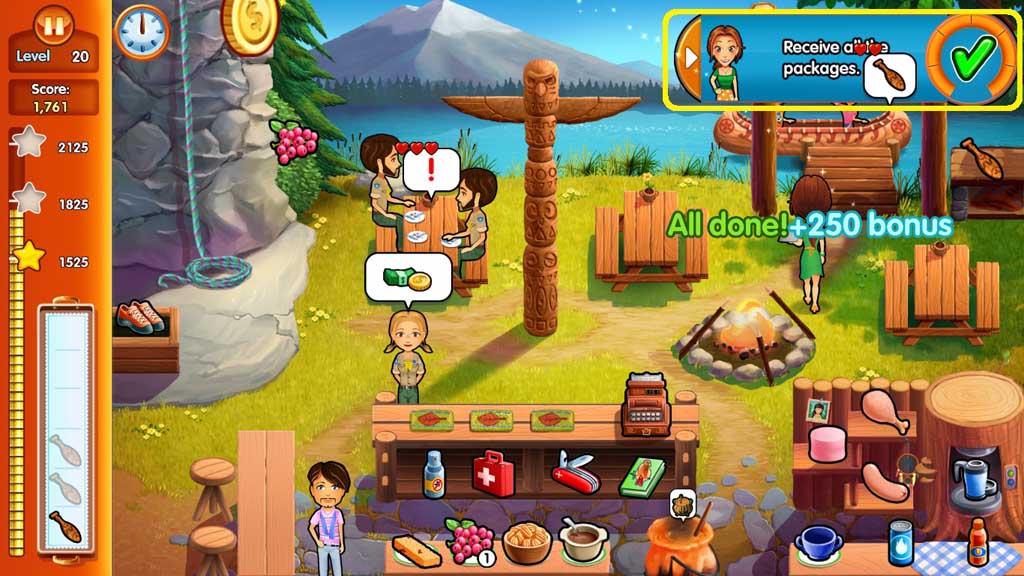
- Receive all the packages.
Comments will load when you reach this part of the walkthrough.