

Chapter 1 Restaurant 1 Emily's Garden
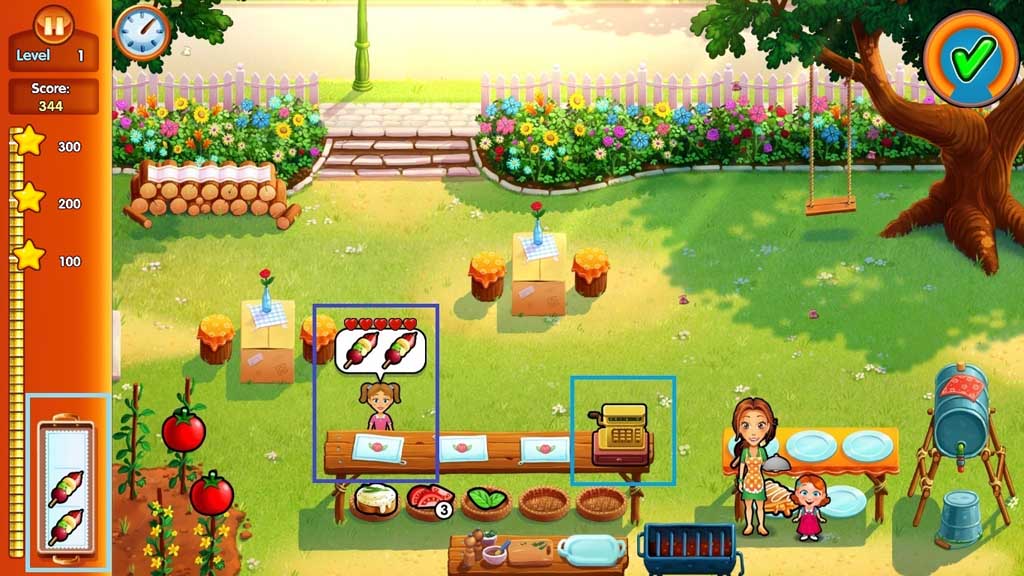
- Click the items in the service stations to create the orders that the customer’s request.
- Give the customer’s their orders by clicking on them.
- Click the register to accept payment.
- Clean up after the customers.
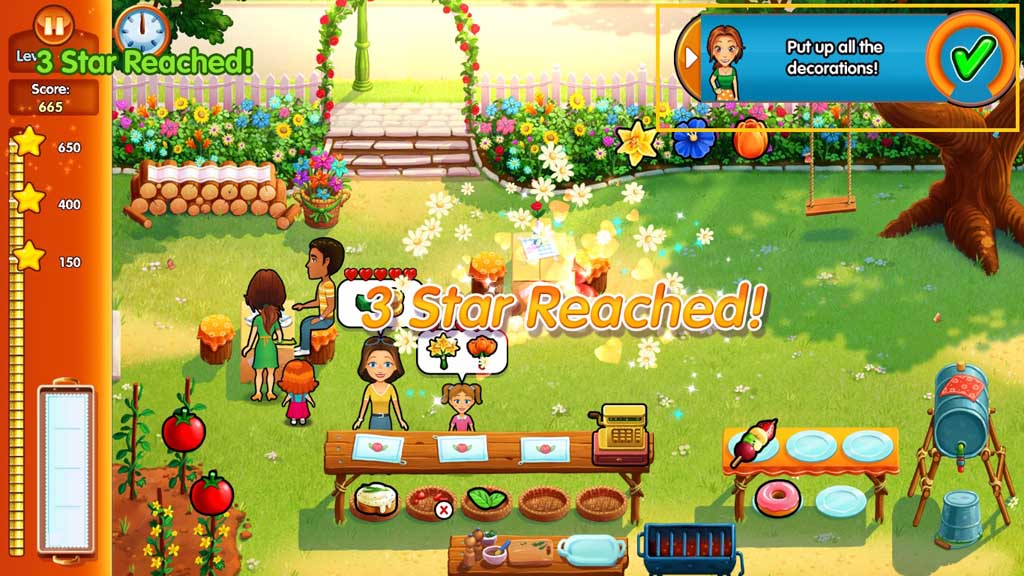
- Click the items in the service stations to create the orders that the customer’s request.
- Give the customer’s their orders by clicking on them.
- Click the register to accept payment.
- Clean up after the customers.
- Put up the decorations.
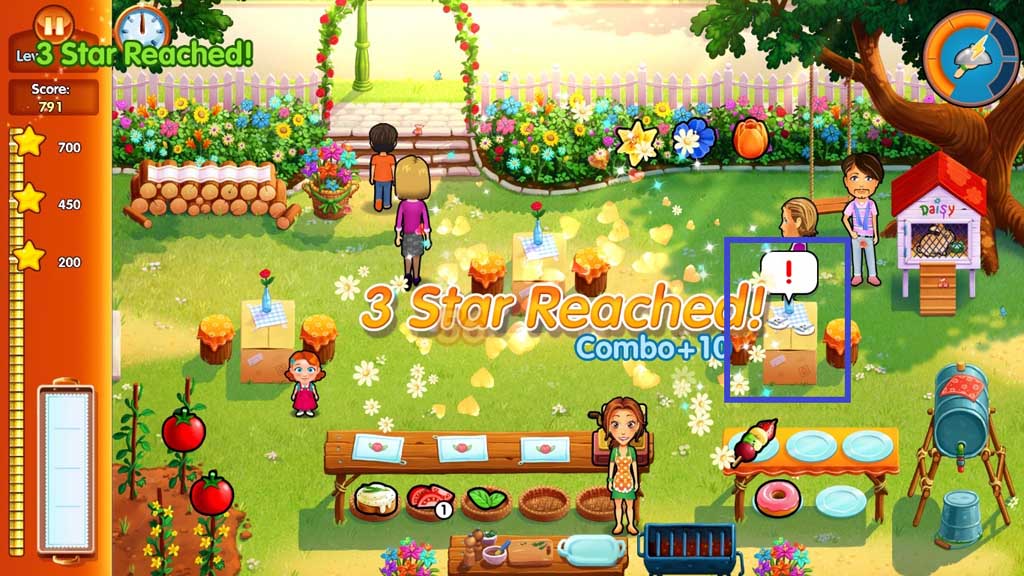
- Click the items in the service stations to create the orders that the customer’s request.
- Give the customer’s their orders by clicking on them.
- Click the register to accept payment.
- Clean up after the customers.
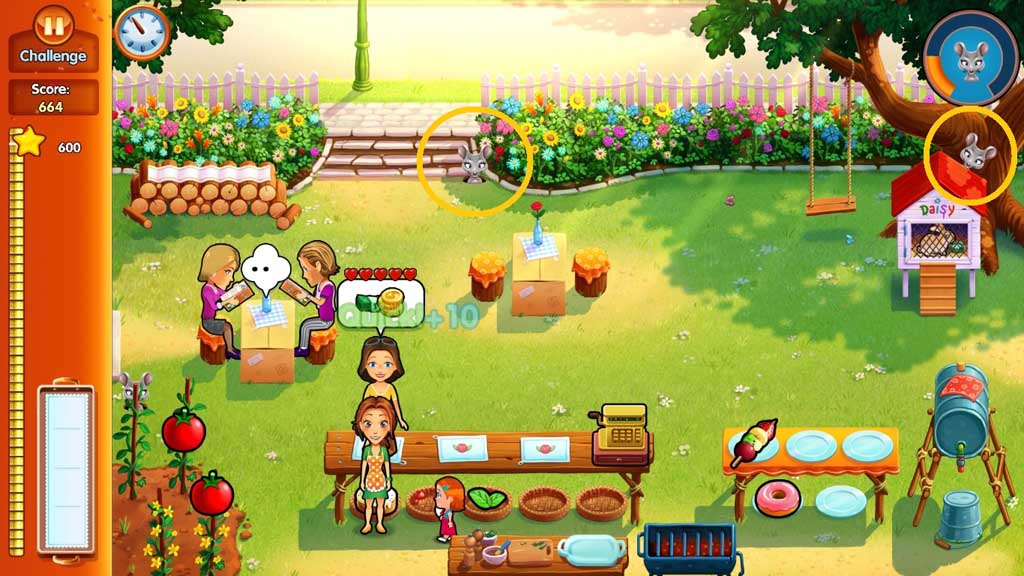
- Challenge mode.
- Find all 33 mice while completing the orders.
- Click the items in the service stations to create the orders that the customer’s request.
- Give the customer’s their orders by clicking on them.
- Click the register to accept payment.
- Clean up after the customers.
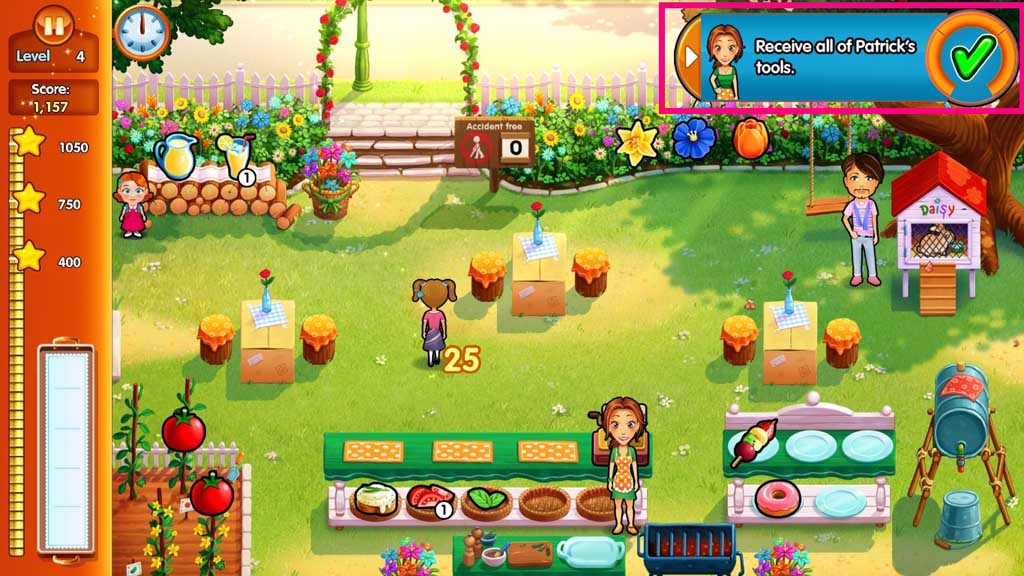
- Receive all of Patrick’s tools.
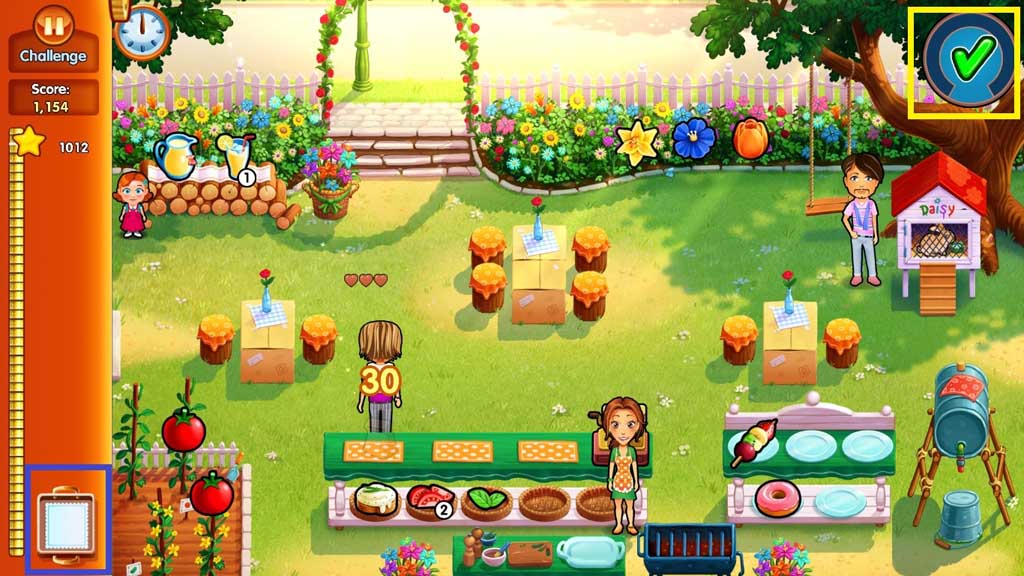
- Challenge mode.
- Fulfill the orders before the tray breaks.
- Click the items in the service stations to create the orders that the customer’s request.
- Give the customer’s their orders by clicking on them.
- Click the register to accept payment.
- Clean up after the customers.
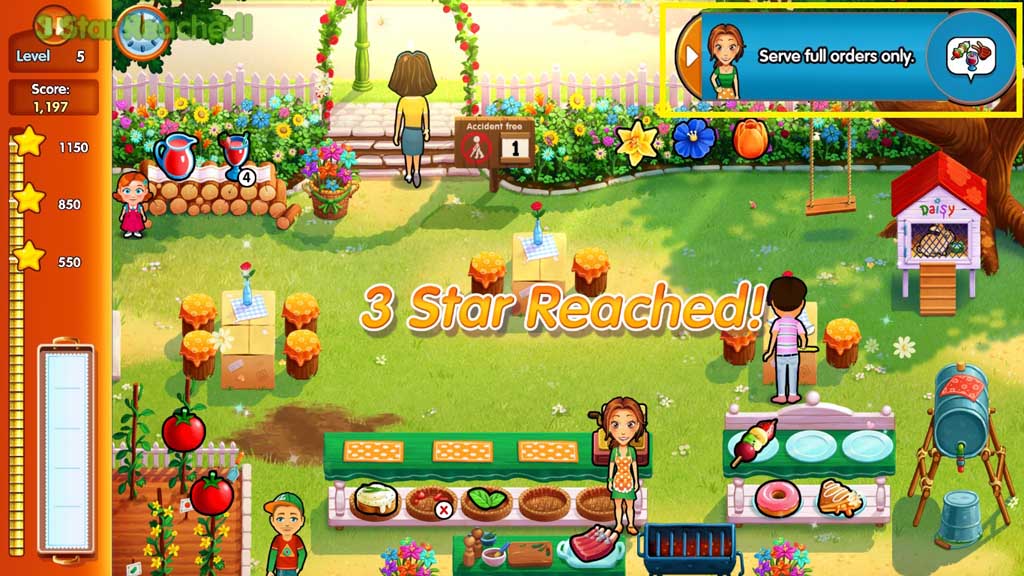
- Serve full orders only.
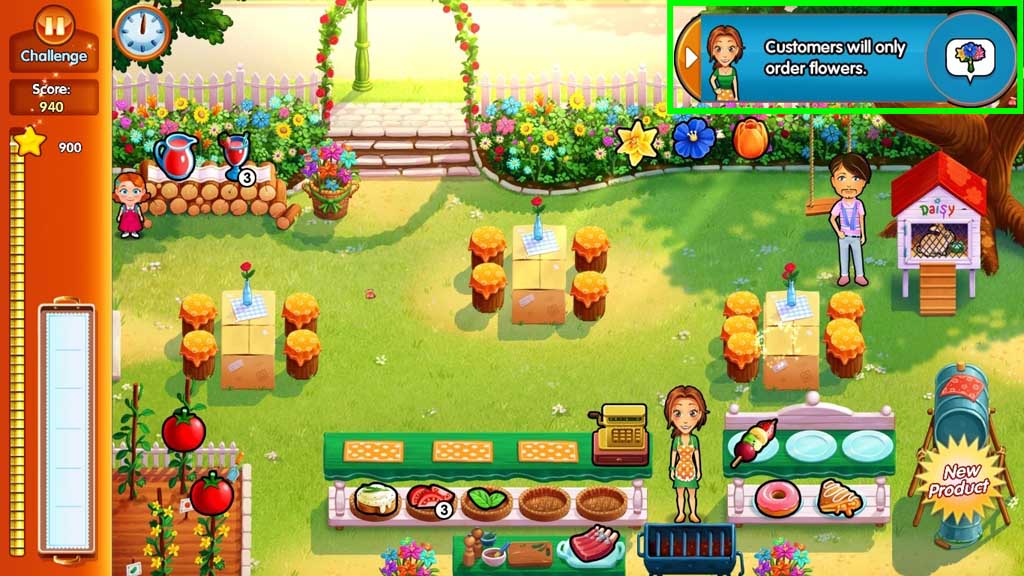
- Challenge mode.
- Fulfill flower orders only.
- Click the items in the service stations to create the orders that the customer’s request.
- Give the customer’s their orders by clicking on them.
- Click the register to accept payment.
- Clean up after the customers.
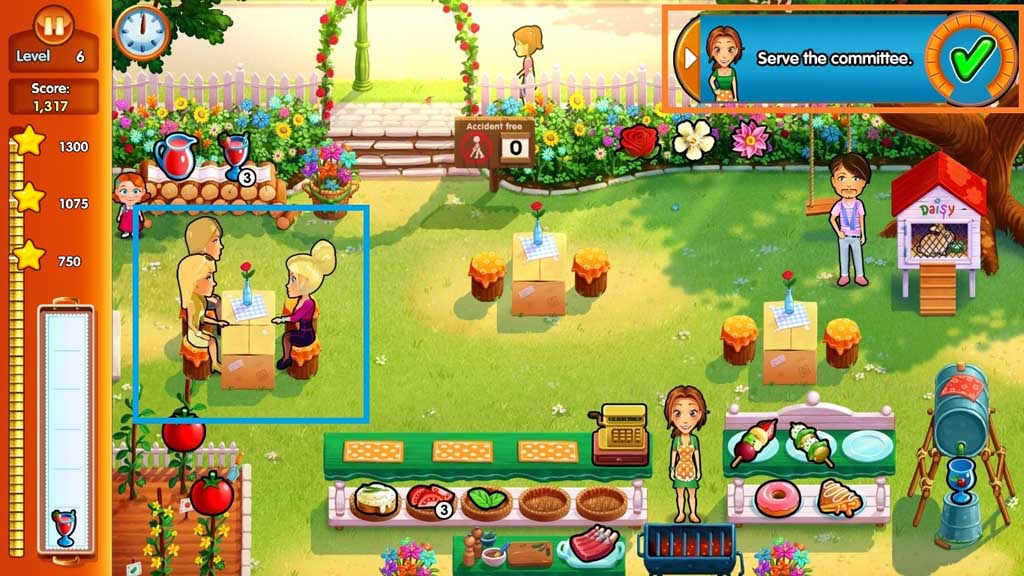
- Serve the committee.
- Click the items in the service stations to create the orders that the customer’s request.
- Give the customer’s their orders by clicking on them.
- Click the register to accept payment.
- Clean up after the customers.
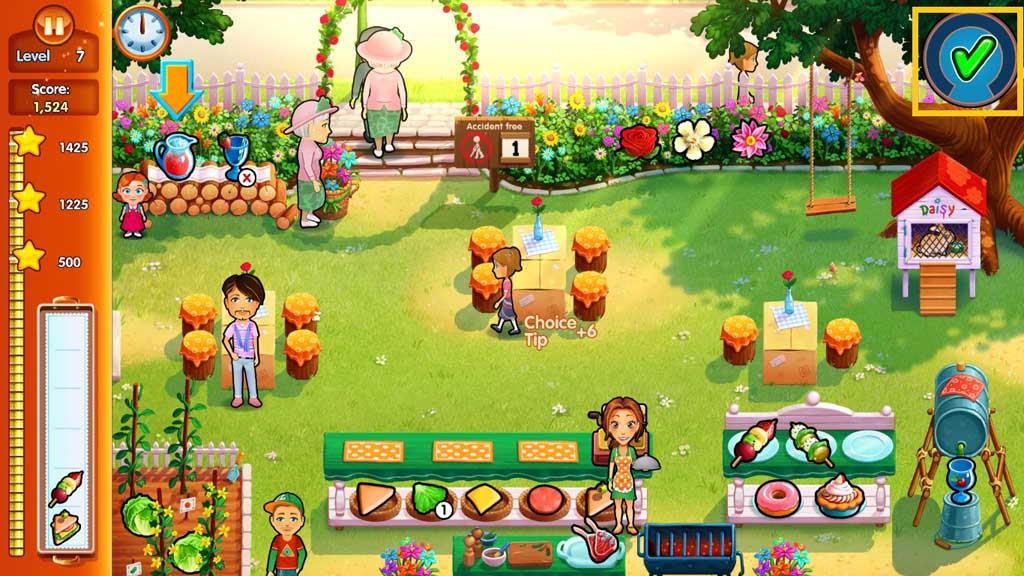
- Get to the 1st star in the 1st half of the level.
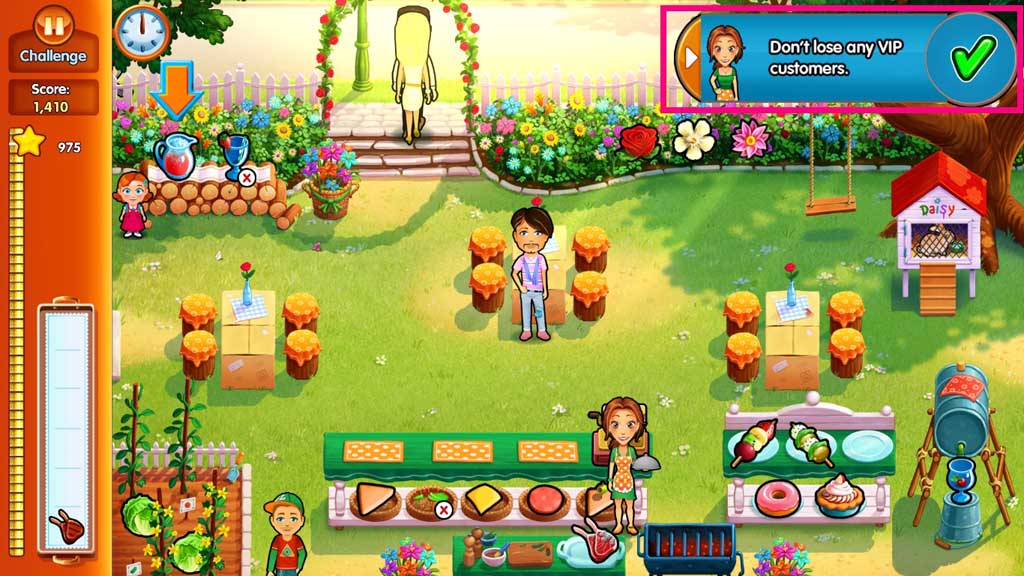
- Challenge mode.
- Don’t lose any VIP customers.
- Click the items in the service stations to create the orders that the customer’s request.
- Give the customer’s their orders by clicking on them.
- Click the register to accept payment.
- Clean up after the customers.
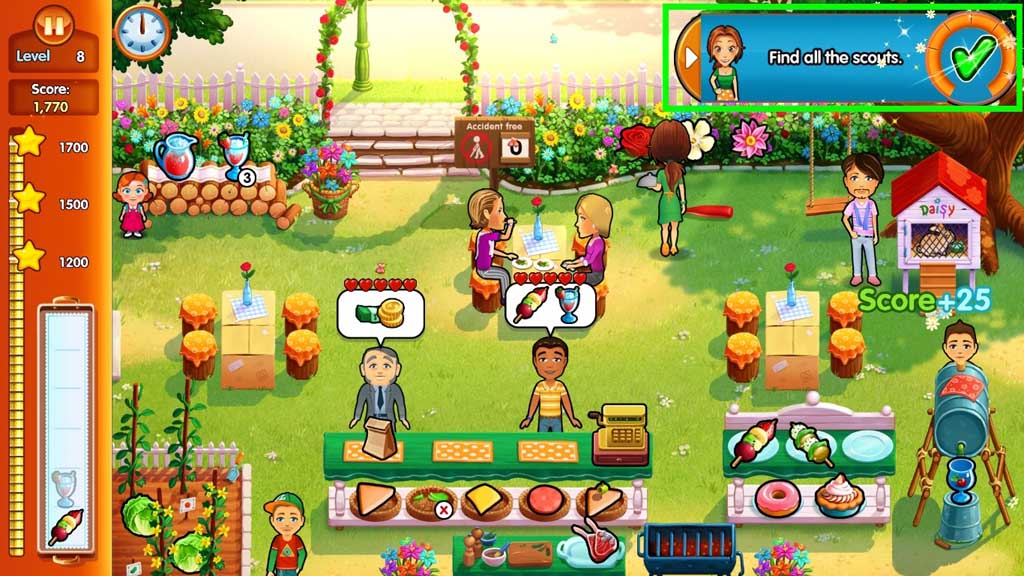
- Find all of the scouts.
- Click the items in the service stations to create the orders that the customer’s request.
- Give the customer’s their orders by clicking on them.
- Click the register to accept payment.
- Clean up after the customers.
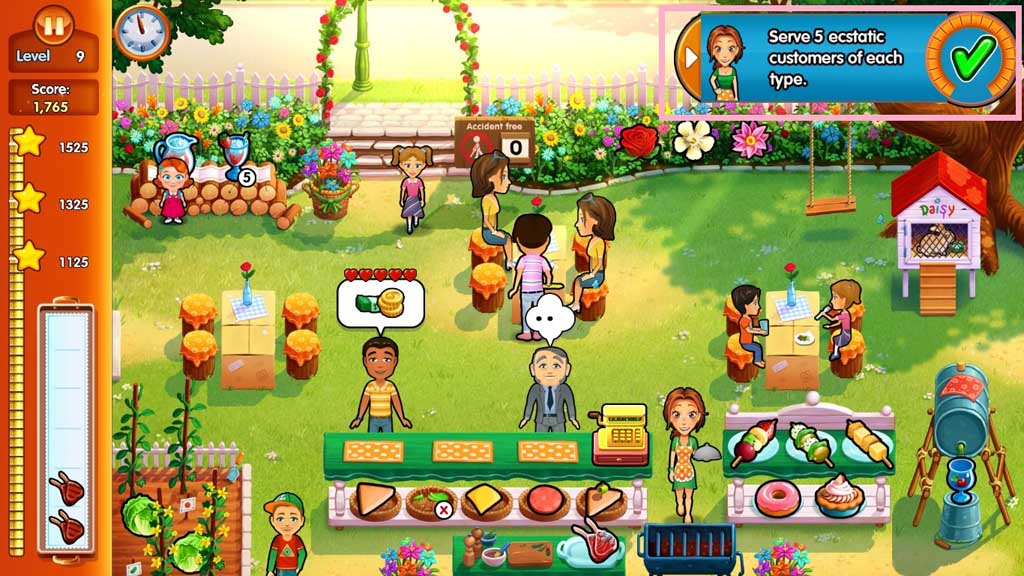
- Serve 5 ecstatic customers of each type.
- Challenge mode.
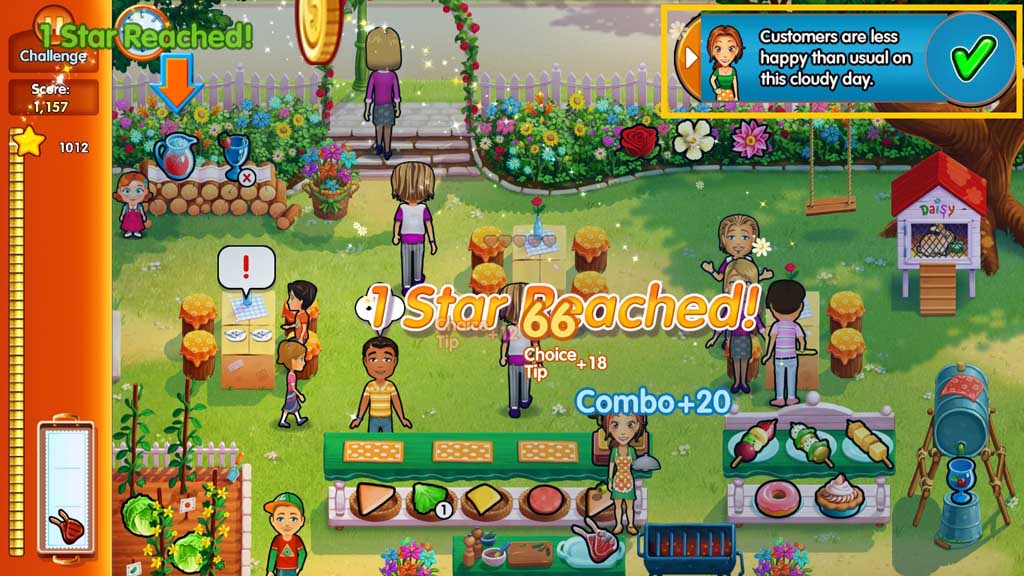
- Serve the less than happy customers.
- Click the items in the service stations to create the orders that the customer’s request.
- Give the customer’s their orders by clicking on them.
- Click the register to accept payment.
- Clean up after the customers.
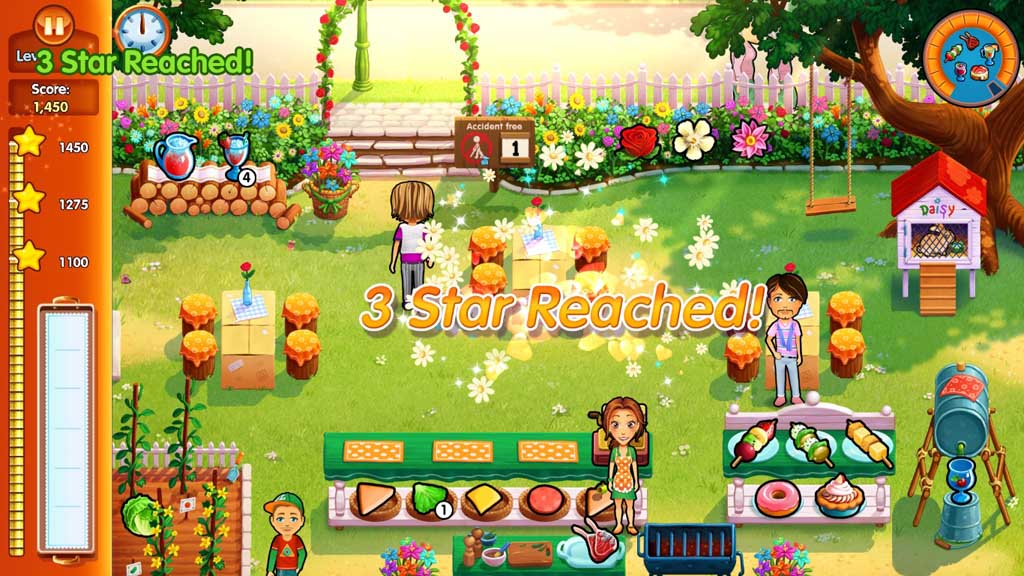
- Make every product in the garden.
Comments will load when you reach this part of the walkthrough.