

Chapter Five: Saving the Town
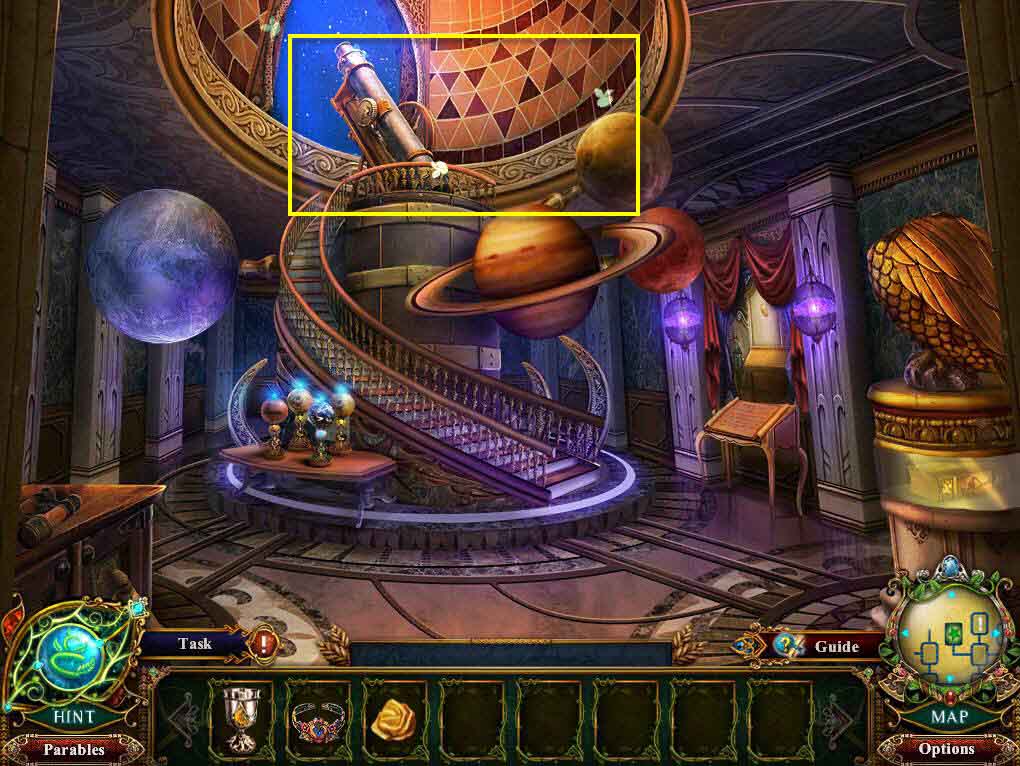
- Head to the left.
- Click on the sparkles to play the hidden object game.
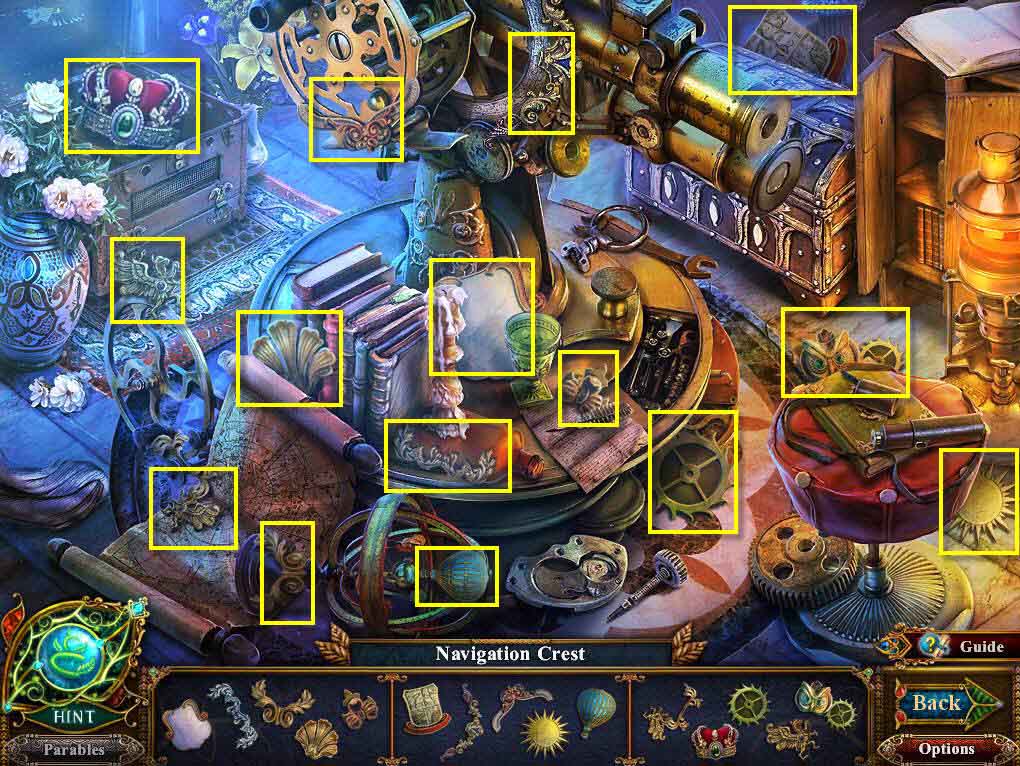
- Find all the items in the scene.
- You will receive the Navigation Crest.
- Go back one screen and then up the stairs to the library.
- Click on the sparkles to play the hidden object game.
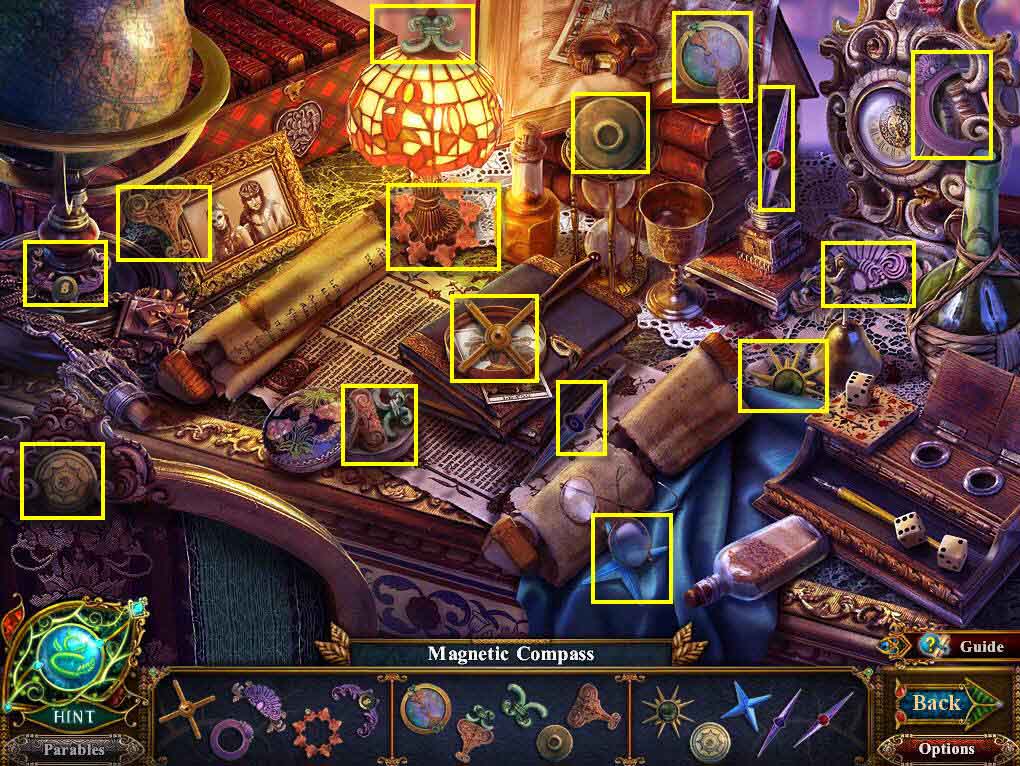
- Find all the items on the list.
- You will receive the Magnetic Compass.
- Go back one screen and then forward through the double doors.
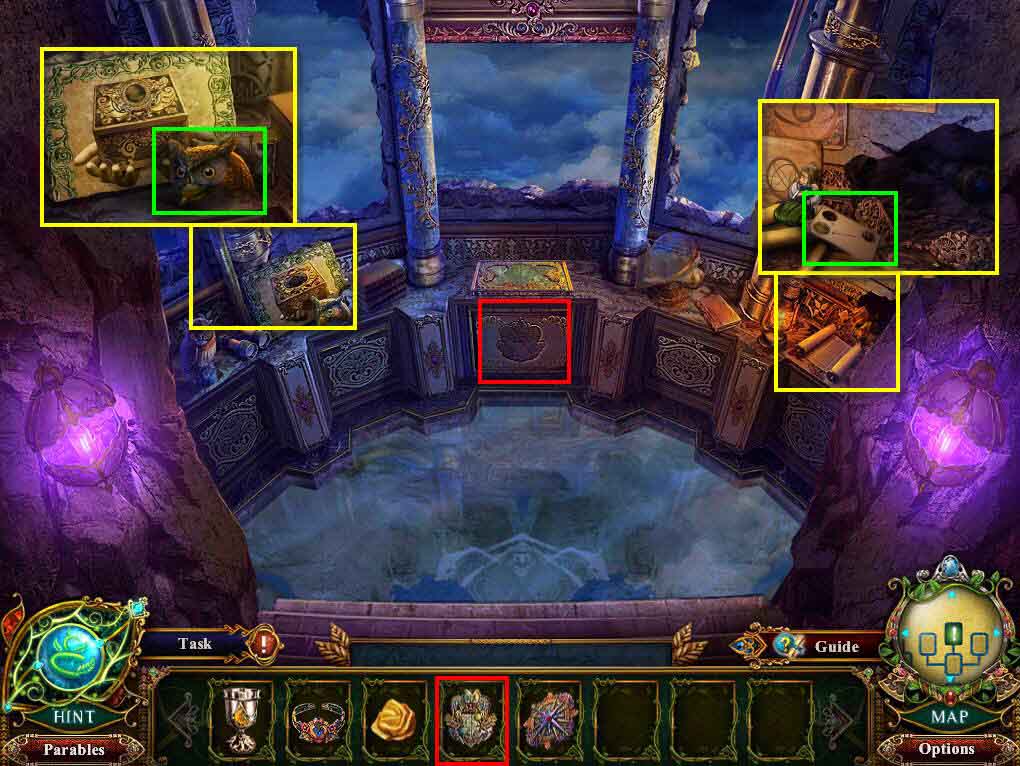
- Click on the left to zoom in.
- Take the Owl's Head.
- Click to zoom in on the right.
- Take the Code Card.
- Click to zoom into the empty niche in the center.
- Use the Navigation Crest on the empty niche.
- Take the Triangle Drawer Handle and the Imp-Embossed Book.
- Go back one screen.
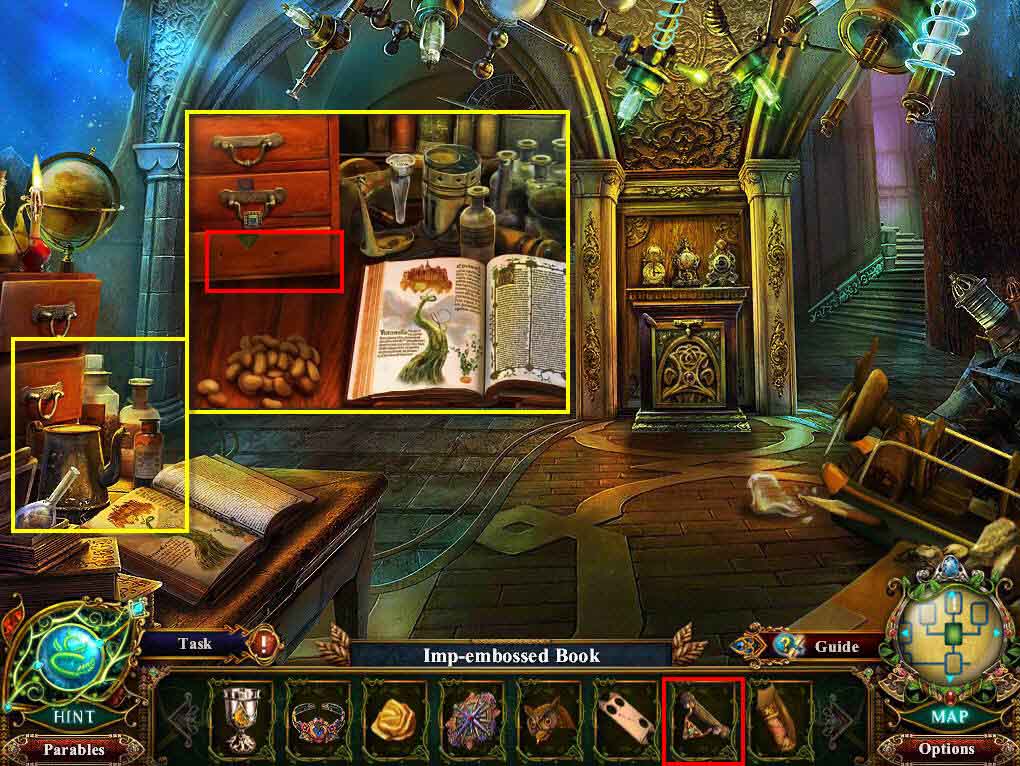
- Click to zoom in on the desk on the left.
- Use the Triangle Drawer Handle on the drawer.
- Click to open the drawer.
- Take the Gear.
- Go to the left.
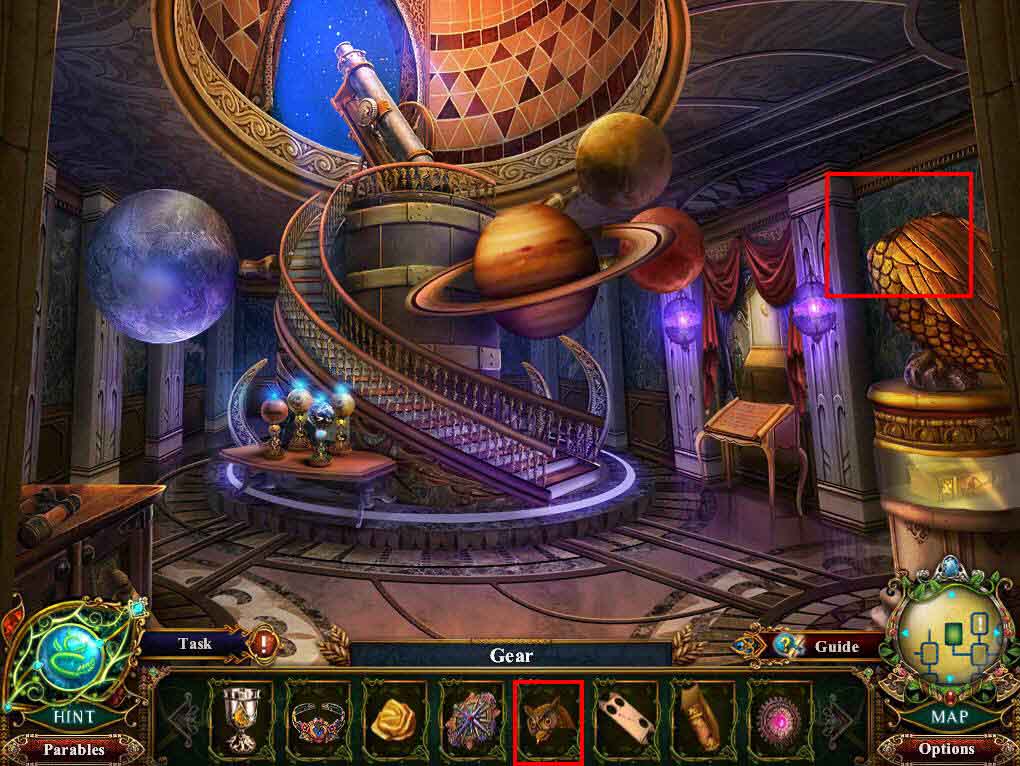
- Use the Owl's Head on the owl statue on the right.
- Take the Queen-Embossed Book.
- Go back one screen and then go up the stairs to the library.
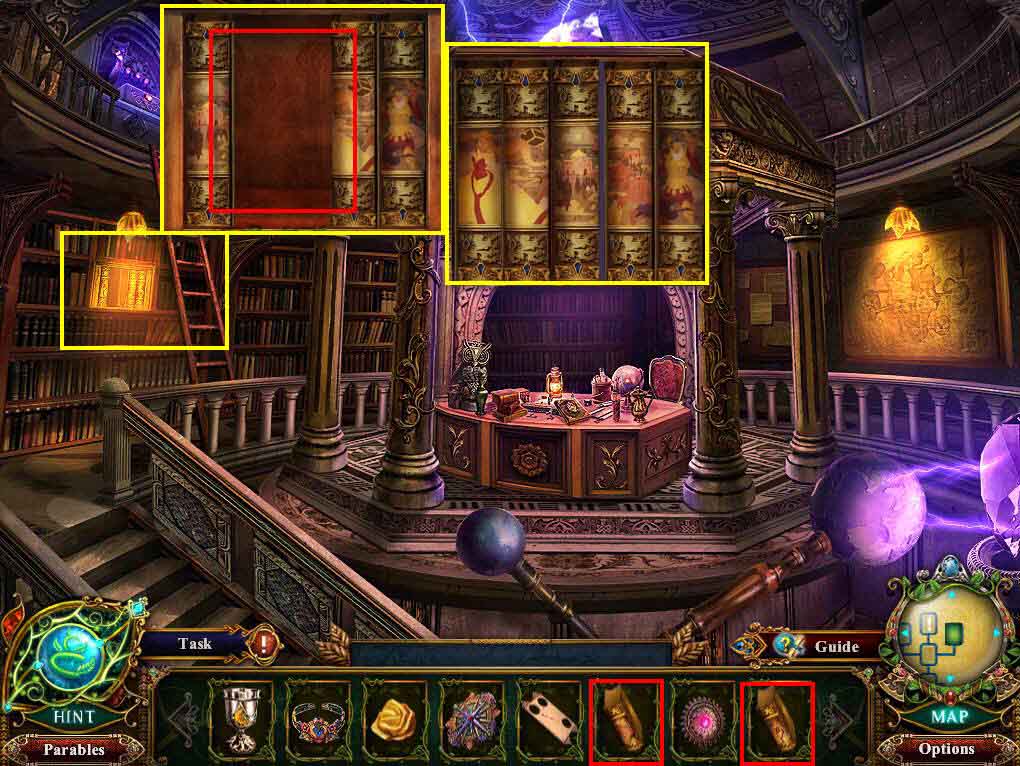
- Click to zoom in on the shelf on the left.
- Use the Queen-Embossed Book and the Imp-Embossed Book on the shelf.
- Arrange the books correctly.
- Take the Princess Mask and the Navigation Wheel.
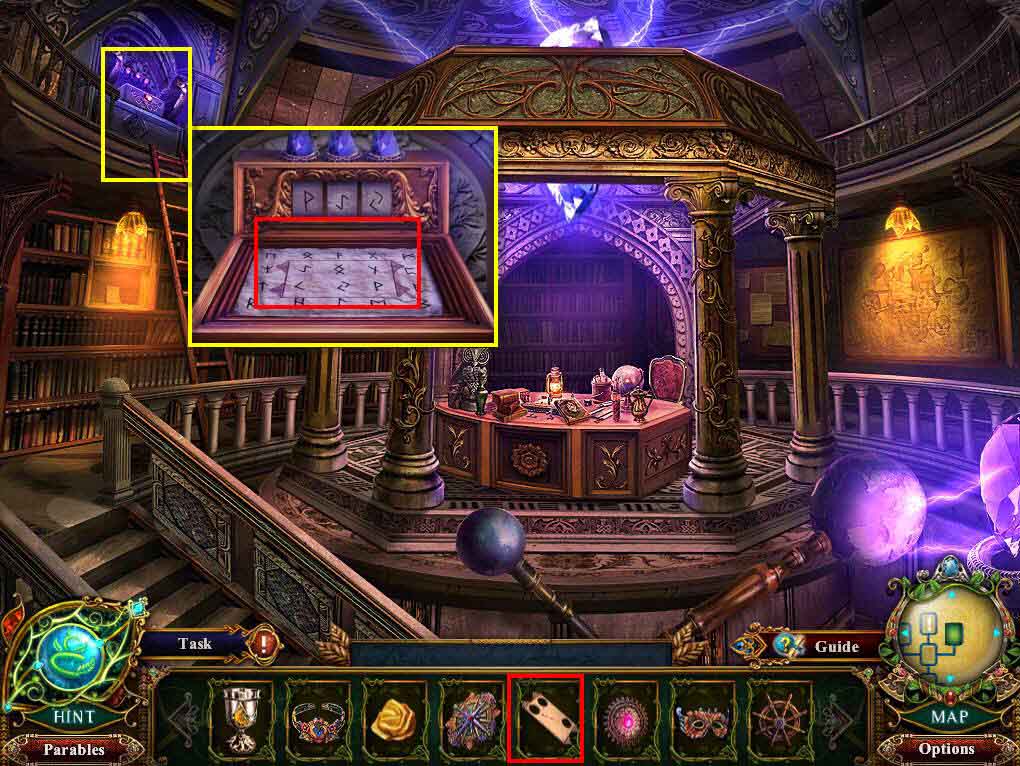
- Click to zoom in on the top of the ladder.
- Use the Code Card on the paper.
- Take Glowing Stone.
- Go back one screen and then move forward through the double doors.
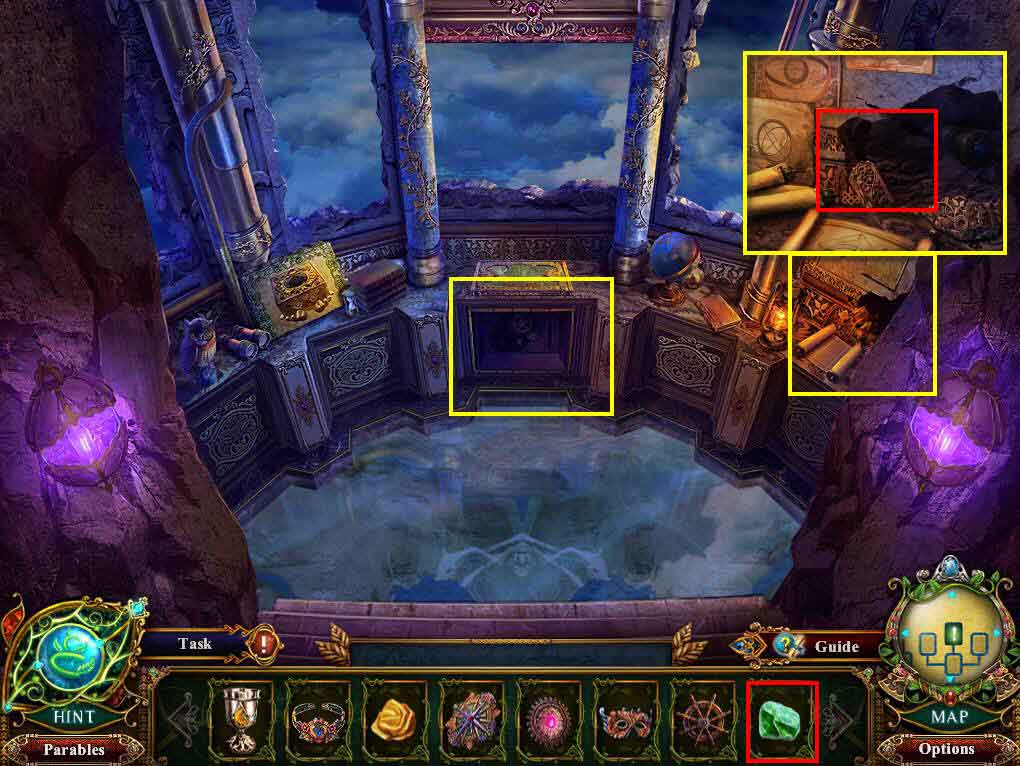
- Click to zoom in on the right.
- Use the Glowing Stone on the dark area.
- Take the Lever.
- Click to zoom in n the area with the gear.
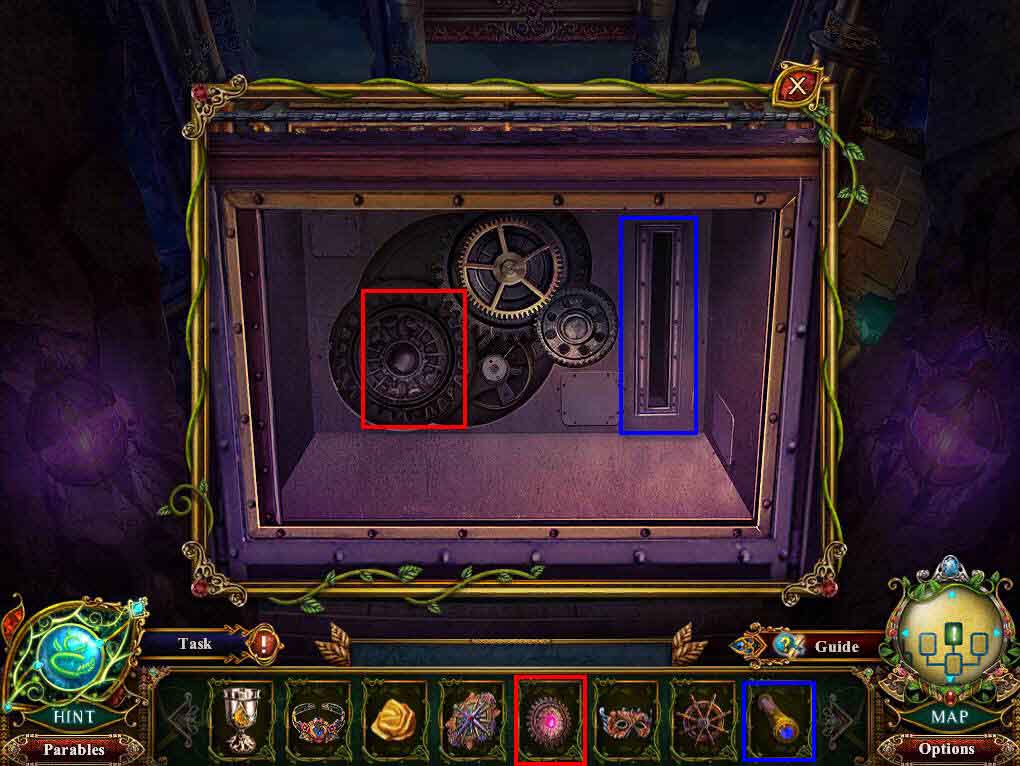
- Use the Gear and the Lever on the machine.
- Click on the lever.
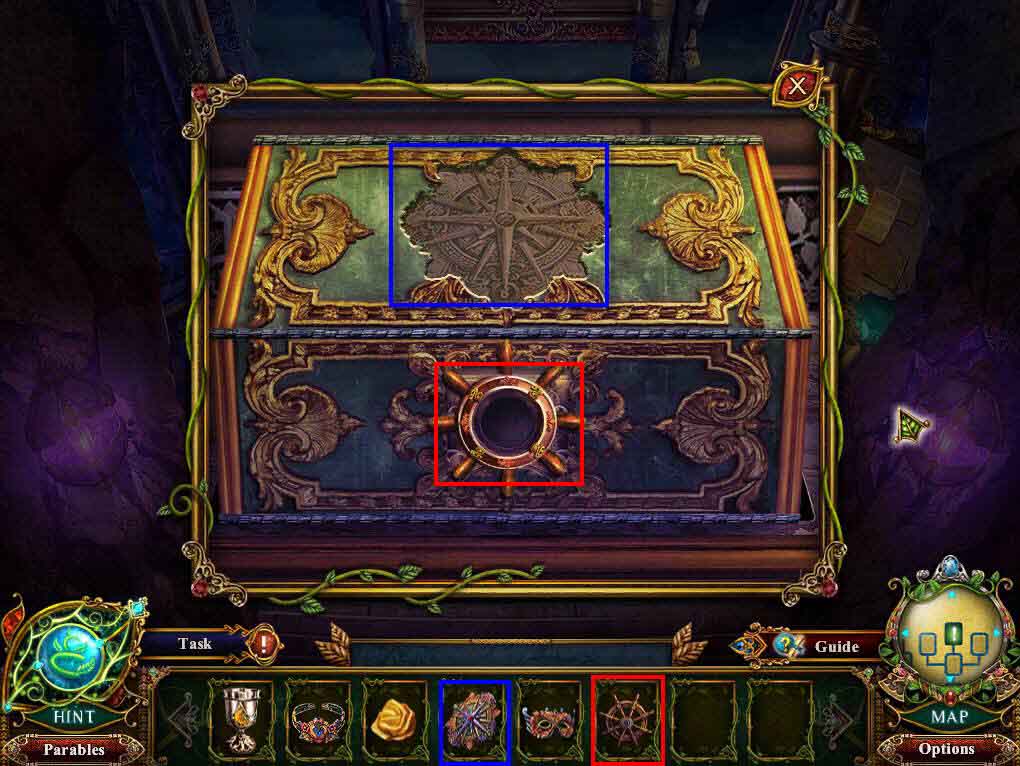
- Use the Magnetic Compass on the empty slot on the top.
- Use the Navigation Wheel on the empty slot on the bottom.
- Click to rotate the wheel three times.
- Take the Rose Ornament.
- Go back two screens.
Comments will load when you reach this part of the walkthrough.