

Chapter Four: Town Tour
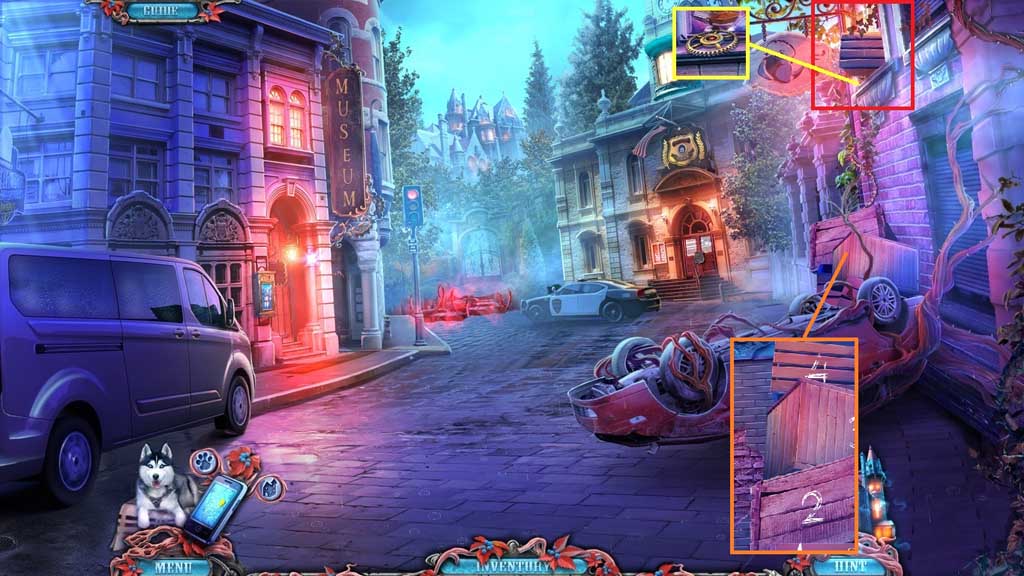
- Click the boxes in numerical order.
- Collect 1 /2 gears.
- Click the hidden objects area.
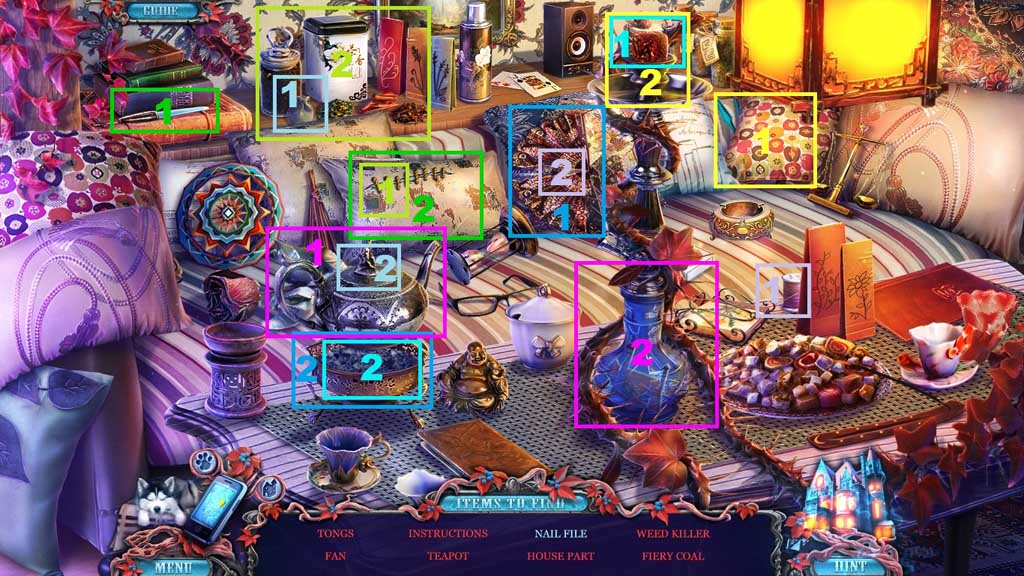
- Find the items.
- Collect 1 /3 house parts.
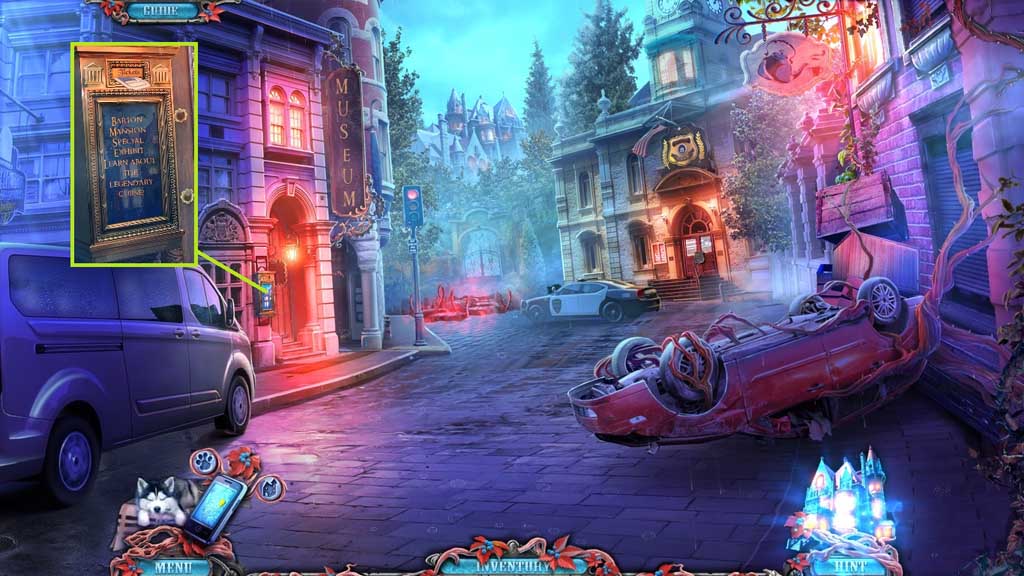
- Insert the museum ticket.
- Move to the left into the History Museum and then move to the right into the Special Exhibit.
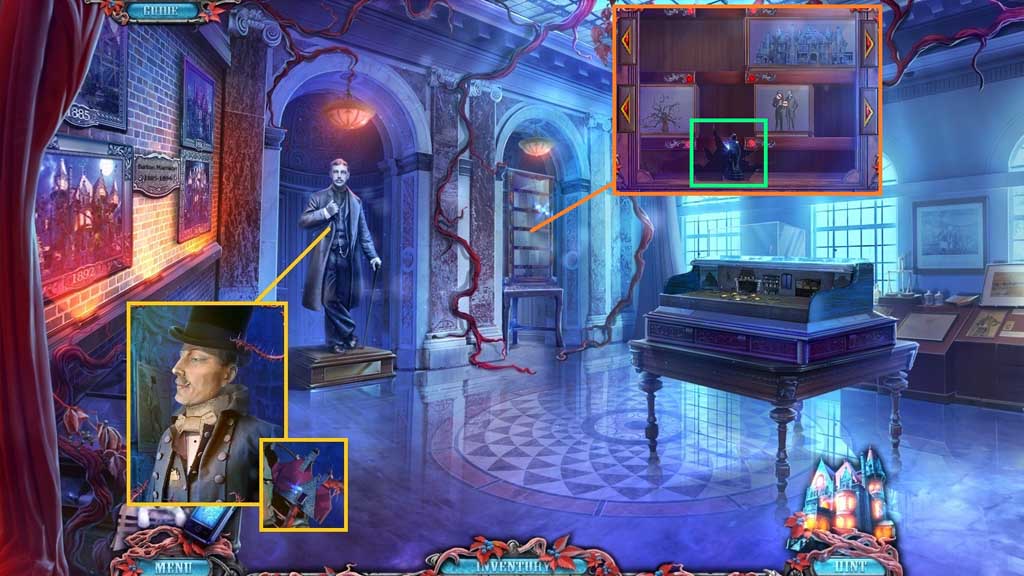
- Place the clothing items onto the mannequin.
- Collect 2 /3 house parts.
- Click the cabinet to trigger a mini game.
- Solve the game by adjusting the cubes to clear a path for the statuette to the bottom.
- Collect the hooded statuette.
- Move down once.
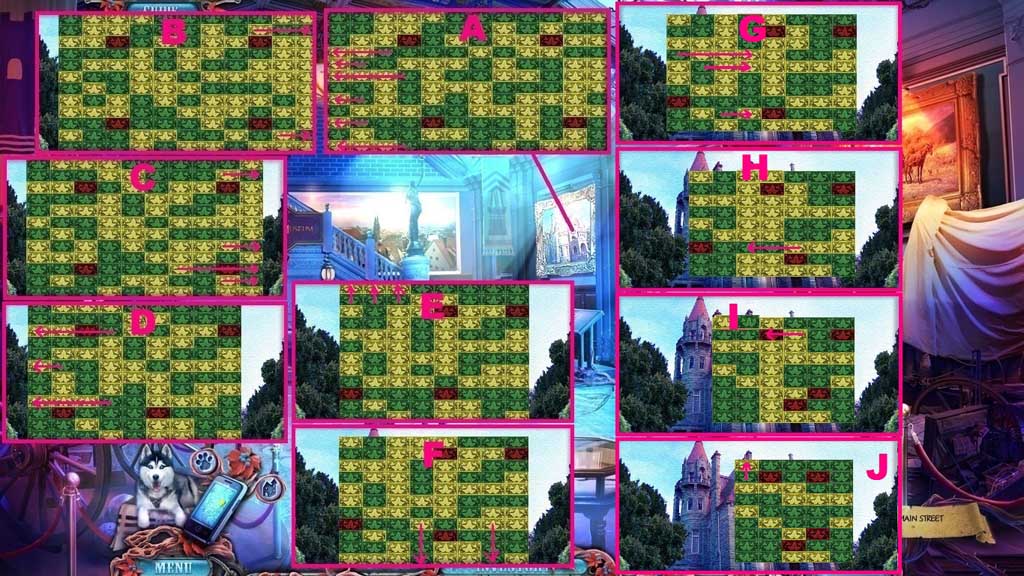
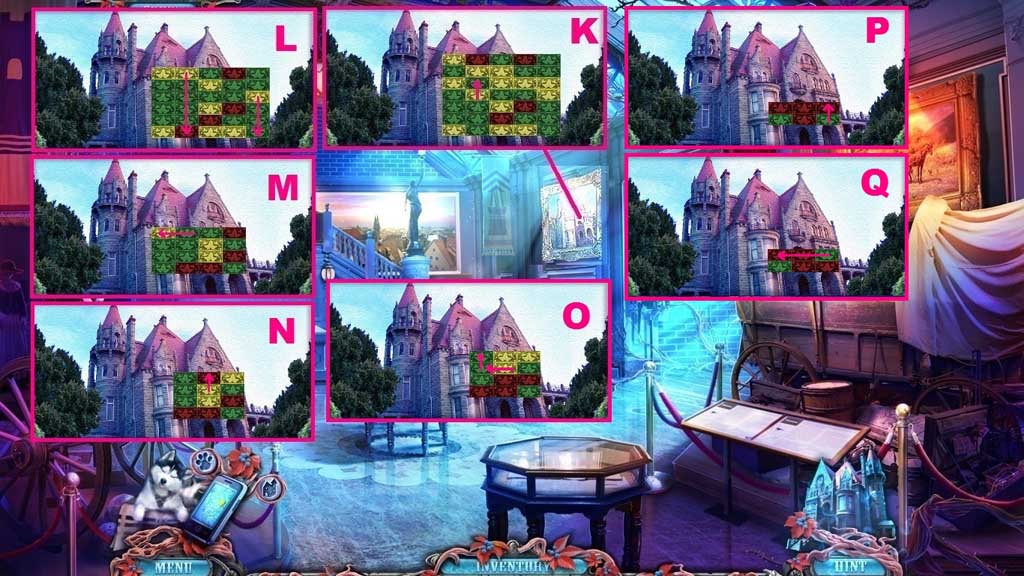
- Click the painting to trigger a mini game.
- Solve the game by removing all the squares from the board.
- Collect the painting.
- Move to the right into the Special Exhibit.
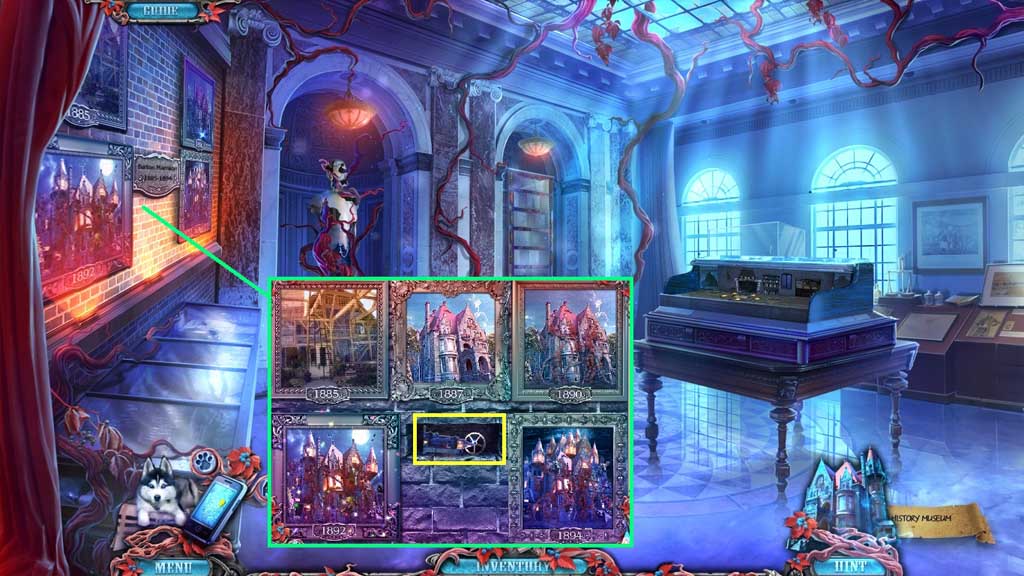
- Place the painting onto the wall to trigger a mini game.
- Arrange the images correctly.
- Collect 3 /3 house parts and 2/ 2 gears.
- Move down once.
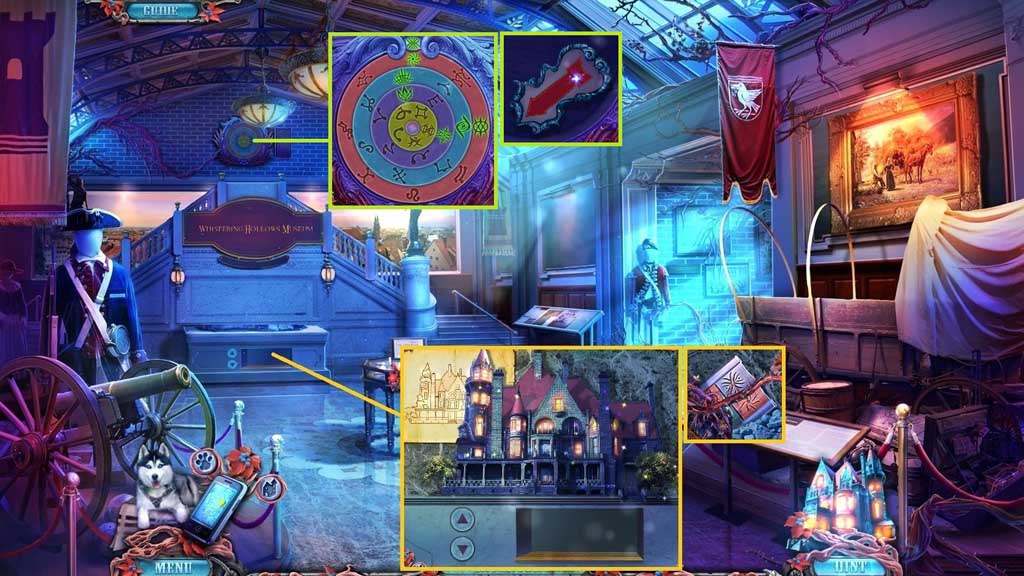
- Place the 3 house parts into the display.
- Arrange the pieces correctly.
- Collect the instructions.
- Click the upper wall and place the instructions.
- Collect the arrow.
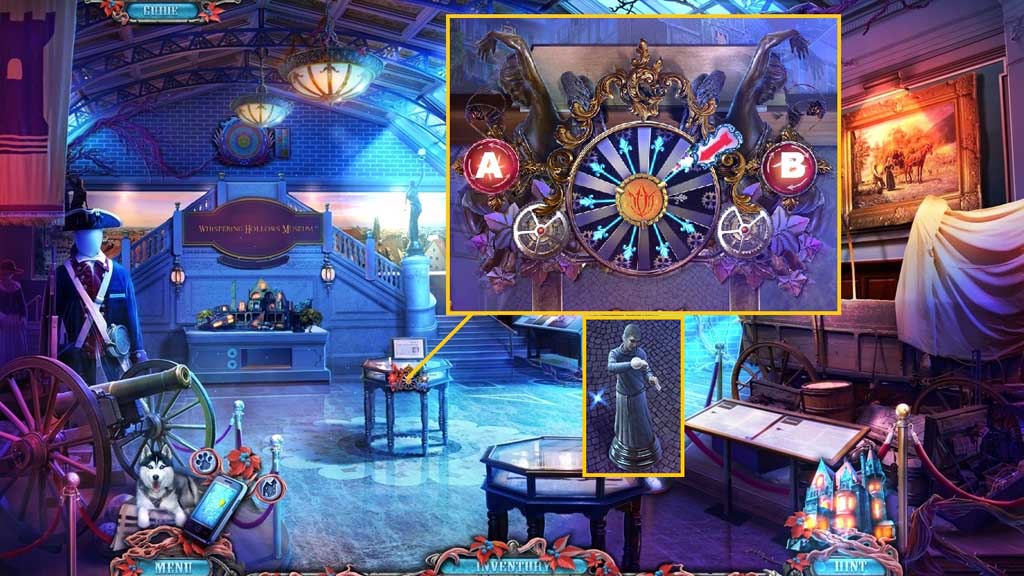
- Insert the 2 gears and the arrow onto the mechanism to trigger a mini game.
- Solve the game by rotating the pins to land on the pins.
- Use the following sequence to solve: B x 3 – A x 2 – B – A
- Collect the man statuette.
- Move to the right.
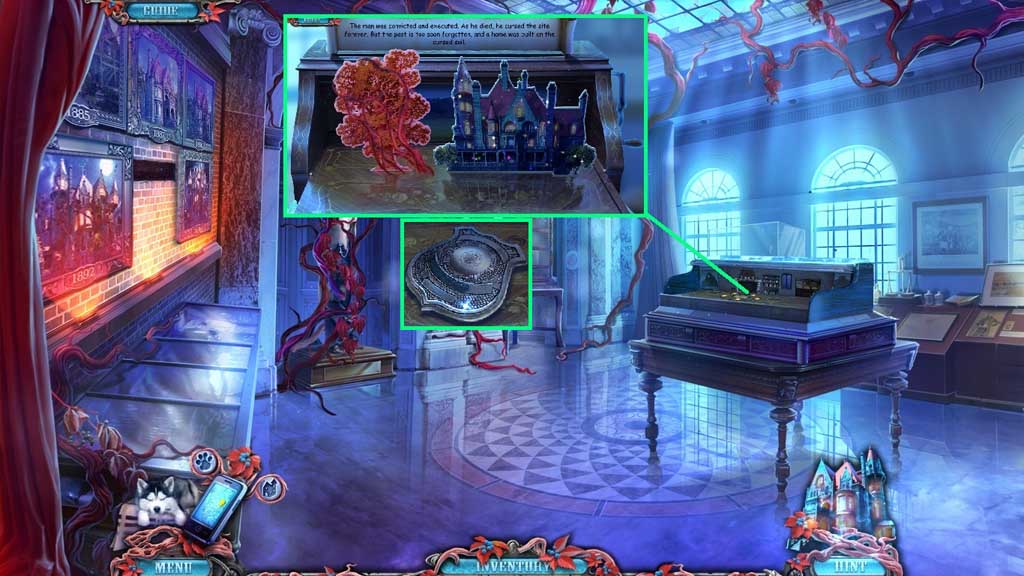
- Insert the man and the hooded statuettes to trigger a mini game.
- Solve the game by arranging the items correctly into the scene.
- Click the table into the center.
- Click the book in the pentagram.
- Select the orb and place it into man’s hand.
- Click the 2 figures and place one into the crowd and the other into the center.
- Click the flame and place it into the flame silhouette.
- Click the executioner and place him into the center and place the blade into the guillotine.
- Click the 4 boards.
- Collect the badge token.
- Move down 2x’s and click the hidden objects area.
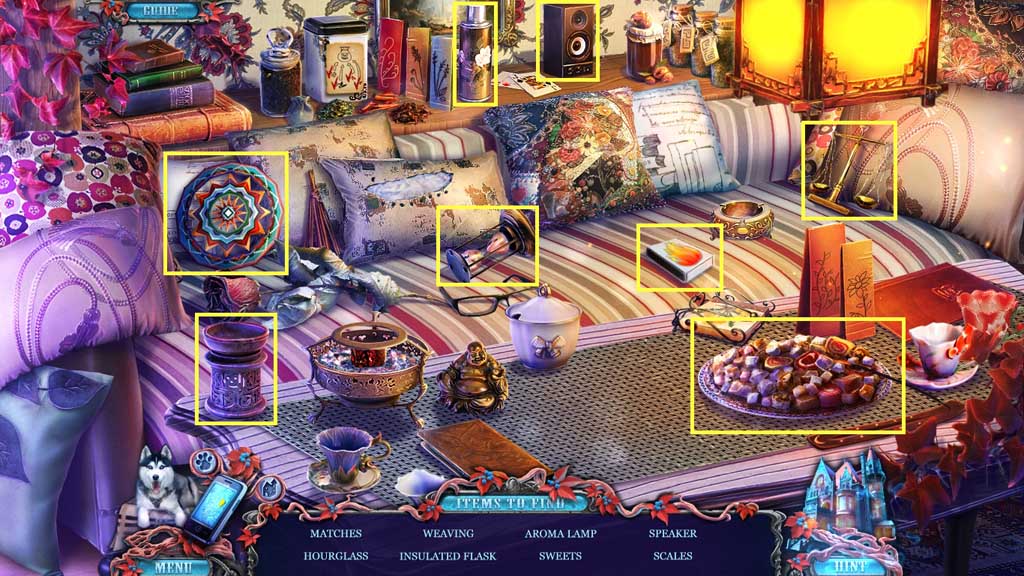
- Find the items.
- Collect the matches.

- Insert the badge token.
- Move into the Police Station.
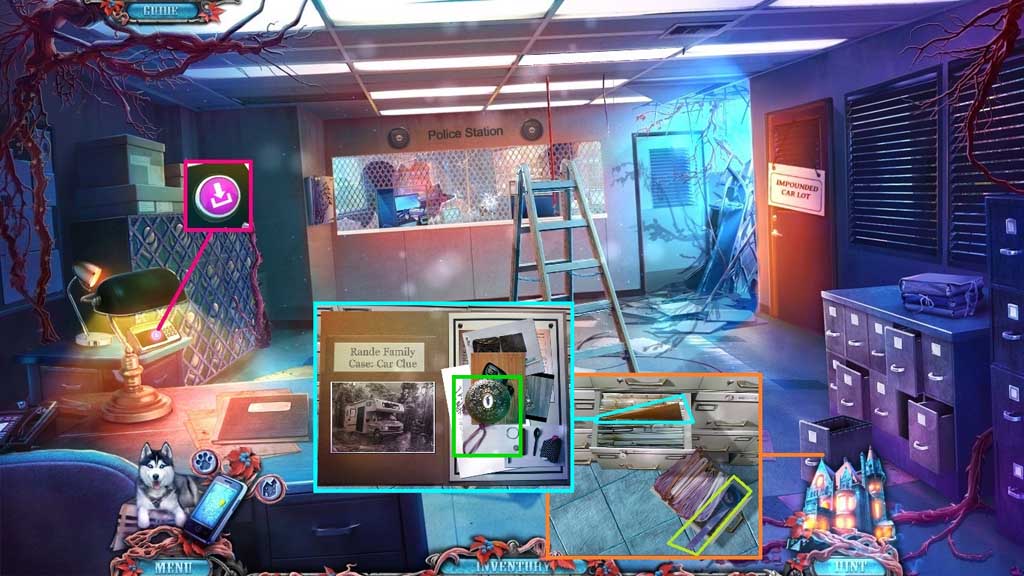
- Click the button on the machine.
- Collect the tape and the ruler.
- Read the file and collect the family locket.
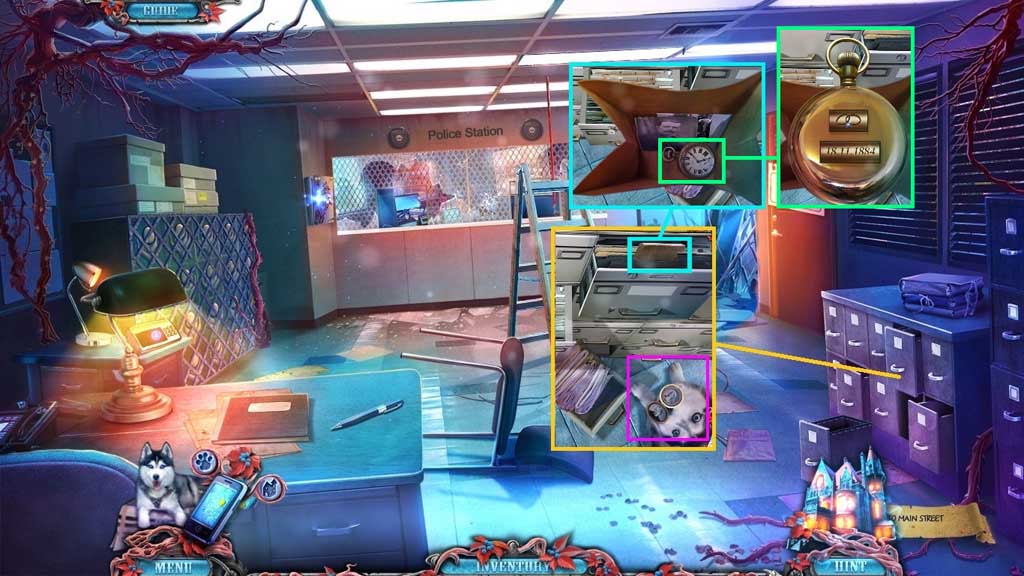
- Select the family locket to use on Rocky.
- Select the ruler to open the drawer.
- Click the bag; collect the photos.
- Adjust the symbol on the clock; collect the clock.
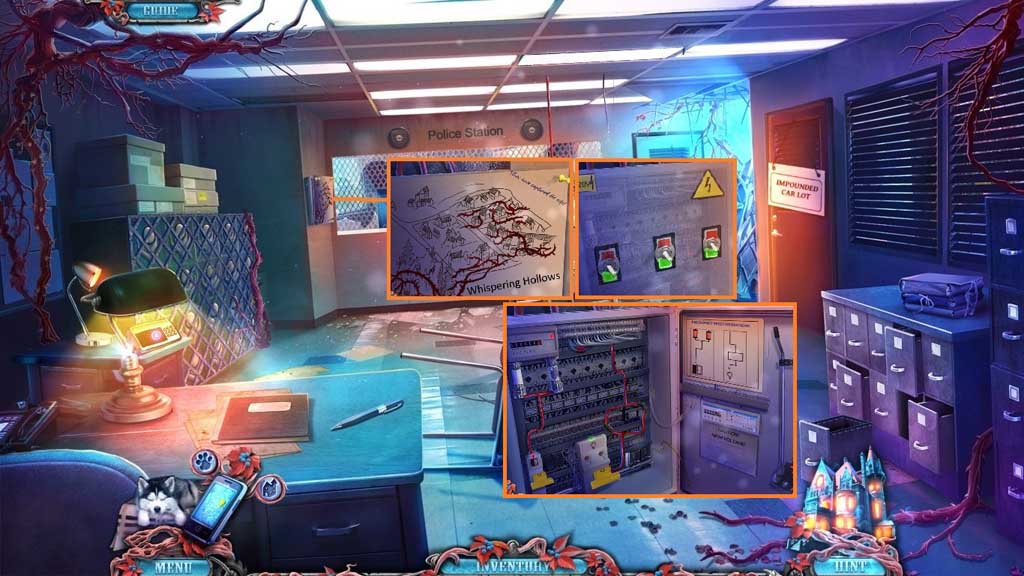
- Click the map.
- Click the switches into the same direction.
- Attach the wires and secure them using the tape.
- Click the switch.
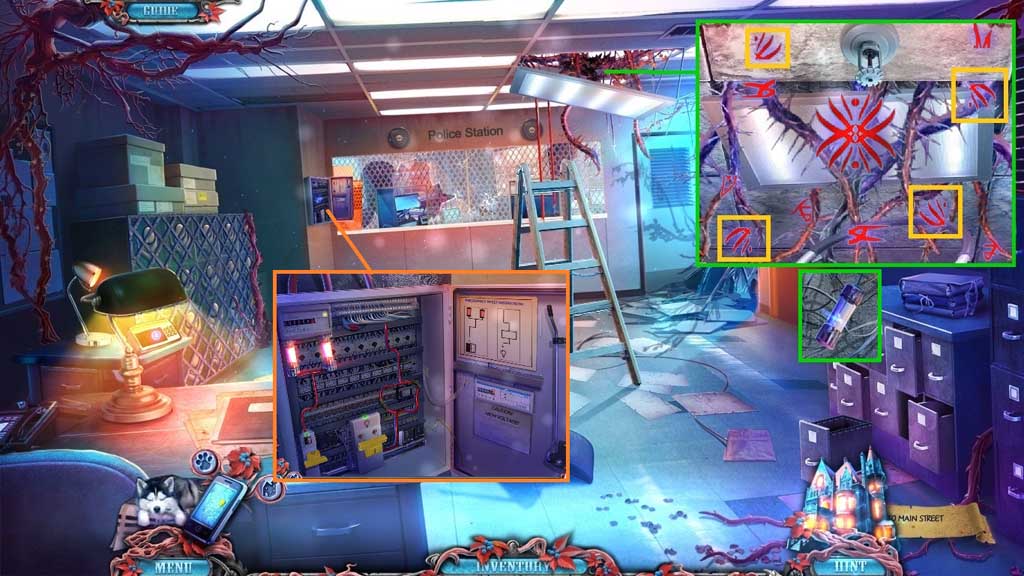
- Select the gunpowder and the matches to use on the vines and trigger a mini game.
- Solve the game by matching the icons.
- Collect the fuse and insert it into the fuse box.
- Click the switch.
- Move ahead into the Detective’s Office.
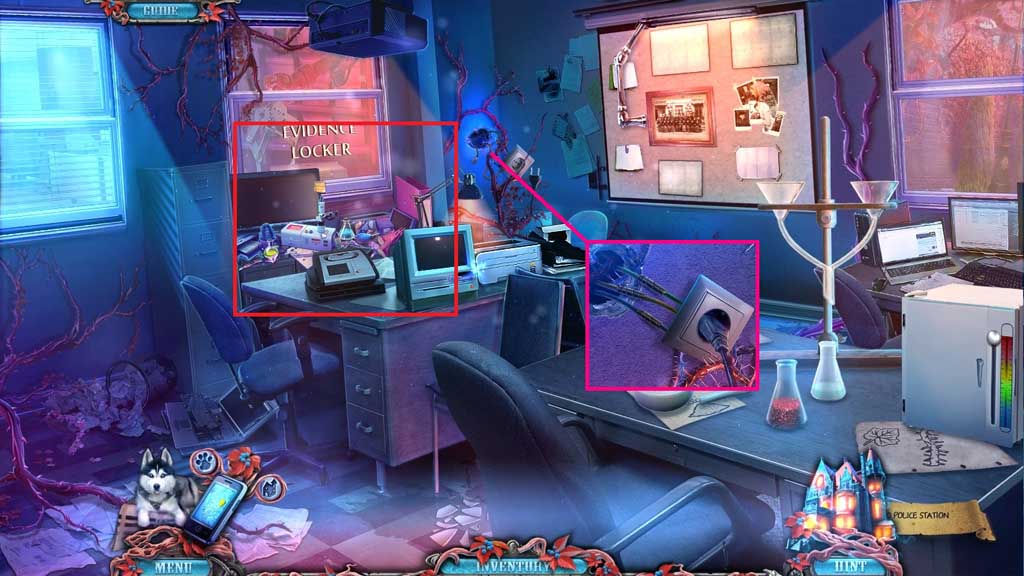
- Attach the color matched wires and secure them using the tape.
- Click the hidden objects area.
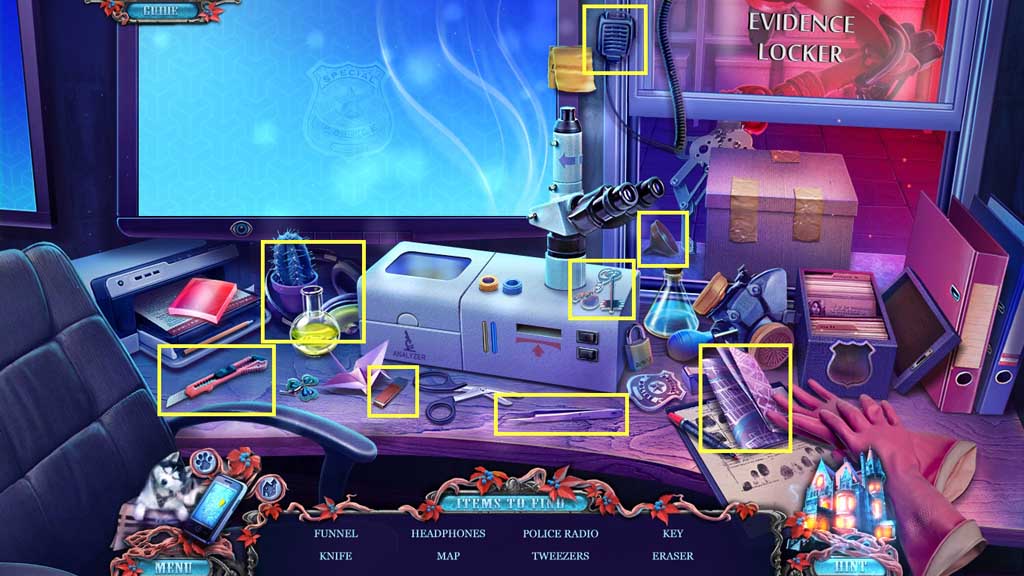
- Find the items.
- Collect the impound key.
- Move down once.
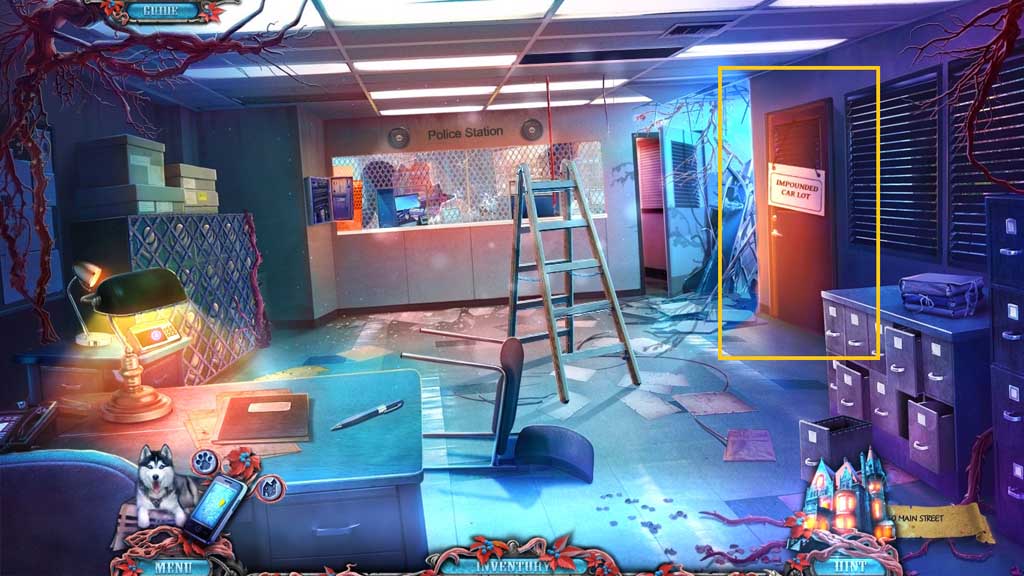
- Insert the impound key.
- Move right into the Impound Car Lot.
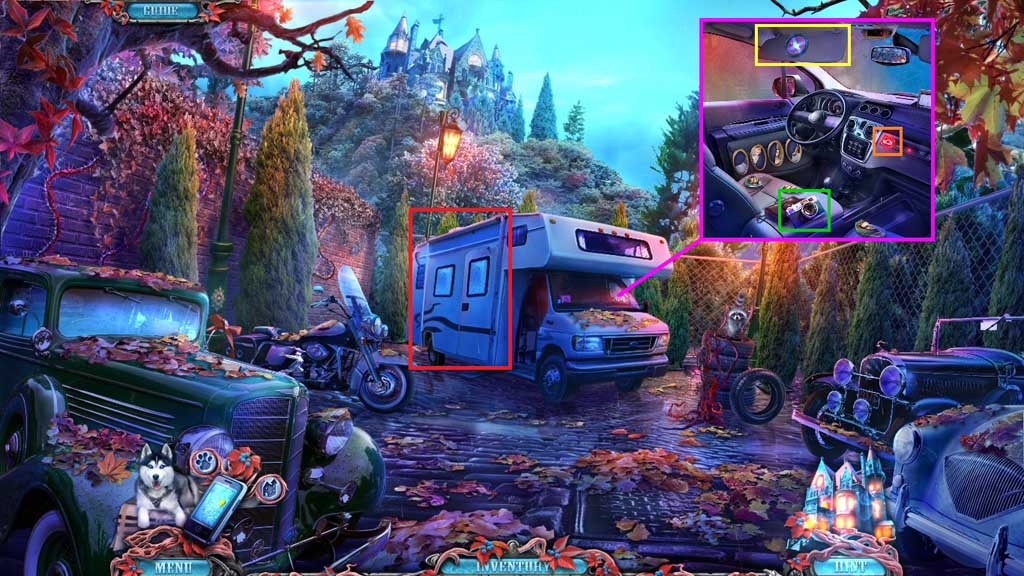
- Click the visor; collect the photo filter.
- Click the camera open; collect the film.
- Click the button.
- Click the hidden objects area.
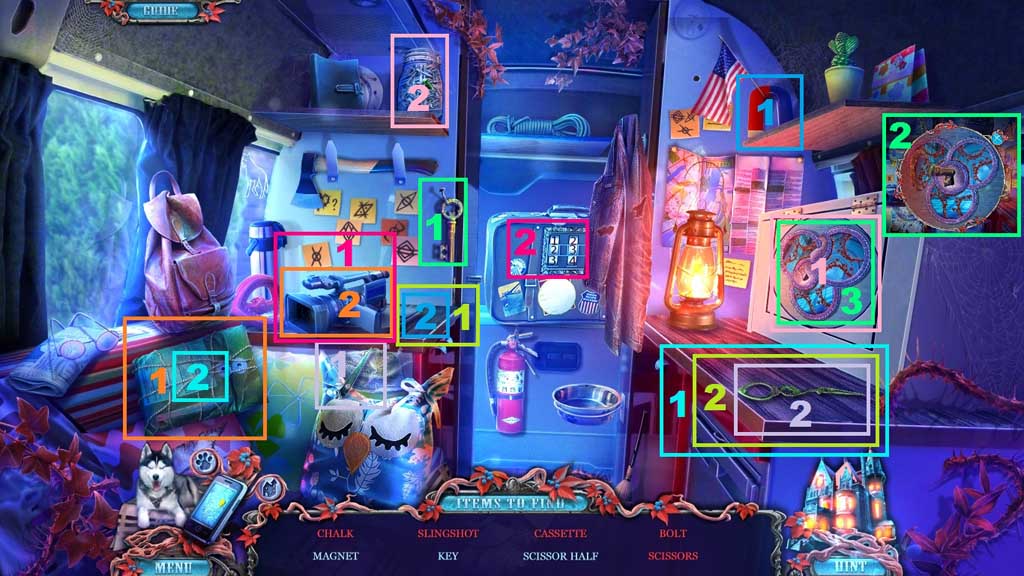
- Find the items.
- Collect the chalk.
- Move down once.
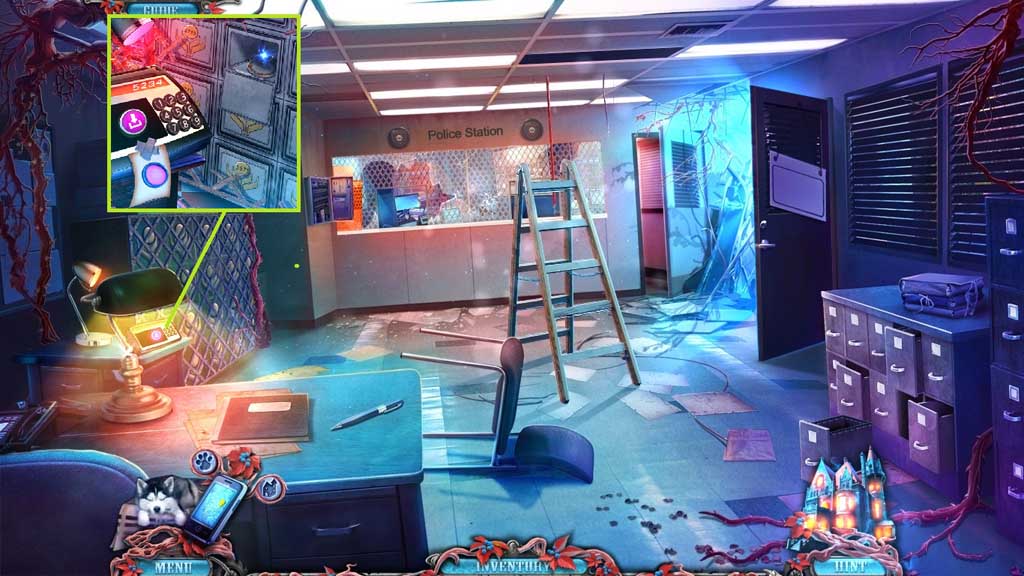
- Select the photo filter and place it onto the lens.
- Click the buttons: 5 – 2 – 3 – 4.
- Collect the lens.
- Move ahead into the Detective’s Office.
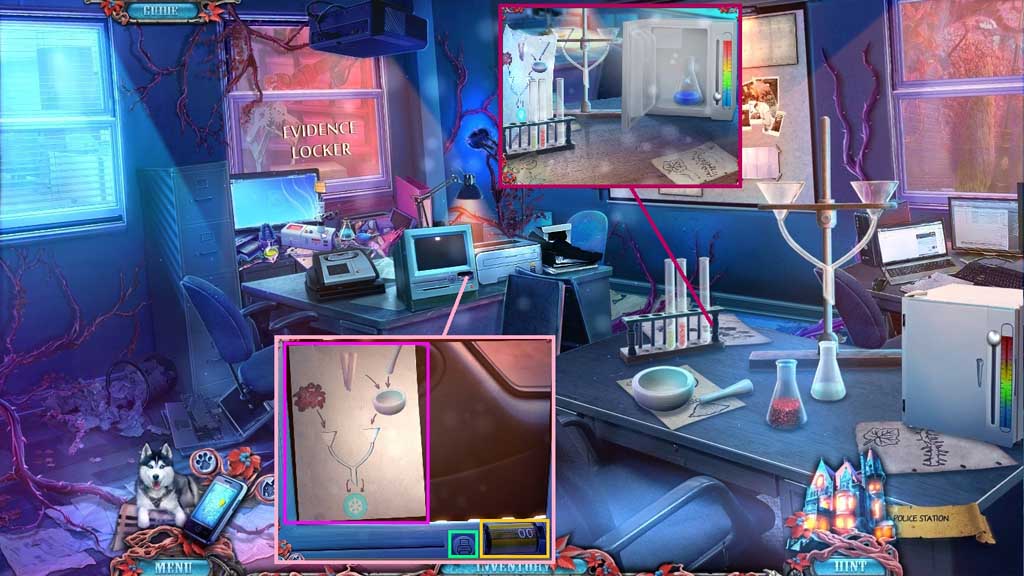
- Insert the film.
- Click the print button 3 x’s.
- Collect the antidote recipe and place it onto the stand.
- Place the chalk into the mortar; use the pestle to crush it.
- Follow the recipe.
- Collect the mortar.
- Click the mini-fridge door and insert the mixture.
- Slide the button down and up.
- Collect the antidote.
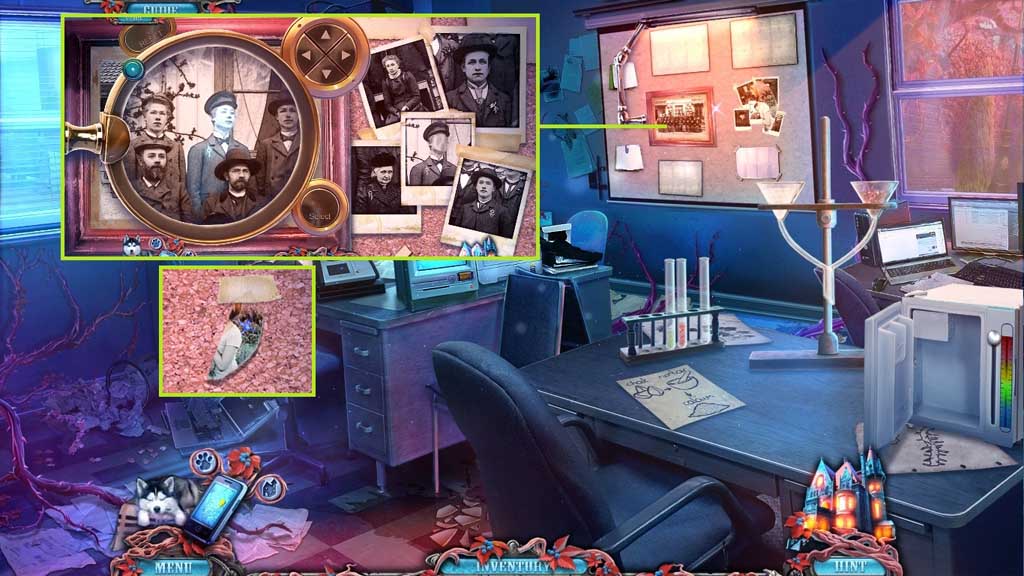
- Click the bulletin board.
- Select the lens to locate the faces.
- Collect the photo half.
- Move down once and to the right into the Impounded Car Lot.
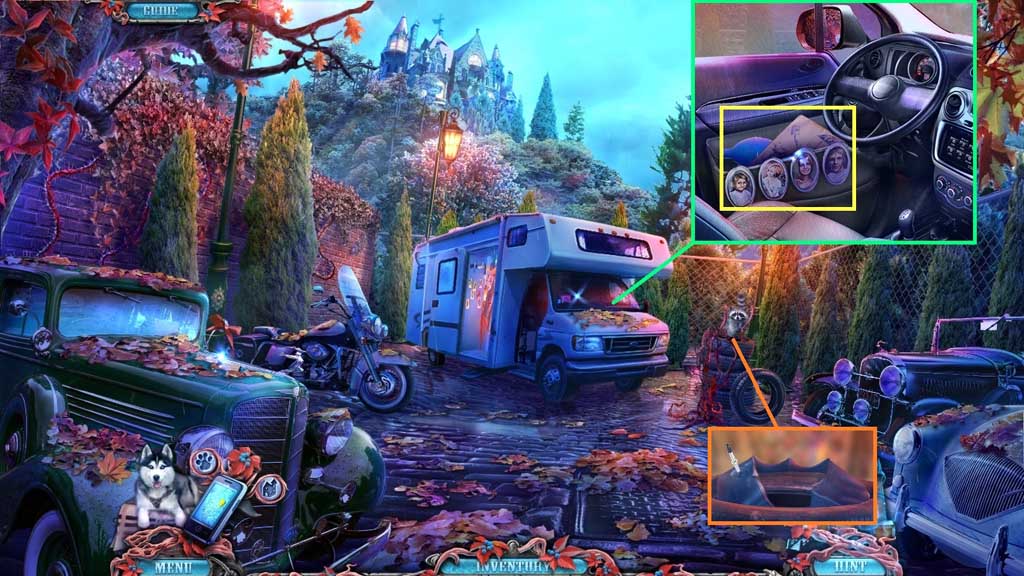
- Place the photo half and the other photo pieces into the mini frames.
- Restore the photos.
- Collect the pump and read the instructions.
- Select the antidote to remove the vines.
- Collect the inner tire.
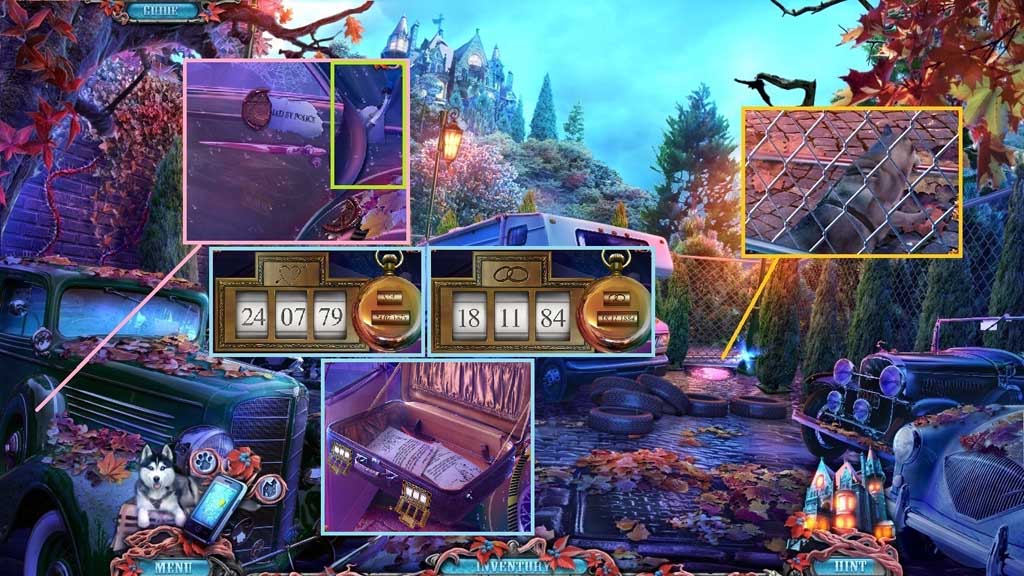
- Select Rocky to collect the bar.
- Attach the pump onto the inner tire; click the pump.
- Zoom into the briefcase.
- Enter the dates and adjust the icons.
- Read the notes.
- Collect 1 /4 triangles and the brush.
- Move down 2x’s to Main Street.

- Select the bar to trigger a mini game.
- Click the ball while it is in the center of the gaming field; do this 7x’s to solve the game.
- Another mini game will trigger.
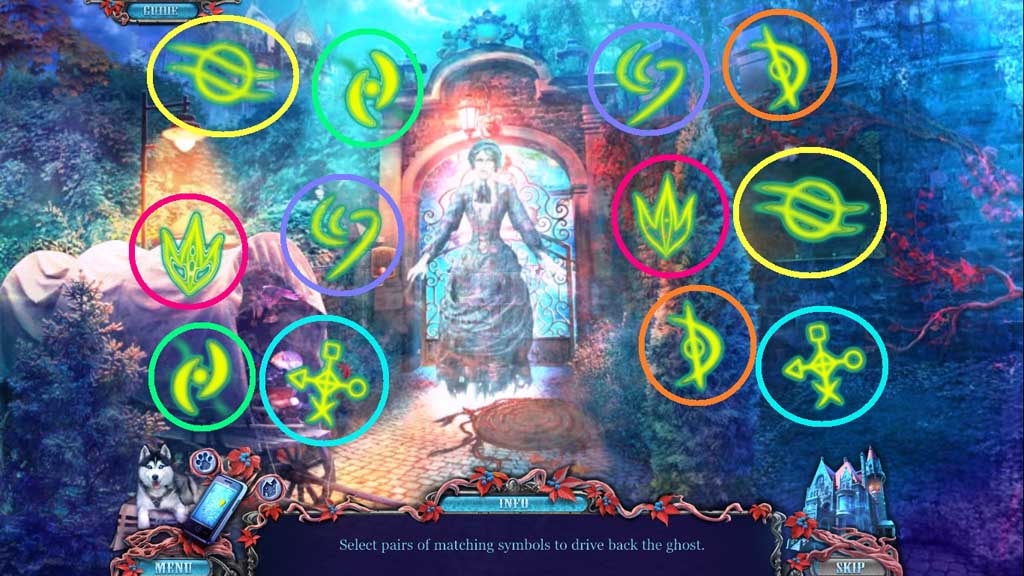
- Solve the game by matching the symbols.
Comments will load when you reach this part of the walkthrough.